Pixmind
Models & tools

PixMind API / Video Tool

Video subtitle & watermark removal API

Let the footage tell the story.

Clear burned-in subtitles or a fixed watermark region. Prepare video for another edit, a translated subtitle track or new narration through one API workflow.

  • Detect subtitles or select a region
  • Choose inpainting, blur or PRO
  • Retrieve a processed video
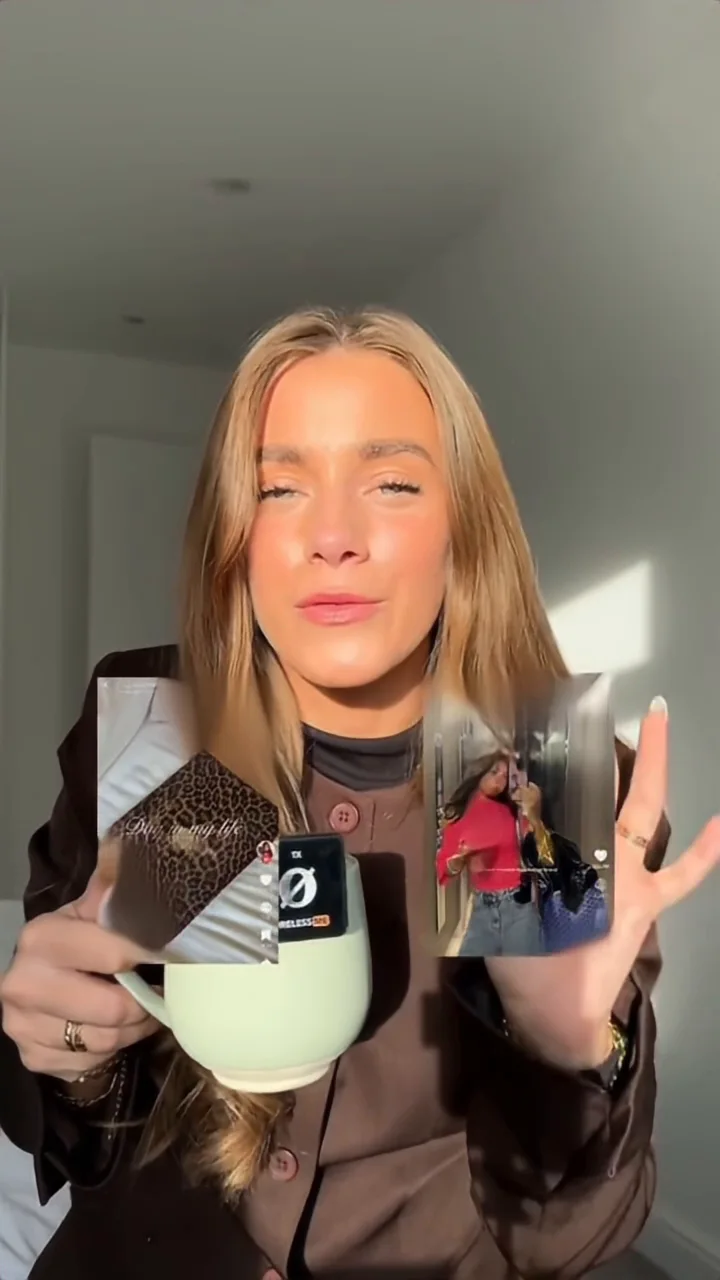
Existing PixMind subtitle-removal sample · original and processed footage · muted preview

Up to 10 minutes / 200 MiB. Billed per 30 seconds, rounded up. PRO: MP4, shorter edge ≤1080px.

Try this API

Video subtitle & watermark removal

Use your API key to run the request. Current prices and available options load for your application.

Playground

Sign in and create an API key to run a request. TTS needs audio permission; video tools need video permission.

Upload video

No video selected

Video files up to 200 MiB

Region (original video pixels)

Drag on the paused preview or enter pixel coordinates. Watermark removal requires one fixed rectangle.

Running this request uses your API balance at the configured price.

Result

Current API credits per billing unit

Select an API key to load current prices.

Integration examples

cURL
curl 'https://aihub-admin.aimix.pro/api-platform/v1/video/remove-subtitles' \
  -H 'Authorization: Bearer YOUR_API_KEY' \
  -H 'Content-Type: application/json' \
  -H 'Idempotency-Key: YOUR_UNIQUE_REQUEST_ID' \
  -d '{
  "videoUrl": "",
  "engine": "base",
  "method": "inpaint"
}'
TypeScript
const response = await fetch("https://aihub-admin.aimix.pro/api-platform/v1/video/remove-subtitles", {
  method: "POST",
  headers: { Authorization: "Bearer YOUR_API_KEY", "Content-Type": "application/json" },
  body: JSON.stringify({
  "videoUrl": "",
  "engine": "base",
  "method": "inpaint"
})
});
const result = await response.json();
if (!response.ok || result.code !== 1000) throw new Error(result.message);
console.log(result.data);
Python
import json, os, requests

response = requests.post("https://aihub-admin.aimix.pro/api-platform/v1/video/remove-subtitles",
    headers={"Authorization": "Bearer " + os.environ["PIXMIND_API_KEY"]},
    json=json.loads("{\n  \"videoUrl\": \"\",\n  \"engine\": \"base\",\n  \"method\": \"inpaint\"\n}"), timeout=120)
response.raise_for_status()
result = response.json()
if result["code"] != 1000: raise RuntimeError(result["message"])
print(result["data"])

01 / Made for your workflow

Detect subtitles or select a region

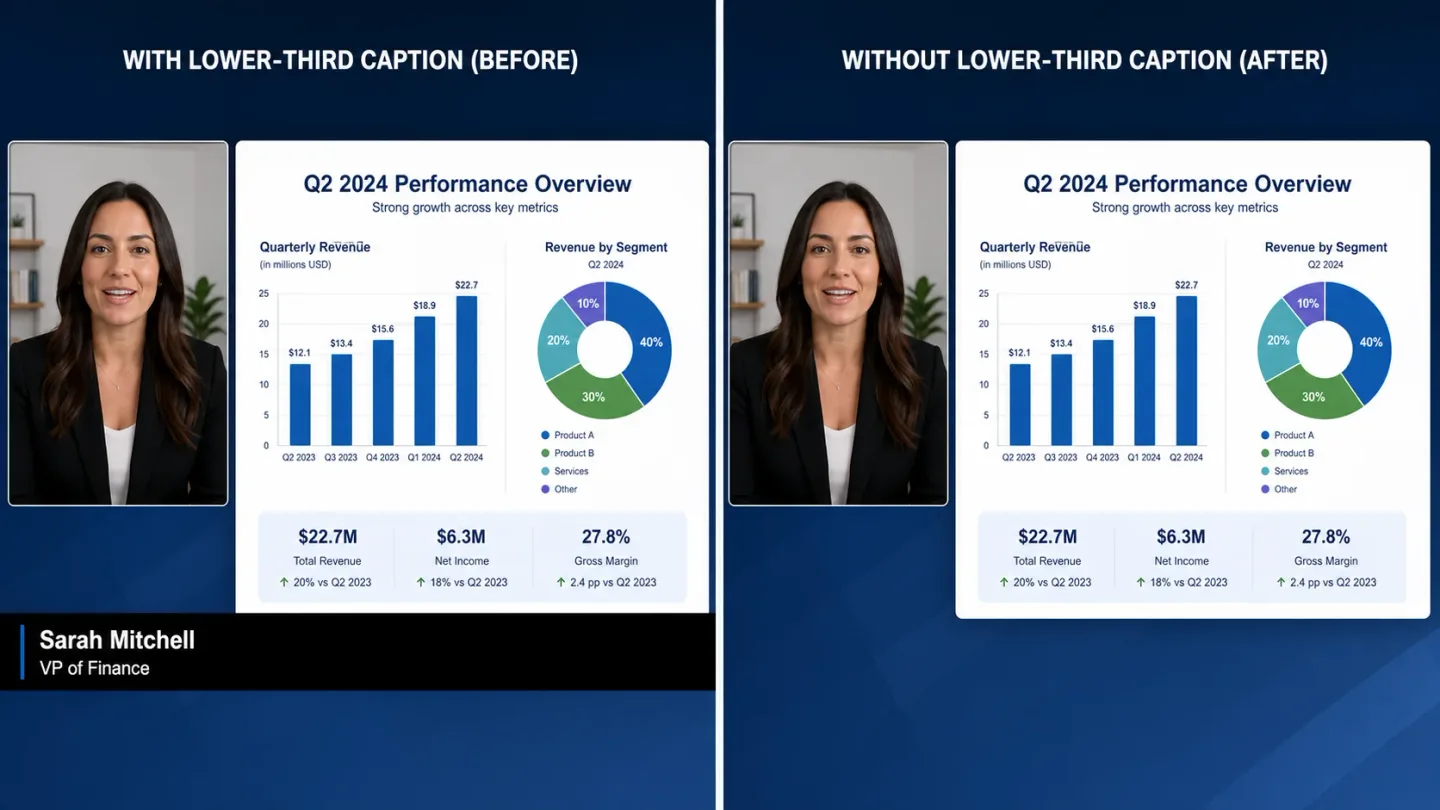
Remove burned-in subtitles without tracing every frame. For a watermark in a fixed position, drag a rectangle on the paused preview using the original video dimensions.

Open Playground

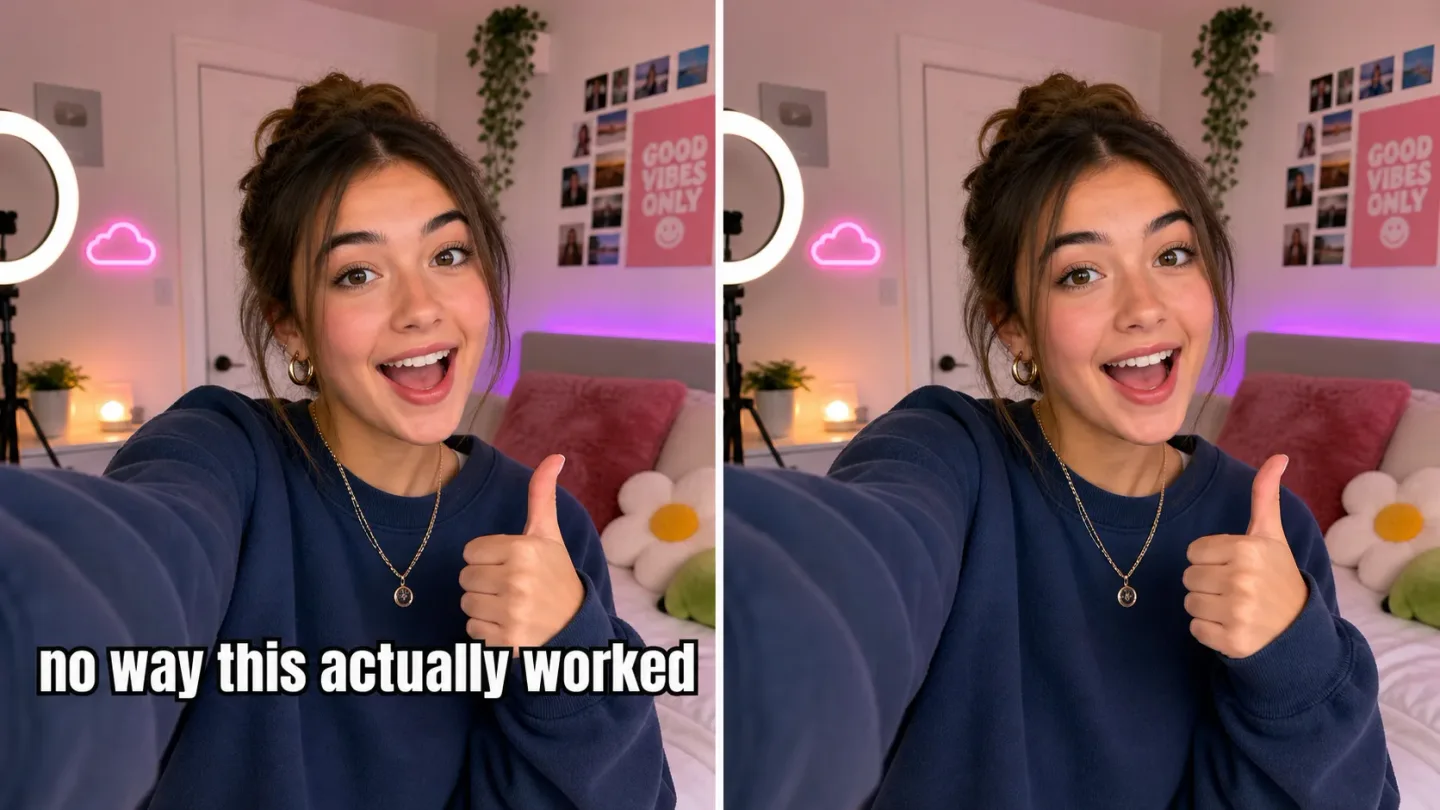
Original

Original: Original video frame with embedded subtitles

Processed

Processed: Original video frame with embedded subtitles

02 / Made for your workflow

Choose inpainting, blur or PRO

BASE inpainting fills the selected area; BASE blur obscures it. Choose PRO for the advanced pipeline when your source is MP4 with a shorter edge of at most 1080 pixels.

Open Playground
Fixed rectangle selection in original video coordinates

03 / Made for your workflow

Retrieve a processed video

Submit once, keep the returned task ID, and query progress until a result URL is available. Download the output for your next edit or localization pass.

Open Playground
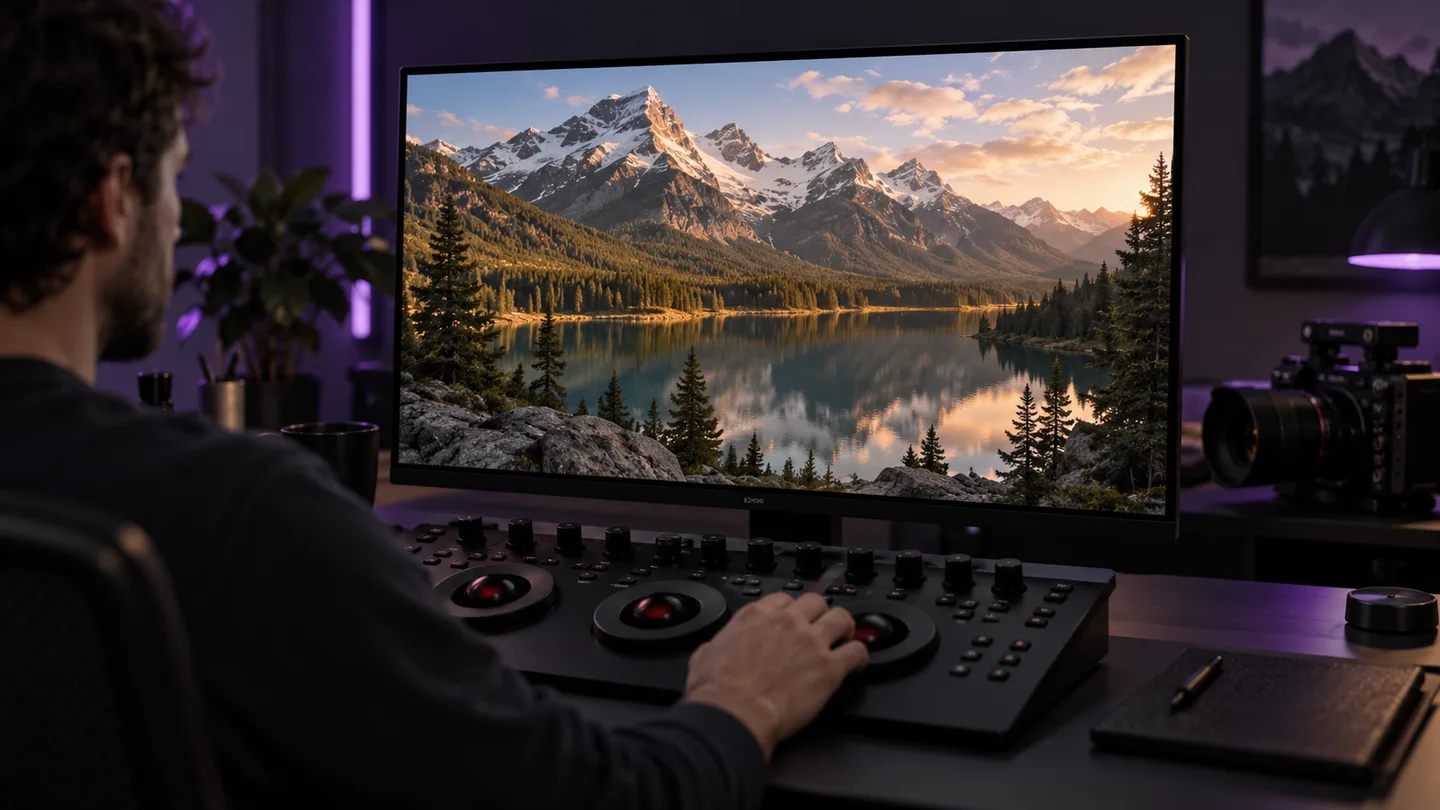
A post-production desk ready for the next edit

Use cases

Where this tool fits

Prepare a new language version

Workflow illustration

Prepare a new language version

Clear subtitles embedded in the source before adding a translated subtitle track and new narration.

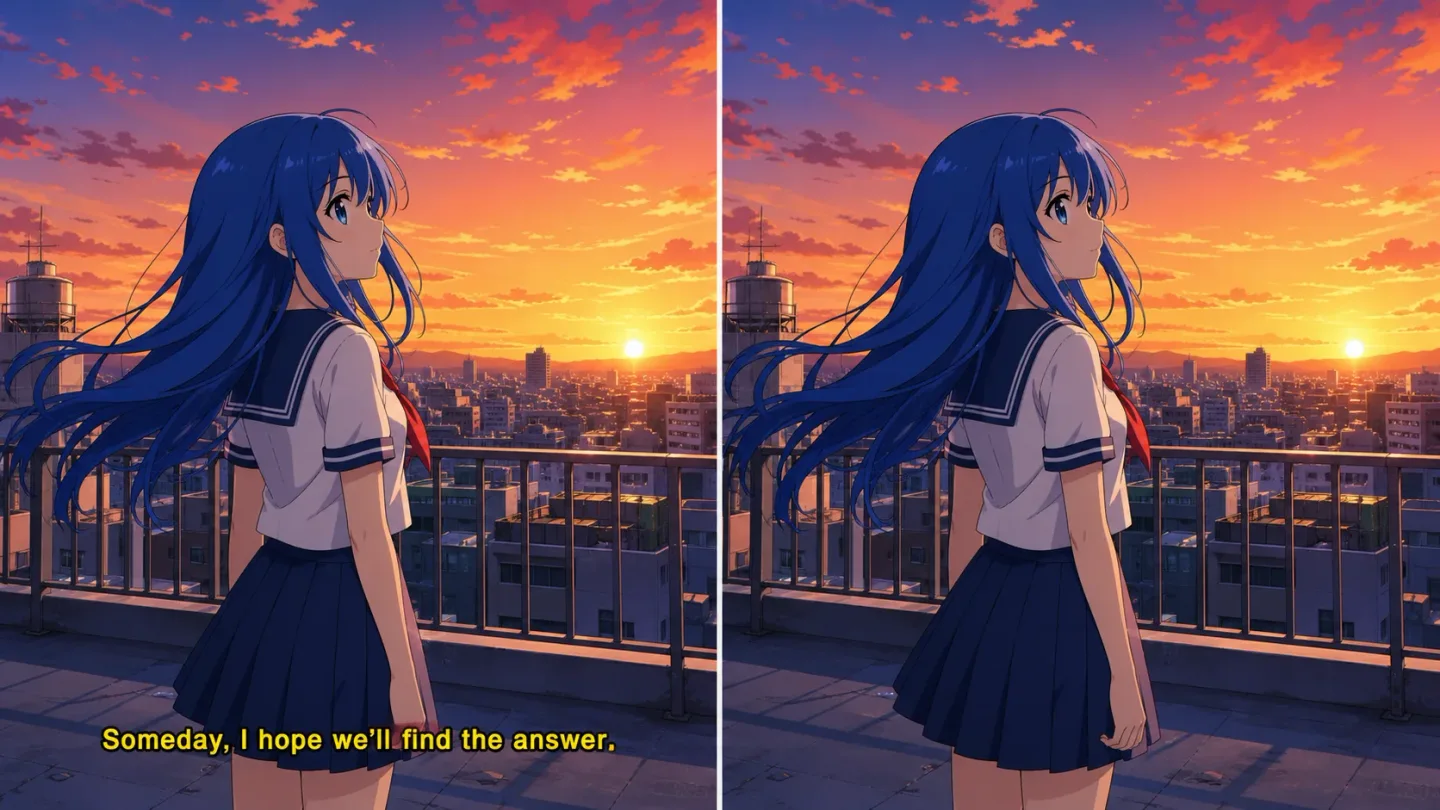
Prepare animation for narration

Workflow illustration

Prepare animation for narration

Clear embedded captions from an animation excerpt before adding your own narration and subtitle track.

Refresh a course or interview

Workflow illustration

Refresh a course or interview

Remove an old caption track from recorded lessons and interviews, then add updated titles in your editor.

Choose how the area is processed

Choose how the area is processed
ConfigurationBASE · InpaintBASE · BlurPRO
Best fitFill the selected areaObscure the selected areaAdvanced processing pipeline
SelectionSubtitle detection or one rectangleSubtitle detection or one rectangleSubtitle detection or one rectangle
Request fieldmethod: inpaintmethod: blurOmit method
InputUp to 10 min / 200 MiBUp to 10 min / 200 MiBMP4 · shorter edge ≤1080px
Billing unit30 seconds, rounded up30 seconds, rounded up30 seconds, rounded up

Parameters checked on October 9, 2026

API reference

From input to output

  1. 01

    Supply a video

    Paste a publicly accessible video URL or upload a file of up to 200 MiB. The video can be up to 10 minutes long.

  2. 02

    Select the operation and engine

    Choose subtitle or watermark removal. Watermarks require a fixed rectangle; BASE supports inpainting and blur.

  3. 03

    Run and retrieve

    Choose an API key with video permission, submit the request, then keep its task ID and download the finished video.

Frequently asked questions

Does this remove a subtitle track or text embedded in the picture?

This tool processes subtitles embedded in the video image. It is intended for visual cleanup, rather than deleting a separate subtitle file.

Do I need to draw a region for subtitle removal?

No. You can submit subtitle removal without a region for detection. A fixed watermark region requires x1, y1, x2 and y2 in original video pixels.

Can I remove a watermark that moves around?

The current watermark API uses one fixed rectangle for the entire video. It does not expose object tracking or changing regions over time.

When should I choose BASE inpainting or blur?

Choose inpainting when you want the selected area filled. Choose blur when obscuring that area is sufficient. These method options belong to BASE; PRO does not accept a method field.

What does PRO accept?

PRO accepts MP4 video with a shorter edge of at most 1080 pixels. Both engines accept videos up to 10 minutes and 200 MiB, subject to their configured availability.

How are cleanup credits calculated?

The server measures duration and rounds up to 30-second units. Engine, method and processing area determine the pricing variant. Current unit prices load after selecting an API key.

How do I get the result after leaving this page?

Save the returned task ID and query /api-platform/v1/video/cleanup/tasks/{id} with the same API application. Stopping the page's waiting loop does not cancel the submitted task.

How should I handle retries or an unavailable engine?

Reuse the same Idempotency-Key for an identical submission. An in-progress or uncertain attempt returns a conflict rather than creating another paid job. An unavailable engine must be configured before it can accept a request.

Prepare your video for its next edit

Up to 10 minutes / 200 MiB. Billed per 30 seconds, rounded up. PRO: MP4, shorter edge ≤1080px.

Open Playground