Pixmind
Wan use cases

Wan production workflow · Wan 2.6

Create Social Video Ads with Wan AI

Build short Wan social ad shots with an immediate visual hook, one benefit, controlled motion, vertical-safe composition, and clean space for real copy.

Opening hooksCreator-style product shotsVertical campaign concepts
01 · Workflow principle

Use one visible hook in the first second

A useful social ad shot quickly communicates subject, change, and payoff. Do not ask one generation to deliver the hook, feature list, typography, call to action, and several scenes.

  • Choose one action viewers can read without captions
  • Reserve safe space for platform UI and real text
  • Finish on a clean frame for the next edit
02 · Workflow principle

Separate direction tests from final production

Use Image Flash to compare motion amplitude, camera direction, and opening events at lower credit cost. Promote the strongest direction to a quality route and add exact brand copy in post.

  • Keep source image and prompt fixed during comparisons
  • Count usable hooks rather than attractive still frames
  • Review platform, brand, music, and likeness rights

Visual examples

Three distinct ways to apply this workflow

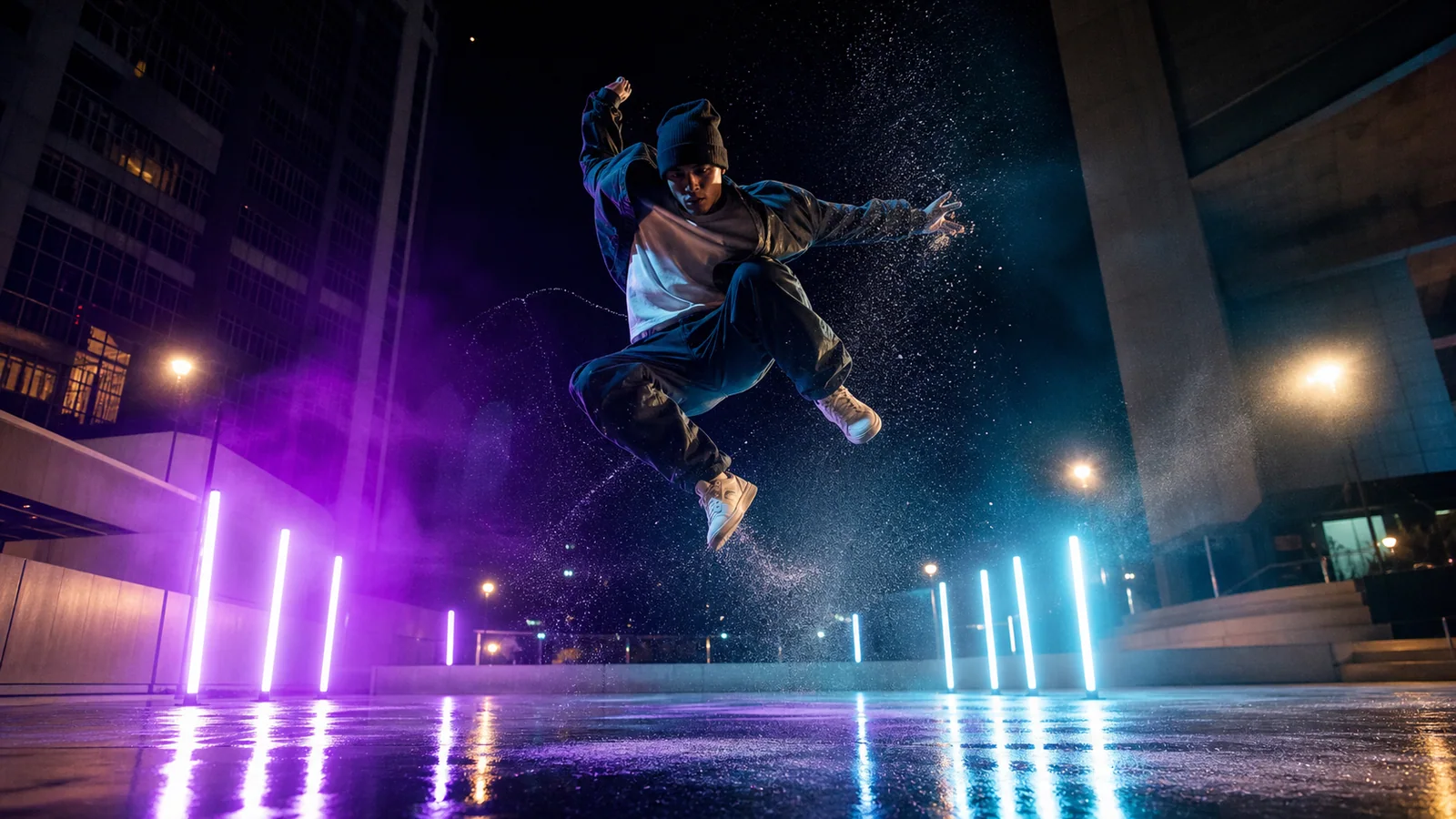
Wan social creator action ad concept
Use Flash to compare high-energy motion directions.
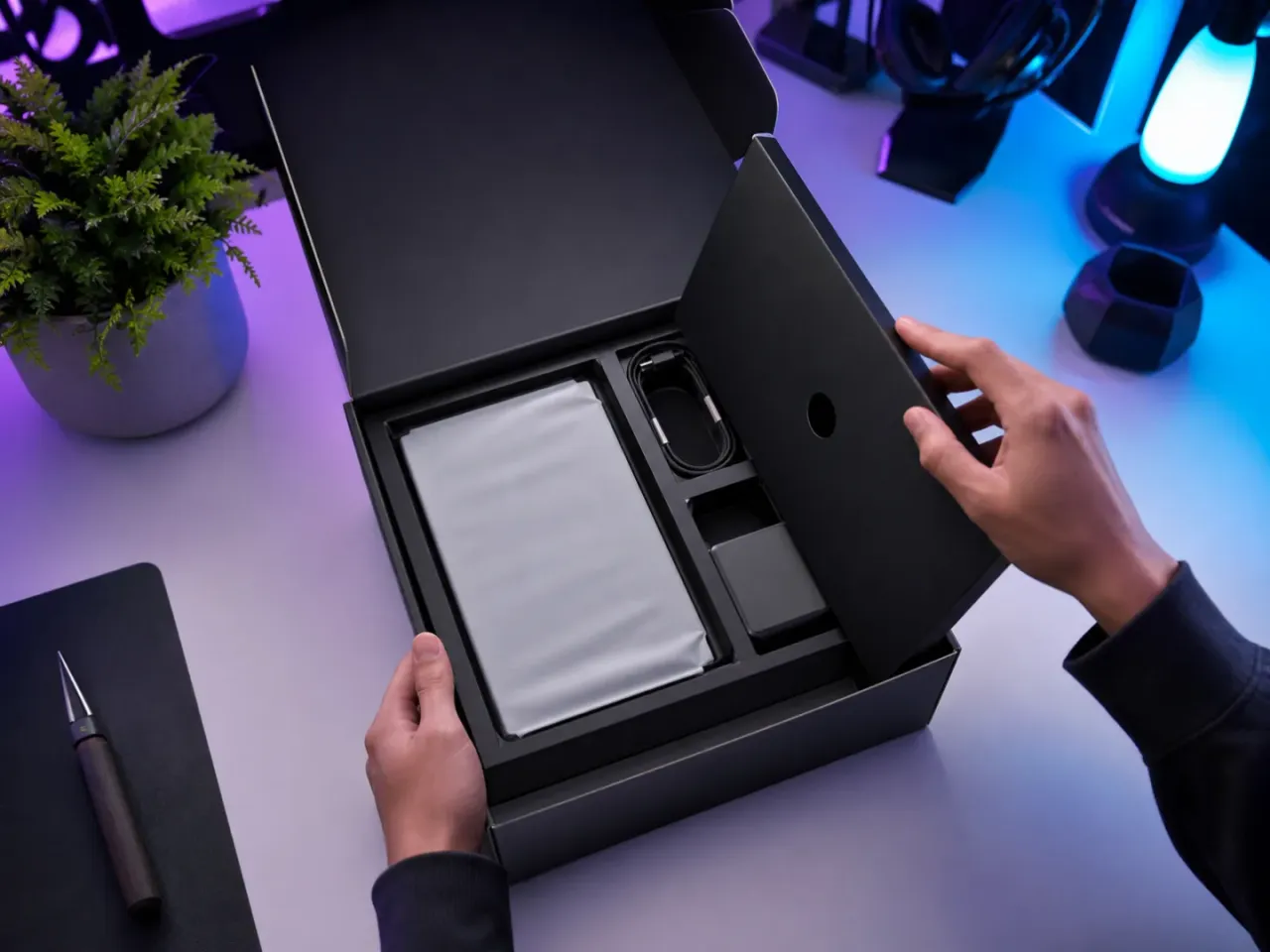
Wan social product hook example
One visible benefit and a clean editing endpoint.
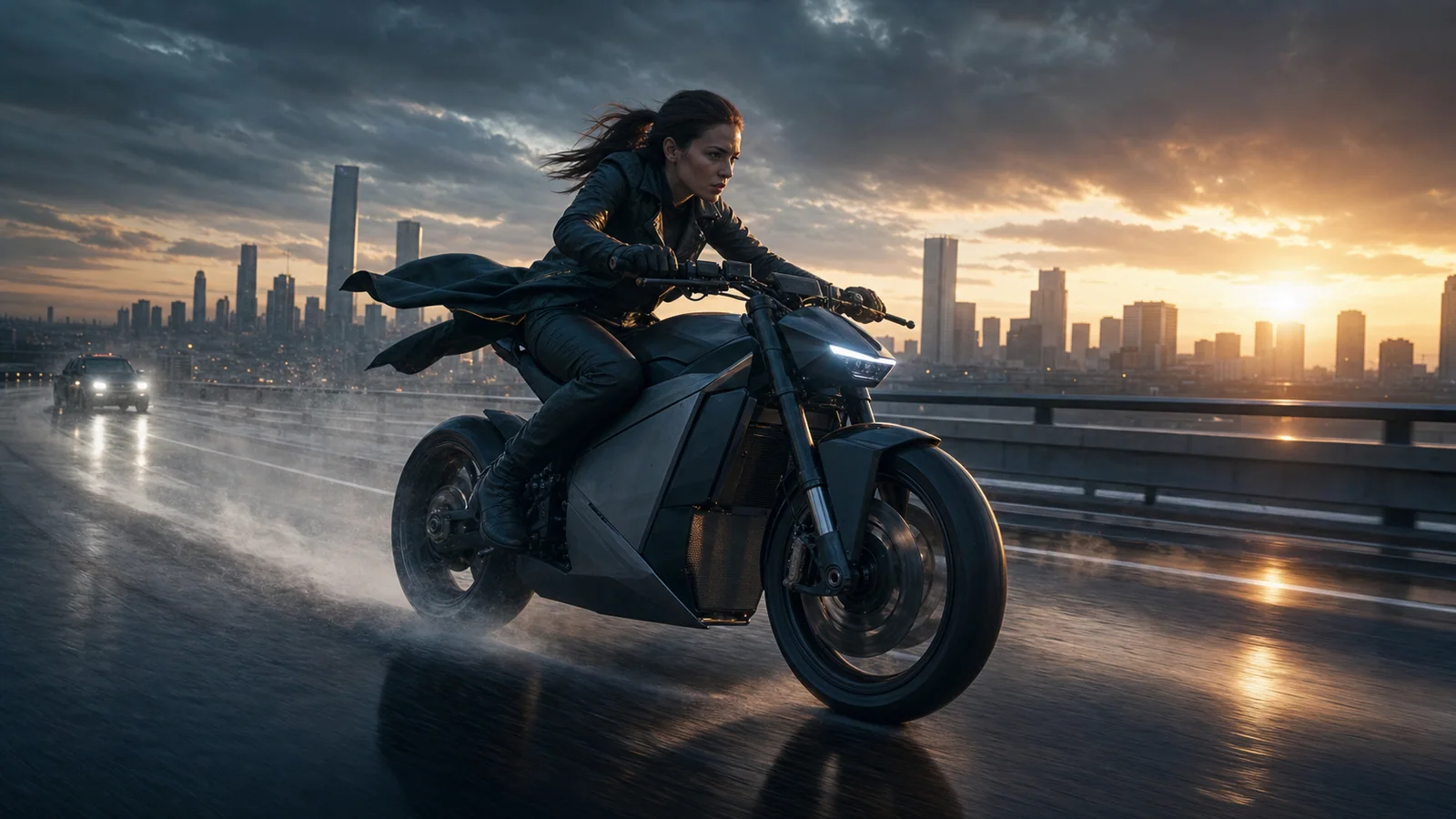
Wan cinematic creator social ad example
Keep the action readable and the identity stable.

Production prompt starters

Start specific, then change one variable at a time

Keep the subject, action, camera, light, sound, and ending coherent. Bracketed fields are the variables to replace.

01

Immediate product hook

Vertical-safe shot from the supplied product image. In the first second, [single visual event] reveals the benefit [benefit]. Fast controlled push-in, stable product shape, strong silhouette, clean upper safe area for real copy, end on the original hero view.

Add exact claim text after generation.

Use in generator
02

Creator action opener

[Creator] performs [one energetic action] immediately in [setting]. Low-angle tracking camera, natural fabric and hair motion, recognizable face and outfit, leave lower third clear, settle after the action for a cut.

Use one clear action instead of a choreography montage.

Use in generator
03

Before-and-after transition

Start from the supplied before frame and transition to the supplied after frame through [physical mechanism]. Keep the camera locked and the main subject aligned. One continuous change, no split screen, exact final composition, no generated labels.

Use first/last frames in Wan 2.7 for controlled endpoints.

Use in generator
04

Three-second atmosphere hook

A three-second atmospheric hook for [campaign idea]. [Subject] crosses one dramatic light or weather event. Single camera move, bold depth, restrained sound cue, no dialogue, hold a clean final composition for campaign text.

One visual metaphor is stronger than several unrelated scenes.

Use in generator

Review before publishing

Generated identity, hands, product geometry, text, logos, dialogue, sound timing, and rights require a final human check.

FAQ

Which Wan mode should I use for social ad drafts?

Wan 2.6 Image Flash is useful for lower-credit image-motion direction tests. Use a quality route after selecting the hook, or Wan 2.7 when references or endpoints improve control.

Should Wan generate the ad text and call to action?

Do not rely on generated text for exact campaign copy. Preserve safe negative space and add approved typography, claims, logos, and calls to action afterward.

Can I publish a generated creator likeness?

Only when you have appropriate rights and consent. Review likeness, voice, wardrobe, brand assets, music, and platform rules before release.