
Удалить субтитры и водяные знаки с видео
Стирайте вшитые субтитры, подписи, логотипы и водяные знаки с любого видео с помощью пиксельно-точного ИИ. Выделите область, нажмите «Стереть», скачайте чистое HD-видео за считанные секунды.
Смотрите стирание в действии
Один и тот же клип до и после — без ручной области, умное распознавание всё сделает.
Реальные результаты до / после
Выделите рамкой, сотрите — готово. Субтитры и водяные знаки исчезают чисто.
Одна сцена, с субтитром и без
Тот же кадр — слева вшитый субтитр, справа удалён ИИ. Перетащите для сравнения.
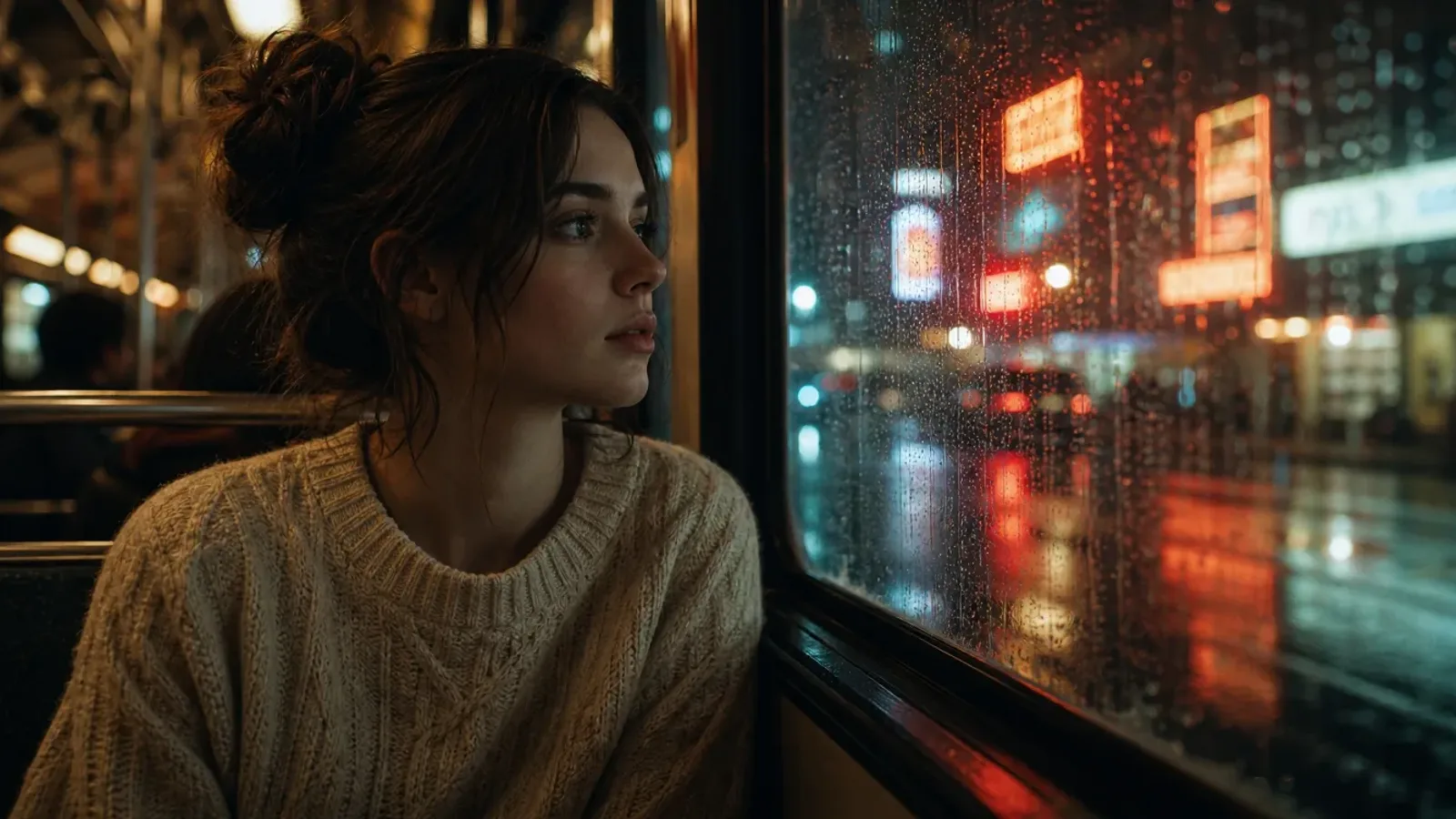
Перетащите ползунок для сравнения
 ДоПосле
Фильмы и сериалы
Удаляет вшитые субтитры и логотипы каналов из фильмов и сериалов.
 ДоПосле
Короткие видео
Удаляет автоматические субтитры и водяные знаки платформ из TikTok, Reels и Shorts.
 ДоПосле
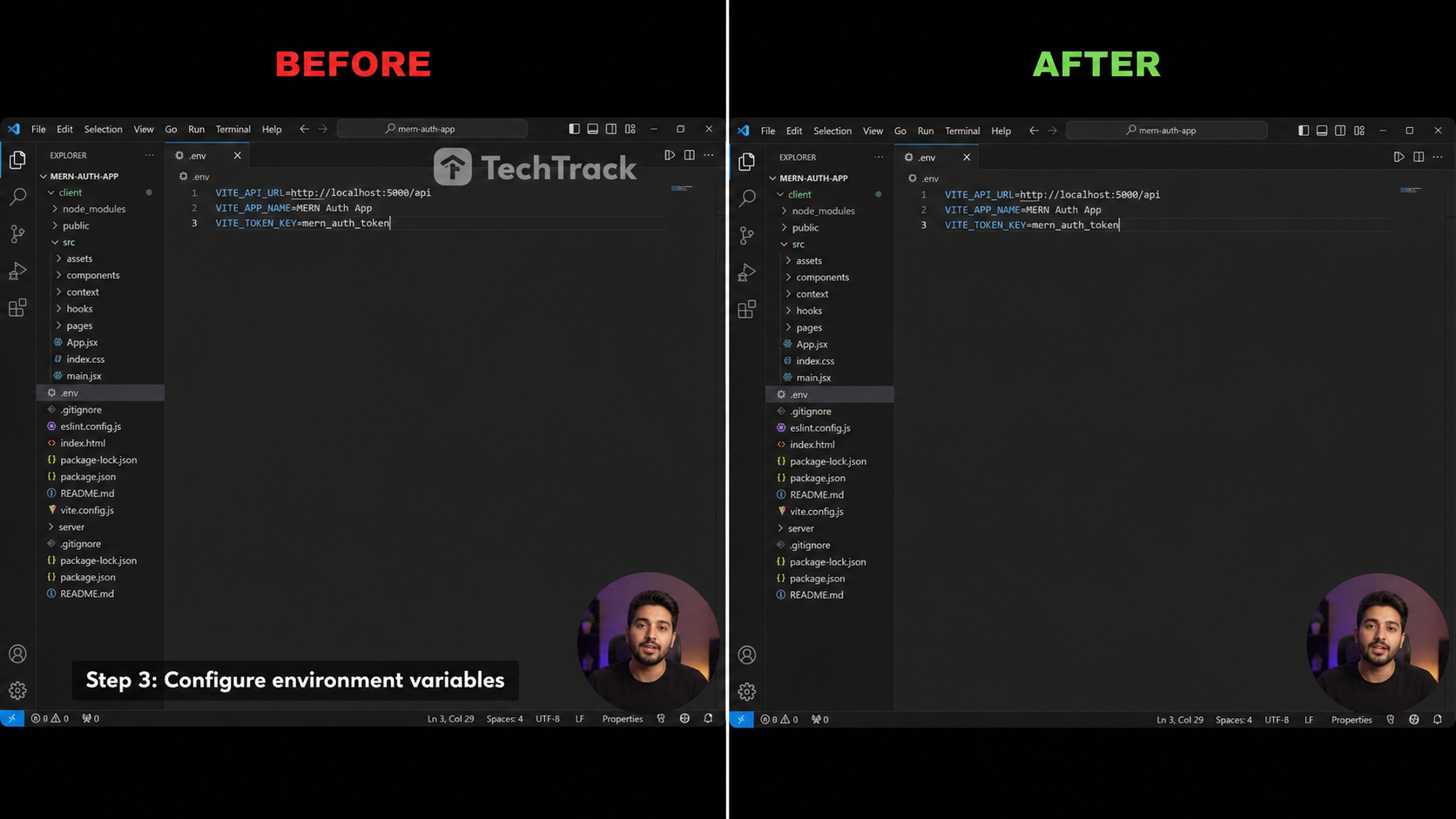
Уроки и записи
Удаляет нижние субтитры и водяные знаки ПО из записей экрана.
 ДоПосле
Аниме и фансаб
Удалите вшитые фансаб-субтитры из аниме и мультклипов.
 ДоПосле
Вебинары и курсы
Очистите нижние плашки с именами в онлайн-уроках и записях.
Три шага к чистому видео
Без временной шкалы, без ключевых кадров — просто загрузите, выберите и скачайте.

Загрузка и выделение
Загрузите свой клип, затем перетащите изумрудный прямоугольник на область субтитров или водяного знака.

ИИ удаляет
Наша модель закрашивания заполняет замаскированную область кадр за кадром, сохраняя движение и детали.

Скачать чистое видео
Предварительный просмотр результата и экспорт чистого HD MP4 в один клик — без логотипа, без субтитров.
Создан для чистого вывода без размытия
Стирание ИИ профессионального уровня прямо в вашем браузере, установка не требуется.
Стирание на основе ИИ
Модель закрашивания на основе диффузии заполняет выбранную область так, что края плавно сливаются с окружающим фоном.
Выделение с точностью до пикселя
Перетащите изумрудный прямоугольник, чтобы точно выделить строку субтитров или водяной знак, который вы хотите удалить — не шире, чем необходимо.
Без артефактов размытия
В отличие от простых инструментов размытия, кадры остаются четкими и естественными даже при быстром движении или на текстурированном фоне.
Удаление водяных знаков и логотипов
Работает с жестко закодированными титрами, встроенными субтитрами, логотипами каналов и статическими водяными знаками.
Сохранение HD качества
Выходной файл сохраняет исходное разрешение, частоту кадров и битрейт — без ухудшения качества при повторном кодировании.
100% конфиденциально
Ваше видео обрабатывается по запросу и никогда не используется для обучения. Автоматически удаляется после выполнения.
Сотрите всё вшитое в видео
Одно выделение — любой текст или оверлей чисто удалён.
Вшитые субтитры
Субтитры, вшитые в кадр.
Переведённые субтитры
Наложенные вторые дорожки.
Полосы субтитров
Сплошные полосы внизу кадра.
Логотипы каналов
Угловые логотипы и идентификаторы.
Вотермарки
Статичные или слегка анимированные знаки.
Текст и стикеры
Текст на экране, эмодзи и стикеры.
Как PixMind сравнивается
Настоящая AI-ретушь против обычного размытия и кадрирования.
| Возможность | PixMind | Типичные онлайн-инструменты | Ручное размытие / кадрирование |
|---|---|---|---|
| AI-ретушь, без размытия | |||
| Сохраняет оригинальное HD | |||
| Удаление вотермарок и лого | |||
| В браузере, без установки | |||
| Авто-детект + ручная область | |||
| Приватно, авт.-удаление | |||
| Ежедневные бесплатные кредиты |
Возможности PixMind отражают продукт на 2026-07-18. Характеристики конкурентов различаются и меняются — проверяйте на их сайтах.
Как считаются кредиты
Платите только за удаление — без подписки, без сюрпризов.
Движок PRO
Ретушь Tencent Cloud — чище всего на сложных фонах. Рекомендуется.
Движок BASE
Ретушь на выделенном GPU — быстрее и дешевле, для простых клипов.
| Выбранная область | Уровень | Кредитов / 30с |
|---|---|---|
| Малая область (≤1920×240) | Tier 1 | 200 |
| Стандартная область (≤1920×1080) | Tier 2 | 300 |
| Большая область (>1920×1080) | Tier 3 | 400 |
| Любая область | BASE | 100 |
- Режим авто-детекта тарифицируется по полному кадру; ручной — по нарисованной области.
- Итого = ⌈ длительность ÷ 30с ⌉ × цена уровня. Живая оценка перед запуском.
- Каждый вошедший аккаунт получает бесплатные кредиты ежедневно — попробуйте бесплатно.
Кто использует удалитель субтитров из видео?
Создано для авторов, которым нужен чистый исходный клип.
Создатели контента
Публикуйте клипы в TikTok, Reels и Shorts без встроенных субтитров с другой платформы.
Переводчики
Удаляйте "вшитые" субтитры перед наложением собственных локализованных подписей или дорожки SRT.
Маркетологи
Удаляйте водяные знаки конкурентов или логотипы продуктов из лицензионных стоковых материалов.
Архивисты
Восстанавливайте старые клипы, удаляя ошибки канала и "вшитый" брендинг перед повторной публикацией.
Удаление субтитров и водяных знаков: ответы
Всё, что вы, возможно, захотите узнать перед стиранием.