Begrænset tidÅrsmedlemskab:30 % rabatplus ubegrænset adgang til GPT Image, MiniMax H3 og flere
Ny AI Chat · Gratis prøveforsøg hver dag
Opgrader nu
Pixmind
Wan model familie

Alibaba Cloud · Seneste samlet model

Wan 3.0 AI Video Generator

Generate 2–30 second video with synchronized audio from text, images, first/last frames, or combined image + video + audio references — and turn documents and web pages directly into video. Up to 1080p with adaptive aspect ratios.

  • Document & webpage-to-video explainers
  • All-modality reference consistency
  • 2–30s clips up to 1080p with audio
Wan 3.0: all-modality references and document-to-video in one generator
2–30sVarighed
480p / 720p / 1080pOpløsning
10 图 · 5 视频 · 5 音频Reference inputs
SynchronizedLyd

Modeloversigt

Wan 3.0: all-modality references and document-to-video in one generator

Wan 3.0 is Alibaba's all-modality reference video model. Beyond the text, image, and endpoint workflows of earlier Wan versions, it accepts documents and web pages as creative sources and combines image, video, and audio references in a single request — useful when a clip must match existing brand assets, a voice track, or written source material.

Wan model kapacitet

Documents and web pages become video sources

Feed a document or web page as reference and Wan 3.0 turns its content into a coherent explainer clip — a workflow unique among commercial video models for course, tutorial, and product-documentation video.

  • Best for explainer and course content with existing written material
  • Review generated narration against the source for factual drift
  • Combine with image references to keep branding consistent

Brug denne arbejdsgang
Document dissolving into video frames, Wan 3.0 document reference

Wan model kapacitet

All-modality references in one request

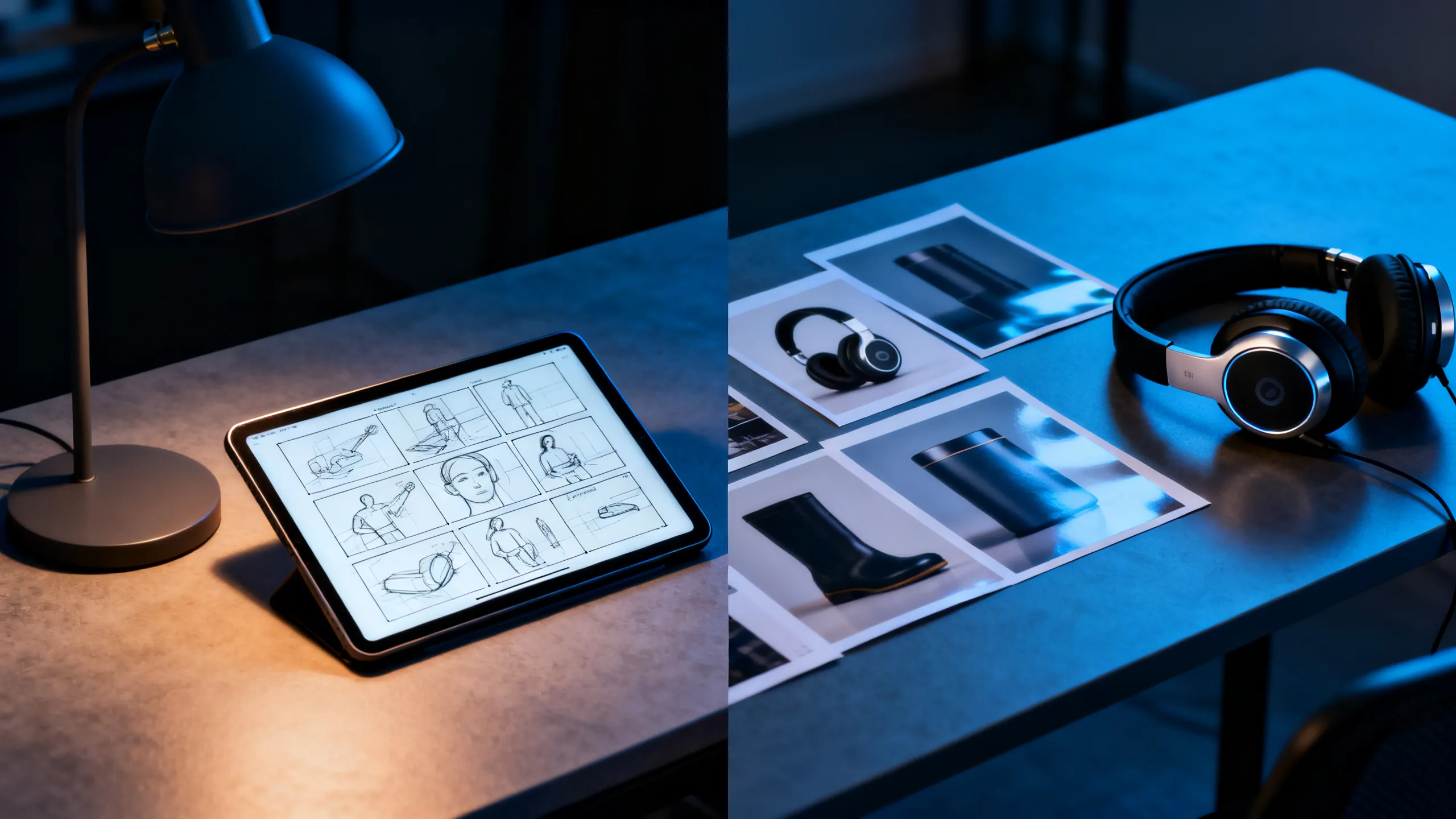
Attach up to 10 reference images, 5 reference videos, and 5 audio clips together. Each asset guides identity, motion, or soundscape so the output stays consistent with your existing material instead of reinventing it.

  • Giv hver reference ét job: motiv, bevægelse, kamera eller lyd
  • Reference videos run up to 15 seconds each
  • Check rights for every recognizable person, voice, and brand
Brug denne arbejdsgang
Designer desk with storyboard, headphones, and product references

Wan model kapacitet

First / last frame plus 2–30 second range

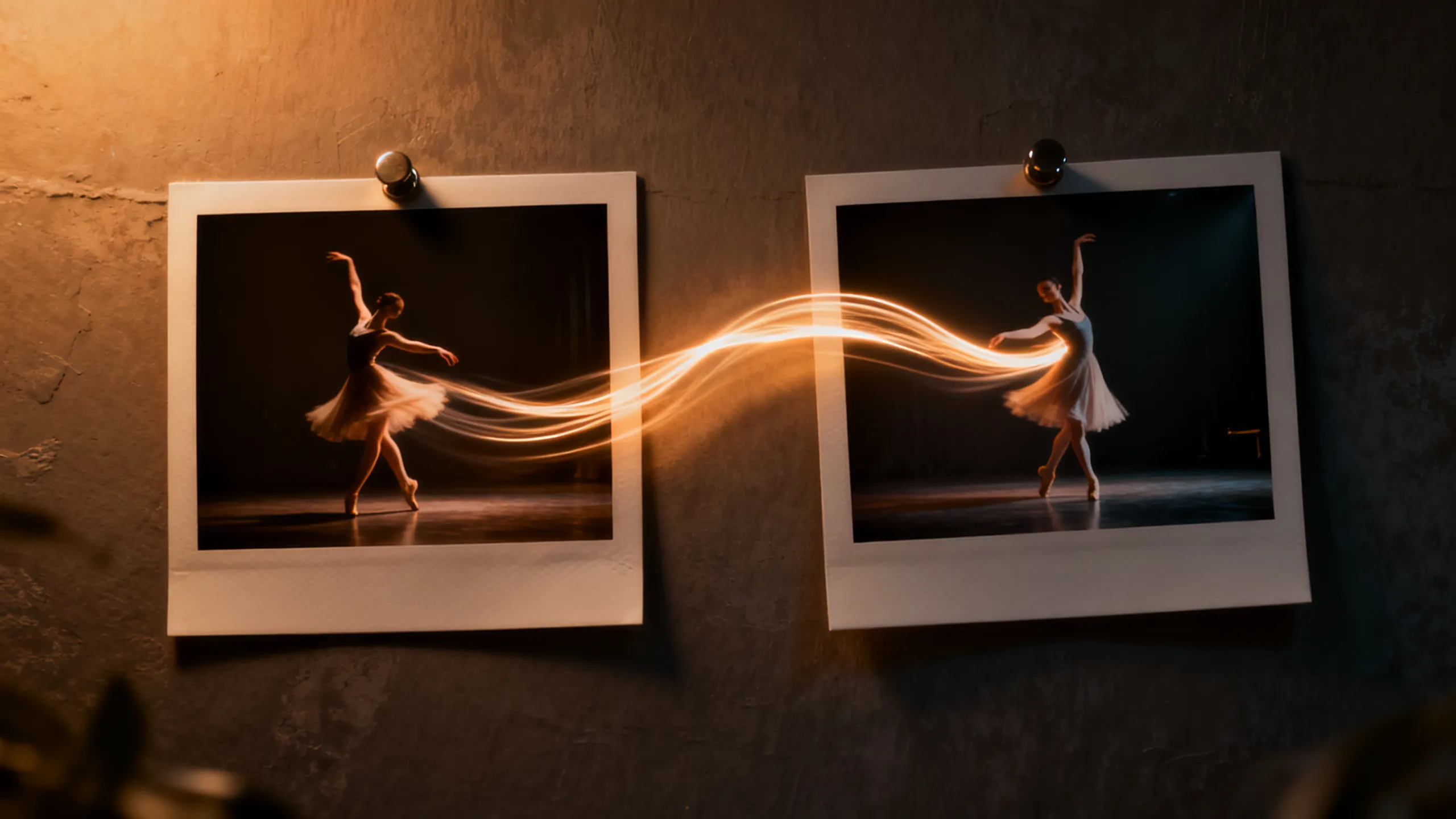
Define the opening and closing composition with two frames, then let Wan 3.0 direct the motion between them. The 2–30 second range covers everything from micro-loops to full scene beats without stitching.

  • Use short durations for social loops, long ones for scene beats
  • Keep endpoint compositions physically compatible
  • Review the final seconds for morphing and text errors
Brug denne arbejdsgang
Two photo frames connected by a dancer's motion trail

Opgavebaserede eksempler

Hvad kan du oprette med Wan 3.0?

Vælg en arbejdsgang fra den leverance, du har brug for, og tilpas derefter den medfølgende promptstarter til et klart skud.

Course & explainer video

Course & explainer video

Turn lecture notes, documentation, or web articles into narrated video segments.

Se hurtig idé

Turn the attached document into a clear explainer video. Open on [hook visual], walk through [key points], close on [summary frame]. Calm professional narration.

Brand-consistent product film

Brand-consistent product film

Combine product images, a motion reference, and brand audio into one coherent clip.

Se hurtig idé

Use the attached product images for exact appearance and the audio for pacing. The product [action] in [setting]; end on the hero composition from reference image 1.

Social loops & hooks

Social loops & hooks

Generate 2–5 second seamless loops or vertical hooks at 9:16 with synced sound.

Se hurtig idé

Seamless 9:16 social loop of [subject] [action]. Rhythmic motion synced to the audio reference, clean silhouette, loopable start and end frames.

Sammenligning af AI-videomodeller

Wan 3.0 vs Seedance 2.0 Pro vs Veo 3.1 vs Kling 3.0

Brug dette som modelvalgsvejledning, ikke en erstatning for live-kontrollerne. Offentlige specifikationer og forbundne udbyderruter kan afsløre forskellige parameterundersæt.

FeatureWan 3.0Seedance 2.0 ProVeo 3.1Kling 3.0
Bedst tilDocument & webpage-to-video explainers · All-modality reference consistency · 2–30s clips up to 1080p with audioMultimodal historiefortælling og kontinuitetsstyret skabelseFilmisk realisme og polerede audiovisuelle scenerKarakterbevægelse, handling og skaberens arbejdsgange
Tilsluttet indgangGenerate 2–30 second video with synchronized audio from text, images, first/last frames, or combined image + video + audio references — and turn documents and web pages directly into video. Up to 1080p with adaptive aspect ratios.Tekst · Billede · Multimodale referencerTekst · BilledeTekst · Billede · Reference arbejdsgange
Scene kontrolDocuments and web pages become video sources · All-modality references in one request · First / last frame plus 2–30 second rangeMulti-shot og multimodal retningSkudfortolkning og audiovisuel regiBevægelseskontrol og karakterpræstation
Lyd arbejdsgangSynchronizedRuterapporteret lydfunktion; bekræft live-kontrollerIndbygget audiovisuel arbejdsgangLyd- og lip-sync arbejdsgange varierer efter rute
Vælg hvornårCourse & explainer video · Brand-consistent product film · Social loops & hooksA multimodal story workflow and continuity-led creationDen endelige filmiske audiovisuelle polering betyder mestKarakterpræstation og handlingskontrol leder briefen

PixMind produktions-API-øjebliksbillede bekræftet 2026-07-13. Live generator kontroller er endelige.

Hurtige startere

Spørg Wan 3.0 ved kontrol, ikke adjektiver

Navngiv emnet, én handling, kamerastien, lys, lyd og slutning. Tilføj kun det referenceansvar, som den valgte inputtilstand har brug for.

Document explainer

Turn the attached document into a clear explainer video. Open on [hook visual], walk through [key points] with [visual metaphor], close on [summary frame]. Calm professional narration, clean motion graphics aesthetic.

Brug denne prompt

Multimodal brand clip

Use the attached product images for exact appearance, the motion reference for camera rhythm, and the audio for pacing. The product [action] in [setting]; lighting matches [mood]; end on the hero composition from reference image 1.

Brug denne prompt

Endpoint transition

Move naturally from the supplied first frame to the last frame. The subject [action] while the camera [movement]; keep identity, wardrobe, and environment consistent; finish exactly on the end-frame composition.

Brug denne prompt

Wan 3.0 FAQ

Hvilken Wan 3.0 input skal jeg vælge?

Brug tekst til opfindelse, et billede til identitet eller komposition, første og sidste billeder til et kontrolleret slutpunkt og referencer til bevægelse, kamerarytme eller lyd.

Genererer Wan 3.0 lyd?

Nogle forbundne ruter rapporterer lydkapacitet, men den nøjagtige kontrol varierer efter modeltilstand. Bekræft den valgte rute i live-generatoren, og gennemse dialog, timing og artefakter før publicering.

Kan jeg bruge genereret Wan-video kommercielt?

Kommerciel brug afhænger af udbyderens vilkår og dine rettigheder til enhver prompt, reference, identitet, stemme, logo og brandaktiv. Gennemgå både output og aktuelle vilkår før udgivelse.

Forvandl et klart skudt kort til en Wan 3.0-test

Start i det nøjagtige forbundne modelarbejdsområde, og sammenlign derefter brugbare optagelser, genforsøg, konsistens og kreditomkostninger.

Begynd at generere