Oferta czasowaCzłonkostwo roczne:30% zniżkioraz nielimitowany dostęp do GPT Image, MiniMax H3 i innych modeli
Nowy AI Chat · Darmowe próby każdego dnia
Ulepsz teraz
Pixmind
Rodzina modeli Wan

Alibaba Cloud · Najnowszy ujednolicony model

Wan 3.0 Generator wideo AI

Generate 2–30 second video with synchronized audio from text, images, first/last frames, or combined image + video + audio references — and turn documents and web pages directly into video. Up to 1080p with adaptive aspect ratios.

  • Document & webpage-to-video explainers
  • All-modality reference consistency
  • 2–30s clips up to 1080p with audio
Wan 3.0: all-modality references and document-to-video in one generator
2–30sCzas trwania
480p / 720p / 1080pRozdzielczość
10 图 · 5 视频 · 5 音频Reference inputs
SynchronizedDźwięk

Przegląd modelu

Wan 3.0: all-modality references and document-to-video in one generator

Wan 3.0 is Alibaba's all-modality reference video model. Beyond the text, image, and endpoint workflows of earlier Wan versions, it accepts documents and web pages as creative sources and combines image, video, and audio references in a single request — useful when a clip must match existing brand assets, a voice track, or written source material.

Możliwości modelu Wan

Documents and web pages become video sources

Feed a document or web page as reference and Wan 3.0 turns its content into a coherent explainer clip — a workflow unique among commercial video models for course, tutorial, and product-documentation video.

  • Best for explainer and course content with existing written material
  • Review generated narration against the source for factual drift
  • Combine with image references to keep branding consistent

Użyj tego przepływu pracy
Document dissolving into video frames, Wan 3.0 document reference

Możliwości modelu Wan

All-modality references in one request

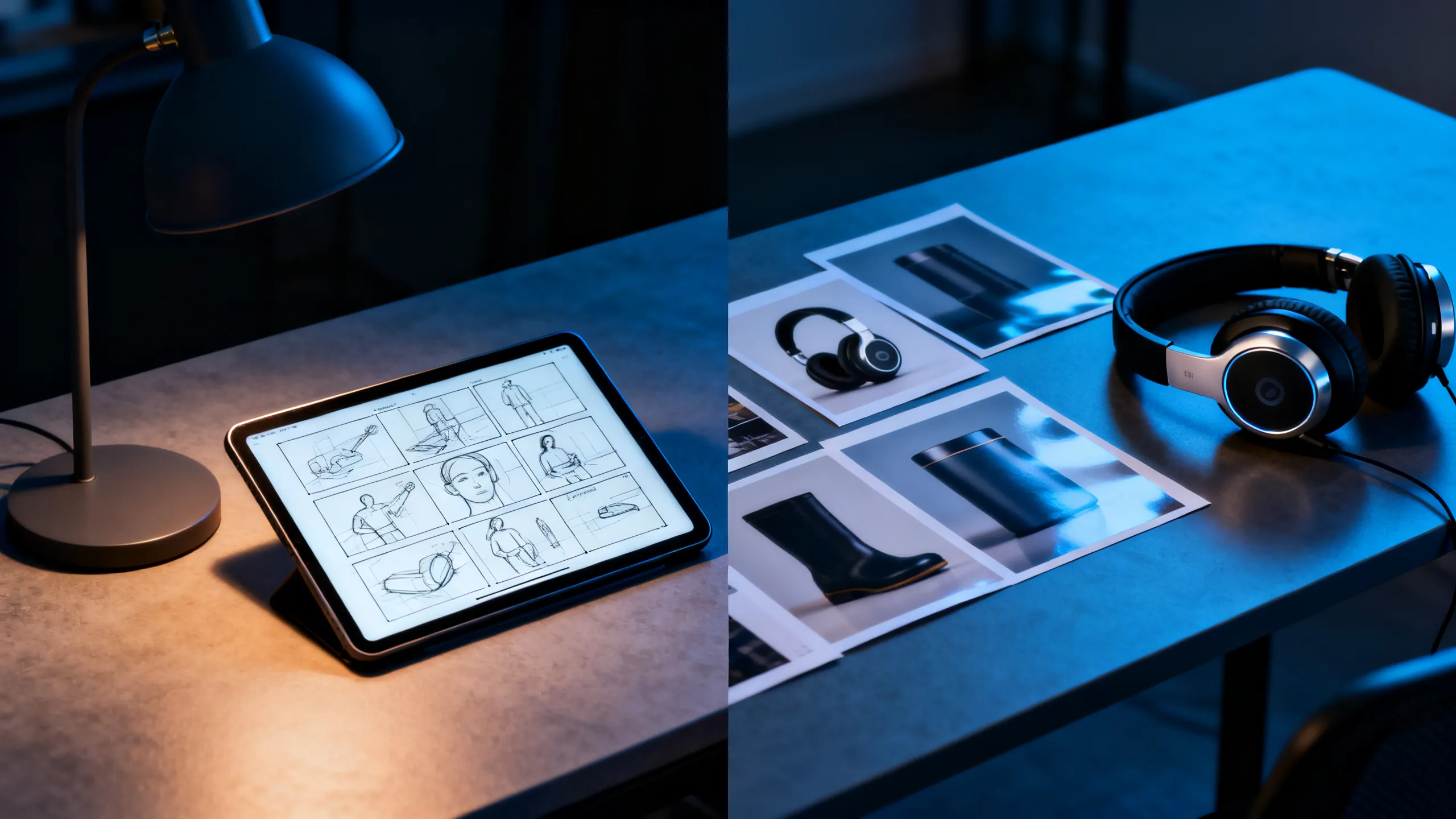
Attach up to 10 reference images, 5 reference videos, and 5 audio clips together. Each asset guides identity, motion, or soundscape so the output stays consistent with your existing material instead of reinventing it.

  • Każdemu odnośnikowi przydziel jedno zadanie: temat, ruch, kamera lub dźwięk
  • Reference videos run up to 15 seconds each
  • Check rights for every recognizable person, voice, and brand
Użyj tego przepływu pracy
Designer desk with storyboard, headphones, and product references

Możliwości modelu Wan

First / last frame plus 2–30 second range

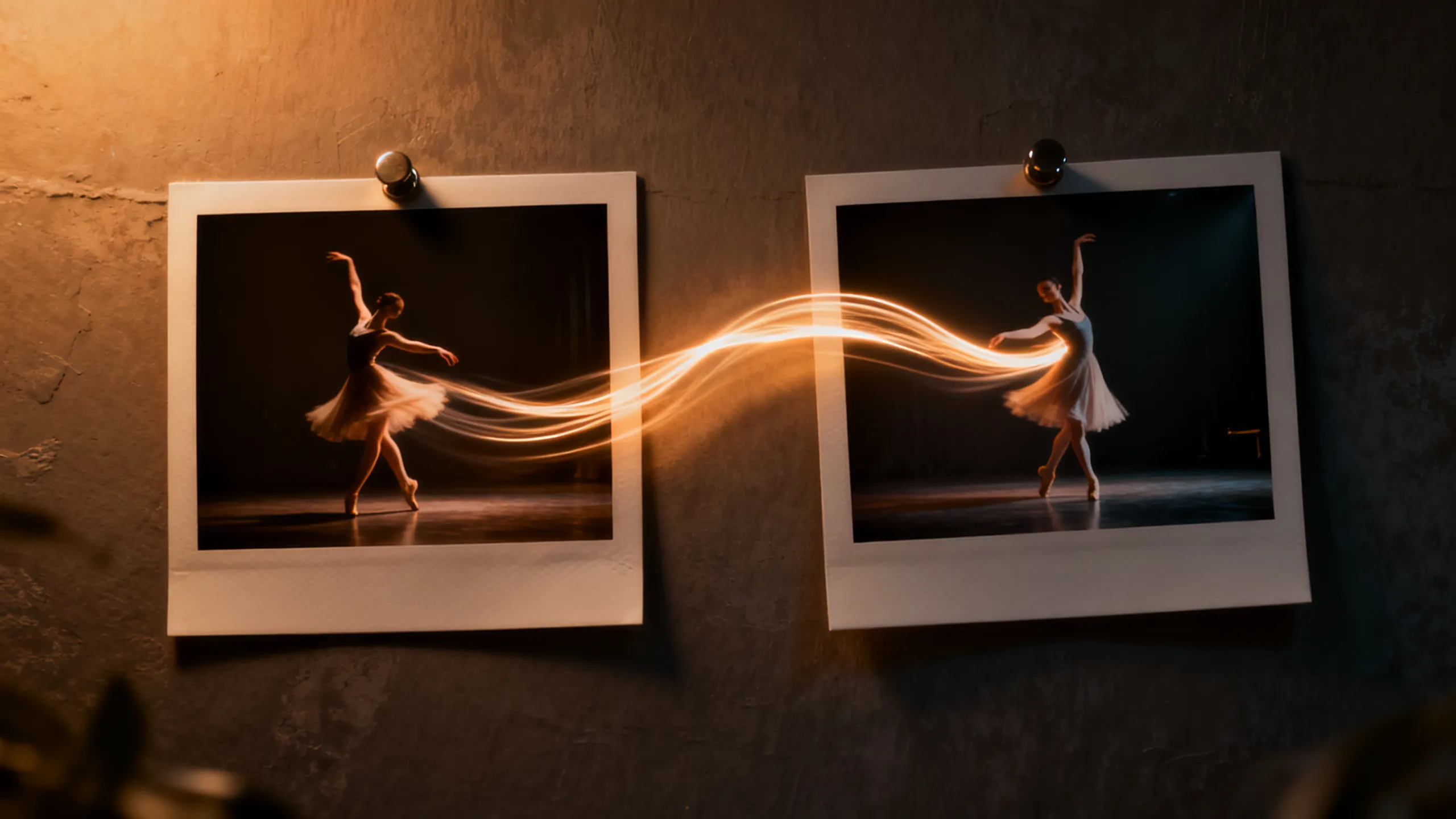
Define the opening and closing composition with two frames, then let Wan 3.0 direct the motion between them. The 2–30 second range covers everything from micro-loops to full scene beats without stitching.

  • Use short durations for social loops, long ones for scene beats
  • Keep endpoint compositions physically compatible
  • Review the final seconds for morphing and text errors
Użyj tego przepływu pracy
Two photo frames connected by a dancer's motion trail

Przykłady oparte na zadaniach

Co możesz stworzyć za pomocą Wan 3.0?

Wybierz przepływ pracy spośród potrzebnych materiałów, a następnie dostosuj dołączony moduł początkowy do jednego wyraźnego ujęcia.

Course & explainer video

Course & explainer video

Turn lecture notes, documentation, or web articles into narrated video segments.

Zobacz szybki pomysł

Turn the attached document into a clear explainer video. Open on [hook visual], walk through [key points], close on [summary frame]. Calm professional narration.

Brand-consistent product film

Brand-consistent product film

Combine product images, a motion reference, and brand audio into one coherent clip.

Zobacz szybki pomysł

Use the attached product images for exact appearance and the audio for pacing. The product [action] in [setting]; end on the hero composition from reference image 1.

Social loops & hooks

Social loops & hooks

Generate 2–5 second seamless loops or vertical hooks at 9:16 with synced sound.

Zobacz szybki pomysł

Seamless 9:16 social loop of [subject] [action]. Rhythmic motion synced to the audio reference, clean silhouette, loopable start and end frames.

Porównanie modeli wideo AI

Wan 3.0 vs Seedance 2.0 Pro vs Veo 3.1 vs Kling 3.0

Użyj tego jako wskazówki przy wyborze modelu, a nie substytutu sterowania na żywo. Specyfikacje publiczne i połączone trasy dostawców mogą ujawniać różne podzbiory parametrów.

FunkcjaWan 3.0Seedance 2.0 ProVeo 3.1Kling 3.0
Najlepsze dlaDocument & webpage-to-video explainers · All-modality reference consistency · 2–30s clips up to 1080p with audioMultimodalne opowiadanie historii i tworzenie oparte na ciągłościRealizm kinowy i dopracowane sceny audiowizualneRuch postaci, akcja i przepływ pracy twórców
Podłączone wejścieGenerate 2–30 second video with synchronized audio from text, images, first/last frames, or combined image + video + audio references — and turn documents and web pages directly into video. Up to 1080p with adaptive aspect ratios.Tekst · Obraz · Referencje multimodalneTekst · ObrazTekst · Obraz · Referencyjne przepływy pracy
Sterowanie scenąDocuments and web pages become video sources · All-modality references in one request · First / last frame plus 2–30 second rangeKierunek wielostrzałowy i multimodalnyInterpretacja ujęć i reżyseria audiowizualnaSterowanie ruchem i wydajność postaci
Przepływ pracy z dźwiękiemSynchronizedFunkcja audio zgłaszana na trasie; potwierdź kontrolę na żywoNatywny przepływ pracy audiowizualnejPrzepływy pracy związane z synchronizacją dźwięku i ruchu warg różnią się w zależności od trasy
Wybierz kiedyCourse & explainer video · Brand-consistent product film · Social loops & hooksA multimodal story workflow and continuity-led creationNajważniejszy jest końcowy szlif audiowizualny filmuNajważniejsze są występy postaci i kontrola akcji

Zweryfikowano migawkę produkcyjnego interfejsu API PixMind 2026-07-13. Kontrola generatora na żywo jest ostateczna.

Szybkie startery

Podpowiadaj Wan 3.0 za pomocą kontroli, a nie przymiotników

Nazwij obiekt, jedną akcję, ścieżkę kamery, światło, dźwięk i zakończenie. Dodaj tylko odpowiedzialność referencyjną wymaganą przez wybrany tryb wprowadzania.

Document explainer

Turn the attached document into a clear explainer video. Open on [hook visual], walk through [key points] with [visual metaphor], close on [summary frame]. Calm professional narration, clean motion graphics aesthetic.

Użyj tego monitu

Multimodal brand clip

Use the attached product images for exact appearance, the motion reference for camera rhythm, and the audio for pacing. The product [action] in [setting]; lighting matches [mood]; end on the hero composition from reference image 1.

Użyj tego monitu

Endpoint transition

Move naturally from the supplied first frame to the last frame. The subject [action] while the camera [movement]; keep identity, wardrobe, and environment consistent; finish exactly on the end-frame composition.

Użyj tego monitu

Wan 3.0 FAQ

Które wejście Wan 3.0 wybrać?

Użyj tekstu dla inwencji, obrazu dla identyfikacji lub kompozycji, pierwszej i ostatniej klatki dla kontrolowanego punktu końcowego oraz odniesień do ruchu, rytmu kamery lub dźwięku.

Czy Wan 3.0 generuje dźwięk?

Niektóre połączone trasy zgłaszają możliwość obsługi dźwięku, ale dokładna kontrola różni się w zależności od trybu modelu. Potwierdź wybraną trasę w generatorze na żywo i przejrzyj dialogi, czas i artefakty przed publikacją.

Czy mogę używać wygenerowanego wideo Wan komercyjnie?

Komercyjne wykorzystanie zależy od warunków dostawcy i Twoich praw do wszelkich podpowiedzi, referencji, tożsamości, głosu, logo i aktywów marki. Przed wydaniem przejrzyj zarówno wyniki, jak i aktualne warunki.

Zamień jedno wyraźne ujęcie w test Wan 3.0

Zacznij od dokładnie połączonego obszaru roboczego modelu, a następnie porównaj użyteczne liczby prób, ponowne próby, spójność i koszt kredytu.

Rozpocznij generowanie