社媒开场
为 Reels、Shorts、TikTok 或信息流广告制作第一秒就能吸引注意的视觉开场。

创作 · 混剪 · 发布
完整的 PixVerse V5 线路,适合社媒与营销短片——支持文字或单张参考图输入,输出 4–10 秒、720p 成片,覆盖五种社媒画幅。
为投放平台而生
示意五种常用社媒画幅;V6 线路额外覆盖更多比例。可用画幅以实时生成器为准。
9:16
社媒交付画幅
16:9
社媒交付画幅
1:1
社媒交付画幅
4:3
社媒交付画幅
3:4
社媒交付画幅
适合的任务
为 Reels、Shorts、TikTok 或信息流广告制作第一秒就能吸引注意的视觉开场。
让产品静态图产生可控运镜、符合材质的灯光和干净的最终构图。
围绕同一创意方向规划横版、方形、竖版及平台专用交付。
案例图库
每个案例对应一种实际交付任务;图片为本线路任务示意图,非模型实测输出。

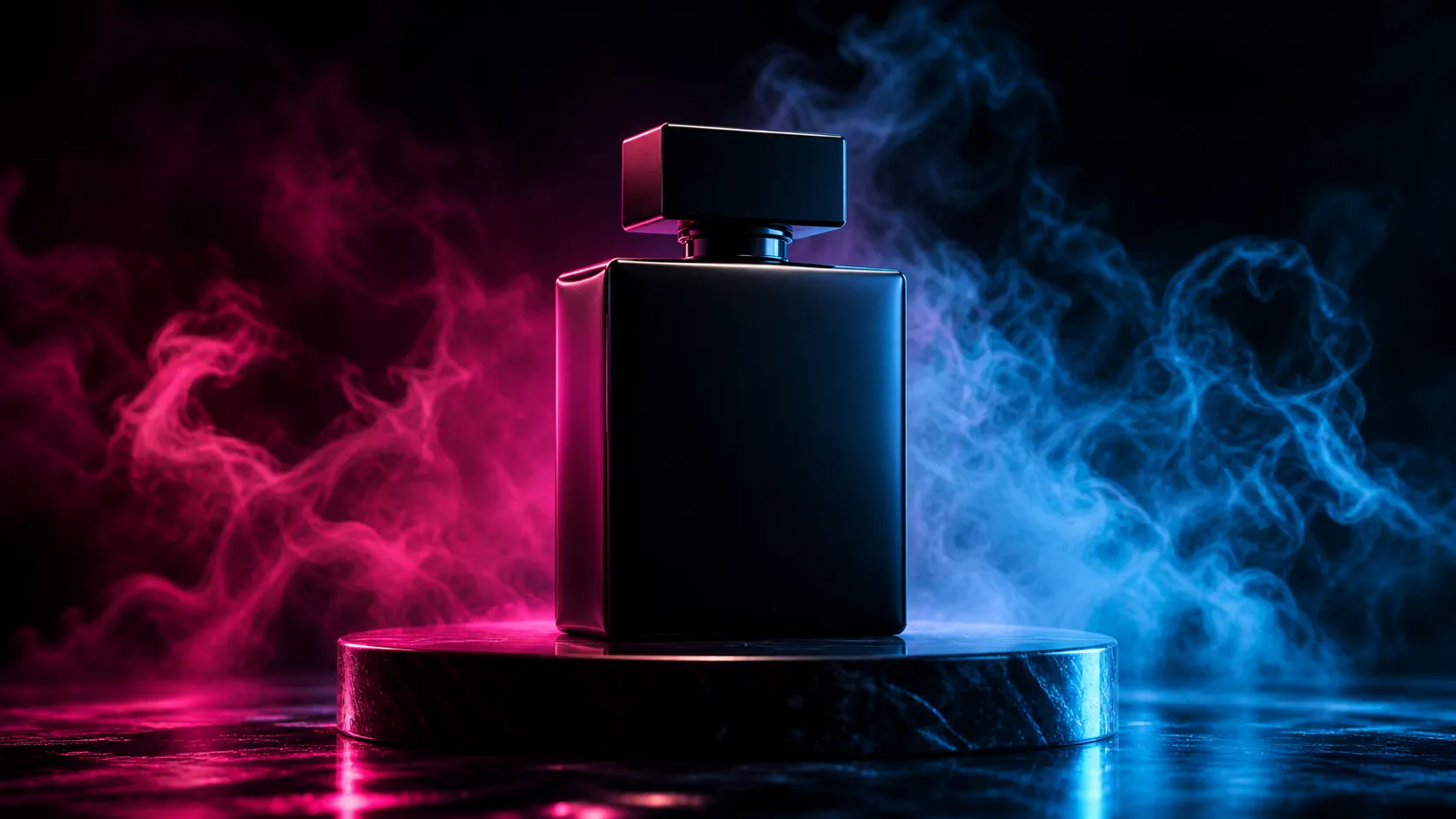
为 Reels、Shorts、TikTok 制作第一秒就能吸引注意的视觉开场。
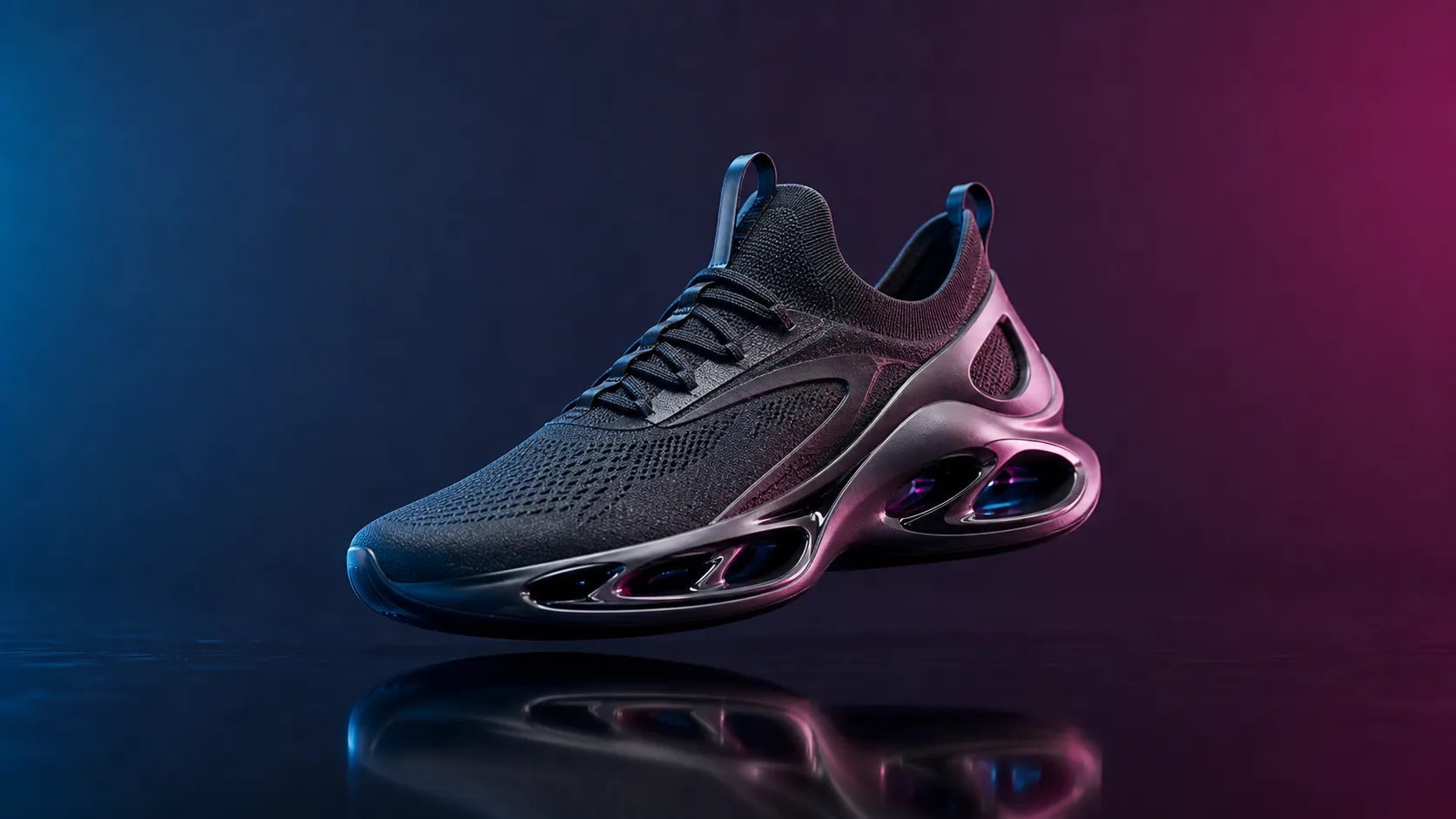
让产品静态图产生可控环绕运镜,保持形状、标签与材质不变。
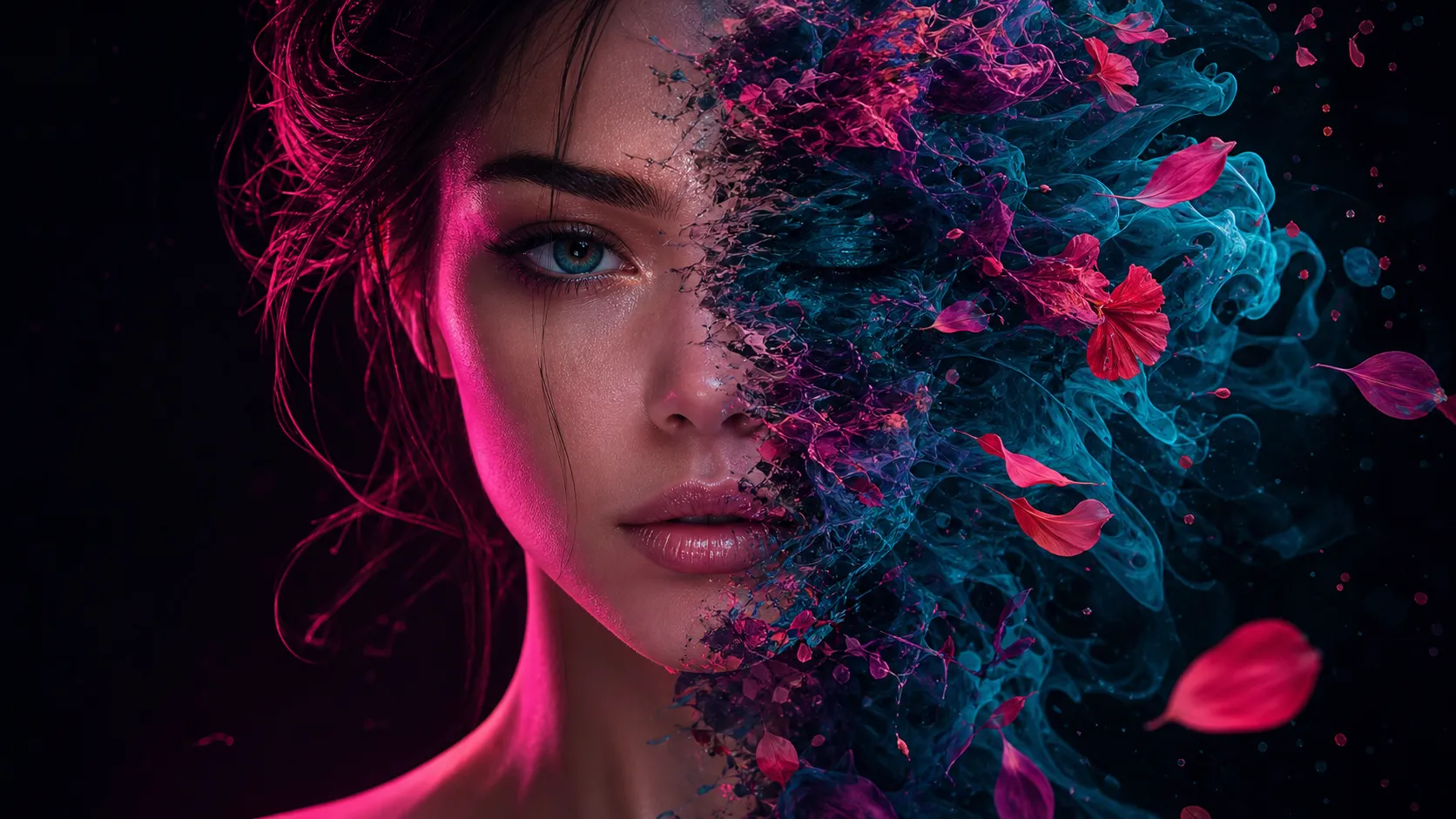
让主体在一段可读的运动中从一种状态变成另一种状态。

镜头稳定、首尾构图匹配的无缝感短循环。
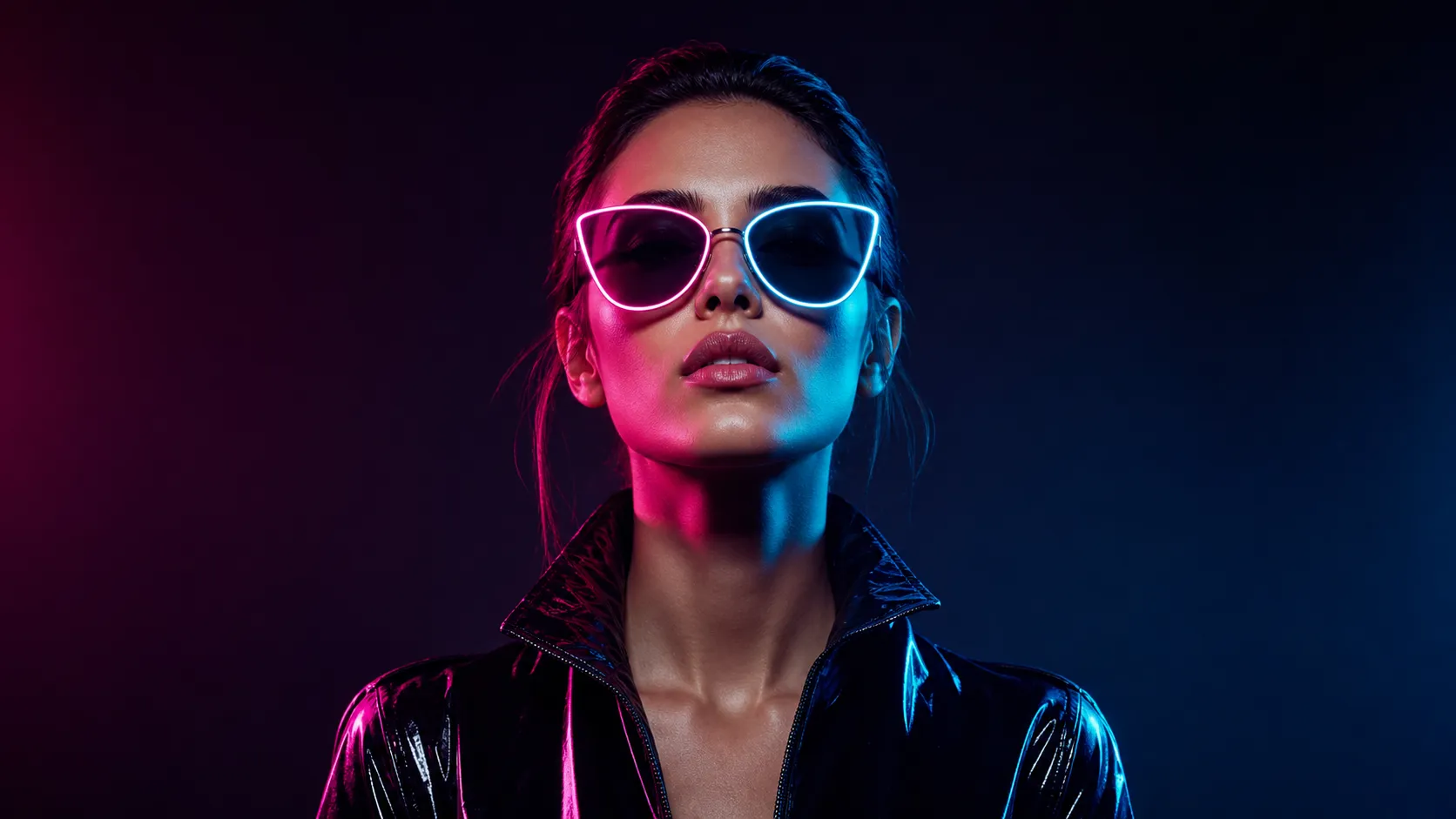
围绕同一创意方向规划横版、方形、竖版及平台交付。
跨模型对比
下表区分 PixMind 当前线路快照与模型家族能力;积分和开放控制项以实时生成器为准。
| 参数 | PixVerse V5当前 | PixVerse V6 | Wan 2.6 | Veo 3 |
|---|---|---|---|---|
| 输入方式 | 文字、单张参考图 | 文字、图片、首尾帧、多模态参考 | 文字、图片、首尾帧、参考 | 文字、图片 |
| 最高分辨率 | 720p | 1080p | 1080p | 1080p |
| 单次时长 | 4–10 秒 | 5、10、15 秒 | 2–15 秒 | 4、6、8 秒 |
| 原生音频 | 否 | 否 | 是 | 是 |
| 画幅数量 | 5 种 | 8 种 | 多种 | 多种 |
| 更适合 | 快速社媒开场与产品动态 | 更长多模态与参考场景 | 多镜头有声故事与广告 | 电影感对白与音画镜头 |
说明:Veo 与 Wan 的规格来自各自官方公开资料;PixMind 实际可用参数以所选线路的实时配置为准。核验日期 2026-07-17。
如何使用
快速制作 4–10 秒社媒短片(文字或单图)用 V5;需要最长 15 秒、1080p 或首尾帧与参考控制时用 V6。
先确定最终画幅,再针对该画面安排主体位置和运镜路径。
短片只保留一个主体动作和一个主要运镜,视觉表达会更清晰。
检查标签、商标、产品结构、首帧吸引力和尾帧可用性。
快速社媒迭代用 V5;需要更长时长、1080p 或首尾帧与参考控制时升级到 V6。
v5
完整的 PixVerse V5 线路,适合社媒与营销短片——支持文字或单张参考图输入,输出 4–10 秒、720p 成片,覆盖五种社媒画幅。
v6
最新 PixVerse 旗舰,多模态 1080p 视频。
查看该版本Prompt 01
Create a [ratio] social video that opens immediately on [surprising visual]. The subject [action], camera [movement], bold [lighting/style], clean background, no generated text.
Prompt 02
Animate the reference product with a slow controlled orbit. Preserve shape, label placement, materials, and colors. Add [environment] reflections and finish on a centered hero frame.
Prompt 03
Transform [subject] from [starting state] into [ending state] in one readable motion. Style: [visual style]. Keep the silhouette recognizable and avoid extra objects.
Prompt 04
Create a seamless-feeling short loop of [subject/action]. Keep the camera stable, repeat the motion rhythmically, and match the opening and closing composition.
快速制作 4–10 秒社媒短片(文字或单张参考图)选 V5;需要最长 15 秒、1080p 或首尾帧与多模态参考控制时选 V6。可用设置以实时生成器为准。
不支持。当前接入的 V5 和 V6 线路均不生成原生音频,对白、音乐或音效请在剪辑阶段单独添加。
V5 支持文字或单张参考图。V6 额外支持首尾帧输入和图加视频的多模态参考(核验快照为最多 9 张图加最多 3 个参考视频)。具体可用输入以所选版本的生成器为准。
V5 生成 4–10 秒成片(默认 5 秒),默认 720p。V6 提供 5、10、15 秒时长与 480p、720p、1080p 分辨率。提交前请在生成器中确认实际可选项。
V5 提供常用社媒画幅(16:9、9:16、1:1、4:3、3:4)。V6 覆盖八种画幅,另含 3:2、2:3、21:9。建议先确定投放画幅,再编写运镜。
围绕一个完整镜头描述主体、动作、景别、运镜、灯光、节奏和必须保持不变的内容。每个短片只保留一个主要动作,避免堆叠多个大幅变化。
PixVerse V5 在当前线路快照中为每次 35 积分。V6 积分以实时生成器为准且可能不同,提交前请确认显示的积分消耗。
使用干净、对焦清晰的参考图,明确哪些结构、颜色、标签和材质不能变化,简化动作,避免在同一短片中同时改变主体、风格和场景。
可用于多数项目,但人物肖像、品牌商标、产品结构和画面文字仍需人工复核与授权确认;涉及真人或第三方参考素材时请确保拥有相应权利。
下一步
直接在生成器里选择精确线路,先用一个镜头验证方向,再决定是否升级到 V6。
来源核验于 2026-07-17,基于 PixMind 线上模型接口;实时生成器为最终依据。