Pixmind

Create · remix · publish

PixVerse V5 Fast for the next scroll-stopping clip

A faster PixVerse V5 option for short-form hooks, motion tests, and lower-friction creative iteration.

Chargement...

9:16

social-ready canvas

16:9

social-ready canvas

1:1

social-ready canvas

4:3

social-ready canvas

3:4

social-ready canvas

1

Social hooks

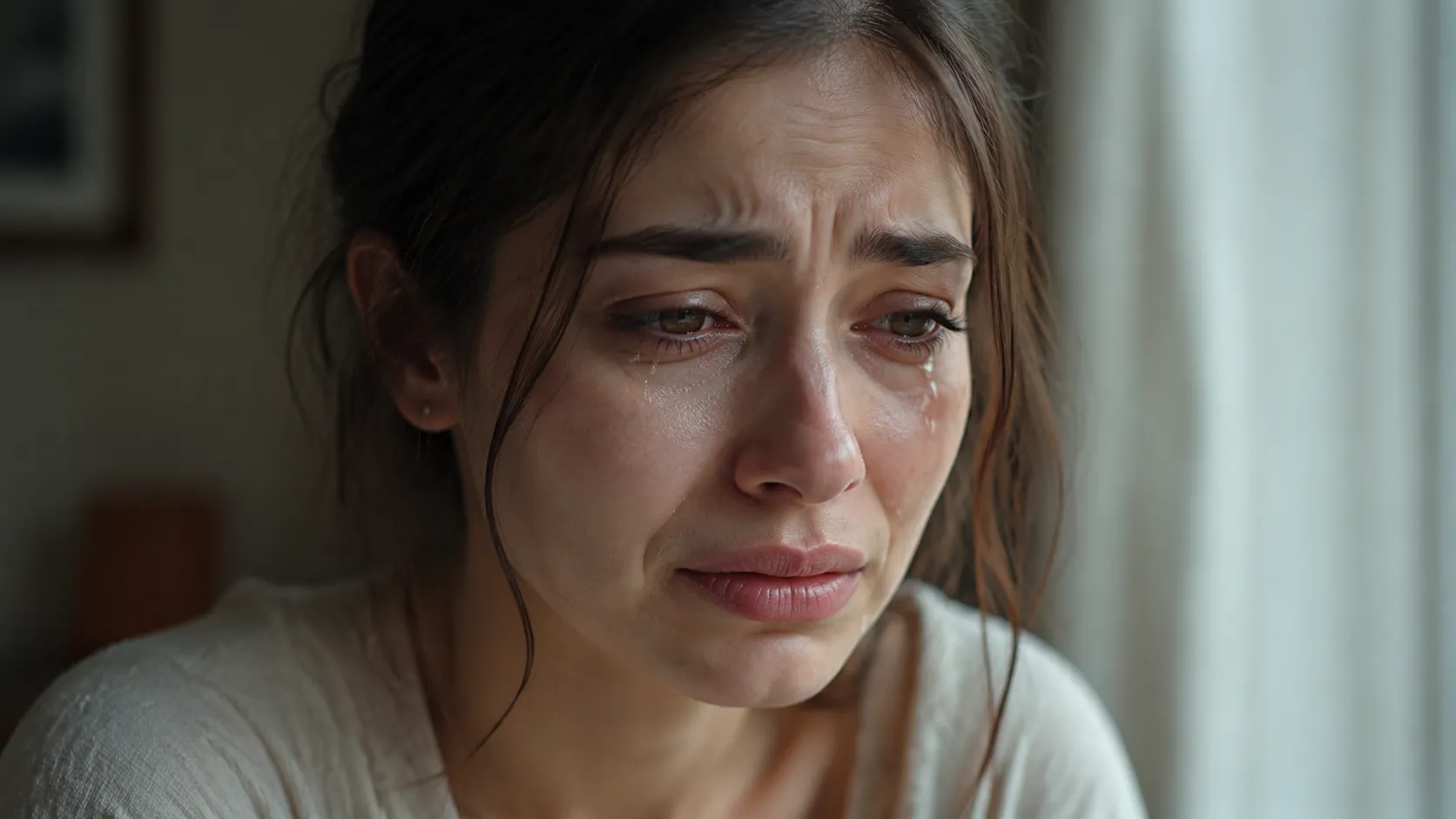
Create a visually immediate first beat for Reels, Shorts, TikTok, or paid social placements.

2

Product motion

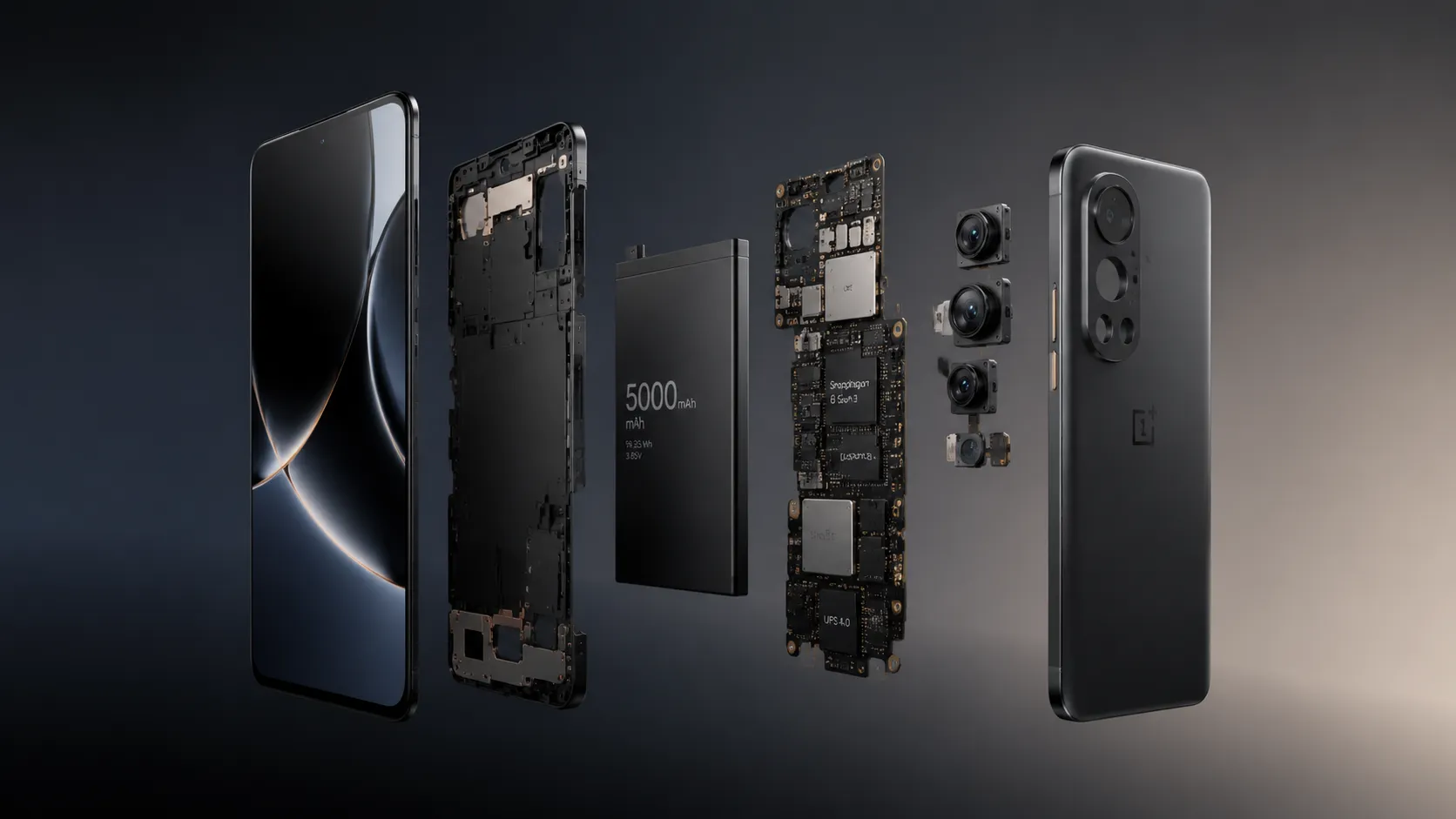
Animate a product still with controlled camera movement, material-aware lighting, and a clean final composition.

3

Multi-format campaign

Plan the same creative direction for landscape, square, portrait, and platform-specific delivery.

V5 or V5 Fast?

v5

PixVerse V5

The full PixVerse V5 route for flexible aspect ratios, 1080p output, and polished social or campaign shots.

View version

Fast

PixVerse V5 Fast

A faster PixVerse V5 option for short-form hooks, motion tests, and lower-friction creative iteration.

Short-form prompt starters

Prompt 01

Scroll-stopping hook

Create a [ratio] social video that opens immediately on [surprising visual]. The subject [action], camera [movement], bold [lighting/style], clean background, no generated text.

Prompt 02

Product orbit

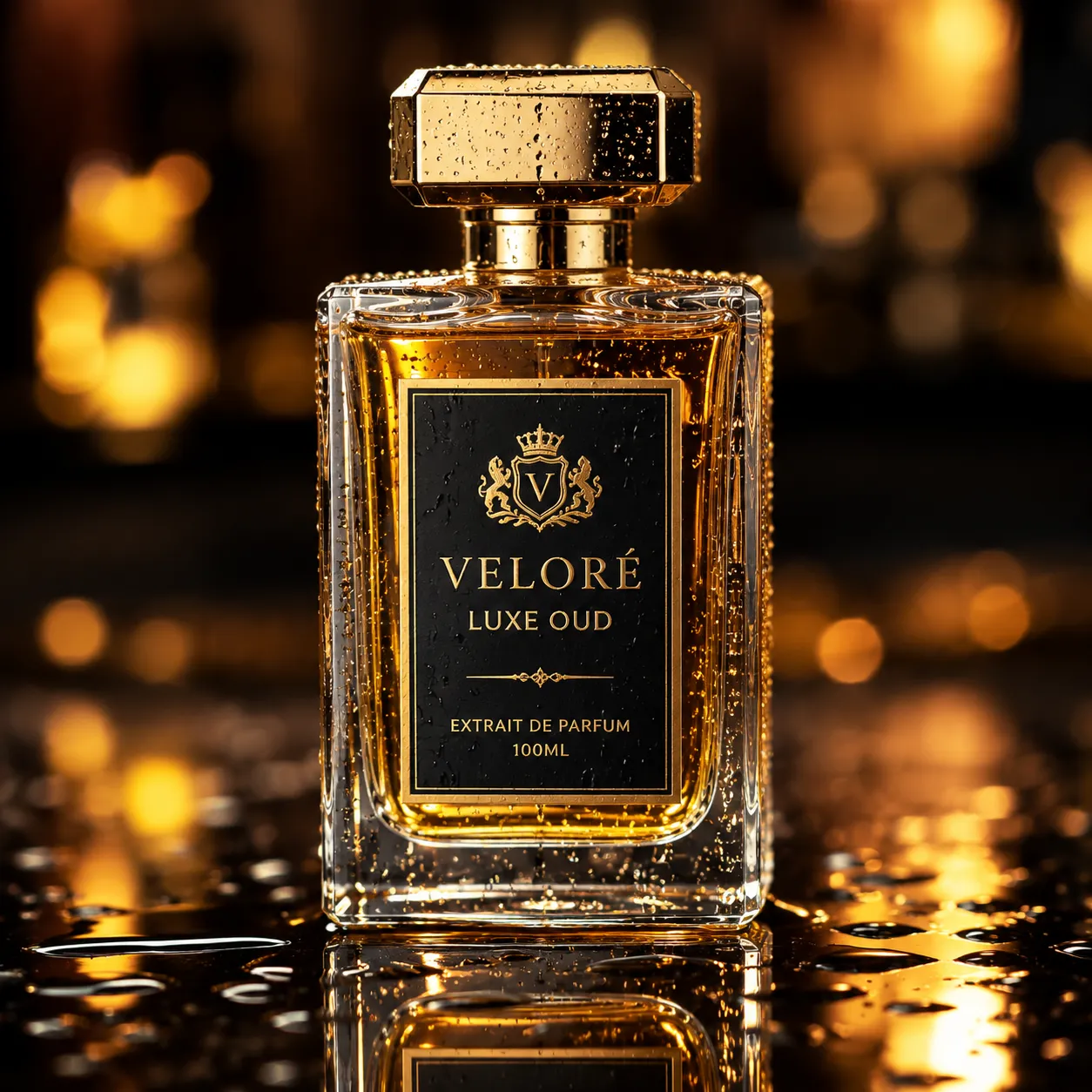
Animate the reference product with a slow controlled orbit. Preserve shape, label placement, materials, and colors. Add [environment] reflections and finish on a centered hero frame.

Prompt 03

Stylized transformation

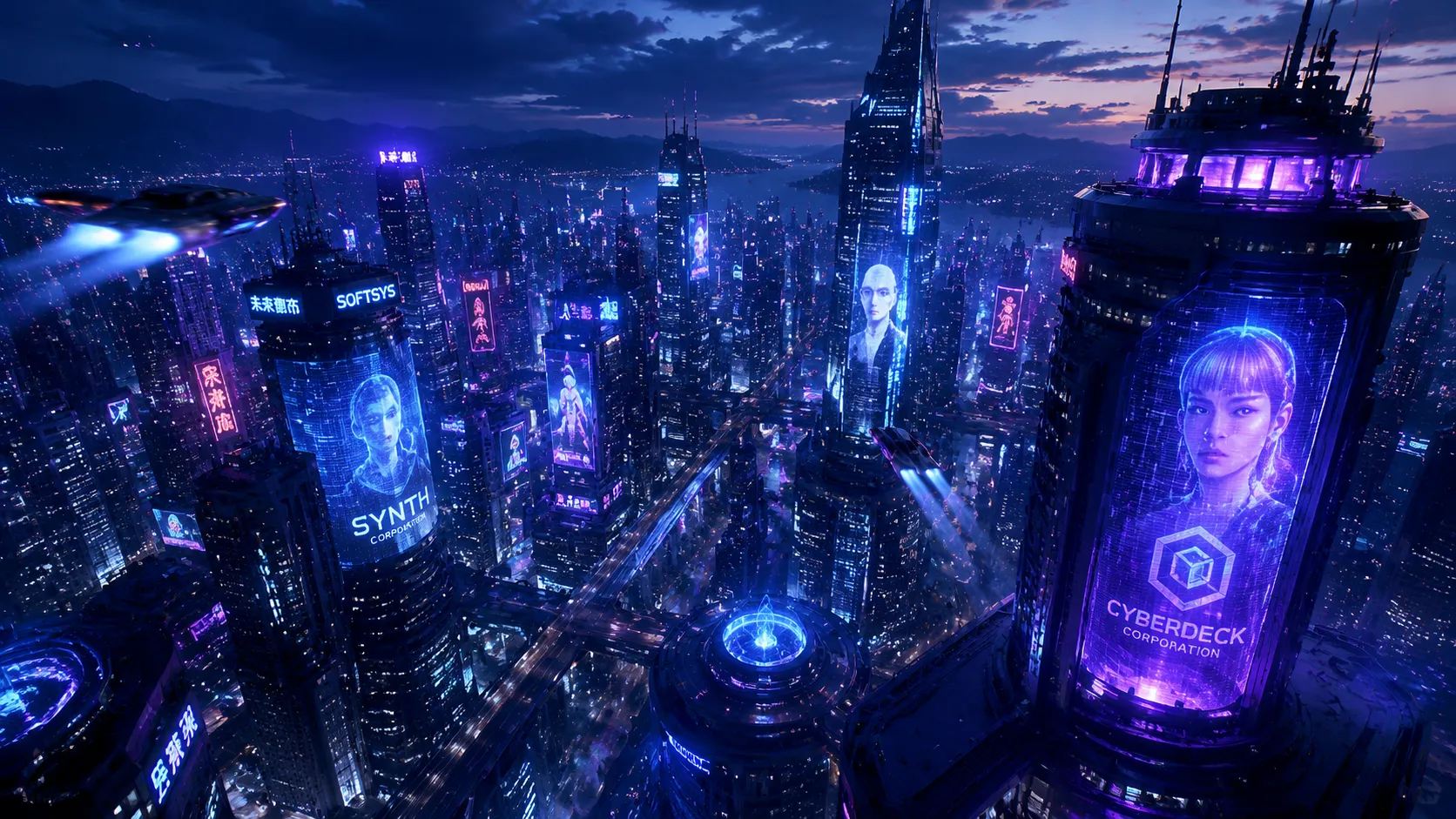
Transform [subject] from [starting state] into [ending state] in one readable motion. Style: [visual style]. Keep the silhouette recognizable and avoid extra objects.

Prompt 04

Loopable motion

Create a seamless-feeling short loop of [subject/action]. Keep the camera stable, repeat the motion rhythmically, and match the opening and closing composition.

Review before publishing

  • Fast prioritizes iteration and does not expose the same maximum resolution as V5.
  • Generated labels and logos need manual review.
  • Complex transformations can introduce extra objects or shape drift; simplify the action when needed.

PixVerse V5 Fast FAQ

Should I use PixVerse V5 or V5 Fast?

Choose V5 when you need up to 8 seconds or 1080p. Choose V5 Fast for quick 5-second concepts and repeated social creative tests.

Which aspect ratios are available?

The connected V5 routes expose landscape, portrait, square, 3:4, and 4:3 options. Select the destination format before writing camera direction.

How do I preserve a product?

Use a clean reference, state which geometry, label placement, colors, and materials must remain unchanged, and avoid combining unrelated transformations.