
Hapus Subtitle & Watermark dari Video
Hapus subtitle hardcoded, caption, logo, dan watermark dari video apa pun dengan AI presisi-piksel. Seret kotak, tekan hapus, unduh video HD bersih dalam hitungan detik.
Tonton penghapus bekerja
Klip yang sama sebelum dan sesudah — tanpa kotak manual, deteksi cerdas menanganinya.
Hasil sebelum & sesudah nyata
Seret kotak, hapus, selesai. Tonton subtitle, caption, dan watermark hilang dengan bersih.
Satu adegan, dengan dan tanpa subtitle
Frame yang sama — kiri ada subtitle tertanam, kanan dihapus AI. Seret untuk membandingkan.
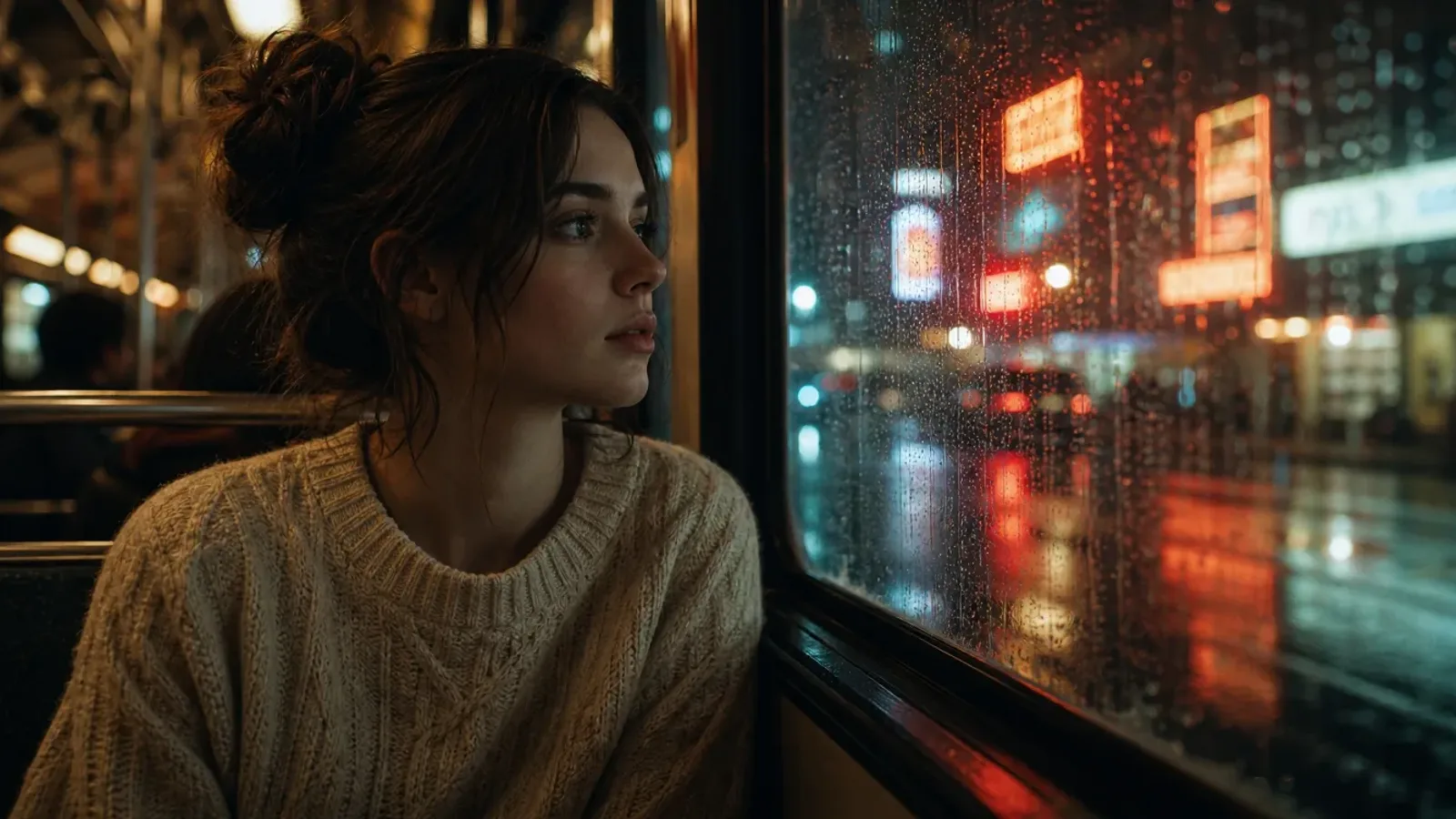
Seret gagang untuk membandingkan
 SebelumSesudah
Film & Drama
Singkirkan subtitle yang dibakar dan logo saluran dari klip film dan TV.
 SebelumSesudah
Video Pendek
Hapus caption otomatis dan watermark platform dari TikTok, Reels, dan Shorts.
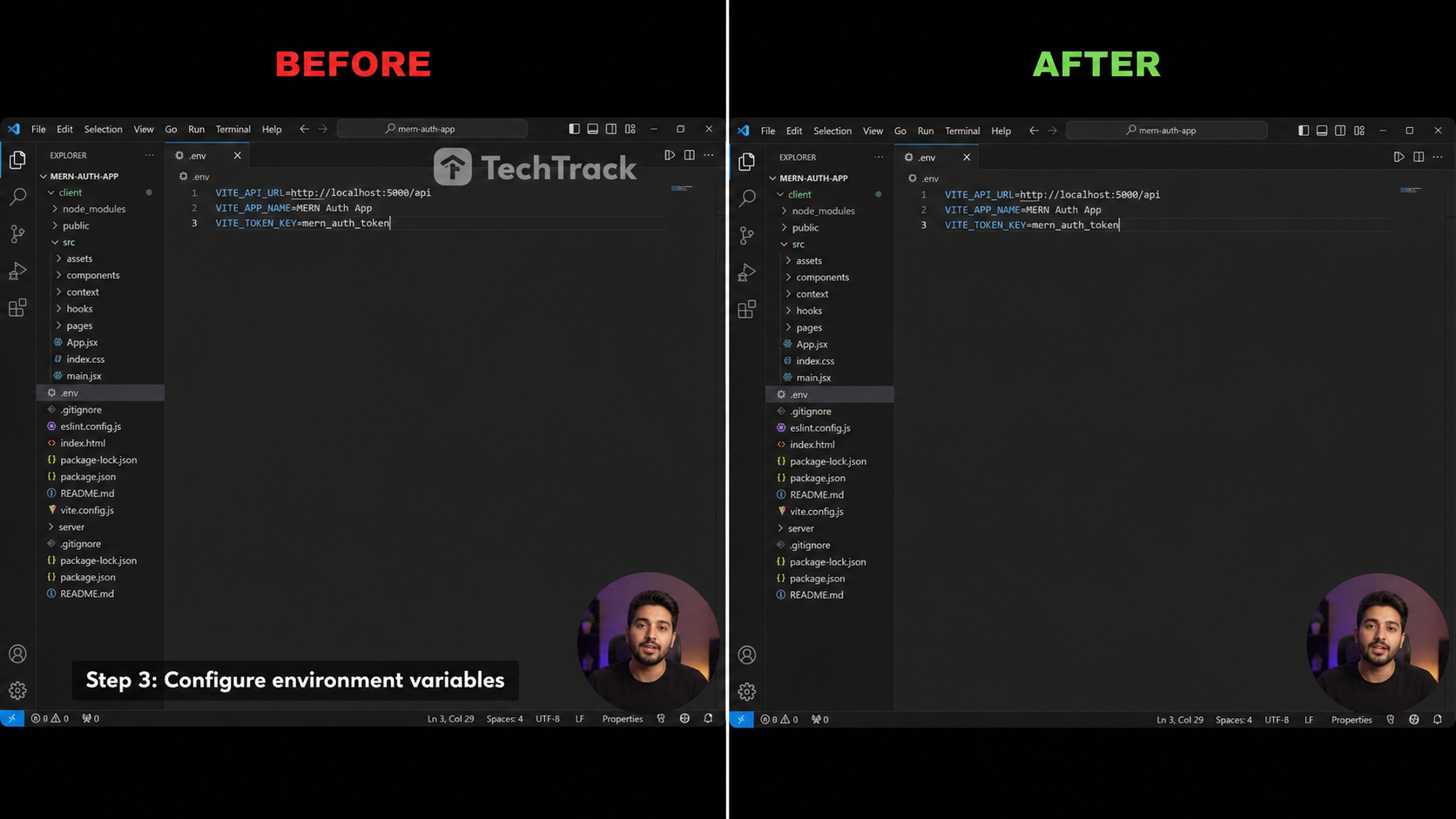 SebelumSesudah
Tutorial & Rekaman
Bersihkan caption lower-third dan watermark software dari rekaman layar.
 SebelumSesudah
Anime & fansub
Hapus subtitle fansub dari klip anime dan kartun.
 SebelumSesudah
Webinar & kursus
Bersihkan bilah nama bawah dari kelas online dan rekaman.
Tiga langkah ke video bersih
Tanpa timeline, tanpa keyframe — cukup unggah, pilih, dan unduh.

Unggah & Pilih
Lepaskan klip Anda, lalu seret persegi panjang zamrud ke wilayah subtitle atau watermark.

AI Menghapus
Model inpainting kami mengisi area masked frame demi frame, mempertahankan gerakan dan detail.

Unduh Video Bersih
Pratinjau hasil dan ekspor MP4 HD bersih dalam satu klik — tanpa logo, tanpa subtitle.
Dibangun untuk output bersih tanpa blur
Penghapusan AI kelas profesional di dalam browser Anda, tanpa instalasi.
Penghapusan Bertenaga AI
Model inpainting berbasis diffusion mengisi wilayah terpilih sehingga tepi menyatu mulus dengan adegan di sekitarnya.
Seleksi Presisi-Piksel
Seret persegi panjang zamrud untuk membingkai tepat baris subtitle atau watermark yang ingin dihilangkan — tidak lebih lebar dari yang diperlukan.
Tanpa Artefak Blur
Berbeda dengan alat blur naif, bingkai tetap tajam dan natural bahkan pada gerakan cepat atau background bertekstur.
Penghapusan Watermark & Logo
Bekerja pada caption hardcoded, subtitle yang dibakar, logo saluran, dan watermark statis sama baiknya.
Kualitas HD Dipertahankan
Output mempertahankan resolusi, frame rate, dan bitrate asli — tanpa penurunan re-encoding.
100% Privat
Video Anda diproses sesuai permintaan dan tidak pernah digunakan untuk pelatihan. Otomatis dihapus setelah proses.
Hapus apa pun yang tertanam di video
Satu seleksi, teks atau overlay apa pun — dihapus bersih.
Subtitle tertanam
Subtitle yang dikerasakan ke frame.
Subtitle terjemahan
Trek sekunder yang ditumpangkan.
Bilah subtitle
Bilah padat di bagian bawah.
Logo saluran
Logo sudut dan identifier.
Watermark
Tanda statis atau beranimasi ringan.
Teks & stiker
Teks di layar, emoji, dan stiker.
Bandingan PixMind
Retus AI sungguhan vs pemburaman dan pemotongan yang biasa.
| Kemampuan | PixMind | Alat online pada umumnya | Buram / potong manual |
|---|---|---|---|
| Retus AI, tanpa kabur | |||
| Pertahankan HD asli | |||
| Hapus watermark & logo | |||
| Di browser, tanpa instalasi | |||
| Deteksi otomatis + area manual | |||
| Privat, otomatis dihapus | |||
| Kredit gratis harian |
Kemampuan PixMind mencerminkan produk per 2026-07-18. Spec pesaing bervariasi dan berubah — verifikasi di situs mereka.
Cara kredit dihitung
Bayar hanya yang dihapus — tanpa langganan, tanpa kejutan.
Mesin PRO
Retus Tencent Cloud — paling bersih pada latar kompleks. Direkomendasikan.
Mesin BASE
Retus pada GPU khusus — lebih cepat dan murah, ideal untuk klip sederhana.
| Area yang dipilih | Tingkat | Kredit / 30dtk |
|---|---|---|
| Area kecil (≤1920×240) | Tier 1 | 200 |
| Area standar (≤1920×1080) | Tier 2 | 300 |
| Area besar (>1920×1080) | Tier 3 | 400 |
| Area apa pun | BASE | 100 |
- Mode deteksi otomatis ditagih per frame penuh; manual per area yang digambar.
- Total = ⌈ durasi ÷ 30dtk ⌉ × harga tingkat. Estimasi langsung sebelum dijalankan.
- Setiap akun yang masuk mendapat kredit gratis harian — coba gratis.
Siapa yang menggunakan penghapus subtitle video
Dibangun untuk kreator yang membutuhkan klip sumber bersih.
Kreator Konten
Posting ulang klip di TikTok, Reels, dan Shorts tanpa caption yang dibakar dari platform lain.
Penerjemah
Singkirkan subtitle hardcoded sebelum mengoverlay caption terlokalisasi Anda sendiri atau trek SRT.
Pemasar
Hapus watermark kompetitor atau logo produk dari rekaman stok berlisensi.
Arsiparis
Pulihkan klip lama dengan membersihkan bug saluran dan branding yang dibakar sebelum mempublikasikan ulang.
Penghapusan subtitle & watermark, dijawab
Semua yang mungkin ingin Anda ketahui sebelum menghapus.