Teks atau gambar
Mulailah dengan cuplikan singkat atau gunakan jangkar visual yang disetujui untuk subjek dan komposisi.

Native 30-second multimodal production
Generate continuous single-shot video up to 30 seconds in one pass, with up to 50 multimodal references, native 4K, and region-level editing — no stitching, no sequence breaks.
Ruang kerja rute yang tepat
Kontrol saat ini dan kredit yang dibebankan berasal dari generator langsung. Konfirmasikannya sebelum mengirimkan.
Masukan PixMind saat ini
Mulailah dengan cuplikan singkat atau gunakan jangkar visual yang disetujui untuk subjek dan komposisi.
Tentukan kedua titik akhir, lalu jelaskan hanya gerakan fisik dan jalur kamera di antara keduanya.
Tetapkan identitas, pengaturan, gerakan, dan suara untuk memisahkan referensi gambar, video, dan audio.
Long-form multimodal route
Seedance 2.5 extends the 2.0 multimodal architecture: longer native duration, the highest reference limit among commercial models, and region-level editing that preserves overall consistency.
01
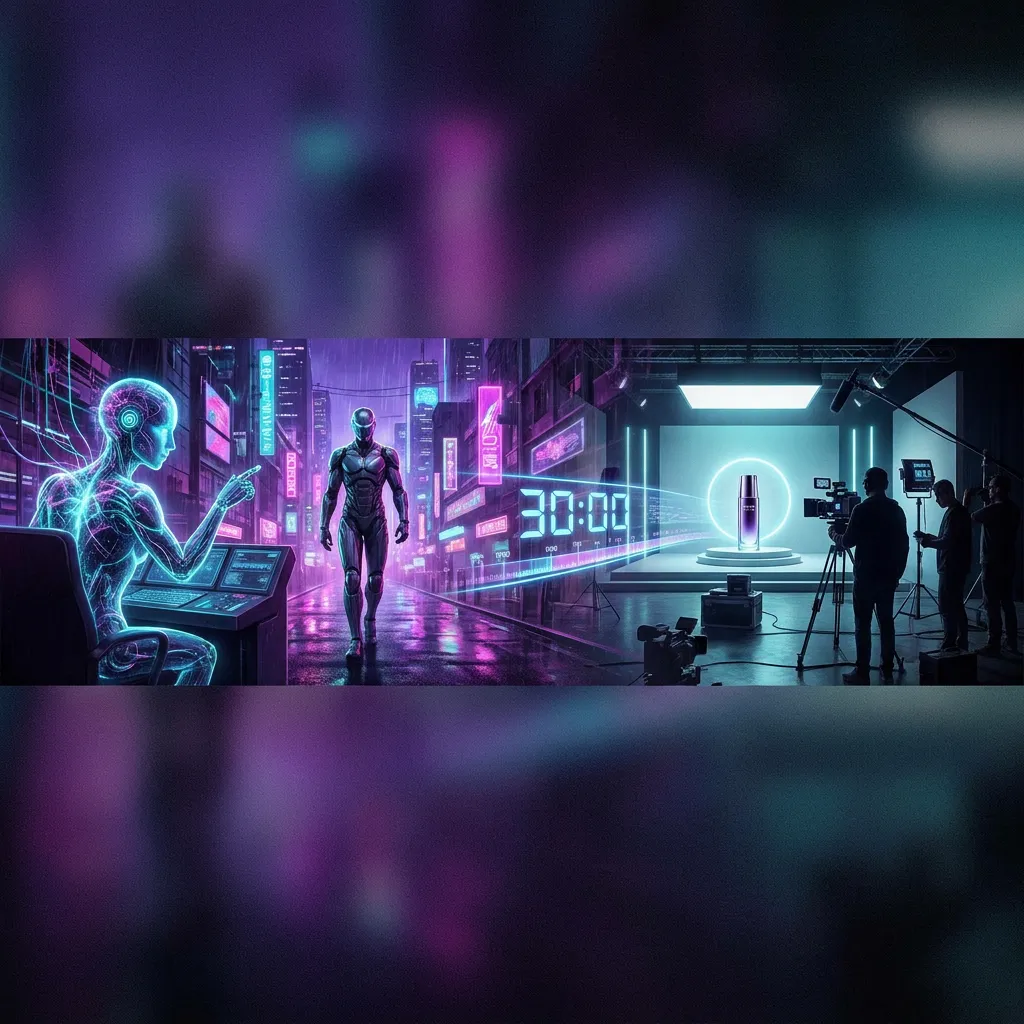
Direct a continuous 30-second take in one generation instead of stitching multiple 5–15s clips.
02
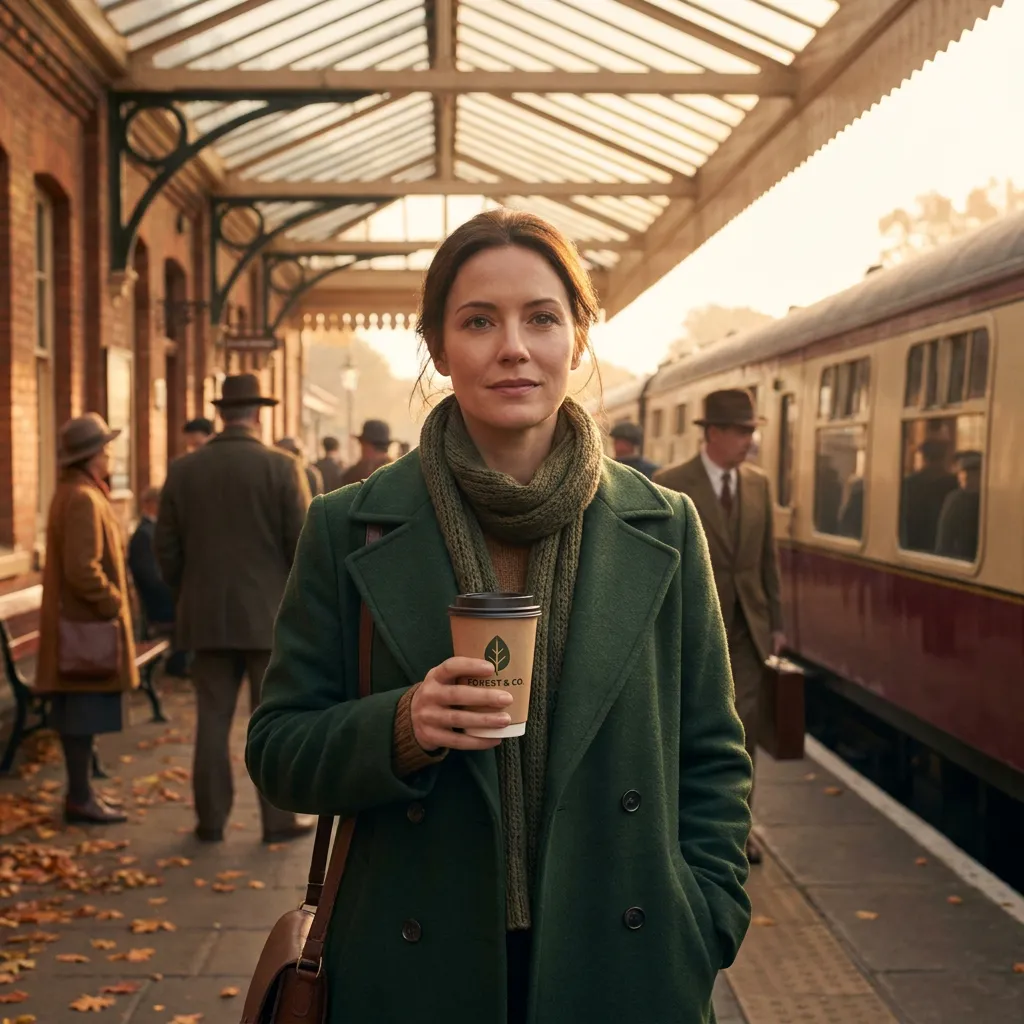
Combine up to 50 image, video, text, and audio inputs to control characters, scenes, style, and sound together.
03
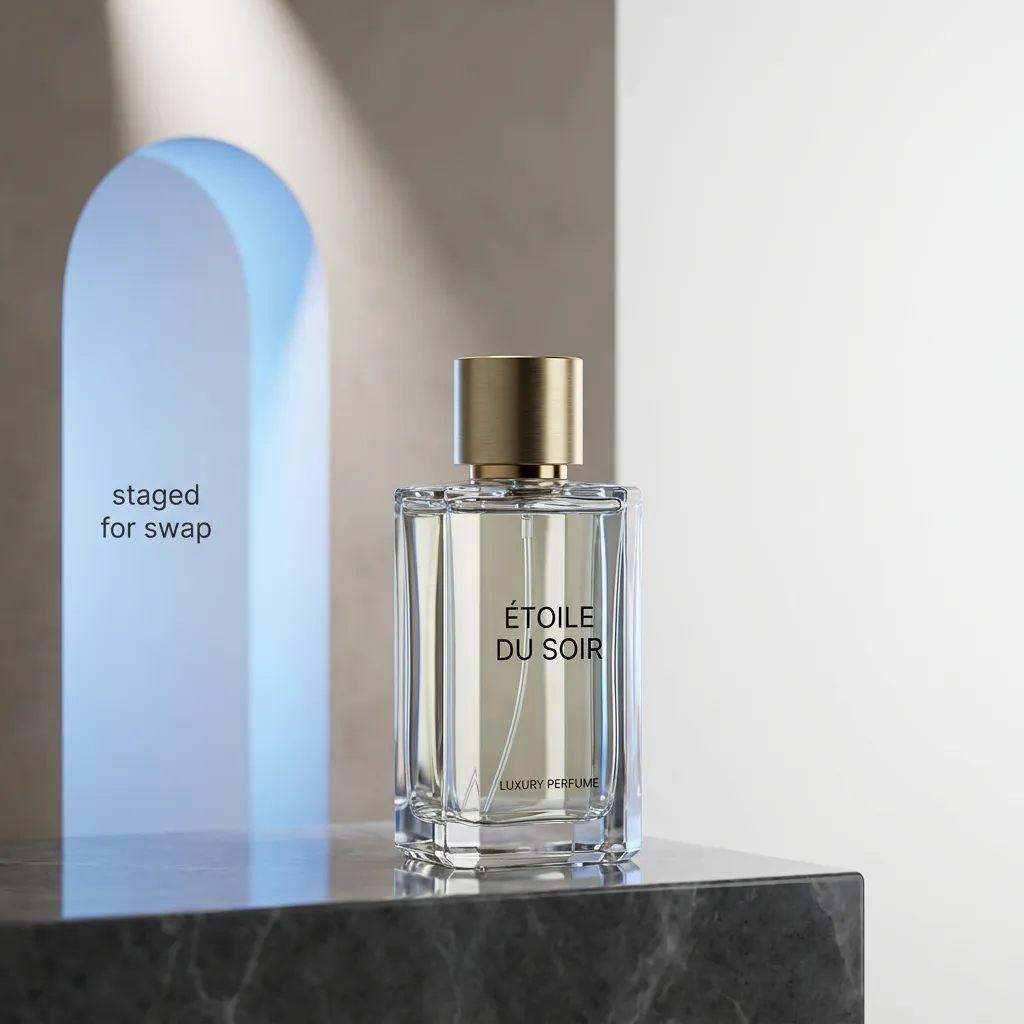
Change a product, prop, or background area while the rest of the clip keeps its motion, lighting, and identity.
04
Output crisp 4K natively for large displays, product films, and high-DPI social.

05
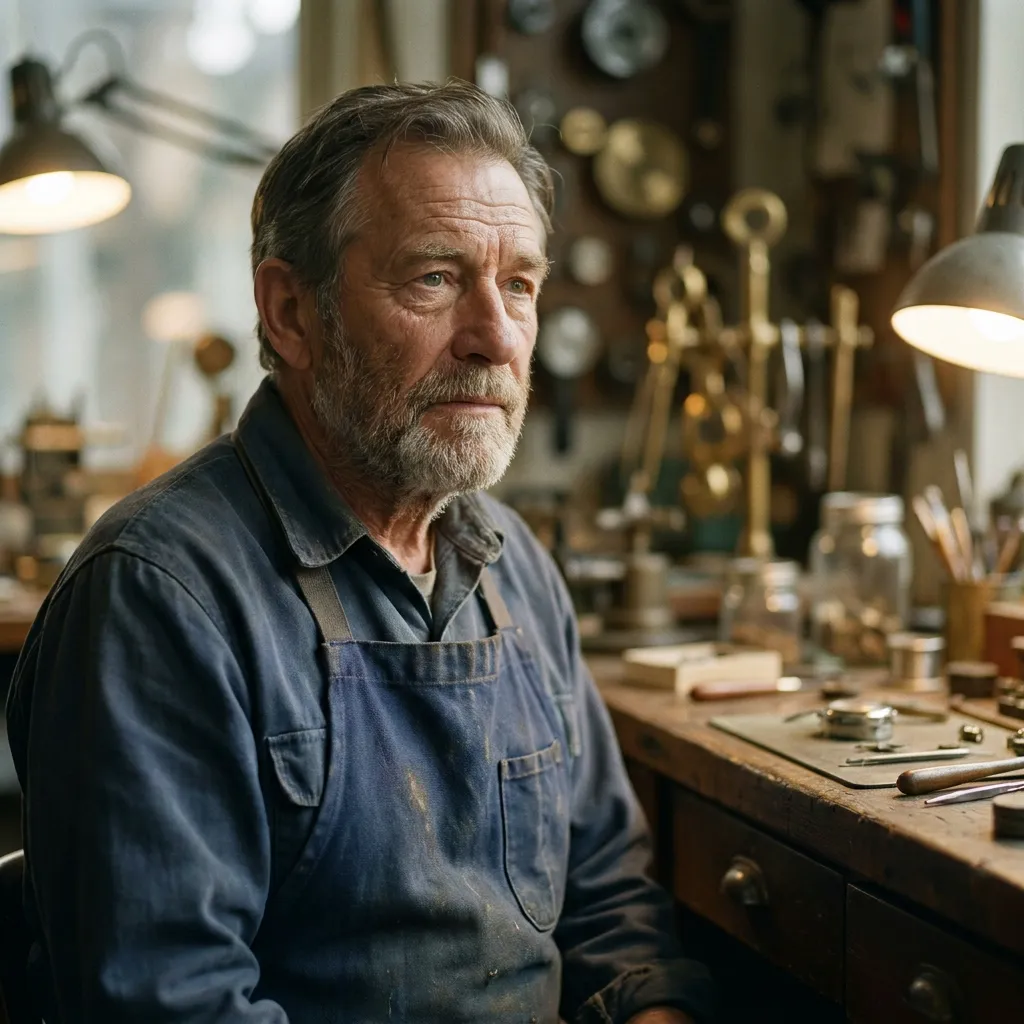
Keep identity, eyelines, and lip-sync stable while directing a 30-second performance with linked room sound.
06
Test opening beats as controlled variants while preserving the same product, palette, and final packshot.
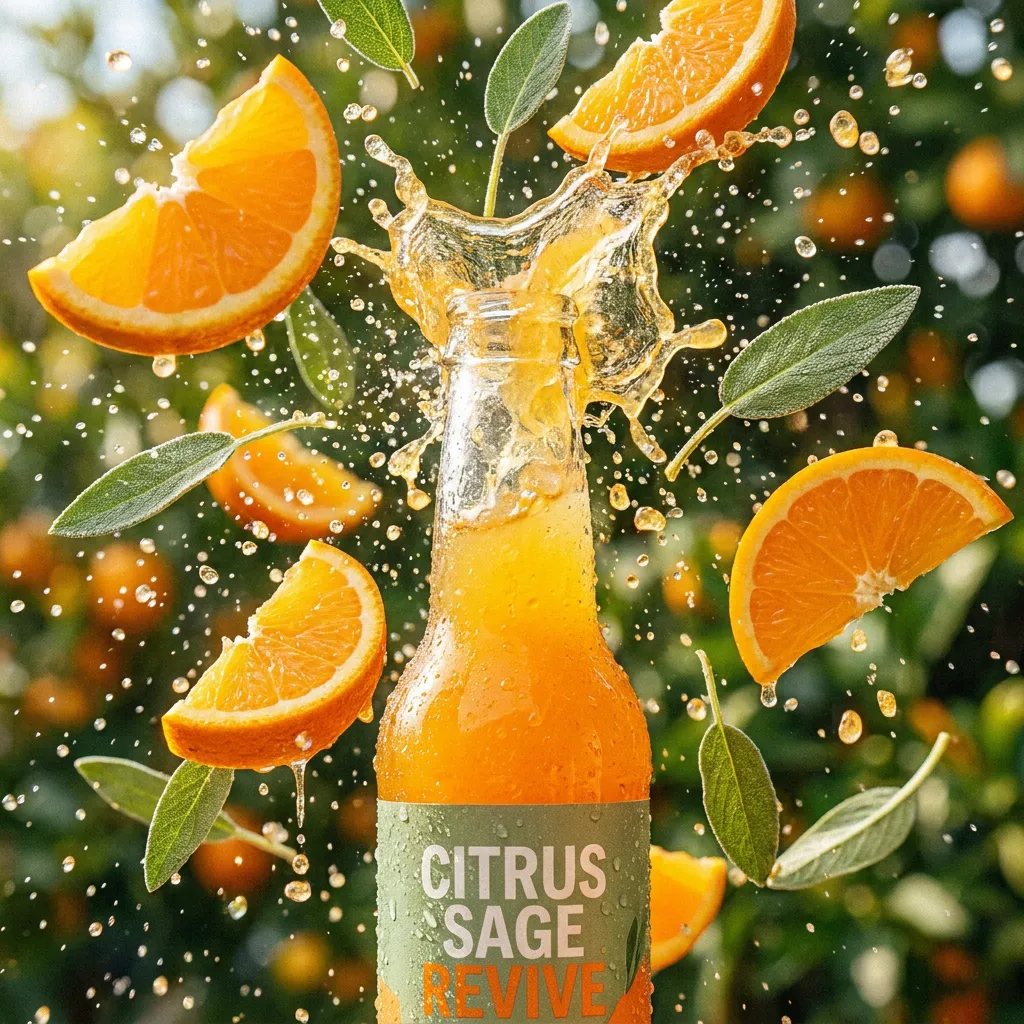
Perbandingan rute
Tabel ini memisahkan snapshot rute PixMind saat ini dari klaim tingkat keluarga ByteDance. Kredit dan kontrol yang terbuka harus diperiksa ulang di generator.
| Versi | Terbaik untuk | masukan | Durasi | Resolusi | Audio | Cuplikan kredit |
|---|---|---|---|---|---|---|
| Seedance 2.0 Pro | Referensi multimodal yang kompleks dan pengambilan akhir yang dipilih | Referensi teks, gambar, video, dan audio | 5, 10, atau 15 detik | 480p, 720p, 1080p; 4K memerlukan verifikasi langsung | Rute berkemampuan audio | Baca dari generator langsung |
| Seedance 2.5Saat ini | Native 30-second single-shot video with up to 50 multimodal references | Text, image, video, and audio references (up to 50) | Up to 30 seconds in a single shot | 480p, 720p, 1080p, native 4K | Rute berkemampuan audio | Baca dari generator langsung |
| Seedance 2.0 Fast | Ketukan storyboard, pengujian A/B kamera, dan kaitan sosial | Referensi teks, gambar, video, dan audio | 5, 10, atau 15 detik | 480p atau 720p | Rute berkemampuan audio | Baca dari generator langsung |
| Seedance 2.0 Mini | Menguji kecocokan referensi, komposisi, dan konflik cepat | Referensi teks, gambar, video, dan audio | 5, 10, atau 15 detik | 480p atau 720p | Rute berkemampuan audio | Baca dari generator langsung |
| Seedance 1.5 Pro | Perintah yang dipimpin gambar dan pengujian migrasi terkontrol | Teks atau maksimal dua gambar dalam respons saat ini | Generator langsung bersifat final; Konflik bidang API | 480p, 720p, atau 1080p | Rute berkemampuan audio | cuplikan API 40 poin; konfirmasi langsung |
Respons 1.5 Pro melaporkan 40 poin, tetapi durasinya bertentangan. Pro, Fast, dan Mini tidak menampilkan bidang titik stabil di snapshot titik akhir terverifikasi.
Apa yang harus diperhatikan setelah pengujian
Gunakan subjek yang lengkap, tepi yang bersih, kedalaman yang dapat dibaca, dan ruang yang cukup untuk gerakan yang diminta.
Pisahkan tindakan subjek dari pergerakan kamera dan hindari menumpuk beberapa perubahan besar dalam satu bidikan pendek.
Beralih ke 2.0 Pro saat pengambilan gambar memerlukan referensi multimodal, frame pertama/terakhir, atau arah audio yang lebih eksplisit.
Cara menggunakan versi ini
Give every image, video, text, or audio input a single explicit role (identity, shape, motion, palette, or rhythm).
Fix identity, wardrobe, props, screen direction, and the ending composition before adding complex motion.
Edit one region per pass and review identity, geometry, lighting, and timing in the full clip each time.
Read the live generator for the current credits at the chosen duration and resolution before submitting.
Perintah khusus versi
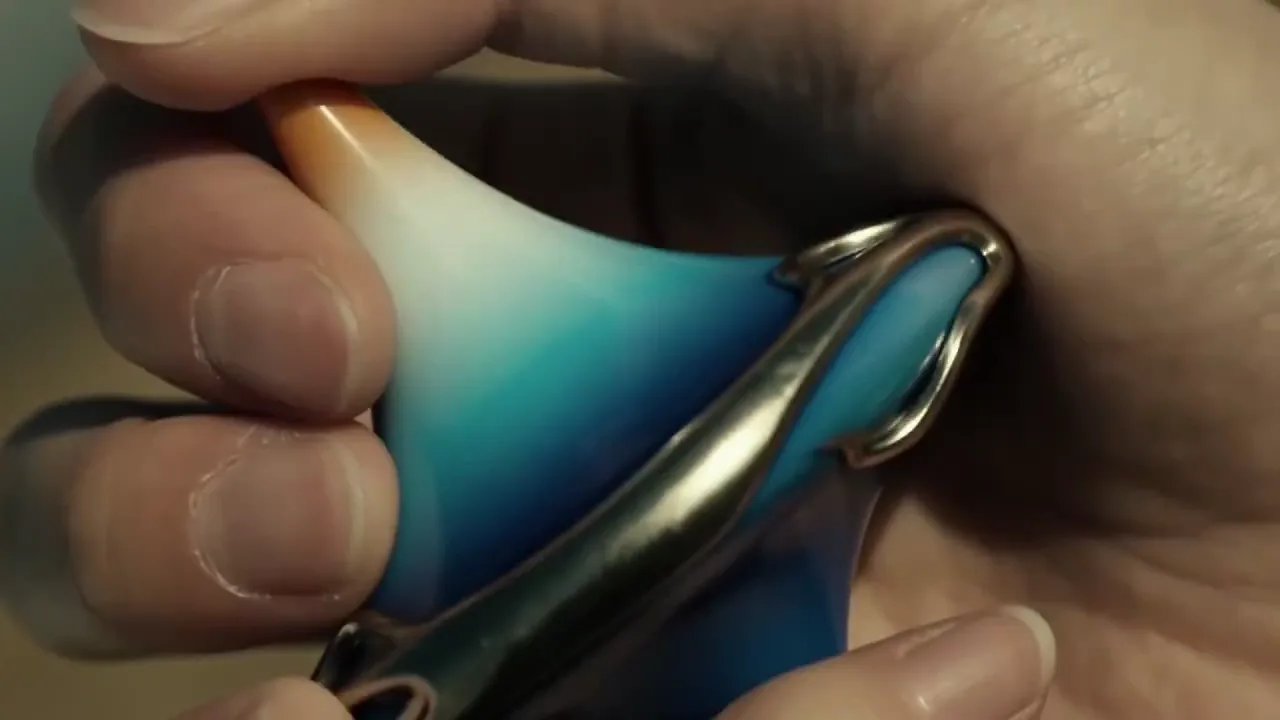
Cepat 01
Use the full native duration for one continuous reveal.
One continuous 30-second take. Use @Image 1 for exact product shape and @Image 2 for the studio palette. Slow controlled orbit around the product, one subtle environmental interaction at the midpoint, finish on the approved hero composition. Preserve shape, material, ports, and color. No generated text.
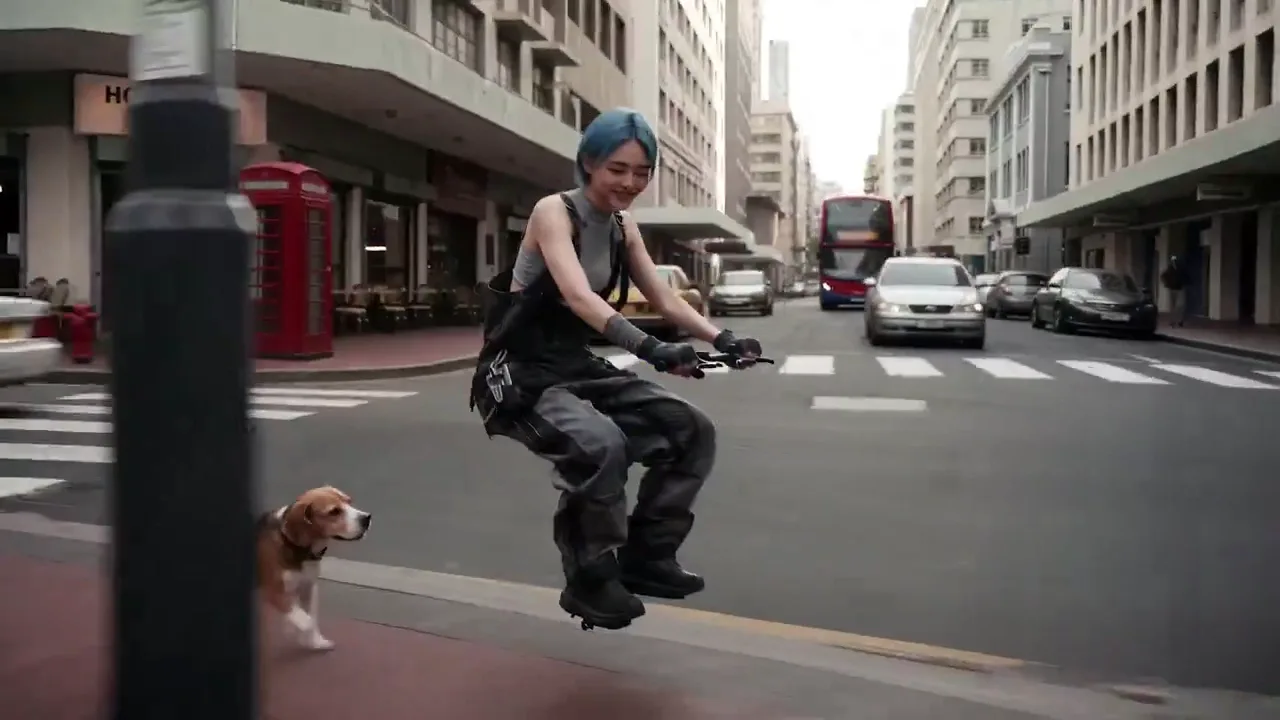
Cepat 02
Coordinate identity, motion, and sound across references.
Keep the character from @Image 1 unchanged. Use @Video 1 only for the body motion and @Audio 1 for the ambient rhythm. The character walks through the station, pauses, and looks toward the exit. Preserve facial features, wardrobe, and left-to-right screen direction.
Cepat 03
Change one area without re-generating the shot.
Keep the full clip motion, lighting, and identity fixed. Only replace the background product on the right shelf with the object in @Image 2, matching perspective, scale, and reflections. Do not alter the subject or camera path.
Pro
Quality-first multimodal video with reference and audio control.
Lihat versiPro
Native 30-second single-shot video with up to 50 multimodal references, 4K output, and region-level editing.
Fast
Rute Seedance 2.0 yang lebih cepat untuk alur kerja sosial, kampanye, dan pravisualisasi yang banyak iterasi.
Lihat versiMini
Opsi Seedance 2.0 yang lebih ringan untuk menguji ide multimodal sebelum melakukan rendering yang mengutamakan kualitas.
Lihat versiPro
Opsi gambar-ke-video yang telah terbukti dengan rasio aspek luas dan kontrol resolusi untuk pengambilan gambar langsung berdasarkan referensi.
Lihat versiNative single-shot video up to 30 seconds, up to 50 multimodal references (image, video, text, audio), region-level editing that preserves consistency, and native 4K output.
2.0 generates 5–15s clips with up to 9 references; 2.5 extends single-shot duration to 30 seconds, raises the reference limit to 50, and adds region-level editing.
Pass up to 50 inputs across image, video, text, and audio in one request. Give each a single explicit role and remove assets that compete for the same property.
Yes. Region-level editing lets you change a specific area while the rest of the clip keeps its motion, lighting, and identity. Edit one region per pass and review the full clip each time.
Single-shot clips up to 30 seconds and resolutions up to native 4K. Confirm the exact options in the live generator before submitting.
Pricing is not yet published. Read the live generator for the current credits at your chosen duration and resolution before submitting.
Yes. The unified audio-video architecture generates synchronized audio in the same task when the selected mode supports it. Review speech, lip movement, source matching, distortion, and timing before publishing.
Review identity, faces, hands, product geometry, text, logos, continuity, dialogue, and audio timing frame by frame across the full clip. Confirm rights for every uploaded person, brand, voice, image, video, and audio asset.
Langkah produksi selanjutnya
Return to the family hub for route selection, current parameter notes, and migration guidance.