Texto a vídeo
Reutilice un resumen de toma conocido de Veo 3 o escriba una escena coherente con sujeto, acción, cámara, luz, sonido y final.

Google Cloud · Ruta de calidad establecida
Utilice la ruta establecida de Veo 3 para avisos compatibles y proyectos existentes, luego compárelo con 3.1 antes de comenzar una nueva campaña de calidad final.
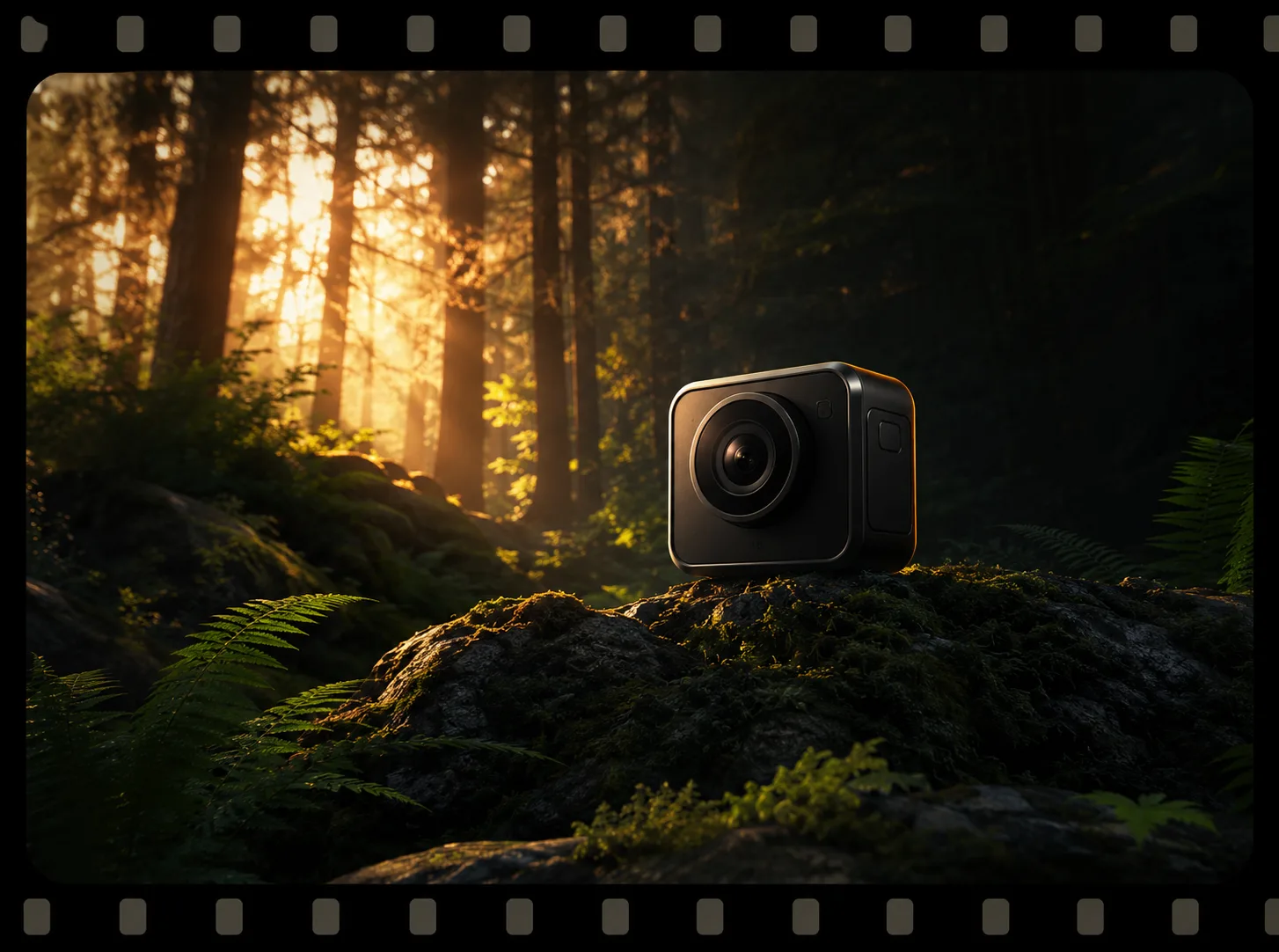
Cobertura de ruta, no un reclamo de producción generada.
Espacio de trabajo modelo exacto
El generador está anclado a veo-3. La configuración actual y los créditos cargados provienen de la ruta en vivo.
Elija la entrada que ya contiene la parte más importante de la toma, luego confirme los controles actuales en el generador.
Reutilice un resumen de toma conocido de Veo 3 o escriba una escena coherente con sujeto, acción, cámara, luz, sonido y final.
Utilice una imagen aprobada para anclar la identidad o la composición de apertura, luego solicite una acción legible y un movimiento de cámara controlado.
Flujo de trabajo de ruta establecida
Mantenga una toma breve de Veo 3 comprobada como base de producción cuando una campaña existente ya tenga encuadre, ritmo y dirección de sonido aprobados. Conserve las variables que importan antes de preguntarse si una migración de Veo 3.1 crea resultados más utilizables.

Flujo de trabajo de ruta establecida
La ruta actual de PixMind informa tanto la entrada de texto como de imágenes. Empiece por el texto cuando la escena todavía sea una idea; Utilice una imagen aprobada cuando la identidad del personaje, la geometría del producto, el vestuario o la composición de apertura deban permanecer reconocibles.
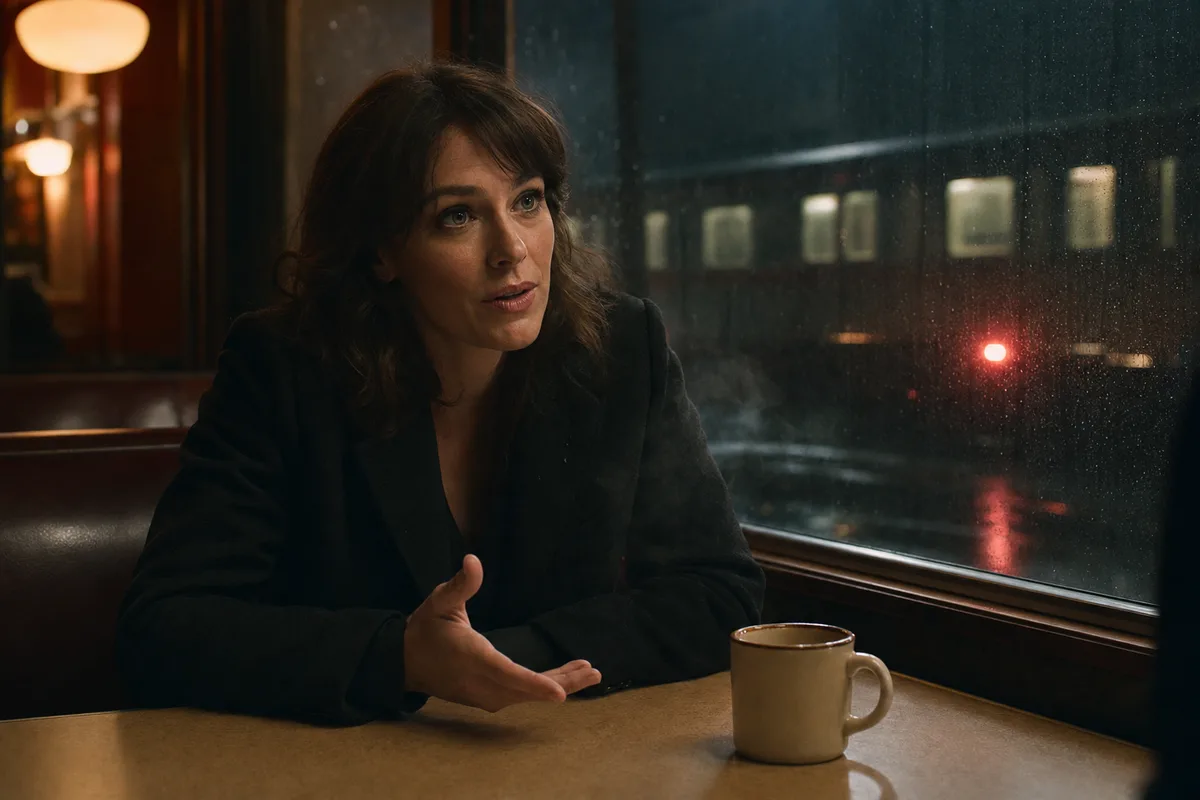
Flujo de trabajo de ruta establecida
Veo 3 puede crear un prototipo de una acción visible y su sonido como una escena corta. Coloque un diálogo breve, el tono de la sala, un sonido ambiental o una única señal de impacto junto a la acción que apoya, luego revise la redacción real y el momento tras generación.
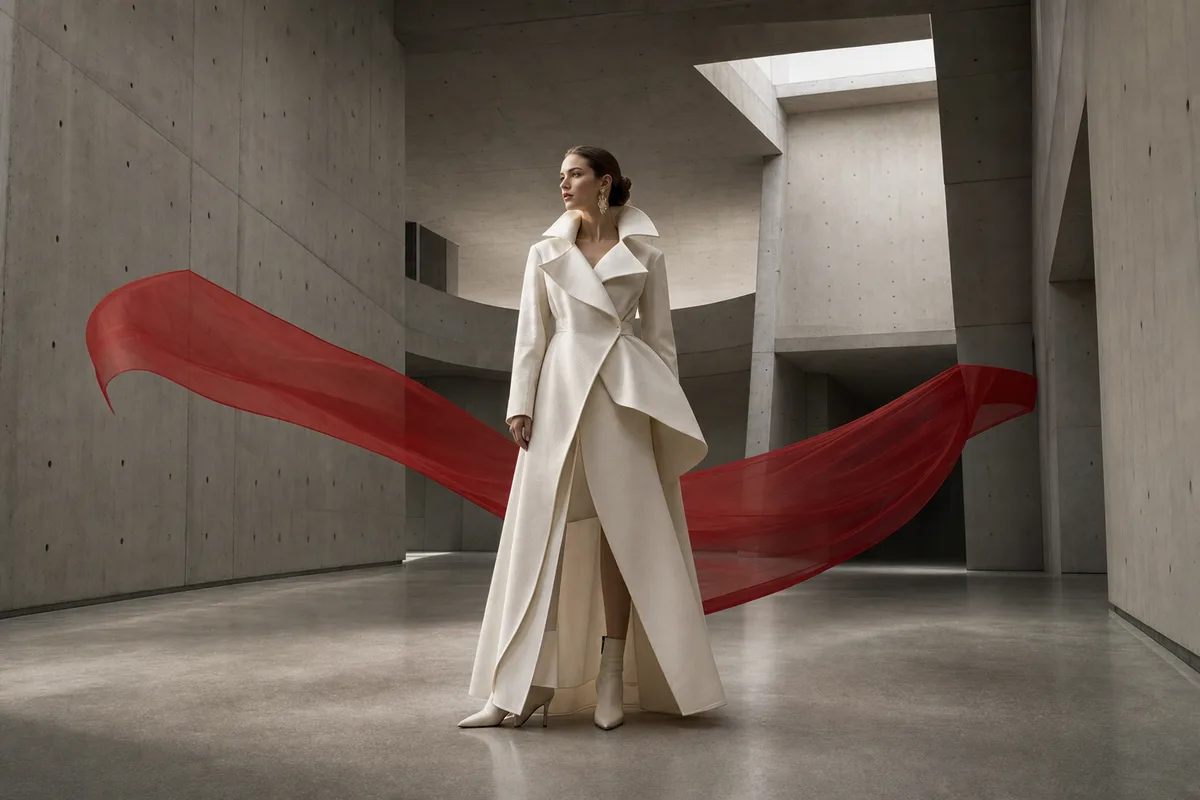
Flujo de trabajo de ruta establecida
La decisión sobre la versión debe basarse en resultados de producción utilizables, no en un marco atractivo. Ejecute la misma entrada a través de Veo 3 y Veo 3.1, luego compare la coherencia, la sincronización del audio, los reintentos, el costo del crédito y si el fotograma final puede ingresar a una edición.
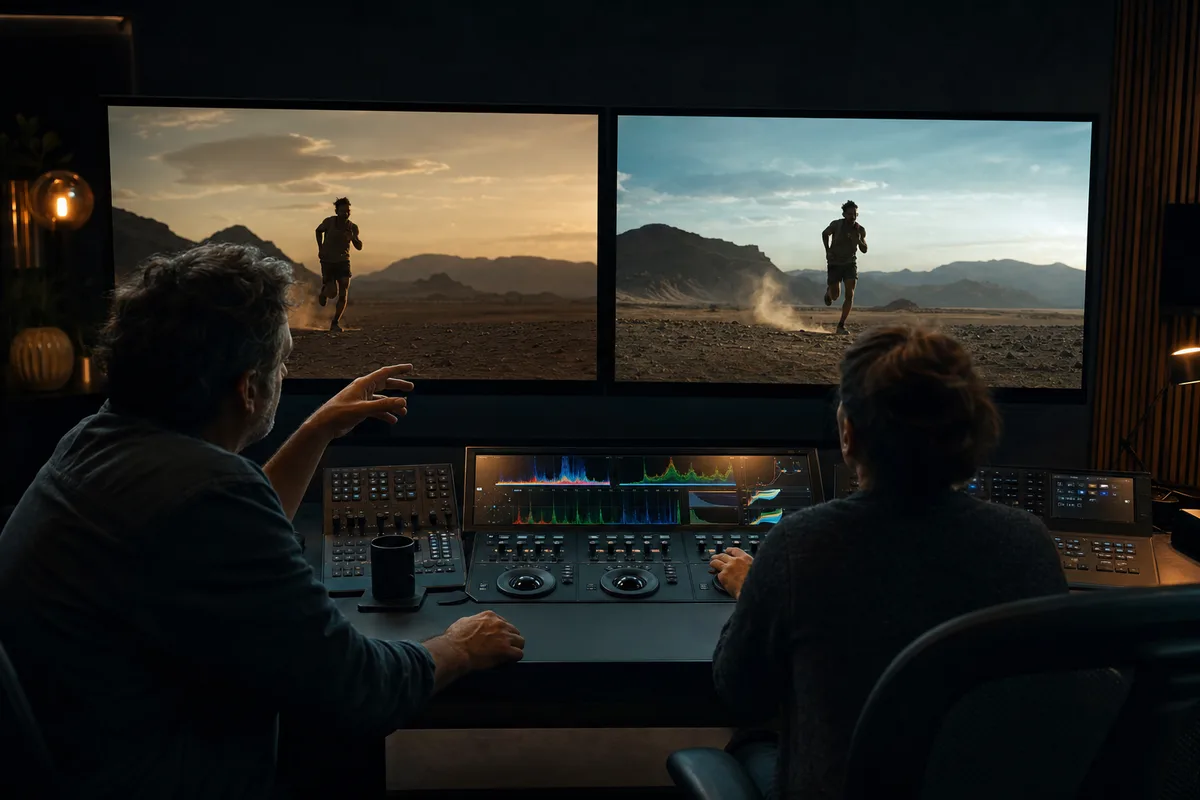
Comparación de rutas Veo
Elija por etapa de producción en lugar de asumir que la ruta más nueva o más barata se adapta a cada toma.
| Ruta | Rol de producción | Entrada | Duración máxima | Audio | Créditos de auditoría |
|---|---|---|---|---|---|
| Veo 3.1 | Tomas cinematográficas de calidad final. | Texto o una imagen | 8s | Soporte de audio para informes de modelos; sin alternancia de audio separada | 60 |
| Veo 3Actual | Flujos de trabajo existentes de Veo 3 | Texto o imagen | 8s | Ruta con capacidad de audio | 50 |
| Veo 3.0 Fast | Borradores y planificación de tomas. | Texto o imagen | 8s | Ruta con capacidad de audio | 30 |
Instantánea de la API de producción verificada el 2026-07-13. El generador en vivo es definitivo para los controles y créditos actuales.
Veo 3 es más útil cuando un resumen de toma existente ya tiene una composición, un ritmo y un historial de aprobación conocidos.
Mantenga la entrada idéntica y compare fotogramas utilizables, temporización de audio, identidad, coste y reintentos en lugar de juzgar un fotograma atractivo.
Las caras, la geometría del producto, el texto generado, la redacción de los diálogos y los derechos aún necesitan una verificación de producción final.
Utilice el tema, la acción, la cámara, la luz, el sonido y el final ya aprobados en el flujo de trabajo existente.
Elija texto o una imagen y verifique la duración, resolución, proporción y créditos en el generador en vivo.
Ejecute la misma entrada en Veo 3.1 y compare la salida utilizable en lugar de las etiquetas de versión únicamente.
Ejemplos basados en tareas
Compruebe si un mensaje probado de Veo 3 todavía produce la composición esperada.
Pruebe una acción visible y una señal de sonido antes de realizar una edición más larga.
Utilice una imagen aprobada para anclar la identidad y la composición de apertura.
Datos de ruta en vivo
La respuesta del modelo en vivo informa texto o una imagen, opciones de 4/6/8 segundos, 720p o 1080p, 16:9 o 9:16, capacidad de audio y una instantánea de auditoría de 50 créditos.
La respuesta actual del modelo PixMind informa la entrada de imágenes. Cargue una imagen limpia cuando la identidad o la composición de apertura sean importantes y verifique el modo disponible en el generador en vivo.
La ruta actual informa la capacidad de audio. Describe el diálogo o el ambiente junto a la acción visible y revisa la redacción, el momento y los artefactos generados.
Elija Veo 3 cuando mantenga un mensaje aprobado o cuando sea importante el flujo de trabajo de Veo 3 existente. Compare nuevas campañas de calidad final con Veo 3.1.
No. Es una instantánea fechada del punto final del modelo de producción. El generador en vivo es la fuente final de créditos y controles actuales.
Fuentes de hechos modelo
Utilice la ruta establecida de Veo 3 para avisos compatibles y proyectos existentes, luego compárelo con 3.1 antes de comenzar una nueva campaña de calidad final.
Crear con Veo 3