
AI 이미지 프롬프트 갤러리
150개의 AI 이미지 생성 프롬프트
Cinematic Portraits
Film stills, editorial headshots, moody portraits, and dramatic character photography
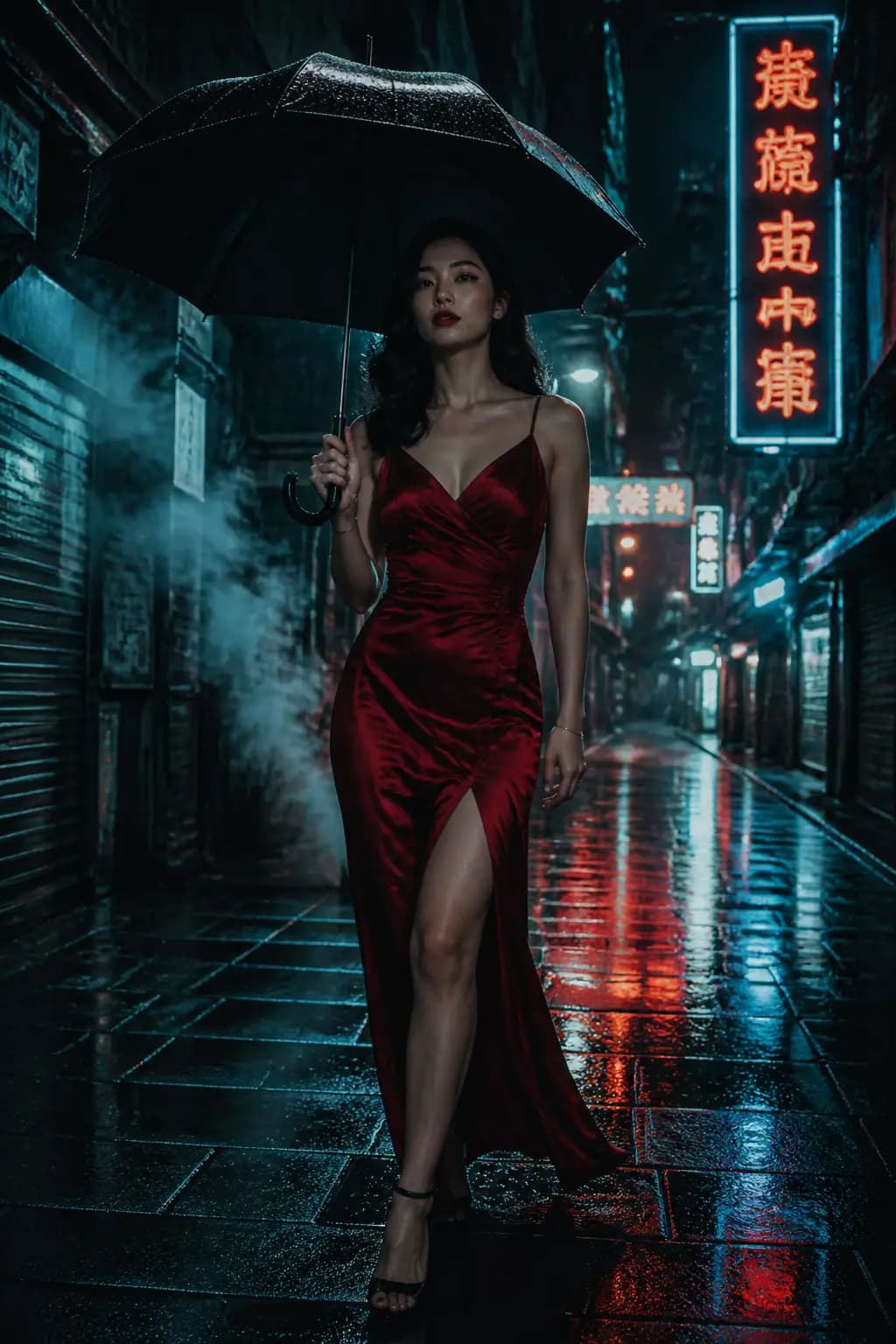
Neo-Noir Hong Kong Alley
#01기법: The color story (red against teal) is explicit, the camera is named (anamorphic), and the era (film noir) gives the model a stylistic anchor.
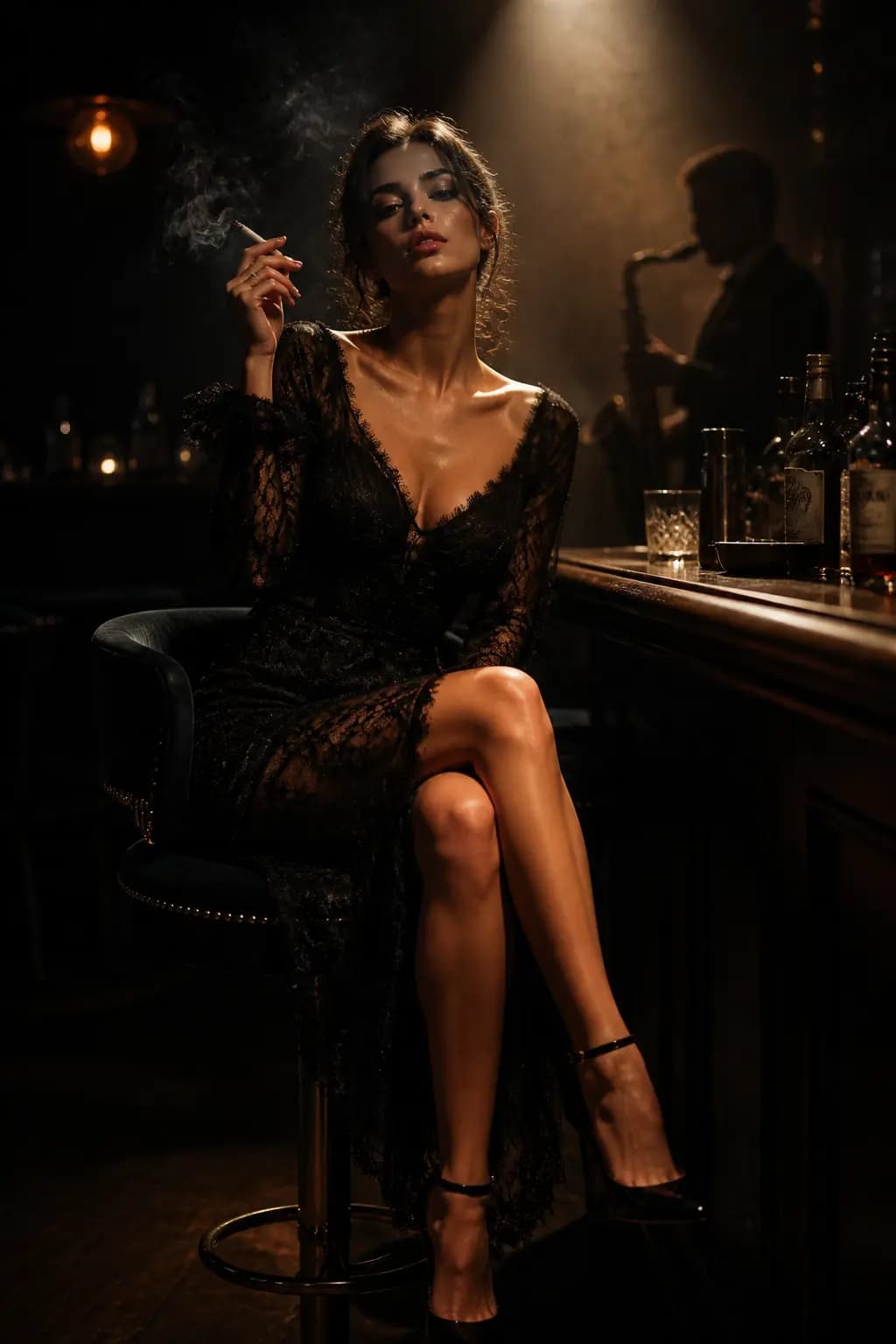
Jazz Bar Rembrandt Lighting
#02
Blade Runner Rooftop
#03
Wes Anderson Symmetrical Hotel Lobby
#04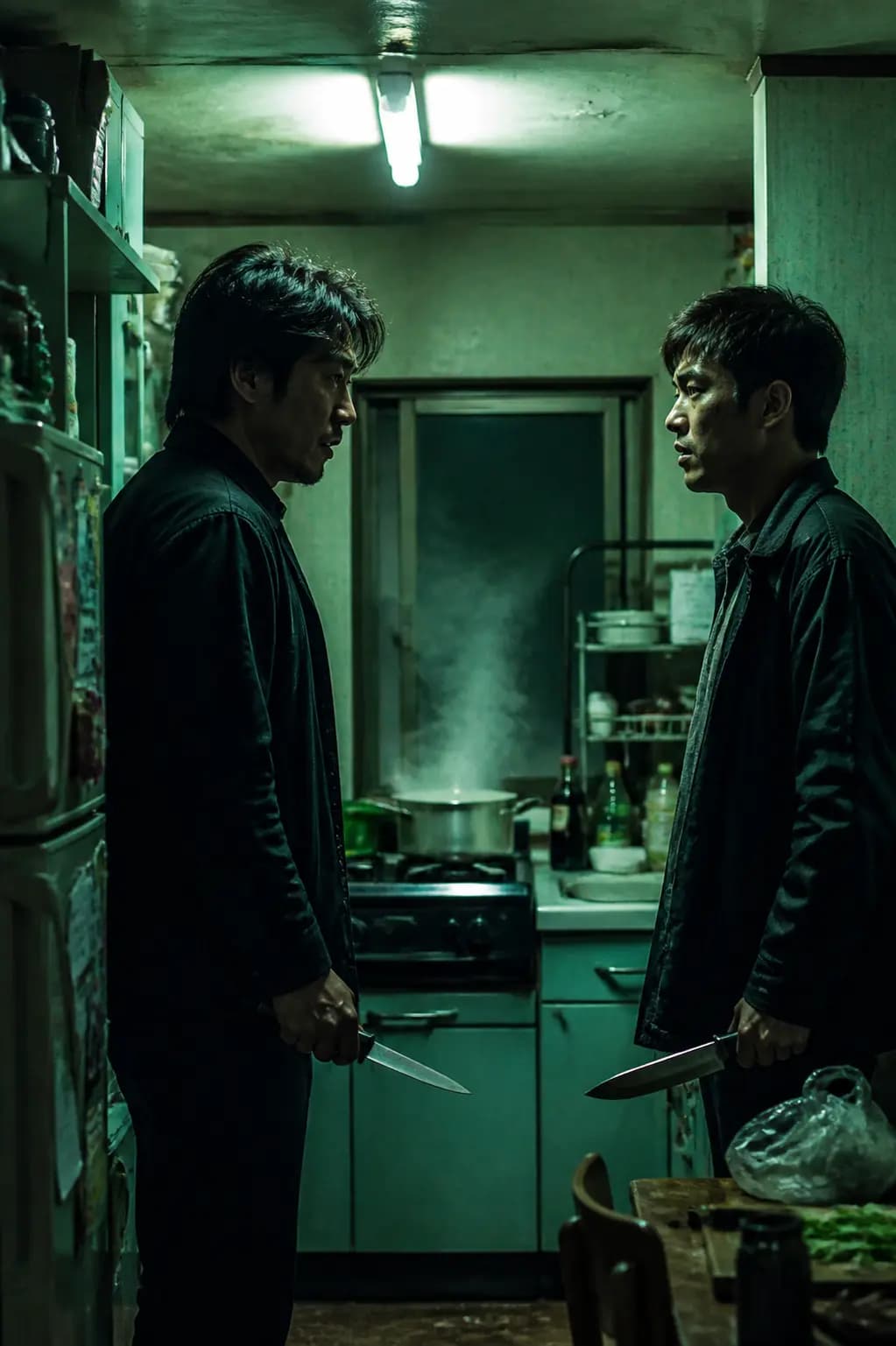
Korean Thriller Kitchen Standoff
#05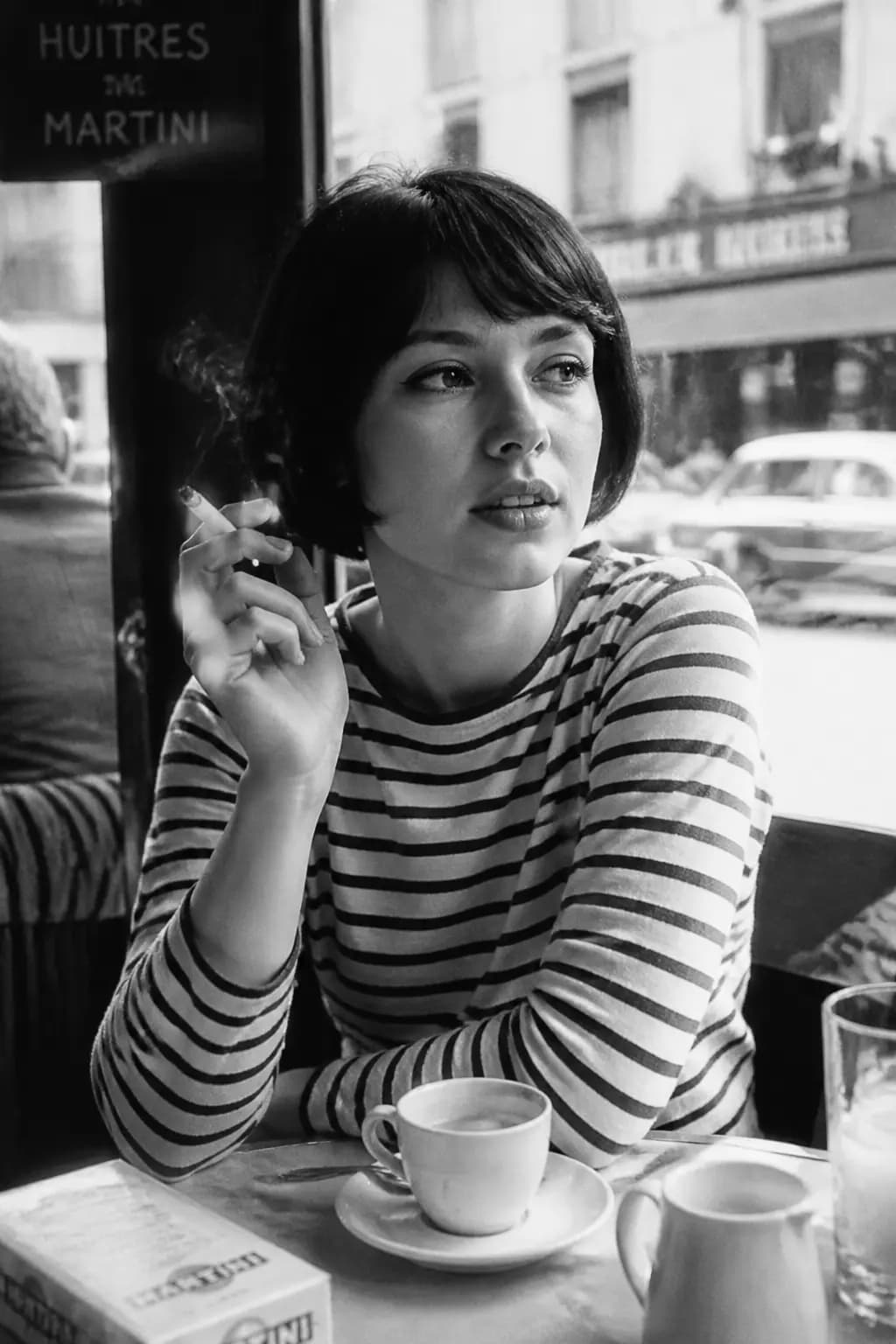
French New Wave Cafe
#06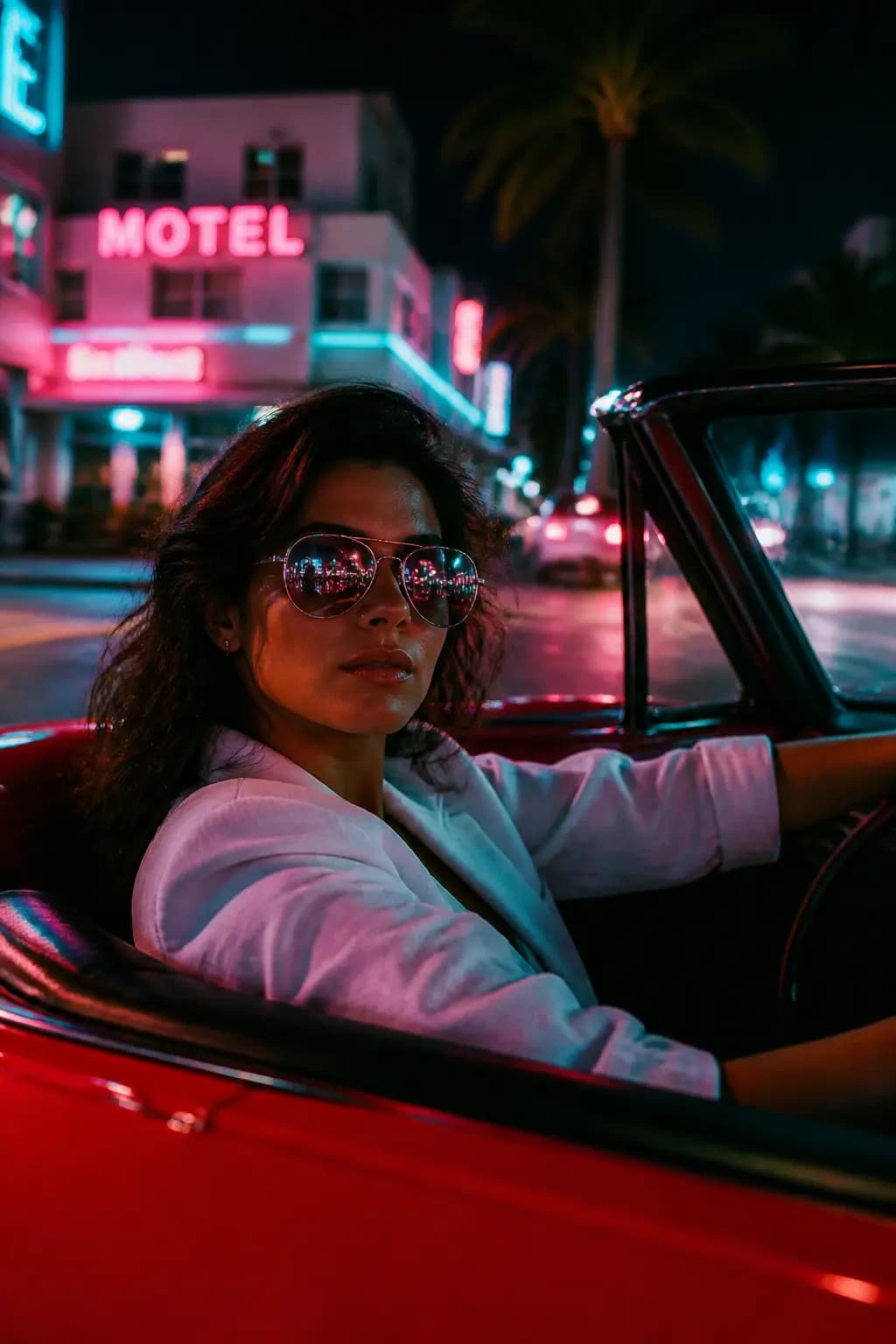
Miami Vice Neon Drive
#07
Studio Ghibli Live-Action Adaptation
#08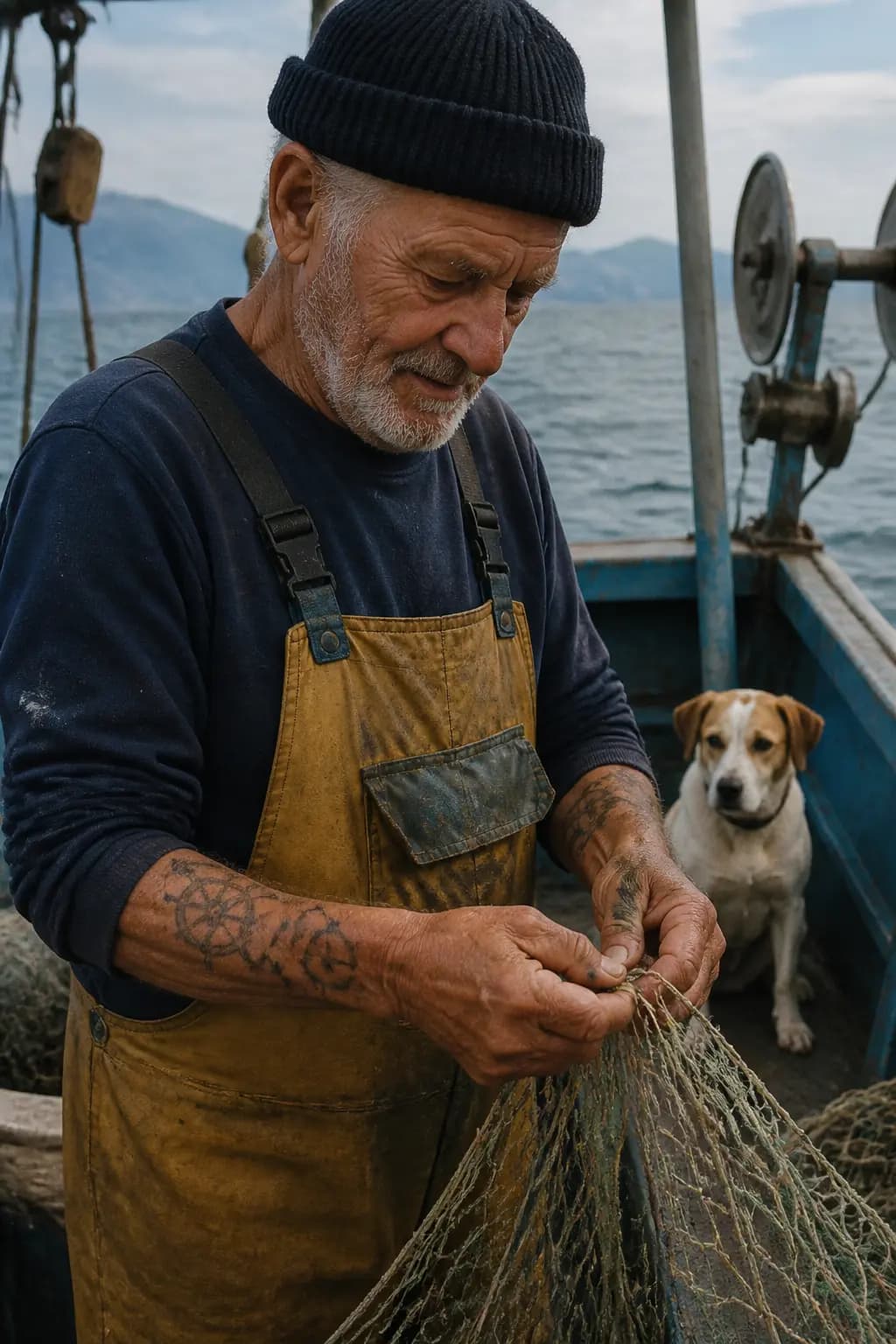
Candid Elderly Sailor
#09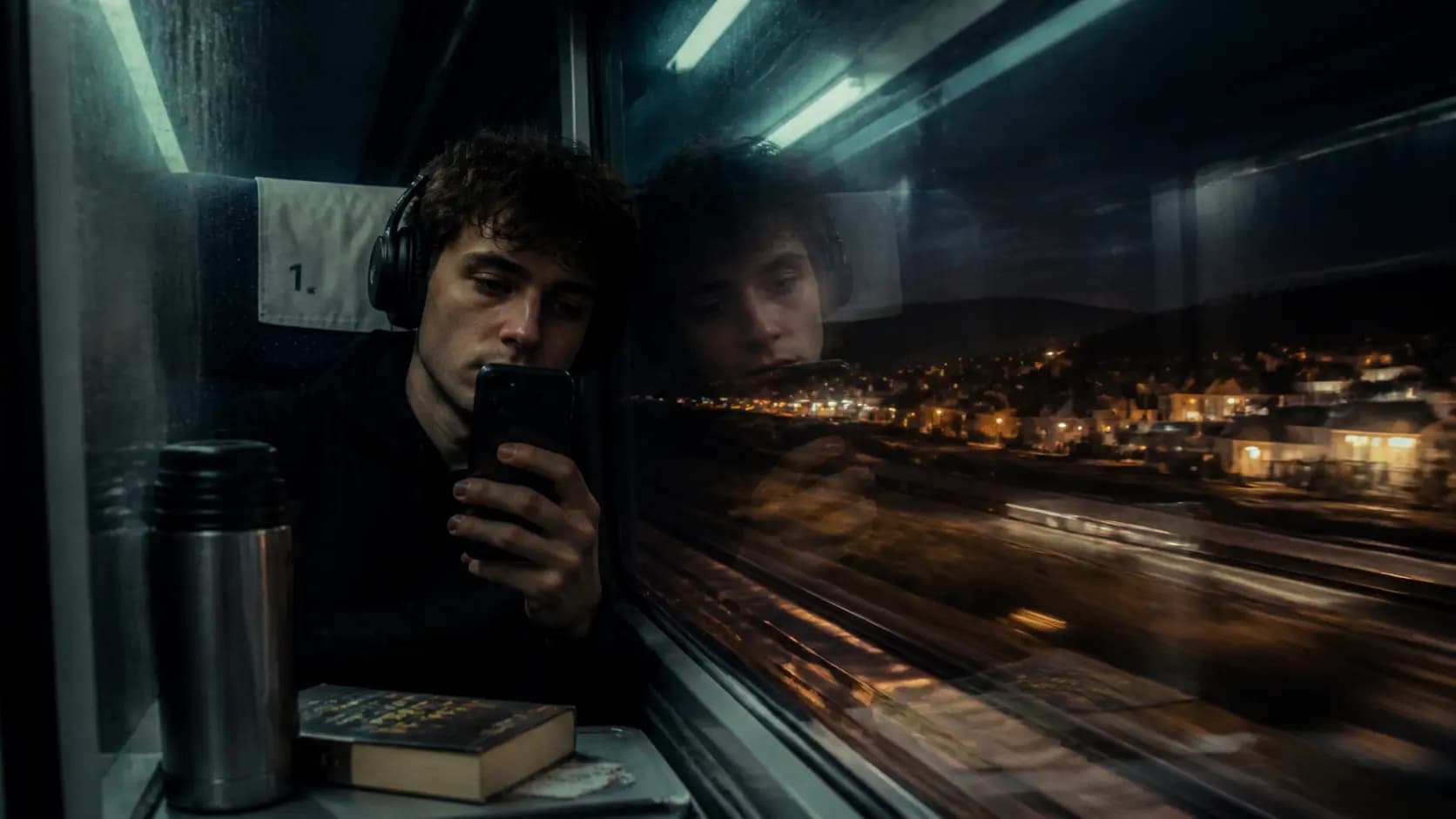
Reflection Self-Portrait in Night Train
#10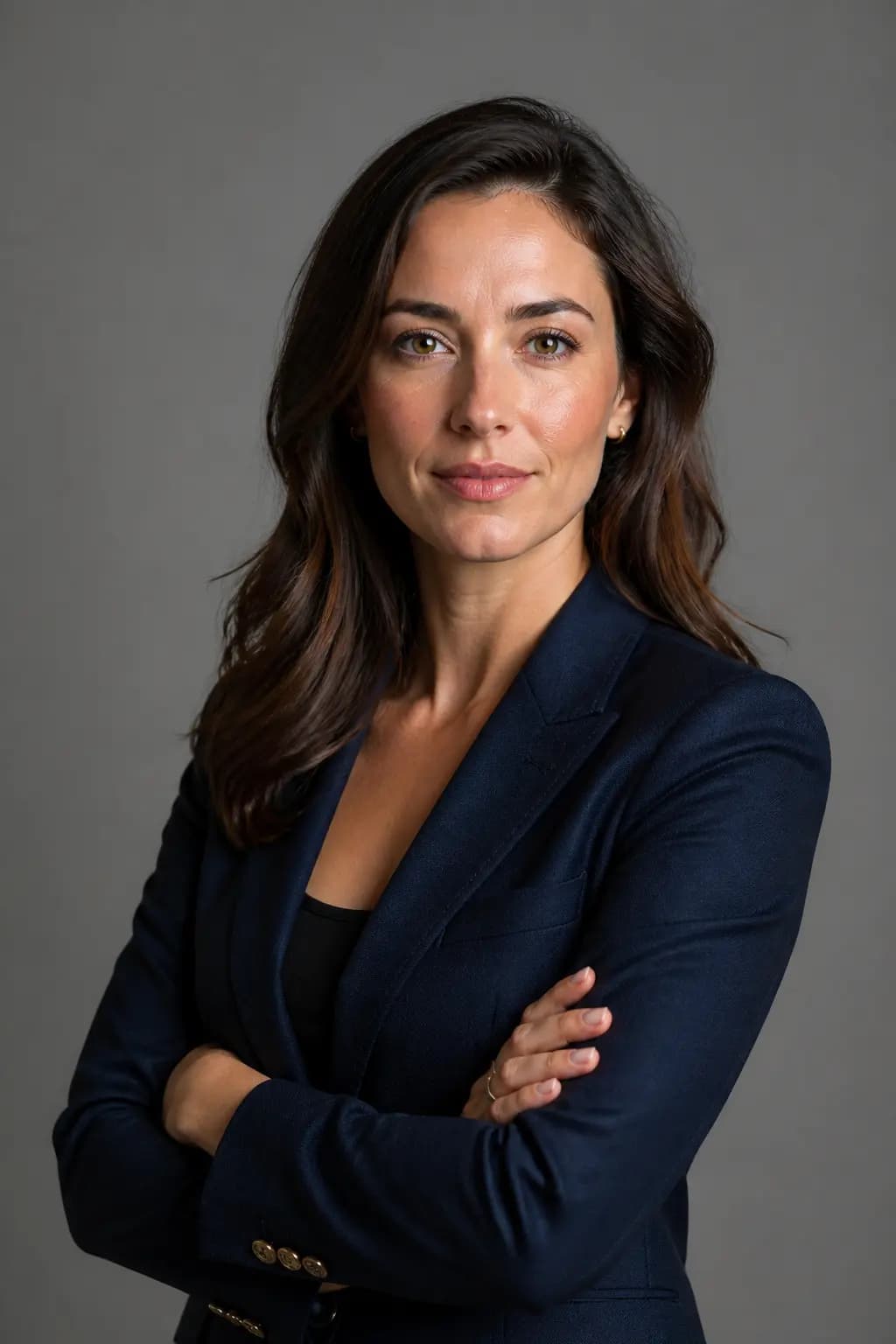
Professional LinkedIn Headshot
#11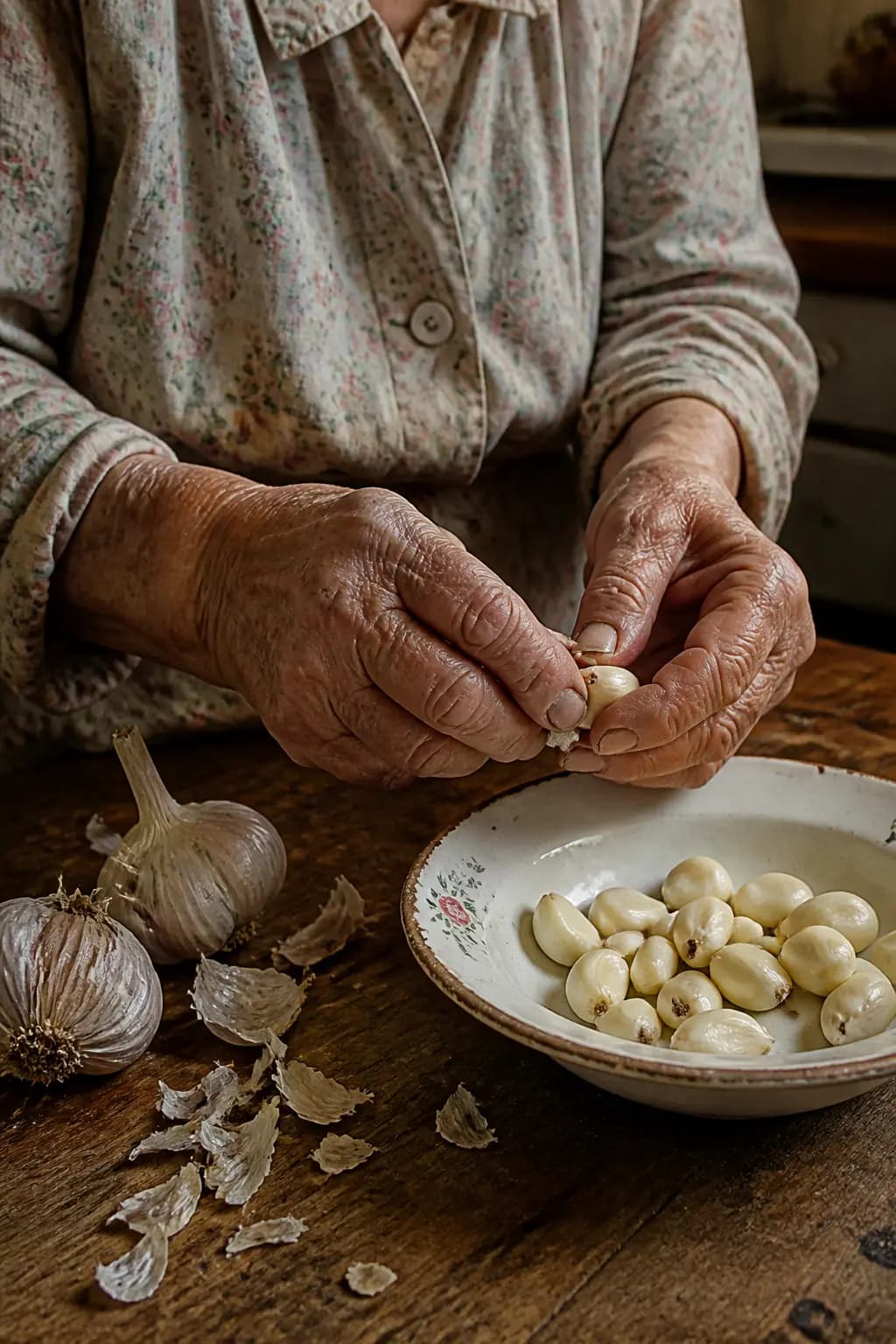
Quiet Still Life - Elderly Hands
#12기법: Medium format feel, north-window light, wrinkles, nail imperfection. Restraint is the aesthetic -- specify visible imperfections to avoid plastic-looking results.
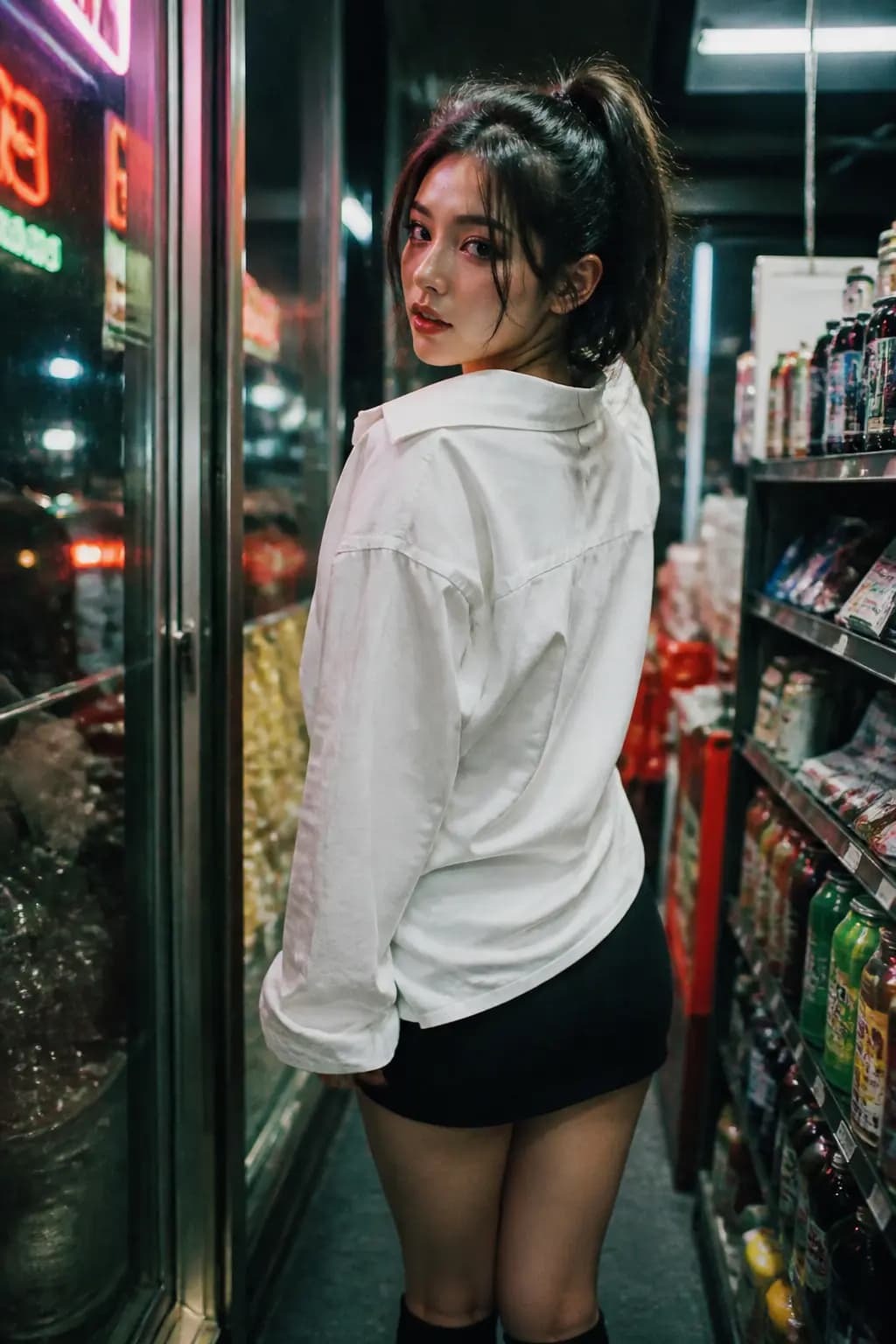
Convenience Store Neon Portrait
#13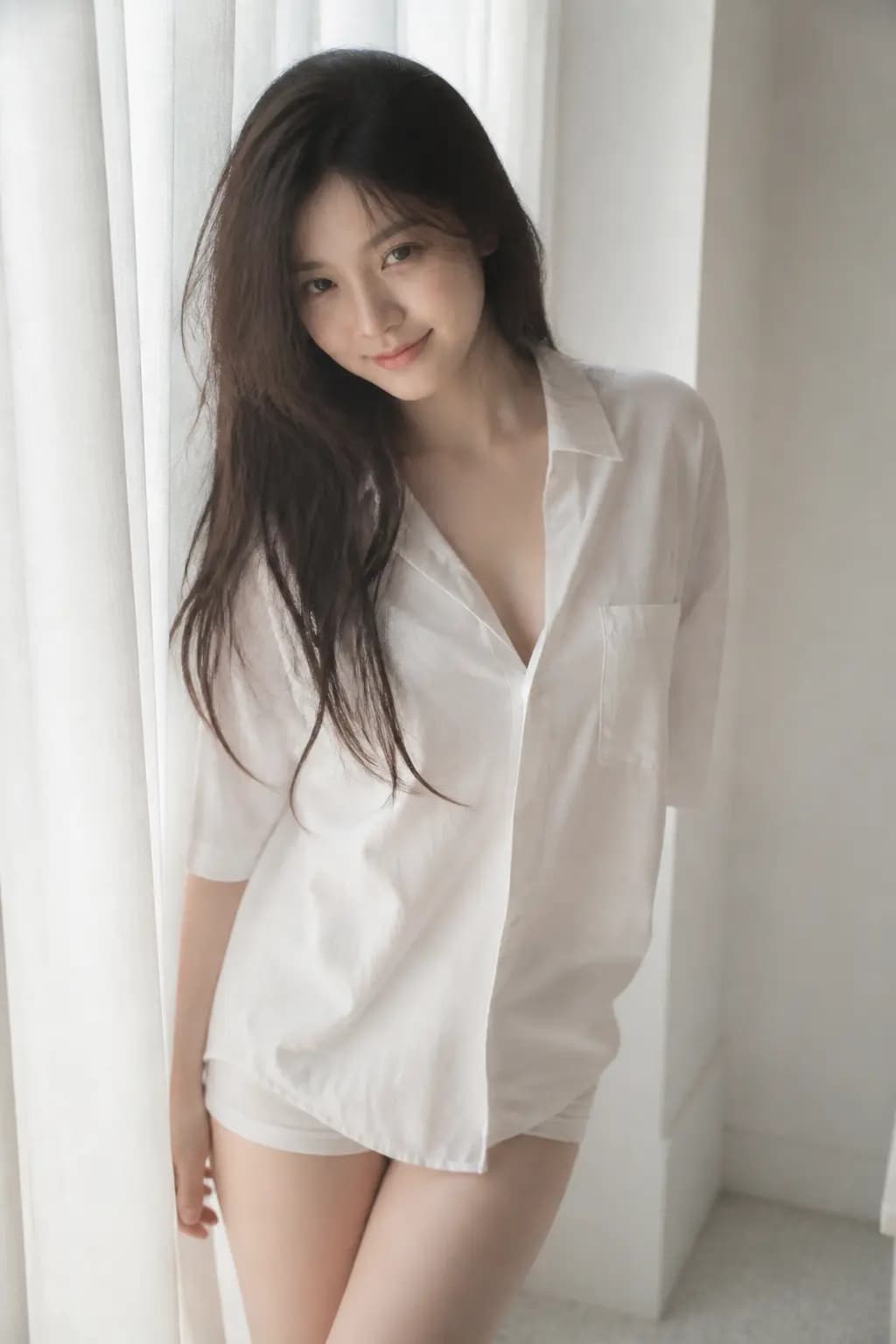
Soft Black Mist Idol Portrait
#14
Villeneuve Desert Epic
#15
Fenty Beauty Macro Portrait
#16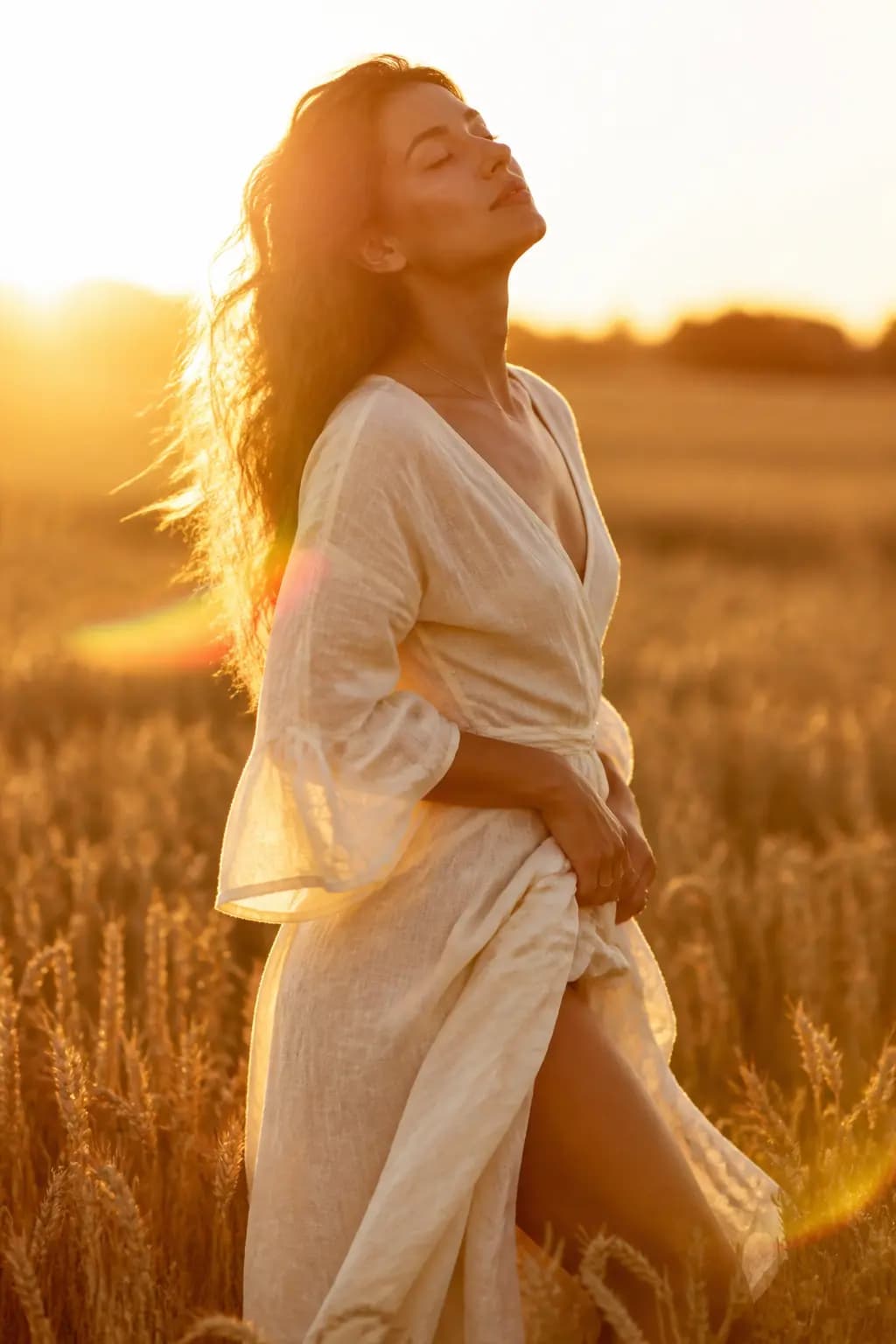
Golden Hour Romantic Portrait
#17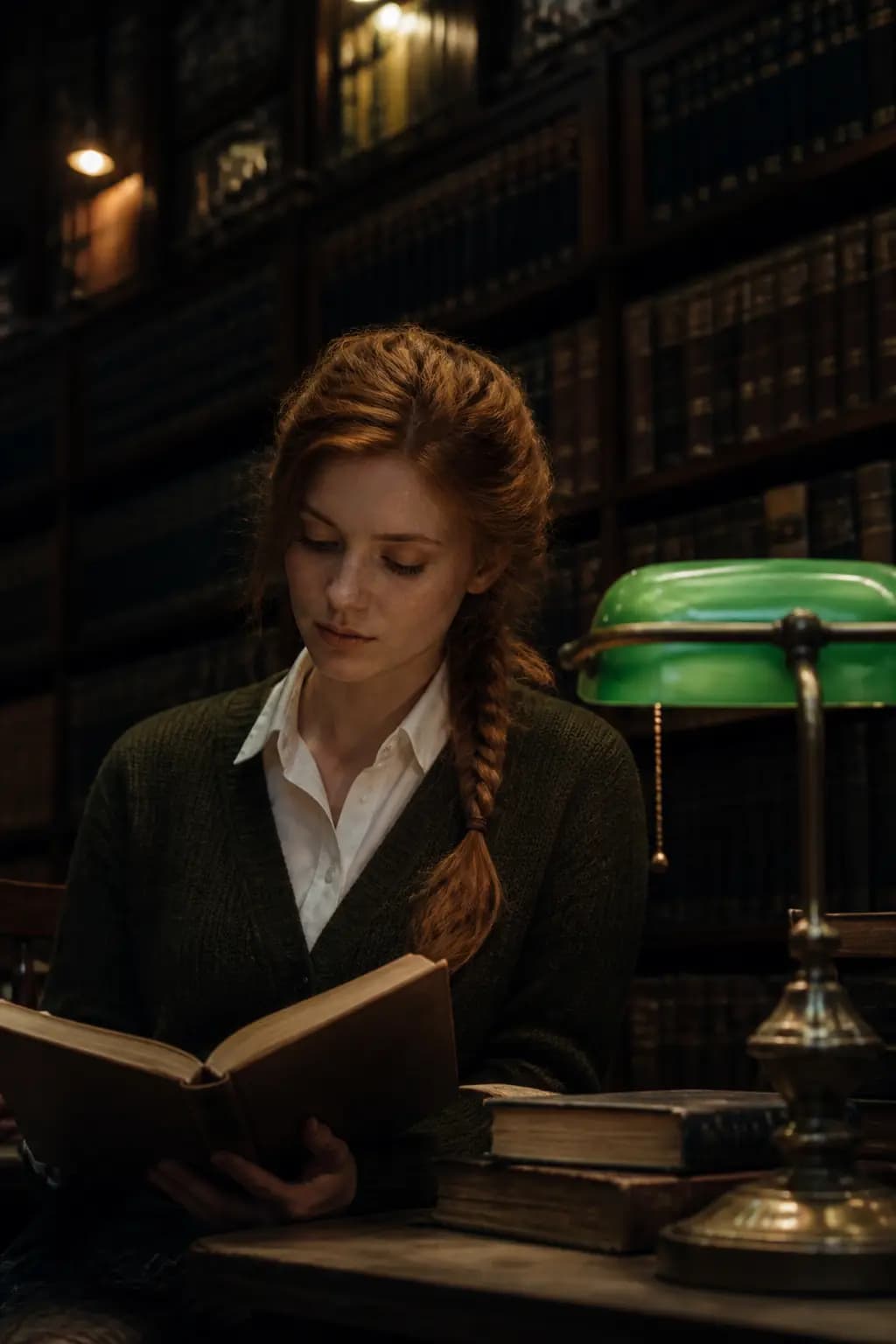
Dark Academia Library Portrait
#18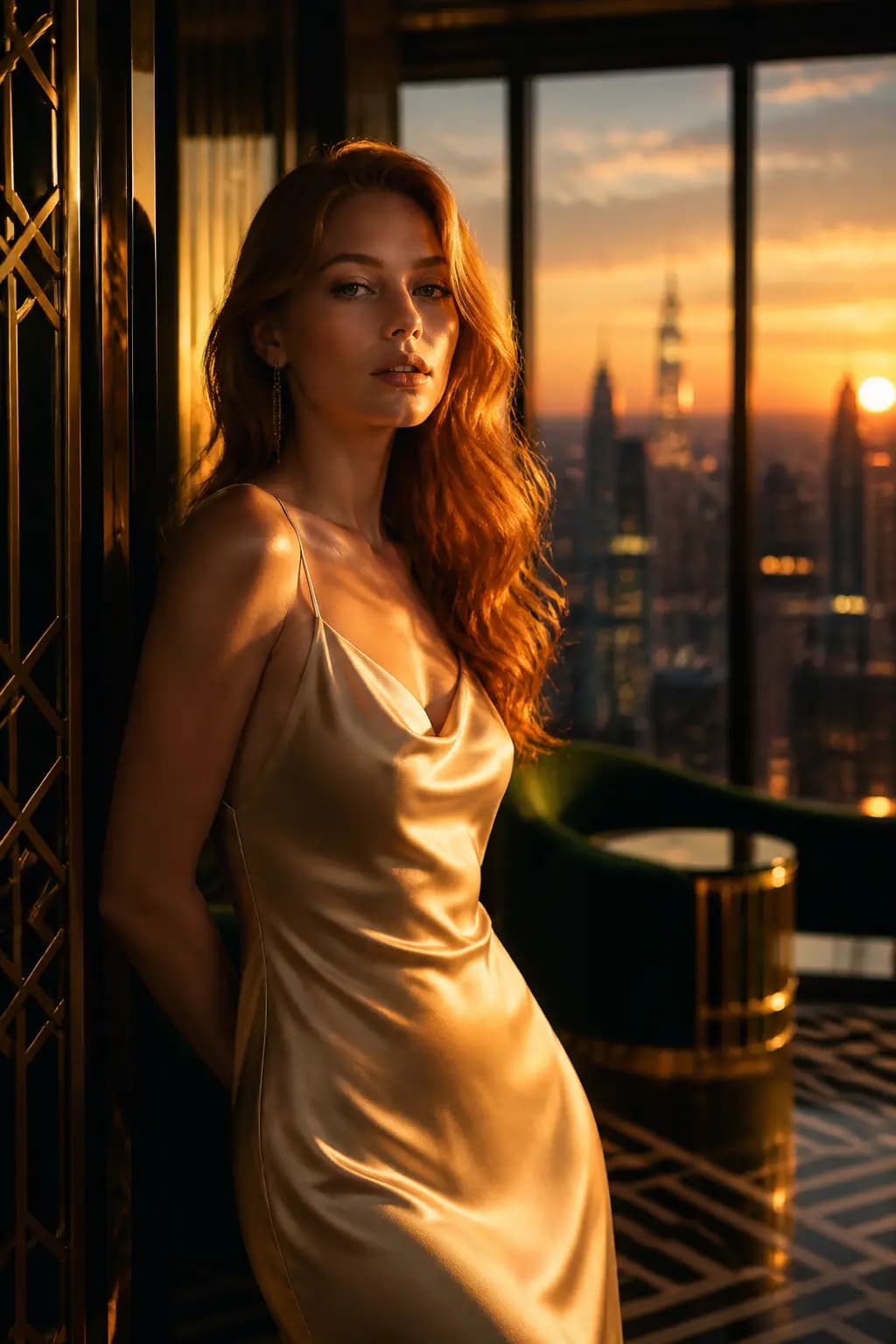
Art Deco Penthouse Fashion Editorial
#19기법: Same subject as "A woman standing in a room" but every ambiguity has been resolved for the model.

35mm Flash Editorial Portrait
#20
Vertical Wuxia Heroine Portrait
#21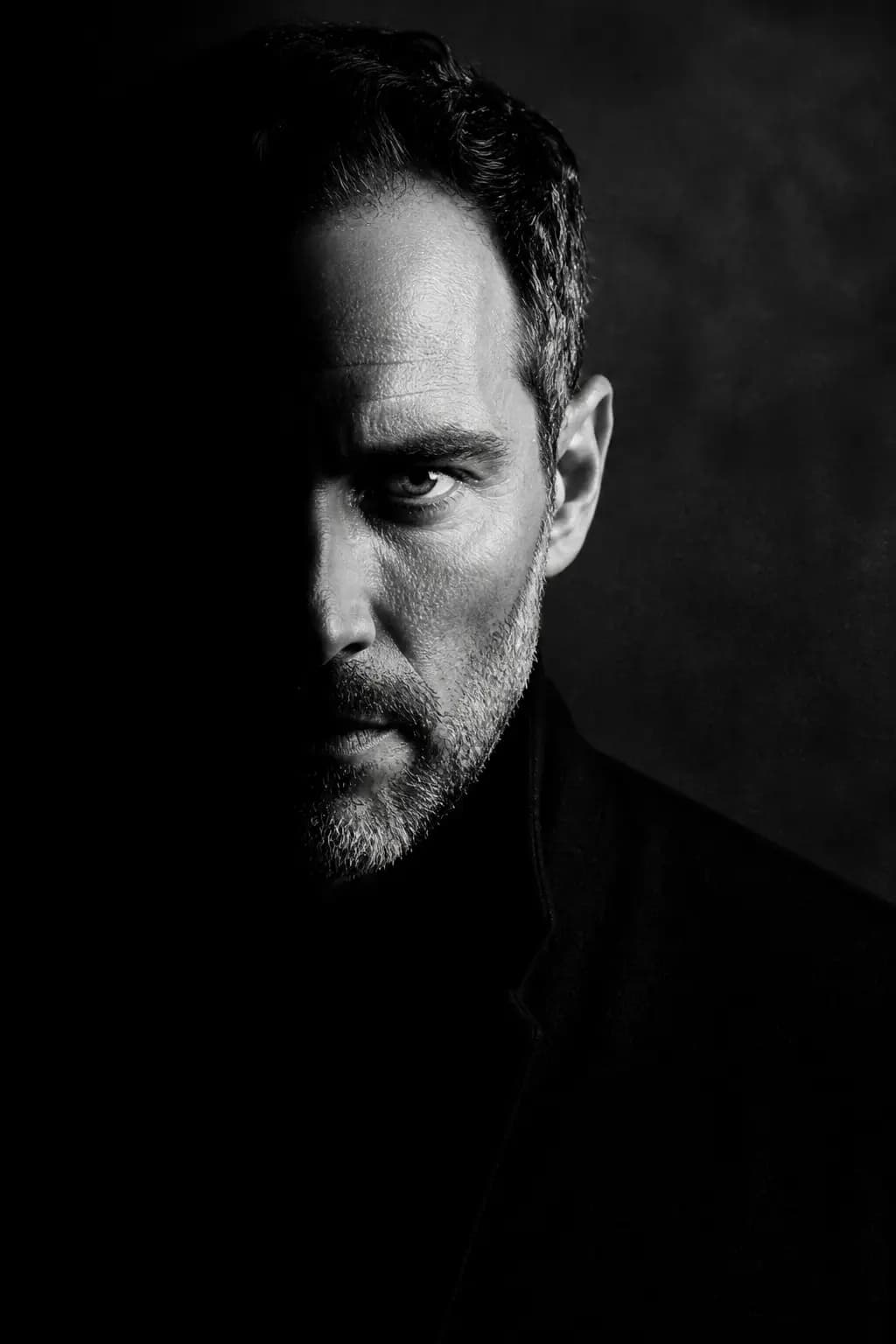
Moody Monochrome Portrait
#22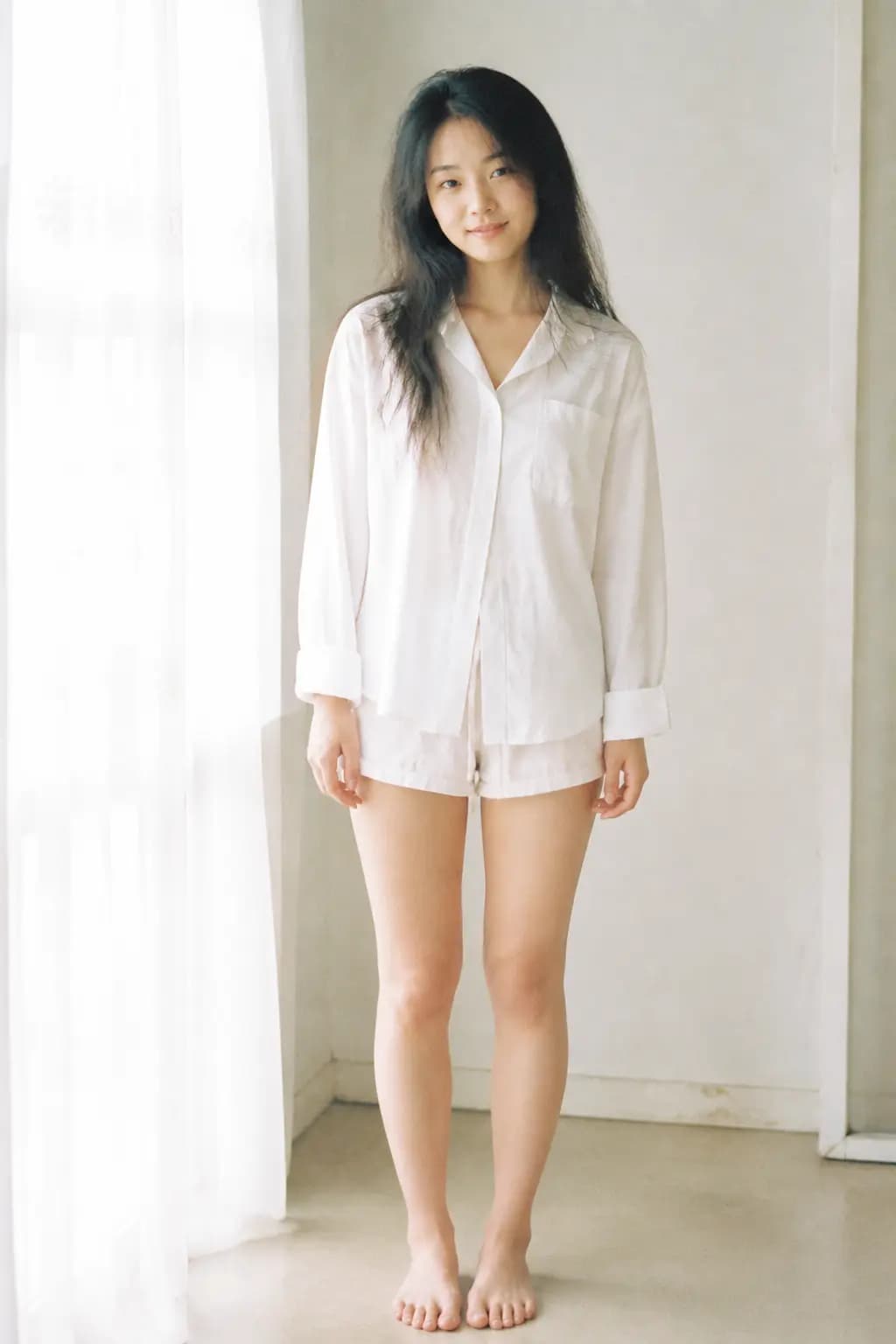
Soft Airy 35mm Portrait
#23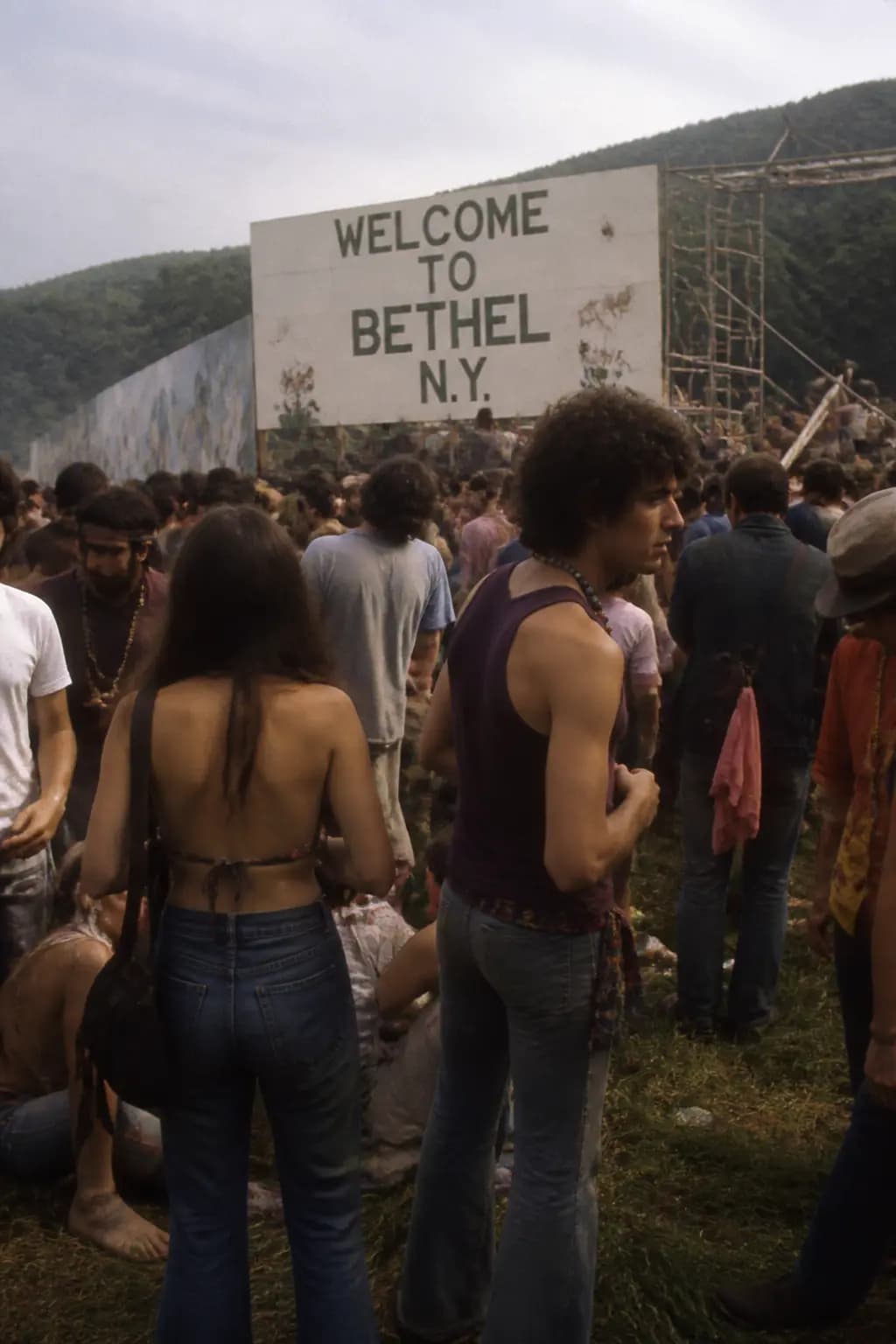
Woodstock Crowd Scene (World Knowledge)
#24기법: GPT Image 2 leverages world knowledge -- it infers Woodstock from the date/location without being explicitly told.
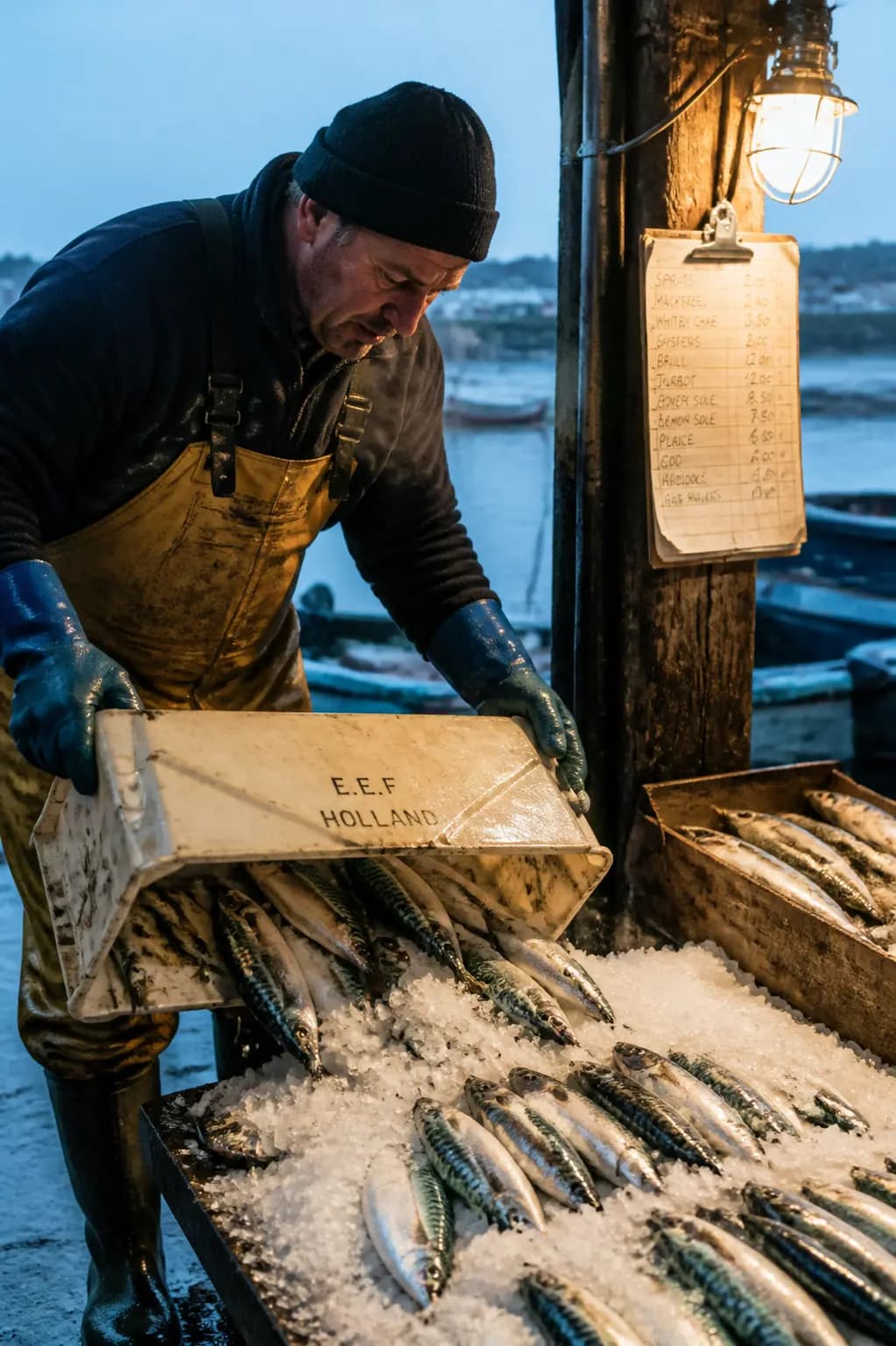
Fishmonger at Dawn
#25기법: Cold air, wet floor, a named lamp, a named lens. The image reads as a real photograph because each detail was specified.
Action & Sports
Frozen motion, dynamic scenes, athletic photography, and high-speed capture

Nike Training Freeze-Frame
#01기법: Rim light from behind is what sculpts the silhouette against a chaotic background.
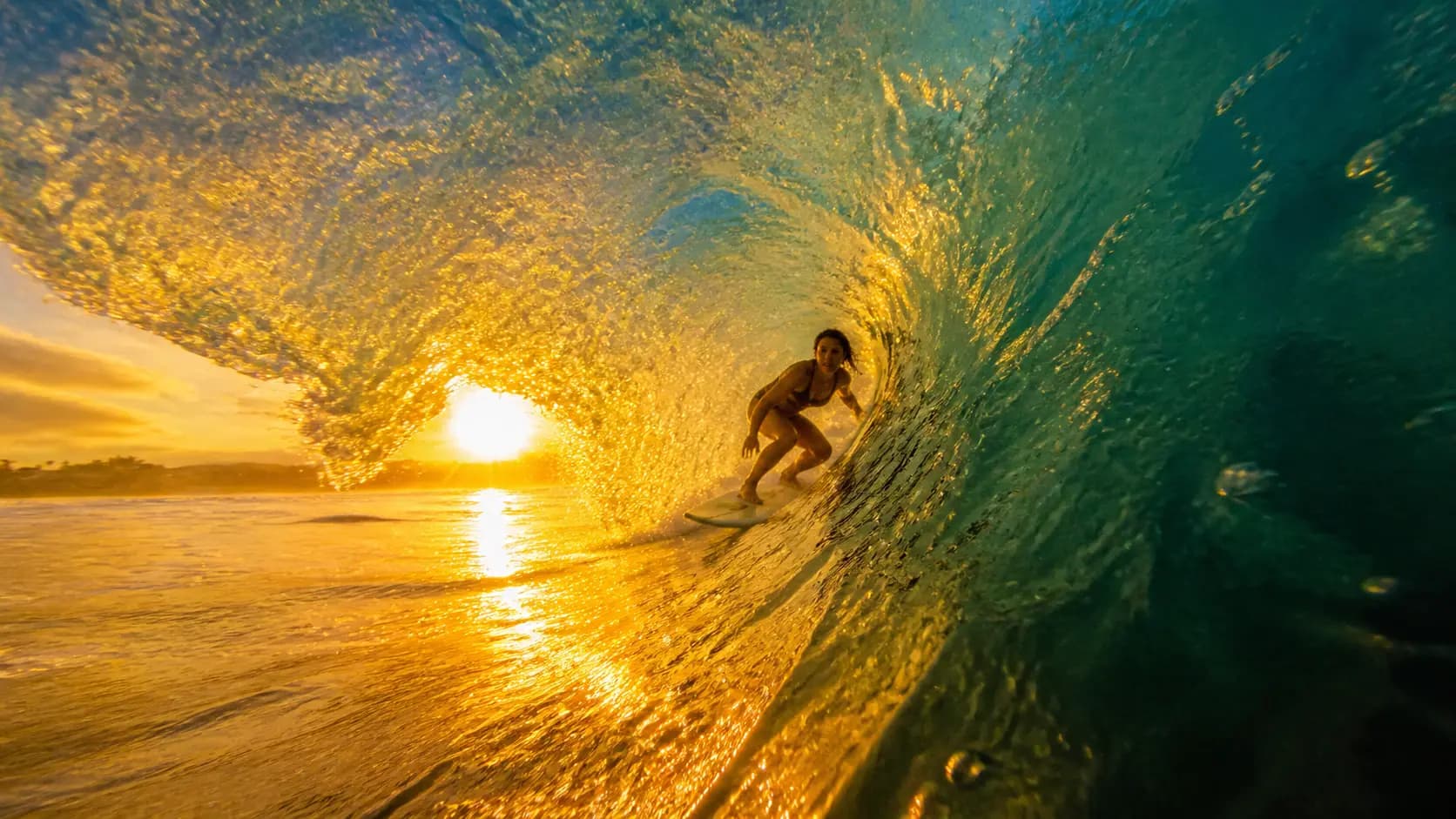
Big-Wave Surfer Barrel
#02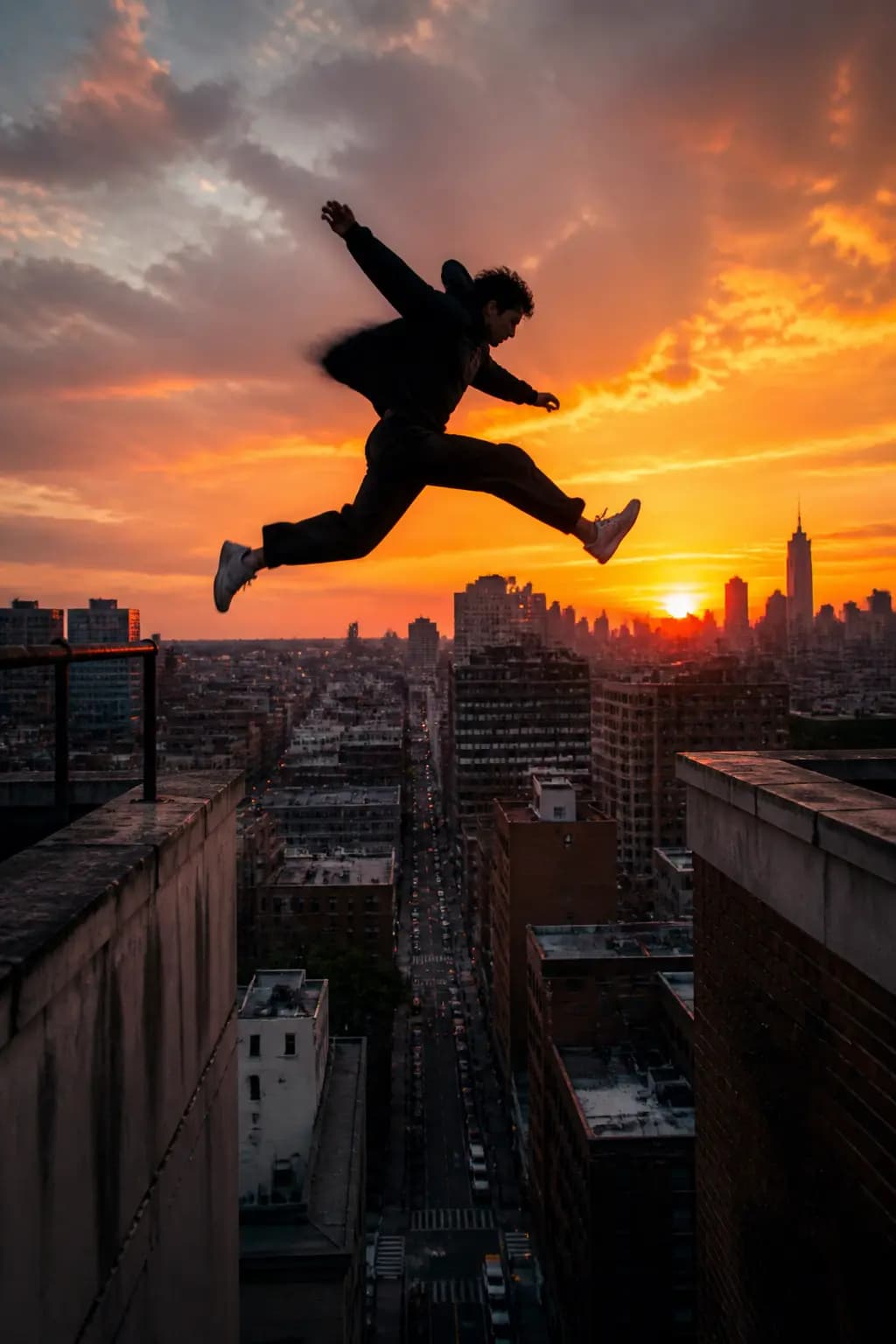
Parkour Rooftop Leap
#03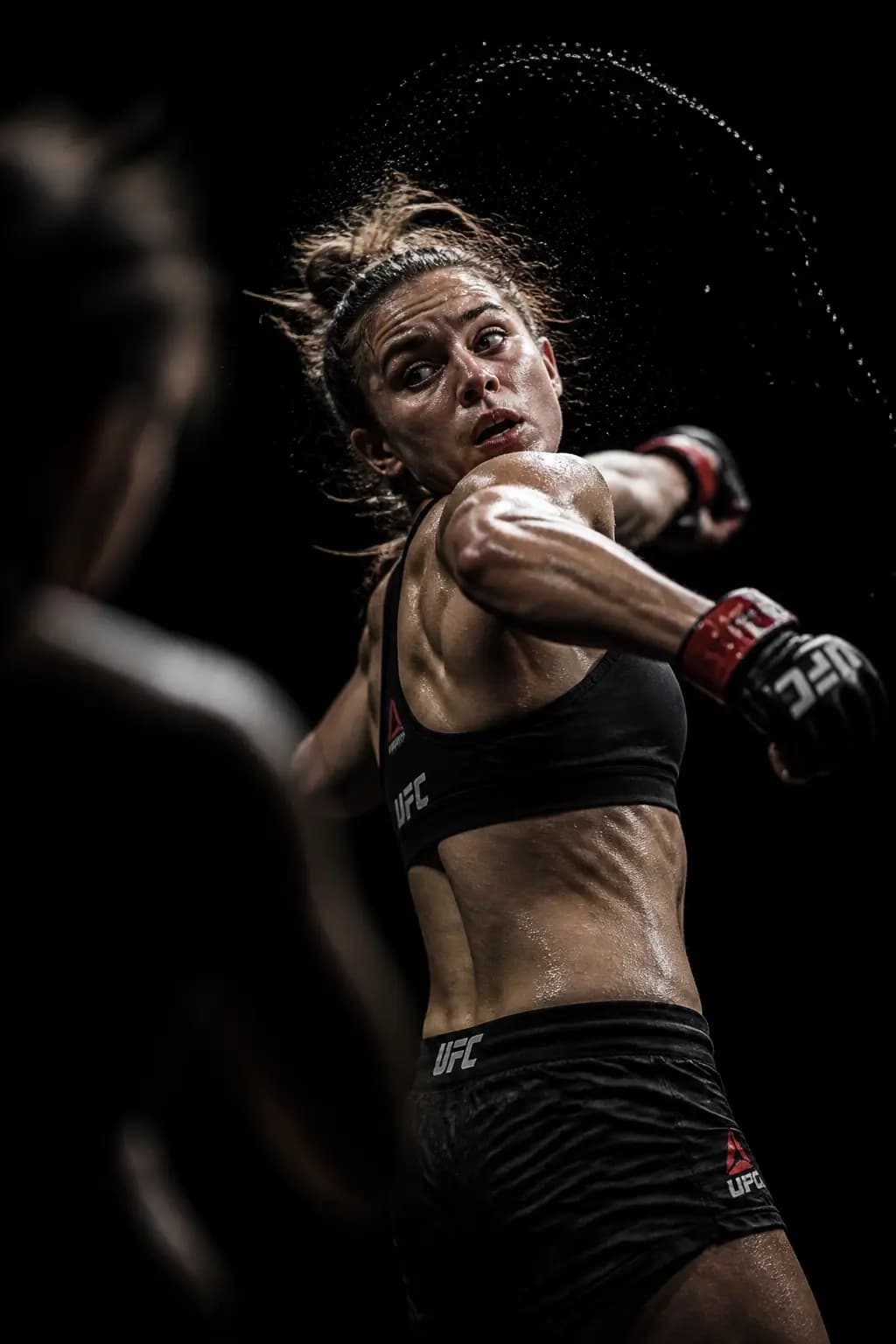
MMA Ring Spotlight
#04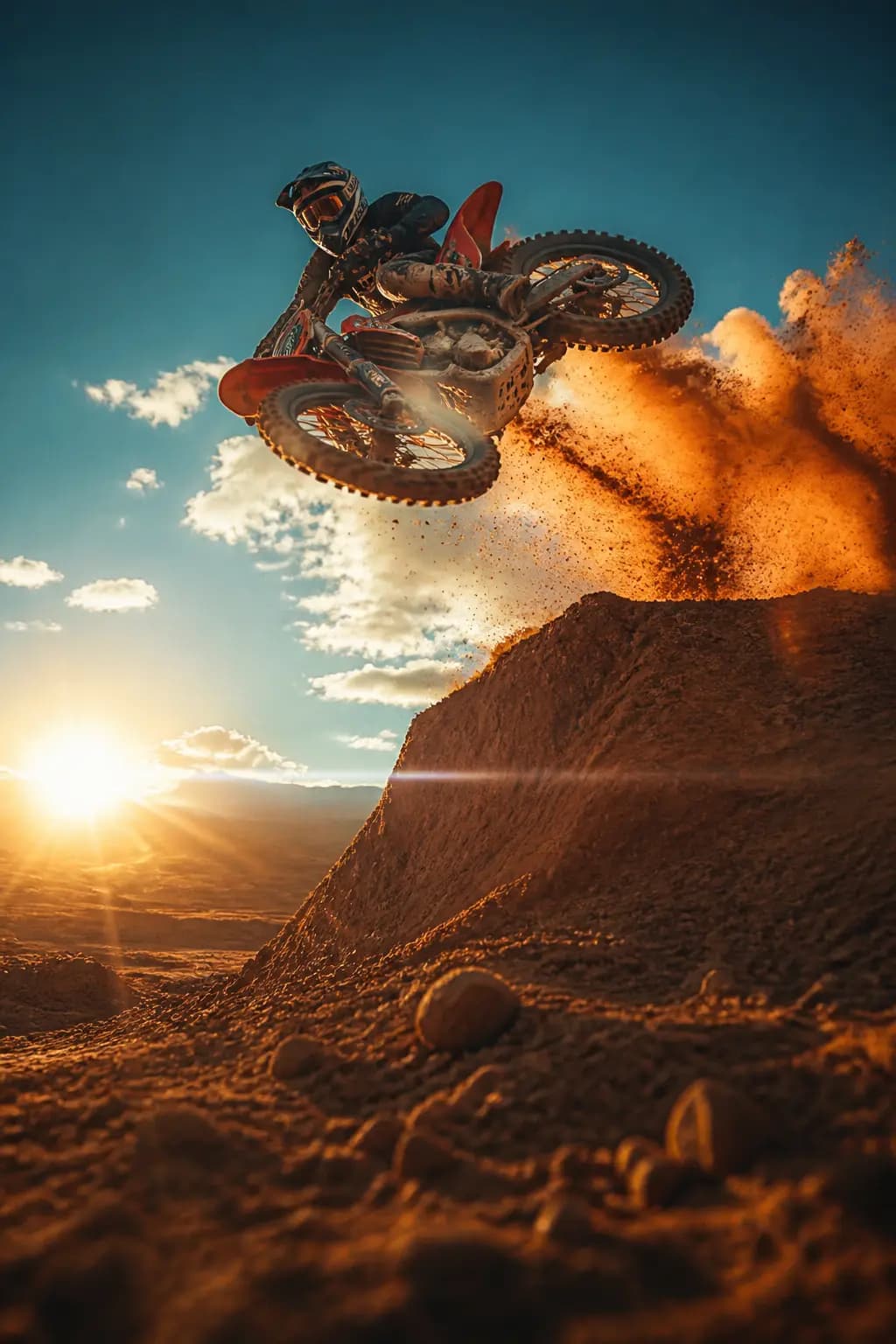
Motocross Dust Storm
#05
Ballet Grand Jete Studio
#06
Basketball Slam Dunk
#07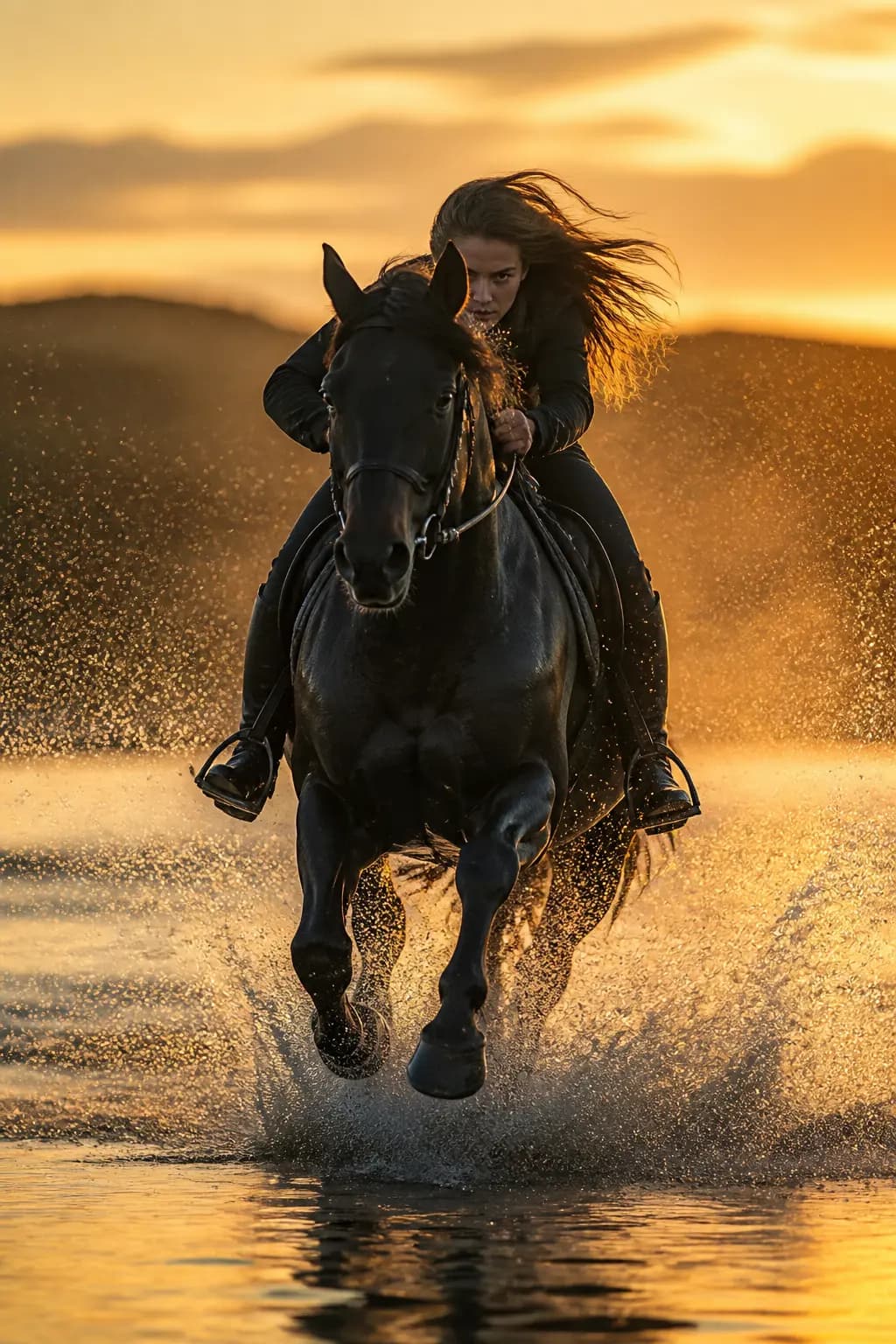
Horse Gallop Ocean Splash
#08
Bear Attack Campsite Action Scene
#09기법: This is an edit prompt (image+text to image). Use `input_fidelity: "high"` to preserve the subject's identity while changing the entire scene.
Nature & Landscapes
Aerial views, atmospheric scenes, and travel photography

Waterfall Mist Ethereal
#1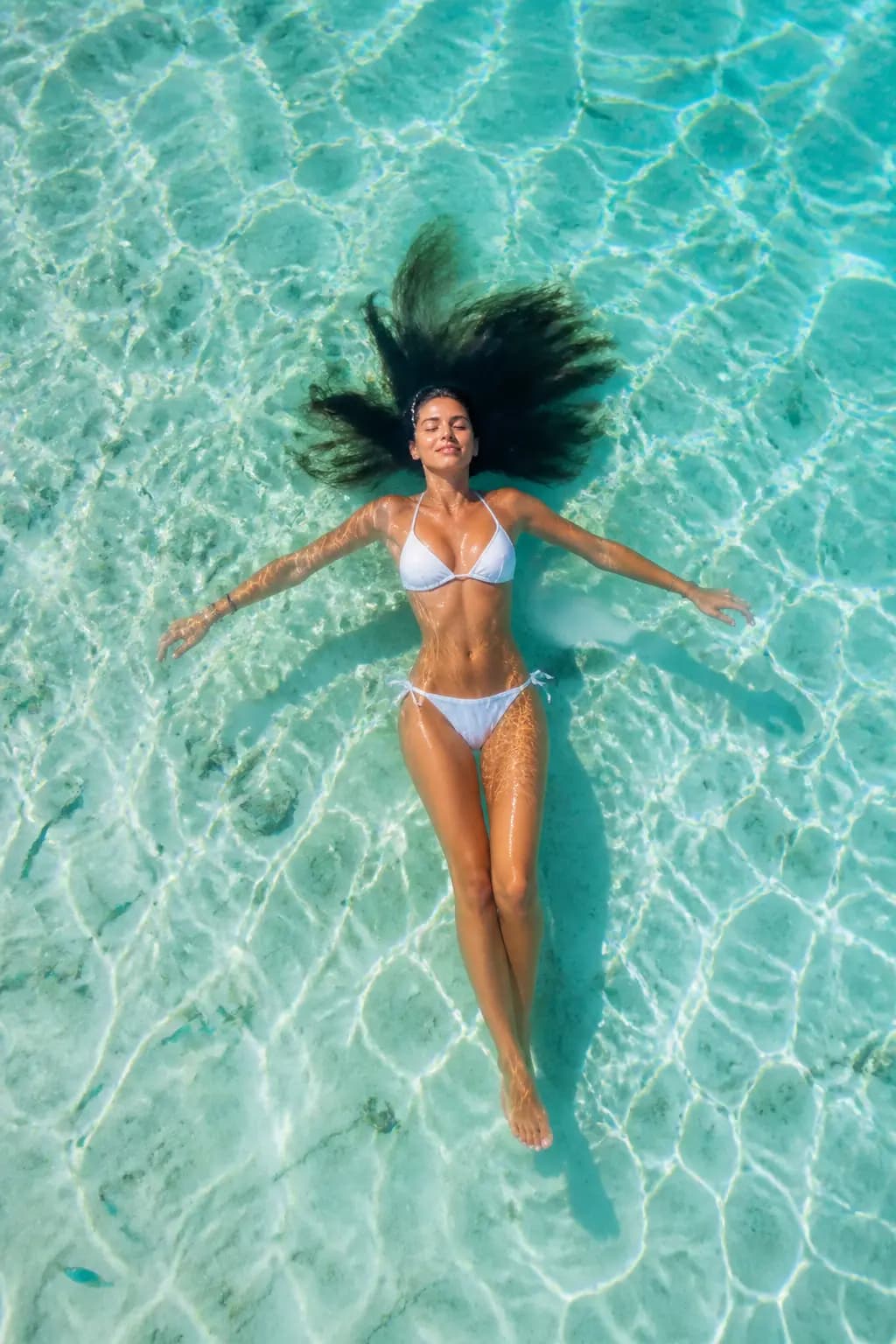
Maldives Aerial Float
#2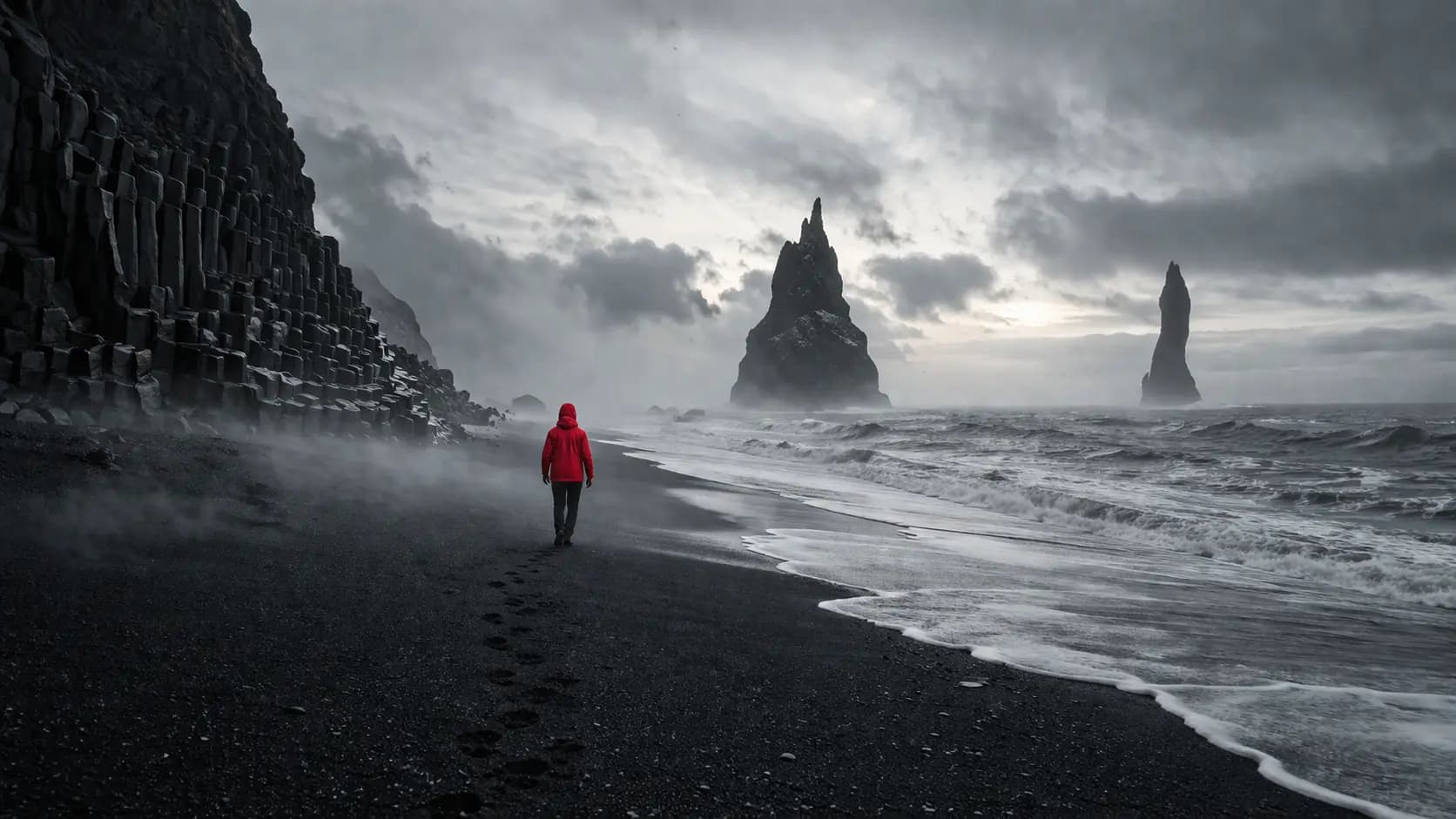
Iceland Black Sand Beach
#3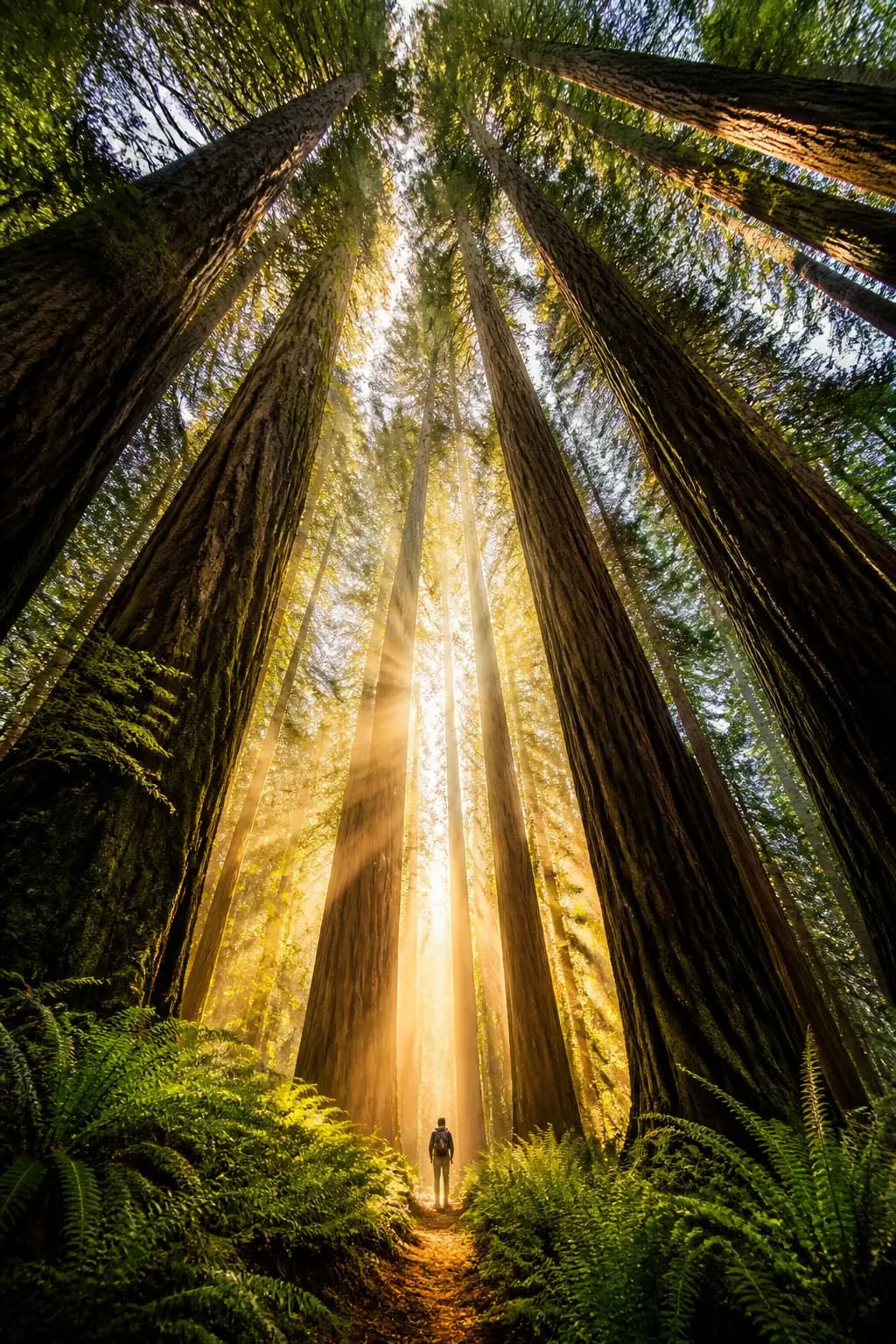
Redwood Cathedral Light
#4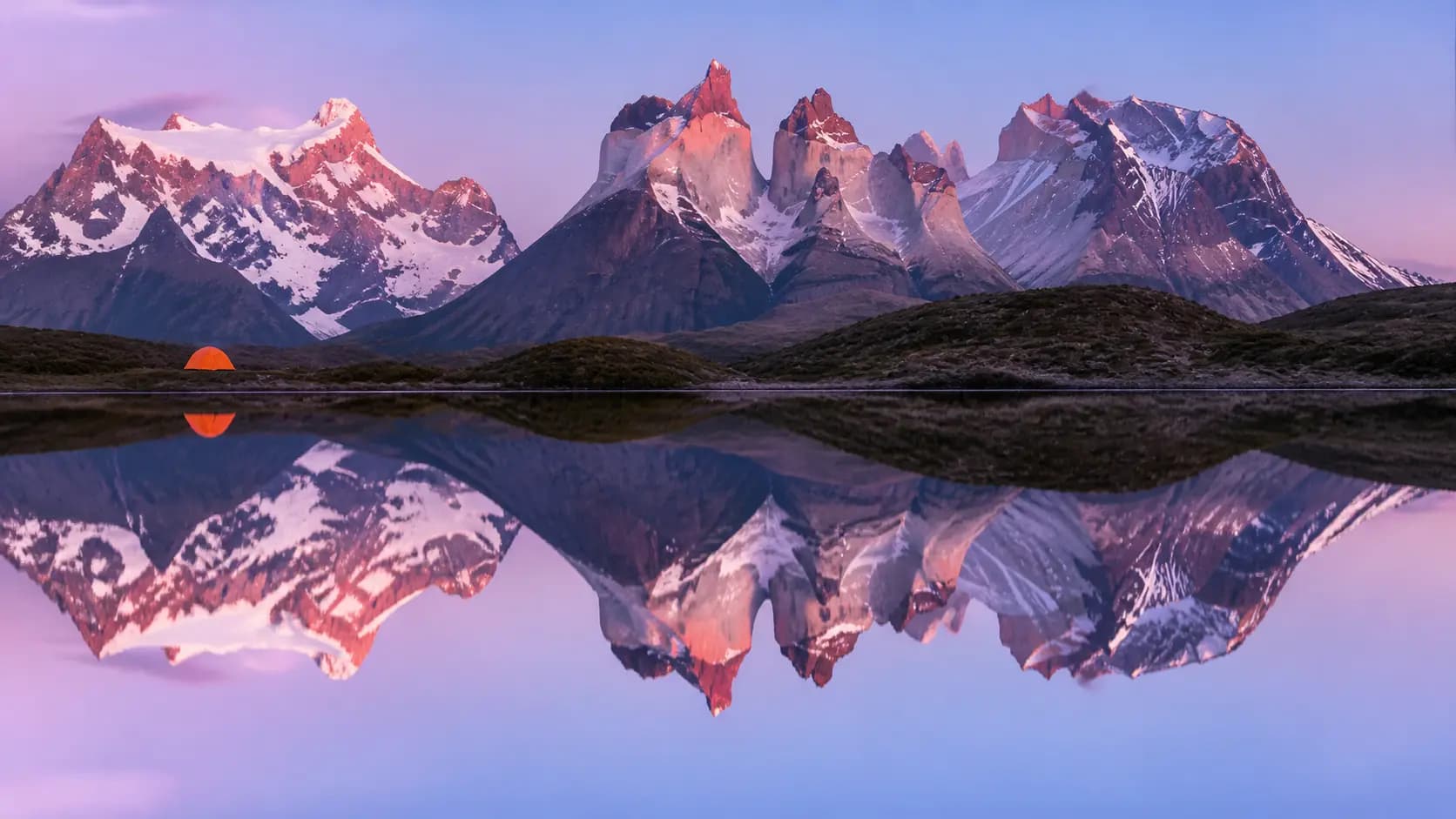
Patagonia Mountain Reflection
#5
Sahara Dune Storm
#6
Northern Lights Cabin
#7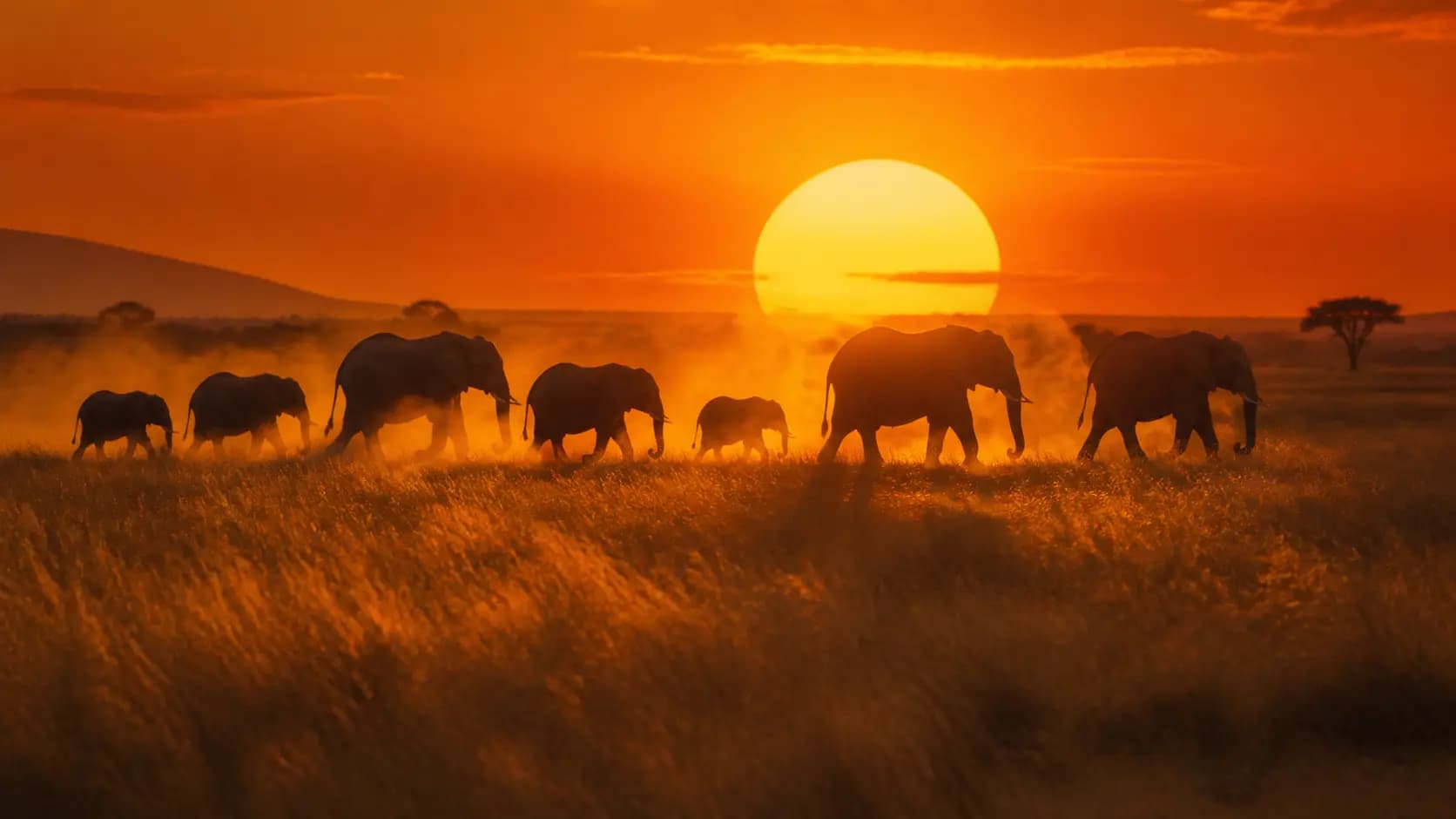
African Savanna Sunset
#8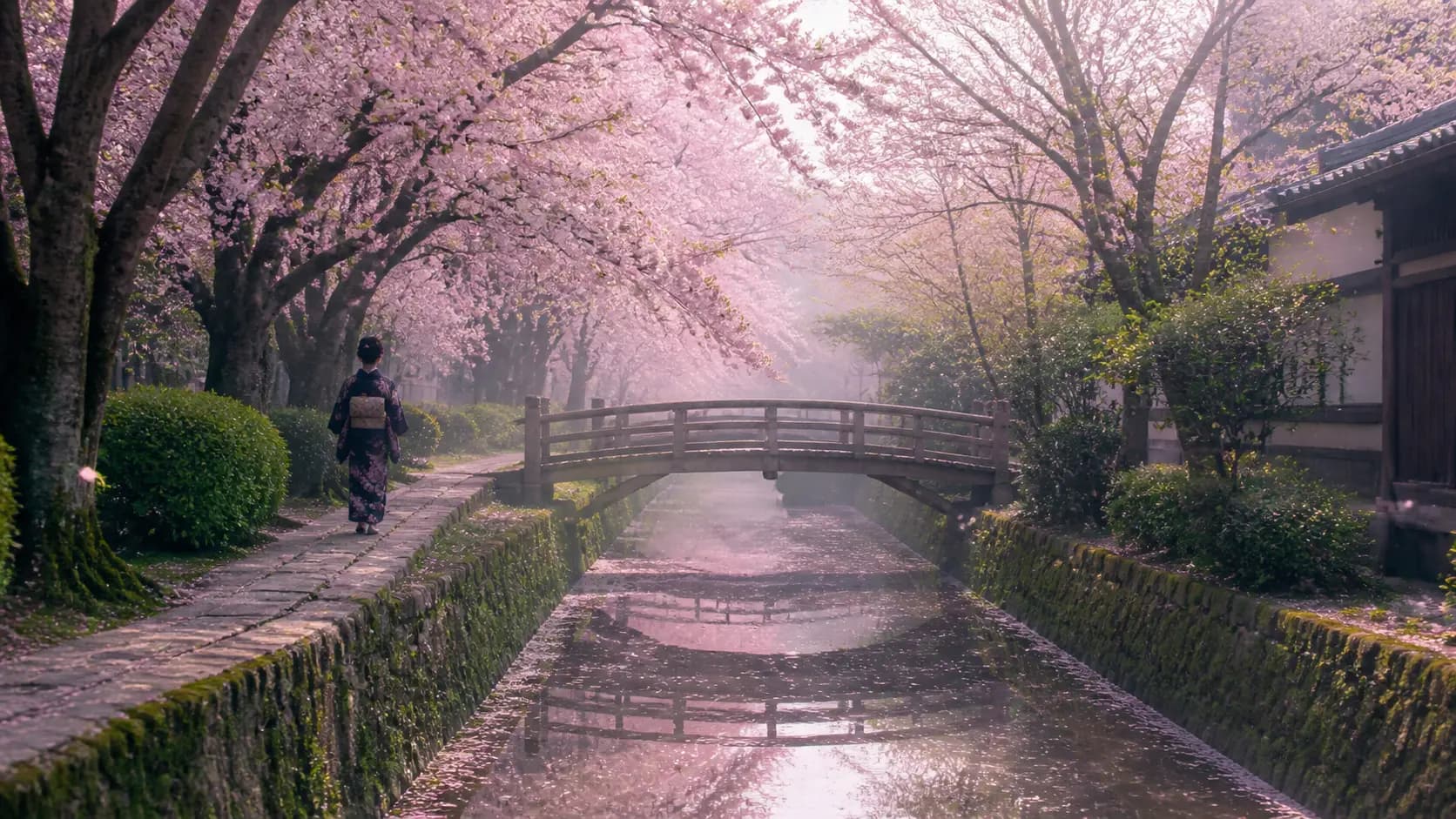
Cherry Blossom Kyoto
#9
Scottish Highlands Storm
#10
Sketch-to-Photoreal Landscape
#11기법: Tell the model whether the sketch layout is a suggestion or a contract. "Preserve the exact layout" locks geometry before realism is added. This is an edit prompt -- provide the sketch as input.
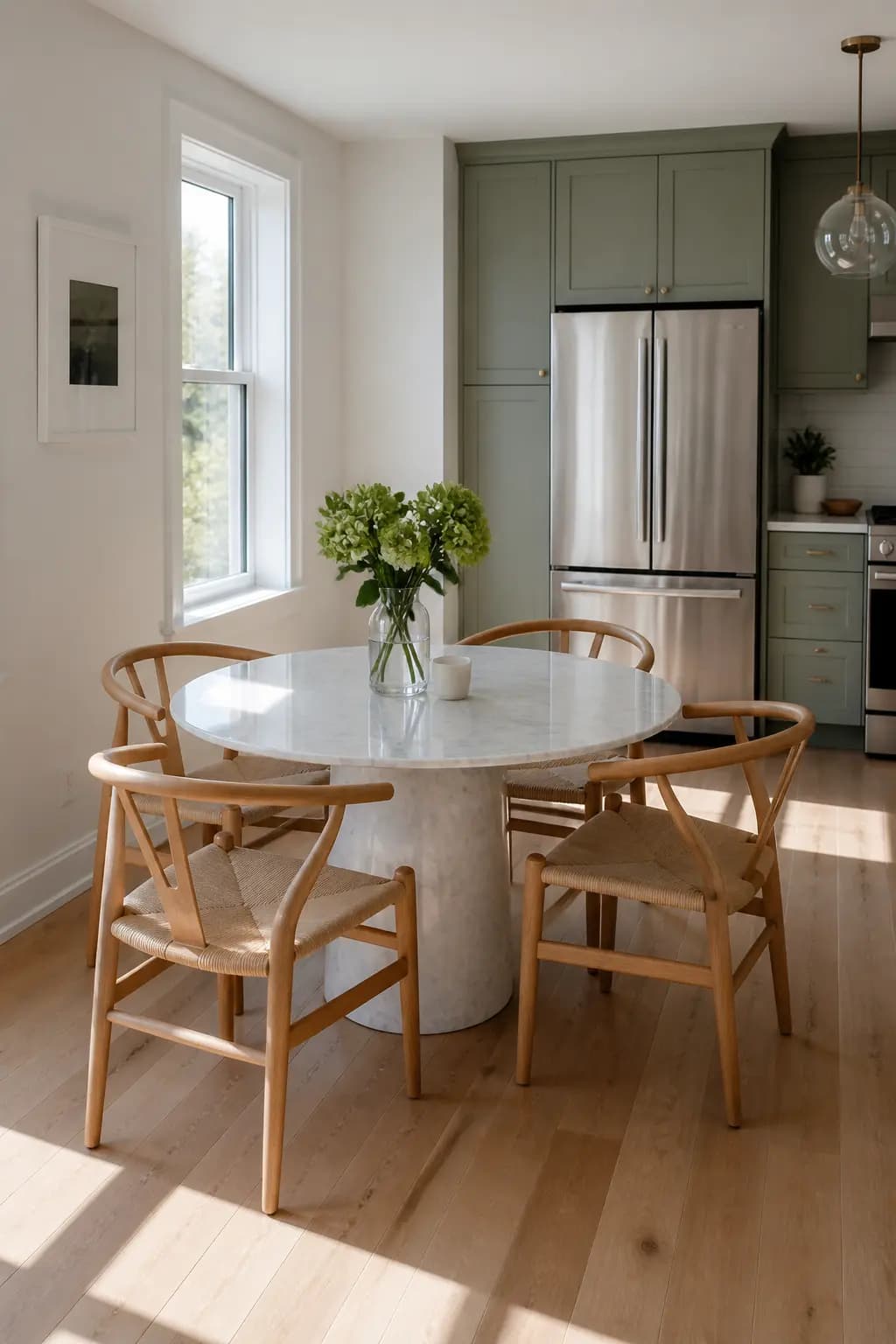
Interior Object Swap (Nature/Architectural)
#12기법: This is an edit prompt. The preserve list carries the edit: camera angle, table, window light, floor shadows, reflections, surrounding objects. Inventory what must stay and the edit stays in scope.
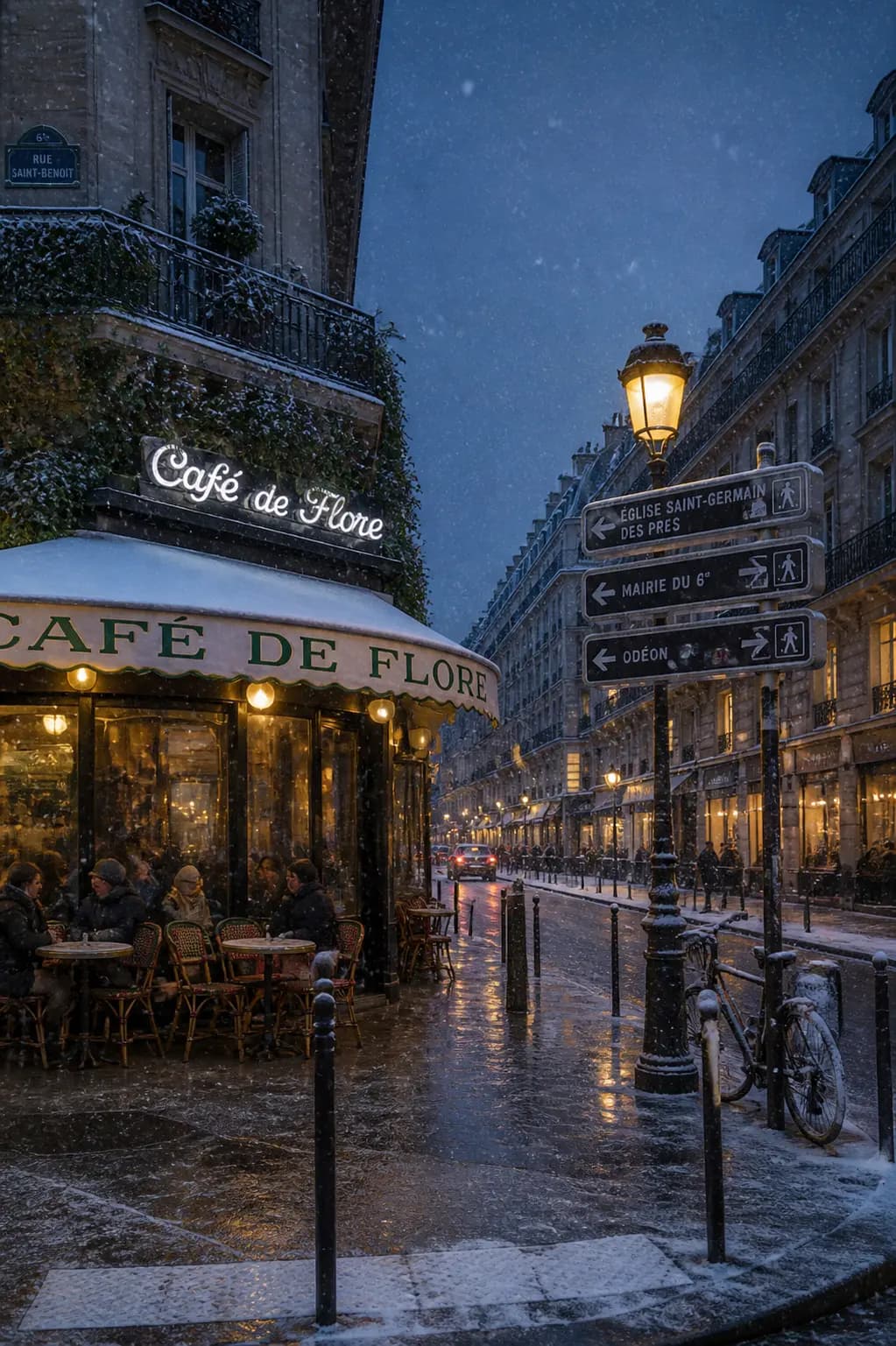
Weather Edit -- Winter Evening
#13기법: The same edit pattern works for any environmental change: state what changes (weather/lighting), then preserve identity, geometry, camera angle, and object placement.
Fantasy & Illustration
Anime, cyberpunk, Ghibli, concept art, and illustration
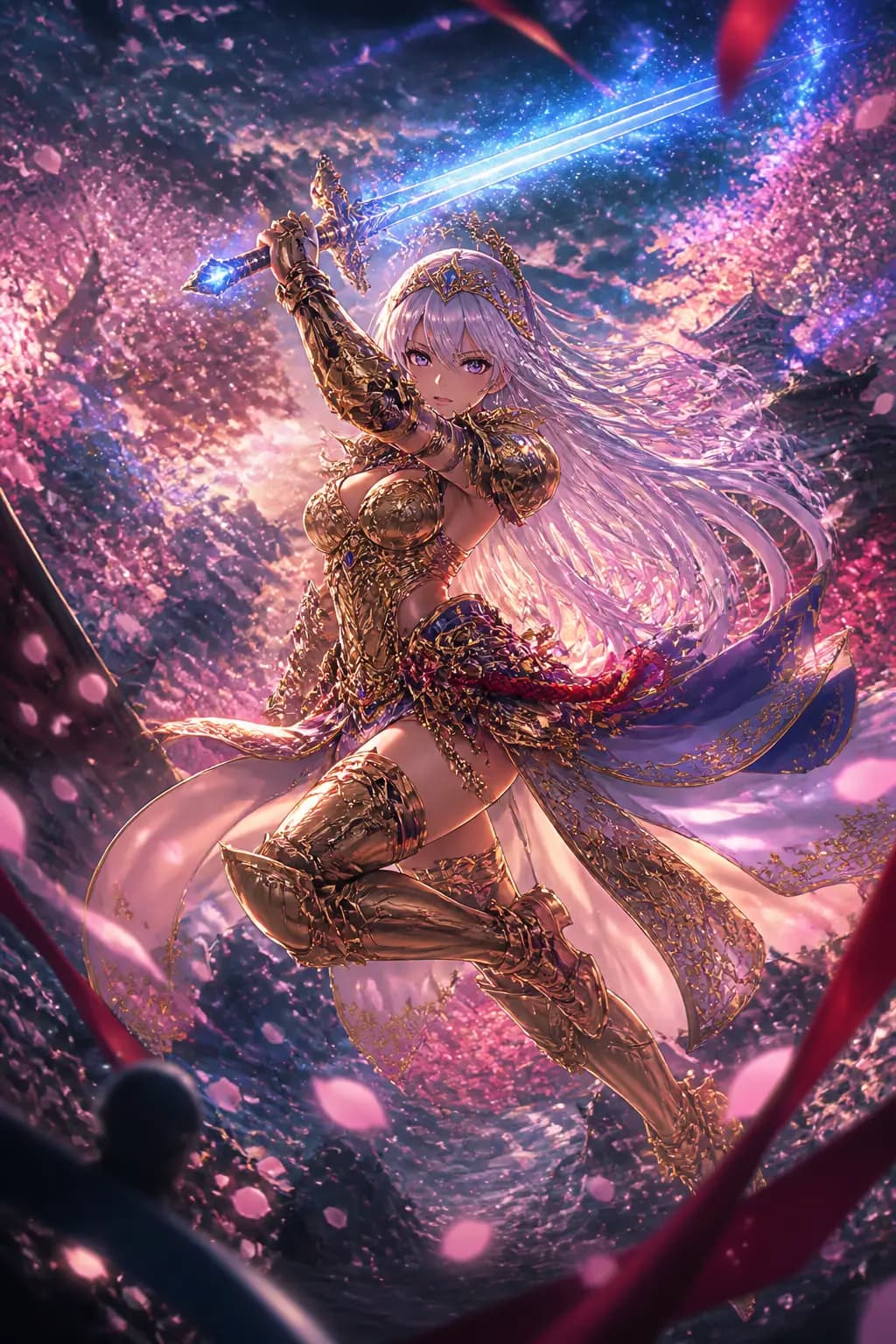
Ufotable Anime Warrior
#01기법: Naming the studio (Ufotable) is doing more work than any adjective.

Dark Elf Sorceress
#02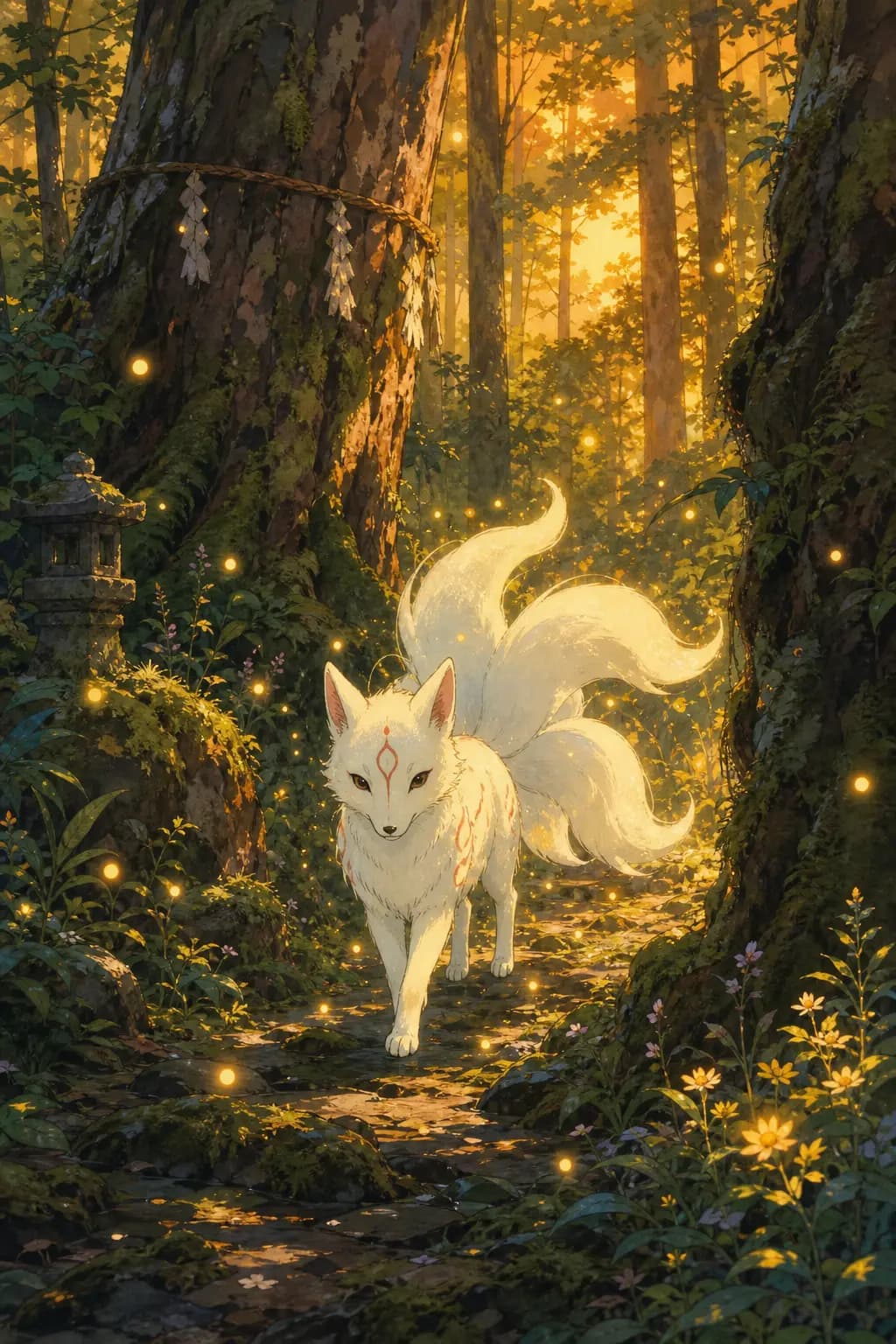
Ghibli Forest Spirit
#03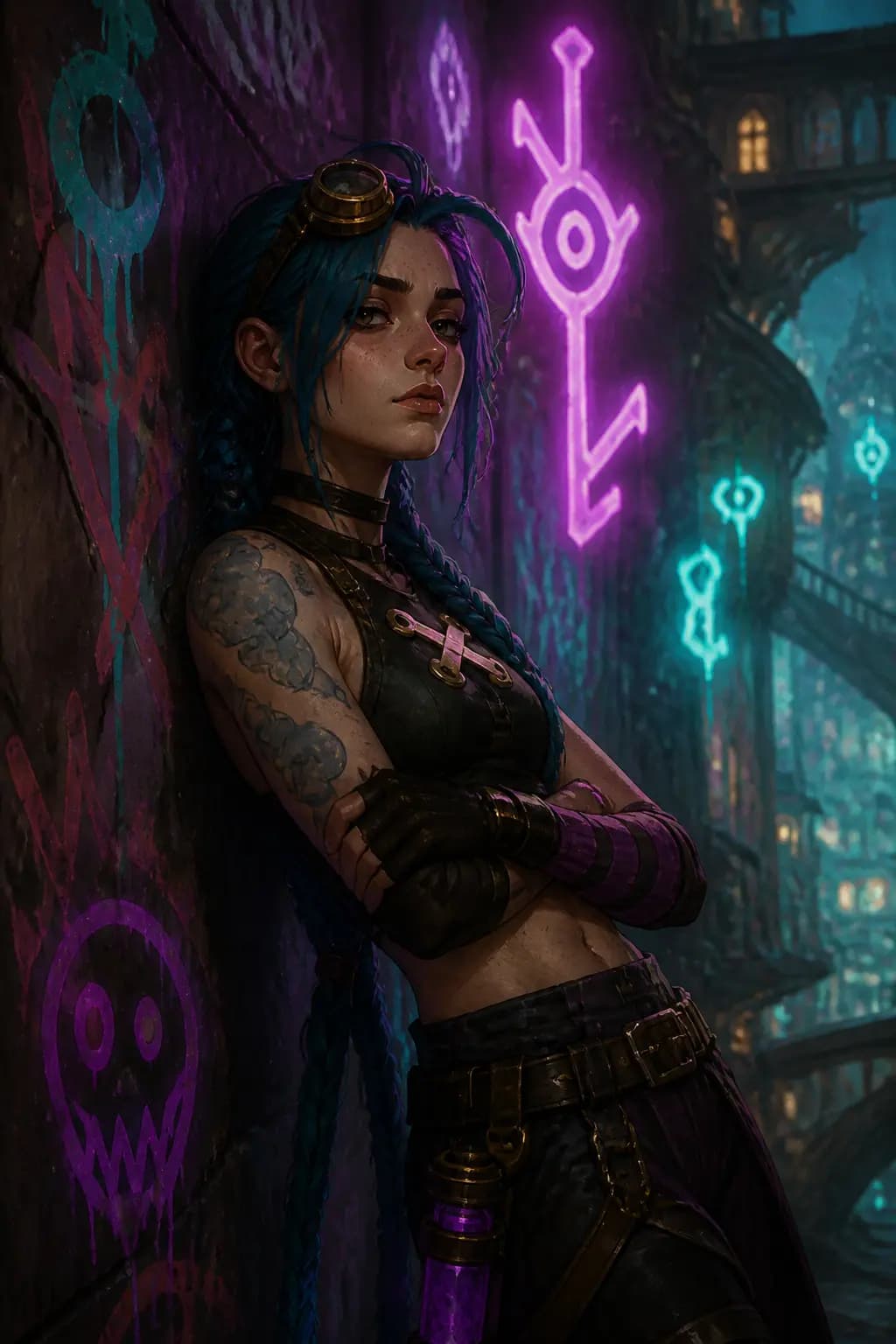
Arcane League Style
#04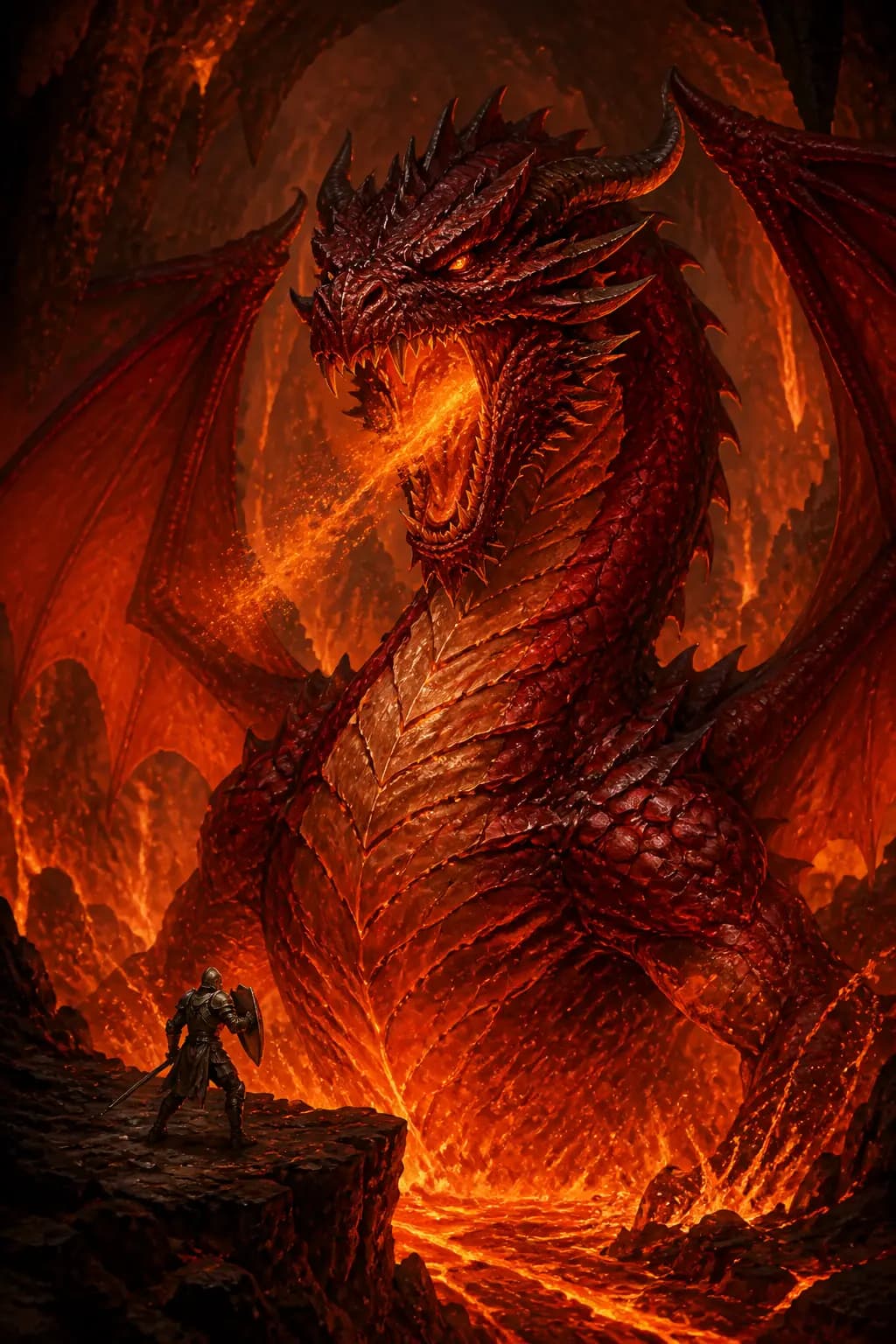
Magic the Gathering Dragon
#05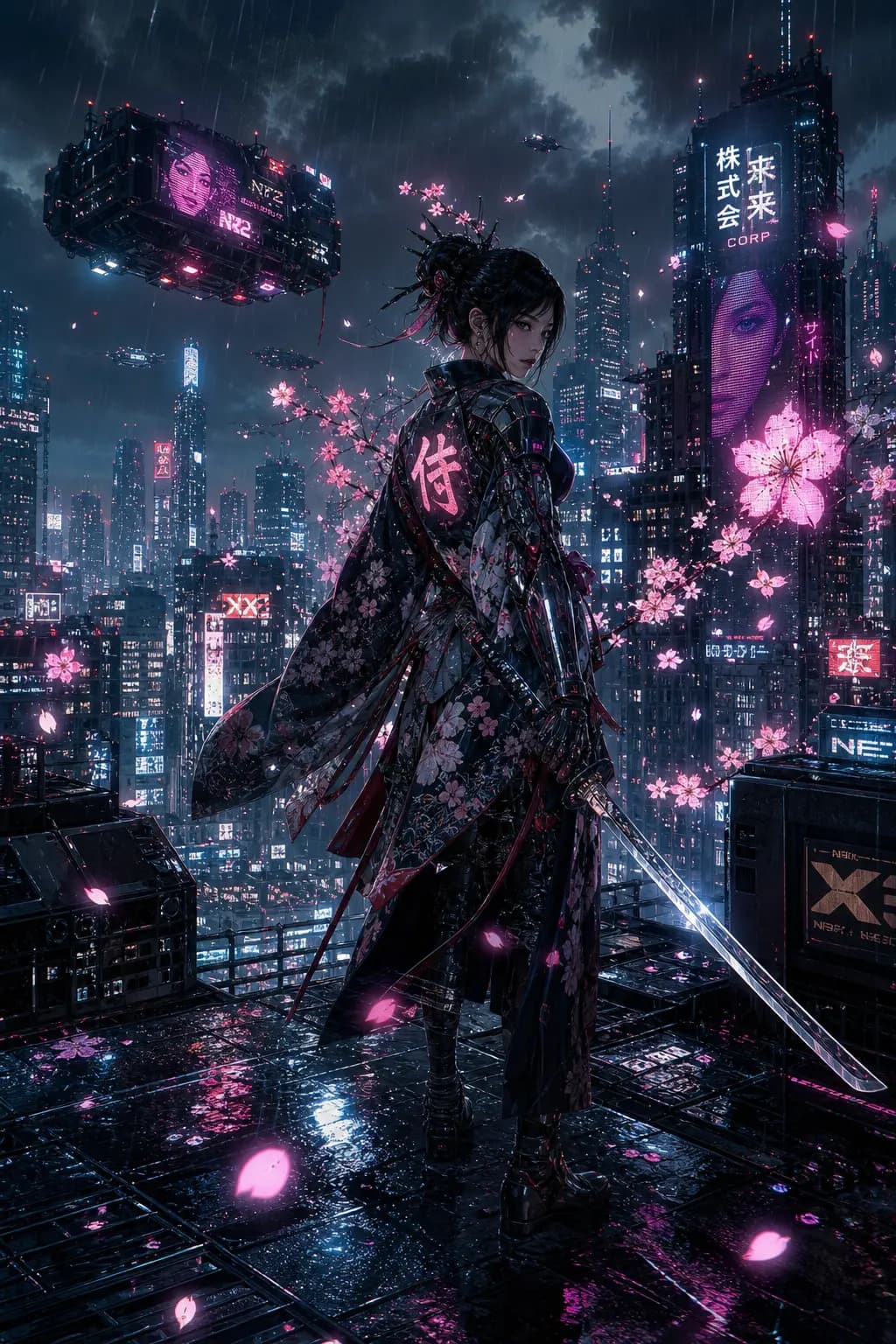
Cyberpunk Samurai
#06
Underwater Mermaid
#07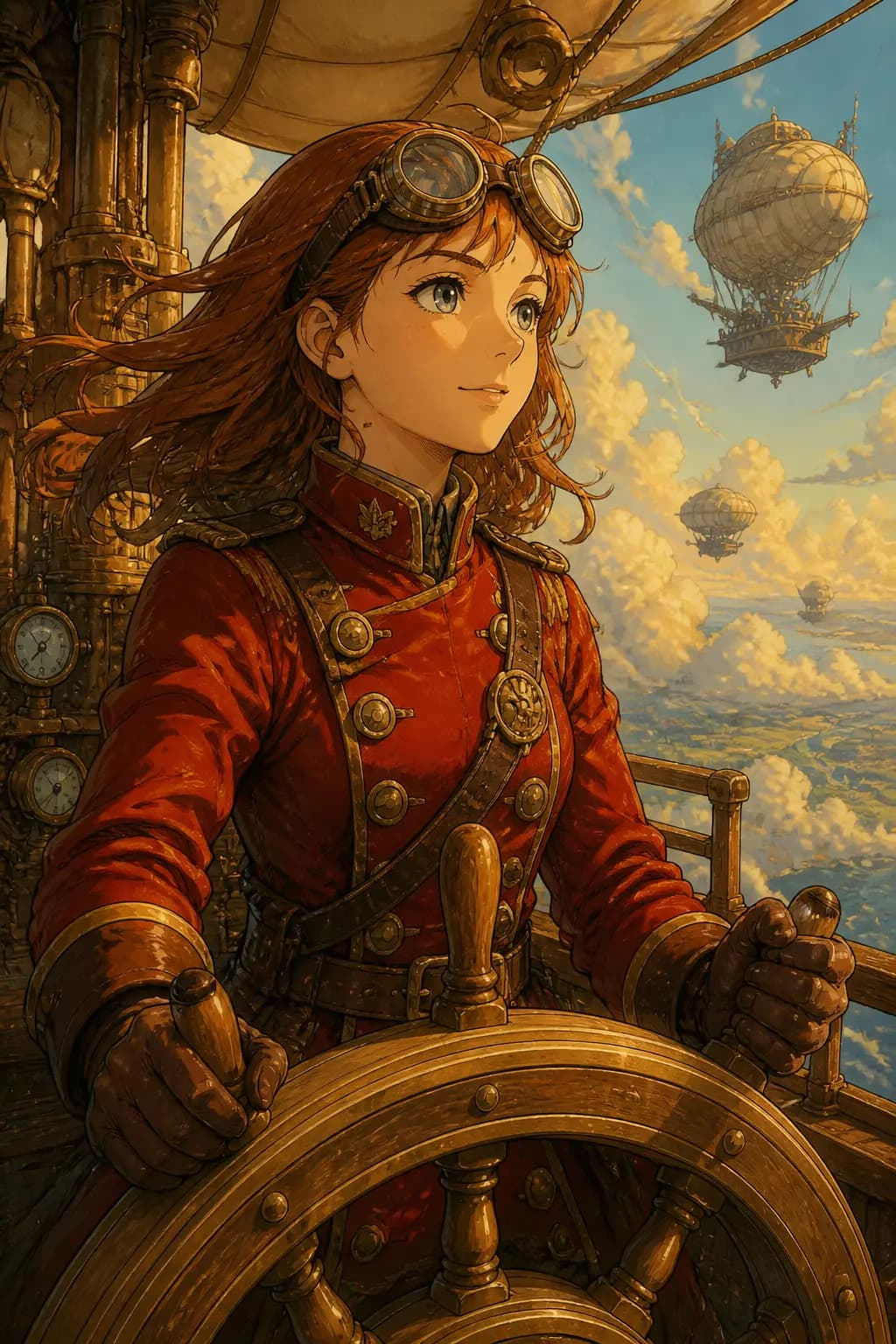
Steampunk Airship Captain
#08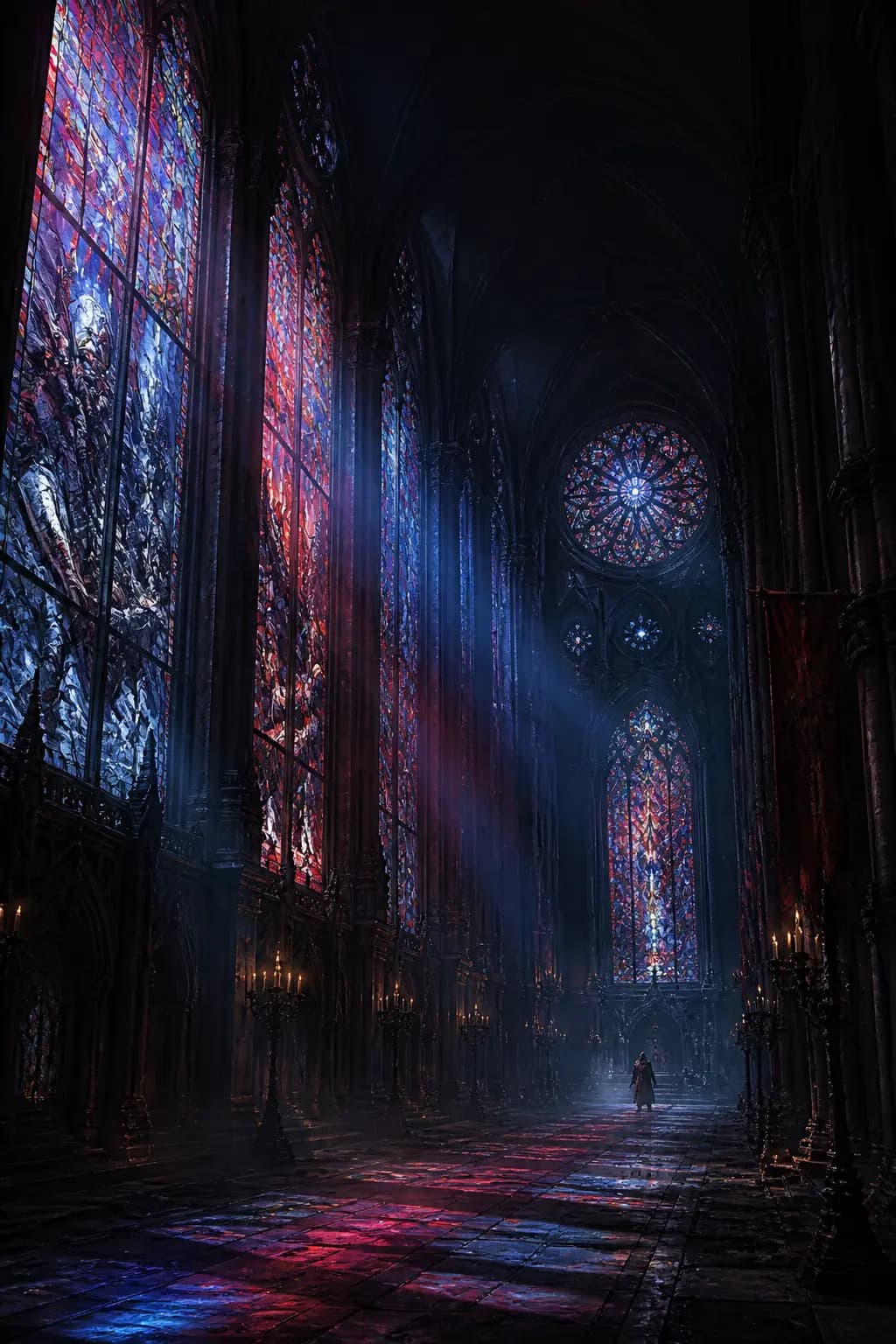
Gothic Cathedral Interior
#09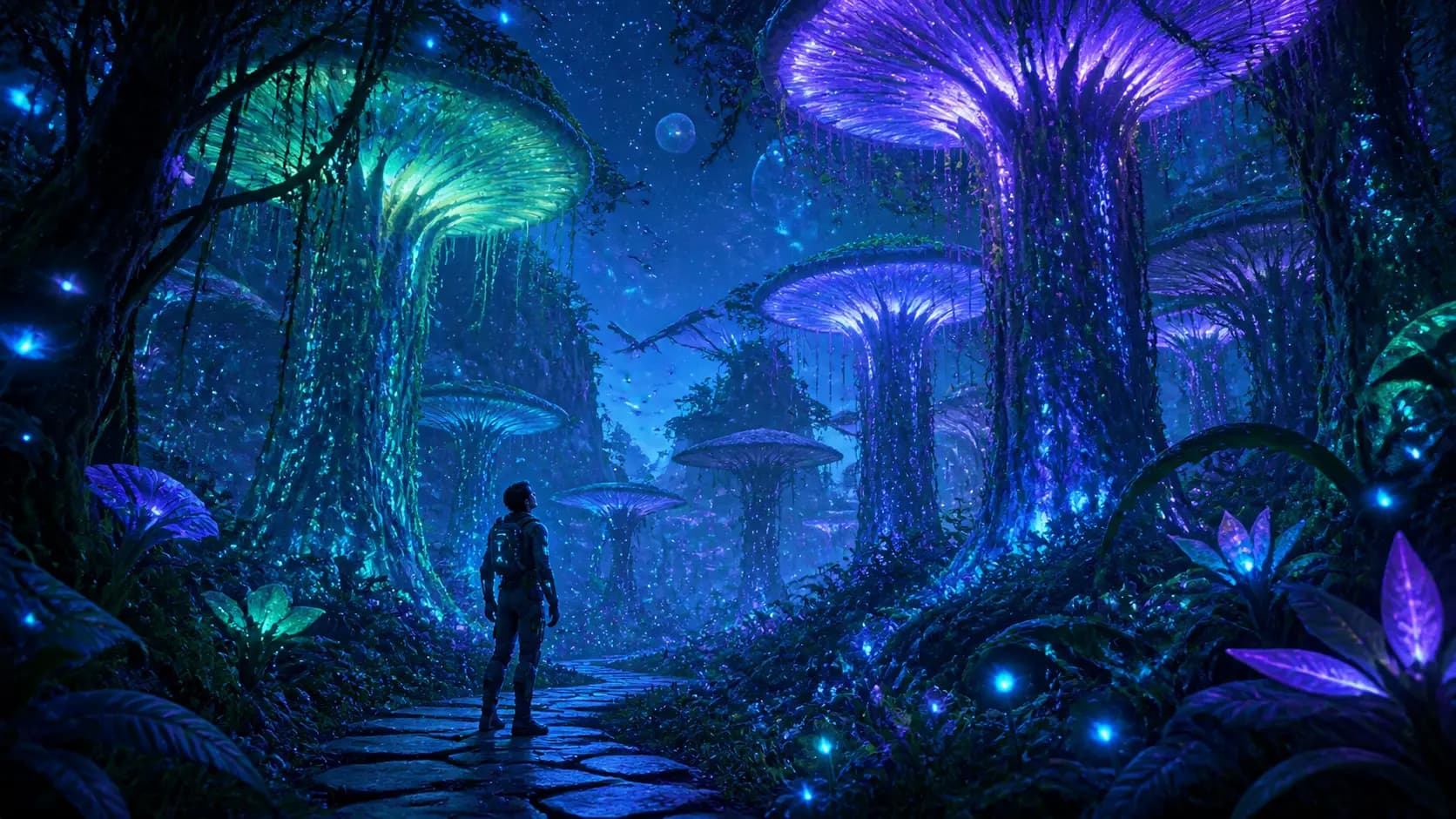
Bioluminescent Forest
#10
Mecha Girl Sea-City Key Visual
#11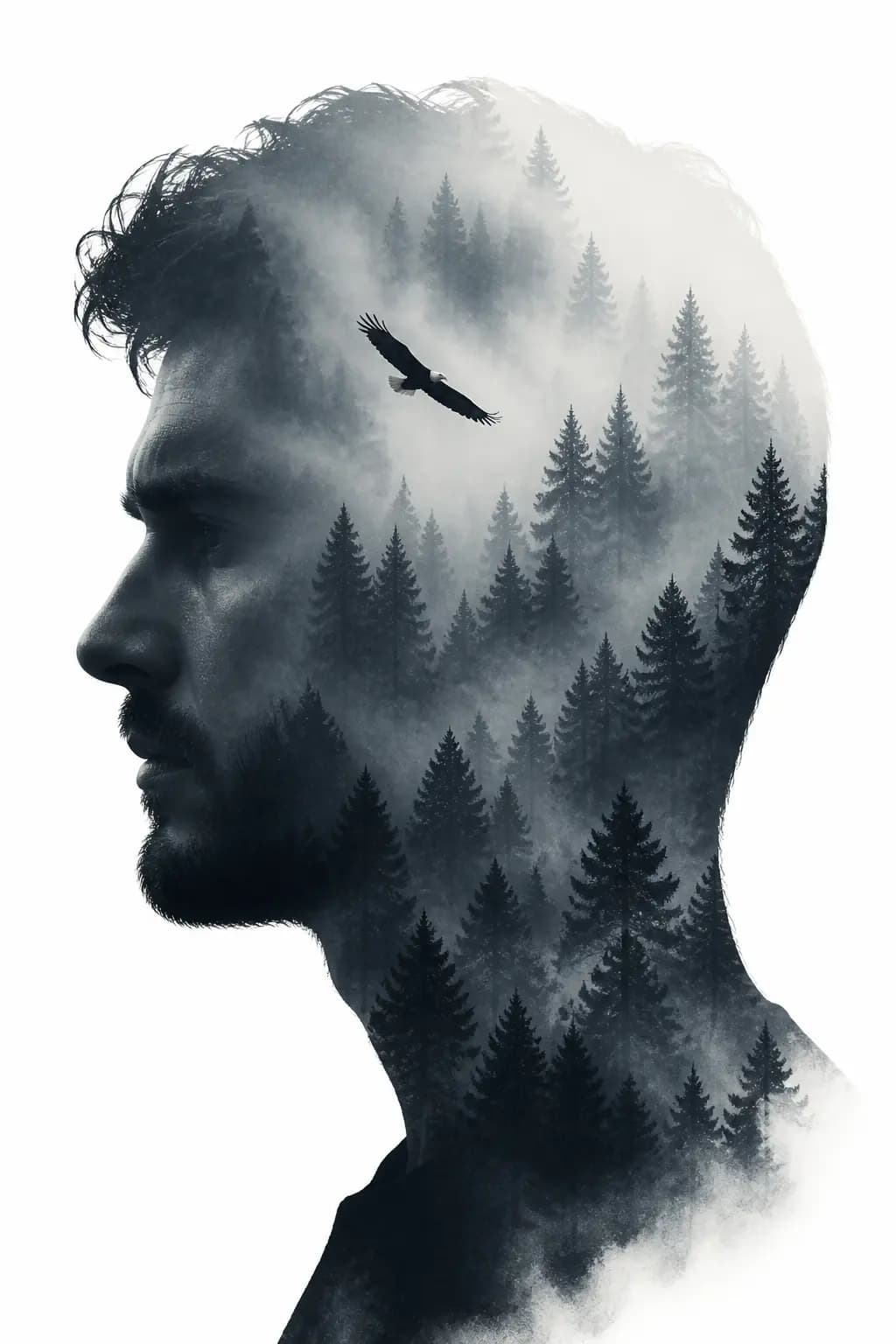
Double Exposure Silhouette
#12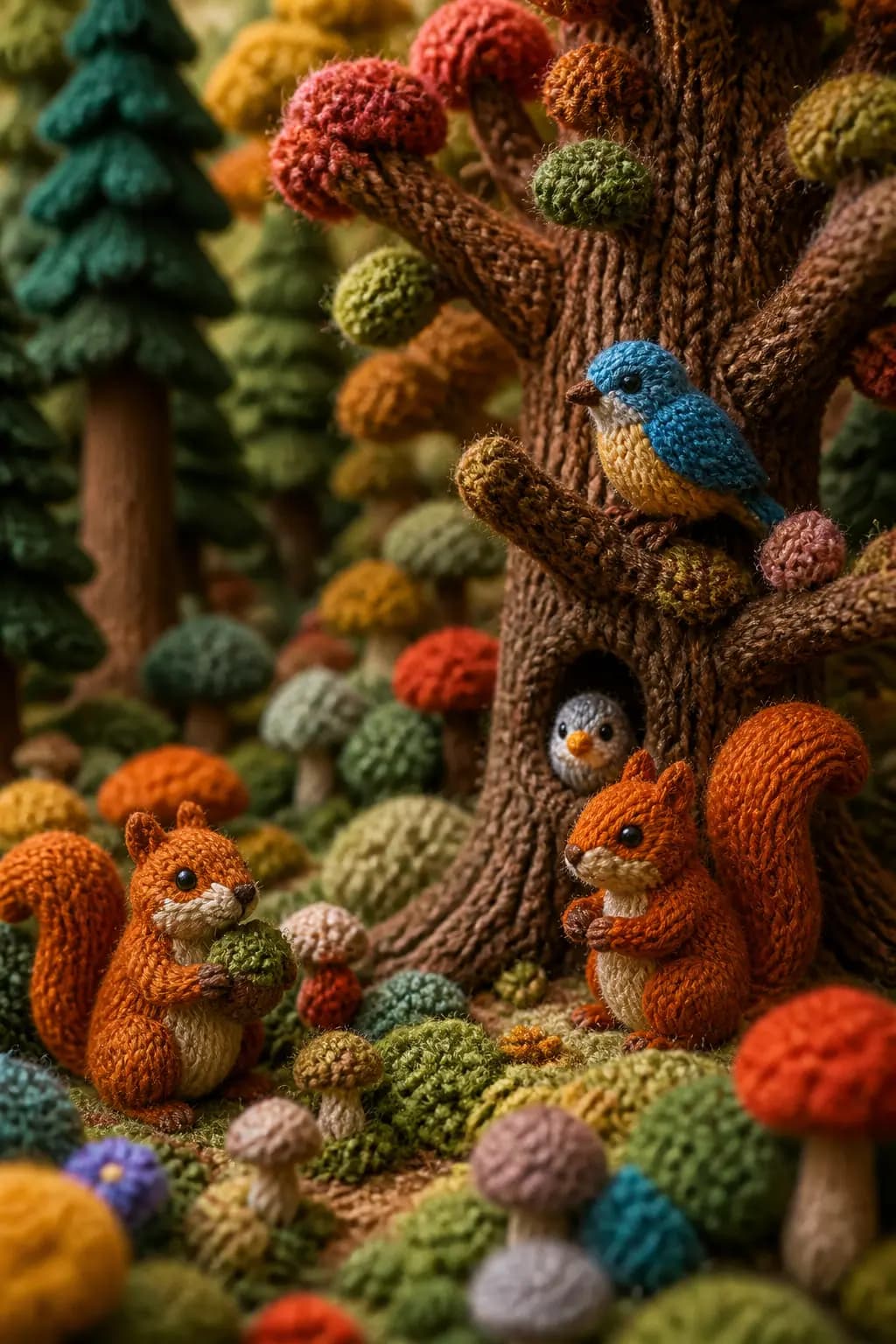
Knitted World Macro
#13
Retro 8-Bit Pixel Landscape
#14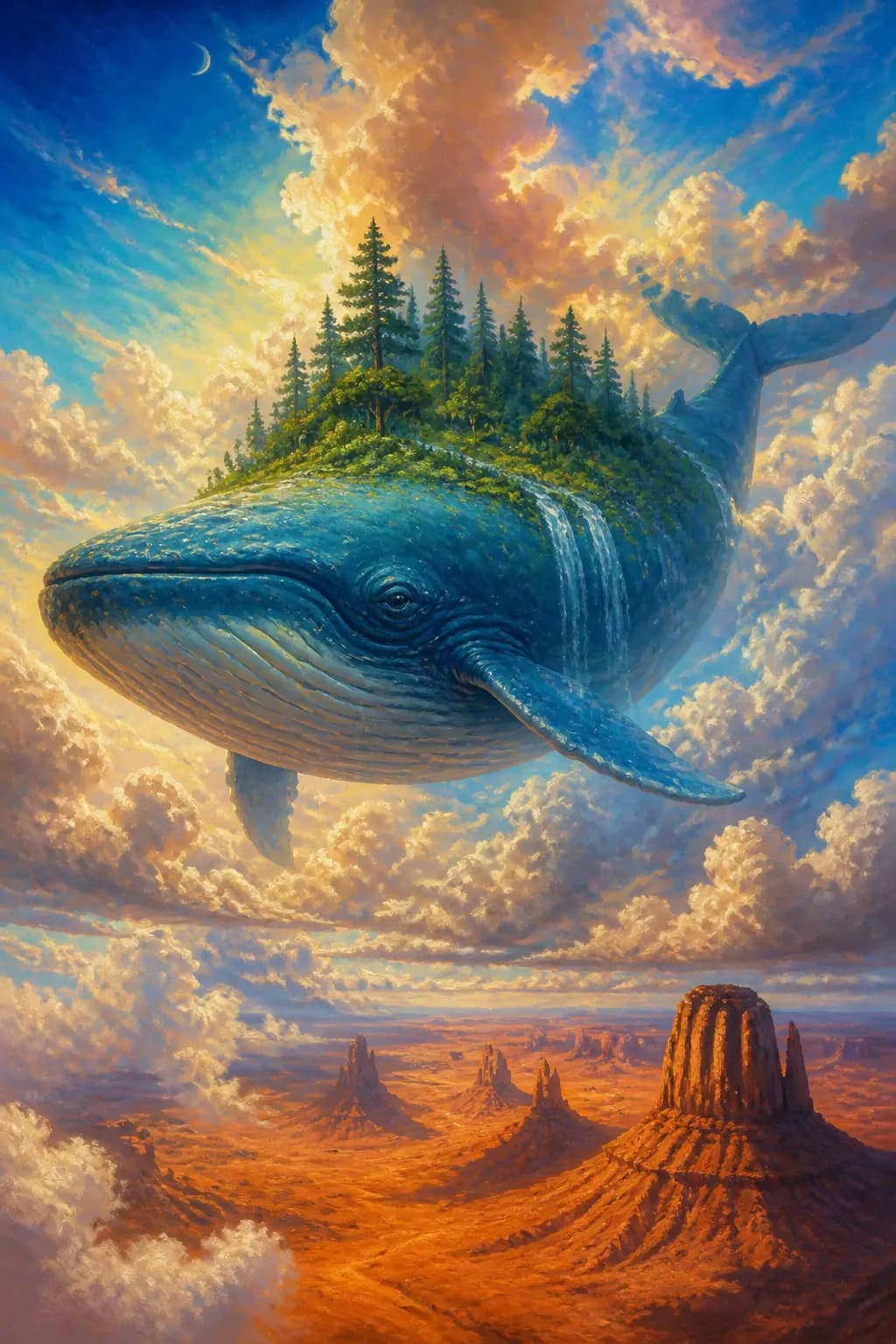
Giant Whale Floating Above Desert
#15
Style Transfer - Pixel Art to New Scene
#16기법: Describe the visual language concretely (palette, edge treatment, silhouette language) rather than just saying "same style."
Product & Commercial
Product shots, advertising, brand imagery, packaging

Luxury Perfume Bottle
#01
Sneaker Floating Display
#02
Coffee Splash
#03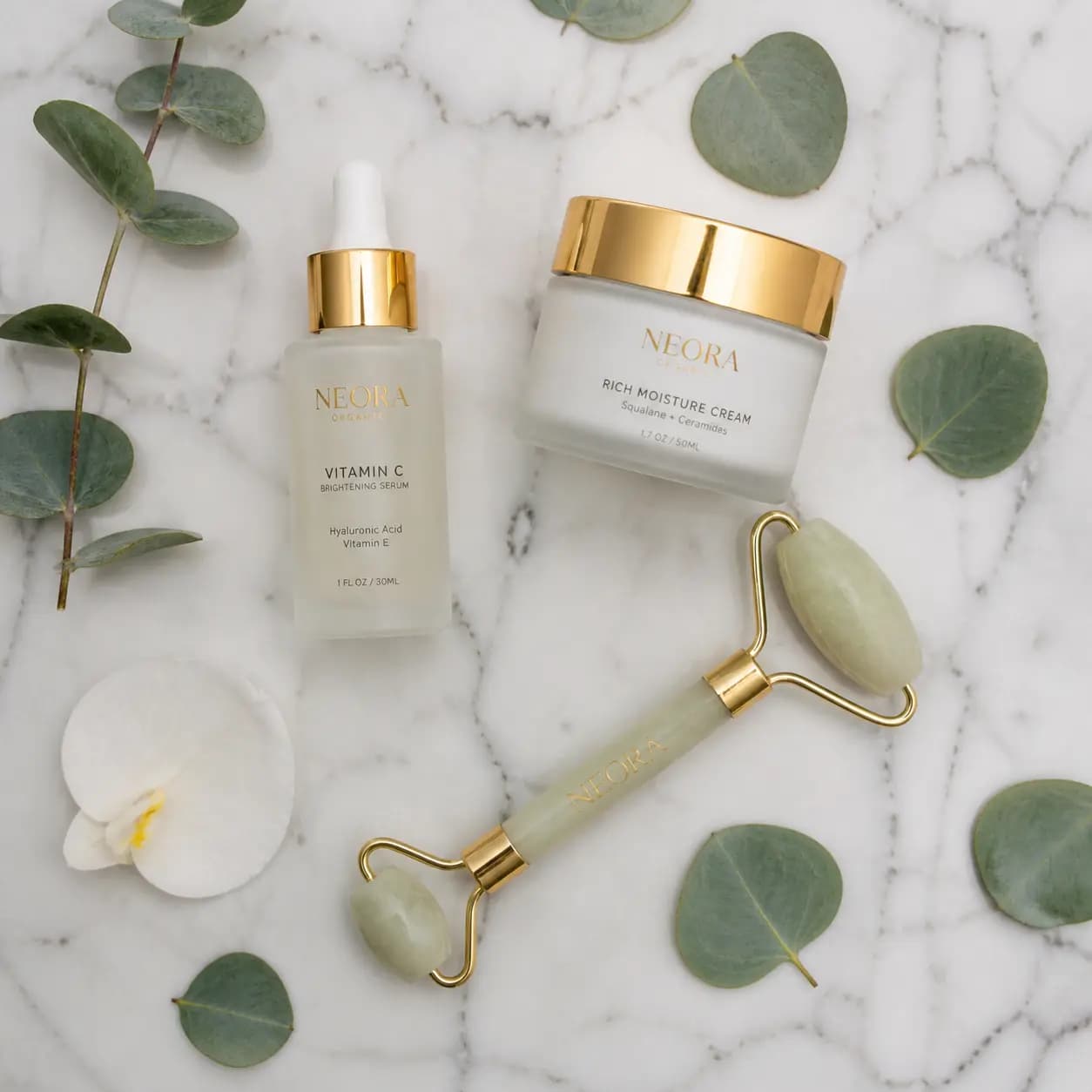
Skincare Flat Lay
#04
Watch Hero Shot
#05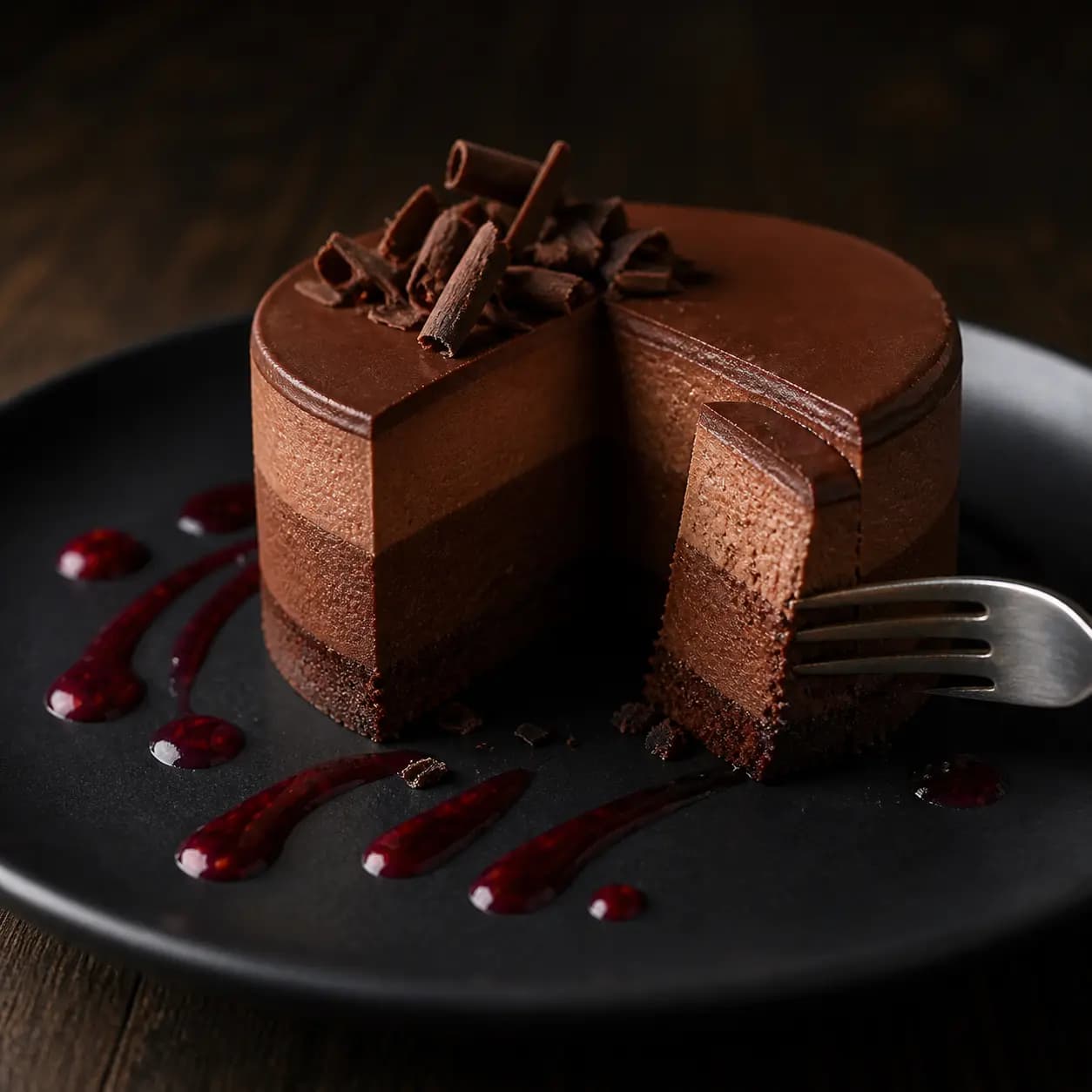
Food Photography -- Dessert
#06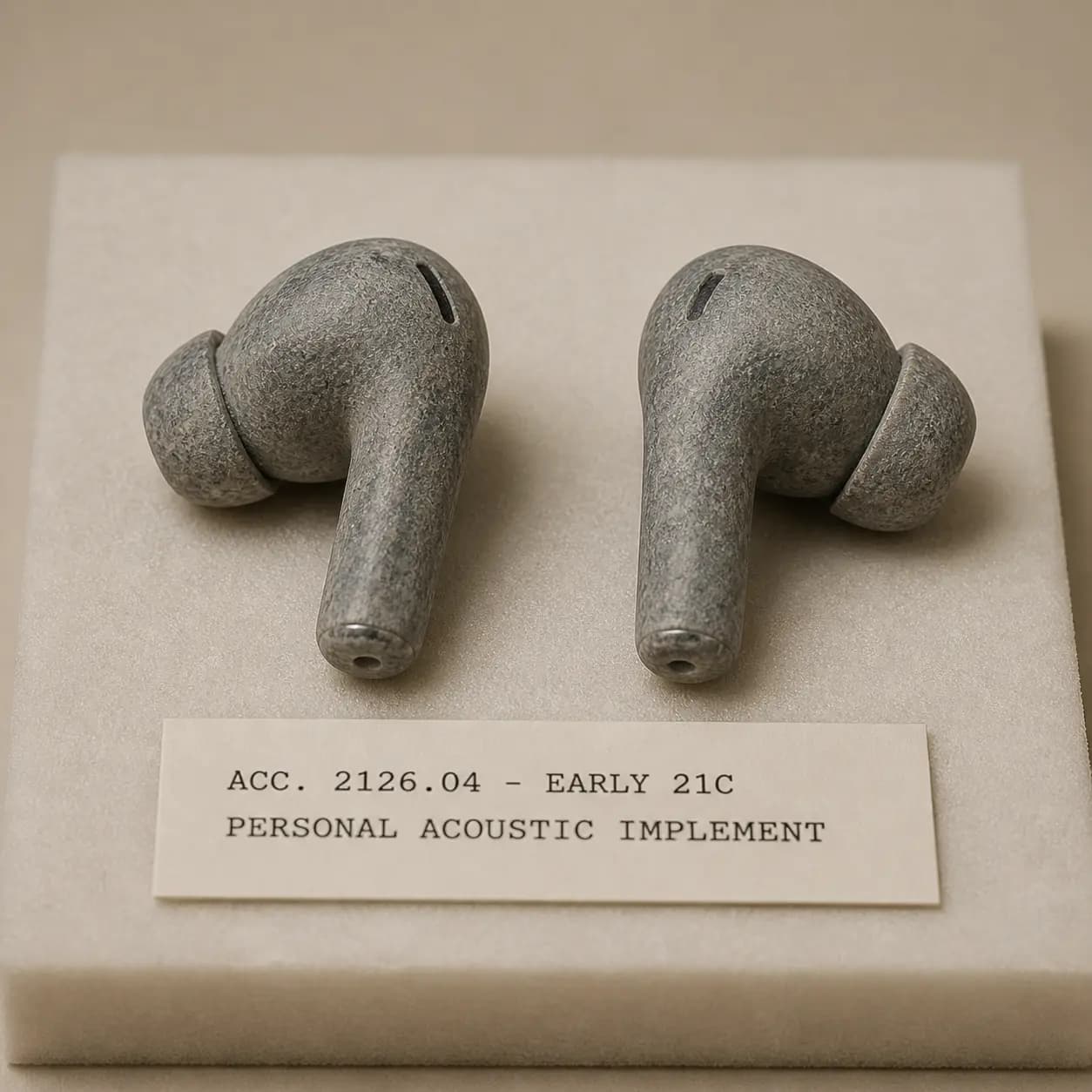
Wireless Earbuds in Stone (Museum Archive)
#07기법: Museum archive framing, accession card, conservation foam, flat lighting. The deadpan holds because every element in the prompt reinforces it.

Matte White Electric Kettle
#08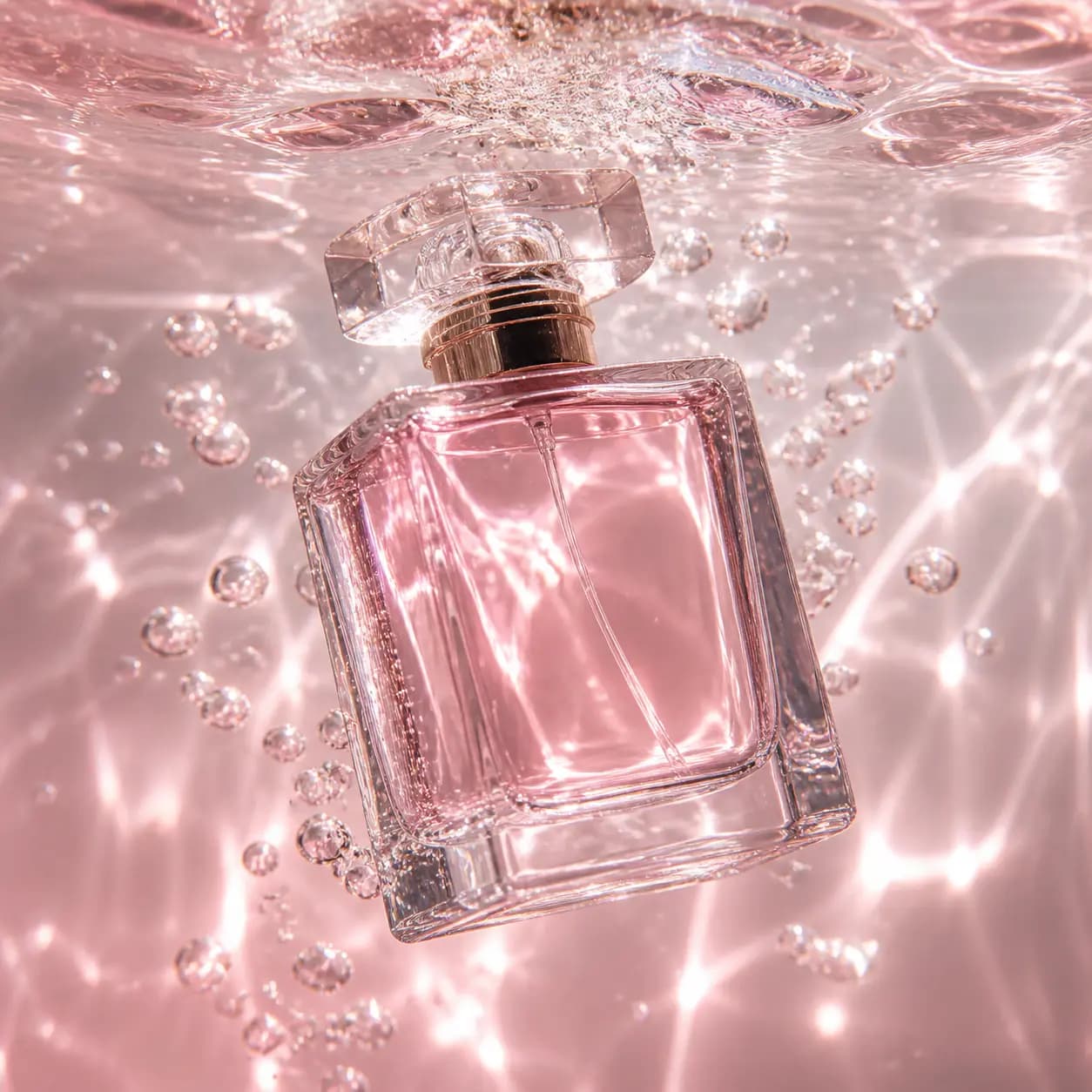
Perfume Bottle Underwater
#09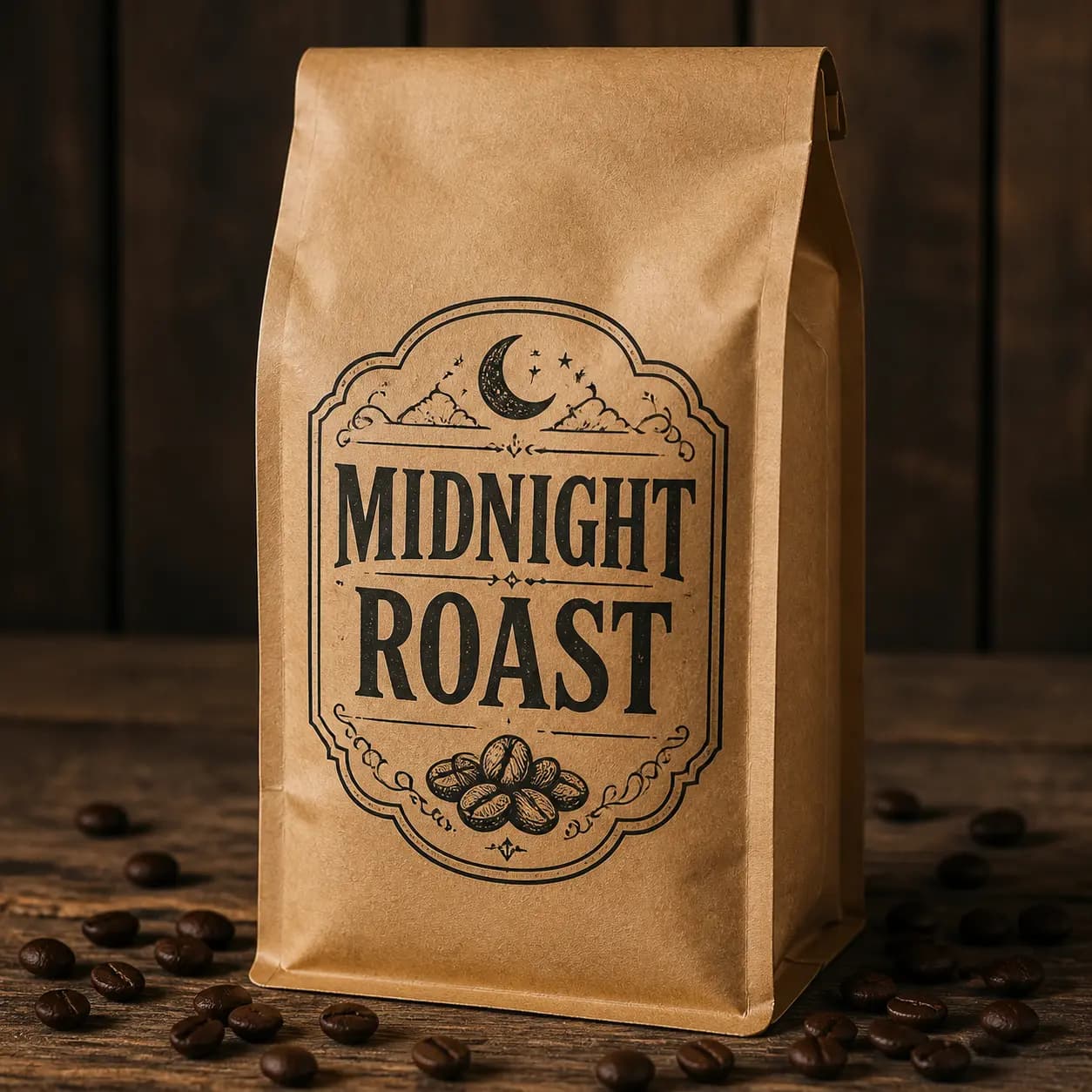
Coffee Packaging Mockup
#10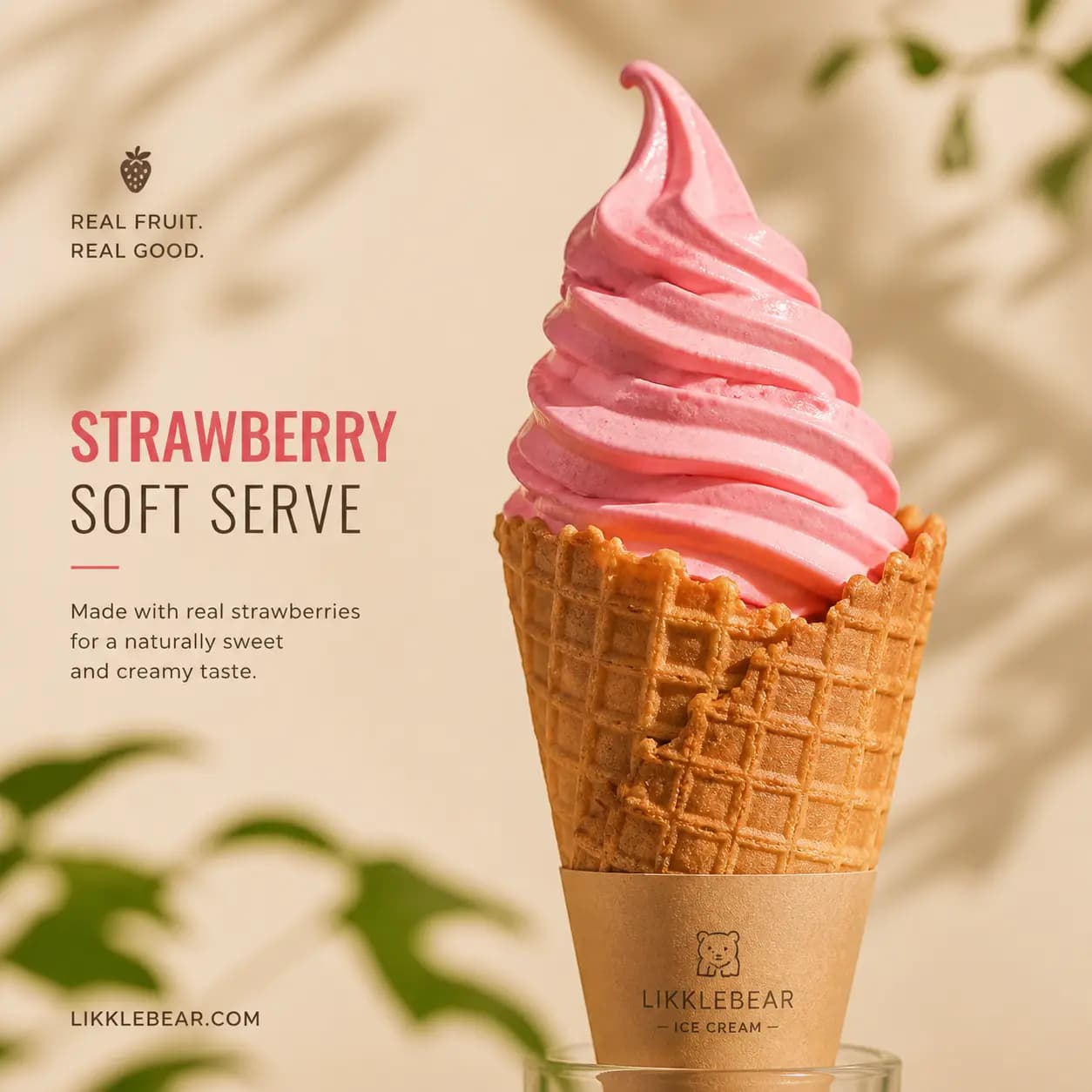
Strawberry Soft Serve Product Photography
#11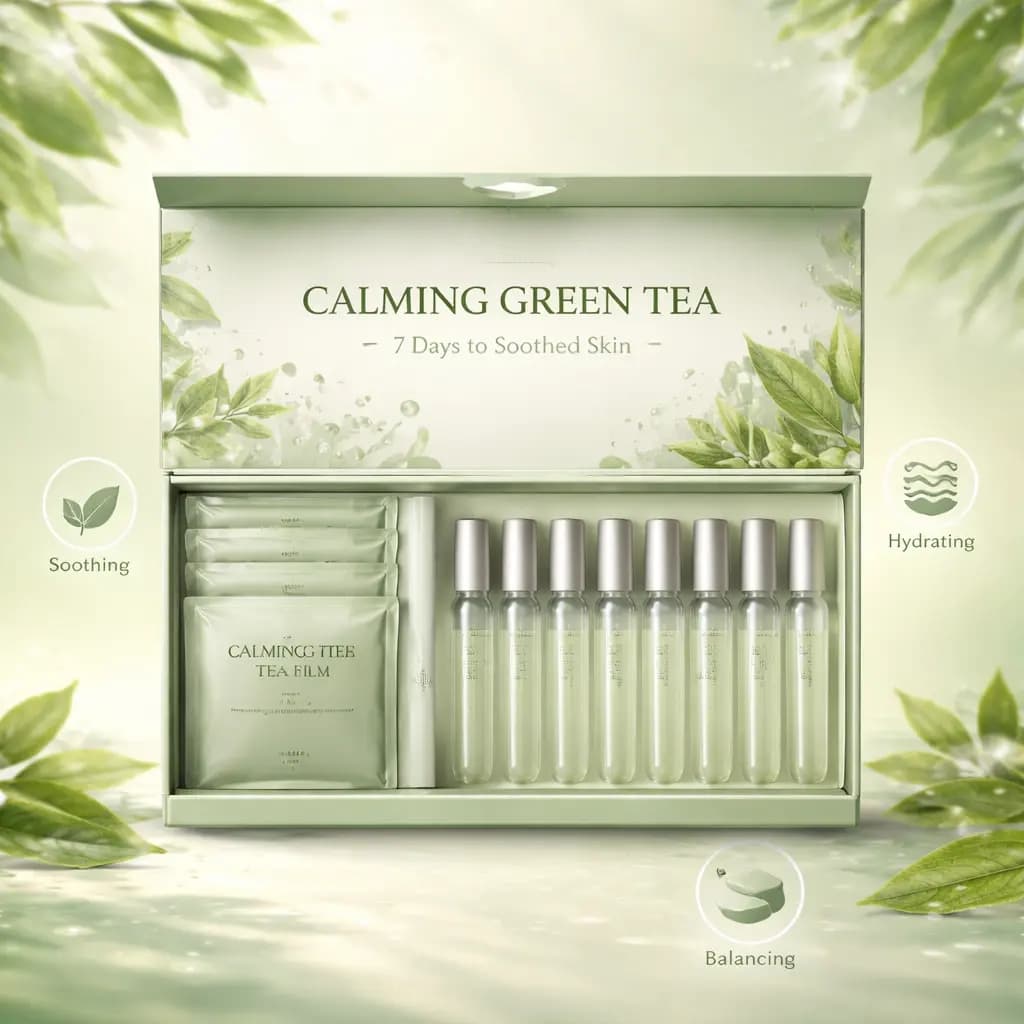
Green Tea Film Kit Product Shot
#12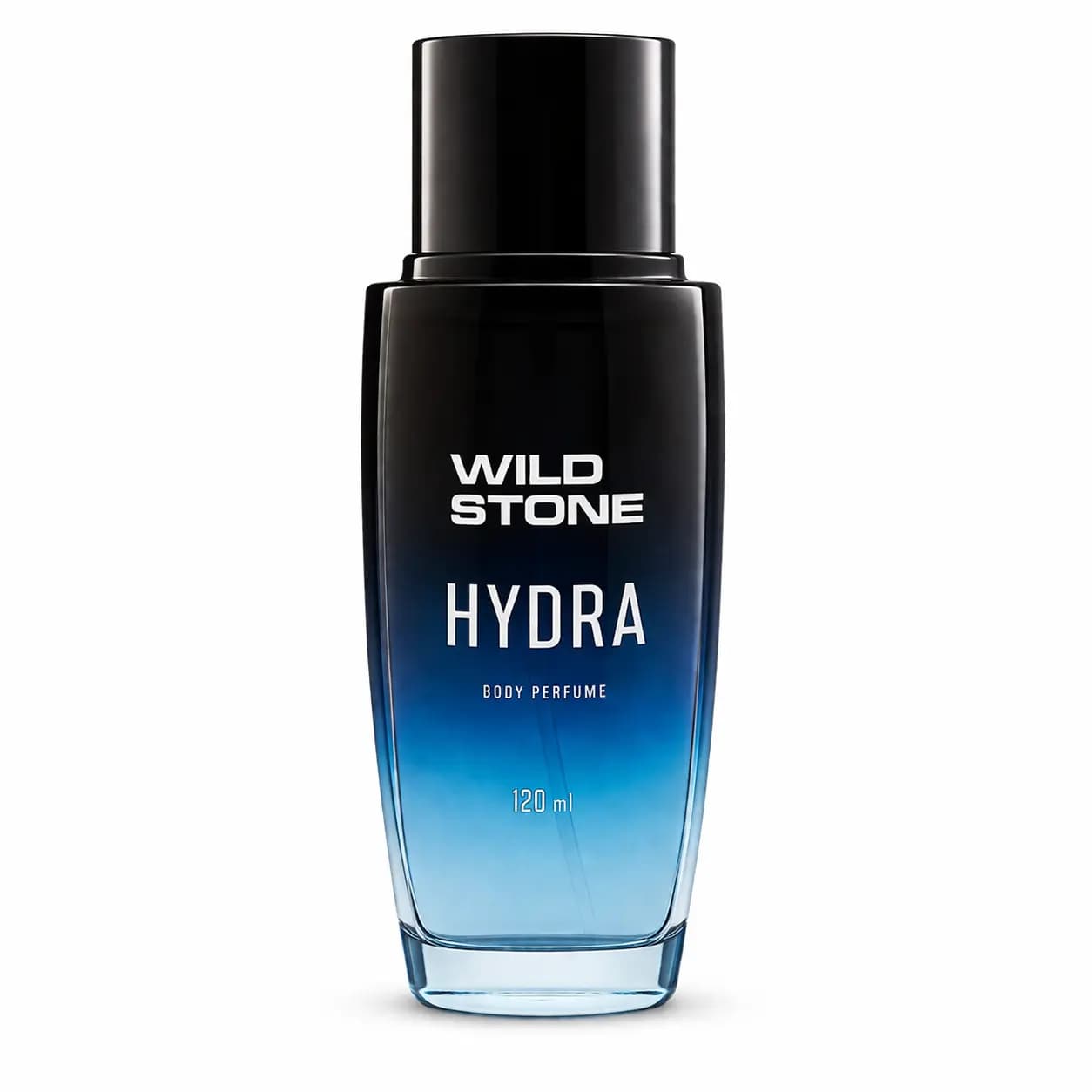
Product Cutout with Clean Background
#13기법: This is an edit prompt. Keep the output background opaque and use a downstream background-removal step if you need transparent assets.
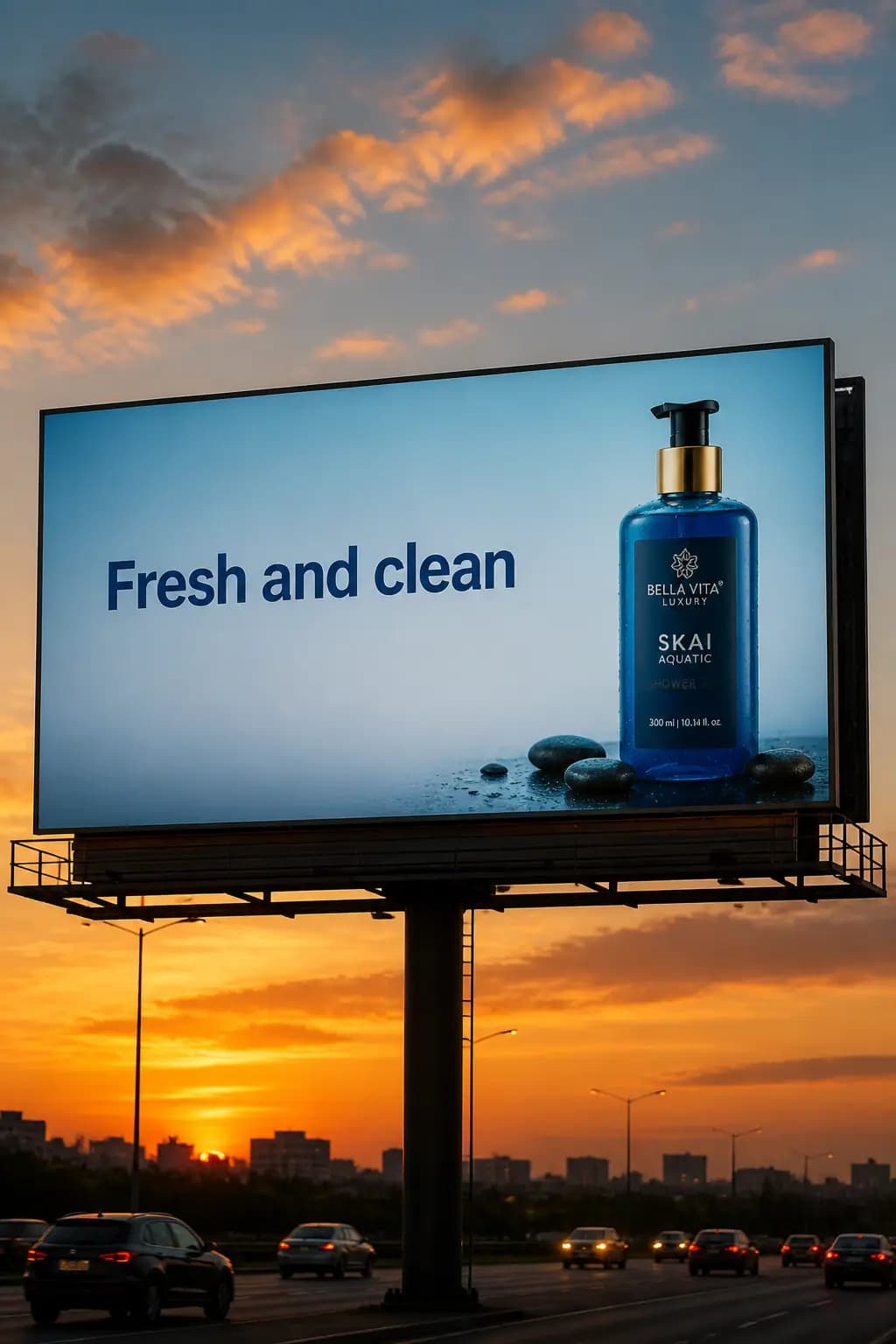
Billboard Mockup with Product
#14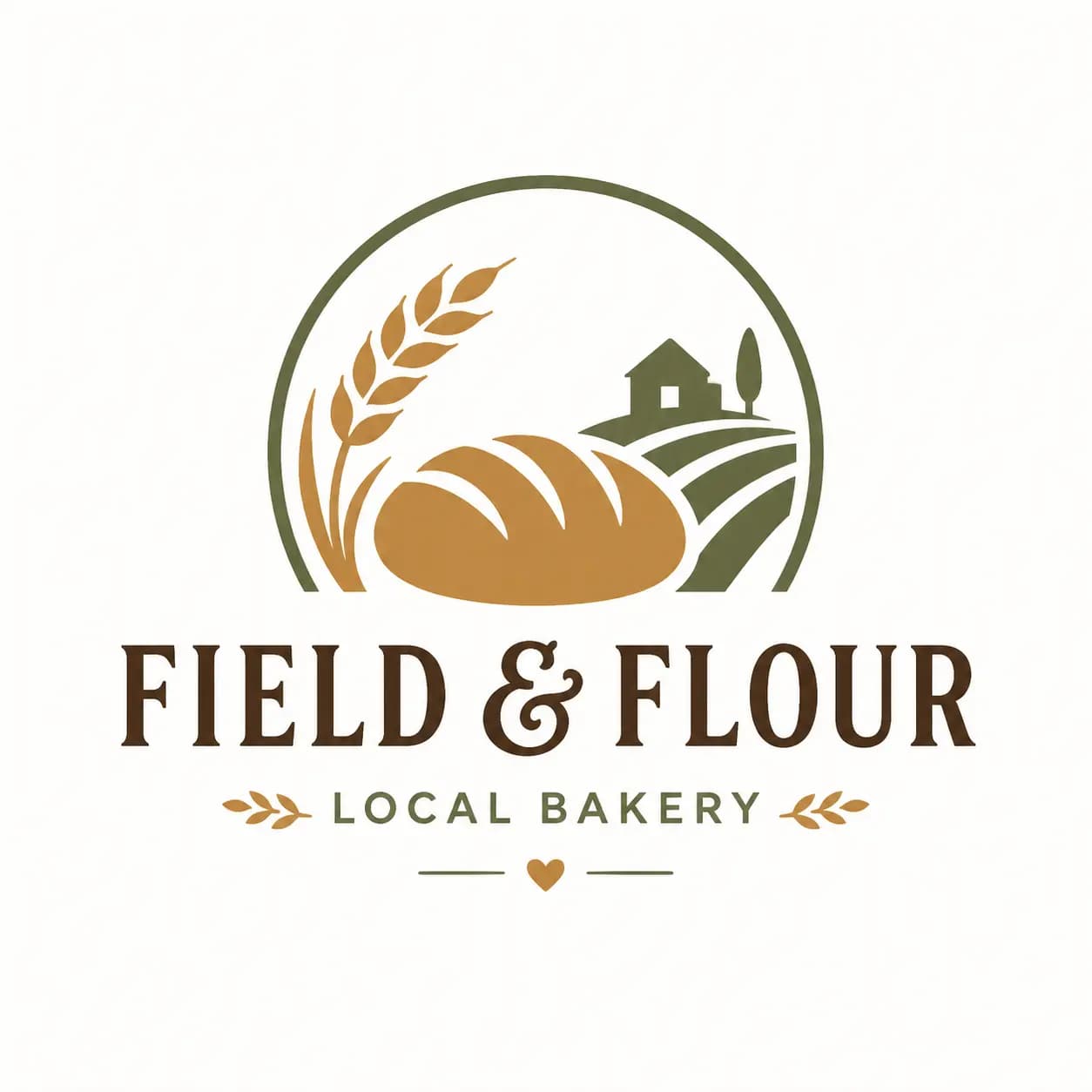
Brand Logo Generation
#15기법: Use parameter `n=4` to generate 4 logo variations in a single API call.
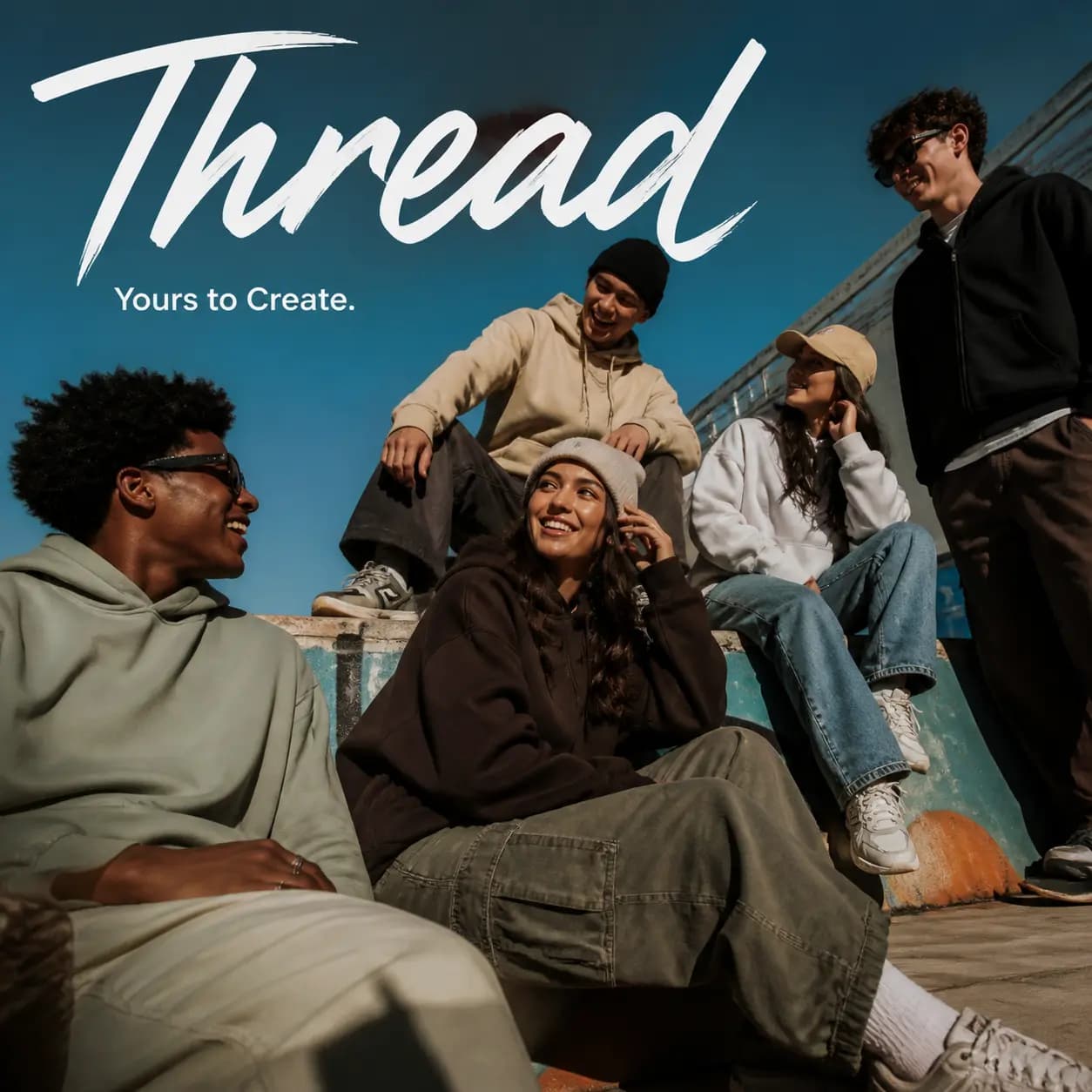
Fashion Campaign Ad
#16기법: Write the prompt like a creative brief rather than a technical image spec. Include brand positioning, audience, vibe, scene, and tagline.

Christmas Collectible Toy Packaging
#17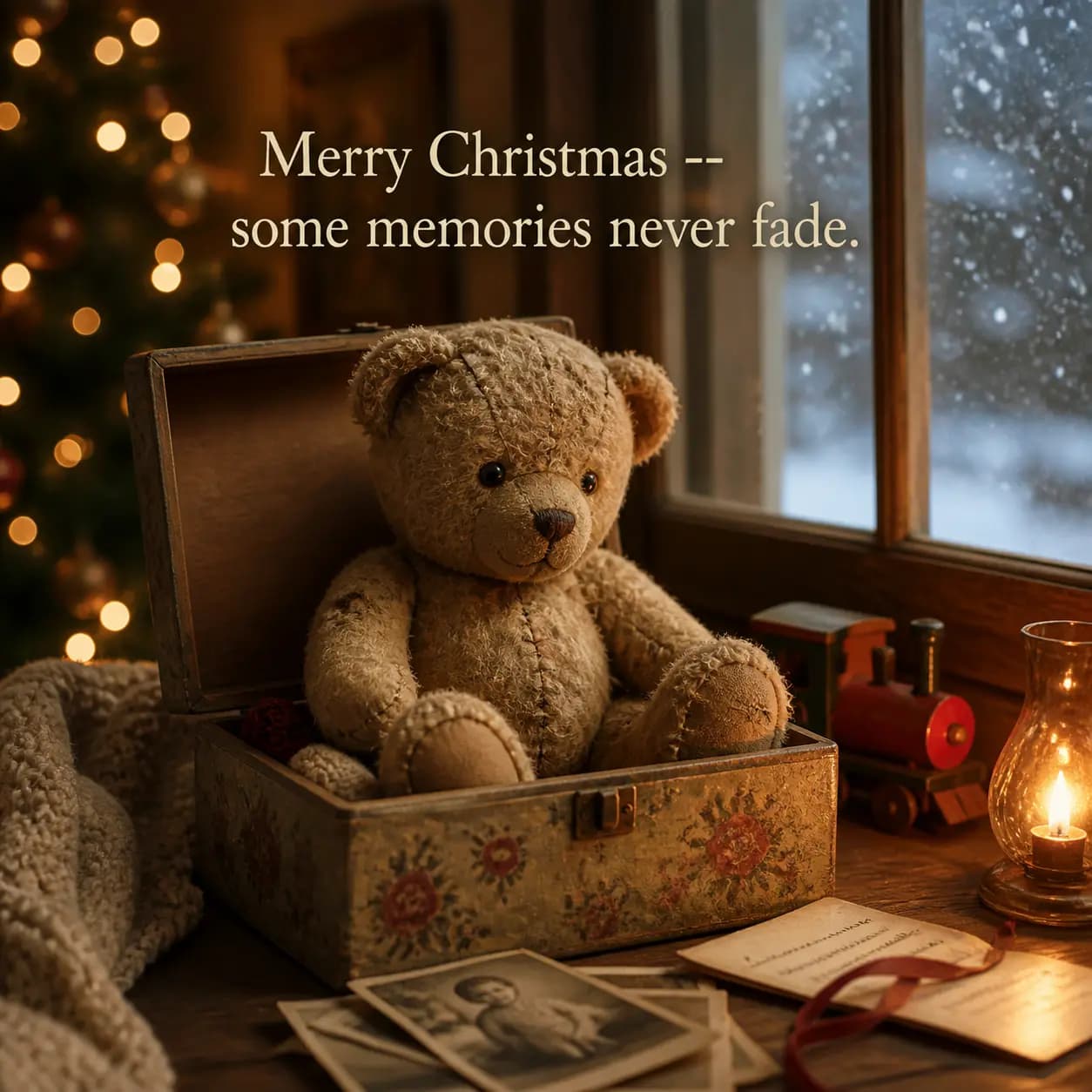
Christmas Holiday Card
#18UI/UX Design
App mockups, landing pages, dashboard designs
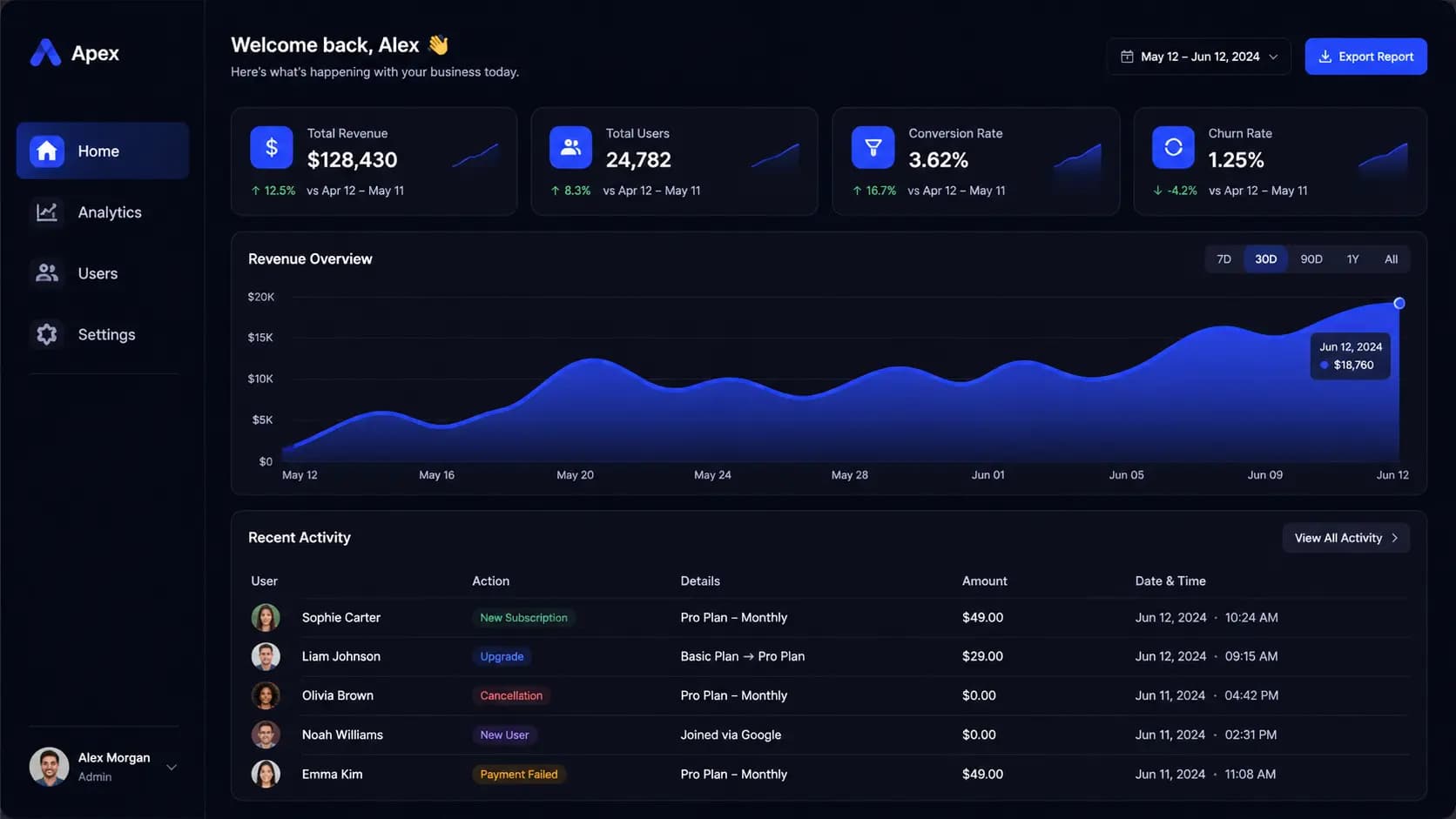
SaaS Dashboard Dark Mode
#01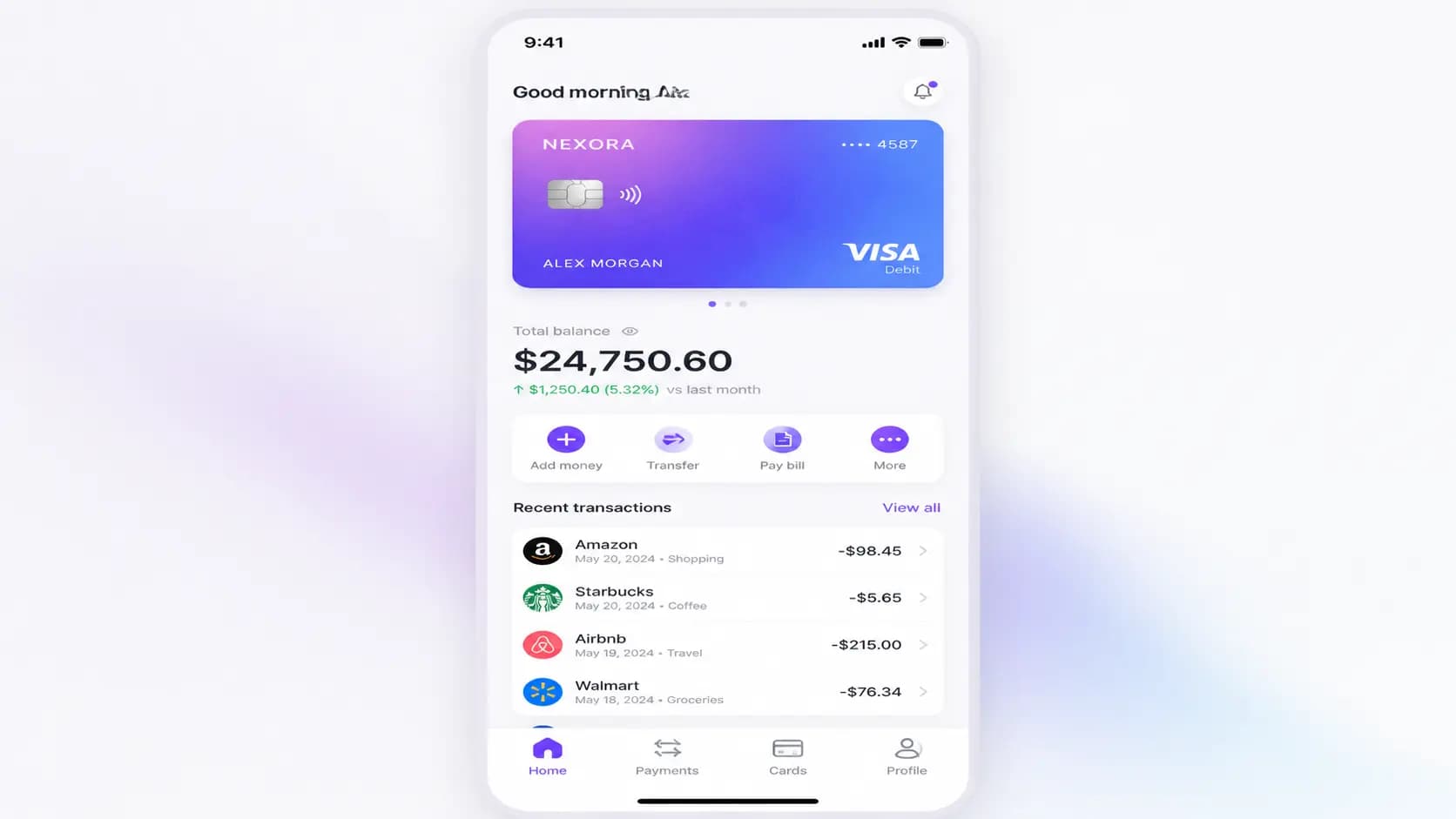
Mobile Banking App
#02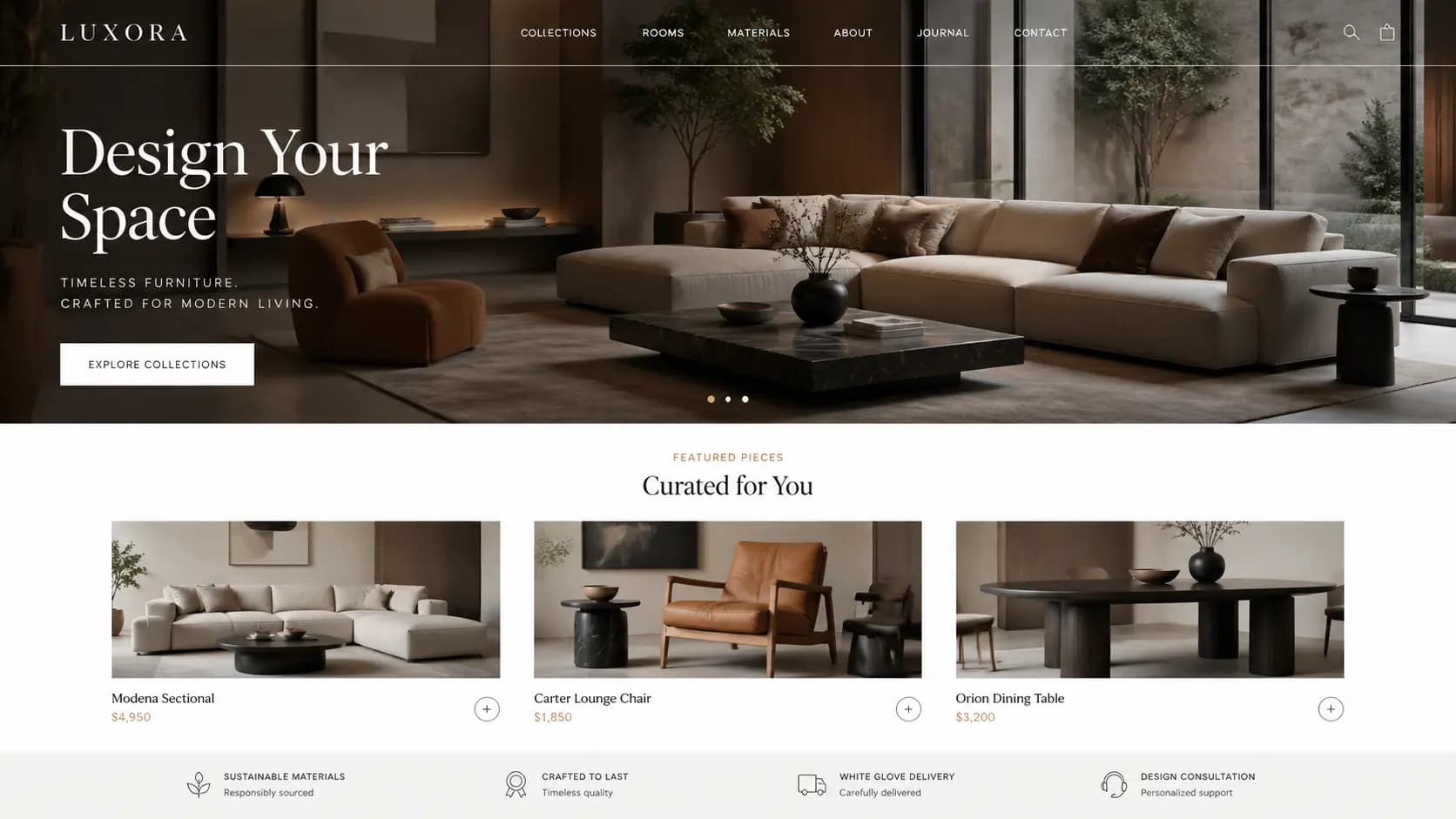
E-commerce Landing Page
#03
Fitness App Workout Screen
#04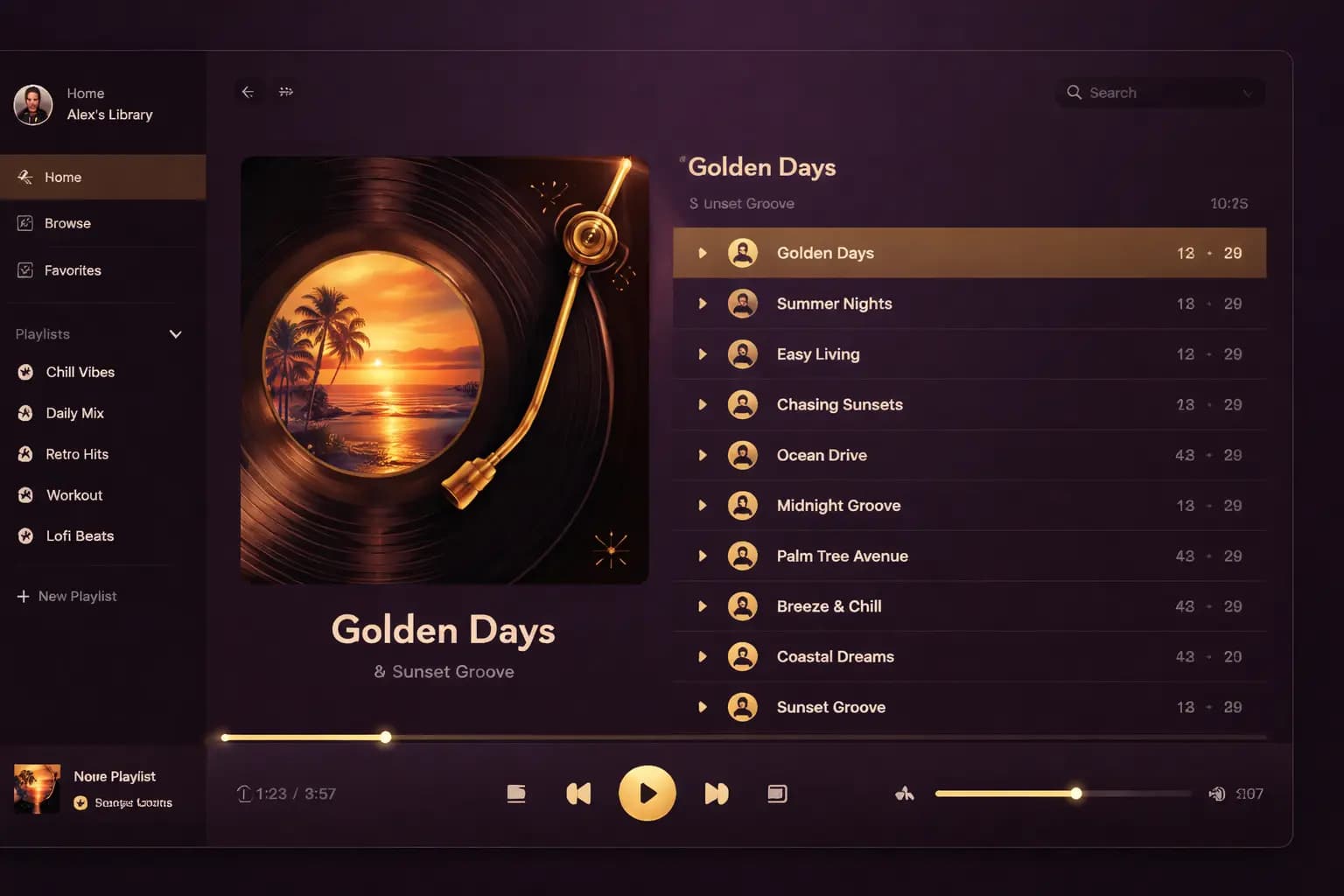
Music Player Interface
#05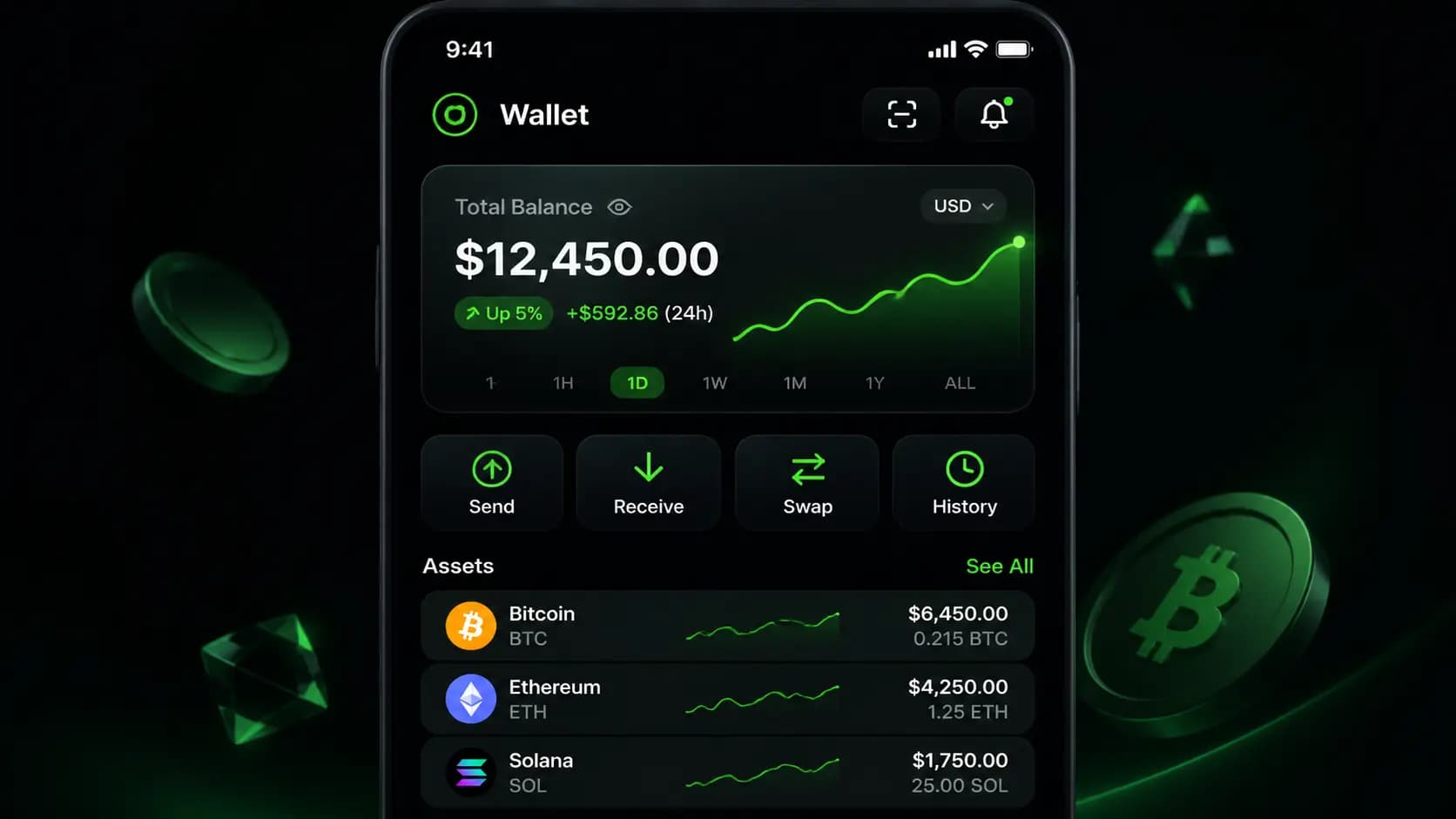
Crypto Wallet Mobile App
#06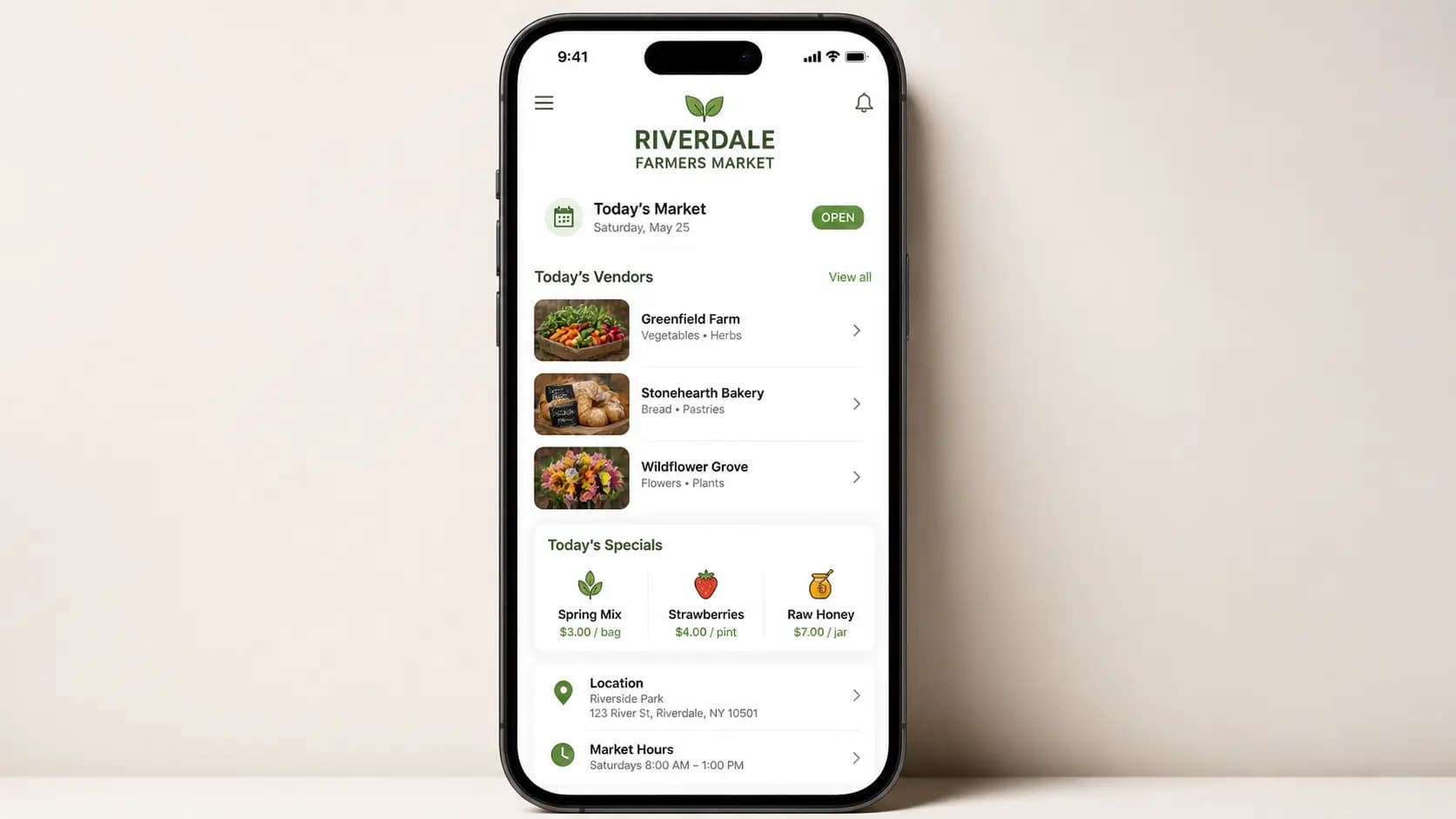
Farmers Market App
#07기법: Describe the product as if it already exists. Focus on layout, hierarchy, spacing, and real interface elements. Avoid concept art language.
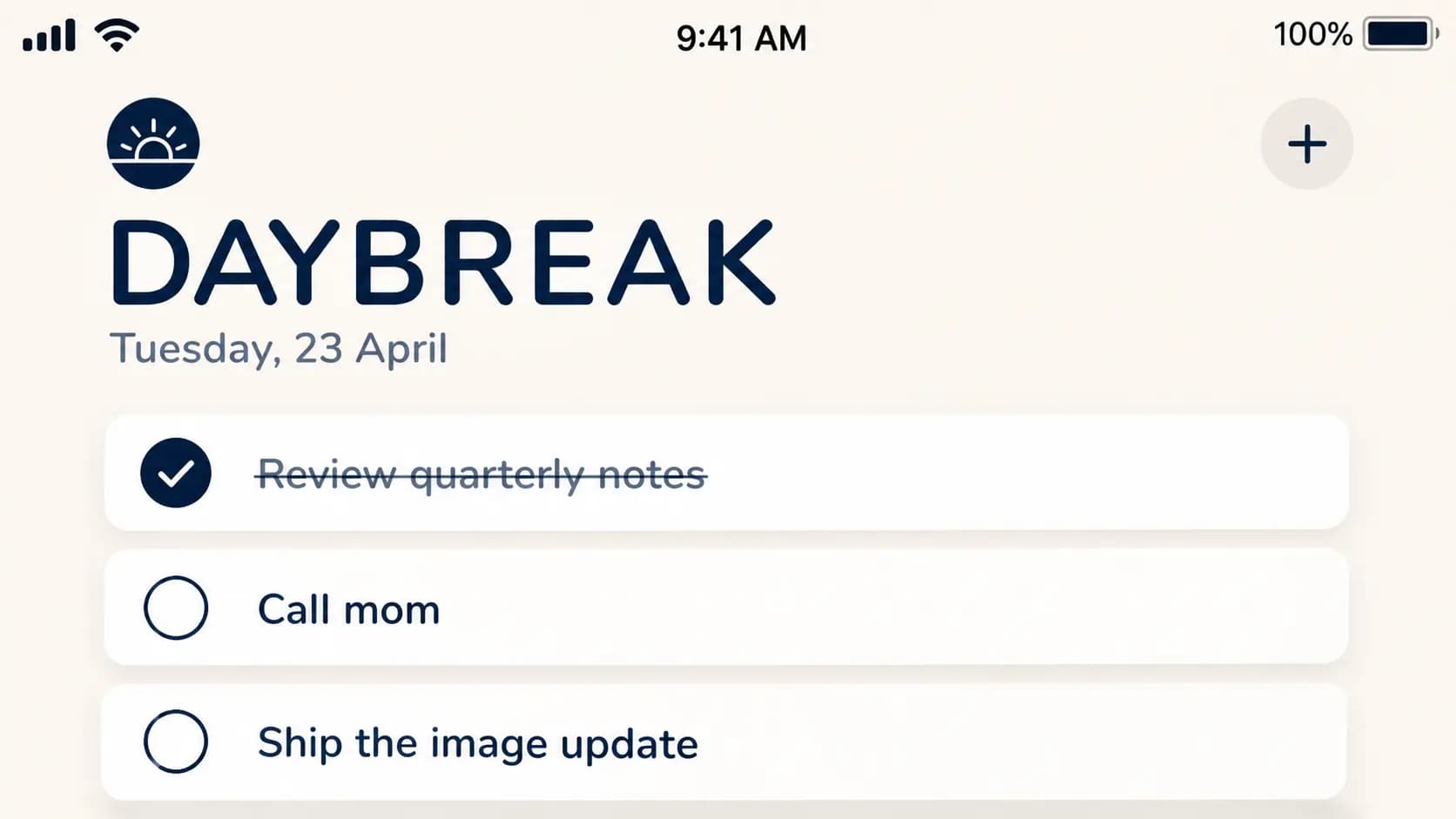
To-Do App Screenshot (DAYBREAK)
#08기법: The model gets dramatically better once the screen type, copy, hierarchy, and spacing are all explicit.
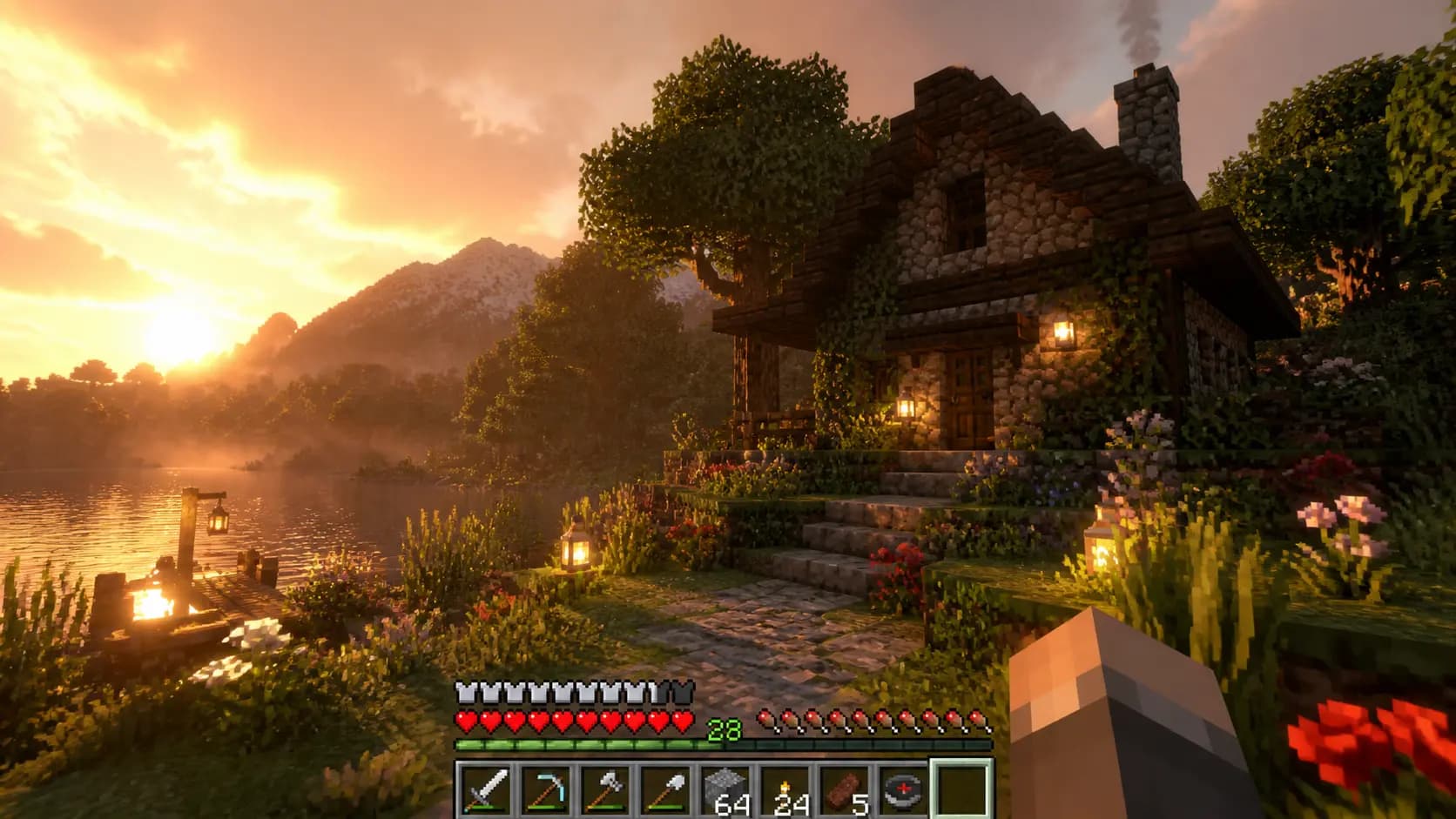
Game HUD Screenshot (Block Survival)
#09기법: "Clean survival HUD along the bottom, believable UI spacing" does the layout work. Remove those two clauses and the HUD collapses into noise.
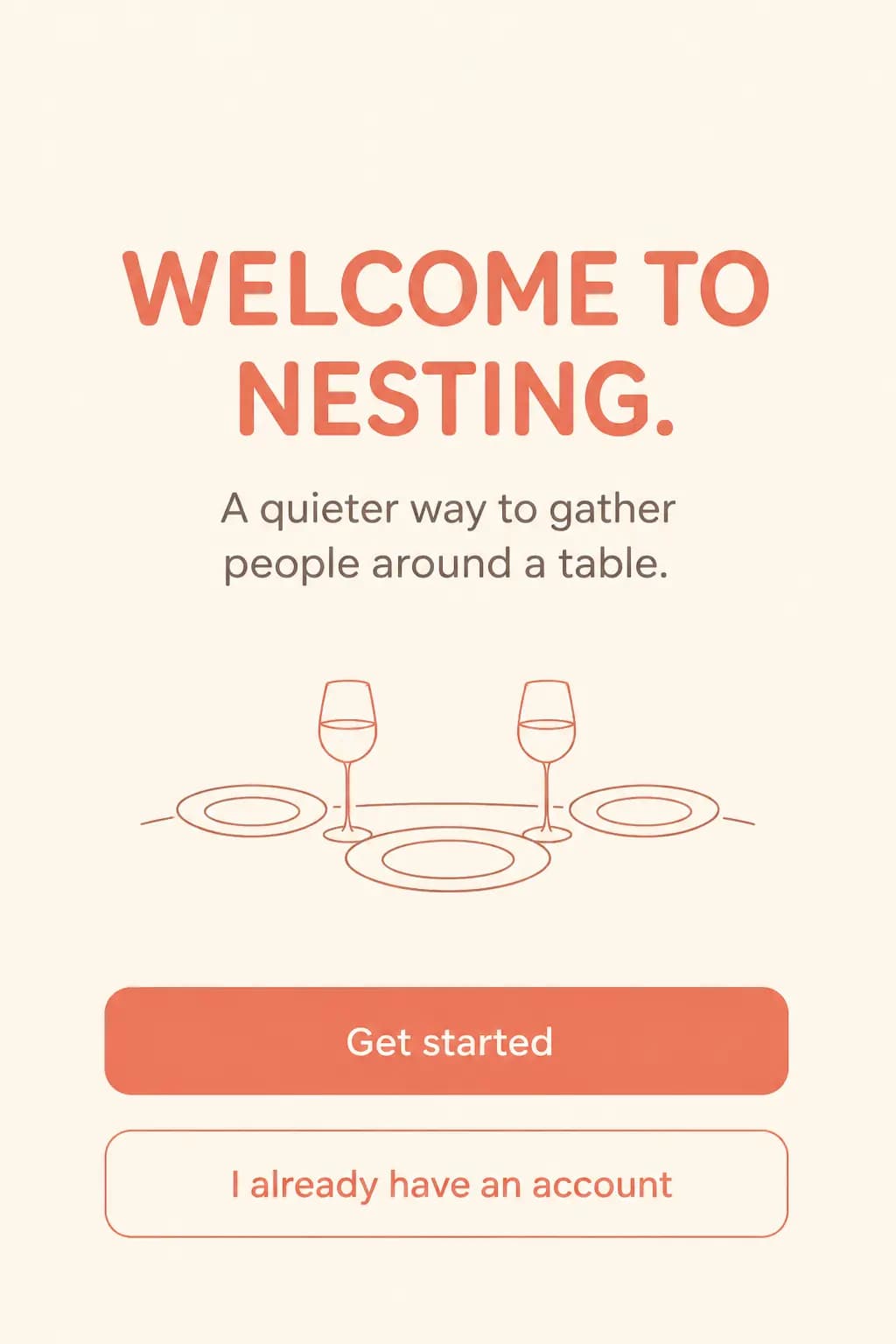
Mobile Onboarding Screen (NESTING)
#10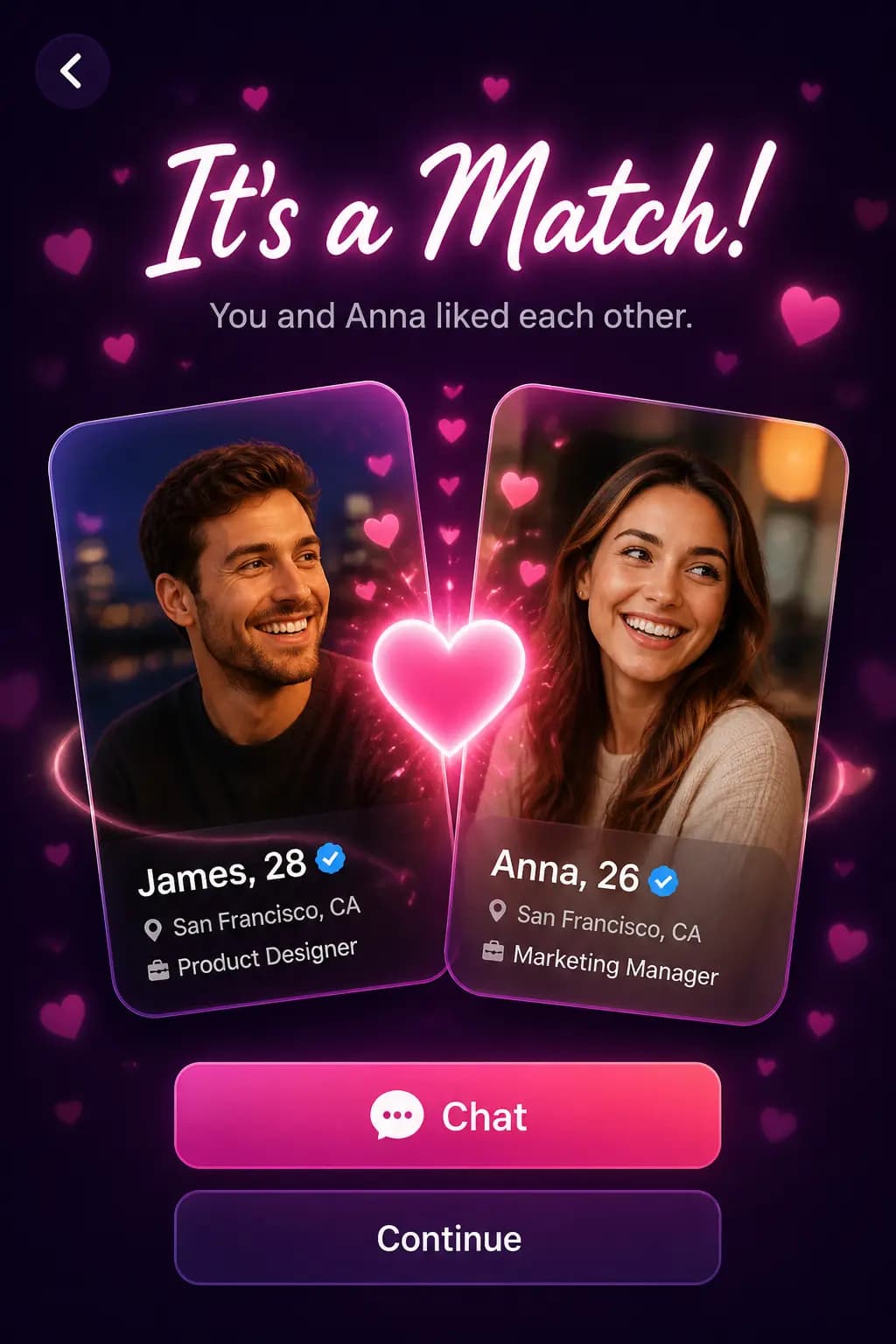
Social Dating App Match Screen
#11
Pitch Deck Slide (Market Opportunity)
#12기법: Name the exact deliverable (slide), define canvas and hierarchy, provide real data, describe the visual language. Use `quality="high"` for slides with small text.
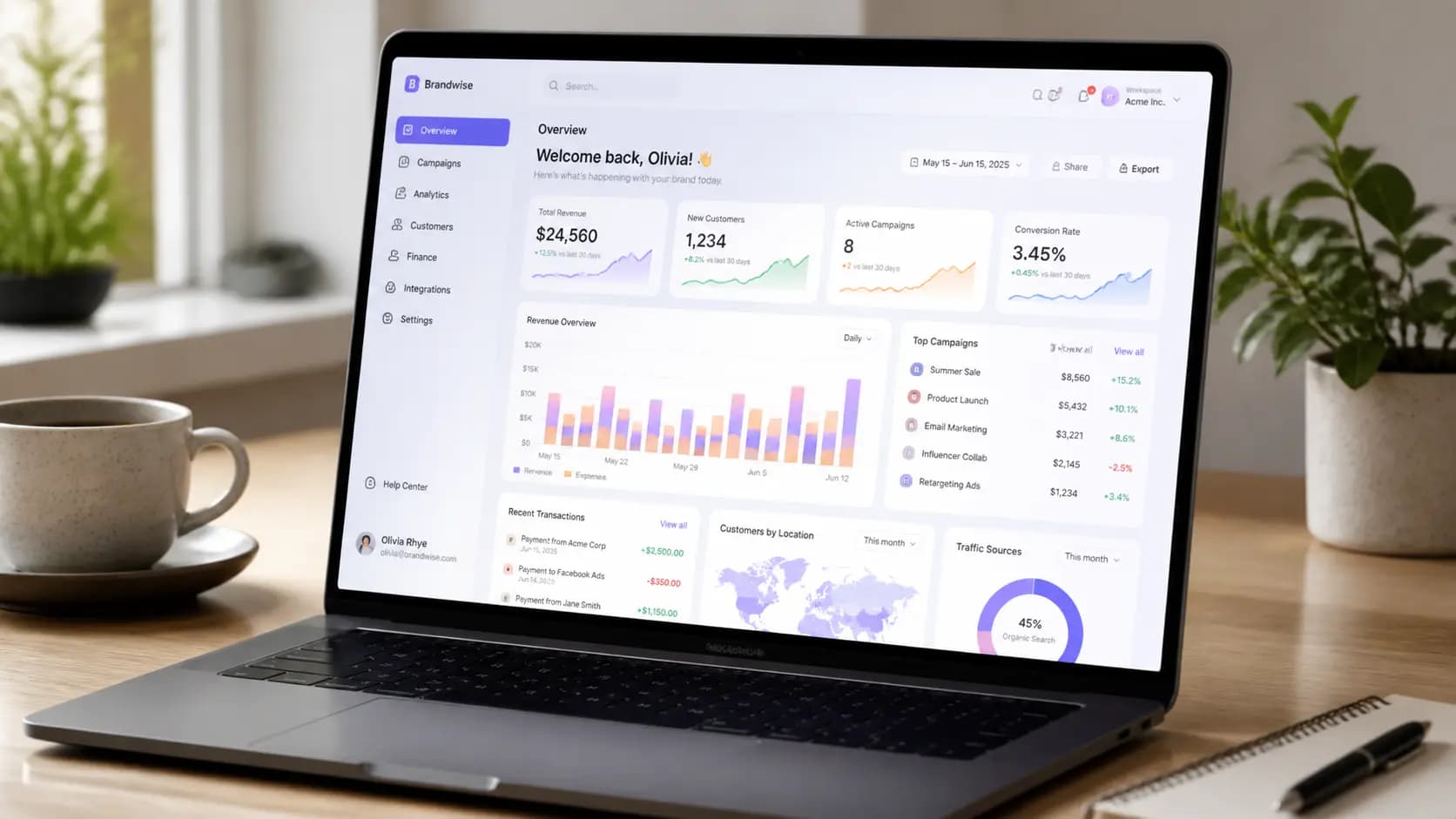
SaaS Dashboard Laptop Mockup
#13Game Assets
Character sprites, environments, in-game screenshots, items
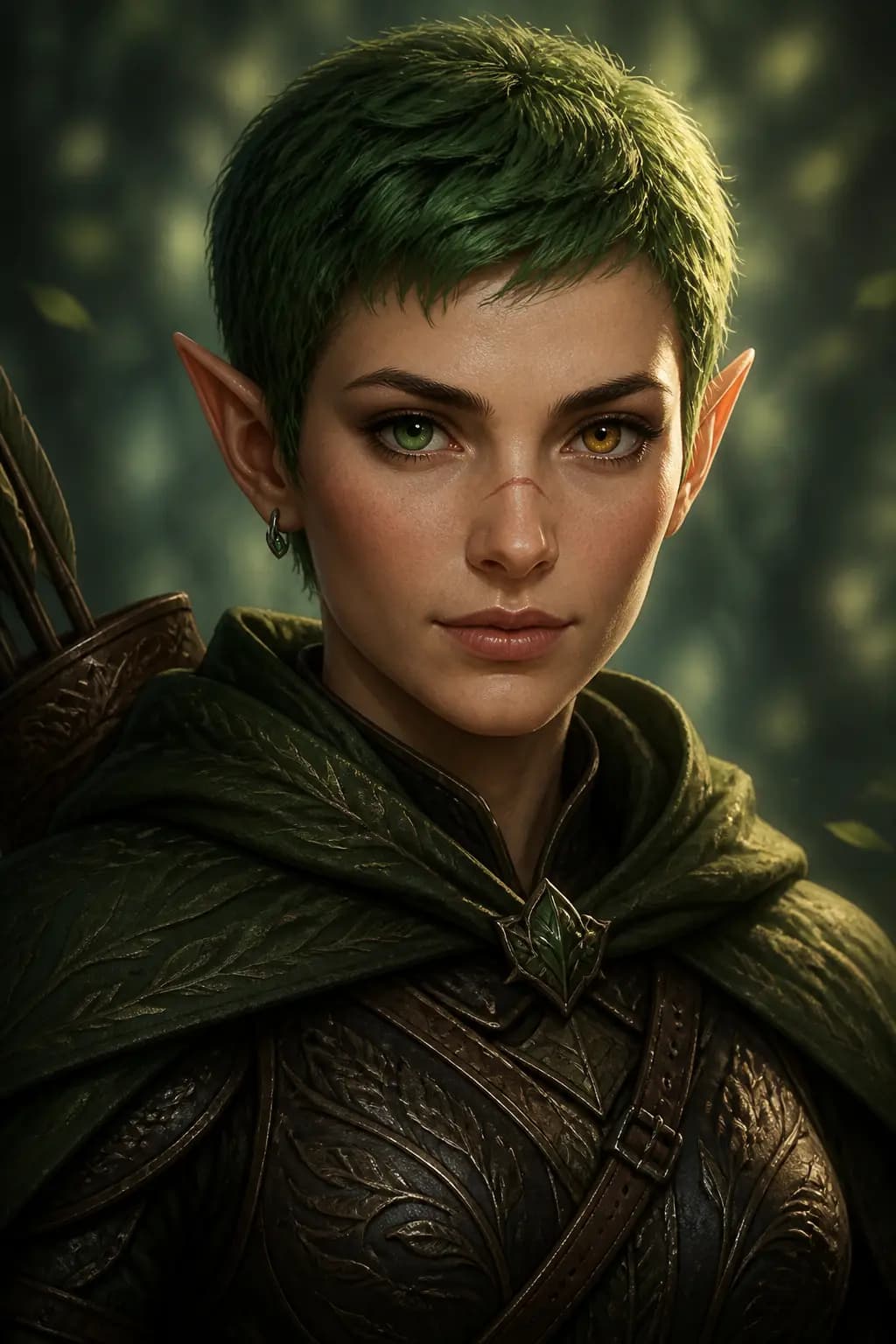
RPG Character Portrait
#01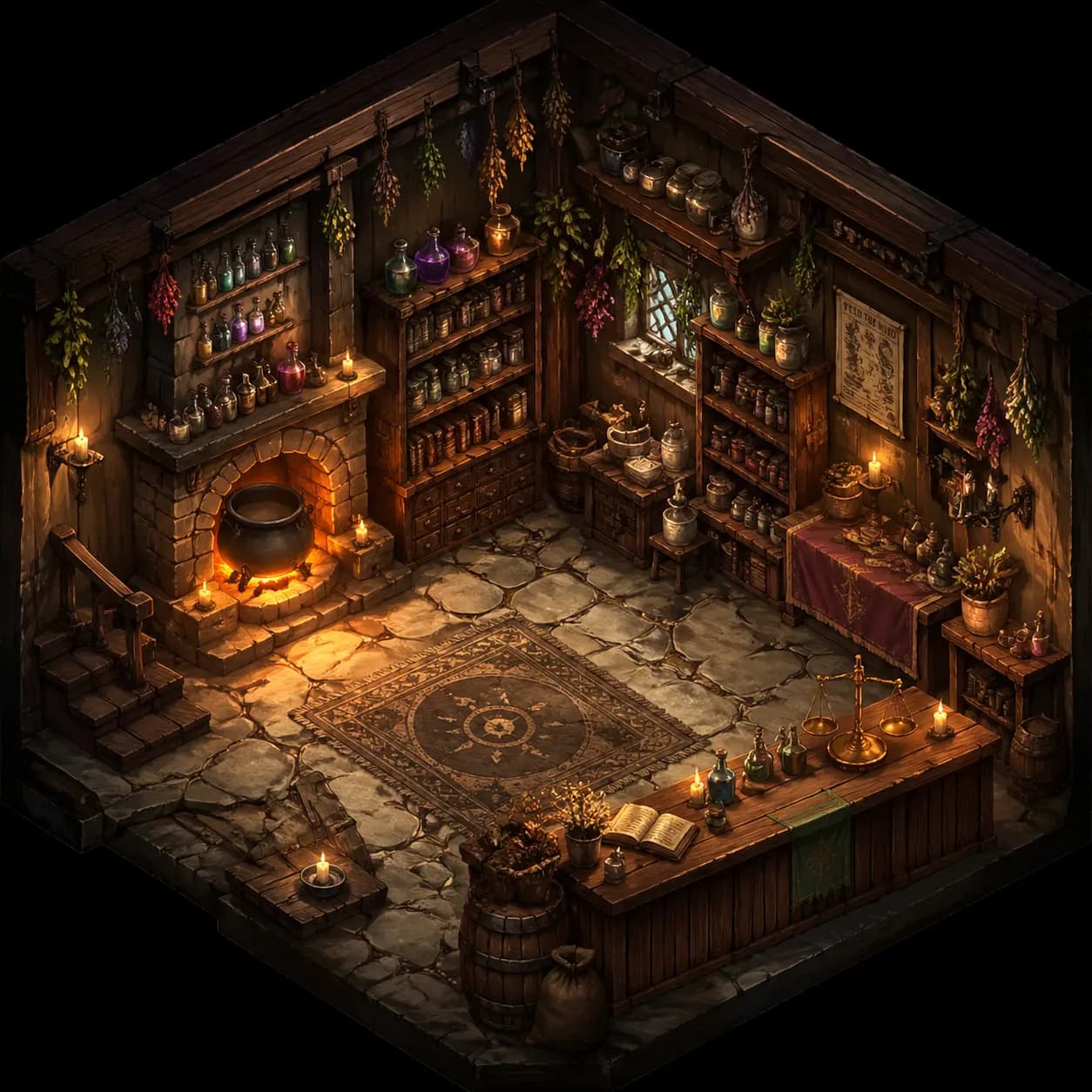
Isometric Game Environment
#02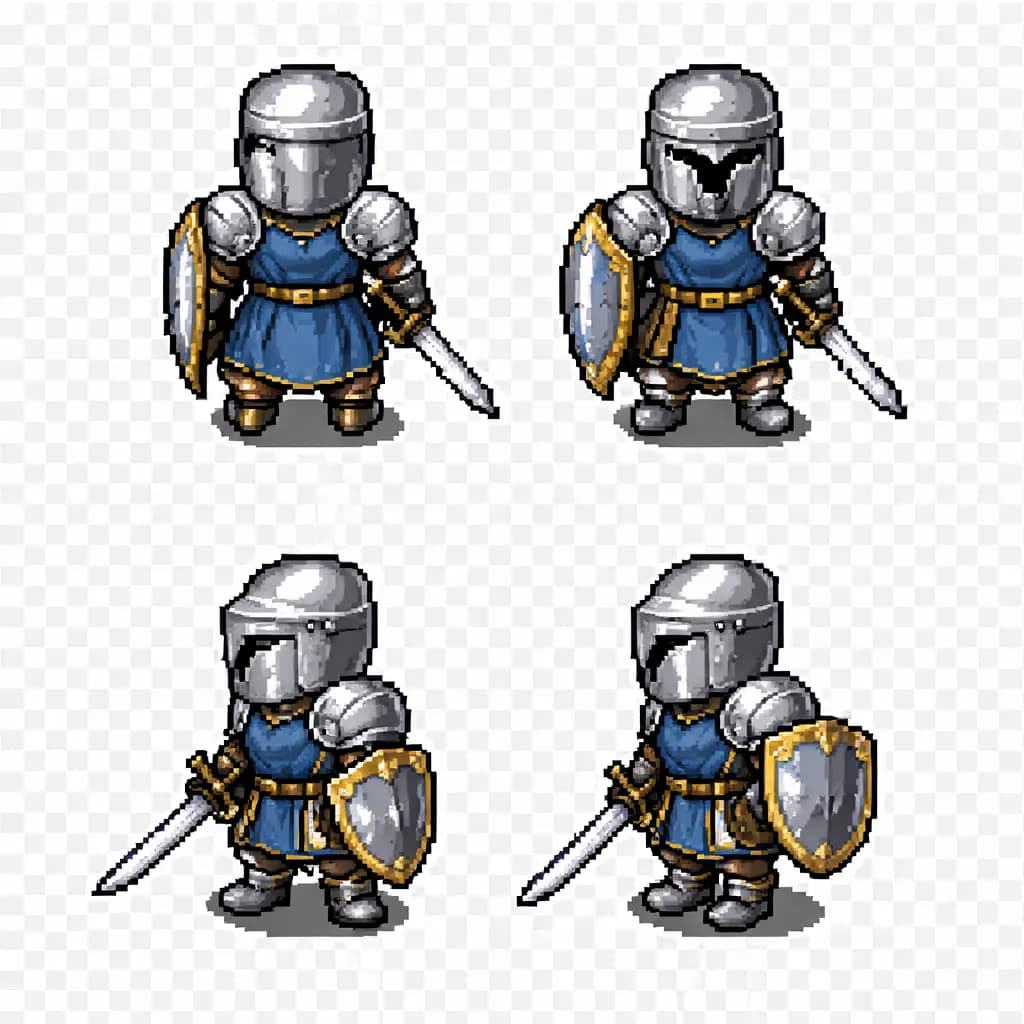
Pixel Art Character Sprite
#03
Game Item Icons Set
#04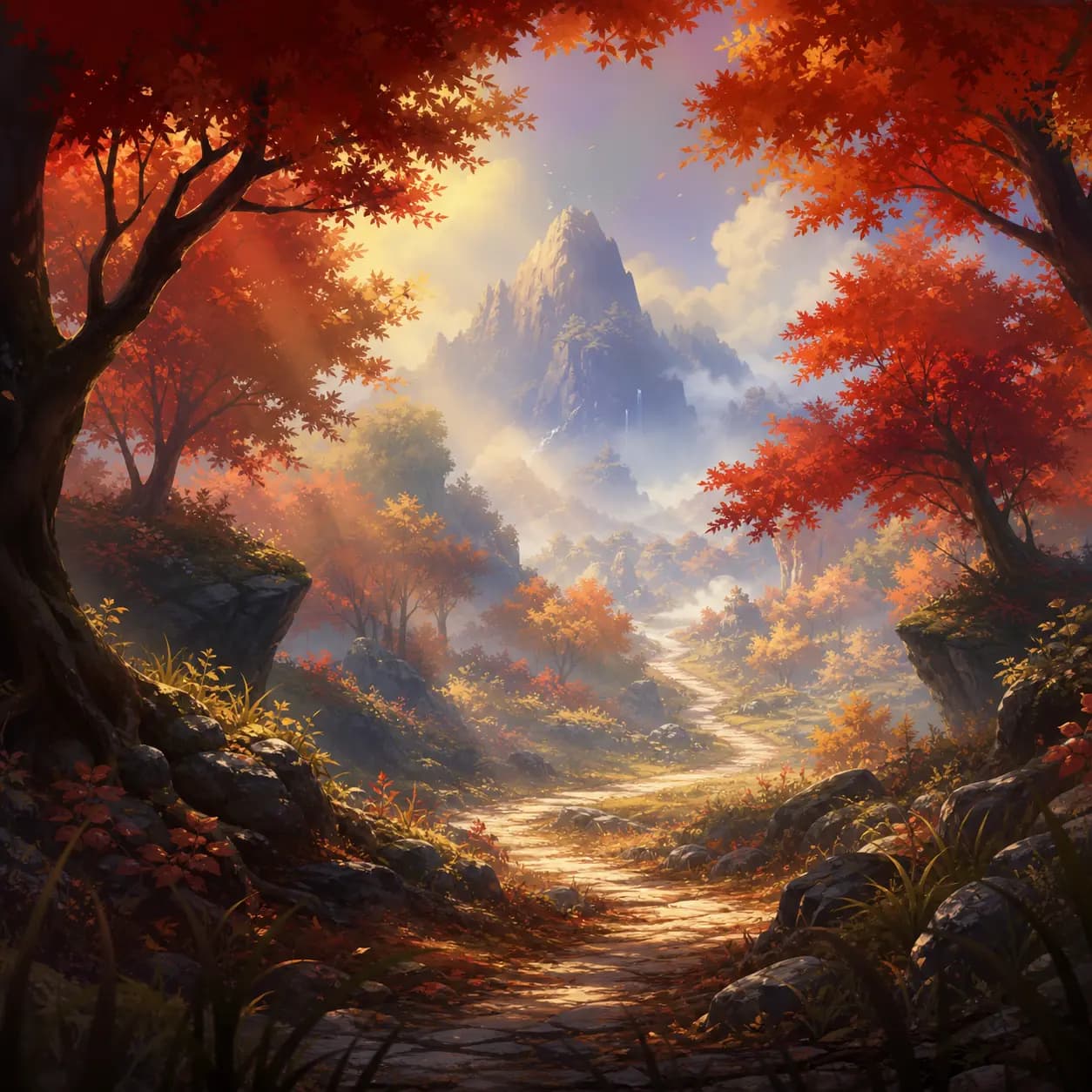
Game Background -- Forest Path
#05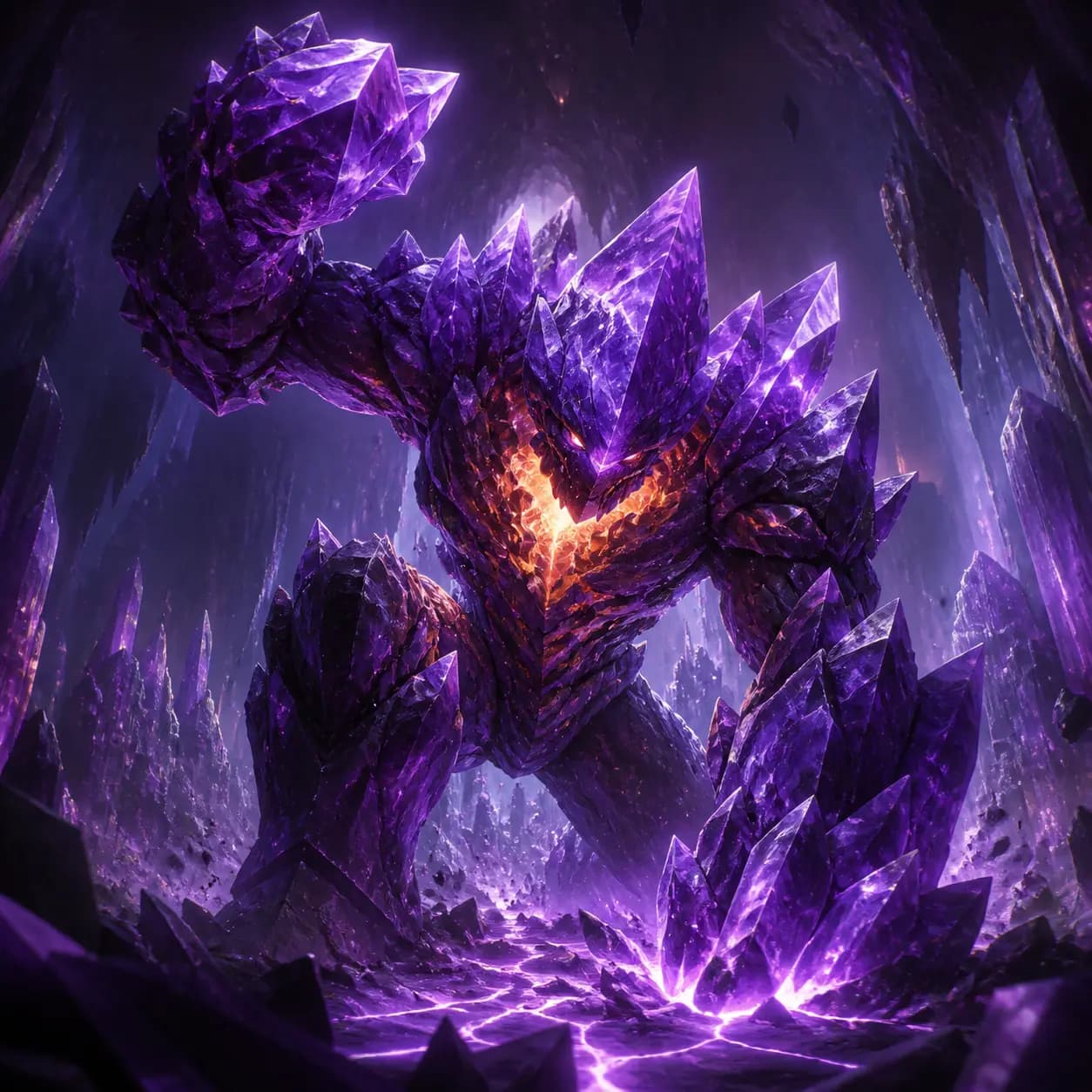
Boss Monster Design
#06
First-Person Block Survival Screenshot
#07기법: "Clean survival HUD along the bottom, believable UI spacing" does the layout work. Without those constraints the HUD collapses into noise.
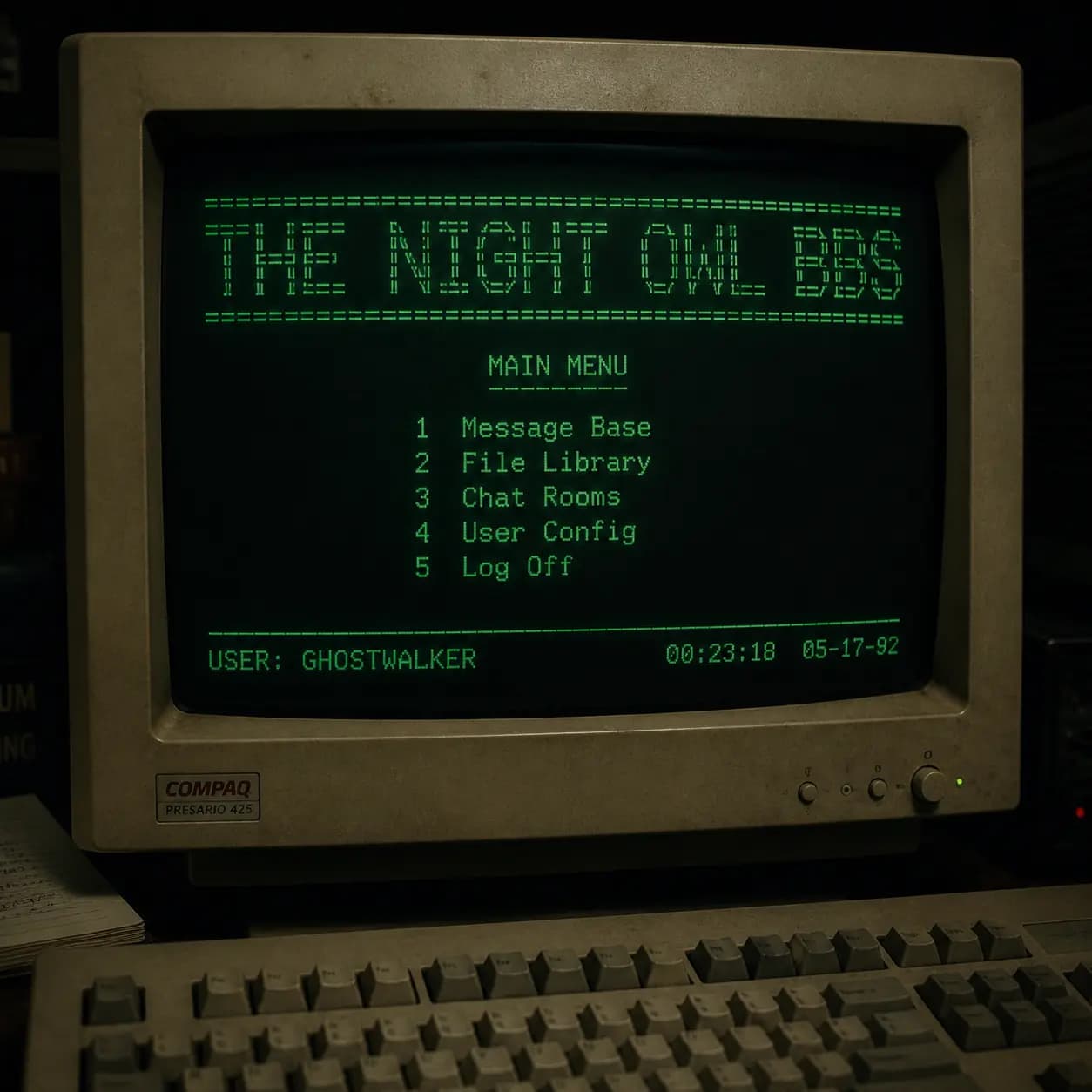
Retro CRT Terminal (BBS)
#08기법: This is a stress test for small text, old-screen glow, and physical monitor detail all at once.
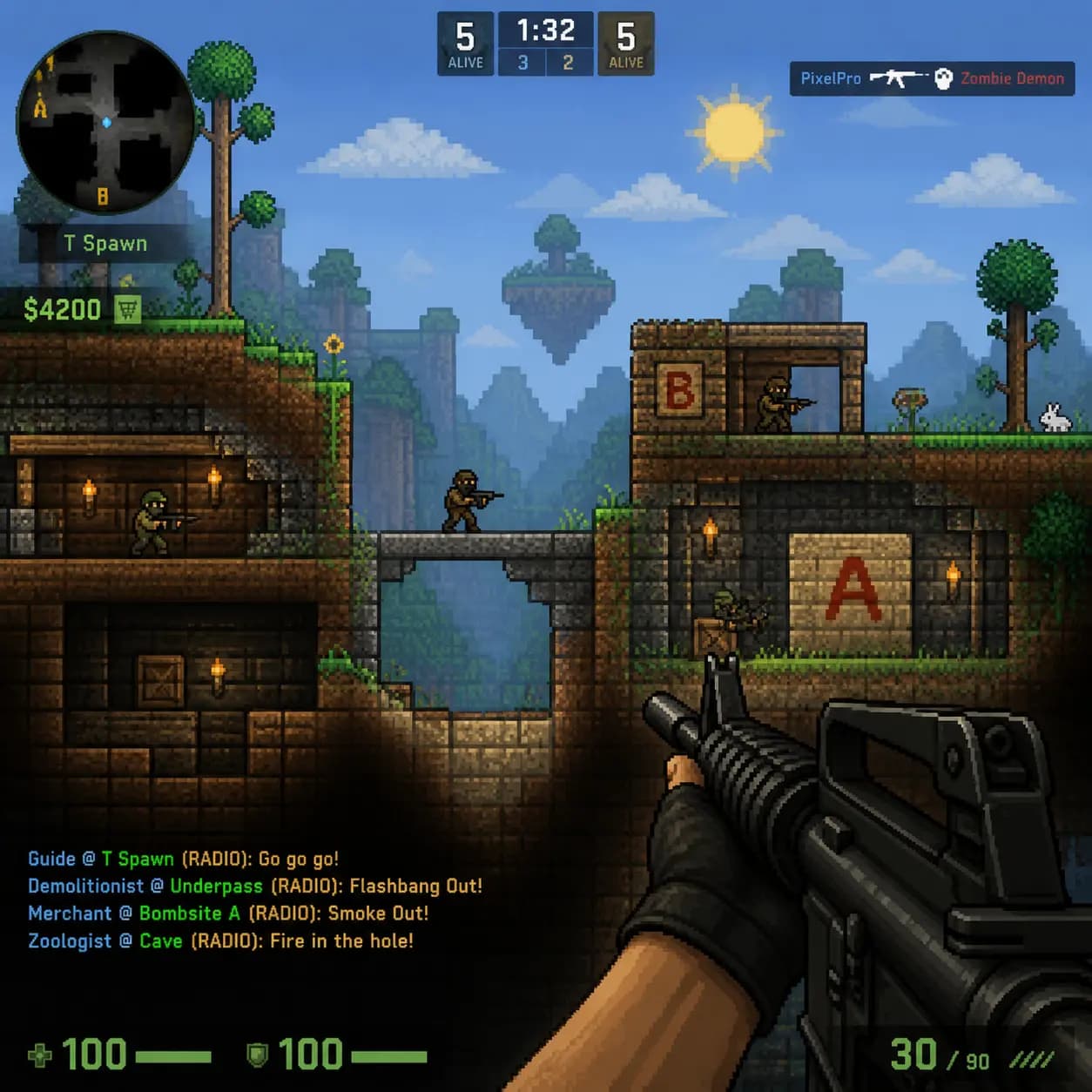
Counter-Strike x Terraria Mashup
#09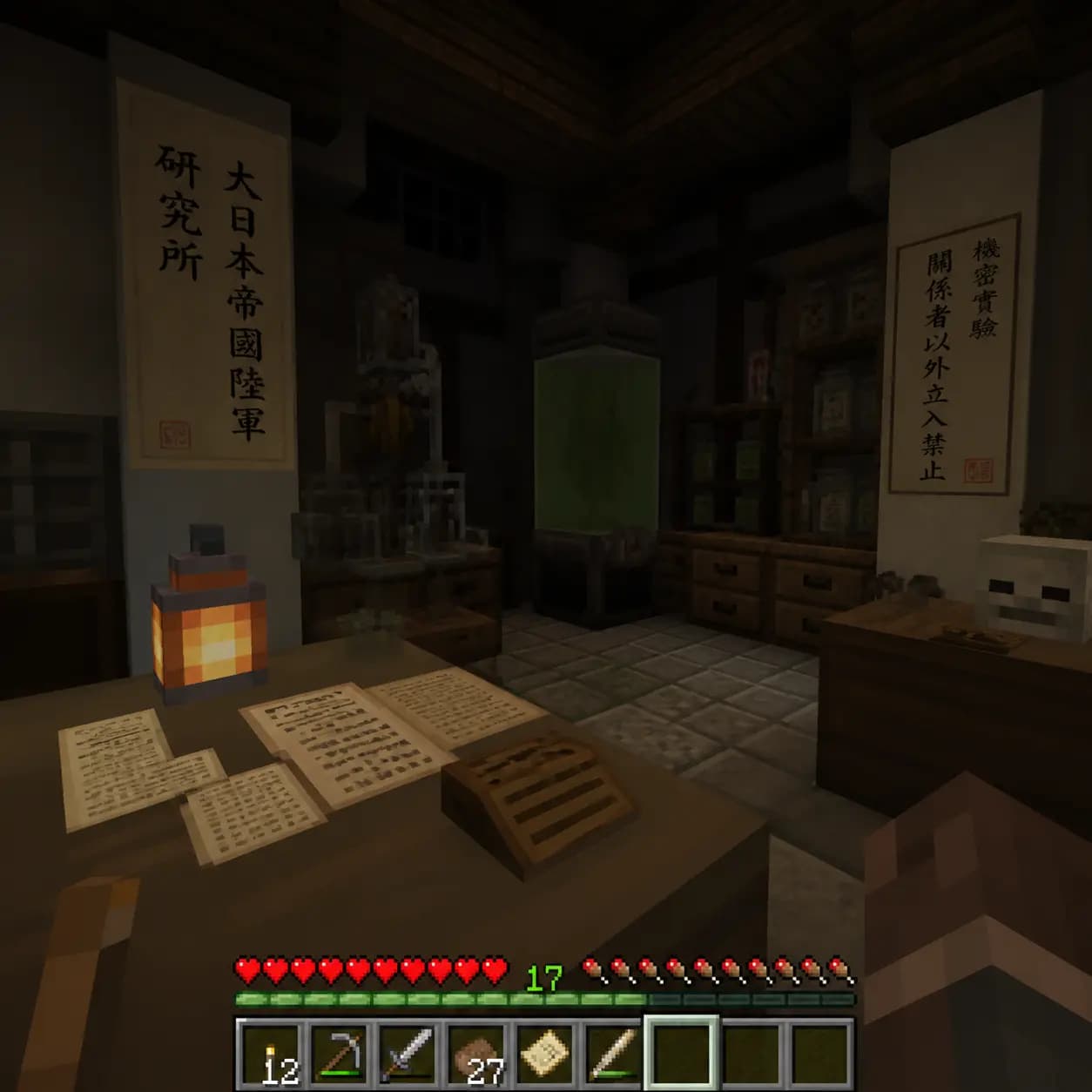
Minecraft Japanese Research Lab
#10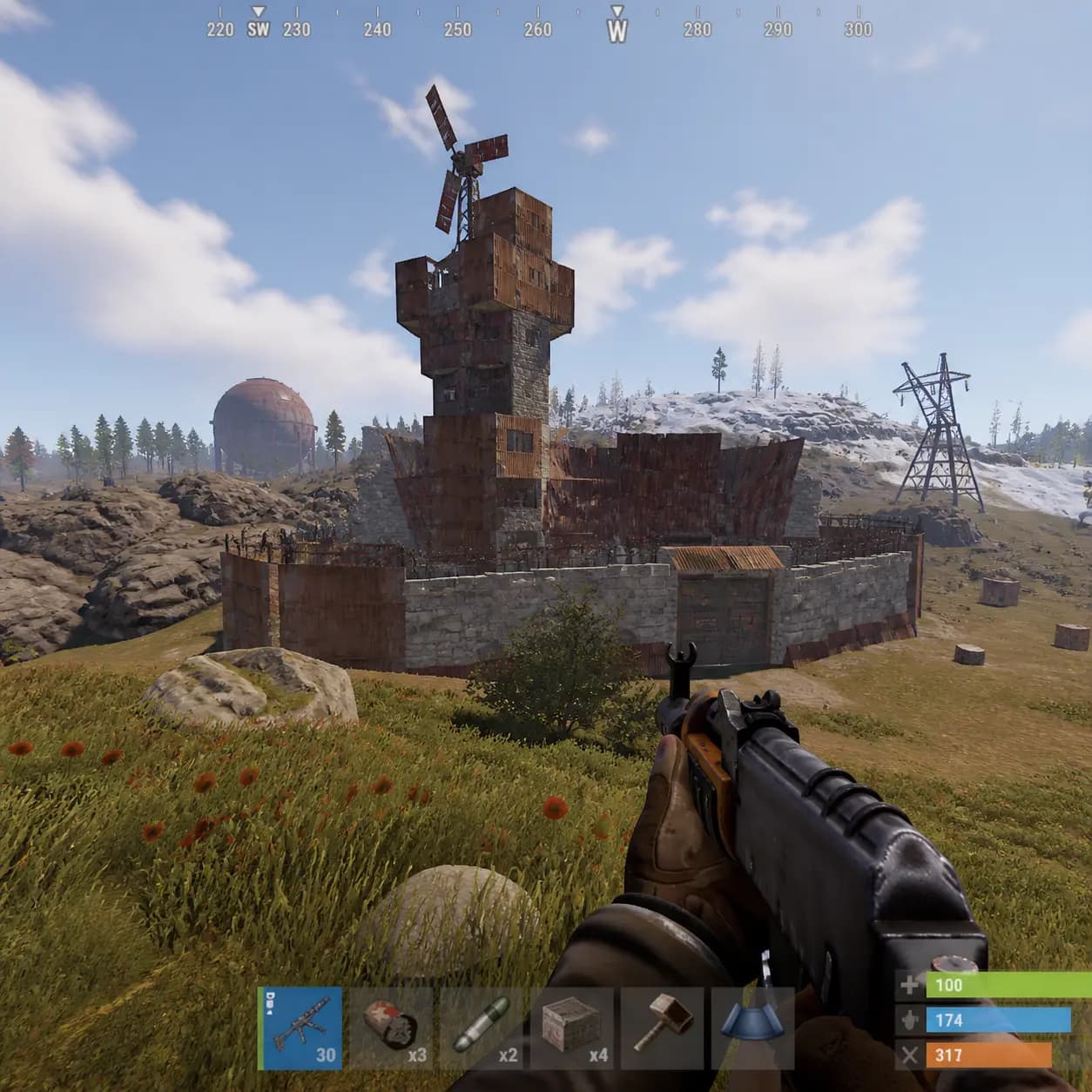
Rust In-Game Screenshot
#11
Among Us Realistic Screenshot
#12Character Design
Character sheets, turnarounds, expression boards
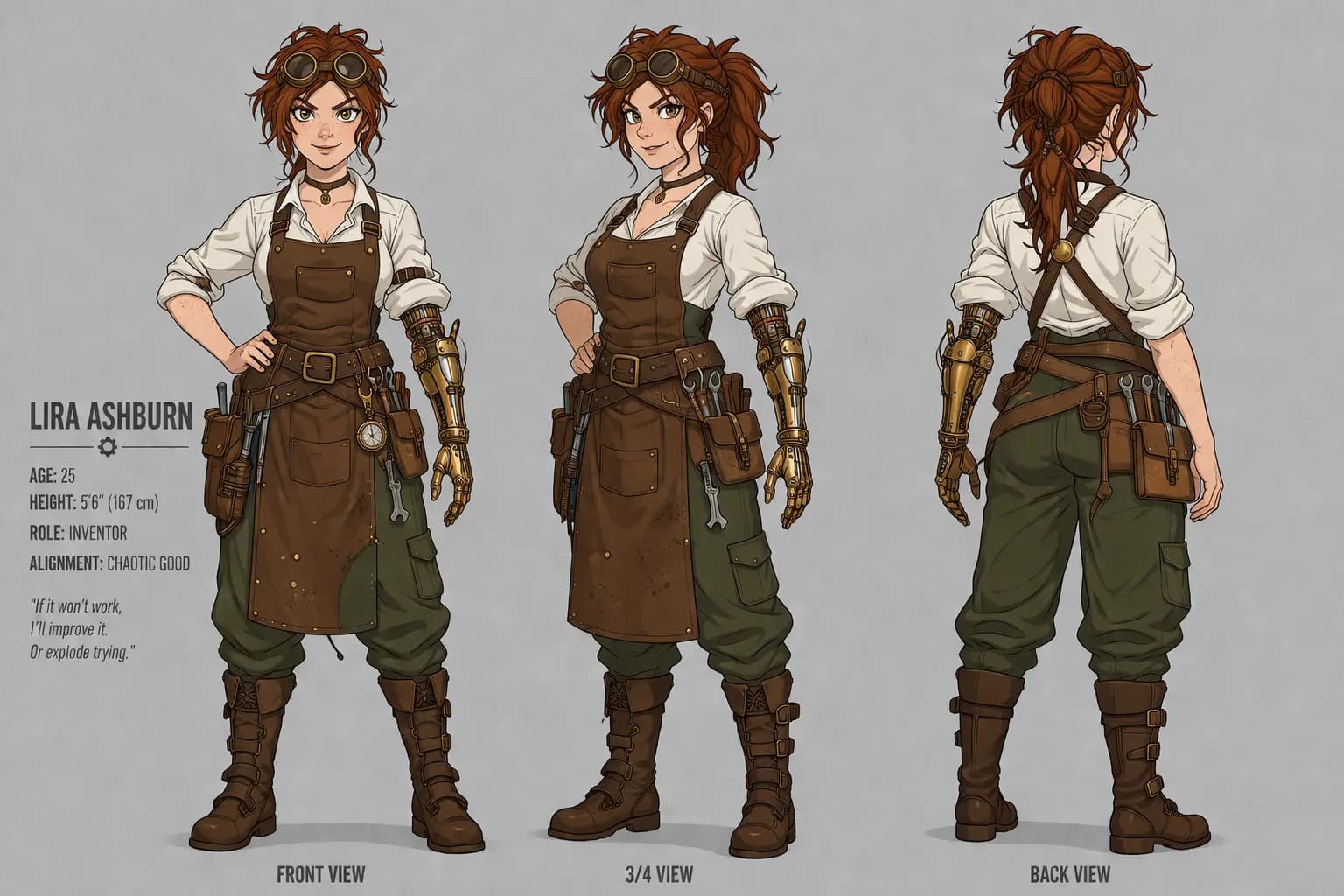
Fantasy Character Sheet
#01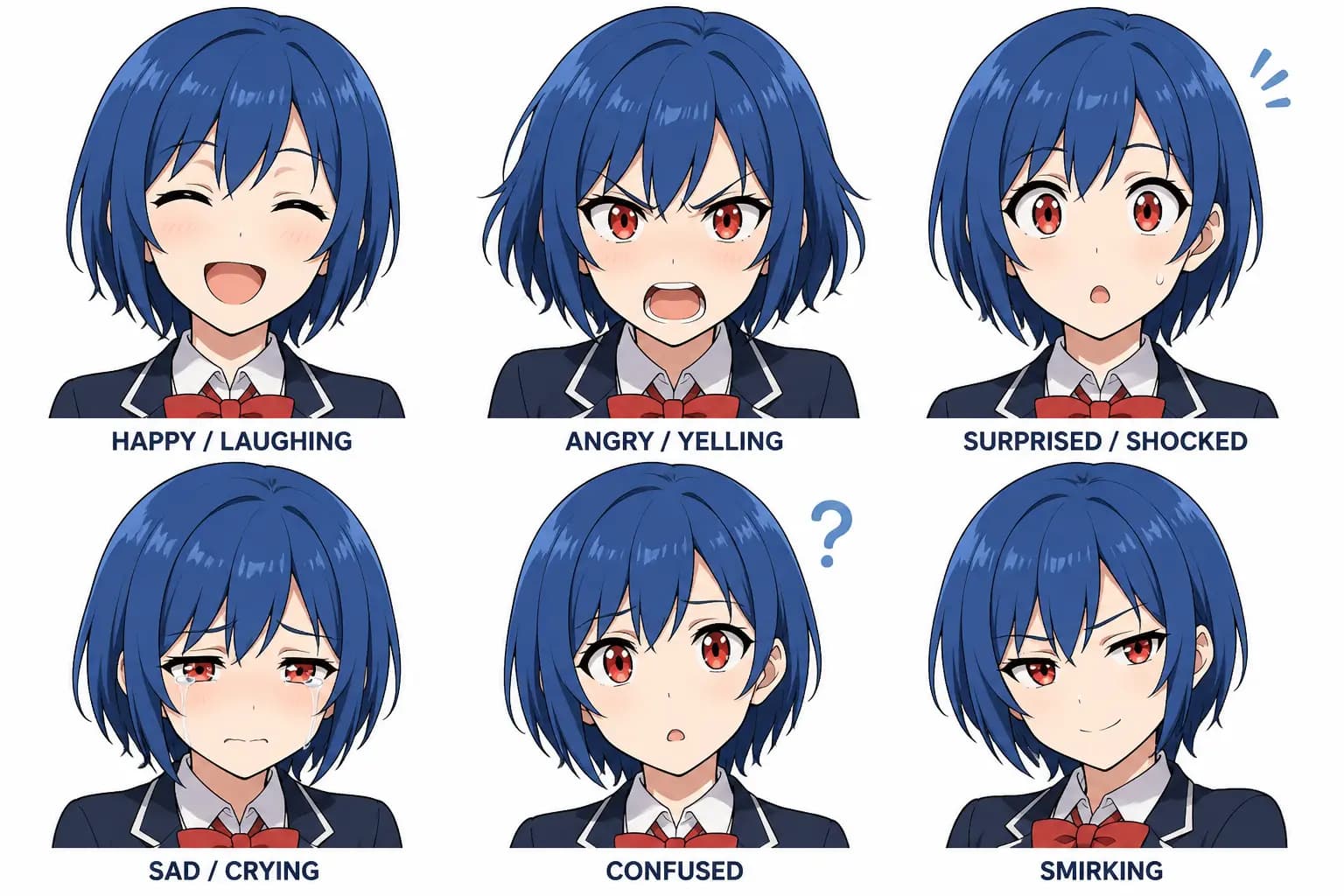
Anime Character Expressions
#02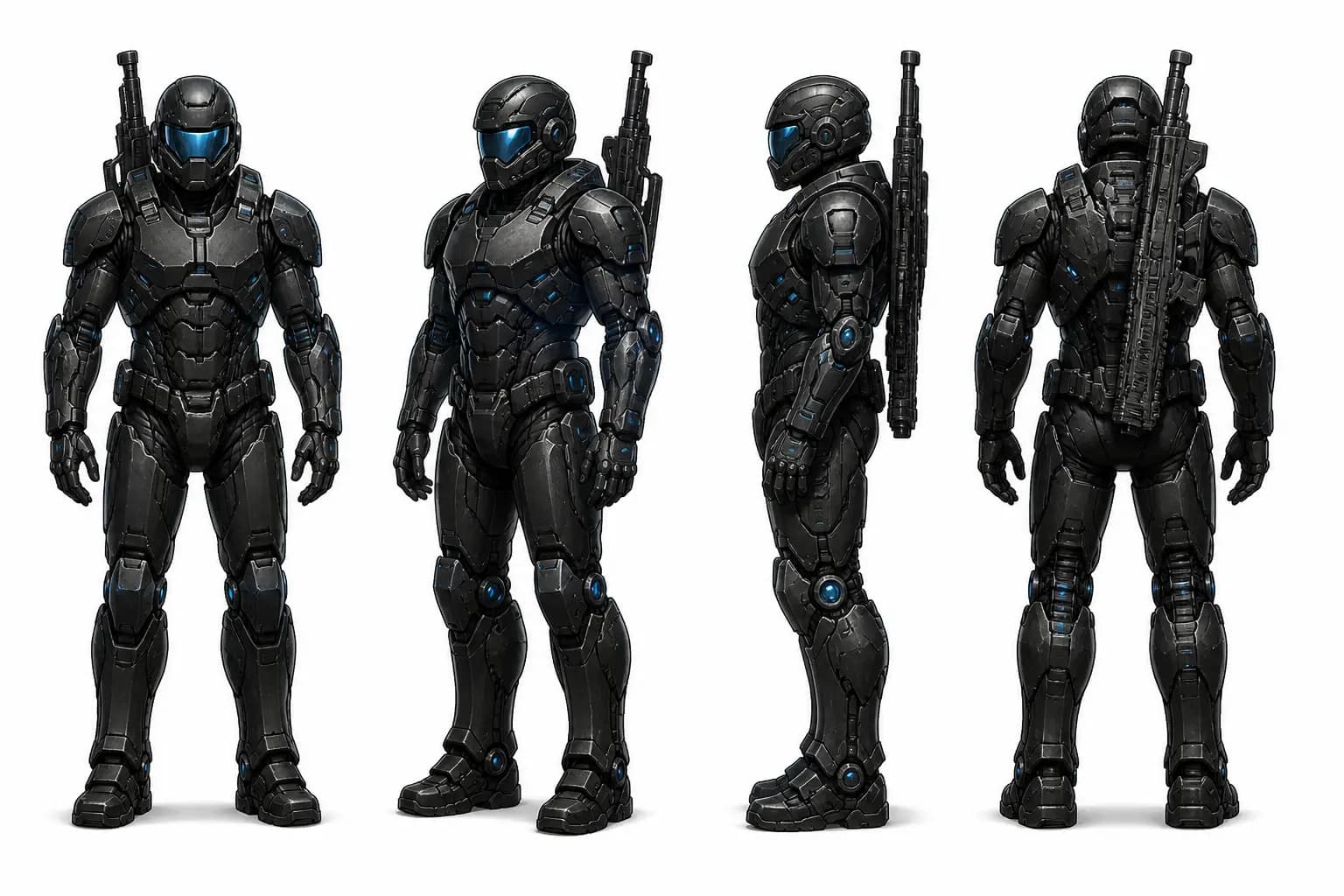
Sci-Fi Soldier Turnaround
#03
Cartoon Mascot Design
#04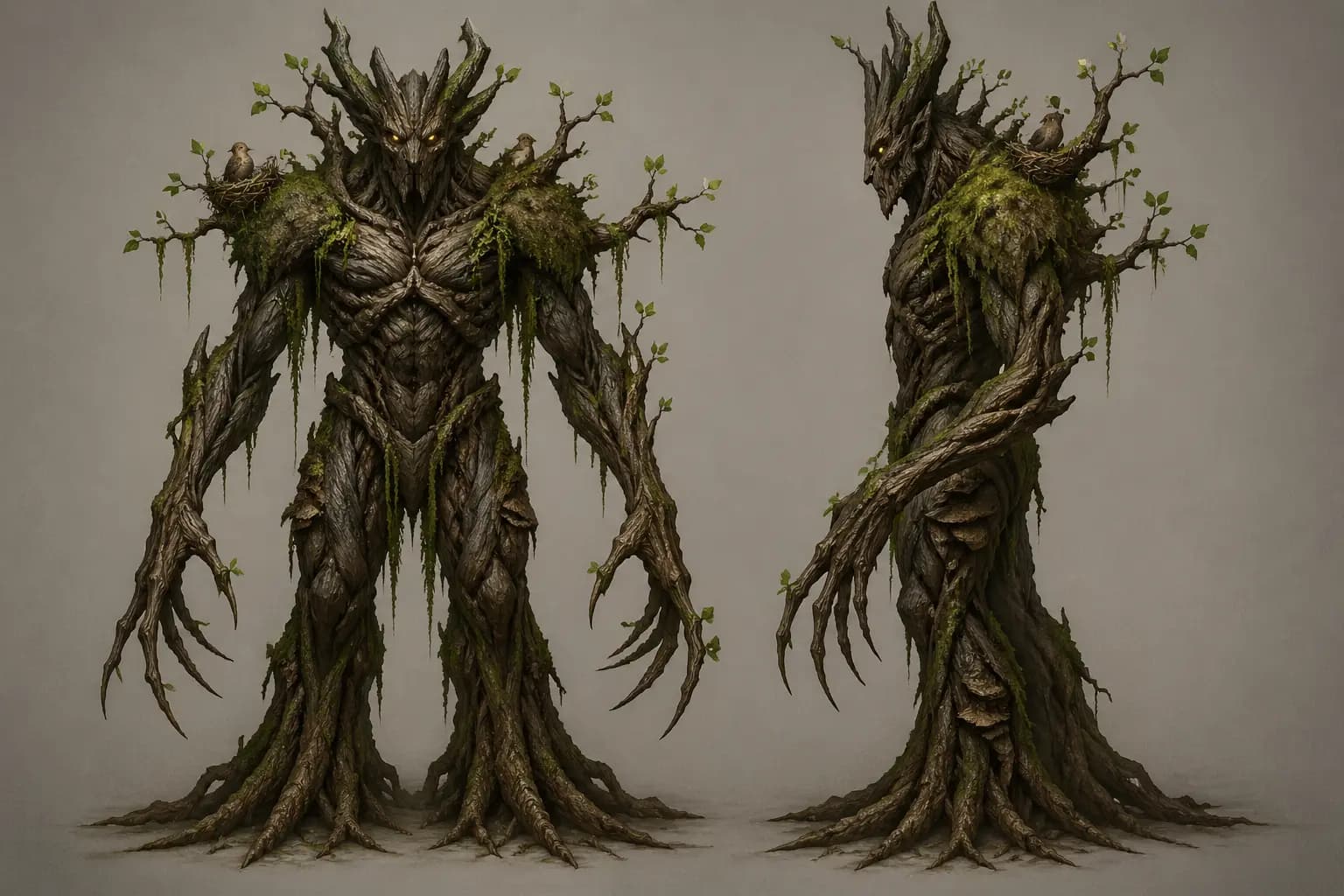
Monster Design Sheet
#05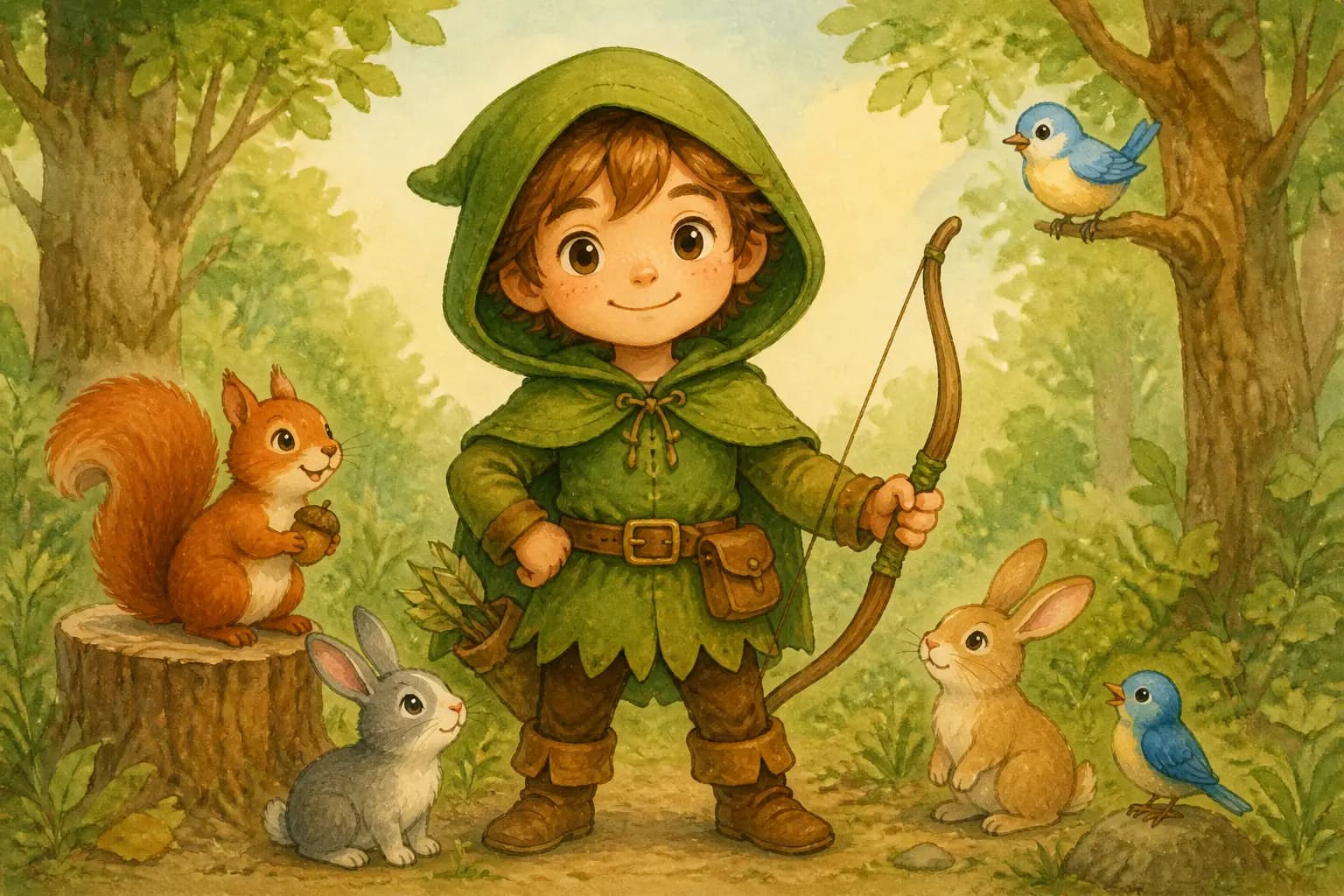
Children's Book Character Anchor
#06기법: This is the "character anchor" pattern. Generate this first, then use the image as a reference in subsequent prompts for character consistency across scenes.
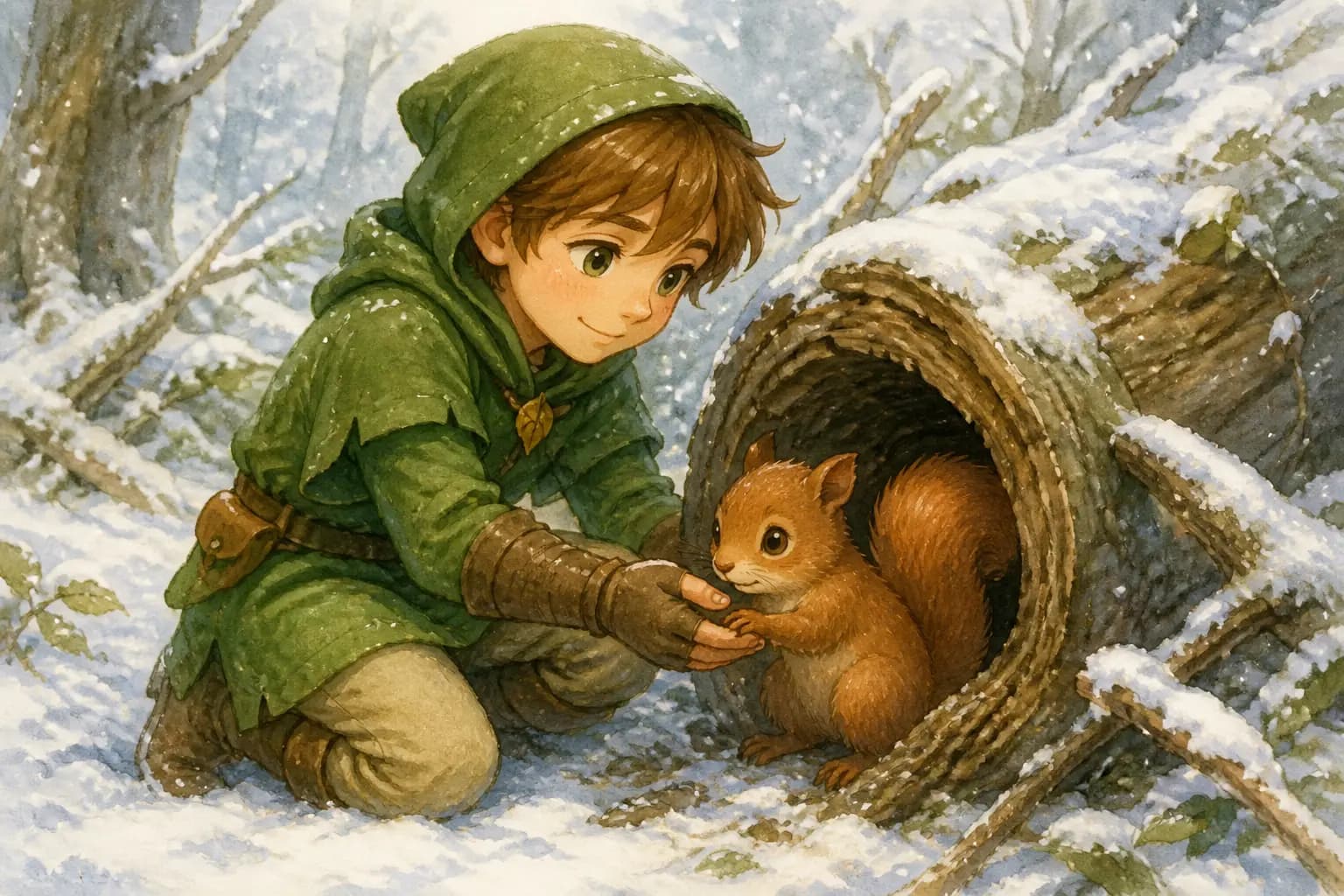
Character Consistency -- Story Continuation
#07기법: Use the image from prompt #06 as a reference input. Re-state all character details on each iteration to prevent drift.
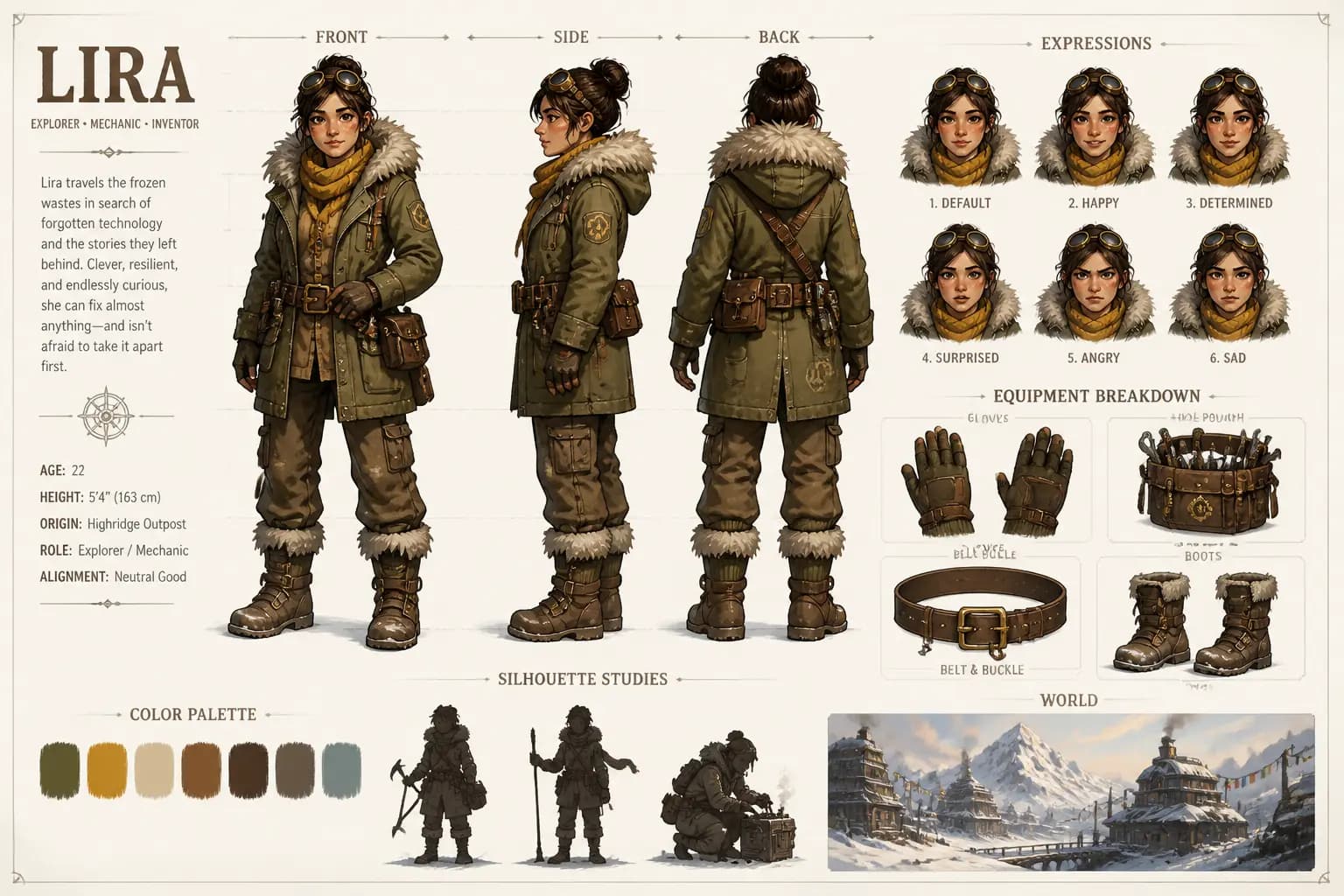
Adventure Character Design Sheet (Advanced)
#08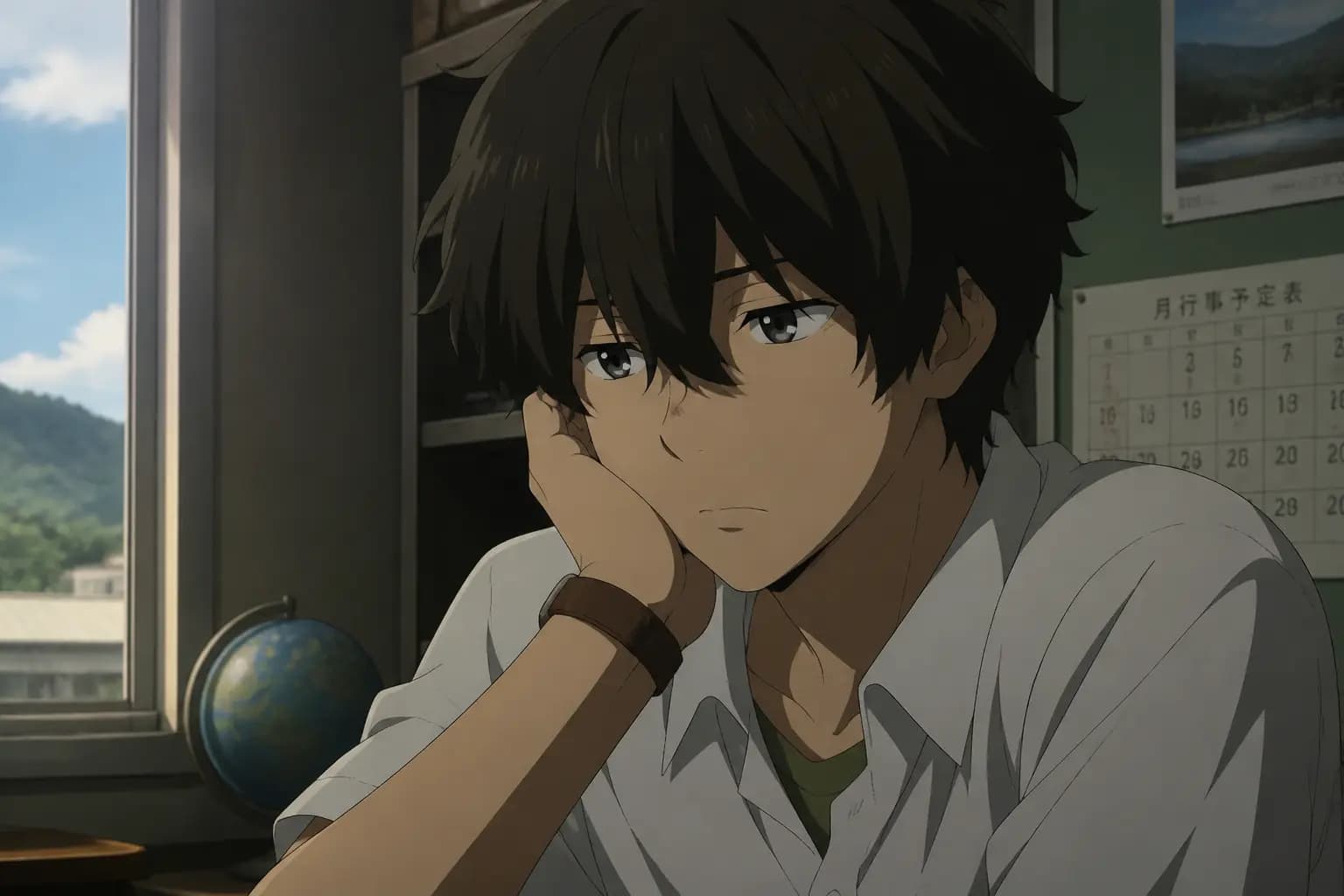
Anime Snapshot Conversion
#09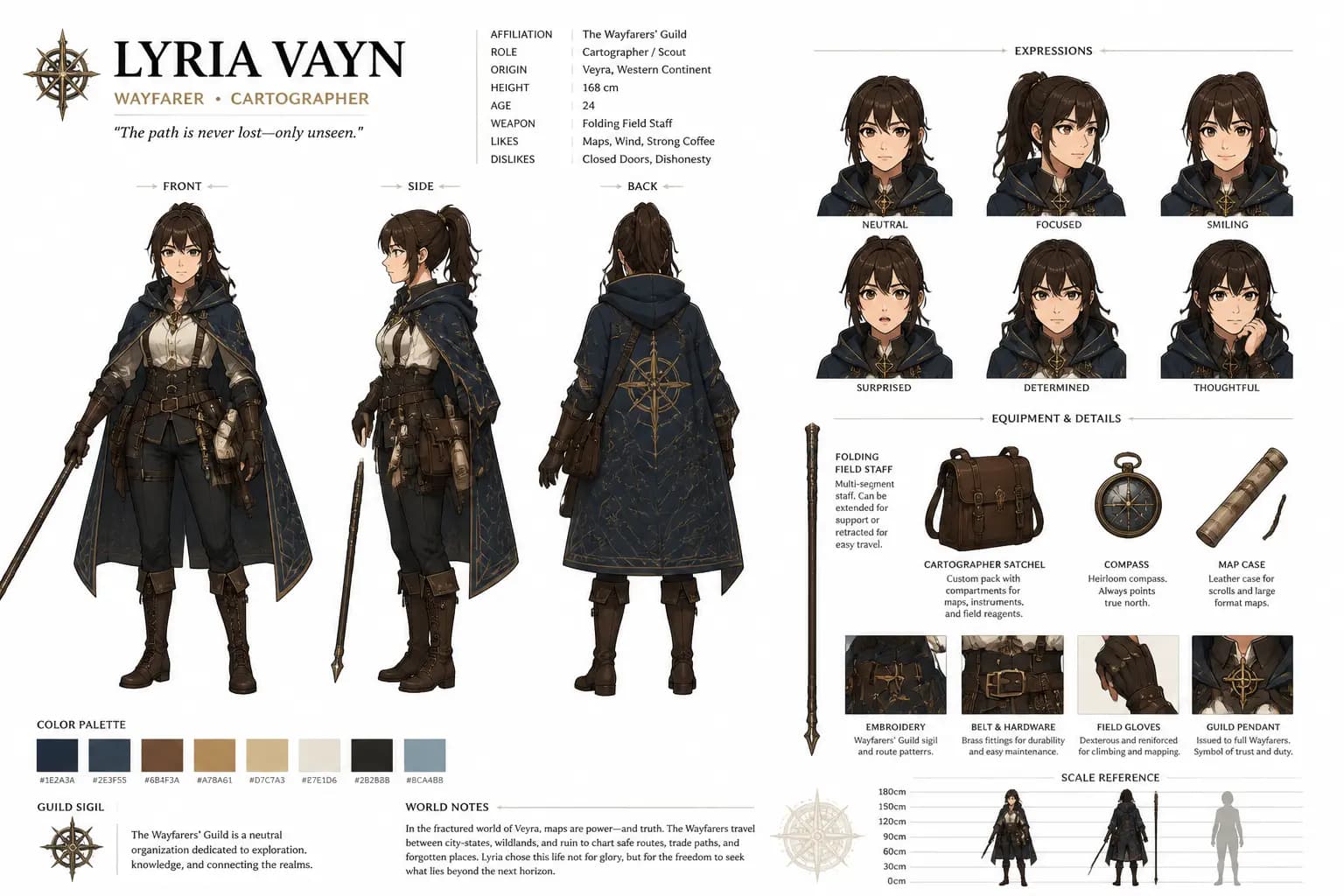
Persona-Style Character Reference Card
#10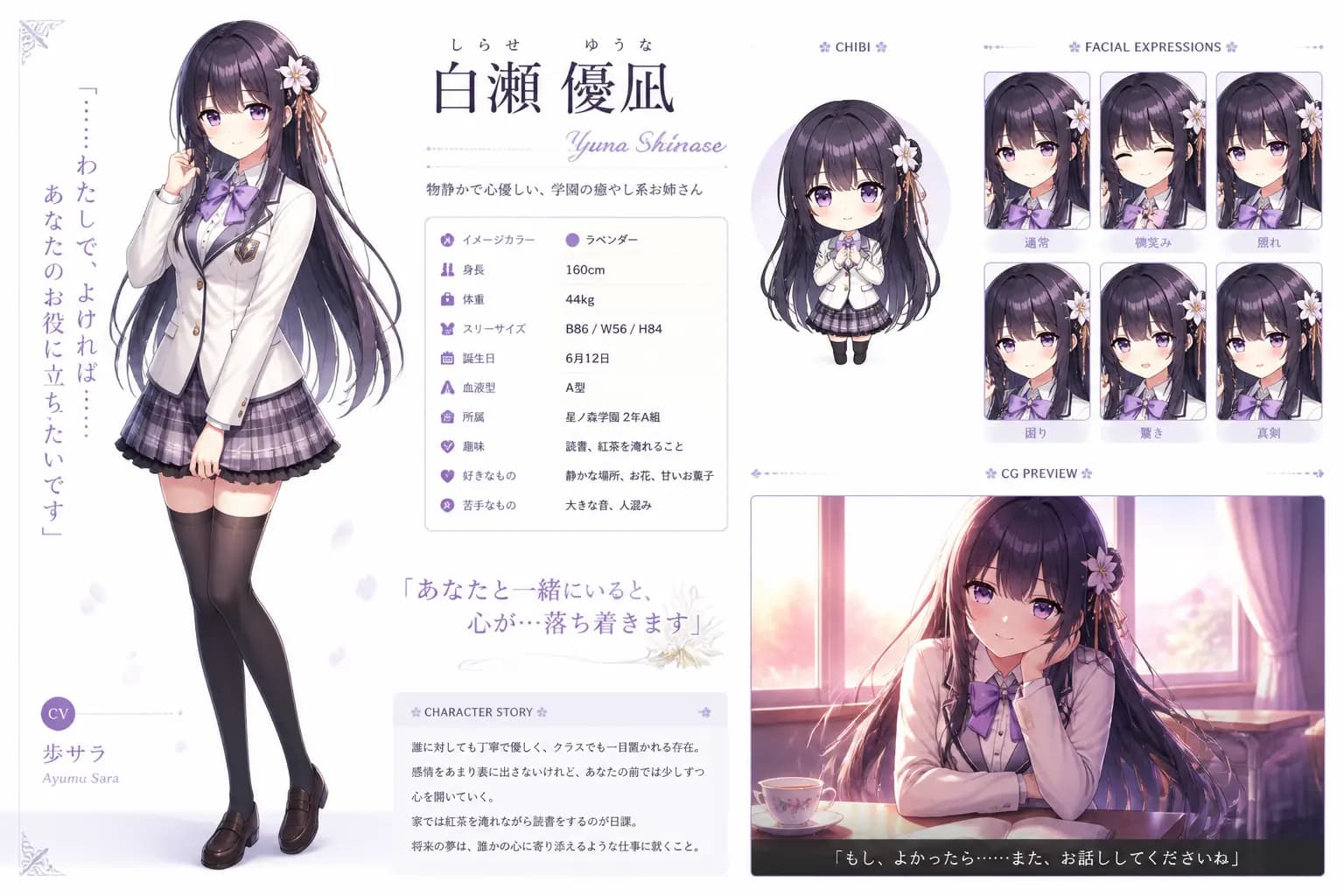
Gal Game Character Introduction Page
#11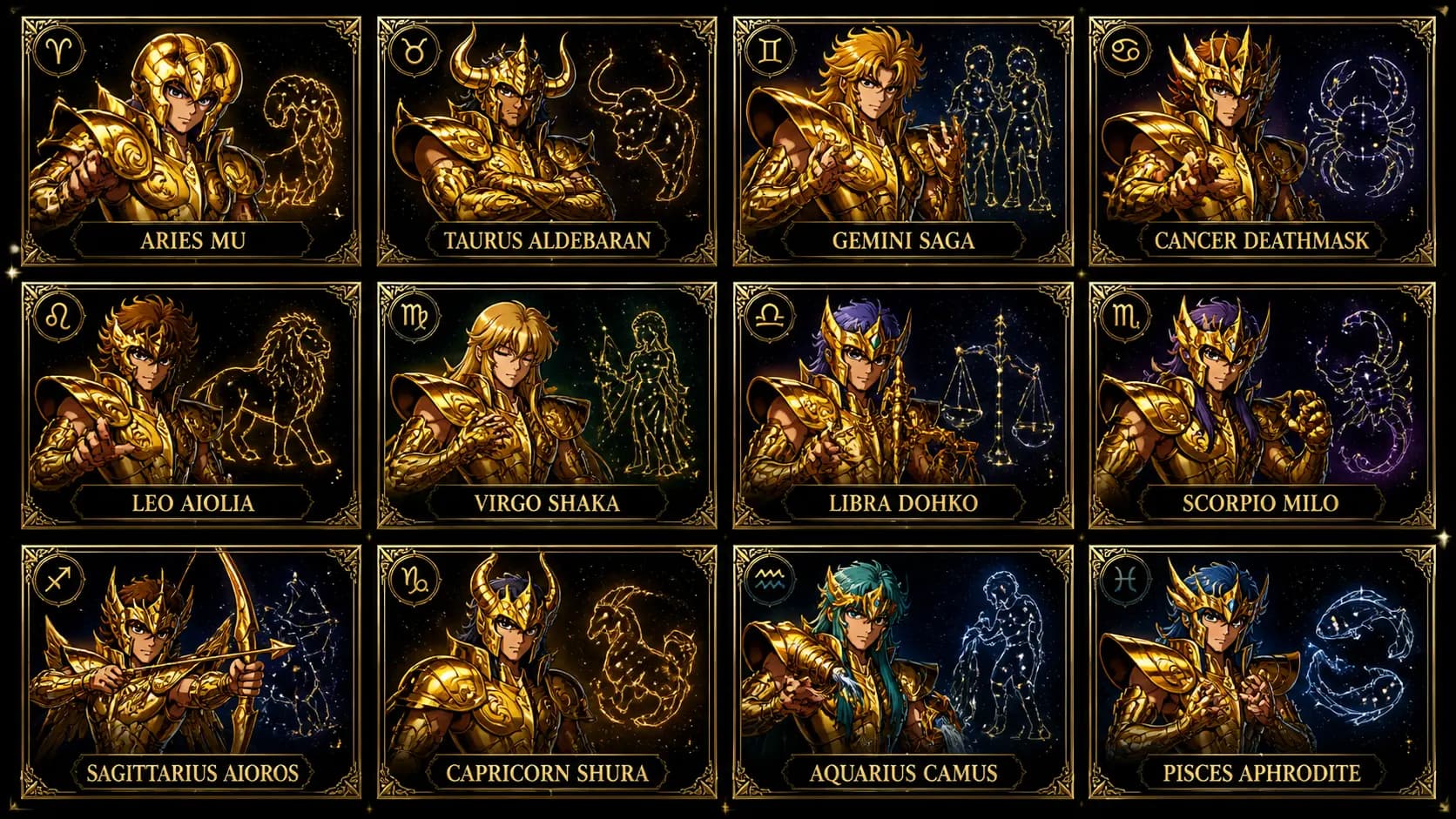
Saint Seiya Gold Saints Card Grid
#12Poster & Graphic Design
Movie posters, flyers, album covers, infographics, logos
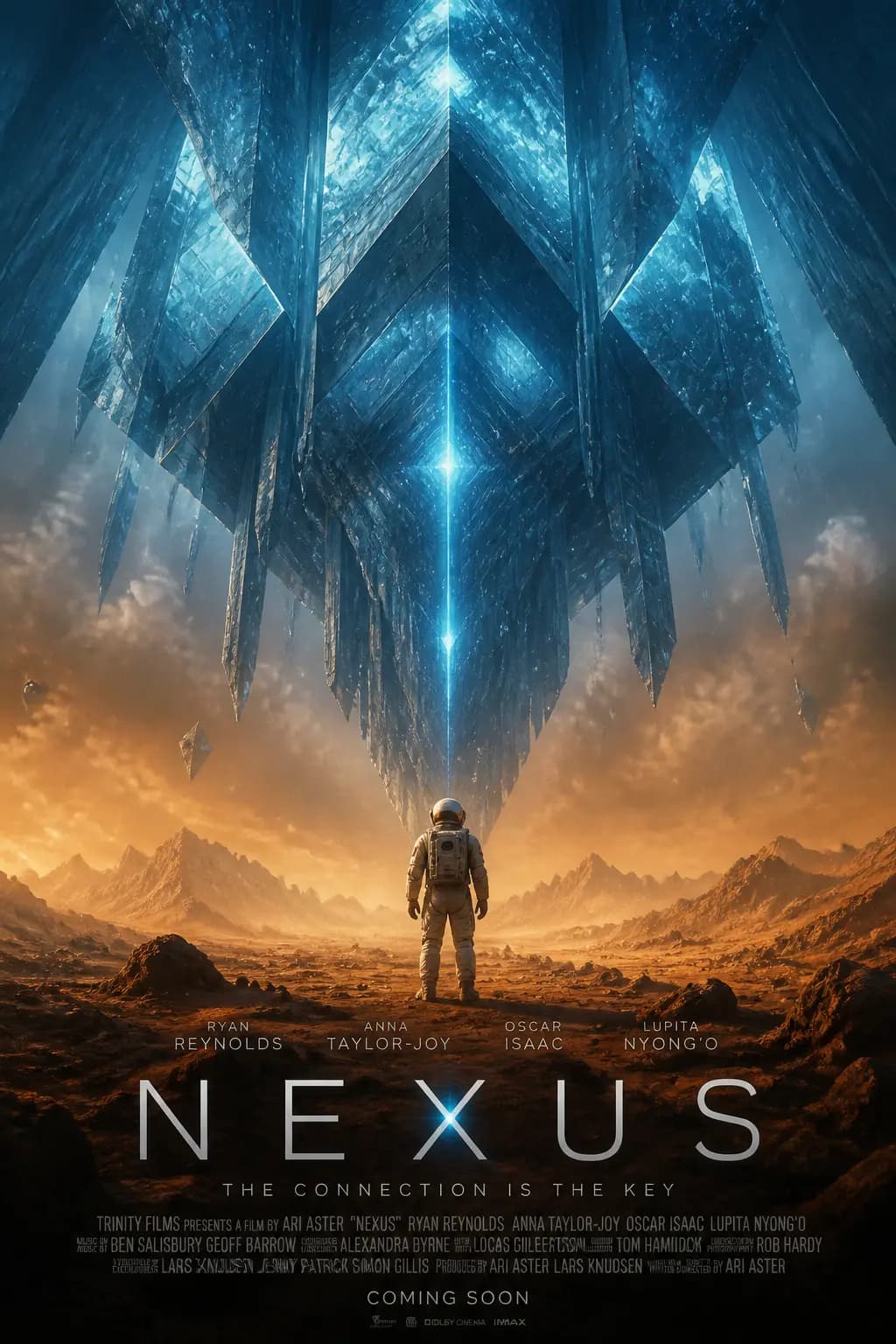
Sci-Fi Movie Poster
#01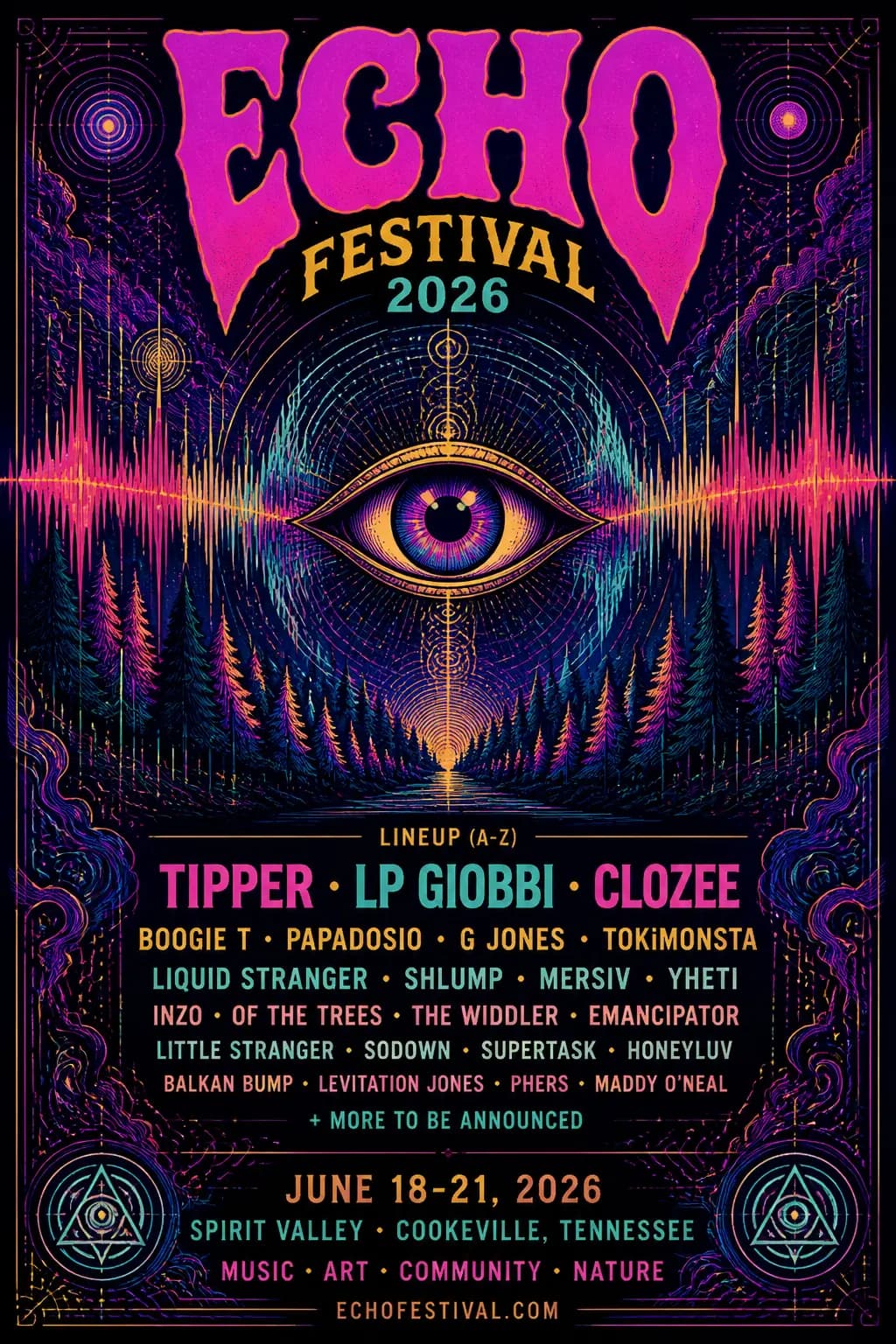
Music Festival Poster
#02
Minimal Brand Logo
#03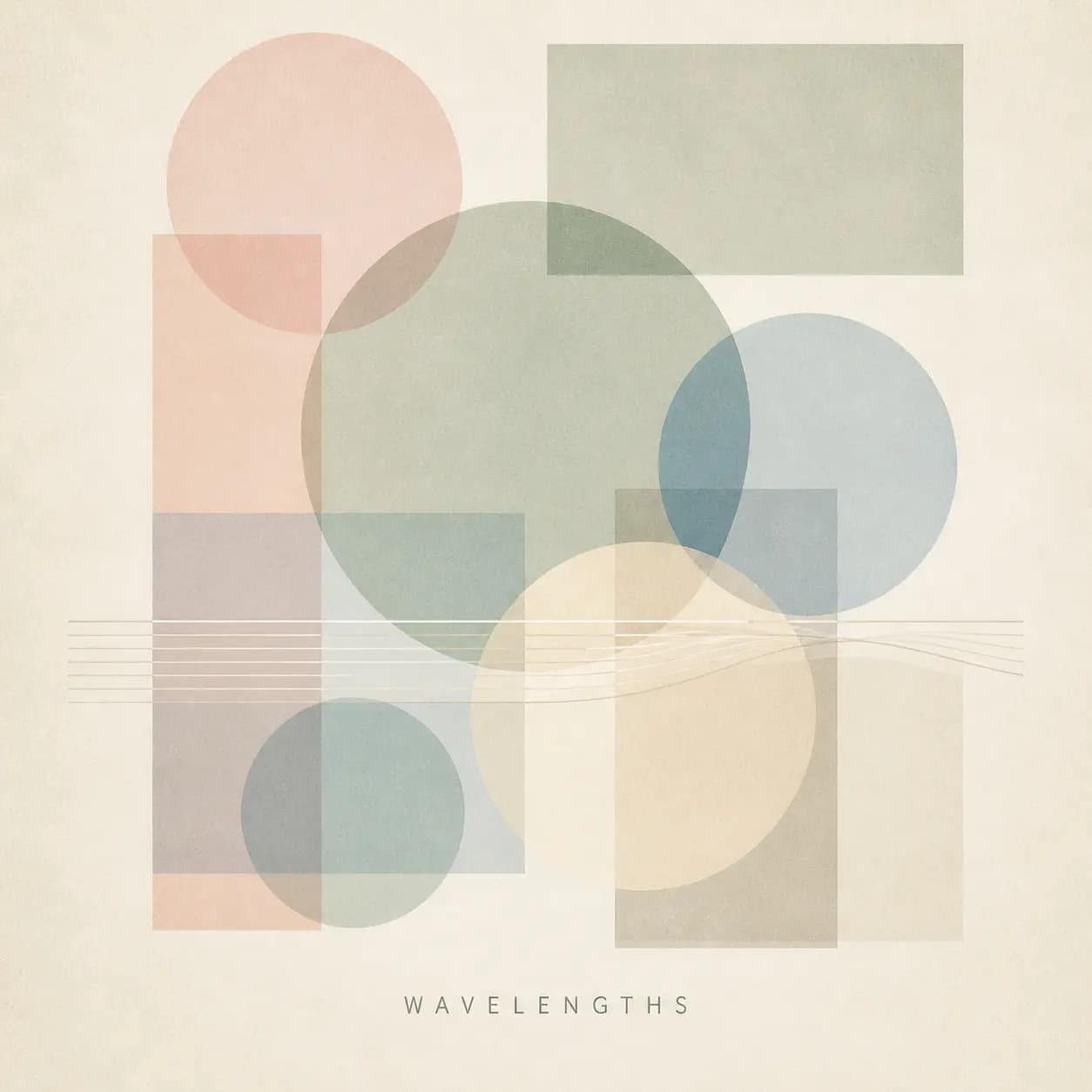
Album Cover Art
#04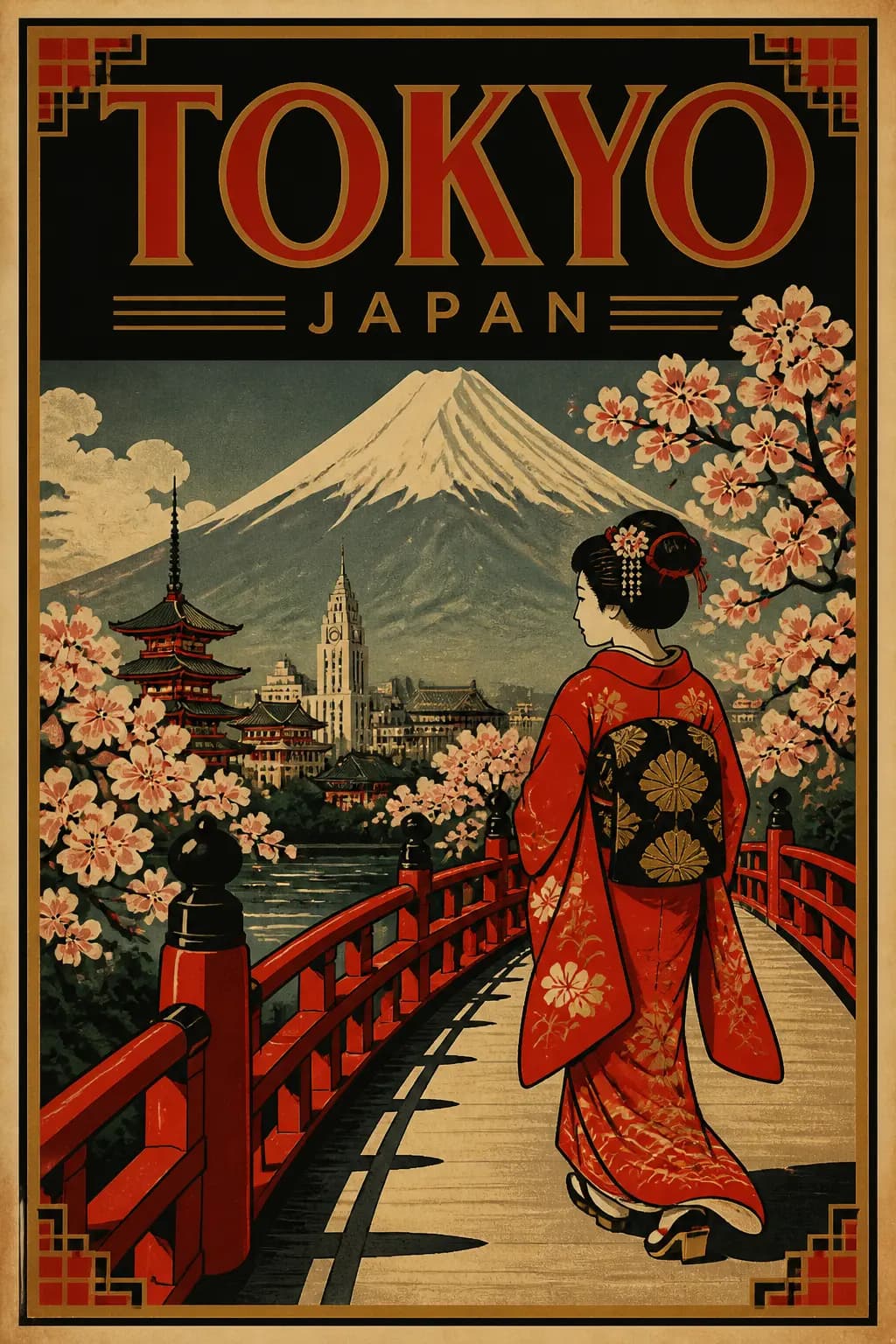
Retro Travel Poster
#05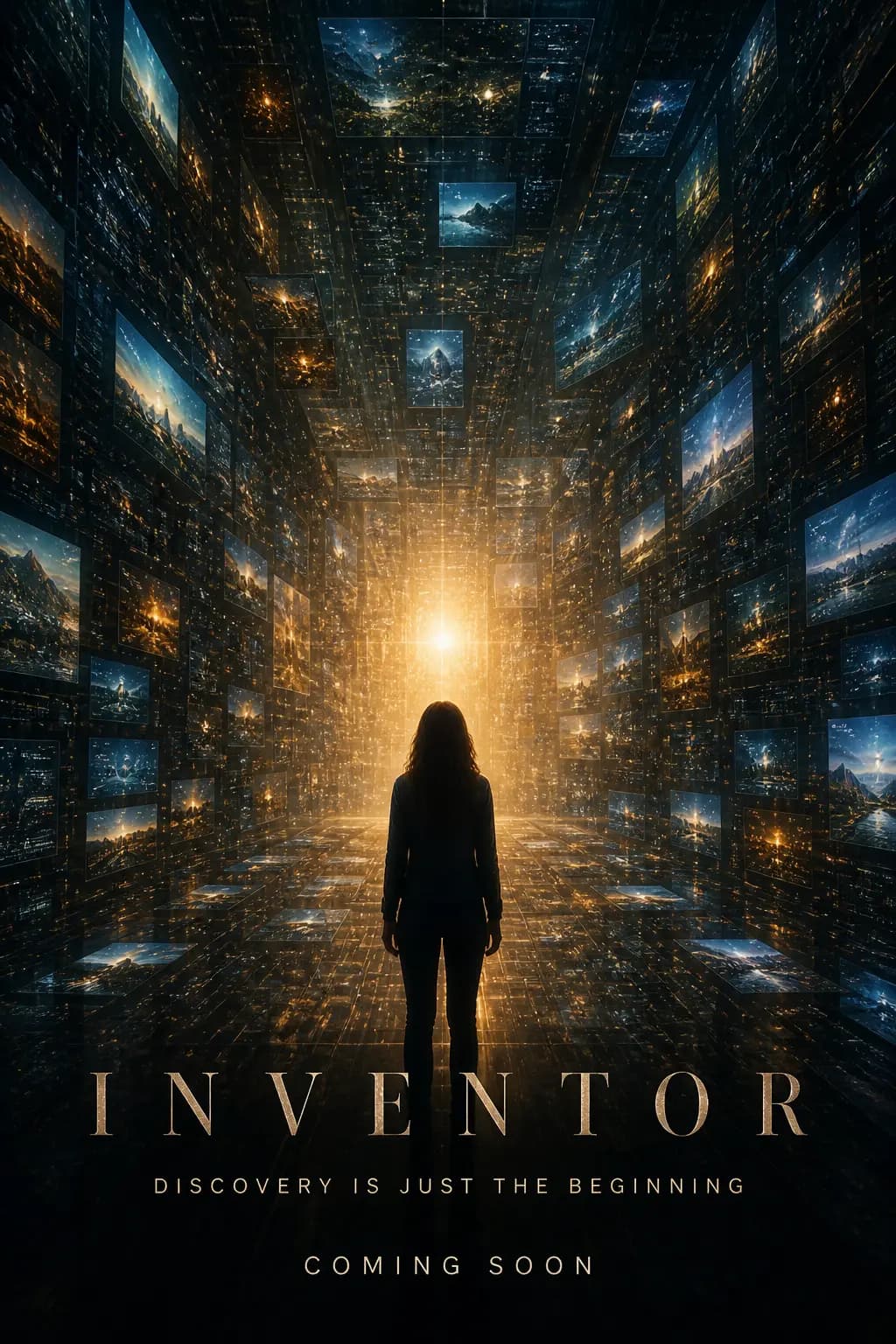
Sci-Fi Movie Teaser Poster (INVENTOR)
#06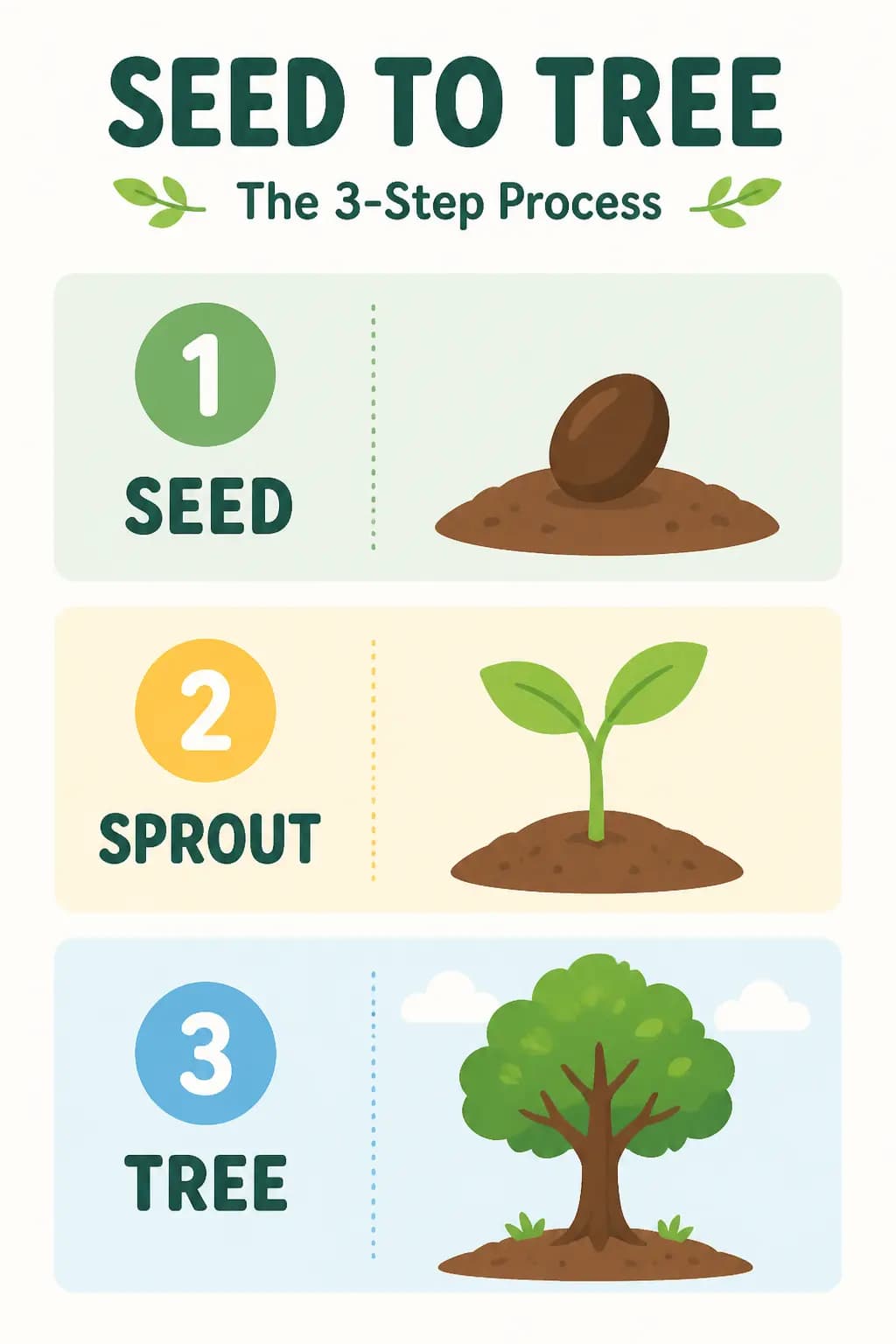
Infographic -- Seed to Tree Process
#07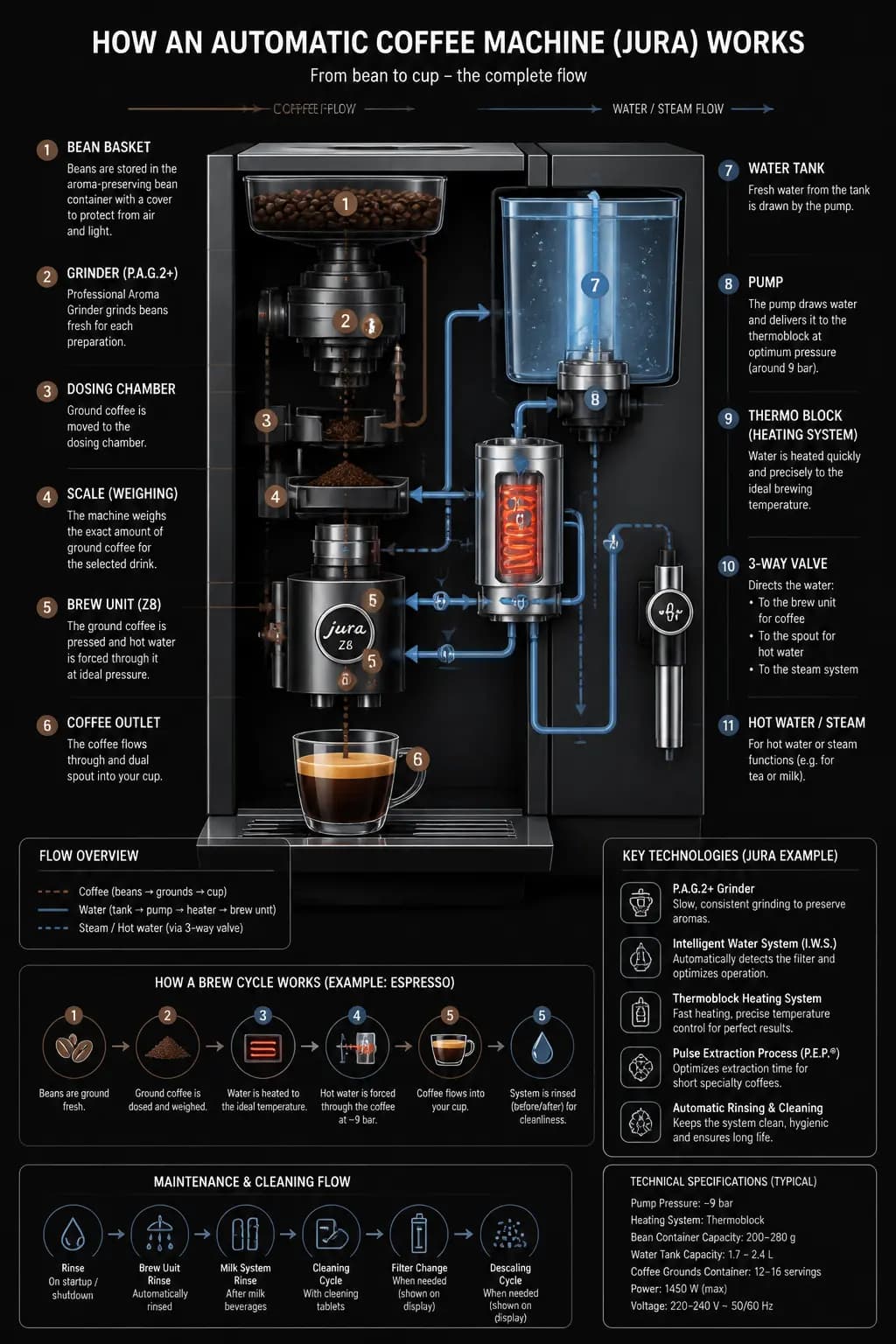
Infographic -- Coffee Machine Flow
#08기법: Use `quality="high"` for dense infographics with lots of labels. Set size to portrait (1024x1536).
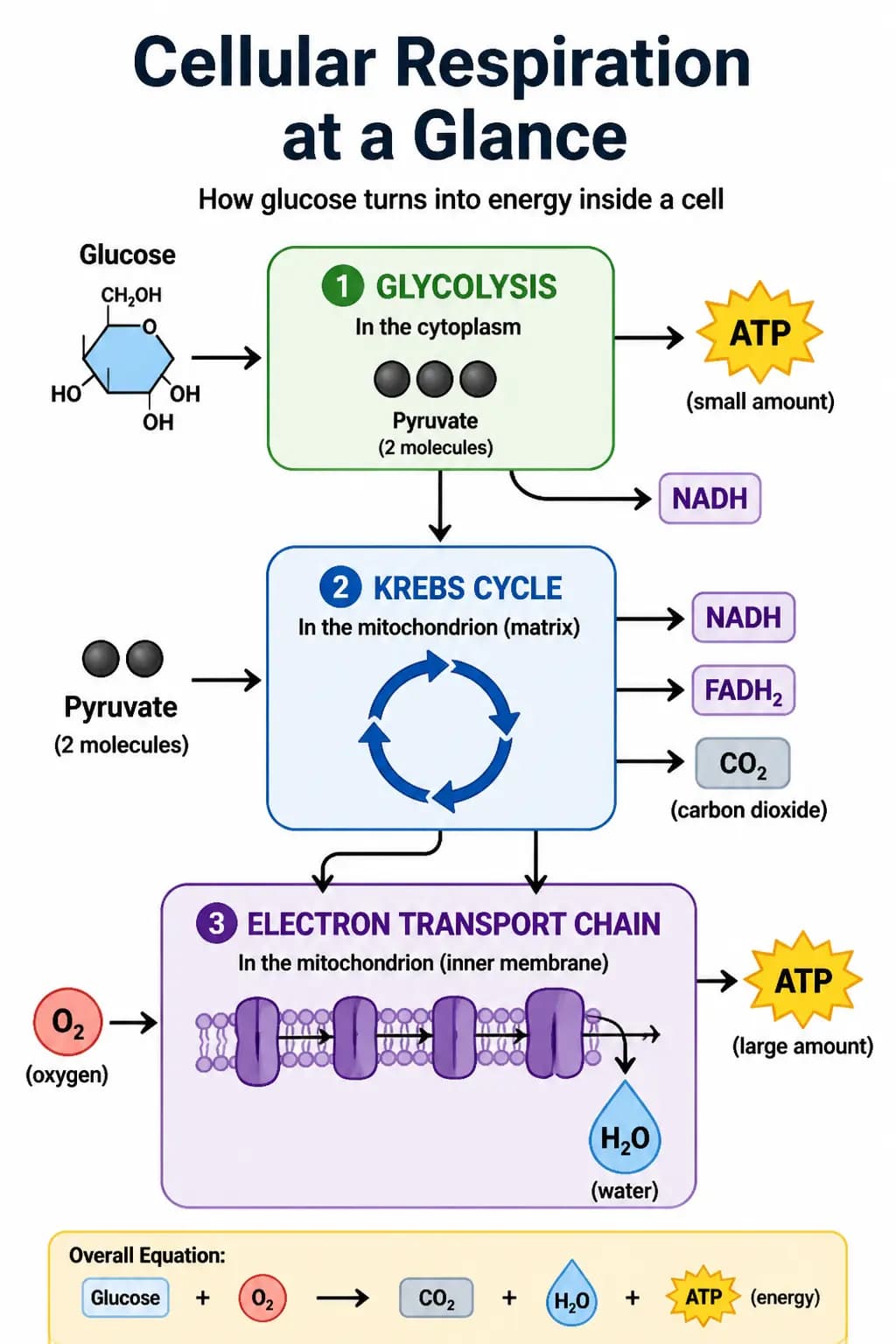
Scientific Diagram -- Cellular Respiration
#09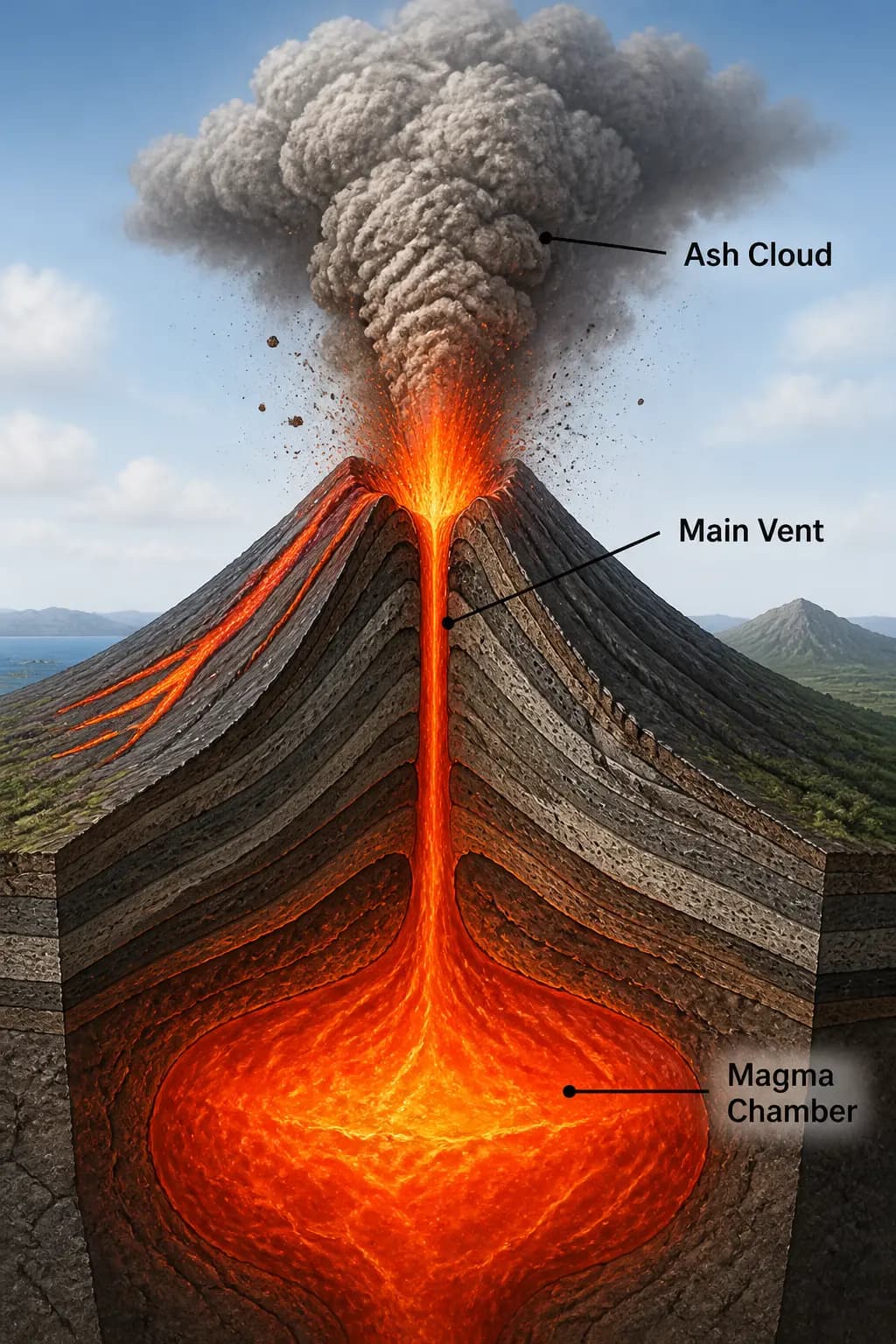
Volcanic Eruption Cross-Section
#10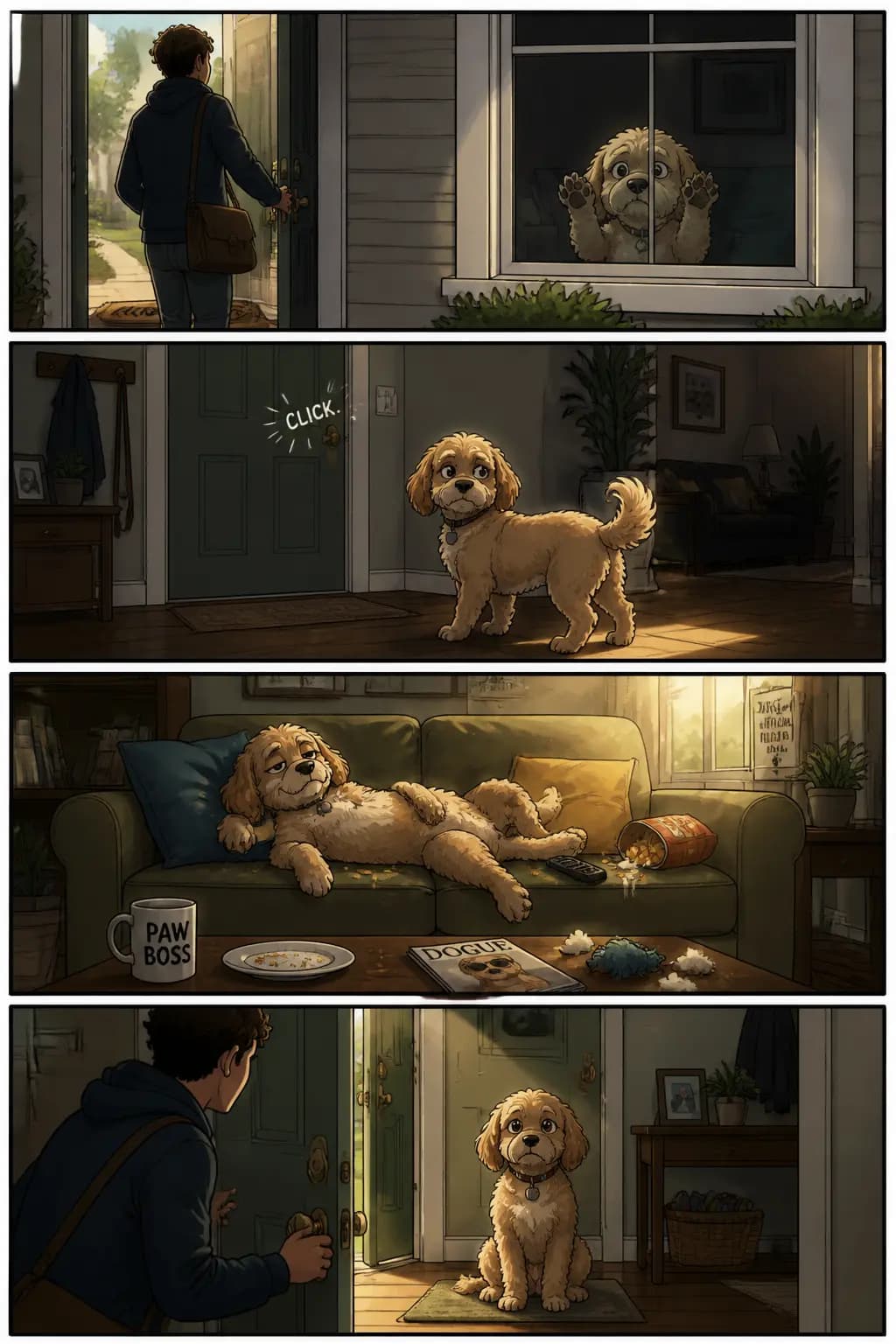
Story-to-Comic Strip (4 Panels)
#11기법: Define the narrative as a sequence of clear visual beats, one per panel. Keep descriptions concrete and action-focused.
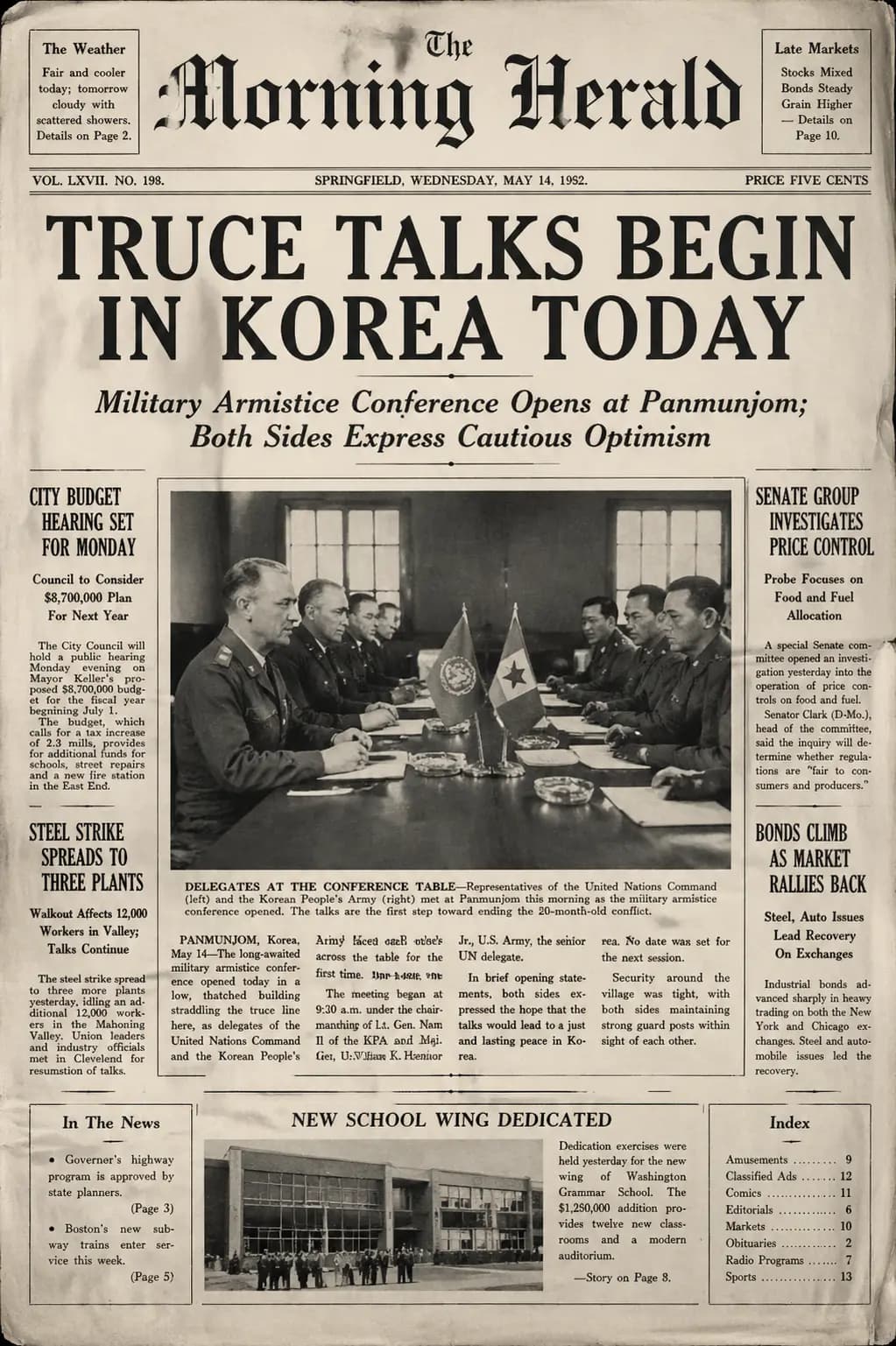
Vintage Newspaper Front Page
#12
Ink-Curve City Poster (Guangzhou Aesthetics)
#13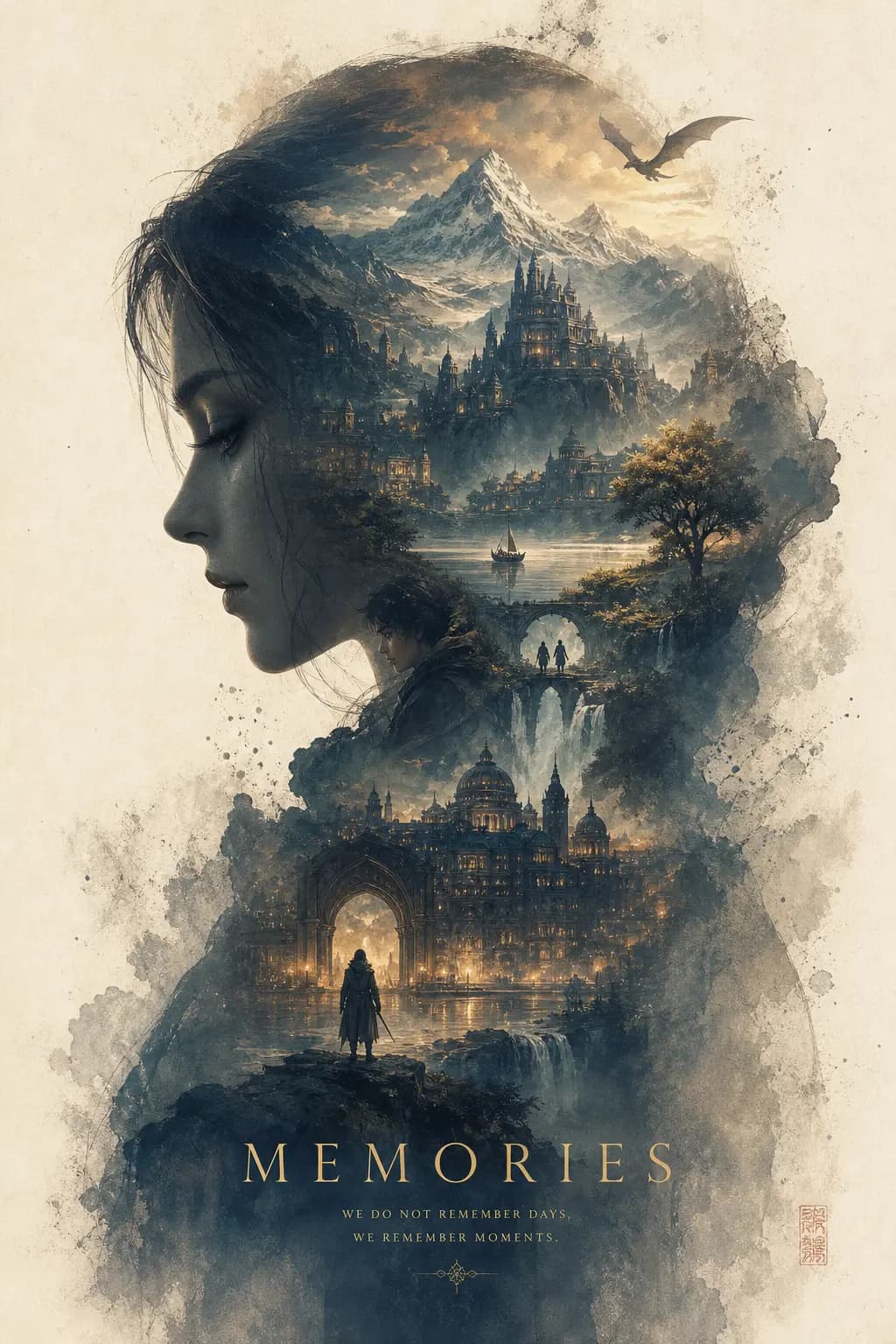
Epic Silhouette World Poster
#14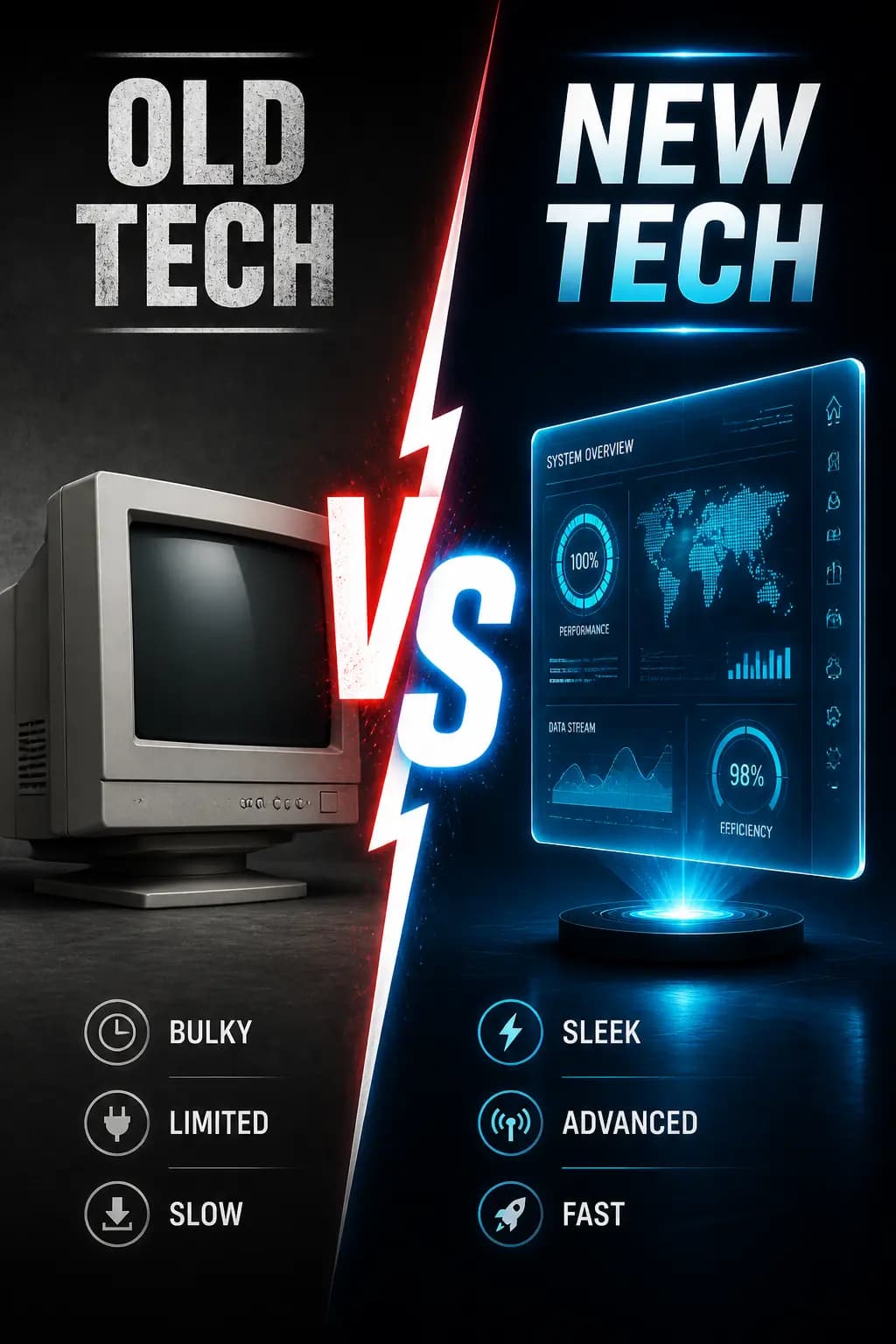
Comparison Chart -- Old vs New
#15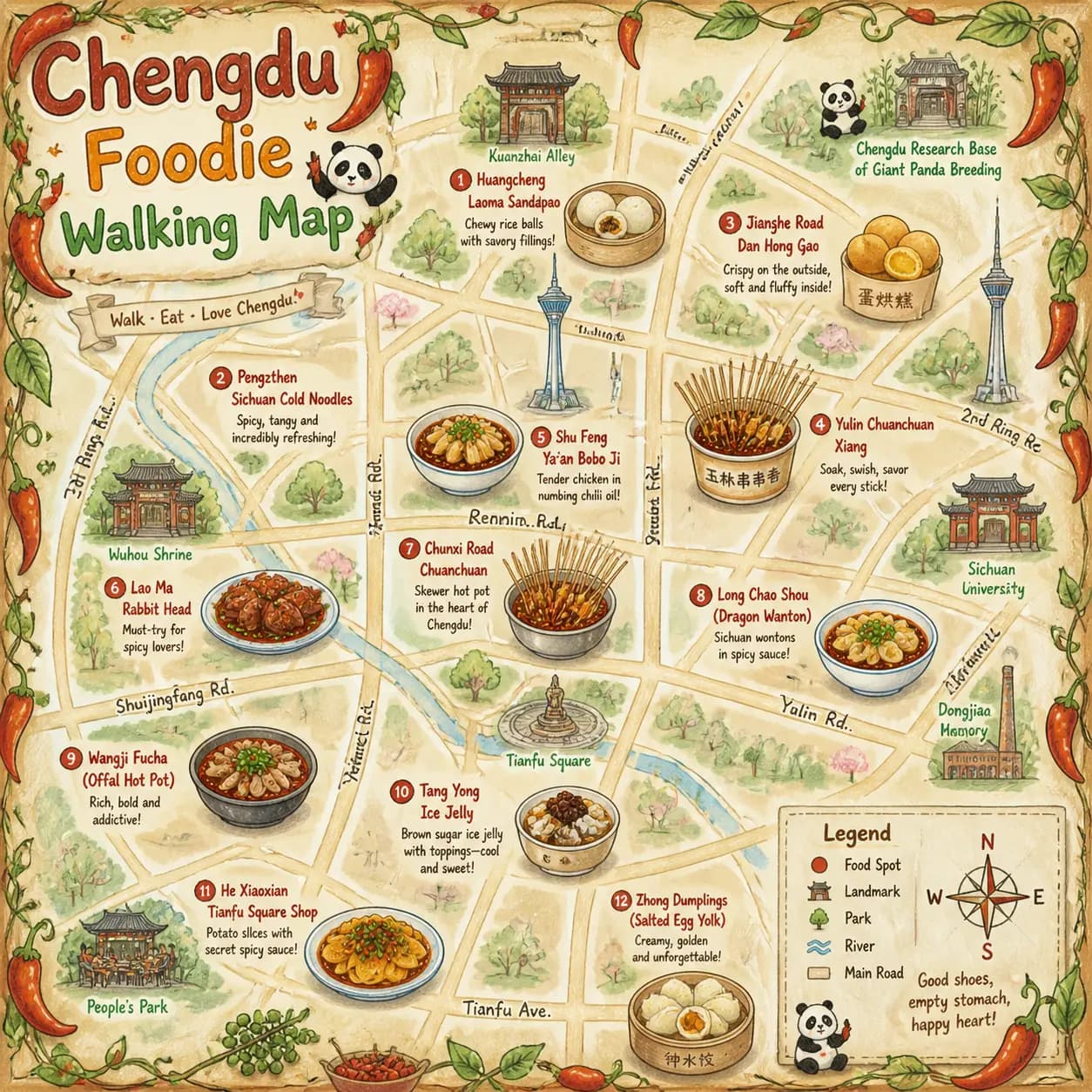
Chengdu Food Map Illustration
#16Text Rendering
Typography, signage, calligraphy, word art
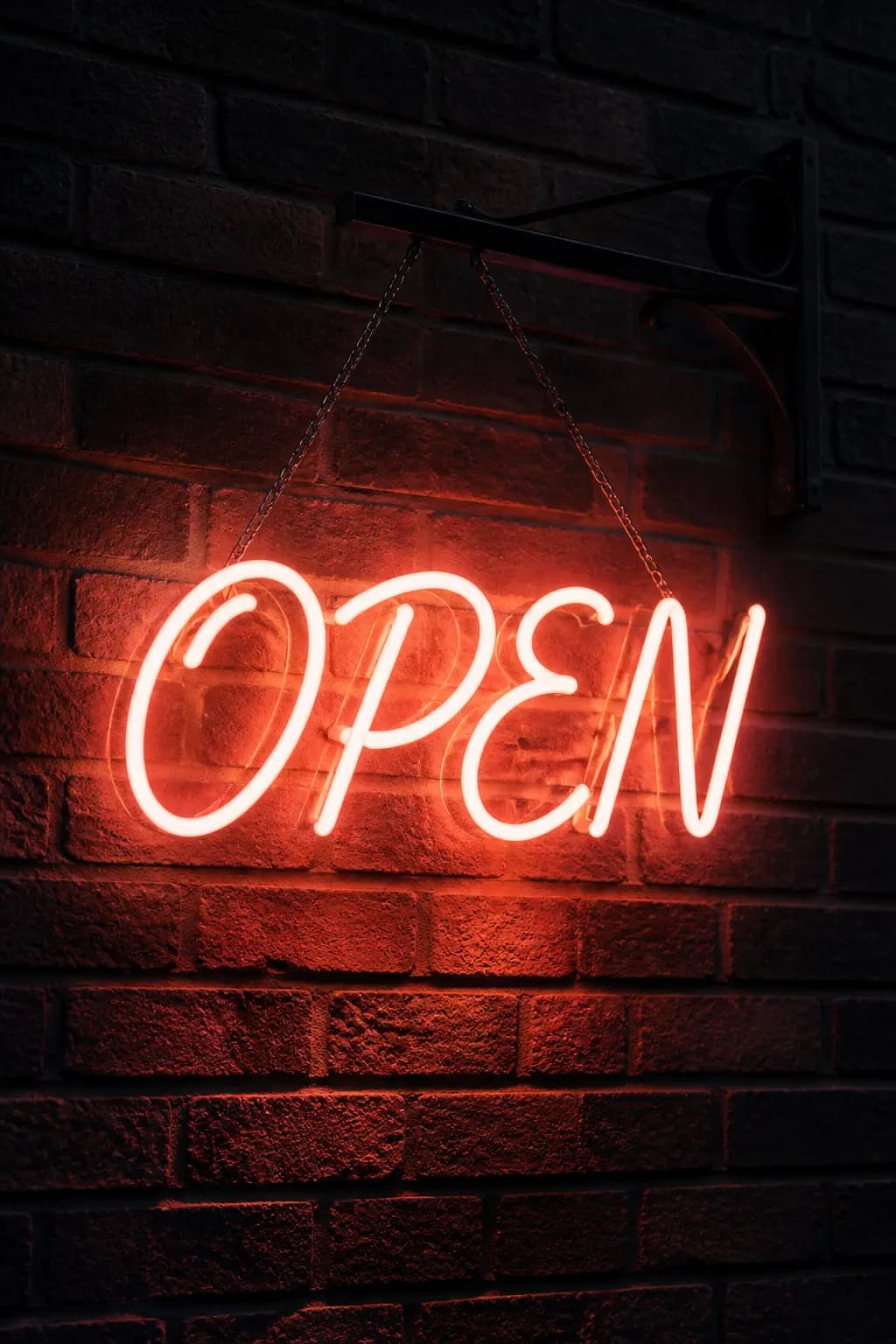
Neon Sign Typography
#01
Chalkboard Menu Typography
#02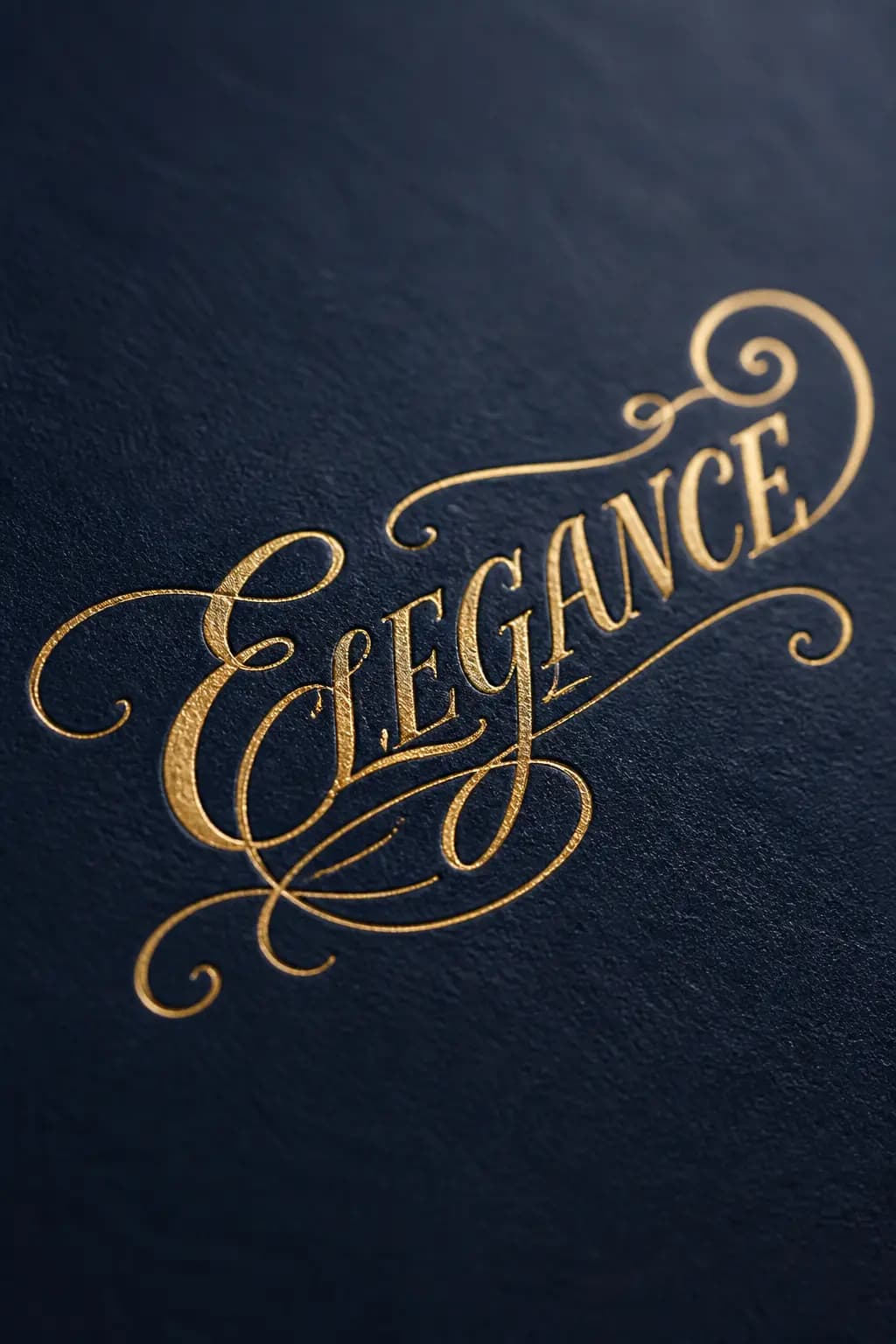
Gold Foil Calligraphy
#03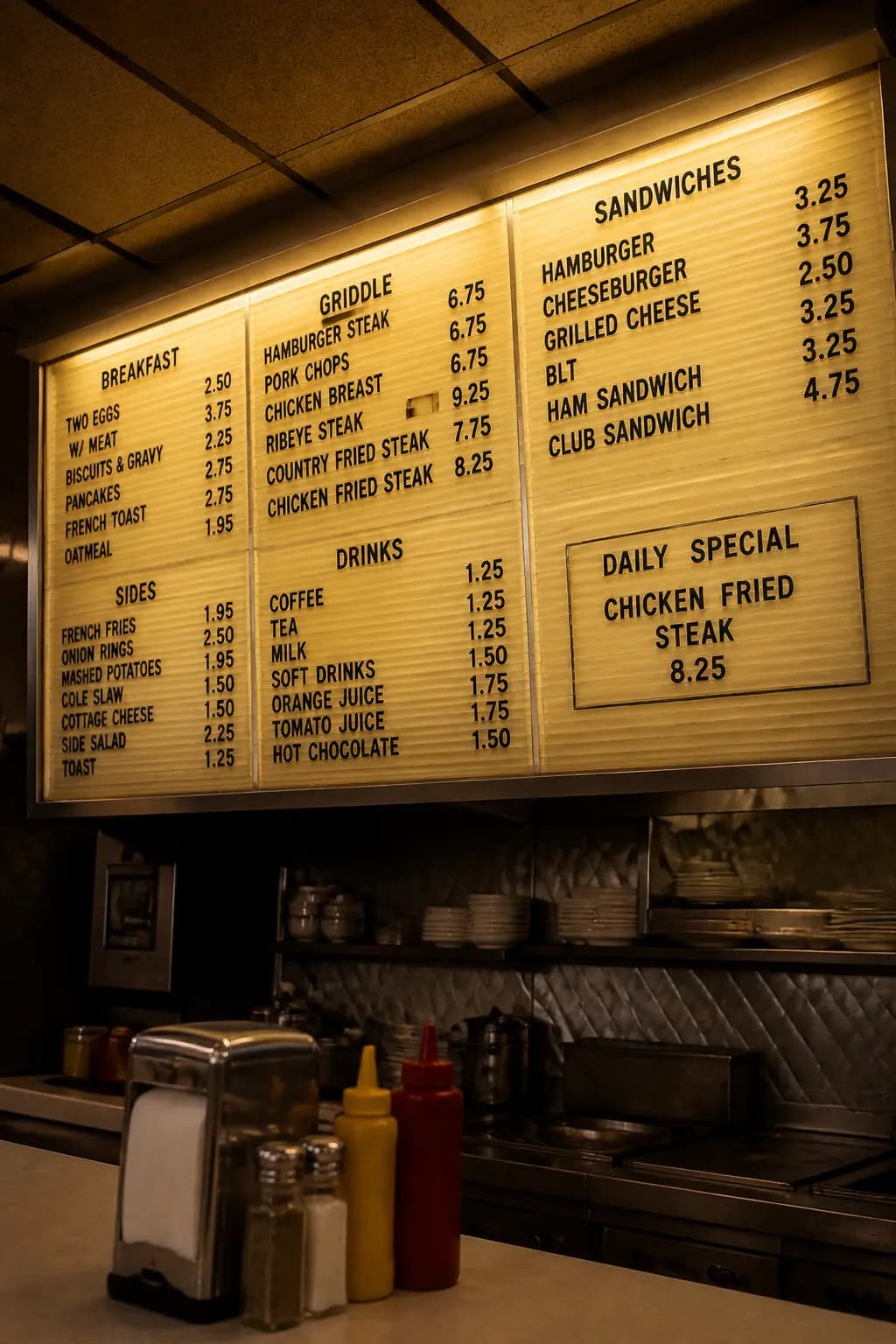
Diner Menu Board at 5 AM
#04기법: Category headings in ALL CAPS without quotes. The daily special given as an exact line. "100 percent readable and physically believable" locks the finish.

Billboard with Exact Text
#05기법: Mark text as EXACT TEXT, specify font style, size, color, and placement. State "no extra words" and "no duplicate text" to prevent ghosting.

Protest Sign in Rain
#06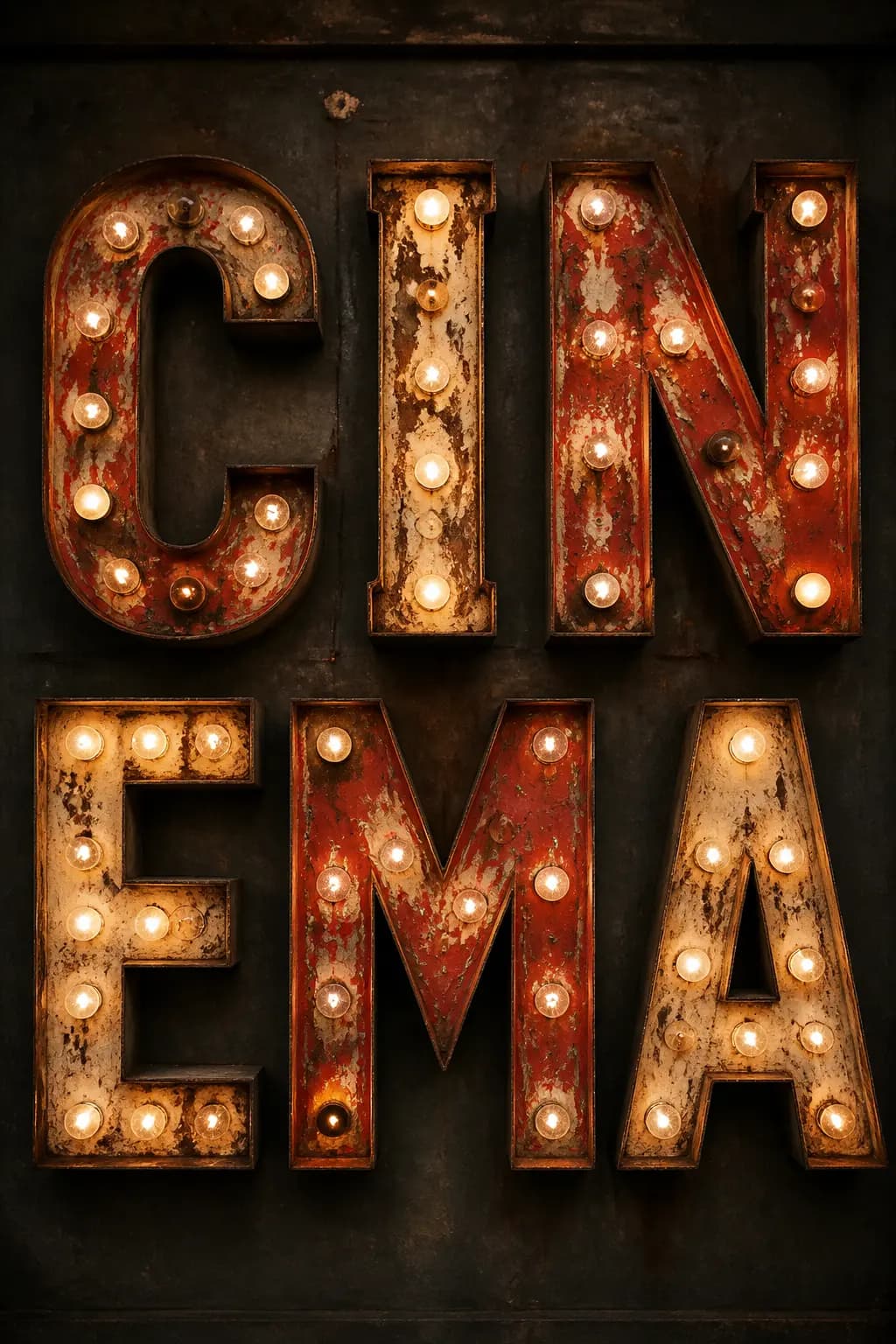
Vintage Marquee Letters
#07
Graffiti Wall Art
#08
Letterpress Printing
#09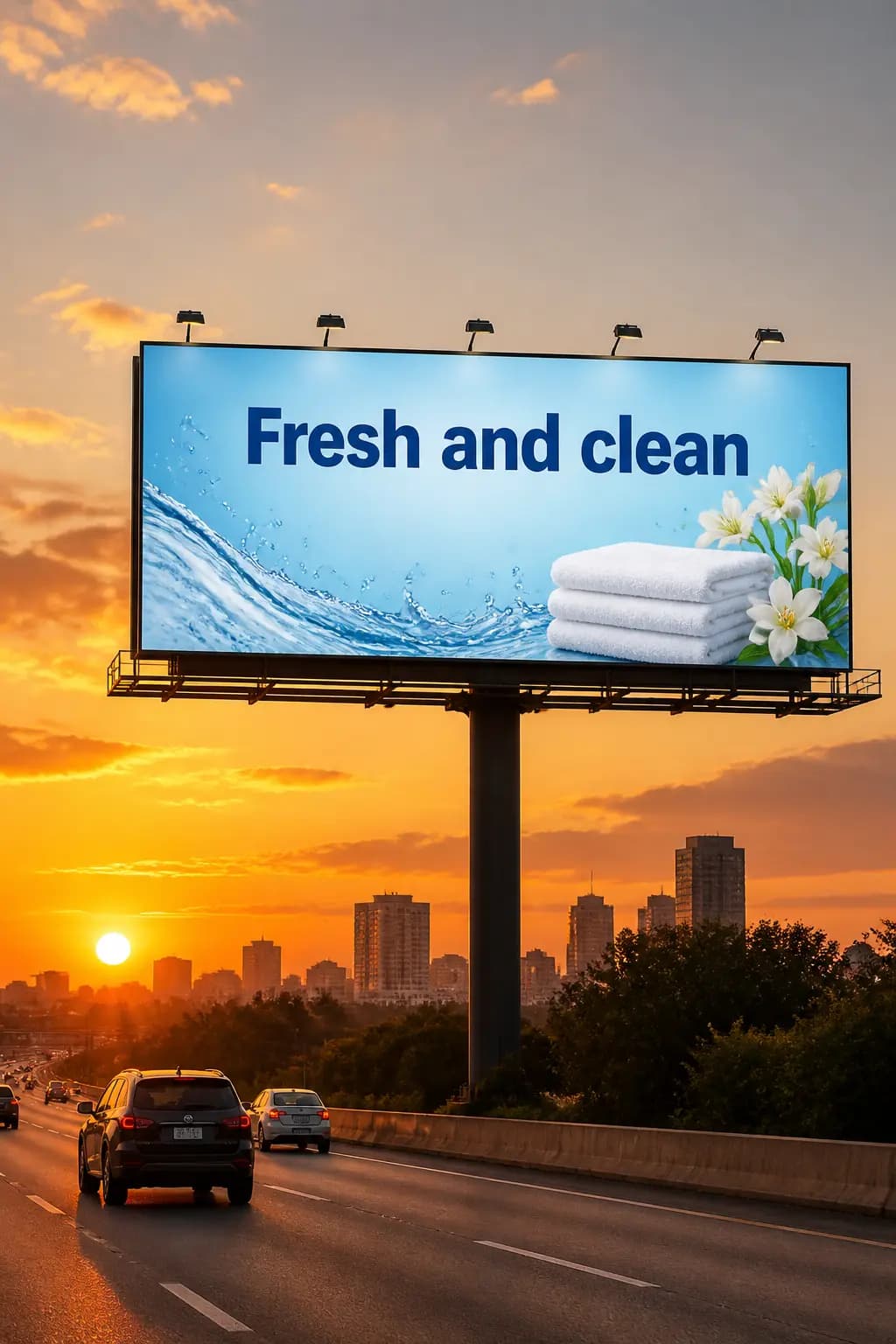
Marketing Creative with Exact Text
#10기법: Use `quality="medium"` or `quality="high"` for text-heavy images. "medium" works for large text; "high" is better for small or dense text.

Thread Brand Campaign Ad
#11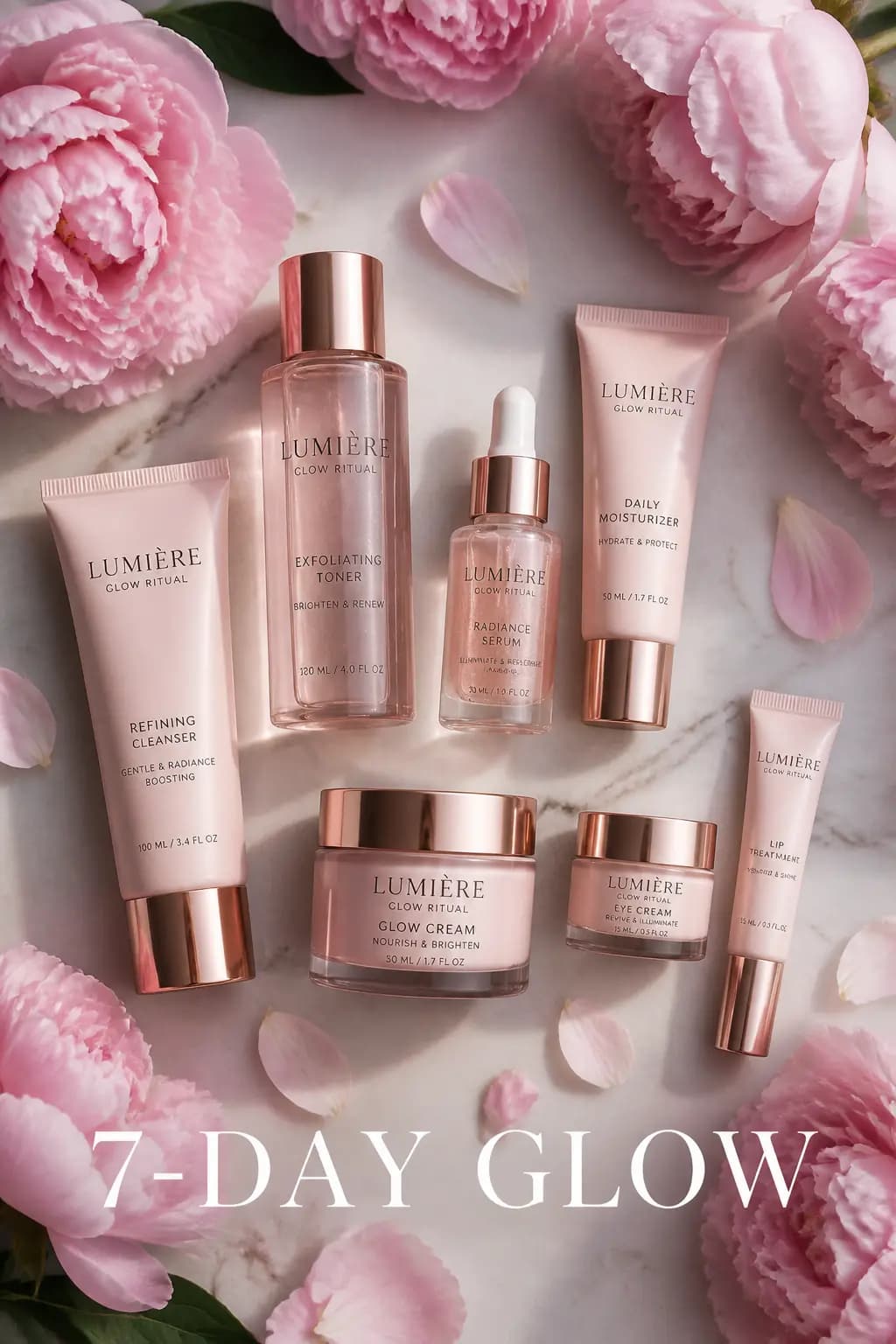
Skincare Instagram Story Ad
#12
Viral Social Media Post (AI IS HERE)
#13
YouTube Thumbnail (THE FIX)
#14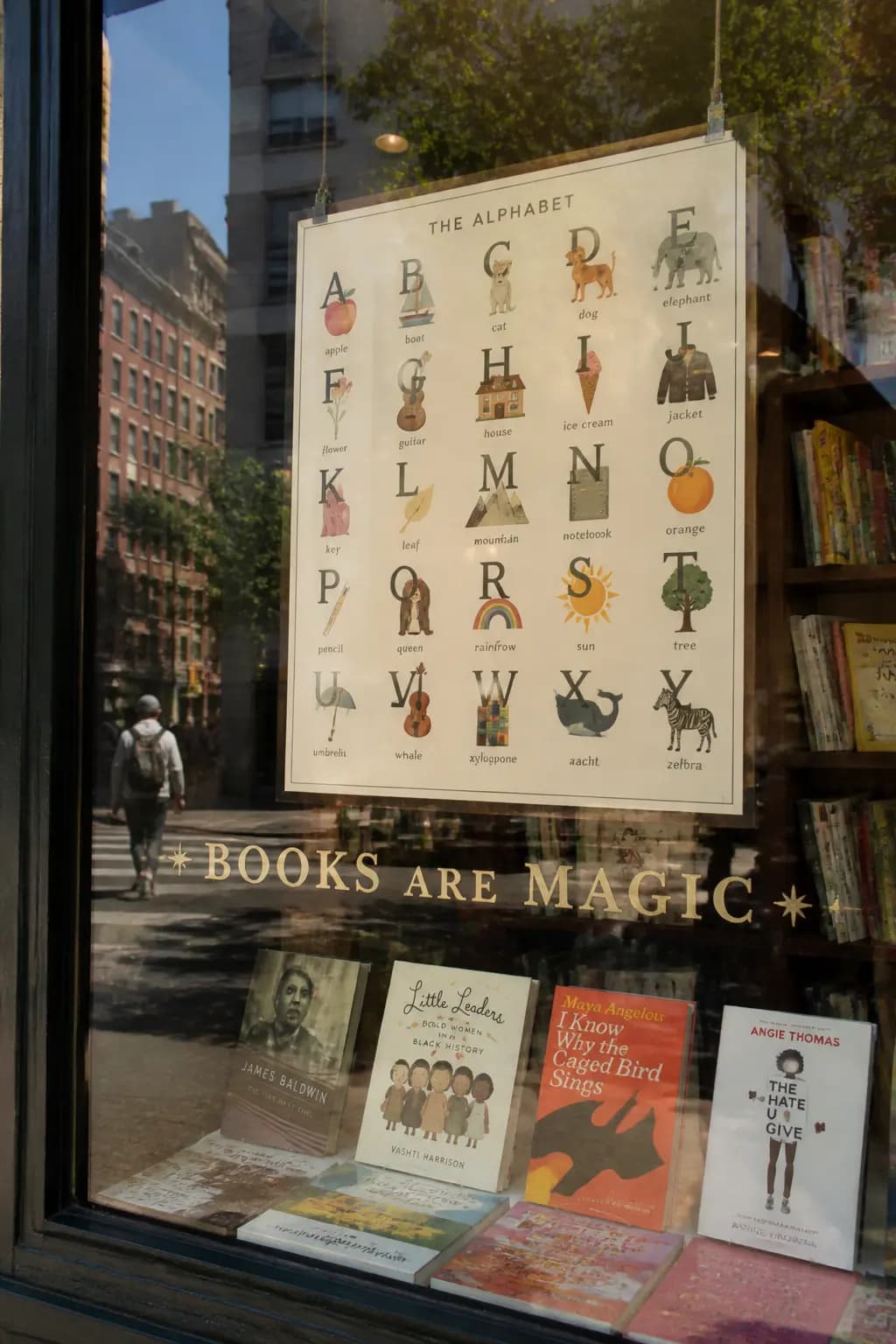
Bookstore Window with Alphabet Poster
#15기법: Once the prompt treats copy as layout, the image can carry real reading load. Bookstore windows are excellent stress tests for text because they combine readable poster text with reflected street text on glass.

Localization Translation (Infographic)
#16기법: This is an edit prompt. Provide the original image and the translation instruction. GPT Image 2 preserves typography style, placement, spacing, and hierarchy while translating verbatim.