Tempo limitatoAbbonamento annuale:30% di scontopiù accesso illimitato a GPT Image, MiniMax H3 e altri modelli
Nuova AI Chat · Prove gratuite ogni giorno
Passa al piano annuale
Pixmind
Famiglia modello pallido

Alibaba Cloud · Ultimo modello unificato

Wan 3.0 Generatore video AI

Generate 2–30 second video with synchronized audio from text, images, first/last frames, or combined image + video + audio references — and turn documents and web pages directly into video. Up to 1080p with adaptive aspect ratios.

  • Document & webpage-to-video explainers
  • All-modality reference consistency
  • 2–30s clips up to 1080p with audio
Wan 3.0: all-modality references and document-to-video in one generator
2–30sDurata
480p / 720p / 1080pRisoluzione
10 图 · 5 视频 · 5 音频Reference inputs
SynchronizedAudio

Panoramica del modello

Wan 3.0: all-modality references and document-to-video in one generator

Wan 3.0 is Alibaba's all-modality reference video model. Beyond the text, image, and endpoint workflows of earlier Wan versions, it accepts documents and web pages as creative sources and combines image, video, and audio references in a single request — useful when a clip must match existing brand assets, a voice track, or written source material.

Capacità del modello debole

Documents and web pages become video sources

Feed a document or web page as reference and Wan 3.0 turns its content into a coherent explainer clip — a workflow unique among commercial video models for course, tutorial, and product-documentation video.

  • Best for explainer and course content with existing written material
  • Review generated narration against the source for factual drift
  • Combine with image references to keep branding consistent

Utilizza questo flusso di lavoro
Document dissolving into video frames, Wan 3.0 document reference

Capacità del modello debole

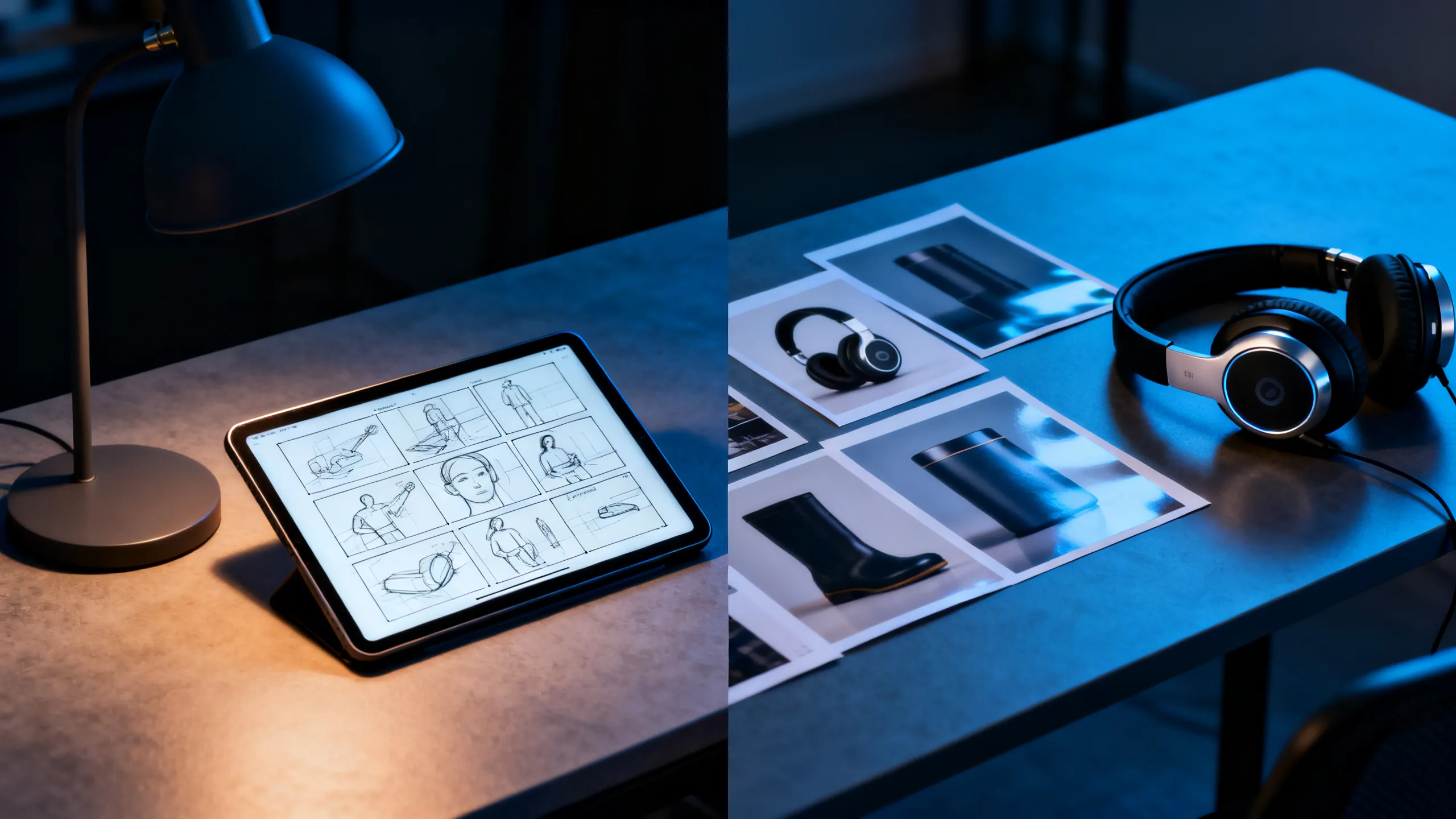
All-modality references in one request

Attach up to 10 reference images, 5 reference videos, and 5 audio clips together. Each asset guides identity, motion, or soundscape so the output stays consistent with your existing material instead of reinventing it.

  • Assegna a ciascun riferimento un compito: soggetto, movimento, telecamera o suono
  • Reference videos run up to 15 seconds each
  • Check rights for every recognizable person, voice, and brand
Utilizza questo flusso di lavoro
Designer desk with storyboard, headphones, and product references

Capacità del modello debole

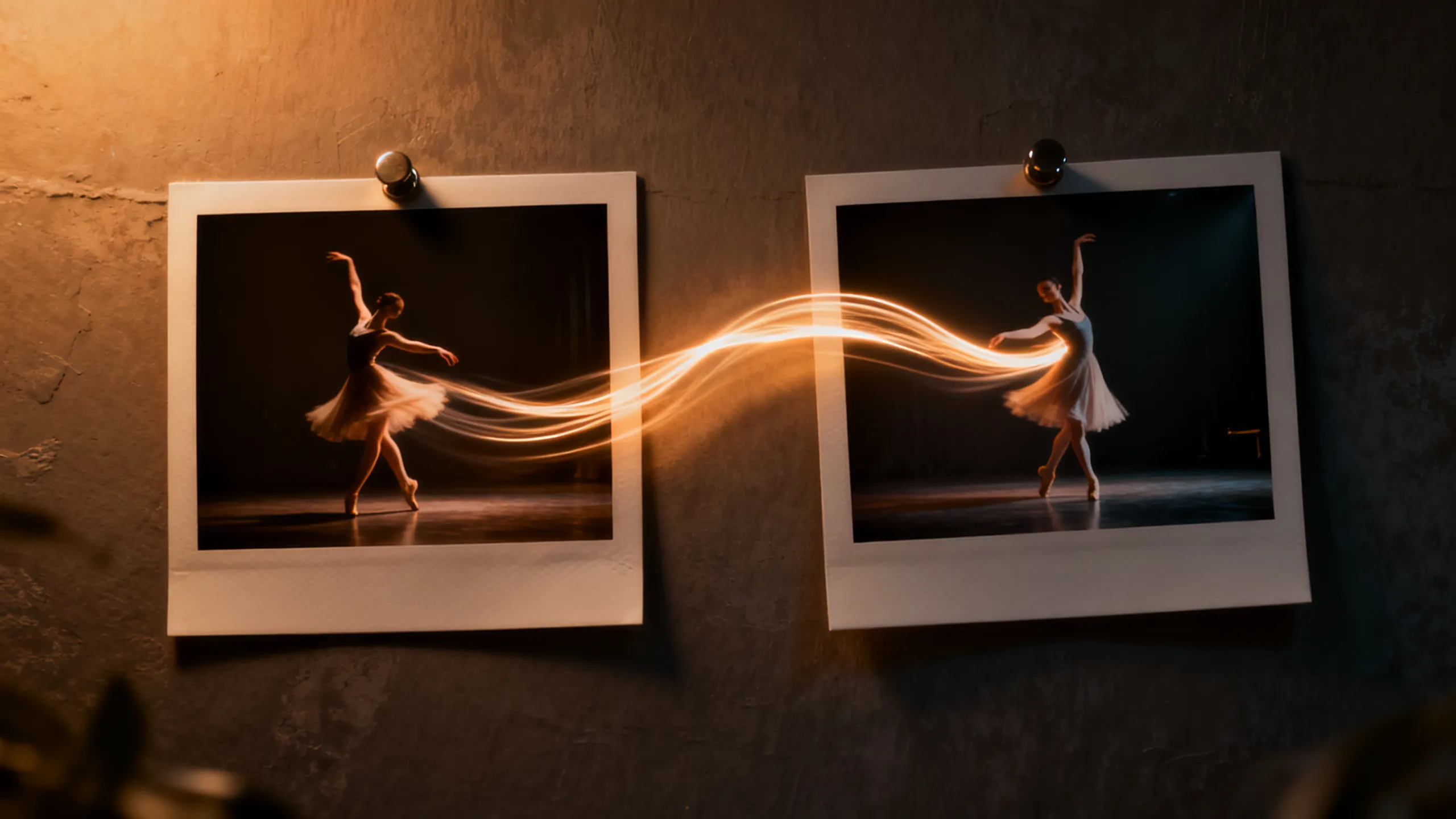
First / last frame plus 2–30 second range

Define the opening and closing composition with two frames, then let Wan 3.0 direct the motion between them. The 2–30 second range covers everything from micro-loops to full scene beats without stitching.

  • Use short durations for social loops, long ones for scene beats
  • Keep endpoint compositions physically compatible
  • Review the final seconds for morphing and text errors
Utilizza questo flusso di lavoro
Two photo frames connected by a dancer's motion trail

Esempi basati su attività

Cosa puoi creare con Wan 3.0?

Scegli un flusso di lavoro dal risultato finale di cui hai bisogno, quindi adatta il prompt starter incluso a uno scatto chiaro.

Course & explainer video

Course & explainer video

Turn lecture notes, documentation, or web articles into narrated video segments.

Visualizza l'idea immediata

Turn the attached document into a clear explainer video. Open on [hook visual], walk through [key points], close on [summary frame]. Calm professional narration.

Brand-consistent product film

Brand-consistent product film

Combine product images, a motion reference, and brand audio into one coherent clip.

Visualizza l'idea immediata

Use the attached product images for exact appearance and the audio for pacing. The product [action] in [setting]; end on the hero composition from reference image 1.

Social loops & hooks

Social loops & hooks

Generate 2–5 second seamless loops or vertical hooks at 9:16 with synced sound.

Visualizza l'idea immediata

Seamless 9:16 social loop of [subject] [action]. Rhythmic motion synced to the audio reference, clean silhouette, loopable start and end frames.

Confronto dei modelli video AI

Wan 3.0 vs Seedance 2.0 Pro vs Veo 3.1 vs Kling 3.0

Usalo come guida per la selezione del modello, non come sostituto dei controlli live. Le specifiche pubbliche e gli instradamenti dei provider connessi possono esporre diversi sottoinsiemi di parametri.

CaratteristicaWan 3.0Seedance 2.0 ProVeo 3.1Kling 3.0
Meglio perDocument & webpage-to-video explainers · All-modality reference consistency · 2–30s clips up to 1080p with audioNarrazione multimodale e creazione guidata dalla continuitàRealismo cinematografico e scene audiovisive raffinateFlussi di lavoro relativi al movimento dei personaggi, all'azione e al creatore
Ingresso connessoGenerate 2–30 second video with synchronized audio from text, images, first/last frames, or combined image + video + audio references — and turn documents and web pages directly into video. Up to 1080p with adaptive aspect ratios.Testo · Immagine · Riferimenti multimodaliTesto · ImmagineTesto · Immagine · Flussi di lavoro di riferimento
Controllo della scenaDocuments and web pages become video sources · All-modality references in one request · First / last frame plus 2–30 second rangeMulti-inquadratura e regia multimodaleInterpretazione delle riprese e regia audiovisivaControllo del movimento e performance dei personaggi
Flusso di lavoro audioSynchronizedFunzionalità audio segnalata dal percorso; confermare i controlli in tempo realeFlusso di lavoro audiovisivo nativoI flussi di lavoro audio e di sincronizzazione labiale variano in base al percorso
Scegli quandoCourse & explainer video · Brand-consistent product film · Social loops & hooksA multimodal story workflow and continuity-led creationLa rifinitura audiovisiva cinematografica finale è la cosa più importanteLa performance del personaggio e il controllo dell'azione guidano il brief

Istantanea dell'API di produzione PixMind verificata 2026-07-13. I controlli del generatore live sono definitivi.

Antipasti pronti

Richiedi Wan 3.0 tramite controllo, non aggettivi

Dai un nome al soggetto, a un'azione, al percorso della telecamera, alla luce, al suono e al finale. Aggiungi solo la responsabilità di riferimento richiesta dalla modalità di input selezionata.

Document explainer

Turn the attached document into a clear explainer video. Open on [hook visual], walk through [key points] with [visual metaphor], close on [summary frame]. Calm professional narration, clean motion graphics aesthetic.

Usa questo suggerimento

Multimodal brand clip

Use the attached product images for exact appearance, the motion reference for camera rhythm, and the audio for pacing. The product [action] in [setting]; lighting matches [mood]; end on the hero composition from reference image 1.

Usa questo suggerimento

Endpoint transition

Move naturally from the supplied first frame to the last frame. The subject [action] while the camera [movement]; keep identity, wardrobe, and environment consistent; finish exactly on the end-frame composition.

Usa questo suggerimento

Wan 3.0 FAQ

Quale ingresso Wan 3.0 dovrei scegliere?

Utilizza il testo per l'invenzione, un'immagine per l'identità o la composizione, il primo e l'ultimo fotogramma per un punto finale controllato e riferimenti per il movimento, il ritmo della telecamera o il suono.

Wan 3.0 genera audio?

Alcuni percorsi connessi segnalano la funzionalità audio, ma il controllo esatto varia in base alla modalità del modello. Conferma il percorso selezionato nel generatore live e rivedi dialoghi, tempi e artefatti prima della pubblicazione.

Posso utilizzare commercialmente il video Wan generato?

L'uso commerciale dipende dai termini del fornitore e dai tuoi diritti su ogni richiesta, riferimento, identità, voce, logo e risorsa del marchio. Esaminare sia l'output che i termini attuali prima del rilascio.

Trasforma un brief chiaro in un test Wan 3.0

Inizia dall'esatta area di lavoro del modello connesso, quindi confronta le riprese utilizzabili, i tentativi, la coerenza e il costo del credito.

Inizia a generare