
Rimuovi sottotitoli e watermark dai video
Cancella sottotitoli hardcoded, didascalie, logo e watermark da qualsiasi video con AI precisa al pixel. Disegna un riquadro, premi cancella, scarica un video HD pulito in pochi secondi.
Guarda la cancellazione in azione
Lo stesso clip prima e dopo — senza area manuale, il rilevamento intelligente fa tutto.
Veri risultati prima / dopo
Disegna un riquadro, cancella, fatto. Sottotitoli, didascalie e filigrane spariscono puliti.
Una scena, con e senza sottotitolo
Stesso frame — a sinistra il sottotitolo impresso, a destra cancellato dall'IA. Trascina per confrontare.
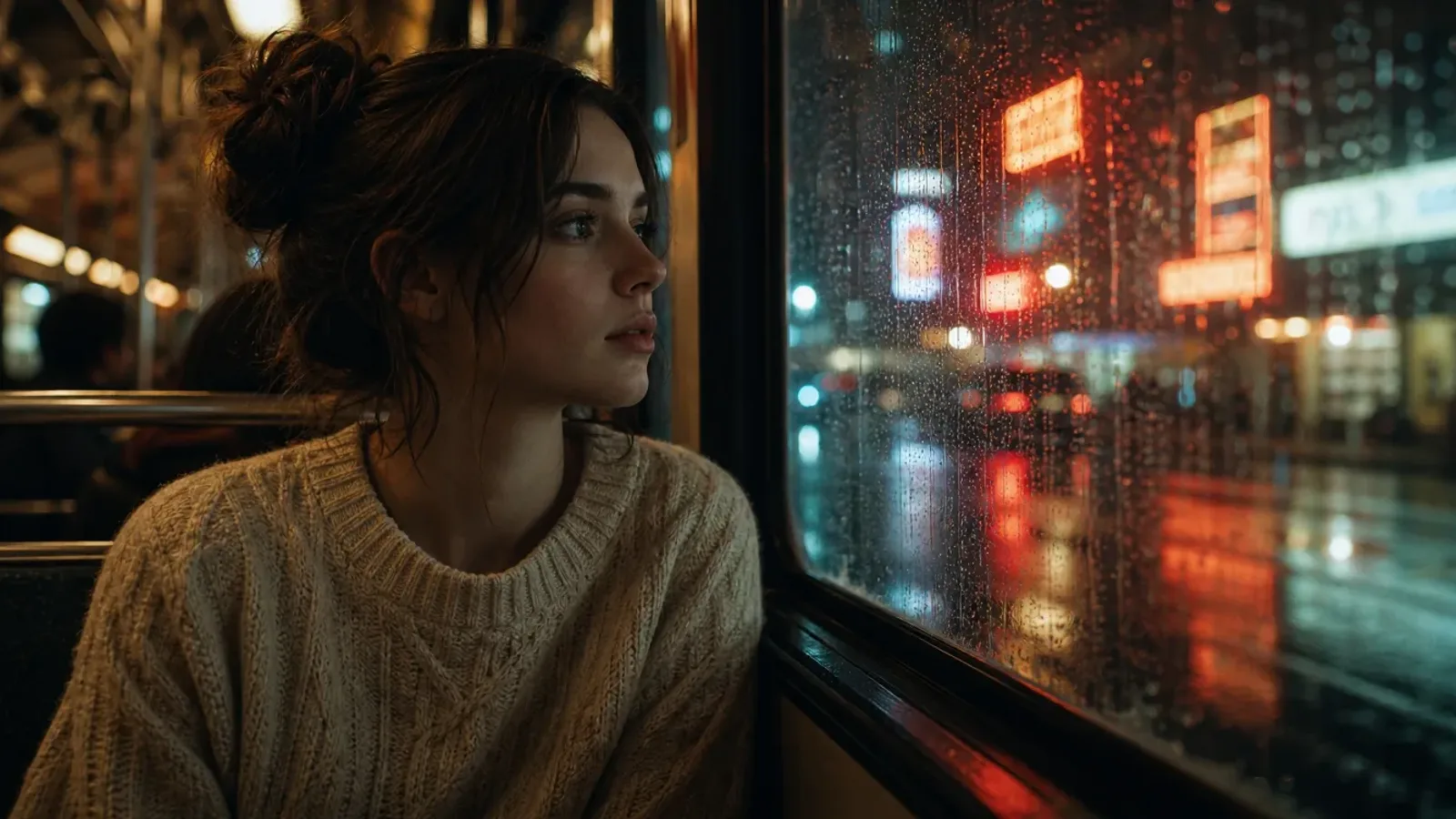
Trascina per confrontare
 PrimaDopo
Film & Serie TV
Rimuove sottotitoli incorporati e loghi di canale da film e serie TV.
 PrimaDopo
Video brevi
Rimuove didascalie automatiche e filigrane di piattaforma da TikTok, Reels e Shorts.
 PrimaDopo
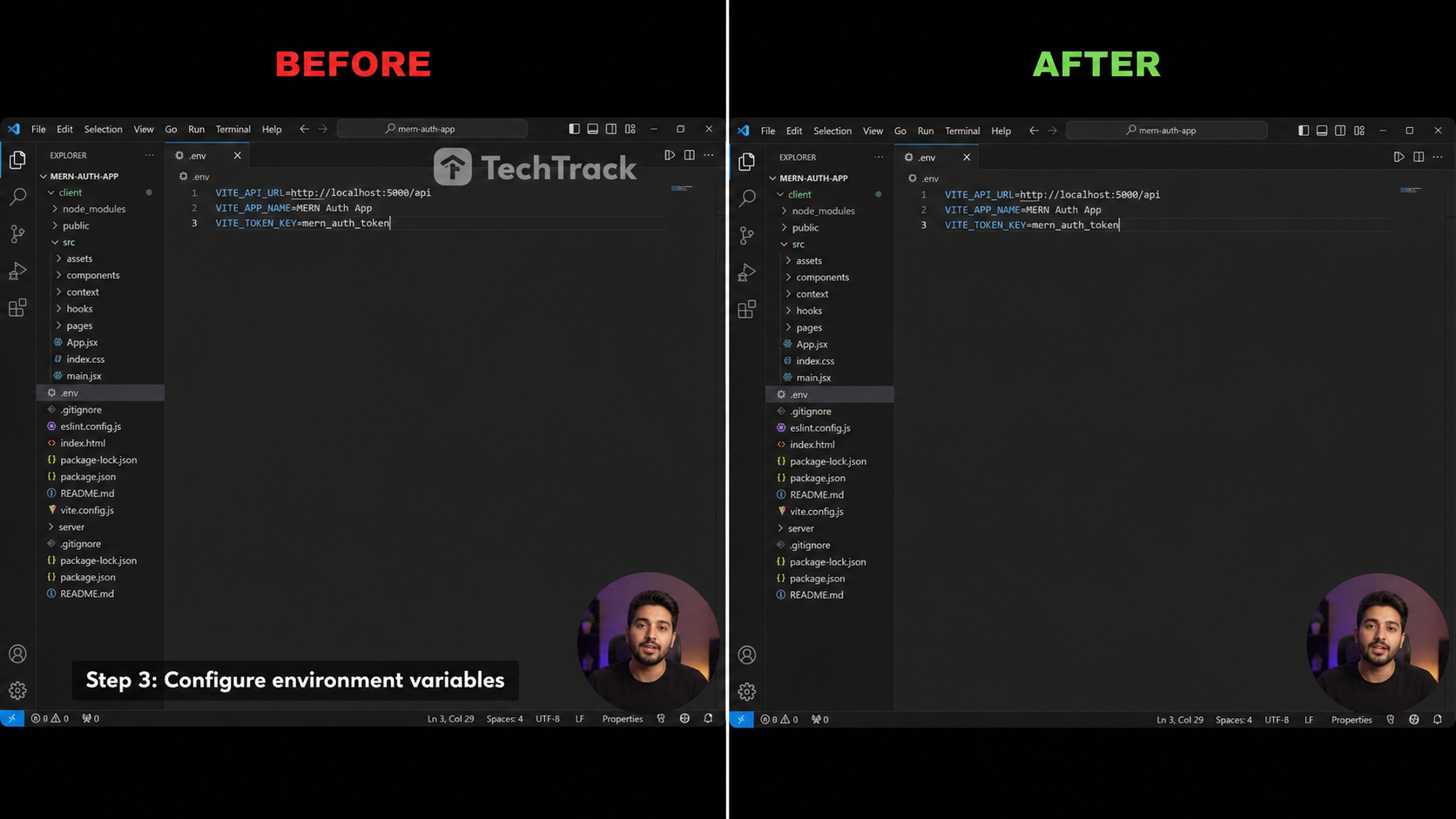
Tutorial e Registrazioni
Rimuove sottotitoli inferiori e filigrane software dalle registrazioni schermo.
 PrimaDopo
Anime e fansub
Rimuovi i sottotitoli fansub da clip anime e cartoon.
 PrimaDopo
Webinar e corsi
Pulisci i cartellini nome inferiori di lezioni online e registrazioni.
Three passi to a clean video
No timeline, no keyframes — just caricare, selezionare and scaricare.

Carica e seleziona
Rilascia your clip, then trascina the emerald rectangle over the sottotitolo or watermark regione.

L'AI cancella
Our inpainting modello fills the masked area fotogramma by fotogramma, preserving movimento and dettaglio.

Scarica video pulito
Preview the result and export a clean HD MP4 in one click — no logo, no subtitles.
Built for clean, sfoca-gratuito output
Cancellazione AI di livello professionale dentro il tuo browser, nessuna installazione richiesta.
Cancellazione AI
A diffusion-based inpainting modello fills the selezionato regione so edges blend seamlessly with the surrounding scena.
Selezione precisa al pixel
Trascina an emerald rectangle to fotogramma exactly the sottotitolo linea or watermark you want gone — no broader than needed.
Nessun artefatto blur
Unlike naive sfoca strumenti, frames stay sharp and naturale even on veloce movimento or textured backgrounds.
Rimozione watermark e logo
Funziona su didascalie hardcoded, sottotitoli burned-in, logo di canale e watermark statici allo stesso modo.
Qualità HD preservata
Output keeps the original risoluzione, fotogramma tariffa and bitrate — no re-encoding downgrade.
100% privato
Il tuo video viene elaborato su richiesta e mai usato per l'addestramento. Cancellato automaticamente dopo l'esecuzione.
Cancella tutto ciò che è impresso nel video
Una selezione, qualsiasi testo o overlay — rimosso in modo pulito.
Sottotitoli impressi
Sottotoli fissi incorporati nel frame.
Sottotitoli tradotti
Tracce secondarie sovrapposte.
Barre sottotitoli
Barre piene nella parte inferiore.
Loghi canale
Bug d'angolo e identificativi.
Watermark
Marchi fissi o poco animati.
Testo e sticker
Testo a schermo, emoji e sticker.
Come si posiziona PixMind
Vero ritocco IA contro i soliti sfoca e ritaglia.
| Capacità | PixMind | Strumenti online tipici | Sfoca / ritaglia manuale |
|---|---|---|---|
| Ritocco IA, senza sfocatura | |||
| Mantiene l'HD originale | |||
| Rimozione watermark e logo | |||
| Nel browser, nessuna installazione | |||
| Rilevamento auto + regione manuale | |||
| Privato, auto-eliminato | |||
| Crediti gratuiti giornalieri |
Le capacità di PixMind riflettono il prodotto attuale al 2026-07-18. Le specifiche dei concorrenti variano e cambiano — verifica sui loro siti.
Come vengono contati i crediti
Paga solo ciò che cancelli — nessun abbonamento, nessuna sorpresa.
Motore PRO
Ritocco Tencent Cloud — il più pulito su sfondi complessi. Consigliato.
Motore BASE
Ritocco su GPU dedicata — più veloce ed economico, ideale per clip semplici.
| Regione selezionata | Livello | Crediti / 30s |
|---|---|---|
| Regione piccola (≤1920×240) | Tier 1 | 200 |
| Regione standard (≤1920×1080) | Tier 2 | 300 |
| Regione grande (>1920×1080) | Tier 3 | 400 |
| Qualsiasi regione | BASE | 100 |
- La modalità rilevamento auto fattura sul frame completo; quella manuale sulla regione disegnata.
- Totale = ⌈ durata ÷ 30s ⌉ × prezzo del livello. Stima live prima dell'avvio.
- Ogni account connesso riceve crediti gratuiti giornalieri — provalo gratis.
Who usa a video sottotitolo remover
Built for creatori who need a clean source clip.
Content Creators
Repost clips across TikTok, Reels and Shorts without burned-in captions from another platform.
Translators
Strip hardcoded subtitles before overlaying your own localized captions or SRT track.
Addetti marketing
Rimuovere competitor watermarks or prodotto logos from licensed stock footage.
Archivists
Restore legacy clips by cleaning channel bugs and burned-in branding before re-publishing.
Sottotitolo & watermark removal, answered
Tutto you might want to know before erasing.