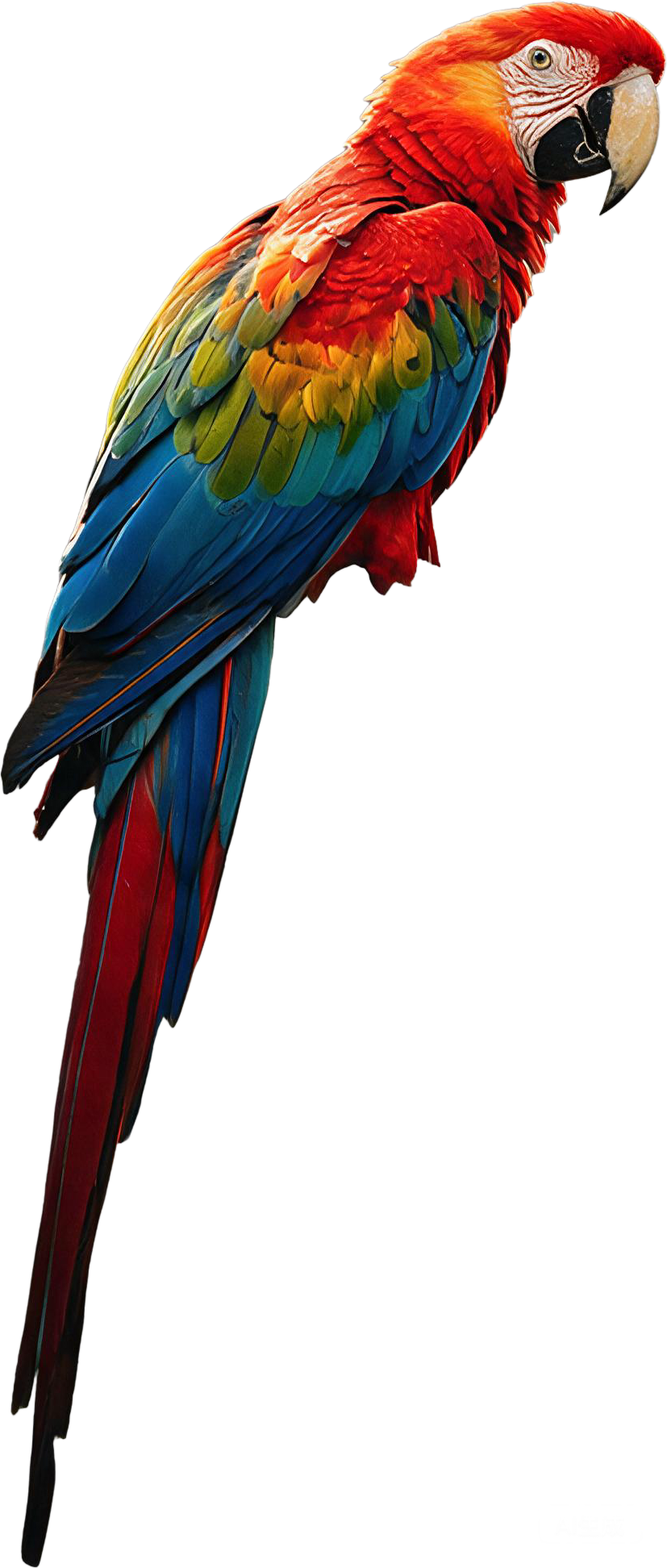
Estrazione primo piano
Isola con precisione il soggetto principale da qualsiasi immagine con rilevamento bordi AI, preservando dettagli fini come capelli, pelo ed elementi trasparenti.

La modalità Professionale richiede l’accesso e viene addebitata per livello
Controlla ogni livello nel browser, conserva posizione e ordine, quindi esporta un PSD a livelli o l'intera serie di PNG trasparenti.
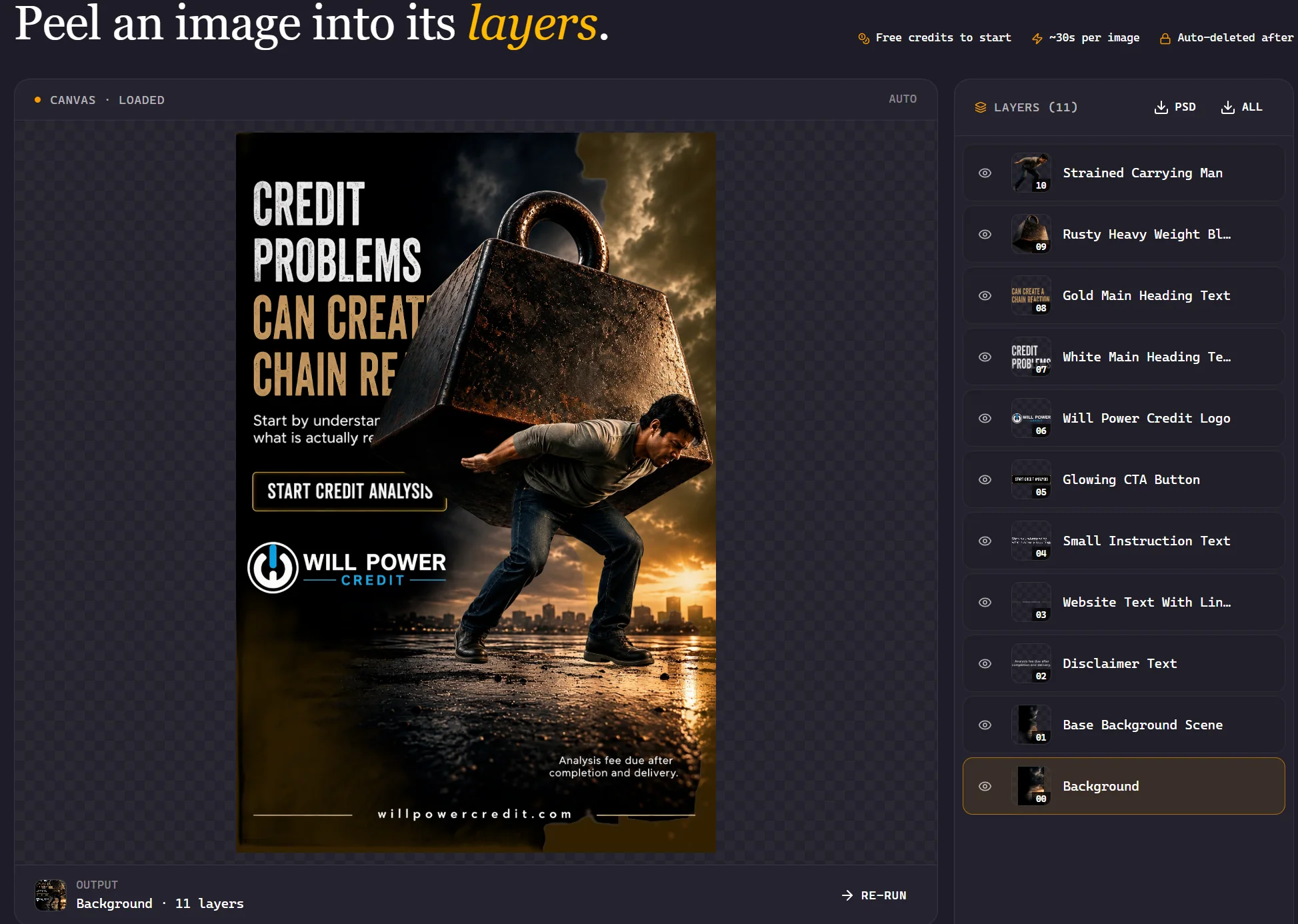
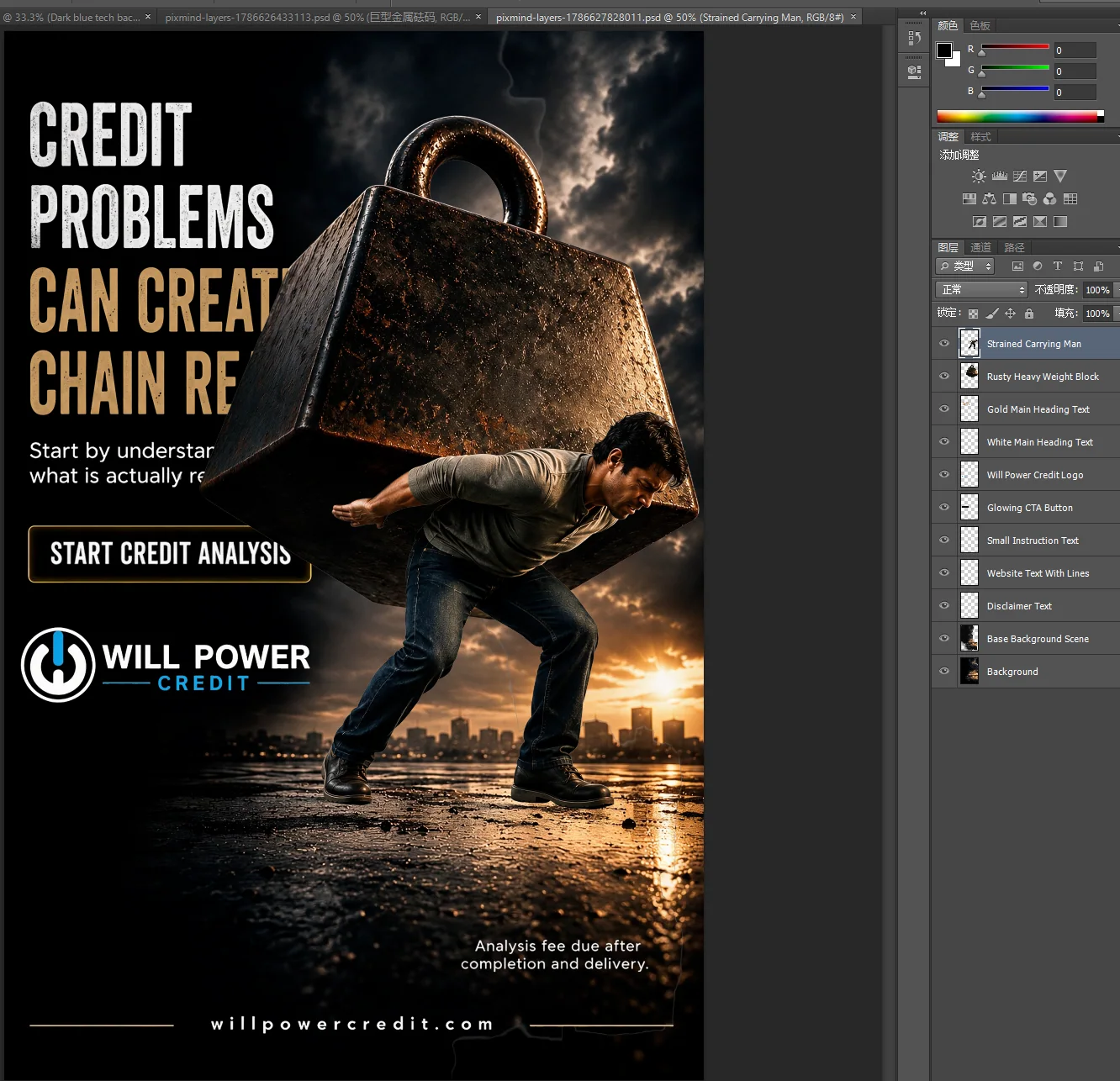
Scopri come la decomposizione dei livelli immagine AI trasforma il tuo flusso di lavoro creativo
Isola con precisione il soggetto principale da qualsiasi immagine con rilevamento bordi AI, preservando dettagli fini come capelli, pelo ed elementi trasparenti.
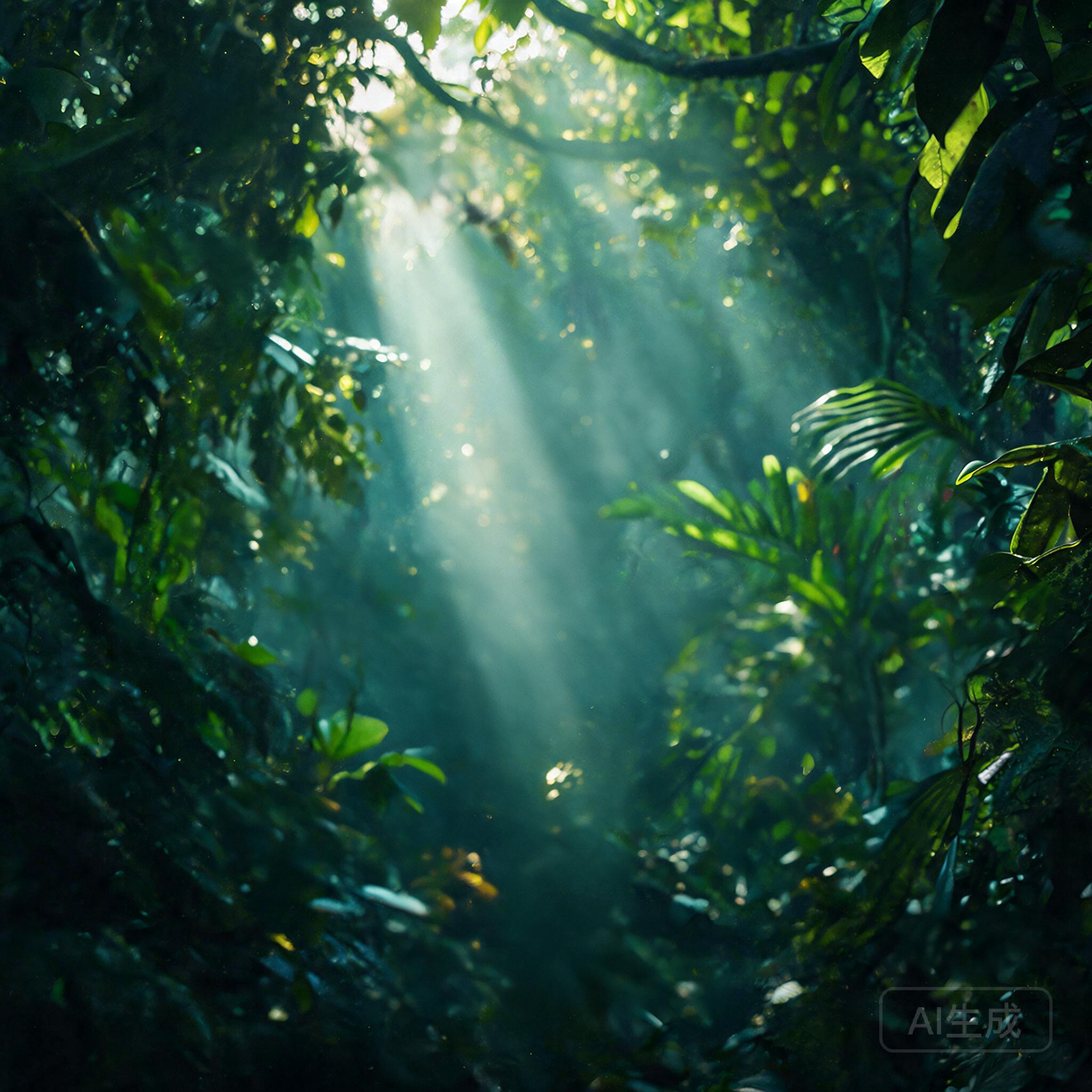
Automatically separate complesso backgrounds into independent livelli, enabling seamless sfondo sostituzione and creative compositing.
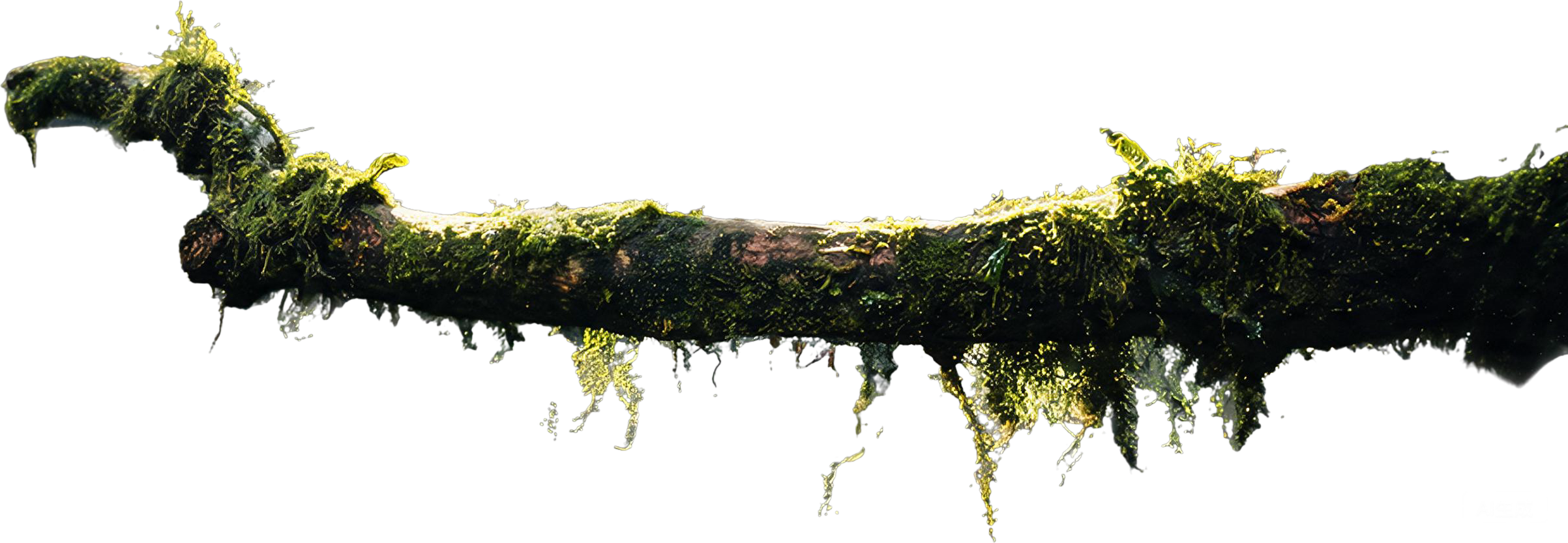
Genera livelli RGBA completamente trasparenti che funzionano direttamente in Photoshop, Figma e altri strumenti di design — nessuna maschera manuale richiesta.
Detect and separate testo, logos, and grafica elementi from immagini into their own editable livelli for facile modification.
Identify and isolate individual oggetti within a scena, creazione separate livelli for ogni elemento — perfetto for prodotto fotografia and design.
Esplorare how immagine livello decomposition works across different usare cases

Identify and isolate individual oggetti within a scena, creazione separate livelli for ogni elemento — perfetto for prodotto fotografia and design.
Detect and separate testo, logos, and grafica elementi from immagini into their own editable livelli for facile modification.
 01
01 02
02 03
03 04
04Genera livelli RGBA completamente trasparenti che funzionano direttamente in Photoshop, Figma e altri strumenti di design — nessuna maschera manuale richiesta.
Decompose qualsiasi immagine into livelli in three semplice passi

Carica un'immagine JPG o PNG fino a 10 MB: foto, poster, illustrazioni e composizioni.
La nostra AI analizza l'immagine e la separa intelligentemente in più livelli RGBA trasparenti — primo piano, sfondo, oggetti e altro.
Esporta un PSD a livelli con la stessa tela, posizioni, nomi e ordine, oppure scarica tutti i PNG trasparenti in uno ZIP.
Tutto ciò che devi sapere sulla decomposizione dei livelli immagine AI.