Pixmind
Wan use cases

Wan production workflow · Wan 2.7

Create Ecommerce Product Videos with Wan AI

Turn approved product images into controlled ecommerce videos with material-aware motion, clean hero endings, and prompts that protect product geometry.

Hero product revealsMaterial-detail shotsSocial product hooks
01 · Workflow principle

Protect the product before adding motion

Use a clean source image and name the silhouette, proportions, color, material, and label placement that must remain stable. Add only one product action and one camera move per shot.

  • Leave clear space around the product
  • Avoid tiny text as a generated proof point
  • Finish on a frame that can hold real campaign copy
02 · Workflow principle

Choose the route by production stage

Use Wan 2.6 Image Flash for lower-credit direction tests, Image Quality for fidelity checks, and Wan 2.7 when endpoints or multimodal references improve control.

  • Benchmark identical source images and prompts
  • Count usable takes and required repairs
  • Verify labels, shape, and brand color before release

Visual examples

Three distinct ways to apply this workflow

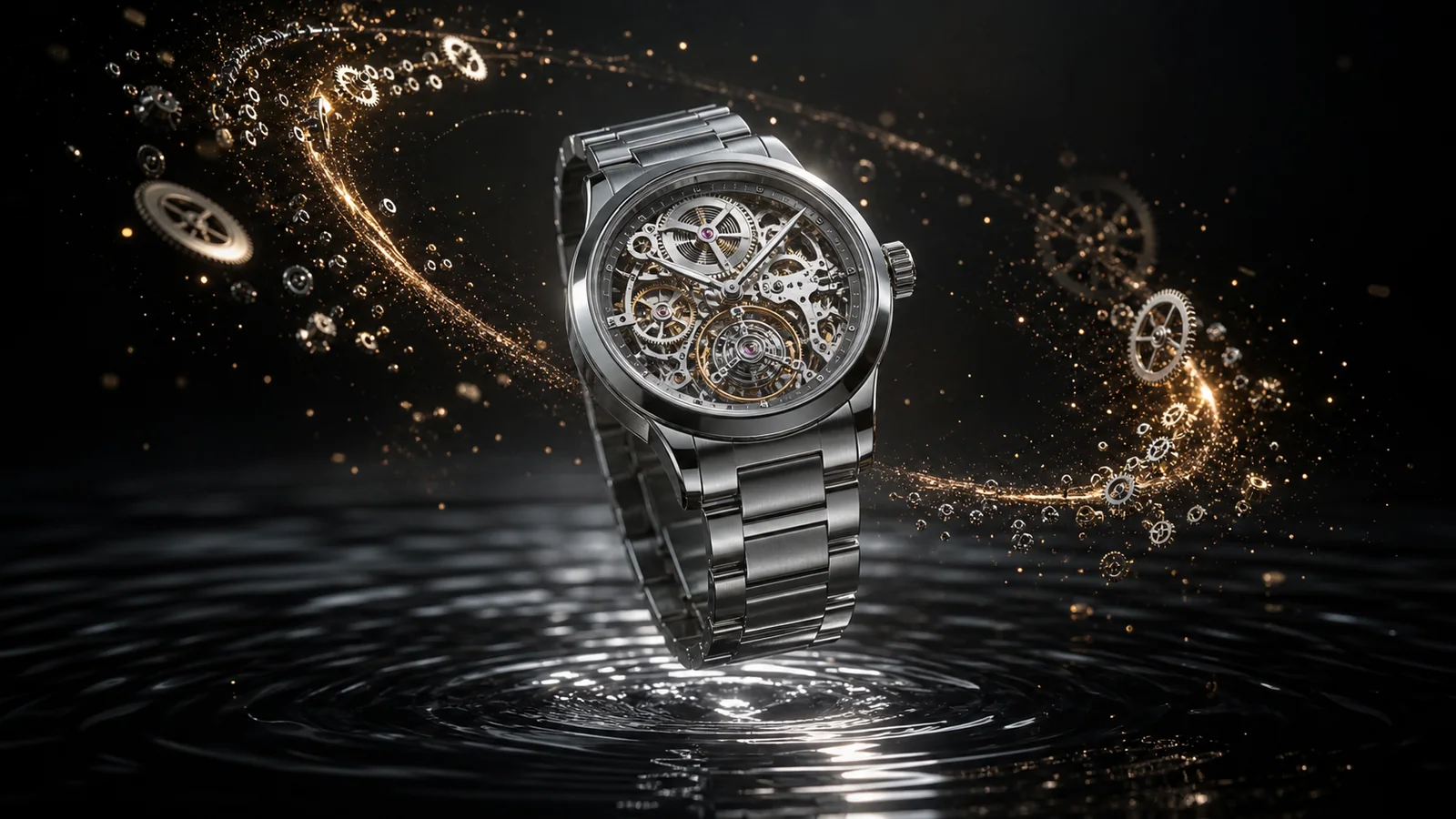
Wan ecommerce watch product animation concept
Preserve product geometry while directing light and motion.
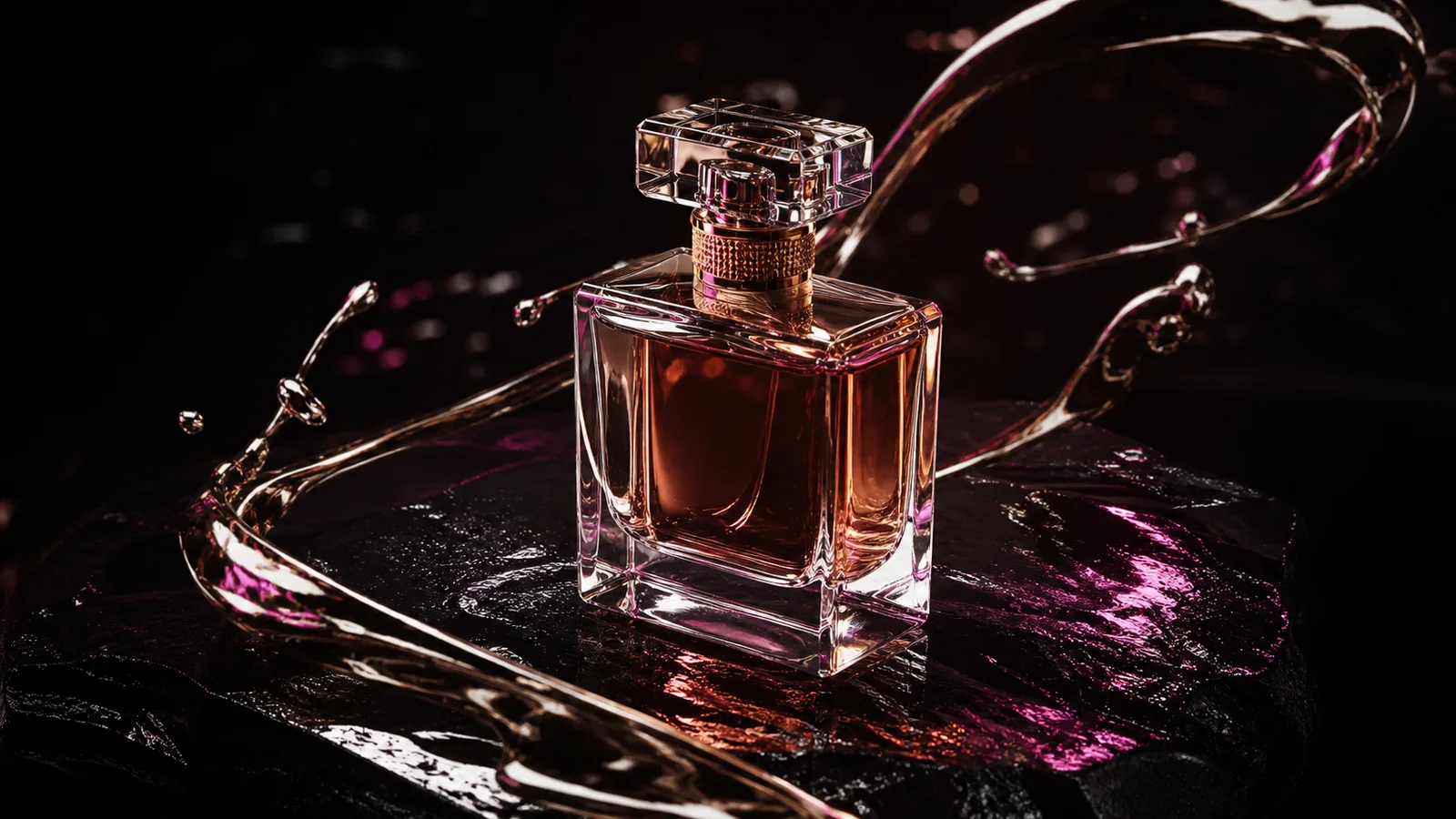
Wan luxury product video concept
One material event and one controlled camera path.
Wan tabletop ecommerce commercial example
Build tactile detail without redesigning the product.

Production prompt starters

Start specific, then change one variable at a time

Keep the subject, action, camera, light, sound, and ending coherent. Bracketed fields are the variables to replace.

01

Luxury hero reveal

Animate the supplied [product] image. Preserve exact silhouette, dimensions, material, color, and label position. Slow controlled orbit, one warm light sweep across the surface, subtle particles, settle on the original hero angle, no generated text.

Use for premium landing-page and launch footage.

Use in generator
02

Functional detail

Macro product shot of [feature]. Preserve all geometry. [Part] moves once through its real mechanism while the camera tracks a short arc. Crisp material reflections, one synchronized click, end with the feature clearly visible.

Describe only a mechanically plausible action.

Use in generator
03

Social product hook

Start on the supplied product key visual. In the first second, [material event] reveals the product without changing it. Quick push-in, strong silhouette, controlled background motion, finish on clean negative space for real campaign copy.

Use Flash to test several hook directions.

Use in generator
04

First-to-last packshot

Transition from the closed packaging frame to the final displayed product frame. Preserve packaging design, product scale, and camera side. One realistic opening motion, slow dolly forward, exact final composition, hold for the edit.

Use when the final packshot must be controlled.

Use in generator

Review before publishing

Generated identity, hands, product geometry, text, logos, dialogue, sound timing, and rights require a final human check.

FAQ

Which Wan route is best for product image animation?

Begin with Wan 2.6 Image Quality when source-image fidelity is the main requirement, Flash for lower-credit direction tests, and Wan 2.7 for endpoint or reference control.

Will Wan preserve every label and logo exactly?

No guarantee should be assumed. Review labels, generated text, geometry, color, and logos frame by frame, then repair or add exact brand assets in post-production.

Can generated product videos be used commercially?

Commercial use depends on current provider terms and your rights to the product, references, brand assets, music, voice, and all other inputs.