기간 한정연간 멤버십:30% 할인및 GPT Image, MiniMax H3 등 모델 무제한 이용
새로운 AI Chat · 매일 무료 체험 횟수 제공
지금 업그레이드
Pixmind
완 모델 패밀리

Alibaba Cloud · 최신 통합 모델

Wan 3.0 AI 비디오 생성기

Generate 2–30 second video with synchronized audio from text, images, first/last frames, or combined image + video + audio references — and turn documents and web pages directly into video. Up to 1080p with adaptive aspect ratios.

  • Document & webpage-to-video explainers
  • All-modality reference consistency
  • 2–30s clips up to 1080p with audio
Wan 3.0: all-modality references and document-to-video in one generator
2–30s기간
480p / 720p / 1080p해상도
10 图 · 5 视频 · 5 音频Reference inputs
Synchronized오디오

모델 개요

Wan 3.0: all-modality references and document-to-video in one generator

Wan 3.0 is Alibaba's all-modality reference video model. Beyond the text, image, and endpoint workflows of earlier Wan versions, it accepts documents and web pages as creative sources and combines image, video, and audio references in a single request — useful when a clip must match existing brand assets, a voice track, or written source material.

완 모델 기능

Documents and web pages become video sources

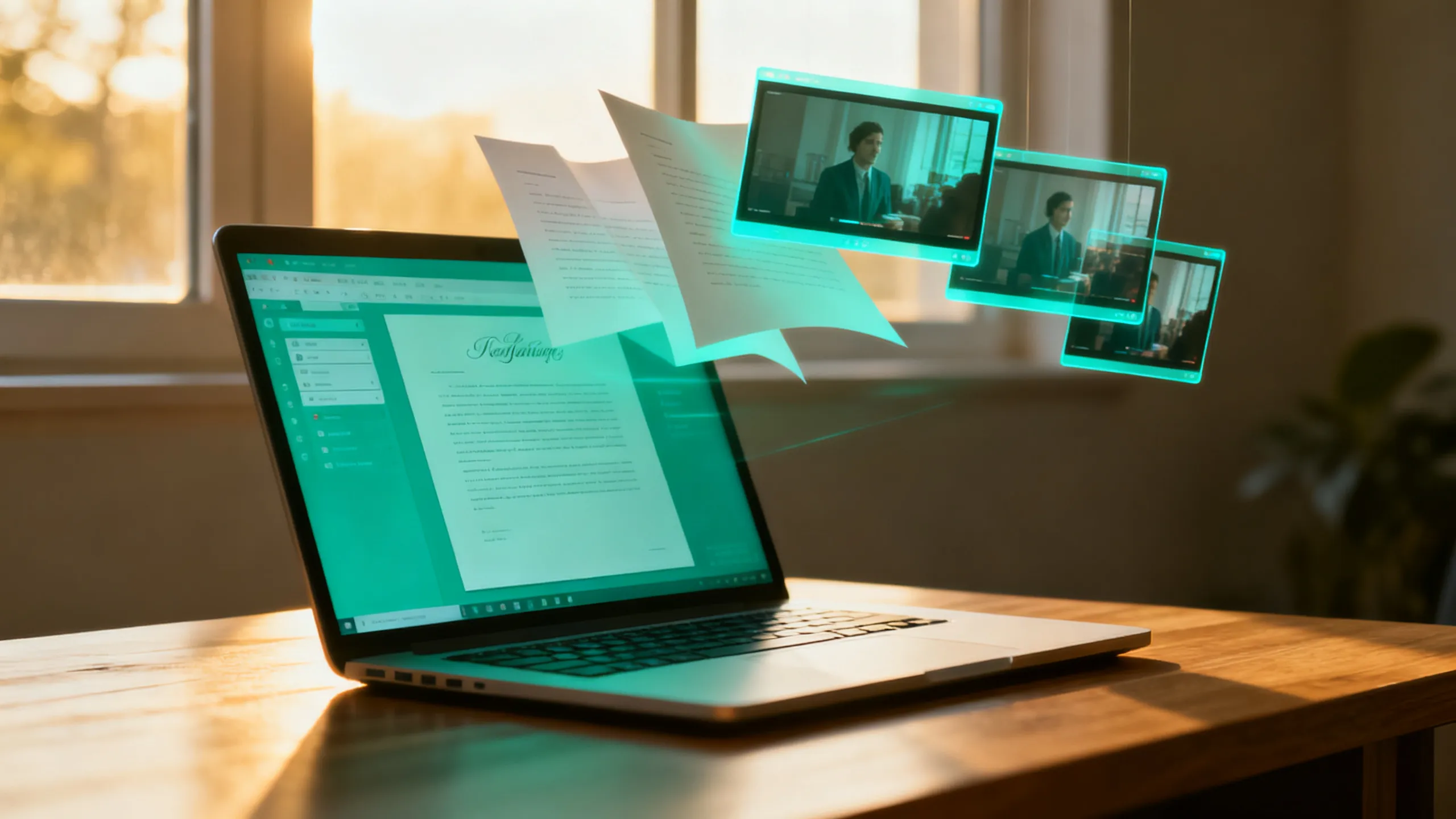
Feed a document or web page as reference and Wan 3.0 turns its content into a coherent explainer clip — a workflow unique among commercial video models for course, tutorial, and product-documentation video.

  • Best for explainer and course content with existing written material
  • Review generated narration against the source for factual drift
  • Combine with image references to keep branding consistent
이 워크플로우를 사용하세요
Document dissolving into video frames, Wan 3.0 document reference

완 모델 기능

All-modality references in one request

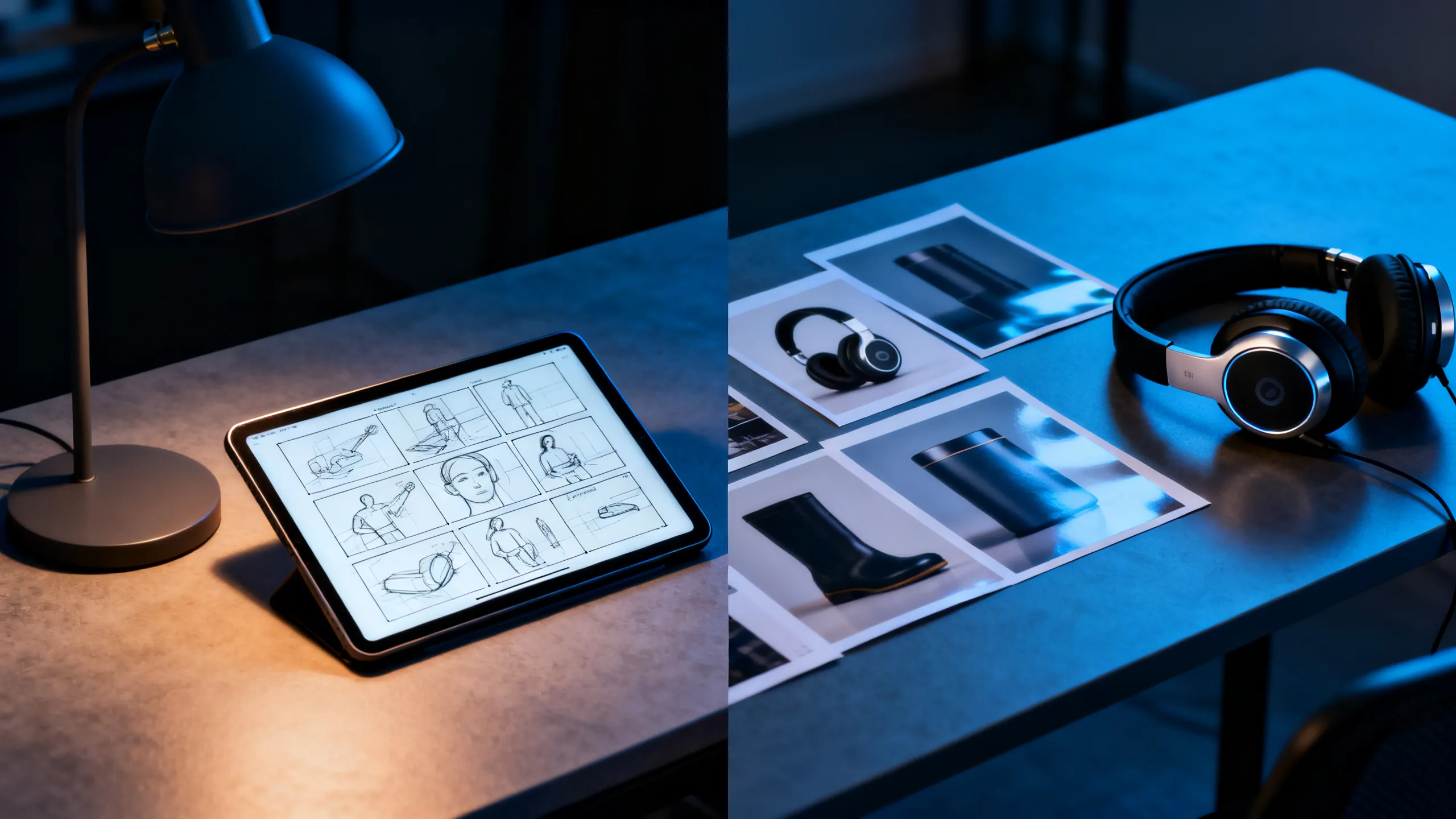
Attach up to 10 reference images, 5 reference videos, and 5 audio clips together. Each asset guides identity, motion, or soundscape so the output stays consistent with your existing material instead of reinventing it.

  • 각 참조에 주제, 동작, 카메라 또는 사운드 등 하나의 작업을 제공합니다.
  • Reference videos run up to 15 seconds each
  • Check rights for every recognizable person, voice, and brand
이 워크플로우를 사용하세요
Designer desk with storyboard, headphones, and product references

완 모델 기능

First / last frame plus 2–30 second range

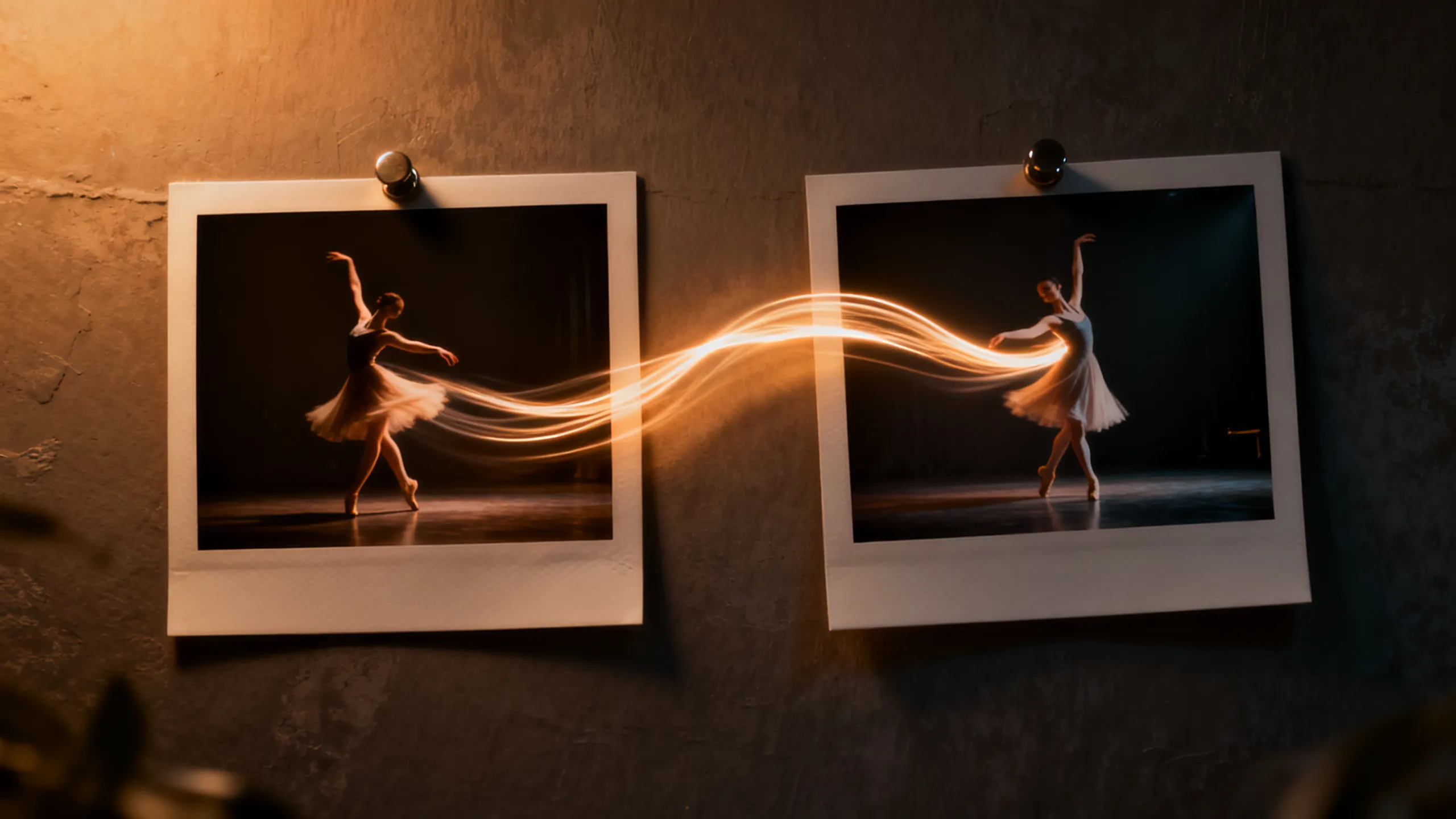
Define the opening and closing composition with two frames, then let Wan 3.0 direct the motion between them. The 2–30 second range covers everything from micro-loops to full scene beats without stitching.

  • Use short durations for social loops, long ones for scene beats
  • Keep endpoint compositions physically compatible
  • Review the final seconds for morphing and text errors
이 워크플로우를 사용하세요
Two photo frames connected by a dancer's motion trail

작업 기반 예시

Wan 3.0로 무엇을 만들 수 있나요?

필요한 결과물에서 워크플로를 선택한 다음 포함된 프롬프트 스타터를 하나의 명확한 장면에 맞게 조정하세요.

Course & explainer video

Course & explainer video

Turn lecture notes, documentation, or web articles into narrated video segments.

프롬프트 아이디어 보기

Turn the attached document into a clear explainer video. Open on [hook visual], walk through [key points], close on [summary frame]. Calm professional narration.

Brand-consistent product film

Brand-consistent product film

Combine product images, a motion reference, and brand audio into one coherent clip.

프롬프트 아이디어 보기

Use the attached product images for exact appearance and the audio for pacing. The product [action] in [setting]; end on the hero composition from reference image 1.

Social loops & hooks

Social loops & hooks

Generate 2–5 second seamless loops or vertical hooks at 9:16 with synced sound.

프롬프트 아이디어 보기

Seamless 9:16 social loop of [subject] [action]. Rhythmic motion synced to the audio reference, clean silhouette, loopable start and end frames.

AI 영상 모델 비교

Wan 3.0 vs Seedance 2.0 Pro vs Veo 3.1 vs Kling 3.0

이를 라이브 제어 대신 모델 선택 지침으로 사용하십시오. 공개 사양 및 연결된 공급자 경로는 다양한 매개변수 하위 집합을 노출할 수 있습니다.

특징Wan 3.0Seedance 2.0 ProVeo 3.1Kling 3.0
다음에 가장 적합Document & webpage-to-video explainers · All-modality reference consistency · 2–30s clips up to 1080p with audio다중 모드 스토리텔링 및 연속성 기반 제작영화적 현실감과 세련된 시청각 장면캐릭터 모션, 동작, 제작자 작업 흐름
연결된 입력Generate 2–30 second video with synchronized audio from text, images, first/last frames, or combined image + video + audio references — and turn documents and web pages directly into video. Up to 1080p with adaptive aspect ratios.텍스트 · 이미지 · 다중 모드 참조텍스트 · 이미지텍스트 · 이미지 · 참조 워크플로
장면 제어Documents and web pages become video sources · All-modality references in one request · First / last frame plus 2–30 second range멀티샷 및 멀티모달 방향장면 해석 및 시청각 연출모션 컨트롤 및 캐릭터 성능
오디오 작업 흐름Synchronized경로 보고 오디오 기능 라이브 컨트롤 확인네이티브 시청각 워크플로우오디오 및 립싱크 작업 흐름은 경로에 따라 다릅니다.
언제 선택하세요Course & explainer video · Brand-consistent product film · Social loops & hooksA multimodal story workflow and continuity-led creation최종 영화 시청각 마무리가 가장 중요합니다.캐릭터 퍼포먼스와 액션 컨트롤이 브리핑을 이끈다

PixMind 프로덕션 API 스냅샷은 2026-07-13에 확인되었습니다. 라이브 제너레이터 제어는 최종적입니다.

프롬프트 스타터

형용사가 아닌 컨트롤로 Wan 3.0 프롬프트

피사체, 동작 하나, 카메라 경로, 빛, 소리, 결말의 이름을 지정하세요. 선택한 입력 모드에 필요한 참조 책임만 추가하세요.

Document explainer

Turn the attached document into a clear explainer video. Open on [hook visual], walk through [key points] with [visual metaphor], close on [summary frame]. Calm professional narration, clean motion graphics aesthetic.

이 프롬프트를 사용하세요

Multimodal brand clip

Use the attached product images for exact appearance, the motion reference for camera rhythm, and the audio for pacing. The product [action] in [setting]; lighting matches [mood]; end on the hero composition from reference image 1.

이 프롬프트를 사용하세요

Endpoint transition

Move naturally from the supplied first frame to the last frame. The subject [action] while the camera [movement]; keep identity, wardrobe, and environment consistent; finish exactly on the end-frame composition.

이 프롬프트를 사용하세요

Wan 3.0 FAQ

어떤 Wan 3.0 입력을 선택해야 합니까?

발명을 위한 텍스트, 아이덴티티 또는 구성을 위한 이미지, 제어된 끝점을 위한 첫 번째 및 마지막 프레임, 모션, 카메라 리듬 또는 사운드에 대한 참조를 사용하십시오.

Wan 3.0은 오디오를 생성합니까?

일부 연결된 경로는 오디오 기능을 보고하지만 정확한 제어는 모델 모드에 따라 다릅니다. 라이브 생성기에서 선택한 경로를 확인하고 게시하기 전에 대화, 타이밍 및 아티팩트를 검토하세요.

생성된 완 영상을 상업적으로 사용할 수 있나요?

상업적 사용은 공급자 약관과 모든 프롬프트, 참조, ID, 음성, 로고 및 브랜드 자산에 대한 귀하의 권리에 따라 달라집니다. 출시 전에 출력 및 현재 조건을 모두 검토하세요.

하나의 명확한 샷 브리핑을 Wan 3.0 테스트로 전환

정확히 연결된 모델 작업 공간에서 시작한 다음 사용 가능한 테이크, 재시도, 일관성 및 크레딧 비용을 비교하세요.

생성 시작