Pixmind

Free AI Image Generator

Create images from text or references with 25+ AI models. Compare the live credit estimate, choose ratio and size, then generate and refine in one workspace.

What you need before you generate

Starter credits
10 credits

A newly created account receives 10 starter credits, valid for one year.

Sign-in
Required to generate

You can inspect prompts and settings first; sign in to generate, save history, and use credits.

Cost per image
Shown live

The estimate changes with model, size, quality, output count, speed, and reference images.

Inputs and output
Text + references

Available ratios, reference limits, and 1K/2K/4K options depend on the selected model.

Create AI images online

Loading...
Top AI Models
Top AI Models

Top AI Models

Access leading models for product shots, realistic scenes, posters, characters, and design assets.

Studio Grade Quality

Studio Grade Quality

Create clean, detailed visuals with better prompt adherence and usable commercial composition.

Precise Controlled Editing

Precise Controlled Editing

Use reference images and follow-up prompts to change details without rebuilding the entire idea.

Choose an AI image model by task

There is no single best image model. Start with the job you need to finish, then confirm the current credit estimate and available controls in the generator.

GPT Image 2

Detailed instructions, readable text, posters, and precise edits

Text and reference images

Resolution, quality, output count, and references affect credits

Nano Banana Pro

Multilingual text, structured graphics, and multi-reference composition

Text and multiple references where available

Live estimate changes with the selected output settings

Seedream

Product imagery, campaign variants, and Chinese-English creative work

Text or image-guided generation, depending on version

Version, resolution, output count, and references affect credits

FLUX / Midjourney

Photoreal concepts, art direction, styles, and visual exploration

Text; reference controls vary by model

Mode and generation settings determine the displayed estimate

Next-gen text to image and image to image creation

Transform rough ideas into finished images in seconds. Type a prompt or upload reference images, then create high-quality visuals for products, marketing, social media, and design work.

Next-gen text to image and image to image creation
Top AI models, all in one place

Top AI models, all in one place

Use PixMind, GPT Image, Midjourney-style generation, FLUX, Seedream, Nano Banana, and more from one workflow.

PixMind
GPT Image
Midjourney
FLUX
Seedream
Nano Banana

Professional image quality and precise control

Create realistic images, keep details consistent, and edit with simple instructions instead of regenerating everything from scratch.

Professional image quality and precise control

Prompt, model, and settings examples

Use these complete prompt recipes as reproducible starting points. The images illustrate the target job; outputs vary by model, seed, references, and settings.

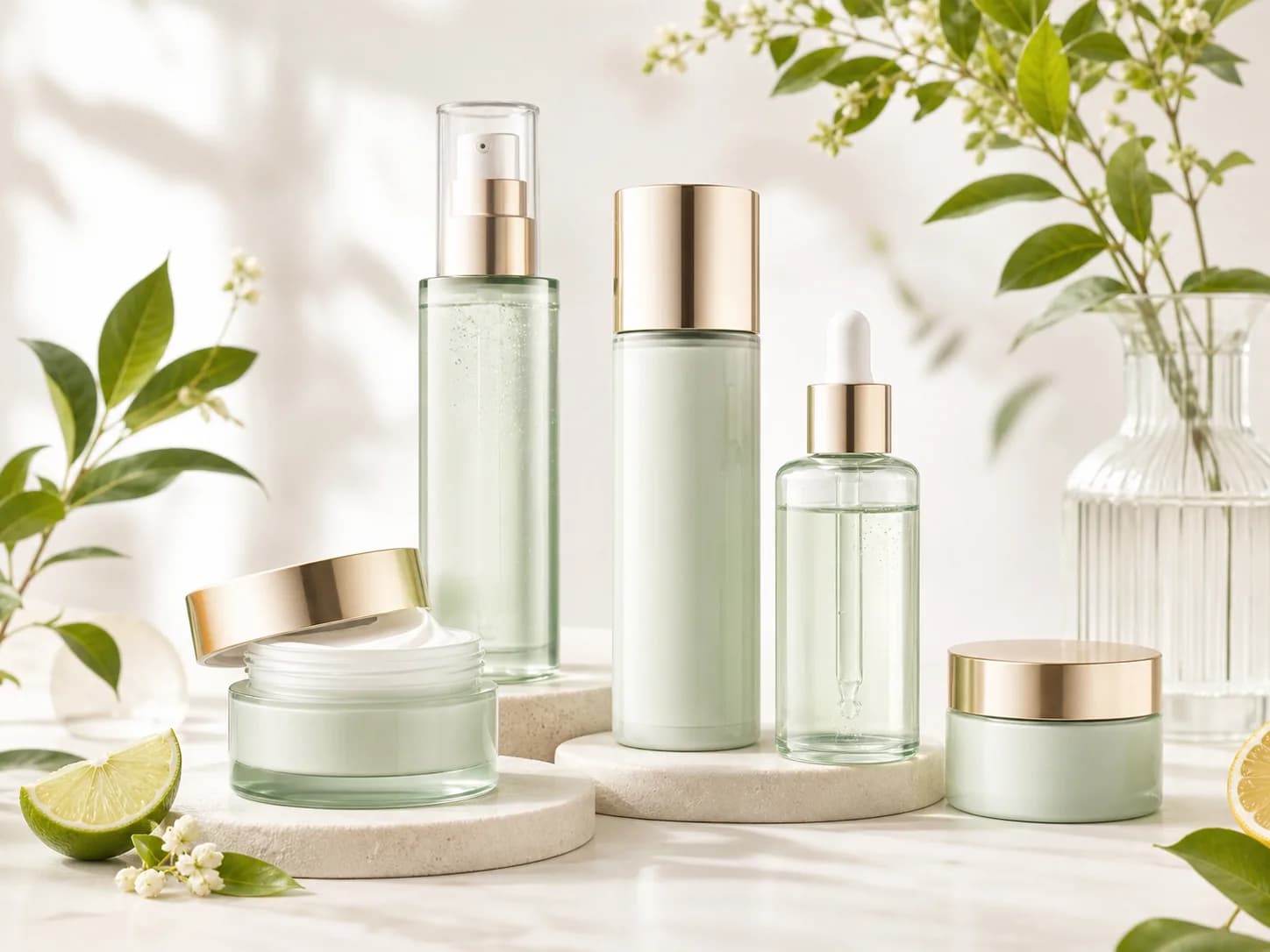
Luxury product photography with soft daylight, clean packaging, natural props, bright studio background.
Prompt 1

Luxury product photography with soft daylight, clean packaging, natural props, bright studio background.

Model
GPT Image 2
Settings
1:1 · 2K · medium quality · 1 output
Job
Skincare product hero
Generate
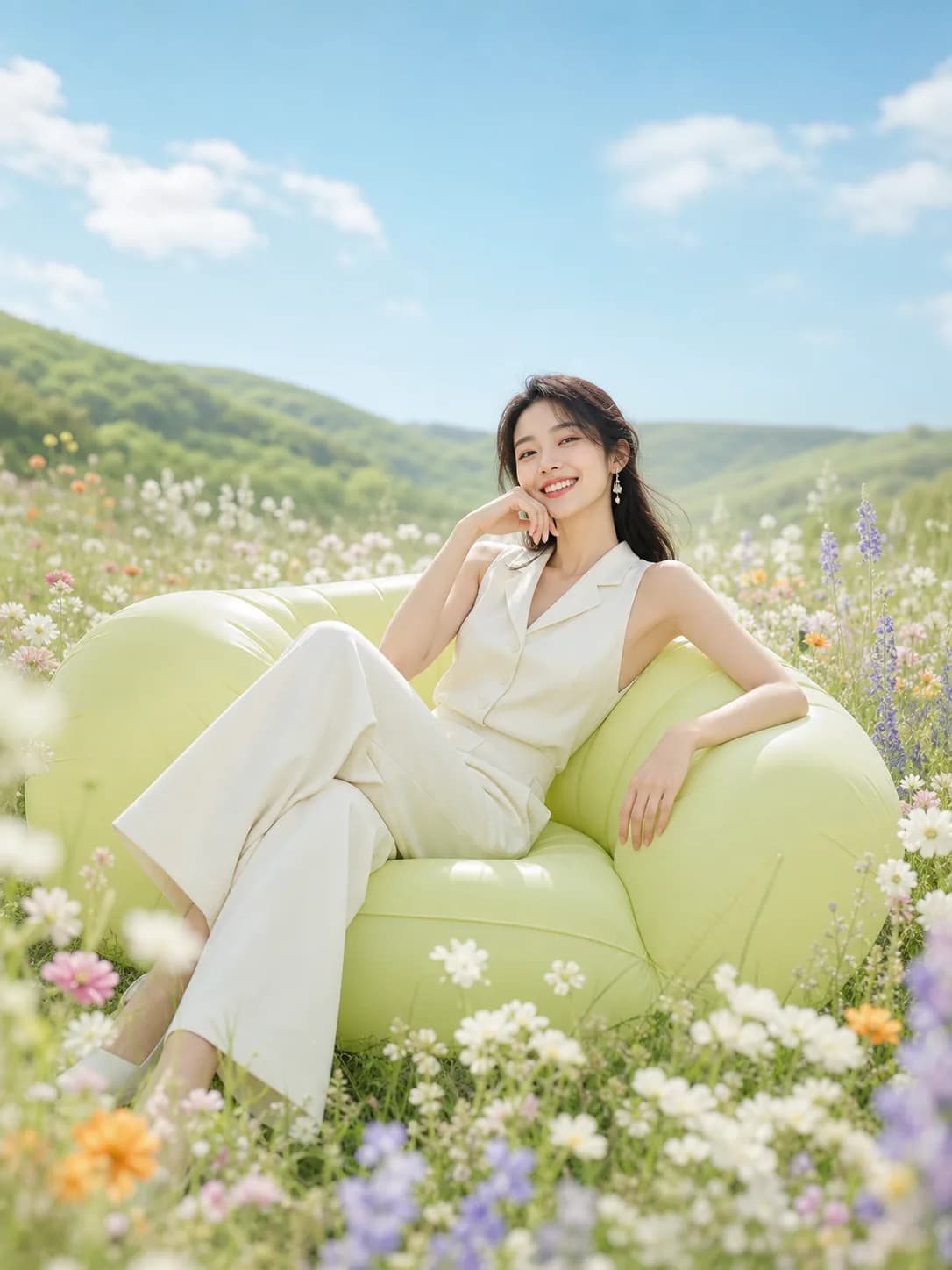
Dreamy lifestyle photo, relaxed model, pastel outdoor scene, airy lighting, detailed clothing texture.
Prompt 2

Dreamy lifestyle photo, relaxed model, pastel outdoor scene, airy lighting, detailed clothing texture.

Model
Nano Banana Pro
Settings
4:5 · 2K · 1 reference image
Job
Lifestyle campaign
Generate
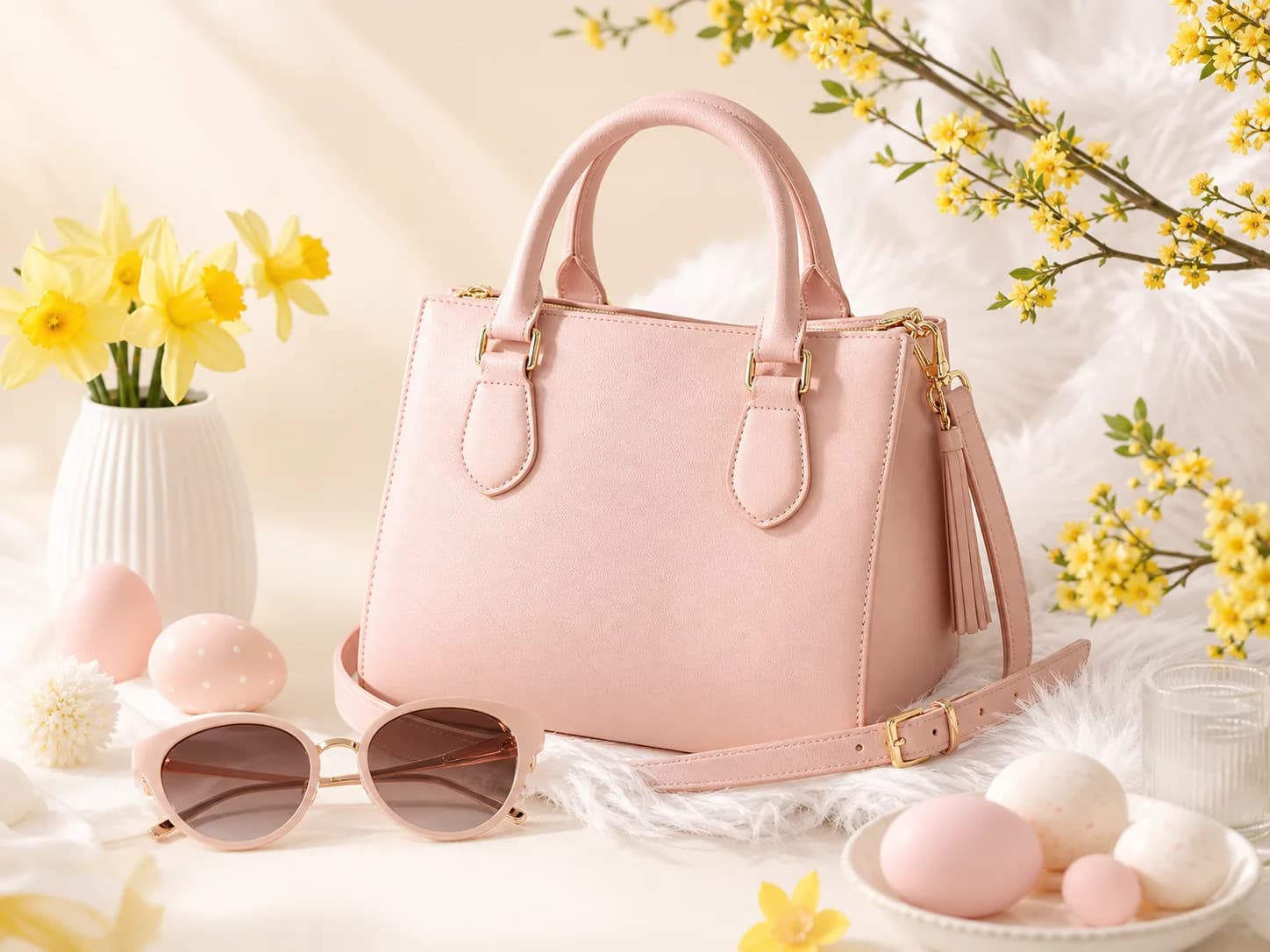
Pastel ecommerce handbag product shot, spring props, bright studio light, premium composition.
Prompt 3

Pastel ecommerce handbag product shot, spring props, bright studio light, premium composition.

Model
Seedream 5.0 Pro
Settings
1:1 · 2K · 1 output
Job
E-commerce product shot
Generate
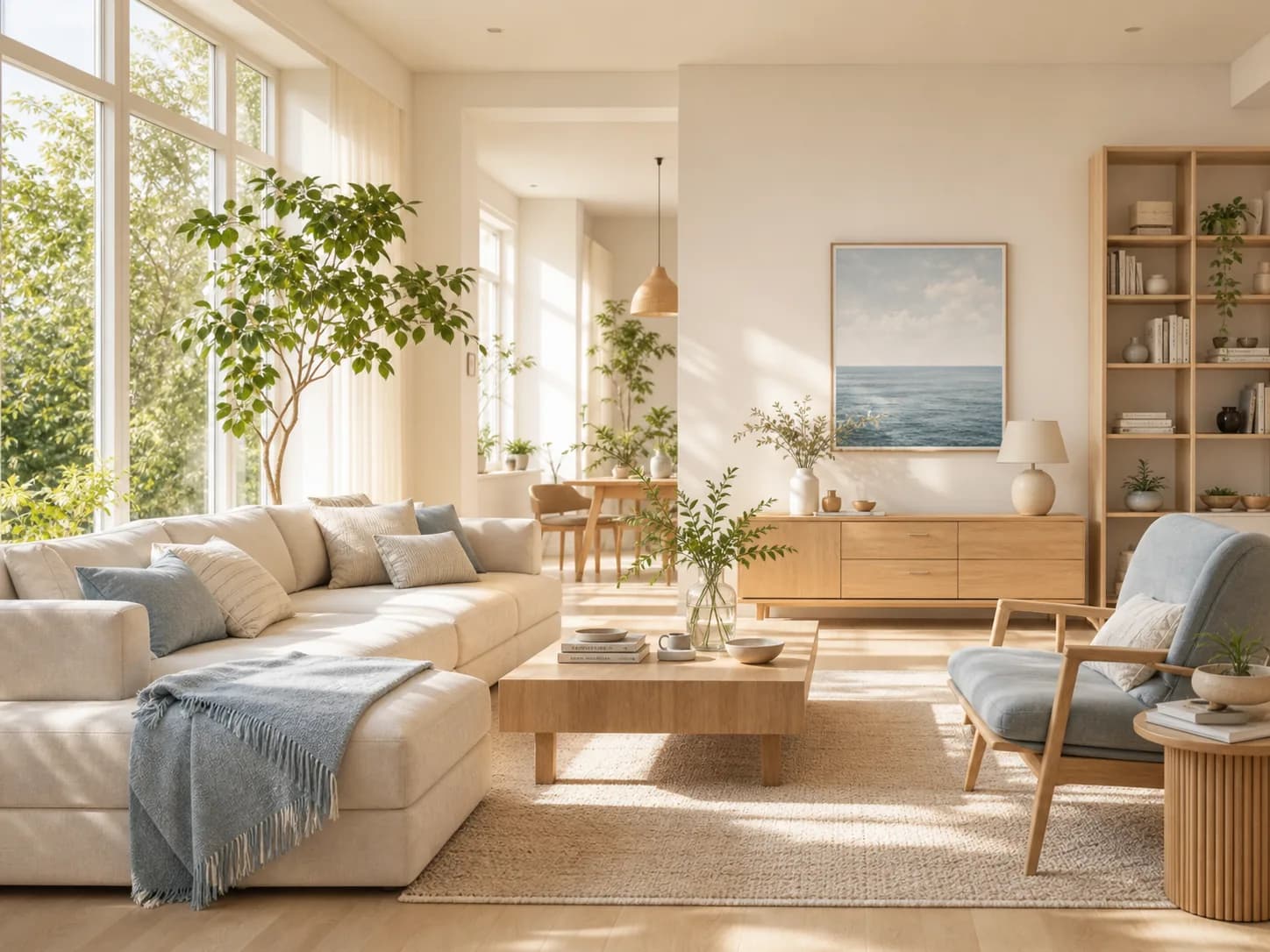
Sunlit modern living room, light oak furniture, plants, airy daylight, realistic interior photography.
Prompt 4

Sunlit modern living room, light oak furniture, plants, airy daylight, realistic interior photography.

Model
FLUX Kontext Pro
Settings
4:3 · reference-led edit
Job
Interior redesign
Generate
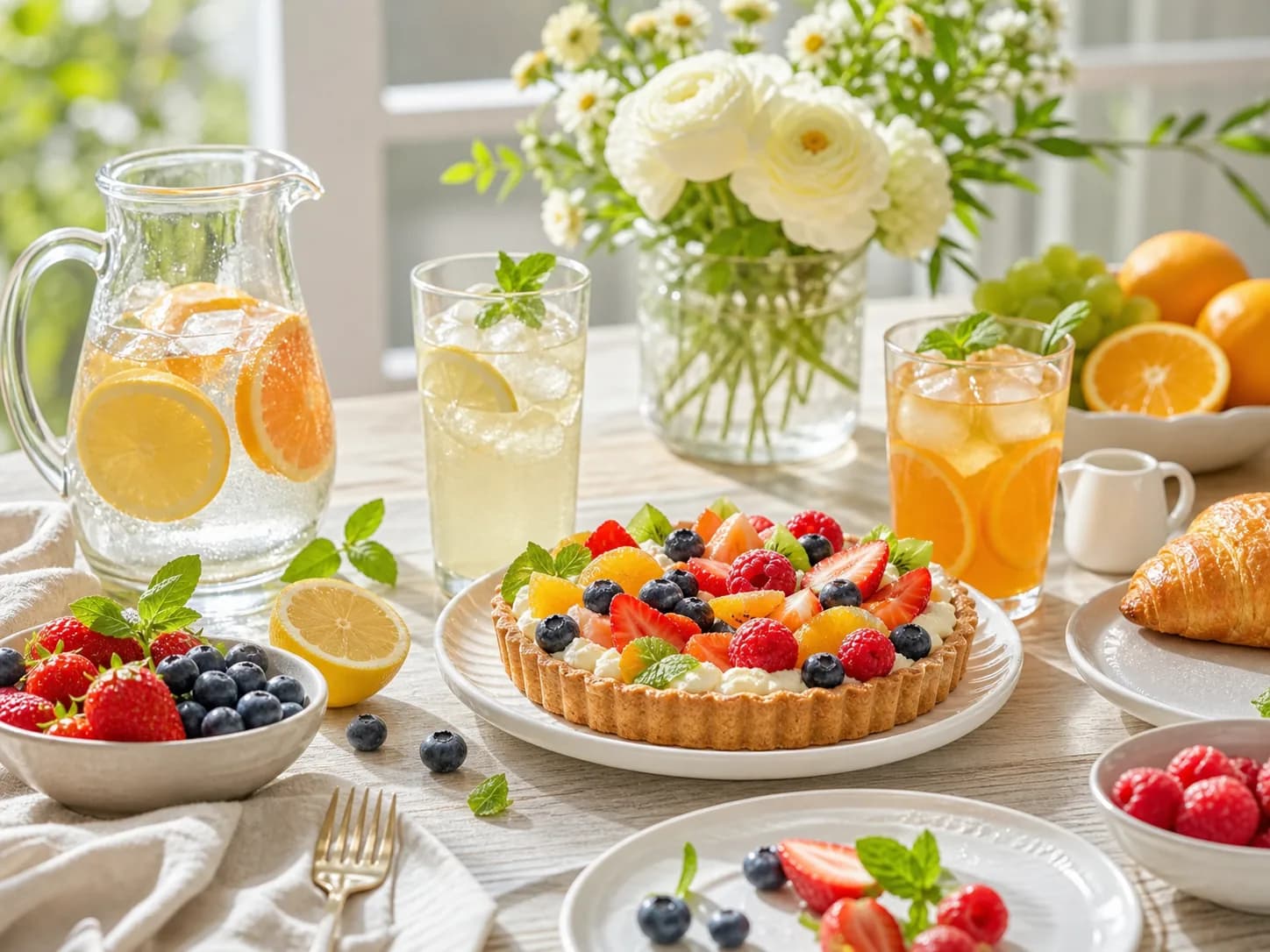
Bright brunch table, fruit tart, citrus drinks, flowers, clean lifestyle advertising finish.
Prompt 5

Bright brunch table, fruit tart, citrus drinks, flowers, clean lifestyle advertising finish.

Model
GPT Image 2
Settings
16:9 · 2K · high quality
Job
Food advertising
Generate
Fresh skincare advertisement, botanical props, pale background, soft shadows, premium composition.
Prompt 6

Fresh skincare advertisement, botanical props, pale background, soft shadows, premium composition.

Model
Nano Banana Pro
Settings
4:5 · 2K · text-focused layout
Job
Campaign poster
Generate

Usage, rights, and output limits

01

Generated output is not automatically cleared for commercial use. Review the selected model, PixMind plan terms, trademarks, likeness rights, and source-image licenses.

02

Text-heavy layouts, hands, faces, product details, and identity consistency still need manual review before publication.

03

Check the Public setting before generation. Keep private or sensitive references out of public workflows and only upload media you are allowed to use.

04

The live generator is the source of truth for current model availability, credit cost, reference limits, ratios, and output sizes.

Go beyond basic text to image generation

01

Multi-image reference fusion

02

Strict prompt adherence

03

Style presets

04

High-resolution output

05

Batch generation

06

Image to video workflow

AI image generator built for real use cases

E-CommerceMarketing & Social MediaBrandingConcept Art
AI image generator built for real use cases
E-Commerce

How to create AI images

Step 1. Input prompts or references

Type your idea or upload images to guide subject, composition, or style.

Step 2. Customize settings

Select a model, aspect ratio, output count, and generation settings.

Step 3. Generate and export

Create images, refine the result, then download or continue editing.

Built for fast creative work

25+
Image models
1
Workspace
4
Creation modes
100%
Online workflow

FAQs

Is the PixMind AI image generator free, and do I need to sign in?

You can inspect the generator before signing in. Generation requires an account, and a newly created account receives 10 starter credits valid for one year. Each model can cost a different number of credits.

What is an AI image generator?

An AI image generator creates new visuals from text prompts or reference images. PixMind combines prompt input, reference upload, model selection, and output settings in one page.

Can I generate images from reference images?

Yes. Upload reference images to guide subject, style, composition, or image-to-image creation.

Which models can I use?

PixMind brings multiple image models into one workflow, including PixMind, GPT Image, Midjourney-style generation, FLUX, Seedream, and Nano Banana family models where available.

How many credits does one AI image cost?

There is no single fixed price across every model. PixMind shows the current estimate in the model selector and updates it when size, quality, speed, output count, or reference images change.

Can I use generated images for commercial work?

PixMind can be used to create commercial assets, but generation does not automatically clear every output for commercial use. Check the selected model and plan terms, and review trademarks, likeness rights, and source-image licenses.

Start creating with PixMind AI Image Generator

Create AI-generated images from text or references and continue editing them in one workspace.

Generate