Text to video
Use a written shot brief when the scene, subject, and camera direction do not need to inherit an existing image.
Use this inputTurn a text brief or one source image into a 3–15 second video at 720p or 1080p. Use Turbo for fast social hooks, product motion, cinematic shot tests, and storyboard drafts.

Exact model workspace
The exact model is preselected. Changing duration updates the per-second credit total; the current route does not price 720p and 1080p differently.
Input modes
Use a written shot brief when the scene, subject, and camera direction do not need to inherit an existing image.
Use this inputUpload one product, character, or storyboard image when the opening composition and visual identity need an anchor.
Use this inputCapability to task

01 · Open-scene generation
Describe the subject, one action, the environment, camera path, lighting, and ending composition. Turbo is most useful when the team needs several readable directions before choosing a keeper.

02 · Single-image anchor
Use one clean image to lock the starting appearance, then direct only the movement and camera. State which geometry, identity, colors, and label placement must remain unchanged.

03 · Delivery formats
The connected route exposes 16:9, 9:16, and 1:1. Pick the destination first so the subject, negative space, and camera path fit the final frame.
How to use Kling 3.0 Turbo
Use text for open exploration; use an image when identity, product shape, or composition must stay anchored.
Write one subject action and one camera move, then add setting, light, timing, and the intended ending.
Validate motion and composition at the shortest preset before spending credits on a 10 or 15-second version.
Keep the brief fixed while changing one variable such as camera path, action intensity, duration, or aspect ratio.
Model selection
| Decision | Kling 3.0 Turbo | Kling V3 Motion Control | Veo 3 | Seedance 2 |
|---|---|---|---|---|
| Primary job | Fast short-form generation | Exact performance transfer | Audio-led cinematic scene | Multimodal reference workflow |
| Inputs on PixMind | Text or one image | Character image plus driving video | Text or image | Depends on selected route |
| Duration | 3–15 seconds | Up to 30-second reference video | 4, 6, or 8 seconds | Depends on selected route |
| Audio on current route | No | Not the core workflow | Yes | Available on selected routes |
| Choose it when | You need several short hooks or visual directions | The exact motion already exists in a video | Dialogue, ambience, and effects define the shot | Many reference assets must steer continuity |
Comparison reflects PixMind's connected routes, not every capability advertised for each model family. Verify live controls before generating.
Storyboard workflow
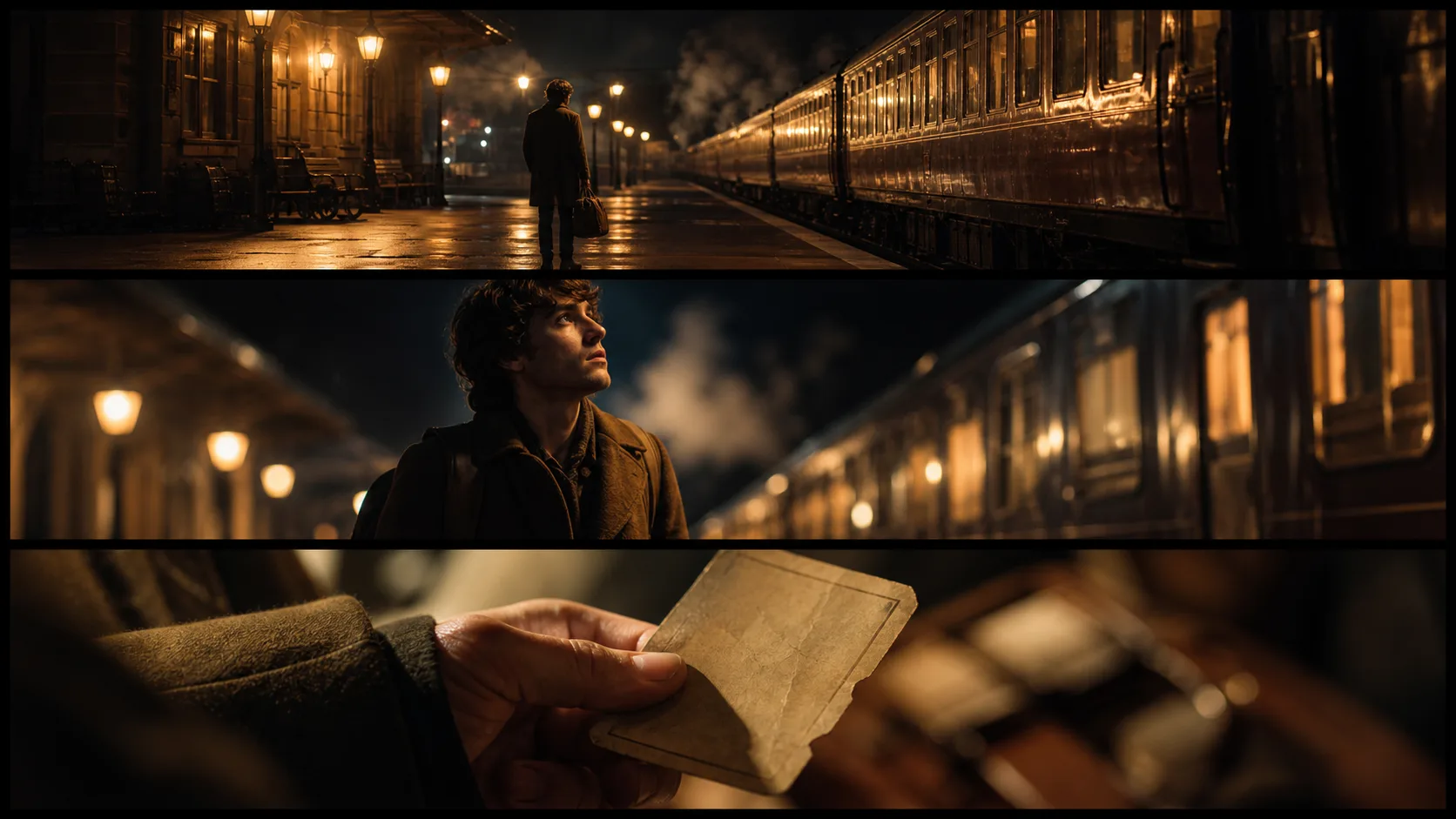
Hold the character, location, wardrobe, and color grade constant. Generate separate short beats for the establishing shot, action, and close-up, then compare continuity before committing to a longer edit.

Prompt templates
PROMPT 01
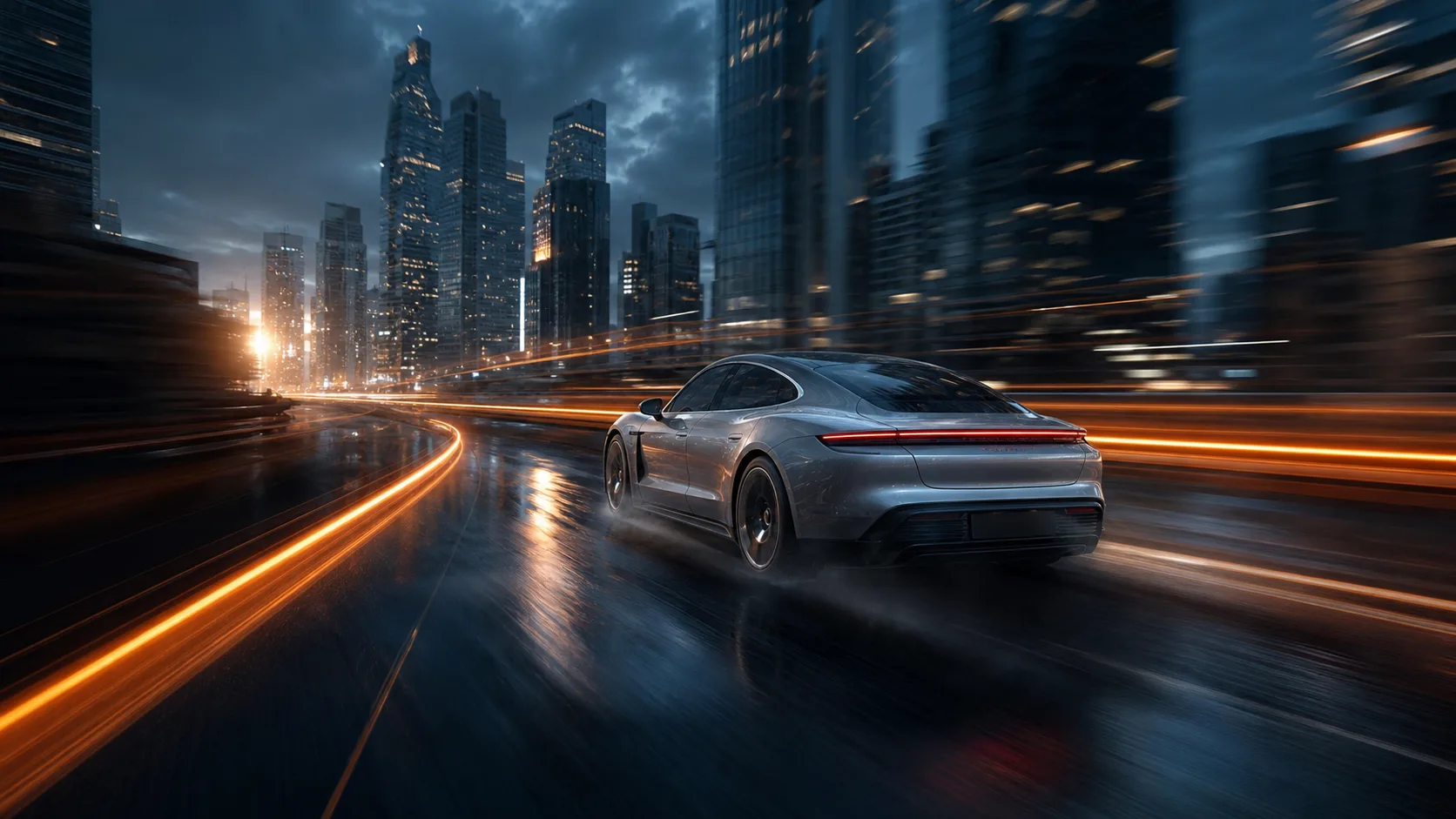
Medium tracking shot of [subject] moving through [setting]. Camera follows at [speed], [lighting] shapes the scene, realistic weight and contact, finish on [final composition].
PROMPT 02
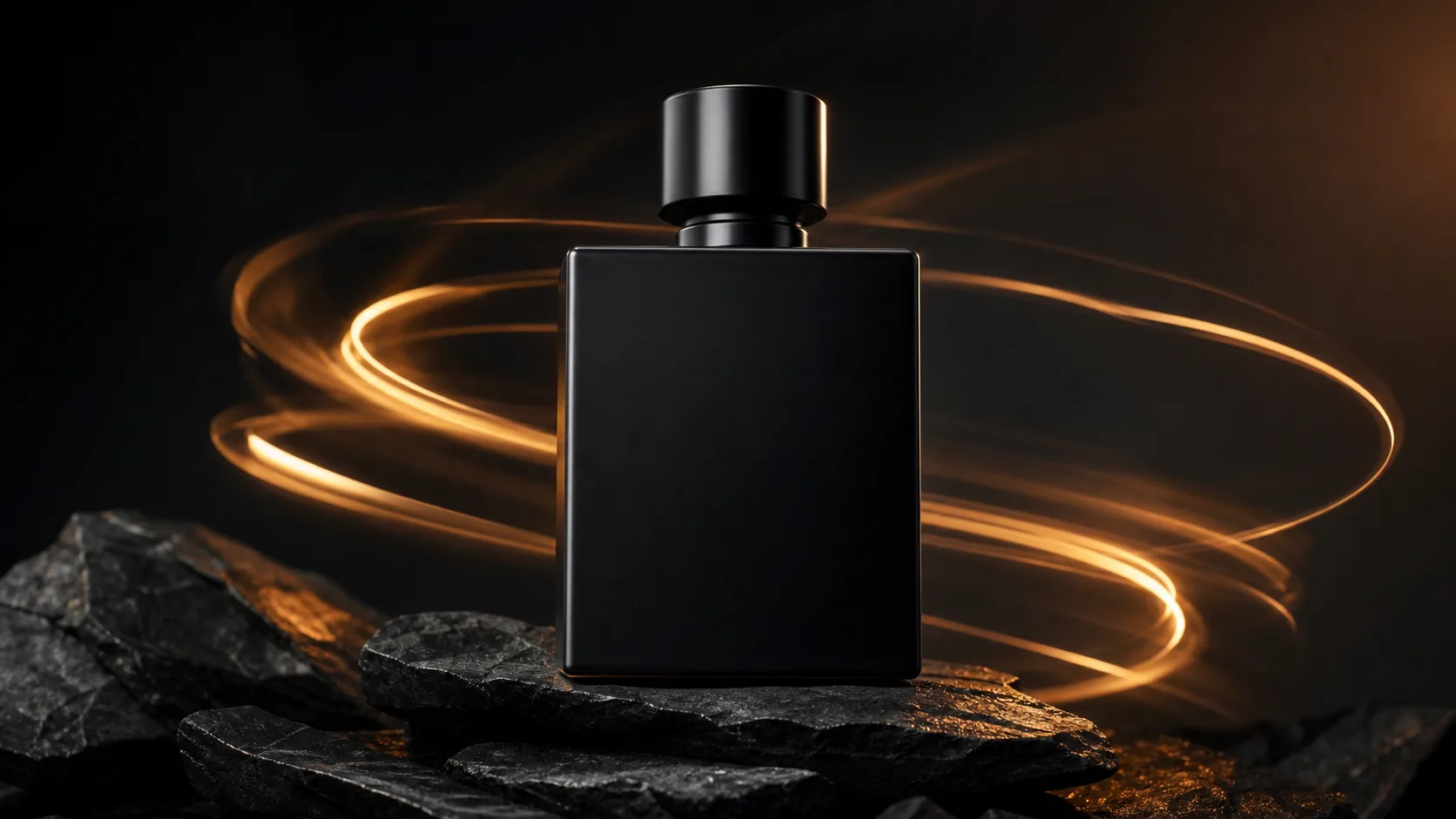
Animate the supplied [product] image with one controlled [orbit/push-in]. Preserve shape, label placement, materials, and colors. Add [environment] reflections and finish on a clean hero frame.
PROMPT 03
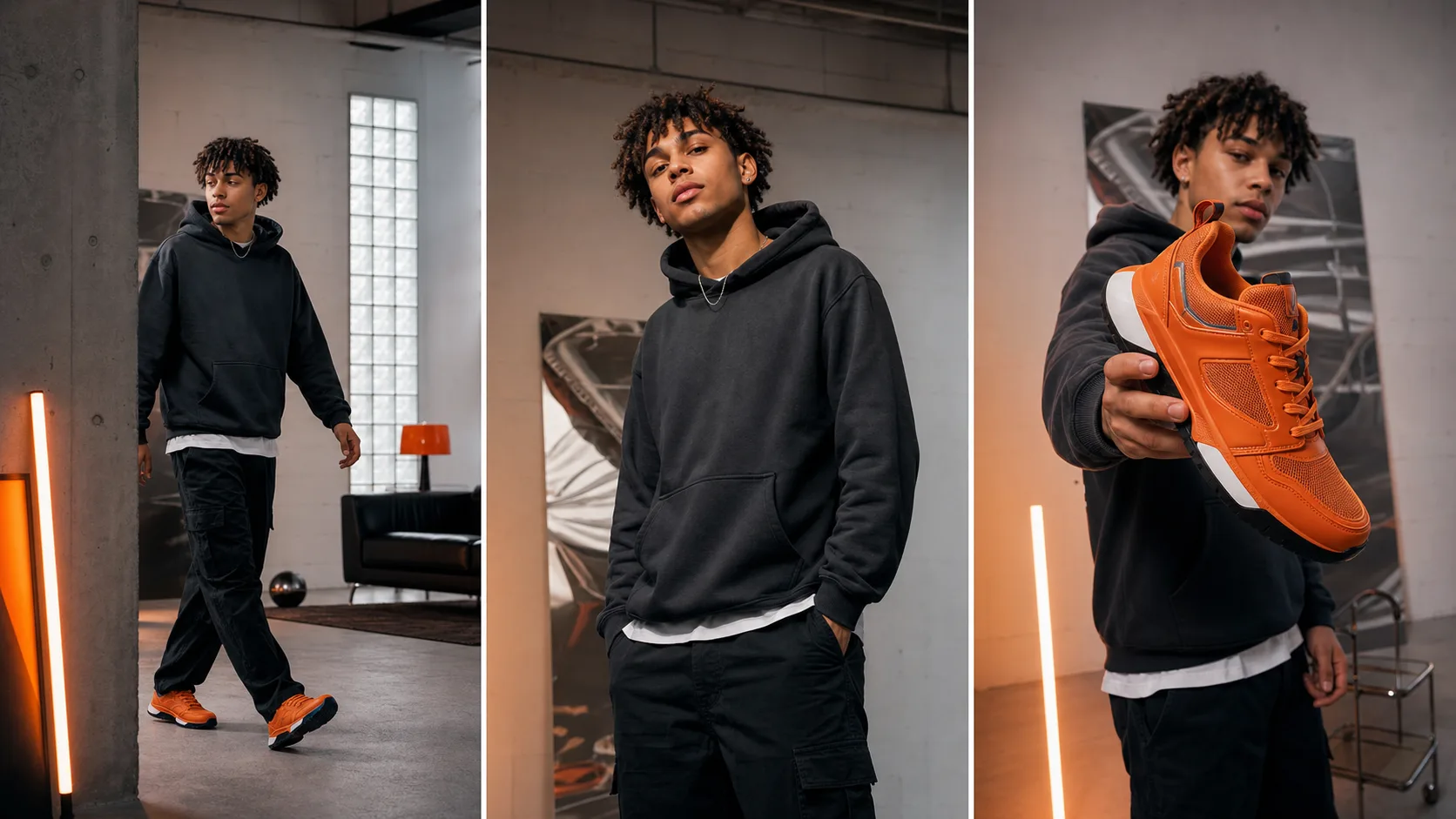
9:16 social clip. Open immediately on [visual hook]. The subject performs [one action] while the camera [one move]. High-contrast [lighting/style], readable silhouette, clean final frame.
PROMPT 04
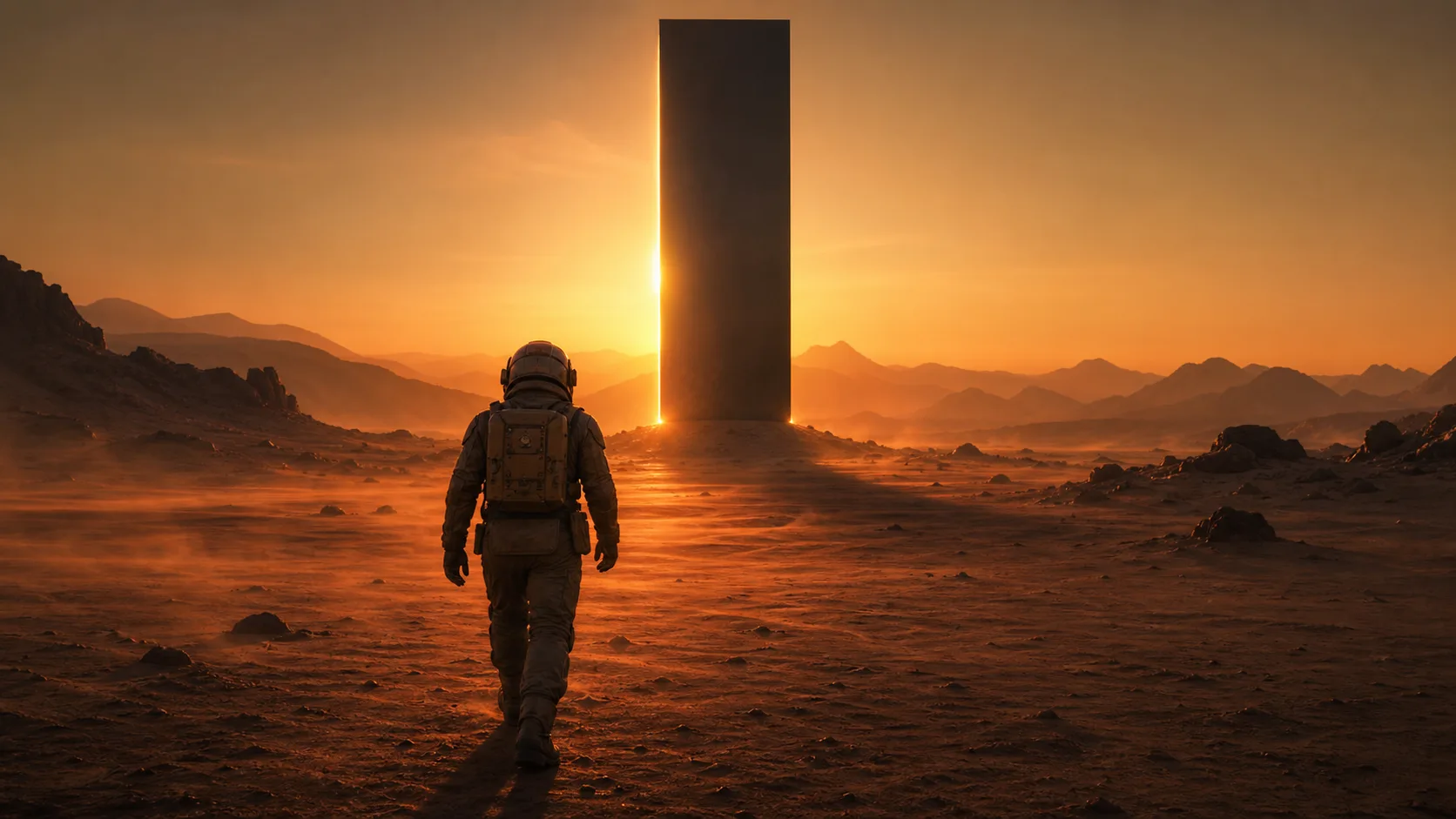
Create one concise narrative beat in [setting]: establish [subject], reveal [change], end on [decision]. Use [shot size], [camera movement], and consistent wardrobe, props, and color grade.
FAQ
It is best suited to short text-to-video and single-image animation jobs where you want to compare hooks, product movement, cinematic shot ideas, or storyboard directions before choosing a final take.
The current route accepts a text prompt or one source image. It does not expose first-and-last-frame, multi-image, reference-video, negative-prompt, camera-control, or audio switches.
The model response reports a 3–15 second range, with 5, 10, and 15-second presets in the generator. Output can be 720p or 1080p.
The connected route exposes 16:9 landscape, 9:16 portrait, and 1:1 square. Choose the final delivery format before composing the prompt or source image.
The current consumption item is configured only by duration at 168 credits per second; it does not define a separate resolution price. Duration changes the total, while resolution currently does not.
Not on the currently connected route. Official Kling 3.0 family material discusses native audio, but this specific PixMind model response reports audio as unavailable.
Use one directed shot: ‘Medium tracking shot of [subject] performing [action] in [setting]. Camera [movement], [lighting], physically plausible motion, finish on [ending composition].’ Replace every bracket with concrete production detail.
Start from a clean source image, name the details that must not change, keep one dominant action, avoid severe occlusion, and test 5 seconds before moving to 10 or 15 seconds.
Switch to Motion Control when the exact rhythm, pose sequence, dance, sport, or gesture already exists in a driving video and you want a reference character to follow that performance.
Fact sources
PixMind route and pricing verified on 2026-07-19. Family-level claims were checked against Kuaishou's Kling 3.0 announcement and Kling's official Video 3.0 guide. Current PixMind controls and credits come from the live generator.
Ready to test a shot?
Generate 5 seconds first, check subject stability and camera direction, then spend the additional credits only when the shot earns a longer duration.