最新統一型號01
Wan 3.0 Video
Document & webpage-to-video explainers
- 輸入
- All-modality references in one request
- 持續時間
- 2–30s
- 解析度
- 480p / 720p / 1080p

Alibaba Cloud · 萬模家庭中心
Wan 3.0 is Alibaba's all-modality reference video model. Beyond the text, image, and endpoint workflows of earlier Wan versions, it accepts documents and web pages as creative sources and combines image, video, and audio references in a single request — useful when a clip must match existing brand assets, a voice track, or written source material.
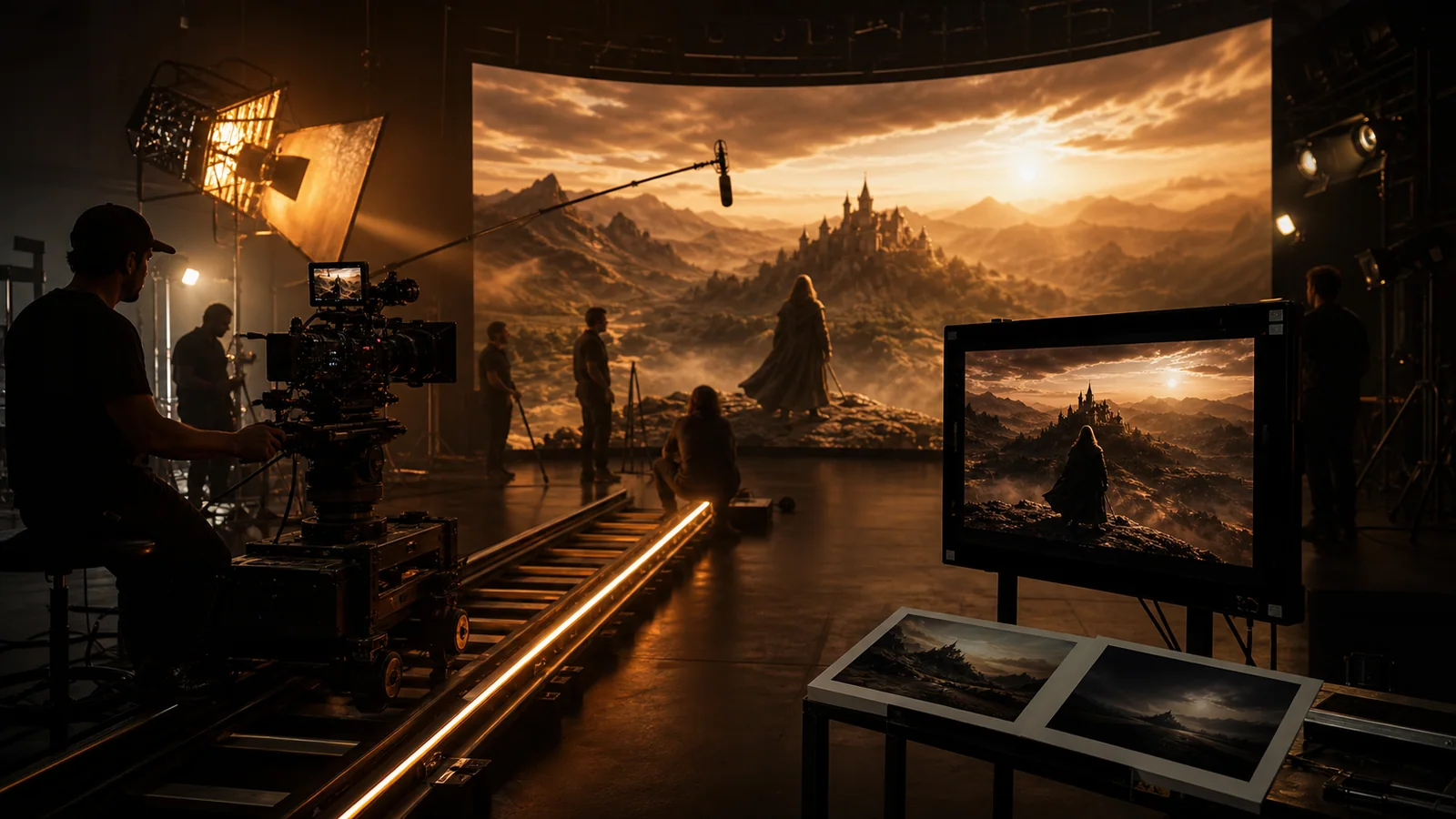
最新連接型號
Family Hub以最新的統一Wan模型開始。開啟版本頁面以取得詳細的輸入指南和範例。
車型系列概覽
Wan 3.0 is Alibaba's all-modality reference video model. Beyond the text, image, and endpoint workflows of earlier Wan versions, it accepts documents and web pages as creative sources and combines image, video, and audio references in a single request — useful when a clip must match existing brand assets, a voice track, or written source material.
萬版目錄
Wan 3.0 is the current unified route. Wan 2.7 remains available for previous workflows, while Wan 2.6 keeps its three connected production routes together. Choose by control and production role, not by URL suffix.
Document & webpage-to-video explainers
第一幀/最後一幀、參考視訊和音訊、多模式控制
文字轉影片、高品質圖像動畫、低信用 Flash 草稿
使用影像來表示身分或形狀,使用端點作為最終構圖,並使用參考作為運動或聲音。
主題、動作、環境、攝影機、燈光、聲音和結局應該描述相同的製作節拍。
檢查身分、幾何形狀、運動連續性、產生的單字、聲音計時和最終編輯點。
萬維網用例
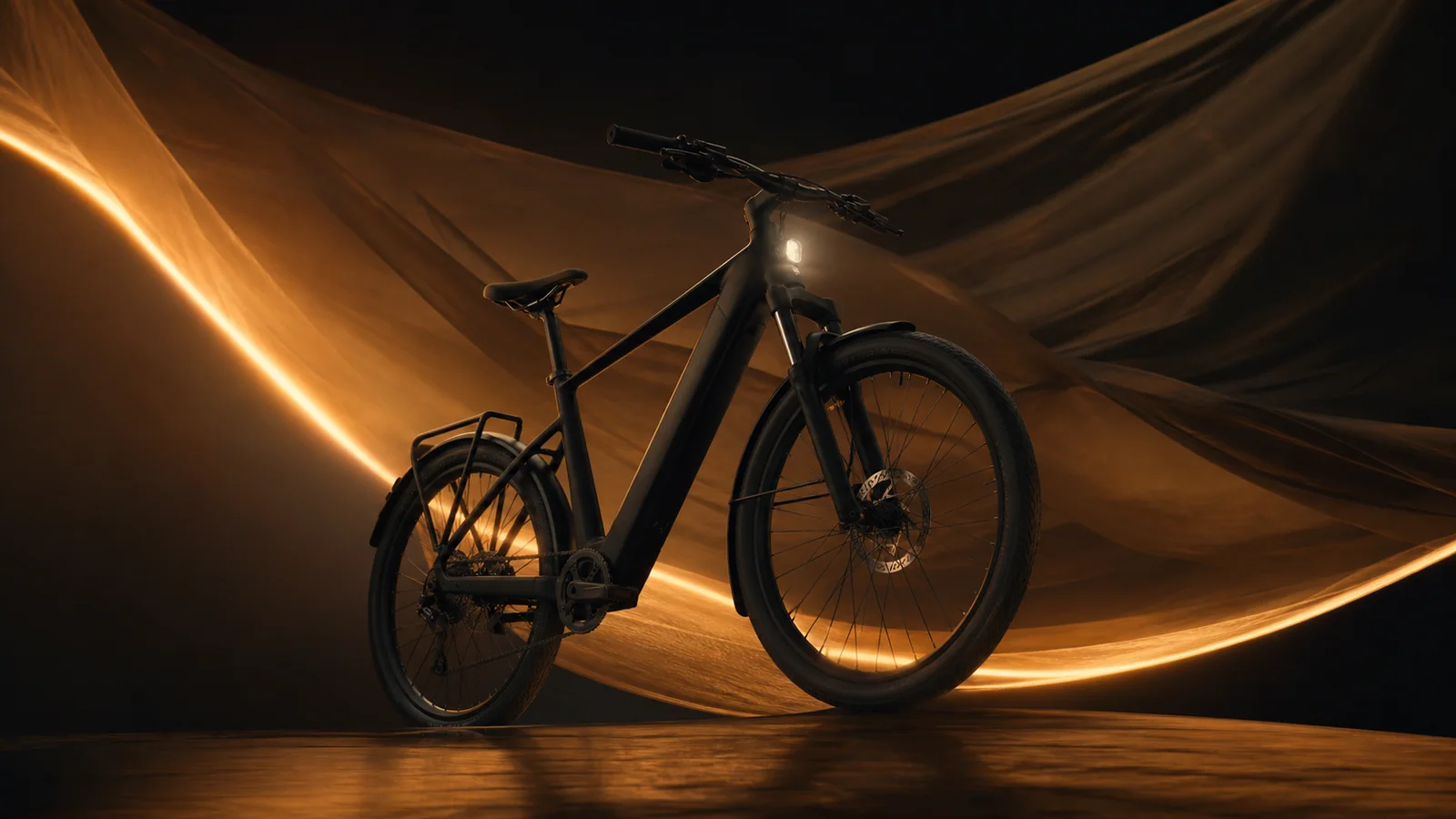
保留經過批准的產品視覺效果,添加有意的材料運動,並完成可用的英雄框架。
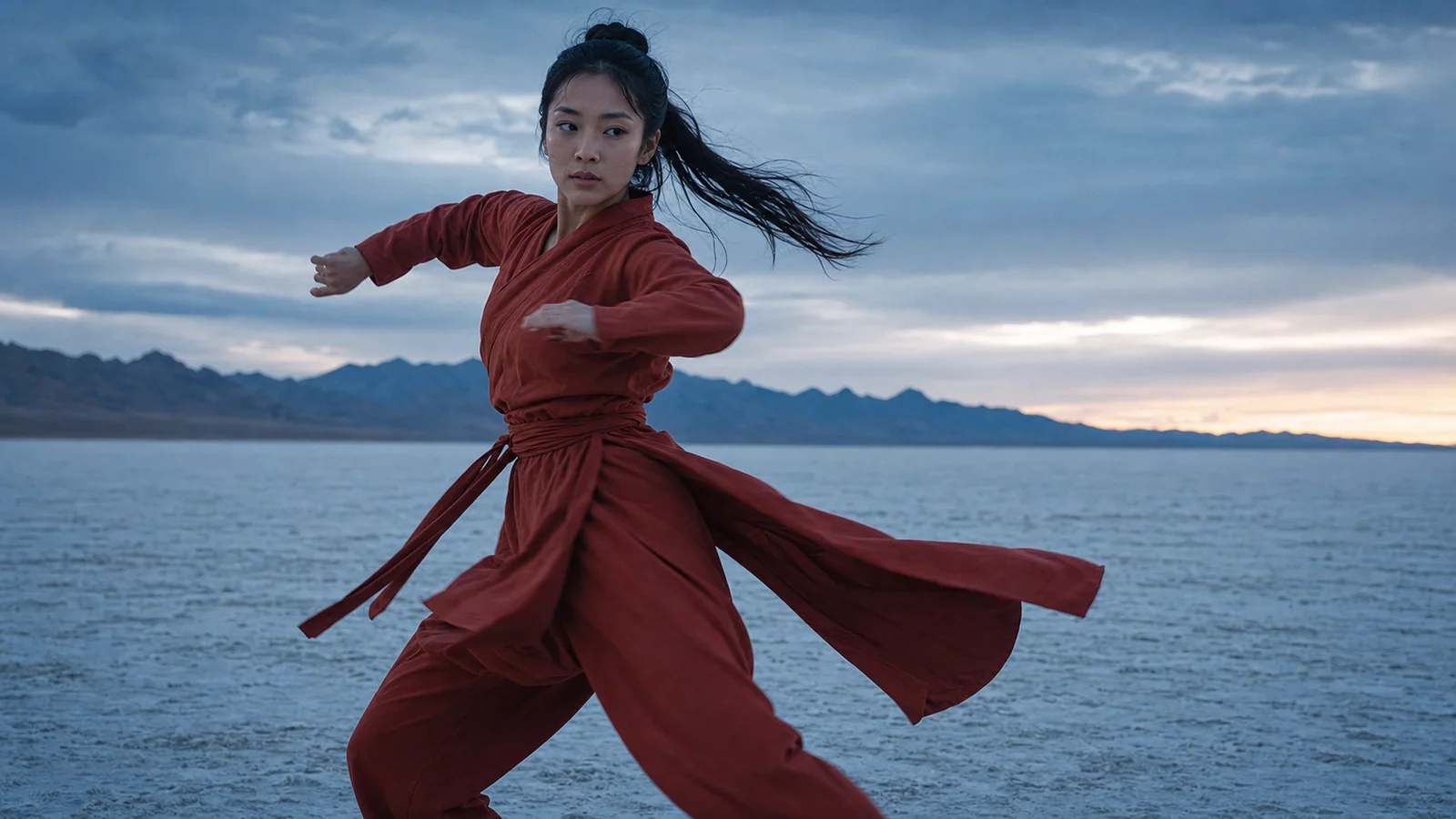
使用圖像來錨定身份並使用簡短的參考來傳達效能計時。

將一個故事節拍變成一個連貫的鏡頭,具有清晰的攝影機路徑和結局。

在進行較長的編輯之前,測試立即的操作和可讀的回報。
萬提示引導
[Shot size] of [subject] performing [single action] in [environment]. [Camera move], [lighting], [material/weather motion], [sound cue], finish on [ending composition].
使用此提示Animate the supplied image while preserving [identity/product geometry/material]. Add [one action] and [one camera move]. Natural motion, stable background, clean ending.
使用此提示Use image reference for [identity/style], video reference for [motion/camera rhythm], and audio reference for [beat/ambience]. Preserve [details]. One continuous shot.
使用此提示