
Remover Subtitles & Marca d'águas from Video
Descrição
Veja a apagamento em ação
O mesmo clipe antes e depois — sem caixa manual, a detecção inteligente faz tudo.
Resultados reais antes / depois
Desenhe a caixa, apague, pronto. Legendas, comentários e marcas d'água desaparecem limpinhas.
Uma cena, com e sem legenda
Mesmo quadro — à esquerda a legenda gravada, à direita apagada pela IA. Arraste para comparar.
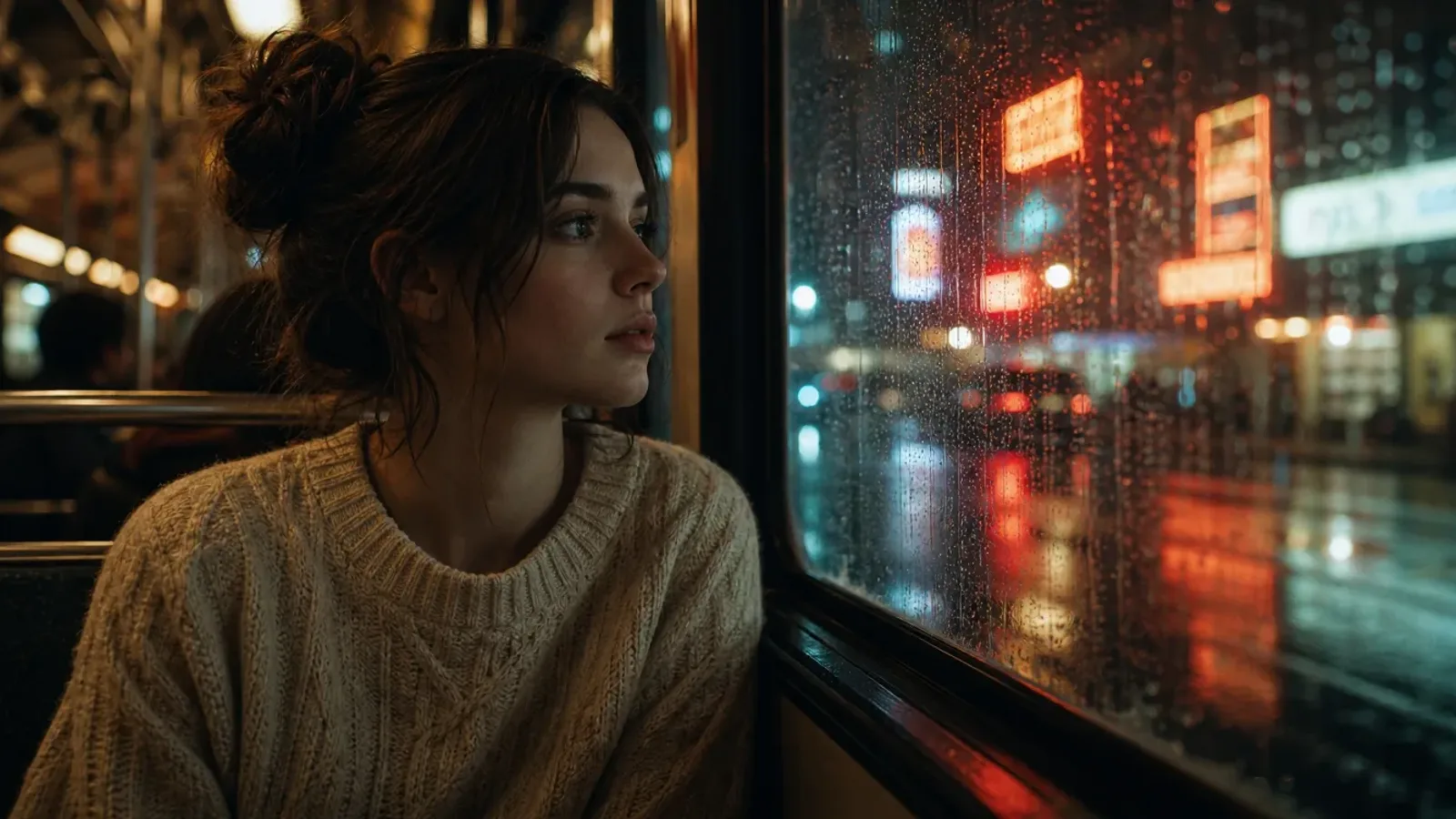
Arraste para comparar
 AntesDepois
Filmes & Séries
Remove legendas fixas e logos de canal de filmes e séries.
 AntesDepois
Vídeos curtos
Remove legendas automáticas e marcas d'água de plataforma do TikTok, Reels e Shorts.
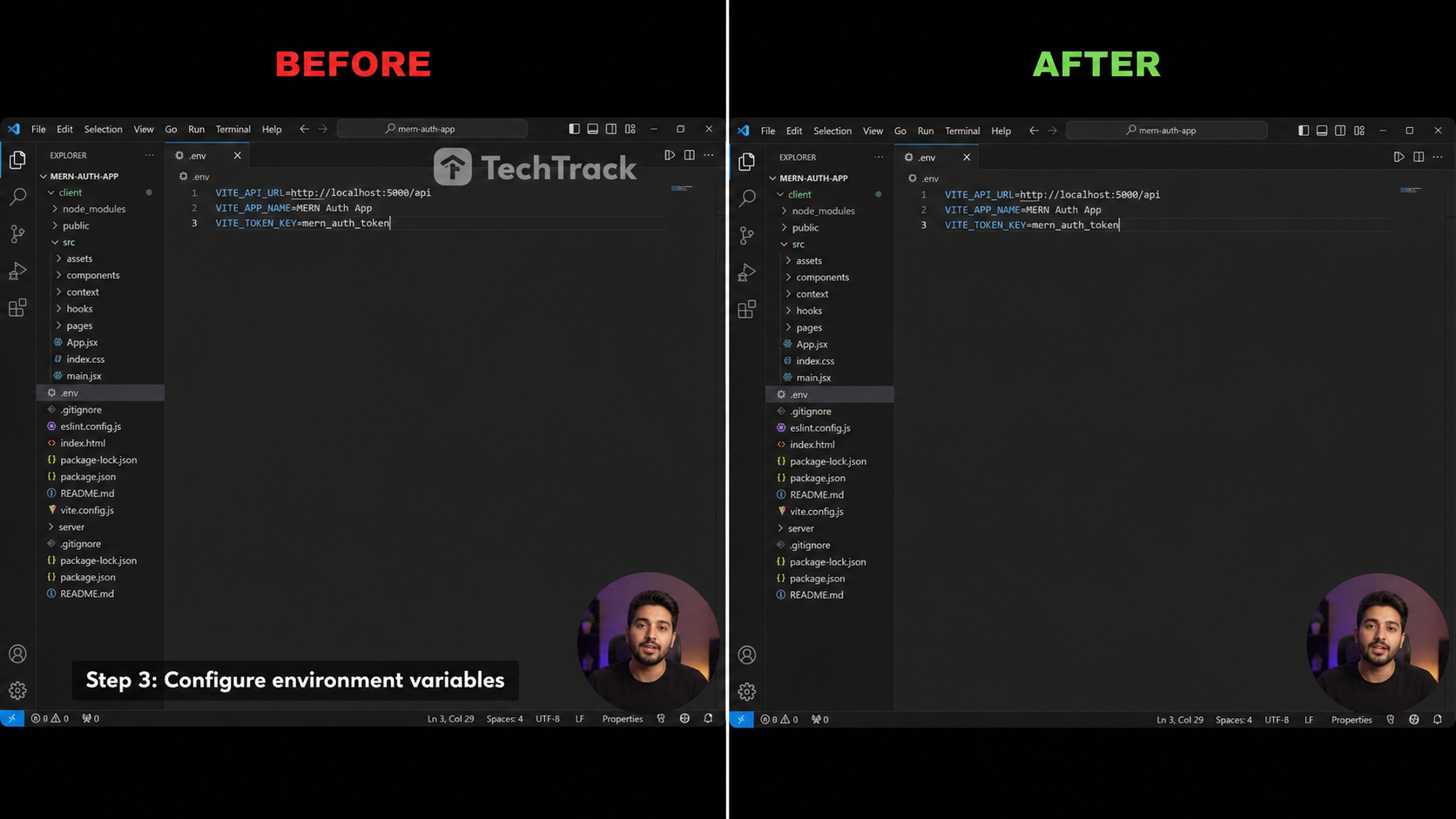 AntesDepois
Tutoriais & Gravações
Remove legendas inferiores e marcas d'água de software de gravações de tela.
 AntesDepois
Anime e fansubs
Remova legendas fansub de clipes de anime e desenhos.
 AntesDepois
Webinars e cursos
Limpe as faixas de nome de aulas online e gravações.
Três passos para um vídeo limpo
Sem linha do tempo, sem keyframes — apenas envie, selecione e baixe.

Enviar & Selecionar
Arraste seu clipe e depois arraste o retângulo esmeralda sobre a região da legenda ou marca d'água.

Apagar com IAs
Nosso modelo de inpainting preenche a área mascarada quadro a quadro, preservando movimento e detalhes.

Baixar Clean Video
Pré-visualizar the result and export a clean HD MP4 in one click — no logo, no subtitles.
Construído para resultados limpos e sem desfocagem
Apagamento com IA de nível profissional no seu navegador, sem necessidade de instalação.
Com IA Erasure
Um modelo de inpainting baseado em difusão preenche a região selecionada para que as bordas se misturem perfeitamente com a cena circundante.
Pixel-Precise Selecionarion
Arraste um retângulo esmeralda para enquadrar exatamente a linha de legenda ou marca d'água que você deseja remover — não mais largo do que o necessário.
Sem Artefatos de Desfoque
Ao contrário das ferramentas de desfoque ingênuas, os quadros permanecem nítidos e naturais mesmo em movimentos rápidos ou fundos texturizados.
Marca d'água & Logo Removal
Funciona em legendas codificadas, legendas fixas, logotipos de canais e marcas d'água estáticas.
HD Qualidade Preserved
A saída mantém a resolução, taxa de quadros e taxa de bits originais — sem degradação por recodificação.
100% Privado
Seu vídeo é processado sob demanda e nunca usado para treinamento. Excluído automaticamente após a execução.
Apague o que estiver gravado no vídeo
Uma seleção, qualquer texto ou overlay — removido de forma limpa.
Legendas fixas
Legendas embutidas no quadro.
Legendas traduzidas
Faixas secundárias sobrepostas.
Barras de legenda
Barras sólidas na parte inferior.
Logos de canal
Identificadores de canto.
Marcas d'água
Marcas fixas ou pouco animadas.
Texto e stickers
Texto na tela, emojis e stickers.
Como o PixMind se compara
Retoque IA real versus os habituais desfoque e recorte.
| Capacidade | PixMind | Ferramentas online típicas | Desfoque / recorte manual |
|---|---|---|---|
| Retoque IA, sem desfoque | |||
| Mantém a HD original | |||
| Remove marca d'água e logo | |||
| No navegador, sem instalar | |||
| Detecção auto + região manual | |||
| Privado, excluído sozinho | |||
| Créditos grátis diários |
As capacidades do PixMind refletem o produto atual em 2026-07-18. As specs dos concorrentes variam e mudam — verifique nos sites deles.
Como os créditos são contados
Pague só pelo que apaga — sem assinatura, sem surpresa.
Motor PRO
Retoque Tencent Cloud — o mais limpo em fundos complexos. Recomendado.
Motor BASE
Retoque em GPU dedicada — mais rápido e barato, ideal para clipes simples.
| Região selecionada | Nível | Créditos / 30s |
|---|---|---|
| Região pequena (≤1920×240) | Tier 1 | 200 |
| Região padrão (≤1920×1080) | Tier 2 | 300 |
| Região grande (>1920×1080) | Tier 3 | 400 |
| Qualquer região | BASE | 100 |
- O modo detecção auto cobra pelo quadro completo; o manual, pela região desenhada.
- Total = ⌈ duração ÷ 30s ⌉ × preço do nível. Estimativa ao vivo antes de executar.
- Toda conta conectada ganha créditos grátis diários — experimente grátis.
Quem usa um removedor de legendas de vídeo
Desenvolvido para criadores que precisam de um clipe de origem limpo.
Conteúdo Creators
Republicar clipes no TikTok, Reels e Shorts sem legendas fixas de outra plataforma.
Tradutores
Remova legendas codificadas antes de sobrepor suas próprias legendas localizadas ou faixa SRT.
Profissionais de marketing
Remover competitor watermarks or product logos from licensed stock footage.
Arquivistas
Restaure clipes antigos limpando marcas de canal e branding incorporado antes de republicar.
Remoção de legendas e marcas d'água, respondida
Tudo o que você talvez queira saber antes de apagar.