限時開通年費會員,享30%折扣並且獲得 GPT Image、MiniMax H3 等模型無限使用權益
全新 AI Chat · 每天贈送免費試用次數
立即升級
Pixmind
萬模範家庭

Alibaba Cloud · 最新統一型號

Wan 3.0 人工智慧視訊產生器

Generate 2–30 second video with synchronized audio from text, images, first/last frames, or combined image + video + audio references — and turn documents and web pages directly into video. Up to 1080p with adaptive aspect ratios.

  • Document & webpage-to-video explainers
  • All-modality reference consistency
  • 2–30s clips up to 1080p with audio
Wan 3.0: all-modality references and document-to-video in one generator
2–30s持續時間
480p / 720p / 1080p解析度
10 图 · 5 视频 · 5 音频Reference inputs
Synchronized音訊

型號概覽

Wan 3.0: all-modality references and document-to-video in one generator

Wan 3.0 is Alibaba's all-modality reference video model. Beyond the text, image, and endpoint workflows of earlier Wan versions, it accepts documents and web pages as creative sources and combines image, video, and audio references in a single request — useful when a clip must match existing brand assets, a voice track, or written source material.

廣域網路模型能力

Documents and web pages become video sources

Feed a document or web page as reference and Wan 3.0 turns its content into a coherent explainer clip — a workflow unique among commercial video models for course, tutorial, and product-documentation video.

  • Best for explainer and course content with existing written material
  • Review generated narration against the source for factual drift
  • Combine with image references to keep branding consistent

使用此工作流程
Document dissolving into video frames, Wan 3.0 document reference

廣域網路模型能力

All-modality references in one request

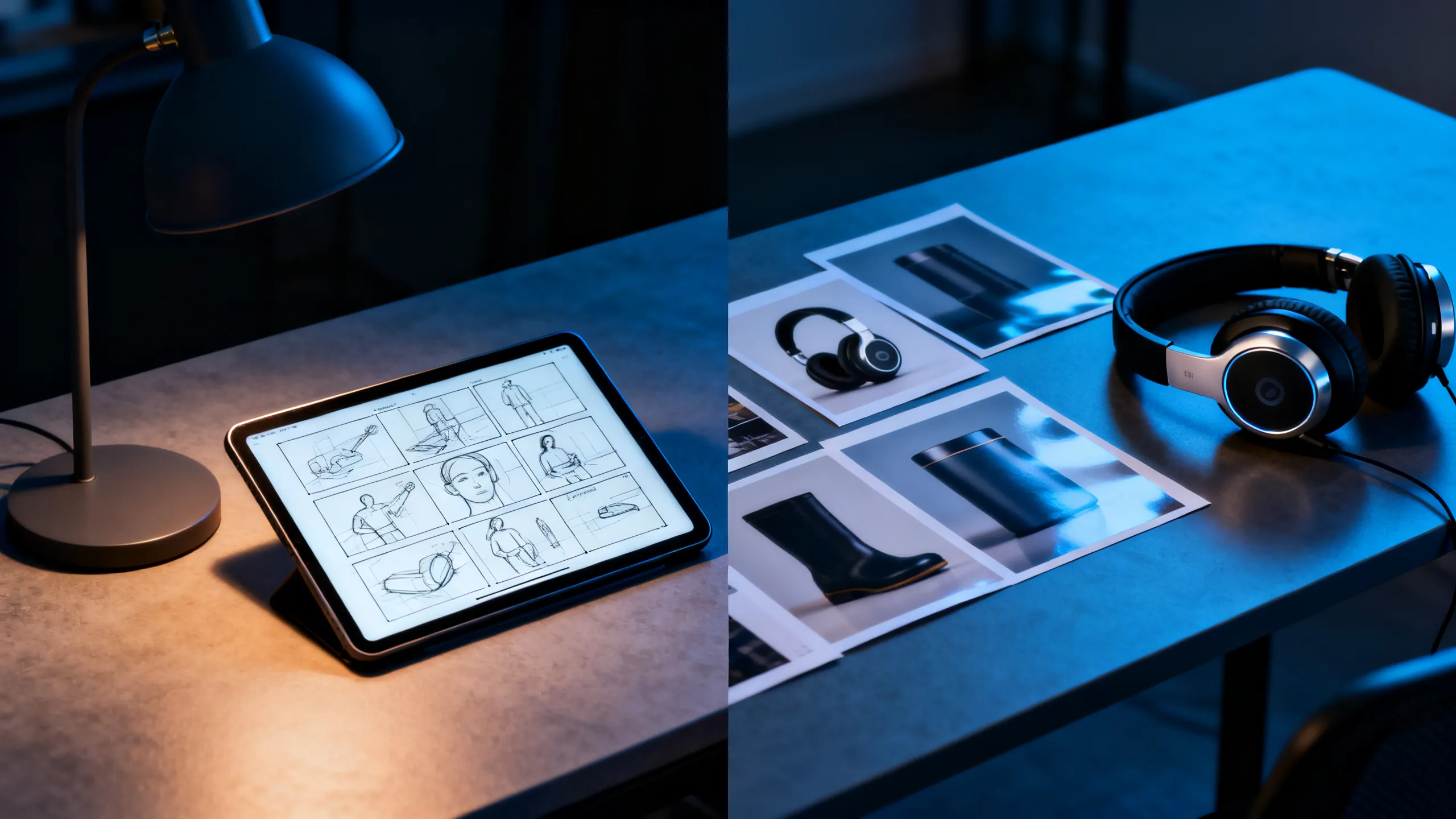
Attach up to 10 reference images, 5 reference videos, and 5 audio clips together. Each asset guides identity, motion, or soundscape so the output stays consistent with your existing material instead of reinventing it.

  • 為每個推薦人分配一項工作:主題、動作、相機或聲音
  • Reference videos run up to 15 seconds each
  • Check rights for every recognizable person, voice, and brand
使用此工作流程
Designer desk with storyboard, headphones, and product references

廣域網路模型能力

First / last frame plus 2–30 second range

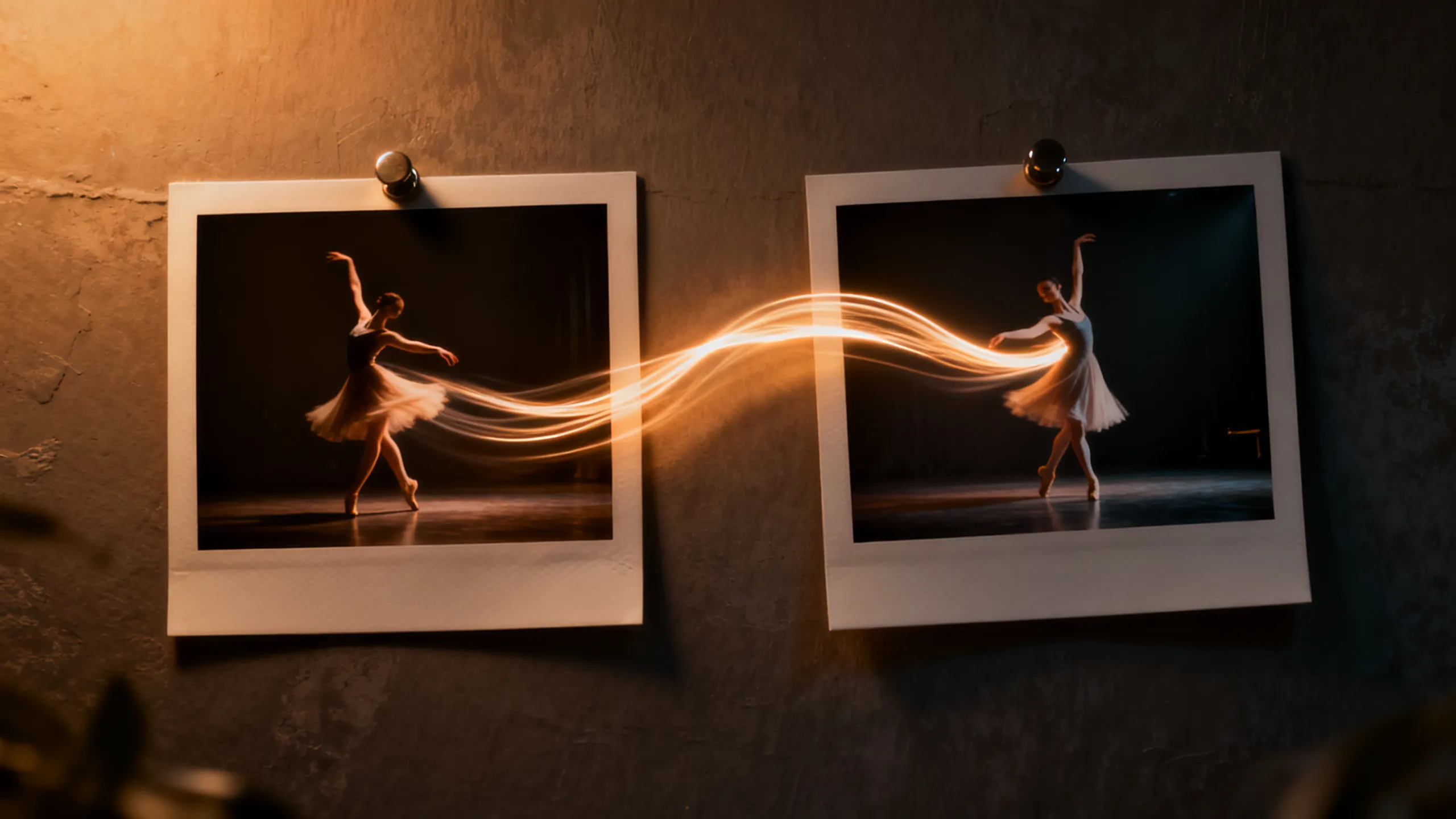
Define the opening and closing composition with two frames, then let Wan 3.0 direct the motion between them. The 2–30 second range covers everything from micro-loops to full scene beats without stitching.

  • Use short durations for social loops, long ones for scene beats
  • Keep endpoint compositions physically compatible
  • Review the final seconds for morphing and text errors
使用此工作流程
Two photo frames connected by a dancer's motion trail

基於任務的範例

您可以使用 Wan 3.0 建立什麼?

從您需要的可交付成果中選擇一個工作流程,然後將隨附的提示啟動器調整為一個清晰的鏡頭。

Course & explainer video

Course & explainer video

Turn lecture notes, documentation, or web articles into narrated video segments.

查看提示想法

Turn the attached document into a clear explainer video. Open on [hook visual], walk through [key points], close on [summary frame]. Calm professional narration.

Brand-consistent product film

Brand-consistent product film

Combine product images, a motion reference, and brand audio into one coherent clip.

查看提示想法

Use the attached product images for exact appearance and the audio for pacing. The product [action] in [setting]; end on the hero composition from reference image 1.

Social loops & hooks

Social loops & hooks

Generate 2–5 second seamless loops or vertical hooks at 9:16 with synced sound.

查看提示想法

Seamless 9:16 social loop of [subject] [action]. Rhythmic motion synced to the audio reference, clean silhouette, loopable start and end frames.

AI視訊模型對比

Wan 3.0 vs Seedance 2.0 Pro vs Veo 3.1 vs Kling 3.0

將此用作模型選擇指南,而不是替代即時控制。公共規範和連接的提供者路由可以公開不同的參數子集。

特點Wan 3.0Seedance 2.0 ProVeo 3.1Kling 3.0
最適合Document & webpage-to-video explainers · All-modality reference consistency · 2–30s clips up to 1080p with audio多模式講故事和連續性主導的創作電影寫實主義和精美的視聽場景角色動作、動作與創作者工作流程
連接輸入Generate 2–30 second video with synchronized audio from text, images, first/last frames, or combined image + video + audio references — and turn documents and web pages directly into video. Up to 1080p with adaptive aspect ratios.文字·圖像·多模態參考文字·圖片文字·圖像·參考工作流程
場景控制Documents and web pages become video sources · All-modality references in one request · First / last frame plus 2–30 second range多鏡頭和多模式方向鏡頭解釋和視聽指導動作控制和角色表演
音訊工作流程Synchronized路線報告音訊功能;確認即時控制原生視聽工作流程音訊和口型同步工作流程因路線而異
選擇何時Course & explainer video · Brand-consistent product film · Social loops & hooksA multimodal story workflow and continuity-led creation最終的電影視聽打磨最重要角色表現與動作控制引領劇情簡介

PixMind 生產 API 快照已驗證 2026-07-13。現場發電機控制是最終的。

快速啟動

透過控制提示 Wan 3.0,而不是形容詞

命名主題、一個動作、攝影機路徑、光線、聲音和結局。僅新增所選輸入模式所需的參考職責。

Document explainer

Turn the attached document into a clear explainer video. Open on [hook visual], walk through [key points] with [visual metaphor], close on [summary frame]. Calm professional narration, clean motion graphics aesthetic.

使用此提示

Multimodal brand clip

Use the attached product images for exact appearance, the motion reference for camera rhythm, and the audio for pacing. The product [action] in [setting]; lighting matches [mood]; end on the hero composition from reference image 1.

使用此提示

Endpoint transition

Move naturally from the supplied first frame to the last frame. The subject [action] while the camera [movement]; keep identity, wardrobe, and environment consistent; finish exactly on the end-frame composition.

使用此提示

Wan 3.0 FAQ

我該選擇哪個 Wan 3.0 輸入?

使用文字進行創作,使用影像進行身份或構圖,使用第一幀和最後一幀作為受控端點,以及使用運動、攝影機節奏或聲音的參考。

Wan 3.0 是否產生音訊?

某些連接的路線報告音訊功能,但具體控制因型號模式而異。在發布之前確認實時生成器中選定的路線並檢查對話、時間表和工件。

我可以將生成的 Wan 影片用於商業用途嗎?

商業用途取決於提供者條款以及您對每個提示、參考、身分、聲音、標誌和品牌資產的權利。在發布之前查看輸出和當前條款。

將一個清晰的鏡頭簡介變成 Wan 3.0 測試

從精確連接的模型工作區開始,然後比較可用的次數、重試、一致性和信用成本。

開始生成