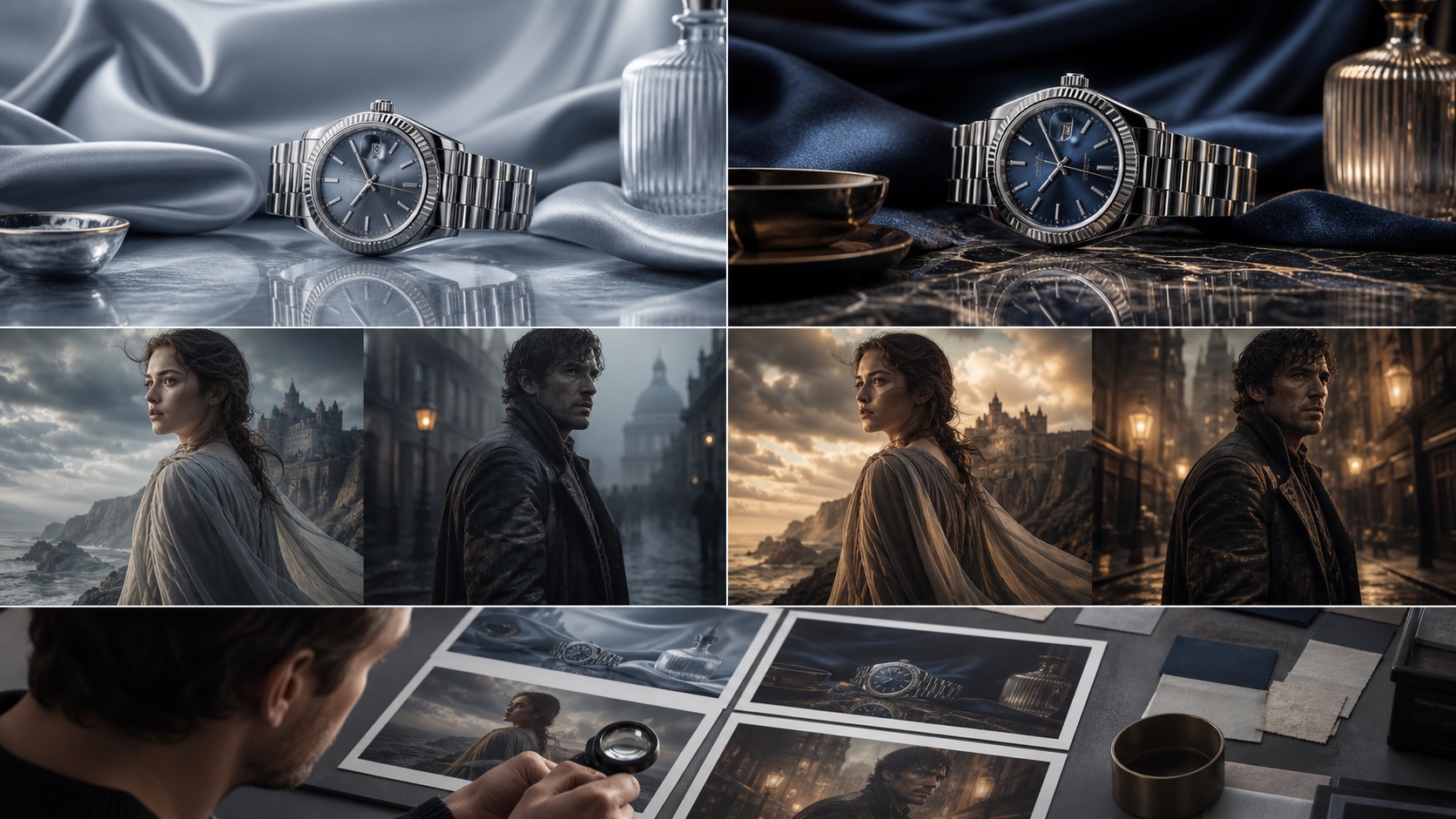
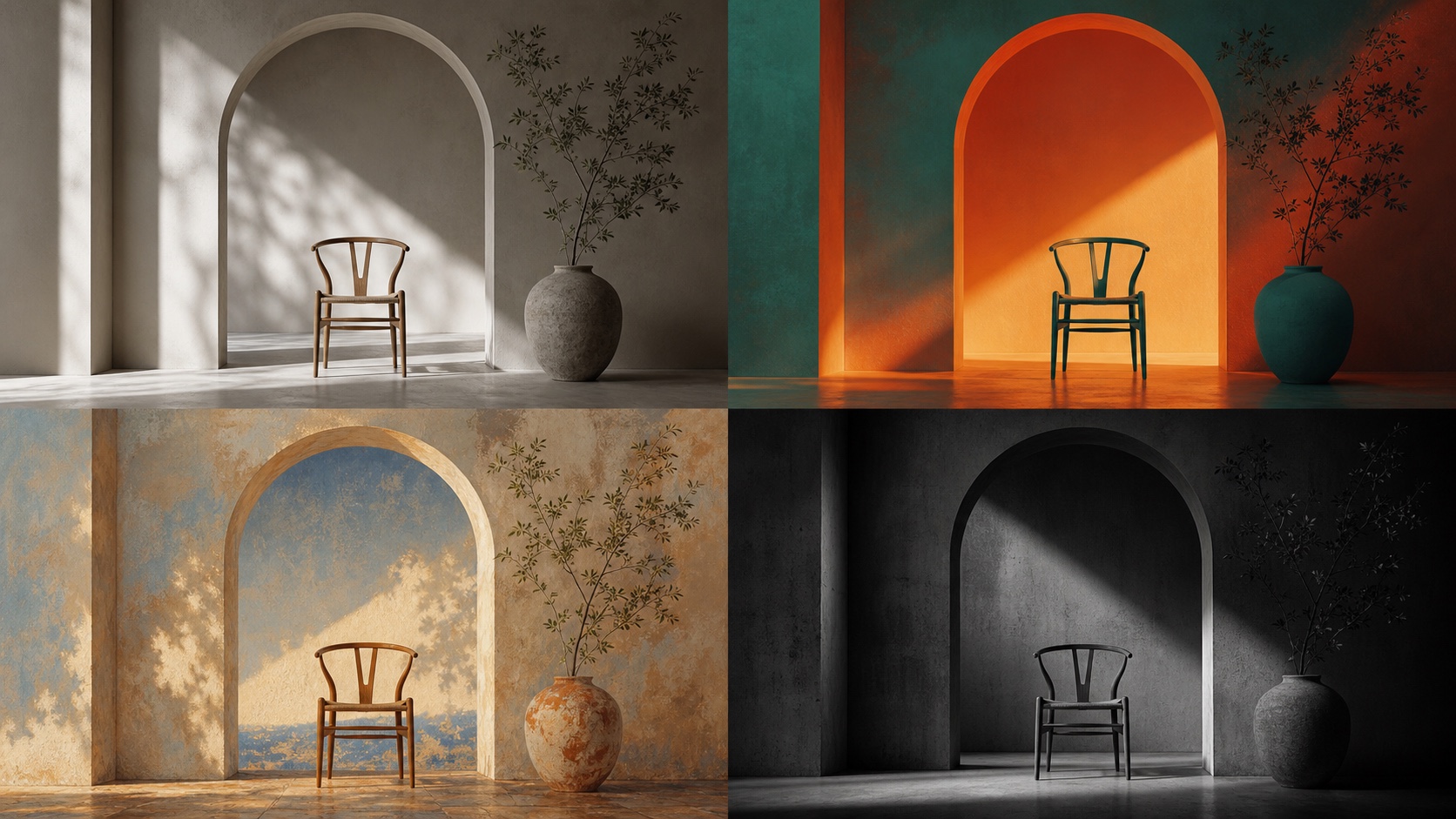
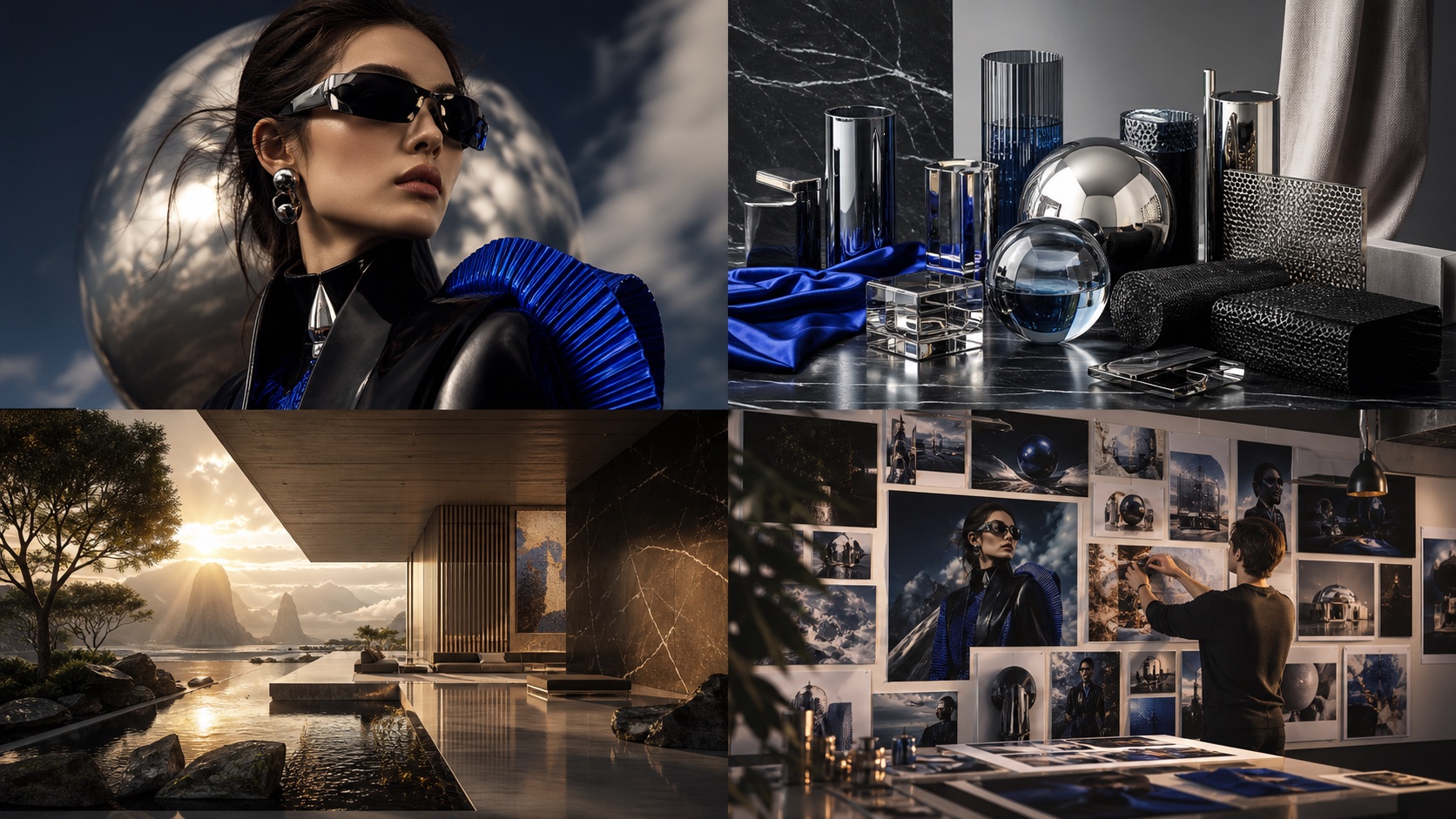
Midjourney V8.2 是 2026 年 7 月 24 日起的当前默认版本 [S1],它引入了一种精炼的美学风格,影响着提示词被解读与渲染的方式。要有效利用这次更新,理解其中的细微差别至关重要。本文提供了 25 个诊断型 midjourney v8.2 prompts,旨在突出渲染、连贯性与细节方面的关键变化,为评估新模型提供一套实用的工具集。
如何为 Midjourney V8.2 编写提示词?
要高效地编写 Midjourney V8.2 提示词,需要理解它在自然语言理解上的增强以及其精炼的美学风格。虽然核心的提示词原则与之前的版本相似,但 V8.2 通常能呈现更连贯的构图、更出色的真实感,以及对复杂场景更好的处理能力。专注于描述性语言,详细说明光照、质感、氛围与构图。你可以尝试用 style raw 来减弱 Midjourney 默认美学的影响,并通过 stylize 数值来控制艺术化的程度 [S2]。
为了进行系统化的评估,建议用 V8.1 跑一遍这些提示词以便直接对比。具体做法是在提示词后加上 --v 8.1。需要注意的是,V8.1 支持最高 2048px 的 HD 分辨率,而 V8.2 同样支持 HD [S1]。
人像与时尚提示词
这些提示词以人物为主体,让你能够评估在面部结构、皮肤质感、面料渲染以及整体人像连贯性方面的改进。
1. 戏剧性光照的电影感人像
A close-up cinematic portrait of a young woman, 35mm film grain, soft rim lighting from the left, deep shadows, contemplative expression, urban background out of focus, moody color grading --ar 3:2 --v 8.2
输出要点: 留意自然的肤色、逼真的发丝,以及面部和服装上的一致光影交互。可与 V8.1 对比,观察面部对称性与细节纹理的差异。
2. 高级时装编辑大片
Full body shot of a model wearing an avant-garde architectural gown made of iridescent fabric, standing on a minimalist runway, dramatic spotlight from above, high contrast, sharp focus, editorial photography --ar 2:3 --v 8.2
输出要点: 评估面料的质感与垂坠感、礼服的建筑结构完整性,以及模特的姿态与表情。V8.2 应该会呈现更出色的材质渲染。
3. 抓拍式街头摄影人像
Candid street photography portrait of an elderly man with a weathered face, sitting on a park bench, natural daylight, shallow depth of field, bokeh background, warm tones, documentary style --ar 4:3 --v 8.2
输出要点: 评估皱纹与皮肤质感的真实度、姿态的自然度,以及整体的摄影质感。V8.2 通常擅长呈现细腻的人物表情。
4. 奇幻角色胸像
Bust shot of a female elven warrior, intricate leather armor with glowing runes, long braided hair, piercing blue eyes, mystical forest background, volumetric lighting, digital painting --ar 1:1 --v 8.2
输出要点: 检查盔甲的细节、头发的真实感以及发光效果的一致性。V8.2 应该能更好地处理复杂细节。
5. 复古棚拍人像
Black and white vintage studio portrait of a jazz singer, 1940s style, soft box lighting, elegant pose, smoky atmosphere, classic film noir aesthetic --ar 5:4 --v 8.2
输出要点: 观察色调范围、复古美学的真实感,以及阴影与高光的渲染。V8.2 通常在灰度还原上有所提升。
产品、材质与建筑提示词
这些提示词用于测试 Midjourney V8.2 在渲染无生命物体、材质与建筑空间时的准确性、质感与真实光照。
6. 高端腕表产品图
Close-up product shot of a luxury automatic watch, polished stainless steel case, sapphire crystal, leather strap, studio lighting, reflective surface, sharp focus, macro photography --ar 16:9 --v 8.2
输出要点: 检查金属和水晶上的反射、皮革的质感,以及腕表部件整体的精度。V8.2 应会展现出更出色的材质细节。
7. 抽象材质研究
Abstract close-up of molten glass swirling with metallic pigments, iridescent, glowing, fluid motion, extreme macro, dark background, ethereal light --ar 1:1 --v 8.2
输出要点: 评估玻璃的流动性与半透明感、金属颜料的闪烁效果,以及整体的深度感。V8.2 常常在复杂材质交互上有更好的表现。
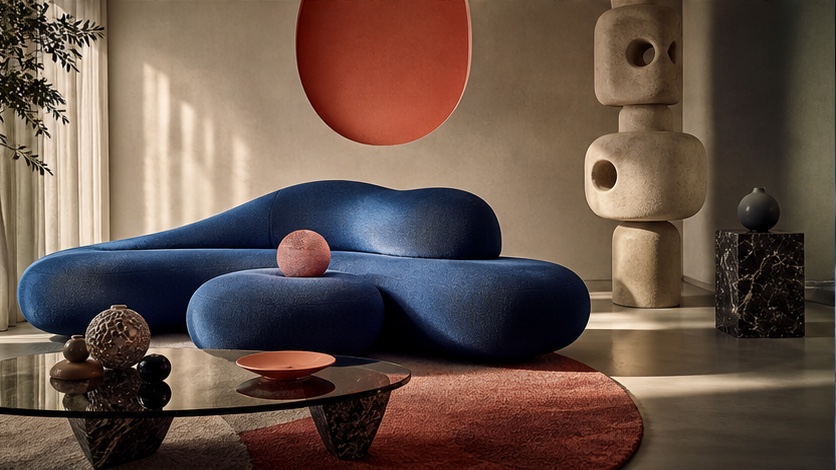
8. 现代极简室内
Interior shot of a modern minimalist living room, large windows with soft natural light, concrete walls, light wood furniture, green plant accents, clean lines, architectural photography --ar 3:2 --v 8.2
输出要点: 评估混凝土与木材纹理的真实度、自然光的质量,以及整体的空间连贯性。V8.2 应能保持建筑结构的完整性。
9. 丛林中的古代遗迹
Panoramic view of an ancient overgrown temple ruin in a dense tropical jungle, misty atmosphere, dappled sunlight filtering through canopy, moss and vines, epic scale, photorealistic --ar 21:9 --v 8.2
输出要点: 检查石材的细节、植被的繁茂程度,以及大气效果。V8.2 应能很好地处理复杂的环境细节。
10. 夜晚的科幻城市景观
Aerial view of a futuristic cyberpunk cityscape at night, neon lights reflecting on wet streets, flying vehicles, towering skyscrapers, rain, dramatic lighting, highly detailed --ar 16:9 --v 8.2
输出要点: 留意霓虹的鲜艳度、湿润表面的反射,以及整体城市环境的复杂度。V8.2 通常在繁复场景上有所改进。
电影感与叙事提示词
这些提示词探索 Midjourney V8.2 创作叙事性图像的能力,重点关注构图、氛围以及动作或叙事元素的表现。
11. 史诗级奇幻战争场面
Wide shot of an epic fantasy battle, knights clashing with dragons, magical spells illuminating the sky, smoke and fire, dramatic composition, cinematic lighting, highly detailed --ar 16:9 --v 8.2
输出要点: 评估场景的动态感、动作的连贯性,以及龙、魔法等复杂元素的渲染。V8.2 应在动作表现上有更好的保真度。
12. 广袤风景中的孤独探险者
A lone figure standing on a cliff overlooking a vast, alien desert landscape at sunset, dramatic clouds, warm orange and purple hues, sense of awe and isolation, cinematic --ar 21:9 --v 8.2
输出要点: 评估风景的尺度与深度、大气效果,以及情感冲击力。V8.2 通常能创作出更具感染力的风景。
13. 黑色电影侦探场景
A detective in a trench coat standing in a dimly lit alleyway, rain falling, steam rising from grates, dramatic shadows, femme fatale silhouette in the distance, film noir aesthetic --ar 4:3 --v 8.2
输出要点: 检查氛围、光照、湿润表面的反射,以及对黑色电影风格的整体还原度。V8.2 应该会强化氛围细节。
14. 科幻飞船降落
A sleek, futuristic spaceship landing on a desolate, rocky planet, dust clouds rising, alien flora in foreground, dramatic engine glow, cinematic wide shot, golden hour --ar 16:9 --v 8.2
输出要点: 观察尘埃与引擎辉光的真实感、飞船的细节,以及整体的尺度感。V8.2 常常在复杂科幻元素上有更好表现。
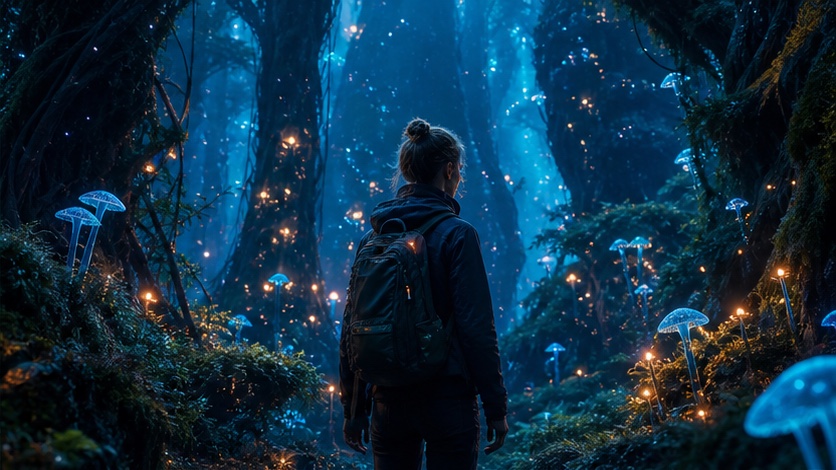
15. 魔法生物的迷幻森林
Deep within an enchanted forest, ancient trees with glowing leaves, bioluminescent fungi, a group of whimsical magical creatures interacting, soft ethereal light, fairytale illustration style --ar 3:2 --v 8.2
输出要点: 评估魔法效果、生物的细节,以及奇幻元素的整体连贯性。V8.2 应能很好地处理繁复的奇幻场景。
SREF 与个性化实验
Midjourney V8.2 继续支持 --sref(风格参考)和个性化等高级参数 [S2]。以下提示词用于测试 V8.2 如何解读并应用这些风格化控制。
16. 应用特定艺术风格
A serene landscape painting in the style of Vincent van Gogh, swirling brushstrokes, vibrant colors, cypress trees, starry night sky --sref https://s.mj.run/your-van-gogh-image-url --ar 16:9 --v 8.2
输出要点: 将 https://s.mj.run/your-van-gogh-image-url 替换为梵高画作的实物图片 URL。评估 V8.2 还原参考图的笔触、配色与整体美学的准确度。
17. 用 SREF 保持角色一致性
A young wizard casting a spell, dynamic pose, magical energy emanating from hands, ancient library background --sref https://s.mj.run/your-character-image-url --ar 3:2 --v 8.2
输出要点: 将 https://s.mj.run/your-character-image-url 替换为你希望保持一致的角色图片。评估 V8.2 在不同姿态和动作下保持角色外观、服装和整体风格的能力。
18. 个性化测试:梦境般的场景
A dreamlike scene of floating islands in the sky, waterfalls cascading into clouds, ancient ruins, soft pastel colors, ethereal light, highly imaginative --personalize --ar 16:9 --v 8.2
输出要点: 该提示词使用假想的 --personalize 参数(如果你的账号支持并启用了该功能),用以查看 V8.2 是否融入了你个人的审美偏好。可对比启用与不启用该参数的结果。
19. 用 SREF 控制材质纹理
A close-up of a futuristic robot's hand, intricate metallic plating, glowing circuits, holding a delicate flower --sref https://s.mj.run/your-metal-texture-image-url --ar 1:1 --v 8.2
输出要点: 将 https://s.mj.run/your-metal-texture-image-url 替换为某种特定金属纹理的图片。观察 V8.2 在保持整体连贯性的同时,将该纹理应用到机器人手部的能力。
20. 用 SREF 融合多种风格
A portrait of a woman with flowing hair, combining the ethereal quality of pre-Raphaelite painting with the vibrant colors of pop art --sref https://s.mj.run/pre-raphaelite-url https://s.mj.run/pop-art-url --ar 2:3 --v 8.2
输出要点: 使用两个不同的风格参考 URL。评估 V8.2 将这两种迥异风格融合为一张协调图像的能力,并保留两者的元素。
失败的提示词揭示了什么
即使是"失败"的提示词也能提供大量信息,揭示模型当前能力的边界,或者它与你意图不同的解读之处。以下提示词旨在突破这些边界。
21. 复杂的多主体互动
A group of five distinct characters (a knight, a wizard, a rogue, an archer, and a dwarf) engaged in a lively discussion around a campfire, each with unique expressions and gestures, detailed background --ar 16:9 --v 8.2
输出要点: 留意角色设计的一致性、主体之间互动的自然度,以及对各个表情和姿态的准确呈现。V8.2 可能仍会在高度特定的多角色互动上力不从心。
22. 不可能的物体构造
An impossible object, like an Escher staircase, but constructed from flowing water and solid light, defying gravity, intricate and paradoxical, photorealistic --ar 1:1 --v 8.2
输出要点: 评估 V8.2 处理物体悖论特性的能力。它是否真的创造出了不可能之物,还是简化了这一概念?
23. 抽象概念可视化
The feeling of nostalgia, visualized as a swirling vortex of sepia-toned memories, fragmented images, warm glow, ethereal and abstract --ar 16:9 --v 8.2
输出要点: 评估 V8.2 将抽象情感转化为连贯视觉画面的能力。它是否捕捉到了怀旧的精髓,还是结果过于字面化或泛泛?
24. 高度具体的历史场景
A precise historical recreation of the signing of the Declaration of Independence, specific individuals identifiable, accurate period clothing and furniture, detailed interior of Independence Hall, 1776 --ar 16:9 --v 8.2
输出要点: 检查人物、服饰与场景的历史准确性。V8.2 可能仍会概括历史细节,或者在没有图像参考的情况下难以做到特定的面部识别。
25. 极端透视与变形
A worm's-eye view of a giant redwood forest, looking straight up, extreme fisheye lens effect, sunbeams piercing through the canopy, sense of immense height and distortion --ar 9:16 --v 8.2
输出要点: 观察 V8.2 处理极端透视与镜头变形的能力。它是否营造出了令人信服的尺度感与弯曲感,还是把画面压平了?
想全面探索 Midjourney V8.2 的能力?PixMind 提供对最新 Midjourney 模型的无缝访问,让你能够尝试这些提示词,亲自发现全新的美学风格。访问我们的专属页面,了解更多并开始创作:/midjourney-v8.2。
常见问题
Midjourney V8.1 和 V8.2 的主要区别是什么?
Midjourney V8.2 自 2026 年 7 月 24 日成为默认版本 [S1],相比 V8.1 拥有更精炼的美学,在连贯性、真实感和细节渲染上均有改进,通常能产出更精致、更一致的图像。
我还能继续使用 Midjourney V8.1 吗?
可以,你可以在提示词中加上 --v 8.1 来显式调用 V8.1。这在做直接对比时很有用,或者你偏好上一版本的美学时也适用。
Midjourney V8.2 有什么新参数吗?
核心参数列表在近期版本中保持一致,包括 V8.2 在内,支持宽高比、stylize、seed 和 style reference 等功能 [S2]。新功能通常随主版本更新一并发布。
与 V8.1 相比,V8.2 如何处理复杂提示词?
V8.2 通常在理解和渲染复杂提示词方面有所提升,尤其是涉及多个主体、繁复细节或特定光照条件时,结果更连贯,也不那么"糊"。