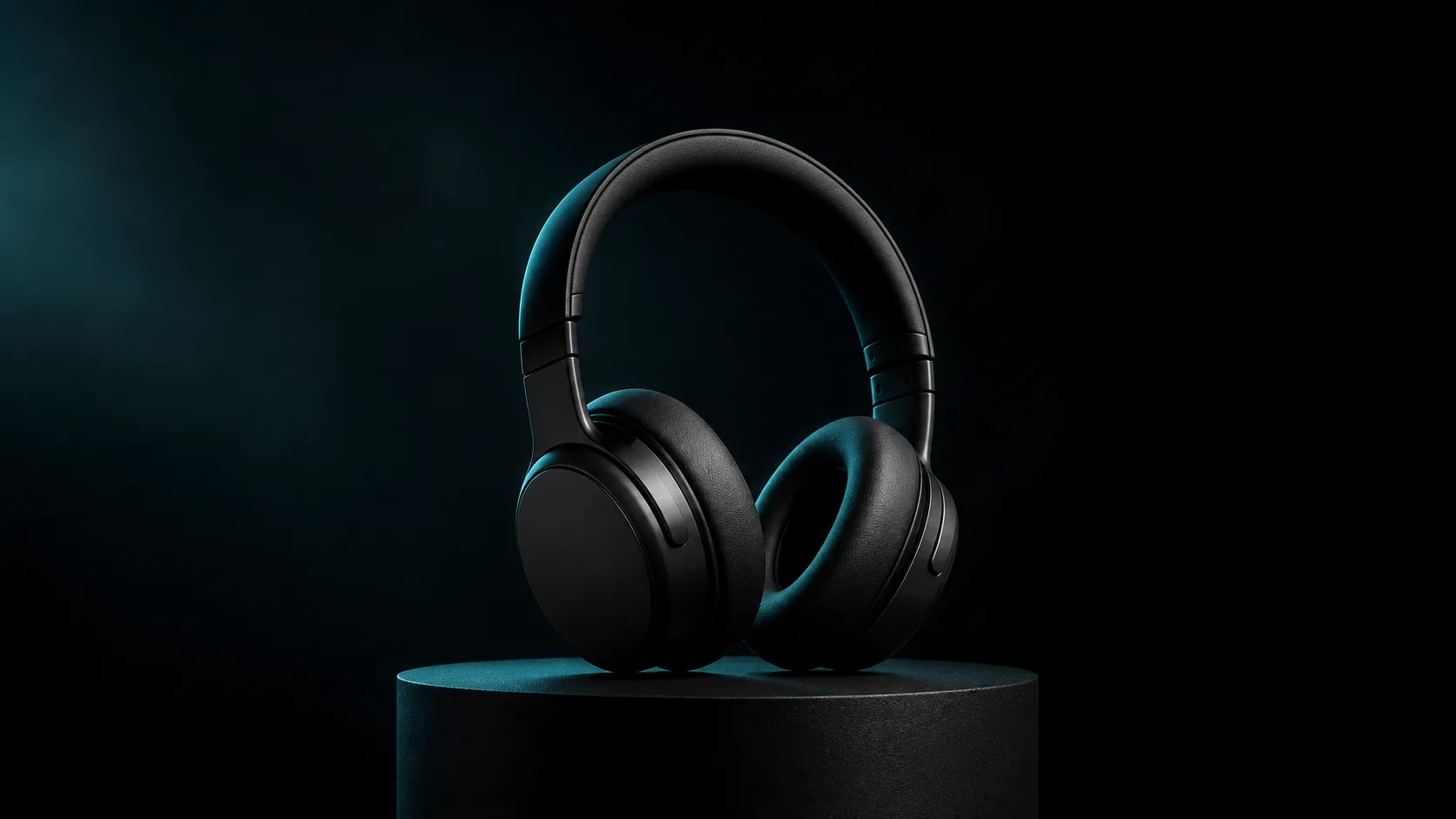
01 · Reference-anchored
One reference image stays the visual anchor
Start from a clean product, character, or scene image and describe only one action plus one camera move, so the subject, style, and scene do not all change at once.

An image- or text-led short-form video route for controlled product reveals, concept shots, and reference-anchored motion — 5, 10, or 15-second clips up to 1080p, with no generated audio.
Live workspace
The exact model is preselected. Inputs, ratios, duration, and credits follow the live generator.
Model introduction
01 · Reference-anchored
Start from a clean product, character, or scene image and describe only one action plus one camera move, so the subject, style, and scene do not all change at once.

02 · Short and controlled
Short clips read best with one clear subject action and one camera move; durations follow the live generator.
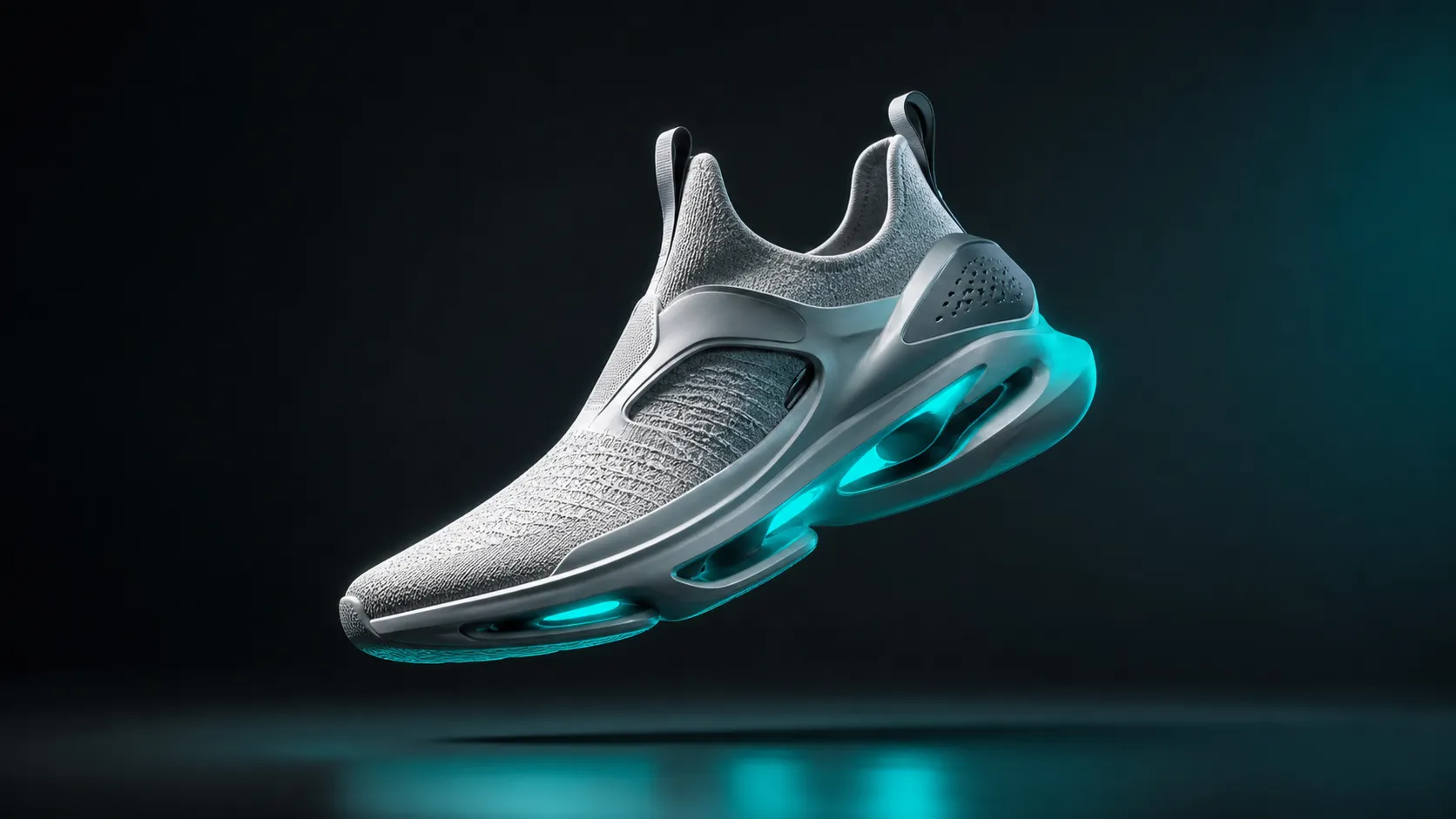
03 · Output specs
720p or 1080p output across 16:9, 9:16, 3:4, 1:1, and 4:3 — suited to product reveals and landing-page loops.
Case gallery
Each case maps to a real delivery task. Images are route illustrations, not measured model outputs.
Turn a product still into a controlled reveal and detail push.
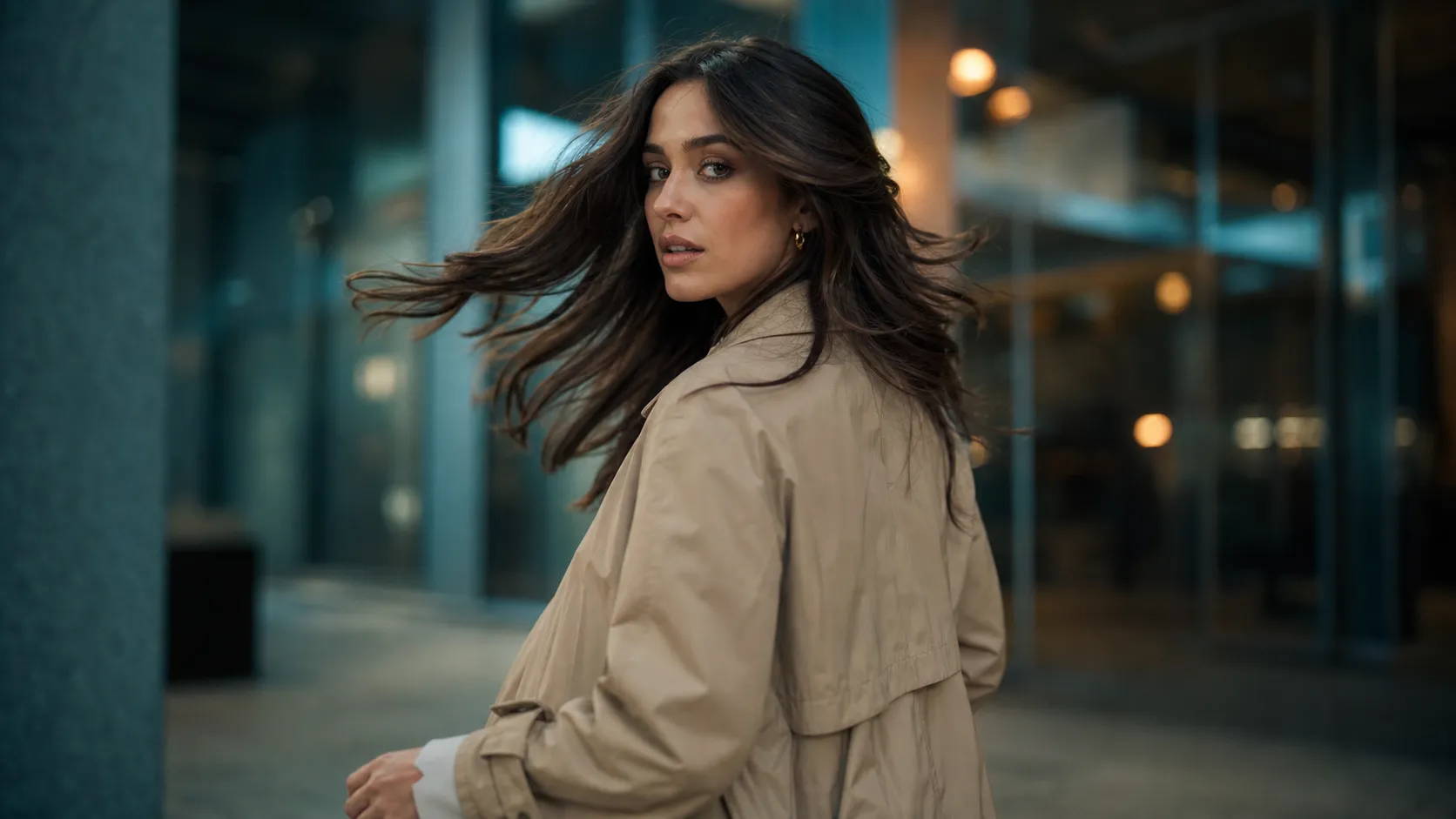
Test how a character reference reads in a simple action.
Build a concise loop from a strong still frame.
Validate a creative direction from one reference.
Preserve composition and subject while adding controlled motion.
Route comparison
This table separates the current PixMind route snapshot from family-level claims. Credits and exposed controls follow the live generator.
| Parameter | Happy Horse 1.0Current | Wan 2.6 | PixVerse V6 | Veo 3 |
|---|---|---|---|---|
| Inputs | Text, 1 image | Text, image, first/last frame, references | Text, image, first/last frame, multimodal | Text, image |
| Max resolution | 1080p | 1080p | 1080p | 1080p |
| Clip duration | 5, 10, 15s | 2–15s | 5, 10, 15s | 4, 6, 8s |
| Native audio | No | Yes | No | Yes |
| Aspect ratios | 5 | Several | 8 | Several |
Note: other model specs come from their official public guides; available PixMind parameters follow the selected route's live configuration. Verified 2026-07-17.
Version directory
Both versions share the connected route's inputs, duration, resolution, and aspect ratios; 1.1 is the newer release. Pick by need — available controls follow the live generator.
v1.0
An image- or text-led short-form video route for controlled product reveals, concept shots, and reference-anchored motion — 5, 10, or 15-second clips up to 1080p, with no generated audio.
v1.1
The newest Happy Horse release — it upgrades 1.0 with smoother, more cinematic motion, stronger subject and temporal consistency, and better prompt understanding. PixMind's connected route exposes its image- or text-led short-form mode: 5, 10, or 15-second clips up to 1080p across five aspect ratios. Native audio and reference-to-video are model-family capabilities not exposed by this route.
View versionHow to use it
Use a clean image with one clear subject and enough space for the intended movement.
Describe one subject action and one camera move so the reference remains the visual anchor.
Call out face, product shape, color, wardrobe, or composition elements that must not change.
Model availability and public claims change quickly; judge the current result and controls shown in the generator.
Prompt 01
Animate the reference product with a slow [camera movement]. Preserve exact proportions, color, materials, and label placement. Background [environment], lighting [mood], clean final frame.
Prompt 02
The referenced character performs [simple action] naturally. Keep face, hair, clothing, and body proportions consistent. Camera [movement], [lighting], no extra people.
Prompt 03
Create a minimal loop-like motion from the reference image: [subtle environmental action]. Stable camera, premium lighting, preserve the main composition, end close to the opening pose.
Prompt 04
Use the reference as the visual anchor. Add one clear action: [action]. Style remains [style], with [camera/lens] and [lighting]. Avoid scene changes and generated text.
Happy Horse is a short-form video model for reference-anchored shots. It works best for product reveals, character or concept motion tests, and concise landing-page hero loops where one still image should stay the visual anchor.
Happy Horse 1.1 is the newer release and focuses on smoother, more cinematic motion, stronger subject and temporal consistency, and better prompt understanding than 1.0, so it handles fast-motion and multi-scene clips more reliably. The connected PixMind route (text or a single reference image, 5/10/15-second clips, 720p or 1080p, five aspect ratios, no audio) is shared by both versions; confirm the exact result in the live generator.
The connected PixMind route accepts text or a single reference image (image-to-video). It does not expose first/last-frame or multimodal reference controls; available inputs follow the live generator.
The verified route exposes 5, 10, and 15-second clips at 720p or 1080p. Confirm the exact options for your shot in the generator before submitting.
The route exposes 16:9, 9:16, 3:4, 1:1, and 4:3. Pick the destination frame before writing camera direction.
The Happy Horse model family supports native synchronized audio and multilingual lip-sync, but PixMind's currently connected route does not expose audio generation. Add dialogue, music, or sound effects in a separate editing step.
Describe one coherent shot: a single subject action plus one camera move, the lighting, and what must stay unchanged. Keep the reference image as the visual anchor instead of stacking several transformations.
Use a clean, sharply focused image, state which identity, shape, colors, and label placement must not change, keep the motion simple, and avoid changing subject, style, and scene in the same clip.
Third-party pages make conflicting claims. This page does not treat open-source status as a product capability; verify any repository or license through an official model source.
They suit most projects, but faces, brand logos, product geometry, and on-screen text still need manual review and rights clearance. Ensure you have permission for any real people or third-party reference assets.
Next step
Validate one shot from a clean reference image, then decide whether you need a longer clip.
Sources verified 2026-07-17 against the PixMind live model API; the live generator is final.