
Remove Subtitles & Watermarks from Video
Erase hardcoded subtitles, captions, logos and watermarks from any video with pixel-precise AI. Drag a box, hit erase, download a clean HD video in seconds.
Watch the eraser work
The same clip before and after — no manual box, smart detection handles it.
Real before & after results
Drag a box, erase, done. Watch subtitles, captions and watermarks vanish cleanly.
One scene, with and without the subtitle
Same frame — left still has the burned-in caption, right is erased by AI. Drag to wipe.
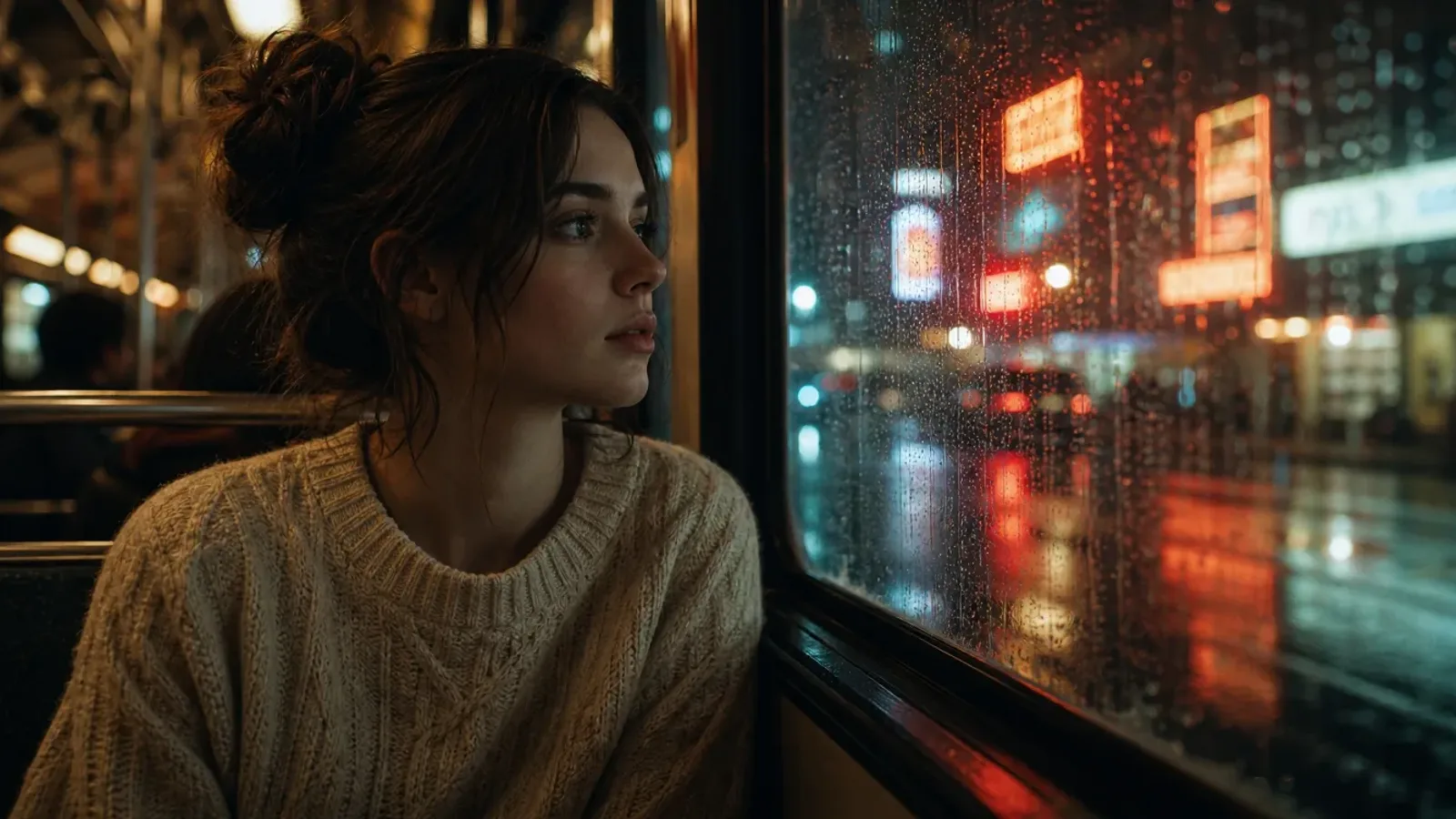
Drag the handle to compare
 BeforeAfter
Movies & Drama
Strip burned-in subtitles and channel logos from film and TV clips.
 BeforeAfter
Short Videos
Remove auto-captions and platform watermarks from TikTok, Reels and Shorts.
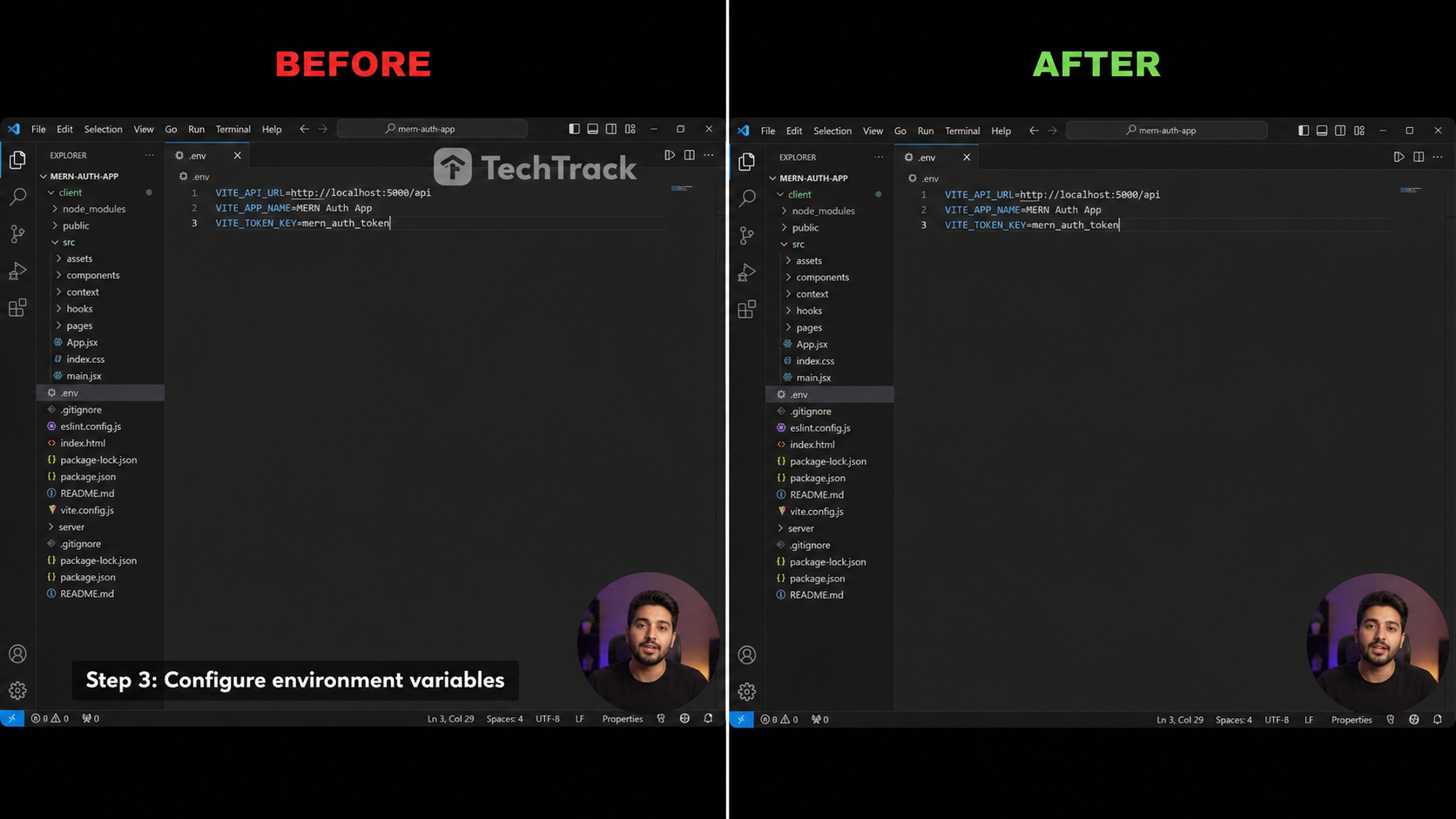 BeforeAfter
Tutorials & Recordings
Clean lower-third captions and software watermarks from screen recordings.
 BeforeAfter
Anime & Fansubs
Strip hardcoded fansub subtitles from anime and cartoon clips.
 BeforeAfter
Webinars & Courses
Clean lower-third name captions from online classes and recordings.
Three steps to a clean video
No timeline, no keyframes — just upload, select and download.

Upload & Select
Drop your clip, then drag the emerald rectangle over the subtitle or watermark region.

AI Erases
Our inpainting model fills the masked area frame by frame, preserving motion and detail.

Download Clean Video
Preview the result and export a clean HD MP4 in one click — no logo, no subtitles.
Built for clean, blur-free output
Pro-grade AI erasure right in your browser — no install, no plugin.
AI-Powered Erasure
A diffusion-based inpainting model fills the selected region so edges blend seamlessly with the surrounding scene.
Pixel-Precise Selection
Drag an emerald rectangle to frame exactly the subtitle line or watermark you want gone — no broader than needed.
No Blur Artifacts
Unlike naive blur tools, frames stay sharp and natural even on fast motion or textured backgrounds.
Watermark & Logo Removal
Works on hardcoded captions, burned-in subtitles, channel logos and static watermarks alike.
HD Quality Preserved
Output keeps the original resolution, frame rate and bitrate — no re-encoding downgrade.
100% Private
Your video is processed on demand and never used for training. Auto-deleted after the run.
Erase anything burned into your video
One selection box, any on-screen text or overlay — gone cleanly.
Burned-in subtitles
Hardcoded captions baked into the frame.
Translated captions
Secondary subtitle tracks layered on top.
Bottom caption bars
Solid caption bars across the lower frame.
Channel logos
Corner bugs and station IDs.
Watermarks
Static or lightly animated marks.
Text & stickers
On-screen text, emojis and stickers.
How PixMind stacks up
Real AI inpainting versus the usual blur-and-crop workarounds.
| Capability | PixMind | Typical online tools | Manual blur / crop |
|---|---|---|---|
| AI inpainting, no blur | |||
| Keeps original HD | |||
| Watermark & logo removal | |||
| Runs in browser, no install | |||
| Smart-detect + manual region | |||
| Private, auto-deleted | |||
| Free daily credits |
PixMind capabilities reflect the current product as of 2026-07-18. Competitor specs vary by product and change over time — please verify on their sites.
How credits are counted
Pay only for what you erase — no subscription, no surprise.
PRO engine
Tencent Cloud inpainting — cleanest on complex, textured backgrounds. Recommended for most videos.
BASE engine
Dedicated-GPU inpainting — faster and cheaper, ideal for simple clips.
| Region you select | Tier | Credits / 30s |
|---|---|---|
| Small region (≤1920×240) | Tier 1 | 200 |
| Standard region (≤1920×1080) | Tier 2 | 300 |
| Large region (>1920×1080) | Tier 3 | 400 |
| Any region | BASE | 100 |
- Smart-detection mode is billed by the full frame; manual mode by the region you draw.
- Total = ⌈ duration ÷ 30s ⌉ × tier price. You see a live estimate before you run.
- Every signed-in account gets free credits daily — try it free.
Who uses a video subtitle remover
Built for creators who need a clean source clip.
Content Creators
Repost clips across TikTok, Reels and Shorts without burned-in captions from another platform.
Translators
Strip hardcoded subtitles before overlaying your own localized captions or SRT track.
Marketers
Remove competitor watermarks or product logos from licensed stock footage.
Archivists
Restore legacy clips by cleaning channel bugs and burned-in branding before re-publishing.
Subtitle & watermark removal, answered
Everything you might want to know before erasing.