Quality-first60 credits*
Veo 3.1
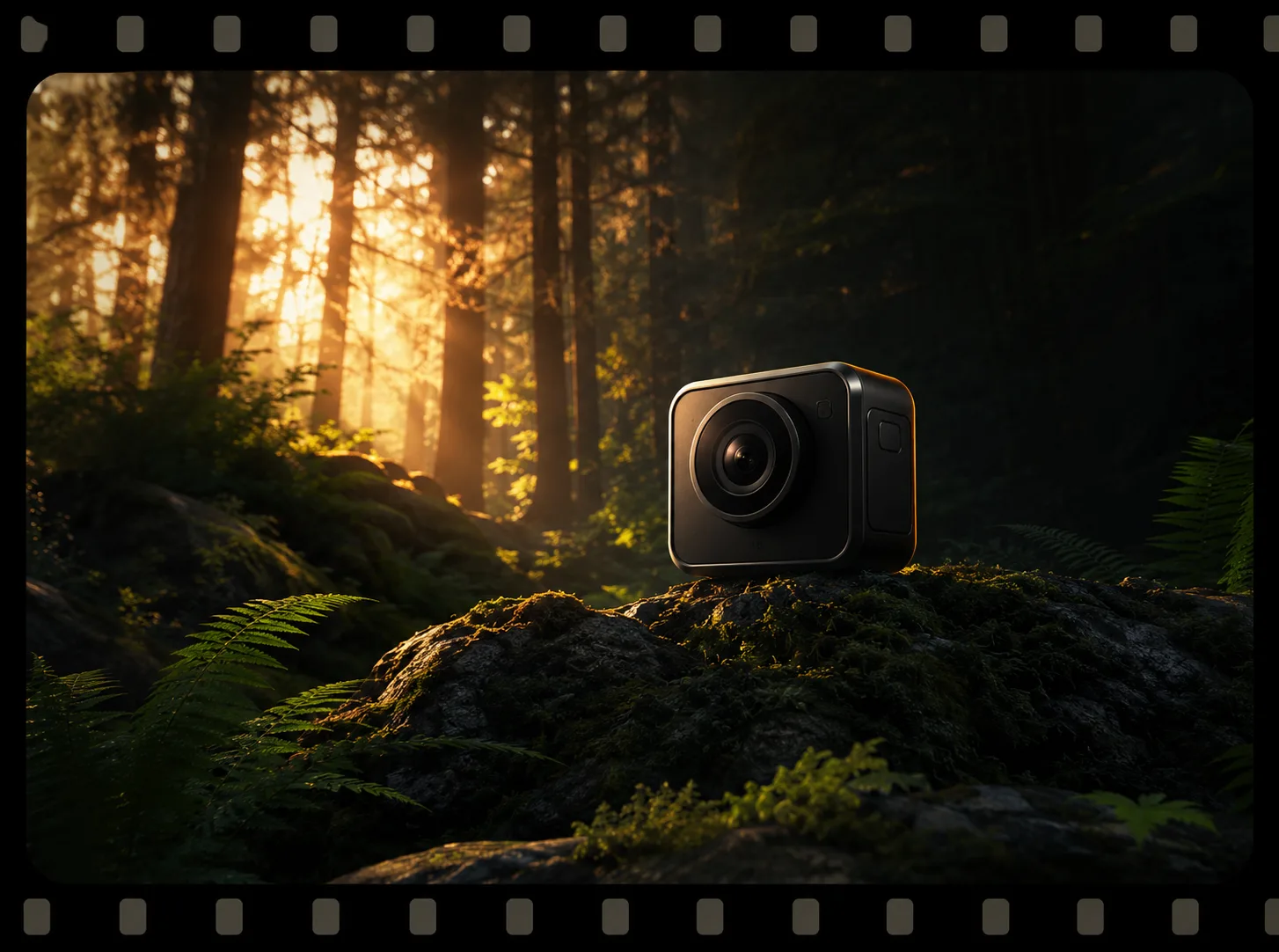
Use Veo 3.1 for polished product films, dialogue-led scenes, and cinematic concepts where prompt interpretation matters more than draft speed.
Veo 3.1 · Open version page
Google Veo model hub
Generate with Veo 3.1, or compare it with Veo 3 and Veo 3.0 Fast by final quality, audio, duration, speed, and credits before you choose a route.
Live configuration checked 2026-07-13
Live workspace
Veo 3.1 is preselected. Inputs, available controls, and the final credit cost come from the live generator.
Veo model family
Veo is Google's generative video model family. Inside PixMind, the practical decision is not just whether to use Veo, but which connected route fits the shot: Veo 3.1 for final-quality work, Veo 3 for established workflows, or Veo 3.0 Fast for previsualization.
Use Veo 3.1 for polished product films, dialogue-led scenes, and cinematic concepts where prompt interpretation matters more than draft speed.
Veo 3.1 · Open version pageUse the established Veo 3 route for compatible prompts and existing projects, then compare against 3.1 before starting a new final-quality campaign.
Veo 3 · Open version pageUse Veo 3.0 Fast to test staging, camera direction, and audiovisual timing before spending more credits on a final-quality render.
Veo 3.0 Fast · Open version pageVerified route comparison
The values below came from the production model endpoint on the audit date. The live generator is the final source for price and controls.
| Route | Best for | Inputs | Max duration | Audio | Audit cost |
|---|---|---|---|---|---|
| Veo 3.1 | Final-quality cinematic shots | Text or one image | 8s | Model reports audio support; no separate audio toggle | 60 |
| Veo 3 | Existing Veo 3 workflows | Text or image | 8s | Audio-capable route | 50 |
| Veo 3.0 Fast | Drafts and shot planning | Text or image | 8s | Audio-capable route | 30 |
* Snapshot only. Pricing and exposed settings may change.
Prompt anatomy
A useful Veo prompt describes subject, action, environment, camera, light, sound, and invariants in one coherent direction. It does not combine several unrelated scenes.
Browse all Veo prompt guidesProduct reveals, material close-ups, tabletop shots, and clean ending frames.
Lens, camera movement, motivated light, atmosphere, and one-shot direction.
Short spoken lines, performance, room tone, sound effects, and readable timing.
Preserve identity and product geometry while directing simple, usable motion.
Use cases
Plan product reveals, material shots, campaign motion, and clean end frames.
Create one-hook vertical shots and test variants before final rendering.
Direct short lines, visible performance, ambience, and synchronized action.
Build focused cinematic shots with motivated camera, light, and sound.
Turn shot lists and storyboard beats into motion drafts before final production.
Anchor subject identity and composition with one image, then direct controlled motion.
Start with Veo 3.1 for final-quality work, Veo 3.0 Fast for shot planning, and Veo 3 only when you need an established Veo 3 workflow.
All three production model records report audio capability. Available audio controls and the actual result depend on the selected live route.
The production response for these routes does not publish a complete option list. Use the controls shown in the generator rather than relying on a generic Veo specification.