Pixmind

Google Nano Banana Pro AI Image Generator

Google's newly released Nano Banana Pro AI image generator, powered by Gemini 3 Pro, is going viral online. It features better text rendering, stronger prompt understanding, improved image quality, and more consistent characters. Try Google's new AI image generation and editing model, Gemini 3 Pro, and create stunning images now.

Loading...
Google Nano Banana Pro AI Image Generator

Generate sharper images with readable text, stronger prompts, and consistent subjects.

Use Nano Banana Pro for posters, labels, infographics, product ads, localized creatives, and campaign images that need more control than a generic AI image generator.

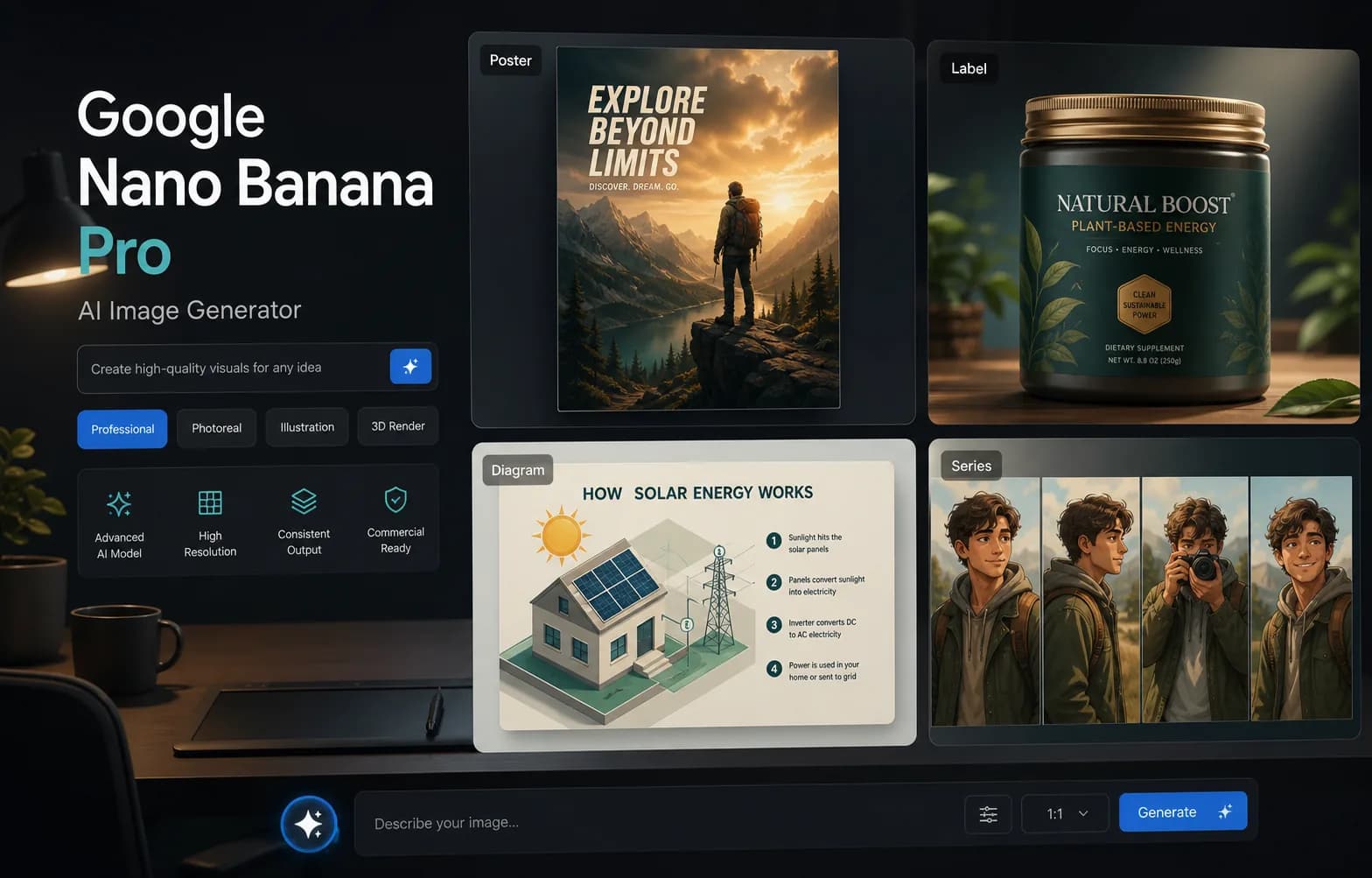
Google Nano Banana Pro creative workspace with poster, label, diagram, and series examples

Key features

What makes Nano Banana Pro useful for real creative work

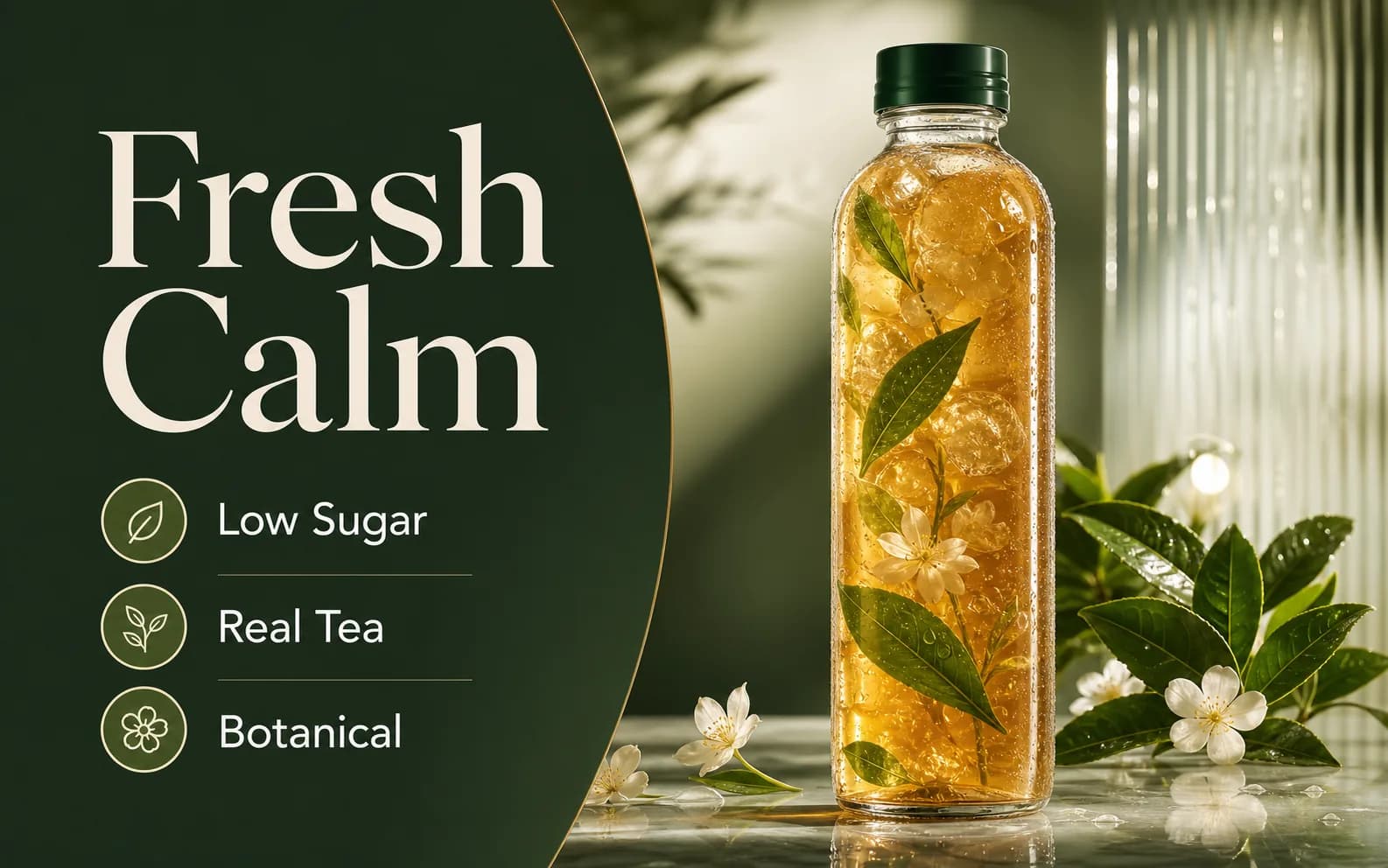
A polished iced tea poster with readable headline and labels generated by Nano Banana Pro

Superior text rendering

Create posters, labels, menus, screenshots, charts, and infographics with short, readable in-image text. It is the right model when typography is part of the output, not decoration.

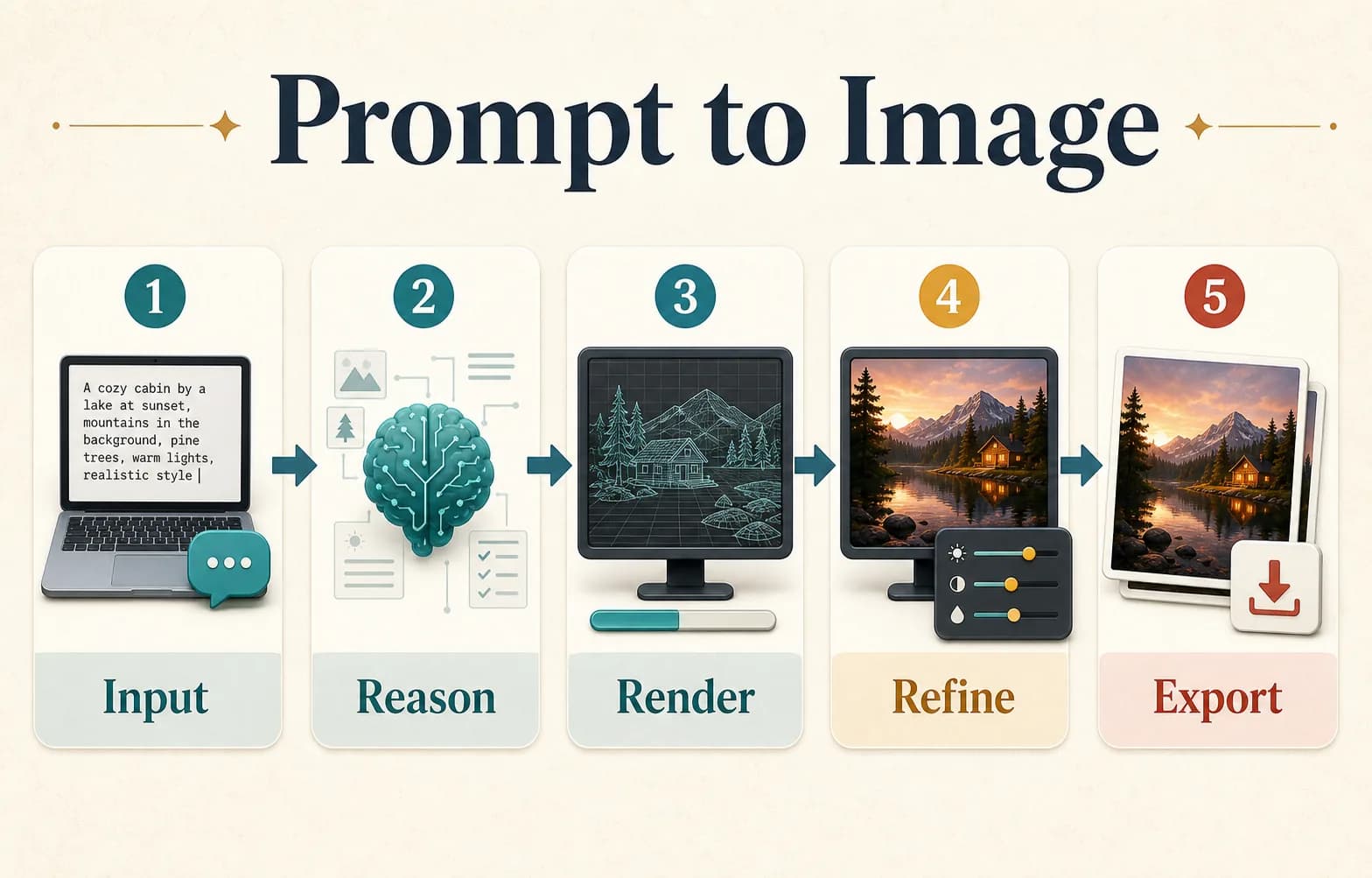
A clean prompt to image workflow infographic generated by Nano Banana Pro

Advanced reasoning and world knowledge

Ask for visual explanations, process diagrams, product comparisons, or step-by-step layouts. Nano Banana Pro can turn structured instructions into organized visual information.

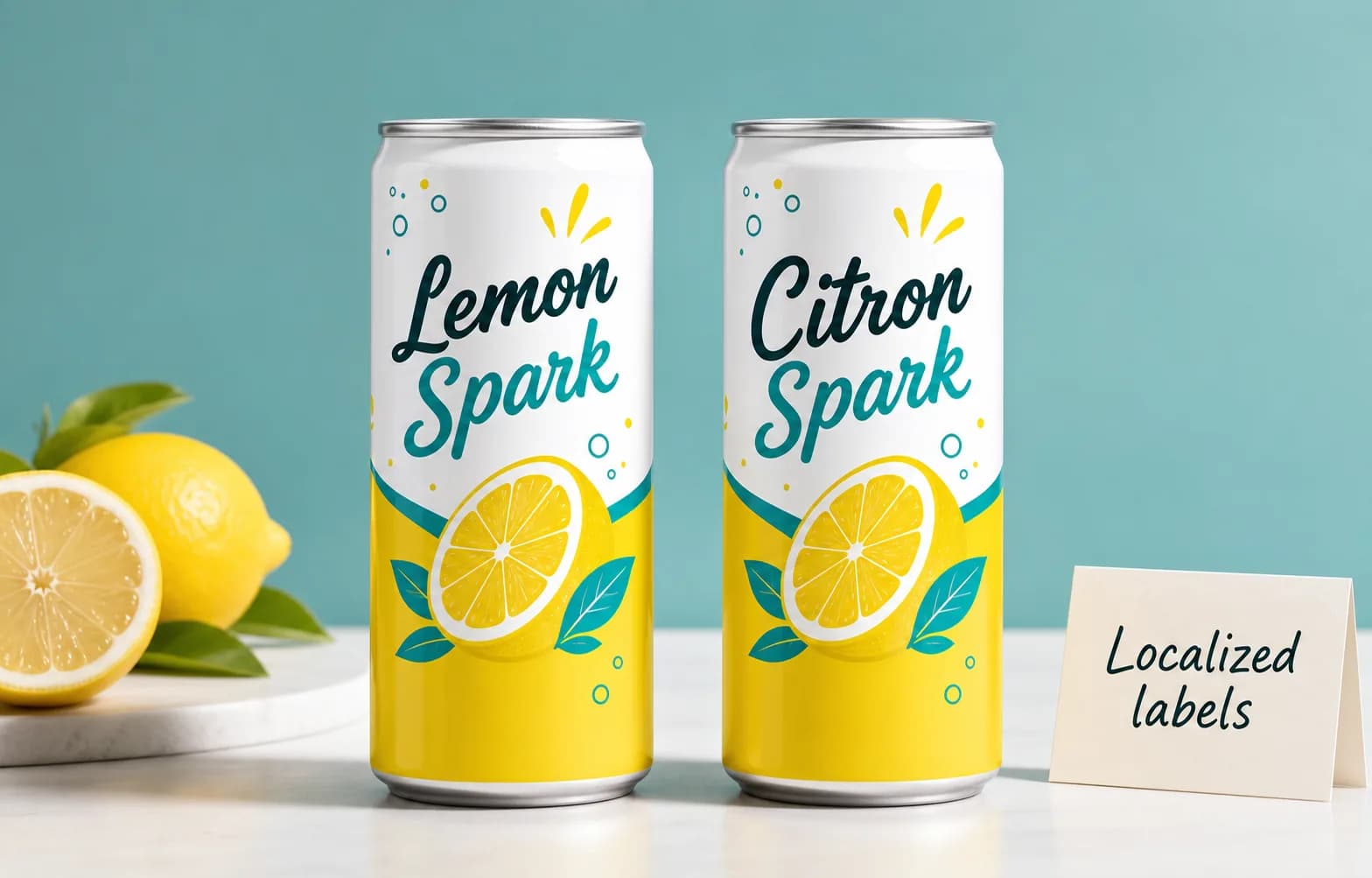
Two matching lemonade cans with localized English and French labels

Translate and localize ideas

Use it for multilingual posters, packaging variants, localized product labels, and market-specific creative drafts while keeping the original visual direction intact.

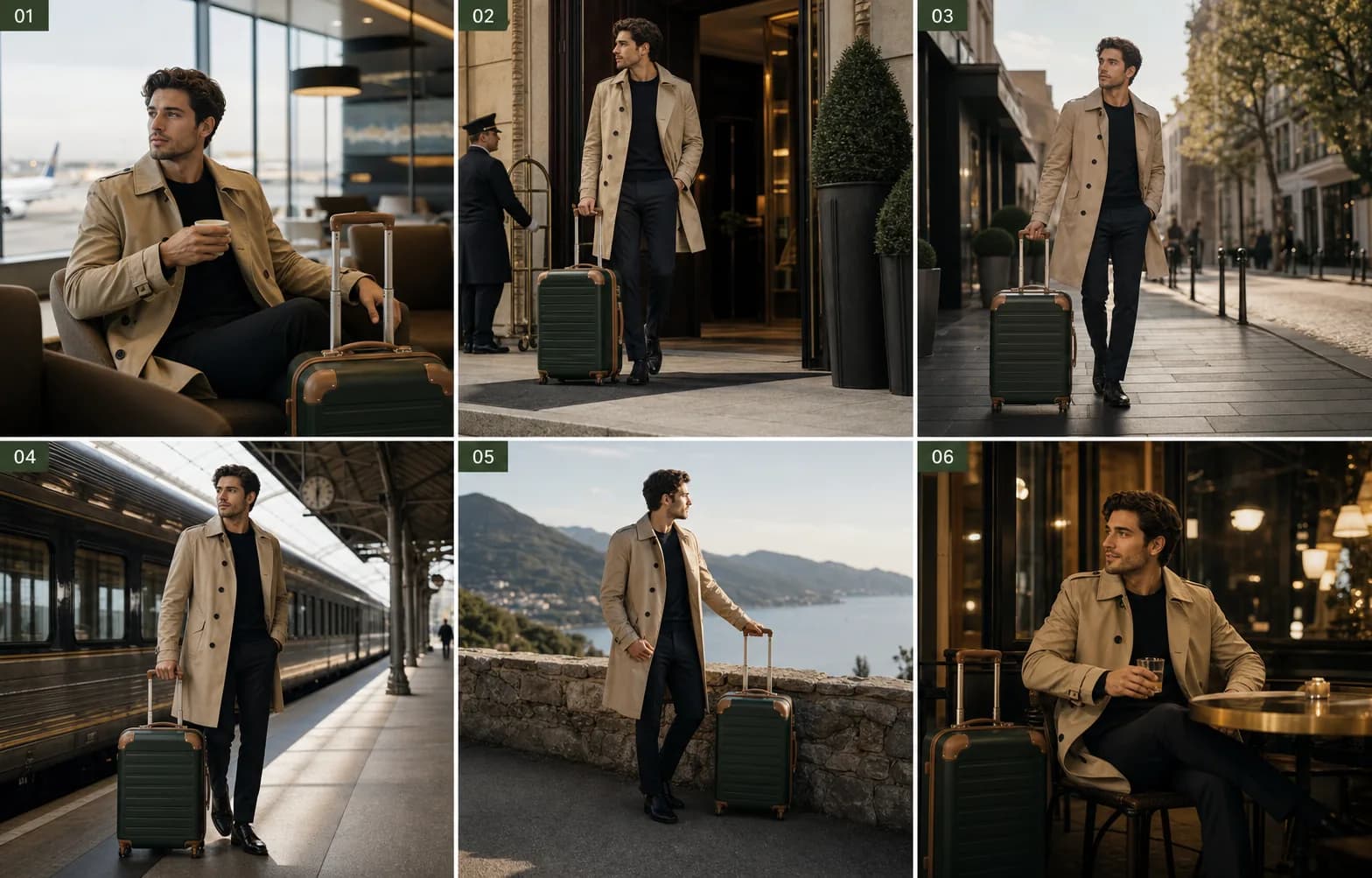
A six-panel travel storyboard with consistent character and suitcase

Improved subject consistency

Keep the same person, product, outfit, prop, or brand mood across multiple generations. This matters for campaign sets, AI influencer shoots, and ecommerce variants.

A prompt to image workflow diagram showing input, reasoning, render, refine, and export

Complex prompt understanding

Handle prompts with multiple objects, camera notes, layout constraints, cultural context, exact copy, and negative requirements without reducing everything to a generic image.

A detailed commercial product poster with realistic bottle lighting

High-resolution photoreal output

Generate polished commercial visuals with realistic material, skin, lighting, and texture detail. Use it for product heroes, lifestyle ads, wallpapers, and print-adjacent drafts.

A multi-frame travel storyboard showing varied camera angles with a consistent subject

Spatial and camera awareness

Control close-up, wide-angle, flat lay, product hero, panoramic, or storyboard framing. The model is useful when composition and perspective are part of the brief.

A premium AI creative workspace showing generated visual outputs

Color and lighting control

Shift a scene from day to night, clean up lighting, preserve a brand palette, or create consistent color grades across a series of images.

How to use

Create with Nano Banana Pro in three steps

01

Input images and prompt

Upload reference images when product shape, character identity, packaging, or style must stay consistent.

02

Generate with Nano Banana Pro

Write a controlled brief with exact text, scene, ratio, camera, and constraints. Then generate the first draft.

03

Review and download

Check spelling, labels, brand details, and subject fidelity. Refine the weak part, then export the final image.

Model parameters

Nano Banana Pro and other model parameter comparison

Compare concrete model settings, output limits, reference support, and best-fit production tasks.

Parameter
Nano Banana Pro
Nano Banana
Midjourney
Seedream
Flux
Base model
Gemini 3 Pro Image
Gemini 2.5 Flash Image
Midjourney image model
Seedream image model
Flux image model
Output resolution
1K, native 2K, up to 4K download
1K output; commonly 1024px class
HD output, commonly 2048px class
Auto / 2K / 4K tiers on supported platforms
Flux Pro up to 1440 x 1440; Ultra fixed 2752 x 1536
Aspect ratios
1:1, 2:3, 3:2, 3:4, 4:3, 9:16, 16:9, 21:9
1:1, 3:2, 2:3, 3:4, 4:3, 4:5, 5:4, 9:16, 16:9, 21:9
--ar parameter, default 1:1
Common presets such as 1:1, 3:2, 2:3, 4:3, 3:4, 16:9, 9:16, 21:9
Flux Pro custom width/height; Ultra uses aspect_ratio presets
Reference input
Multiple uploads; up to 5 consistent characters
Works best with up to 3 input images
Image references and style references
Image-to-image and reference workflows on supported versions
Image-to-image / Kontext variants for reference control
Object fidelity
Up to 14 objects in one workflow
Best for 1-3 input images and simpler edits
Not deterministic; strongest for aesthetic reinterpretation
Strong for product and lifestyle subjects
Strong with Kontext/control variants; model-specific
Text in image
Headlines, labels, screenshots, charts, infographics
Short text, simple labels, lighter layouts
Not ideal for reliable text
Short marketing copy and labels on stronger versions
Prompt-accurate, but dense text remains unreliable
Reasoning tasks
Flowcharts, formulas, diagrams, multi-step edits
General visual edits, less diagram-focused
Aesthetic interpretation, not workflow reasoning
Prompt-following and web-trend style tasks on newer versions
Strong composition/style control, less diagram-focused
Typical generation speed
About 10 seconds on Fotor
Fast, optimized for quick edits
Queue / mode dependent
Fast to medium by quality tier
Schnell fast; Pro/Ultra slower but higher quality
Best use case
4K posters, labels, diagrams, localization, campaign sets
Fast edits and general image generation
High-aesthetic exploration and art direction
Photoreal product and lifestyle variants
Style exploration and controlled photoreal variants

Why choose it

Built for controlled, production-minded image generation

Native high-detail outputs for commercial drafts and large-format visuals.

Multiple aspect ratios for ads, posters, ecommerce, social, slides, and banners.

Better fit for professional workflows: generate, review, correct, and refine.

Strong prompt adherence when copy, references, layout, and consistency all matter.

Best results come from clear constraints

Keep image text short, name the exact format, define what must not change, and refine one problem at a time.

01
Upload refs
02
Set ratio
03
Write copy
04
Generate
05
Refine

Nano Banana Pro FAQ

Google's Gemini 3-powered 4K AI image generator with advanced editing and multi-image consistency

Nano Banana Pro is the popular name for Gemini 3 Pro Image, Google's advanced AI image generation and editing model. It generates sharp 4K-resolution images directly from text prompts, with strong multi-image consistency and natural-language editing controls.