
Seedream 5.0 Pro AI Image Generator
ByteDance's flagship reasoning image model — multi-image fusion, precision editing, and cinematic 4K output for professional creative workflows.
Pro-grade precision, every image predictable
Built for high-precision image generation and editing.
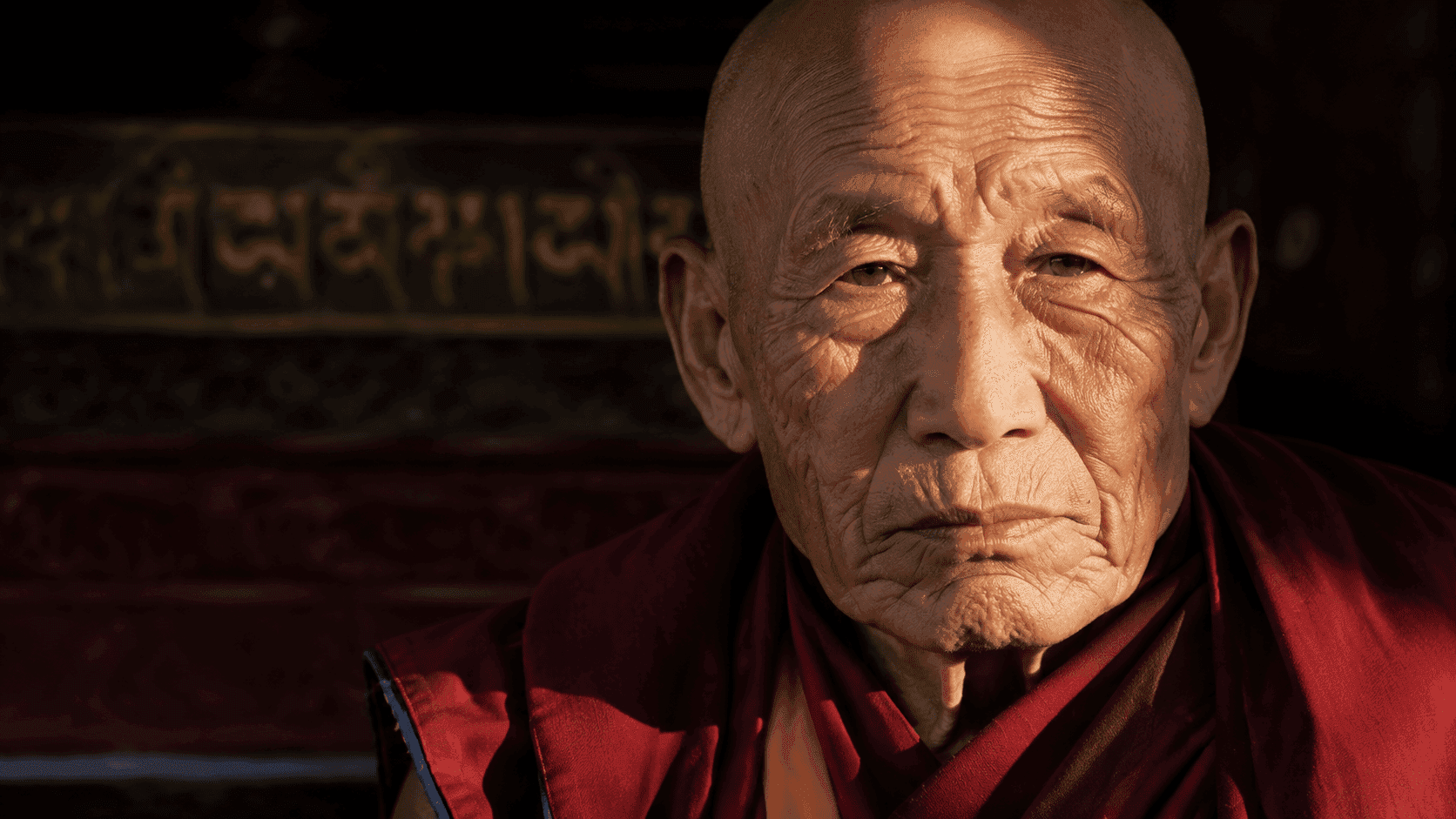
Studio-grade 2K Photorealism
Higher detail density — skin texture, metal reflections, macro depth of field — for advertising-grade visual fidelity. Seedream 5.0 Pro puts commercial-grade realism within reach.
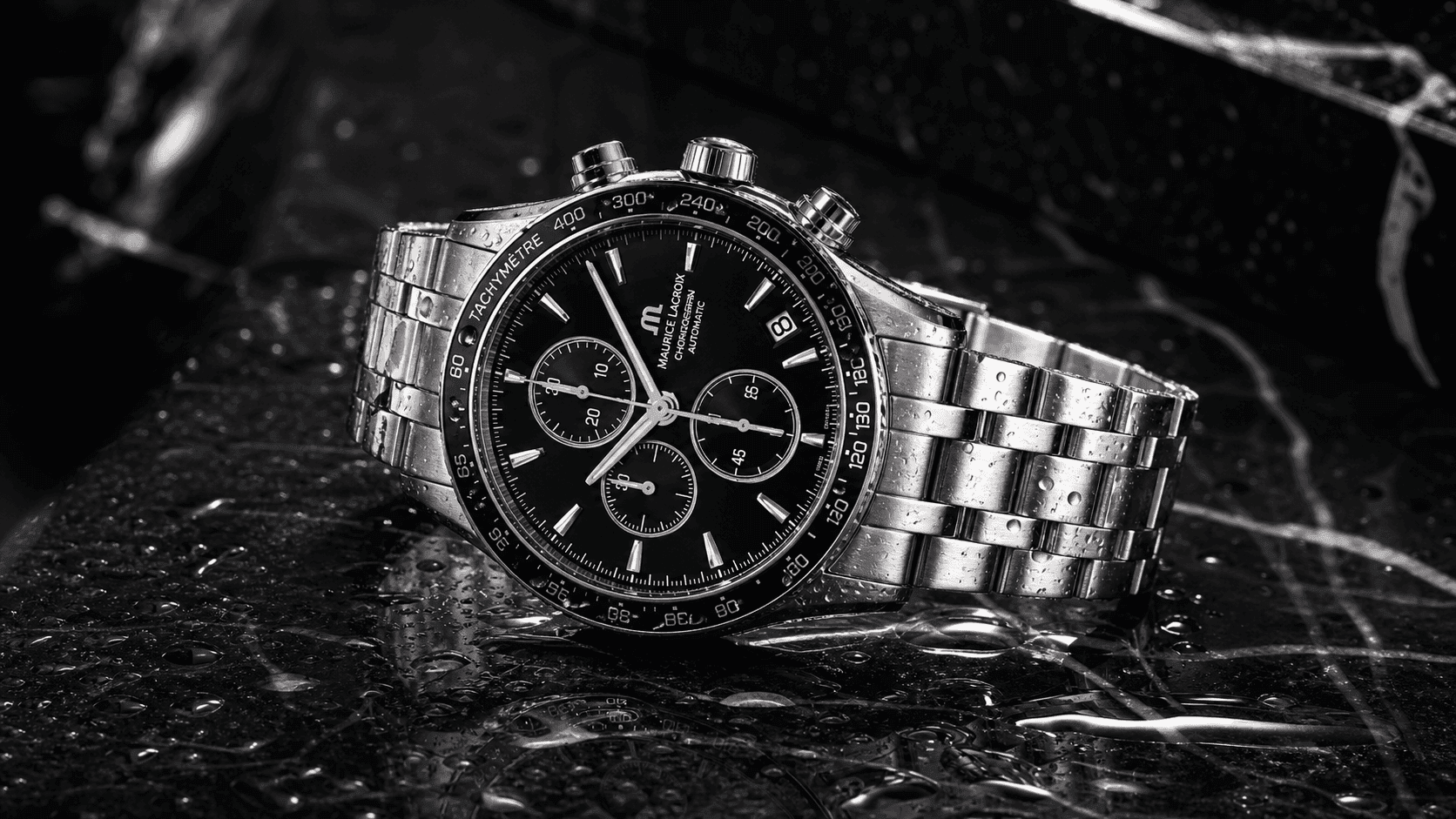
Single-Image Precision Editing
Refine poses, materials, tones, and backgrounds while preserving identity. Turn silver metal into transparent water, sketches into finished shots — Pro handles every transition precisely.
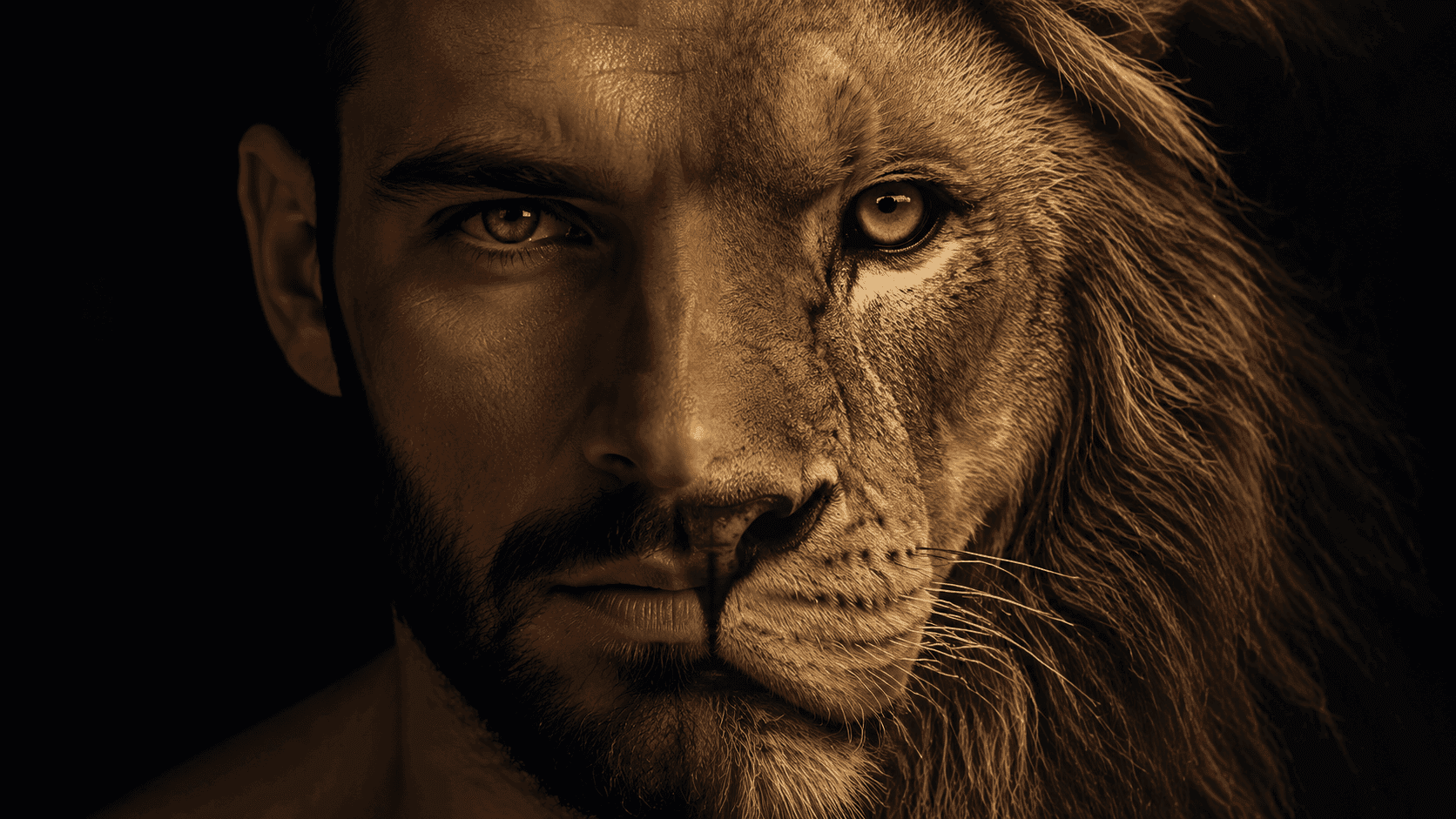
Multi-Reference Fusion · Up to 10 Images
Fuse characters, outfits, products, and scenes from up to 10 reference images into one new image. Pro understands element relationships and composes them accurately.
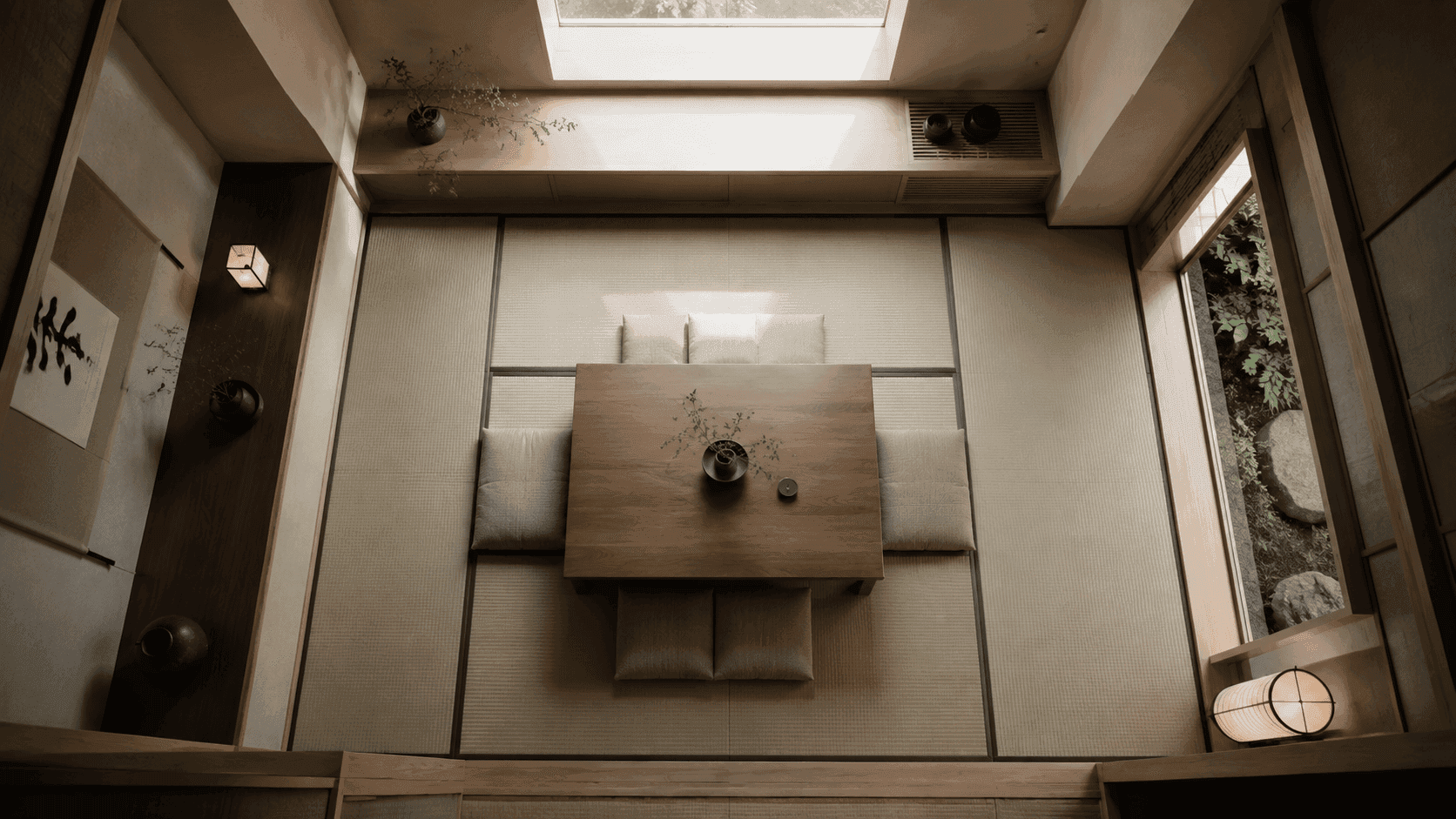
Coordinate-Based Editing · Pro Exclusive
Mark coordinate correspondences on a reference image and the model edits only at the specified positions. Object placement, gestures, spatial relationships — all under your control, at a precision no other model offers.
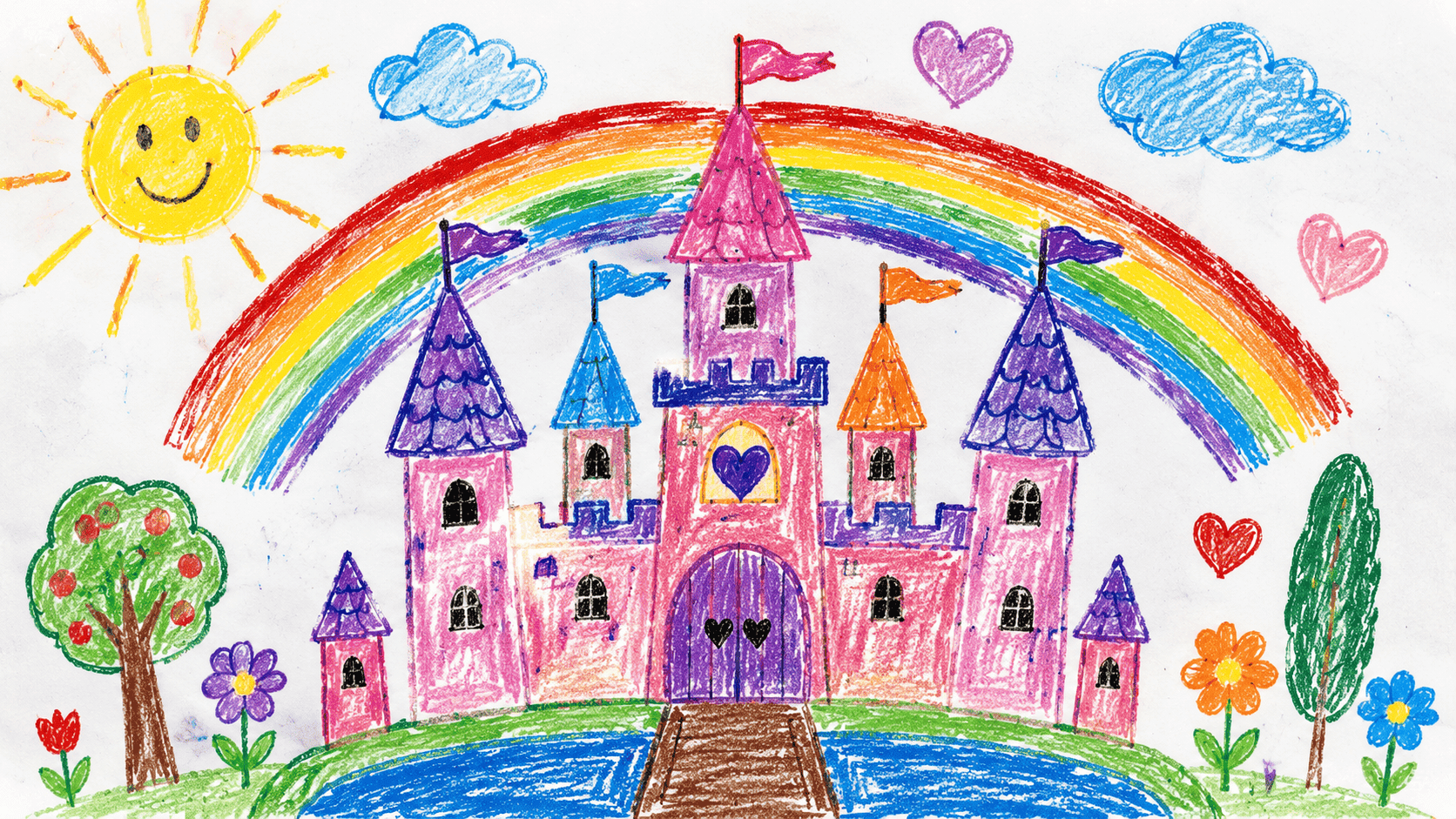
Free-Form Doodle Editing · Pro Exclusive
Sketch, circle, or scribble on the image to mark editing regions. The model identifies the area and blends new content into the scene naturally — more intuitive than masks, smarter than inpainting.
Pro-grade visuals across every workflow
From commercial advertising to brand series — Seedream 5.0 Pro is built for professional work.
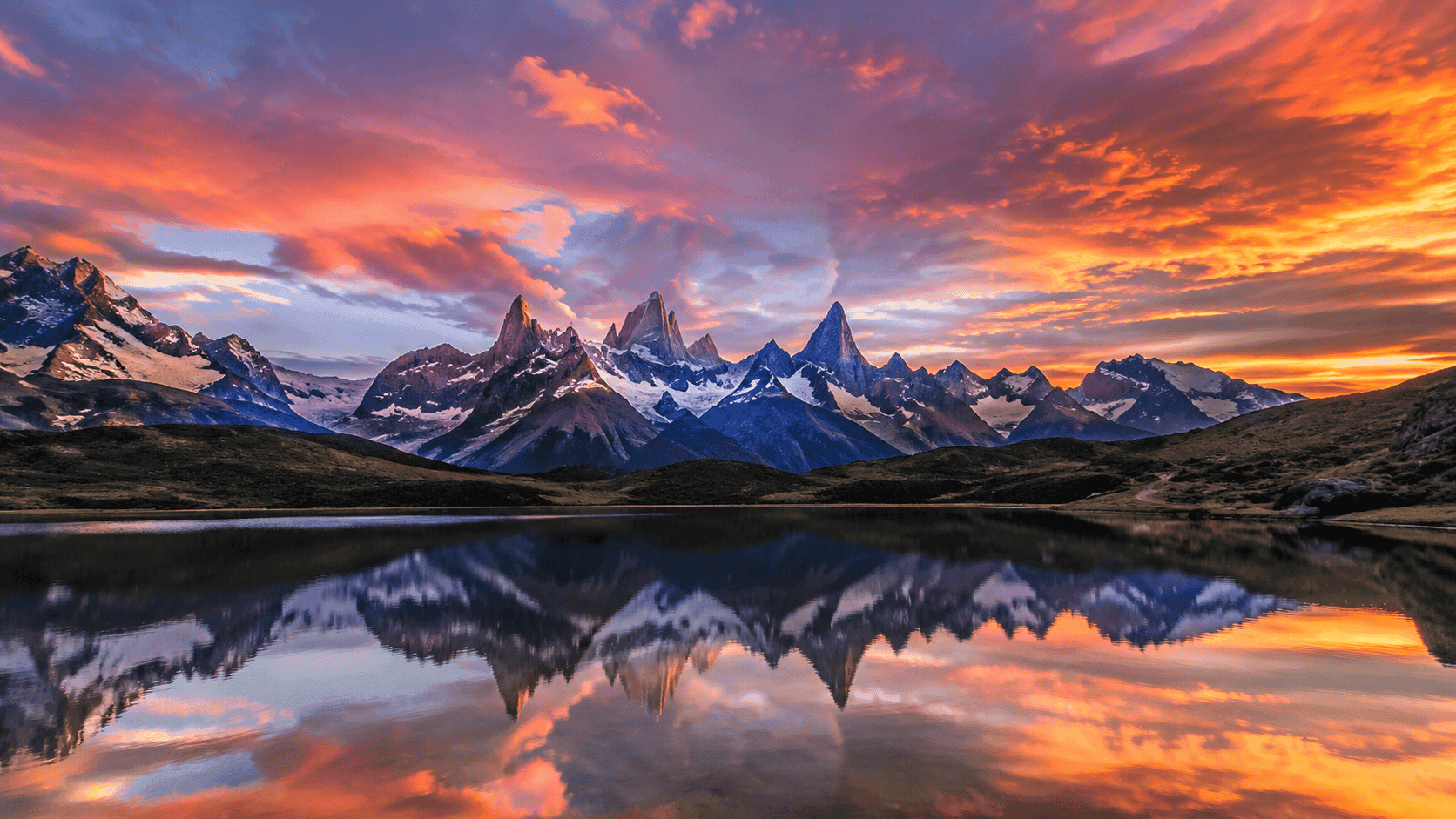
Ad-grade commercial photography, fully textured
Studio lighting, precise depth of field, realistic materials — ready-to-publish output with no post-processing.
Interactive Editing · Pro Exclusive
Use coordinates and doodles to control every edit.
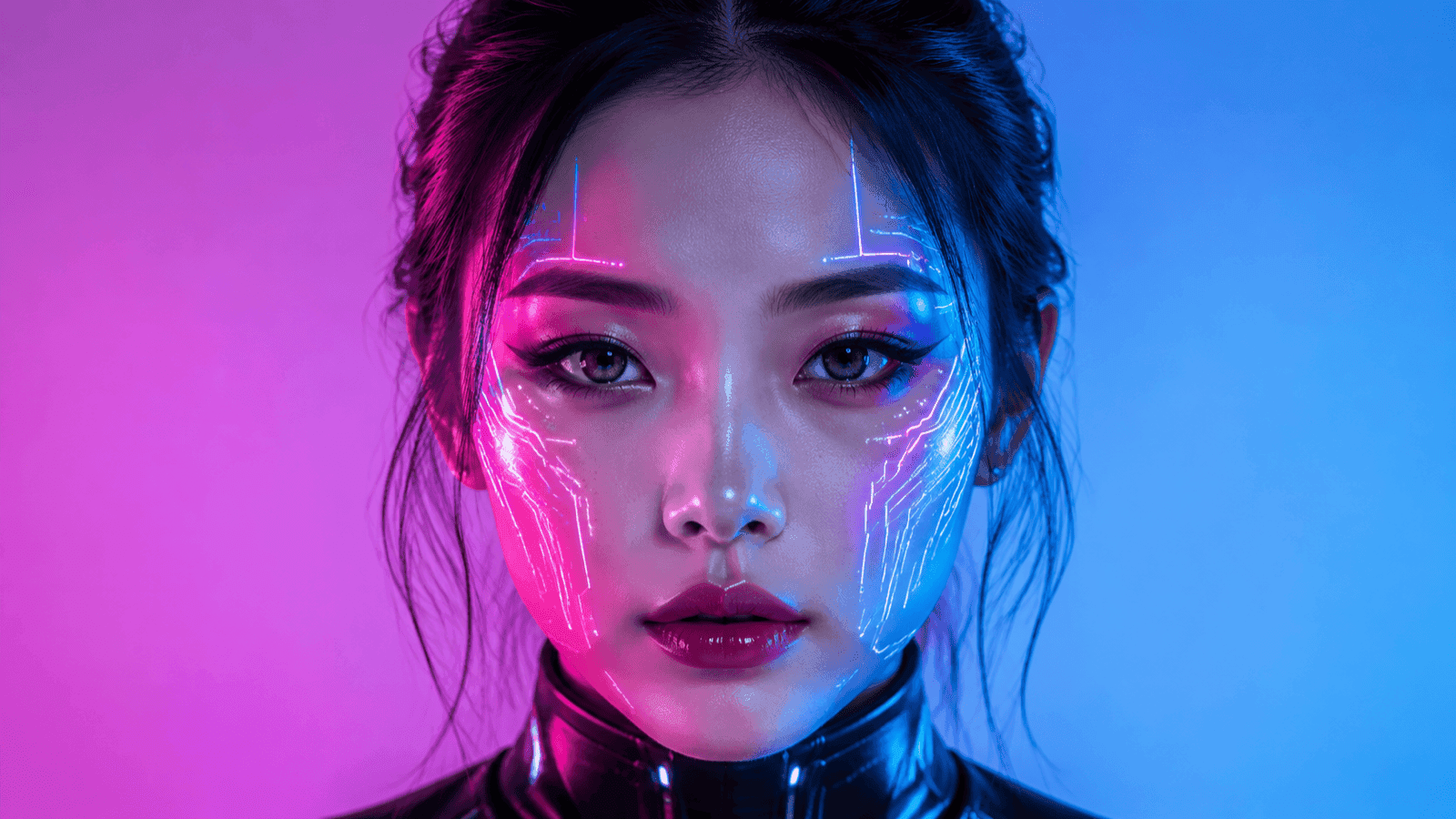 ai_image.after
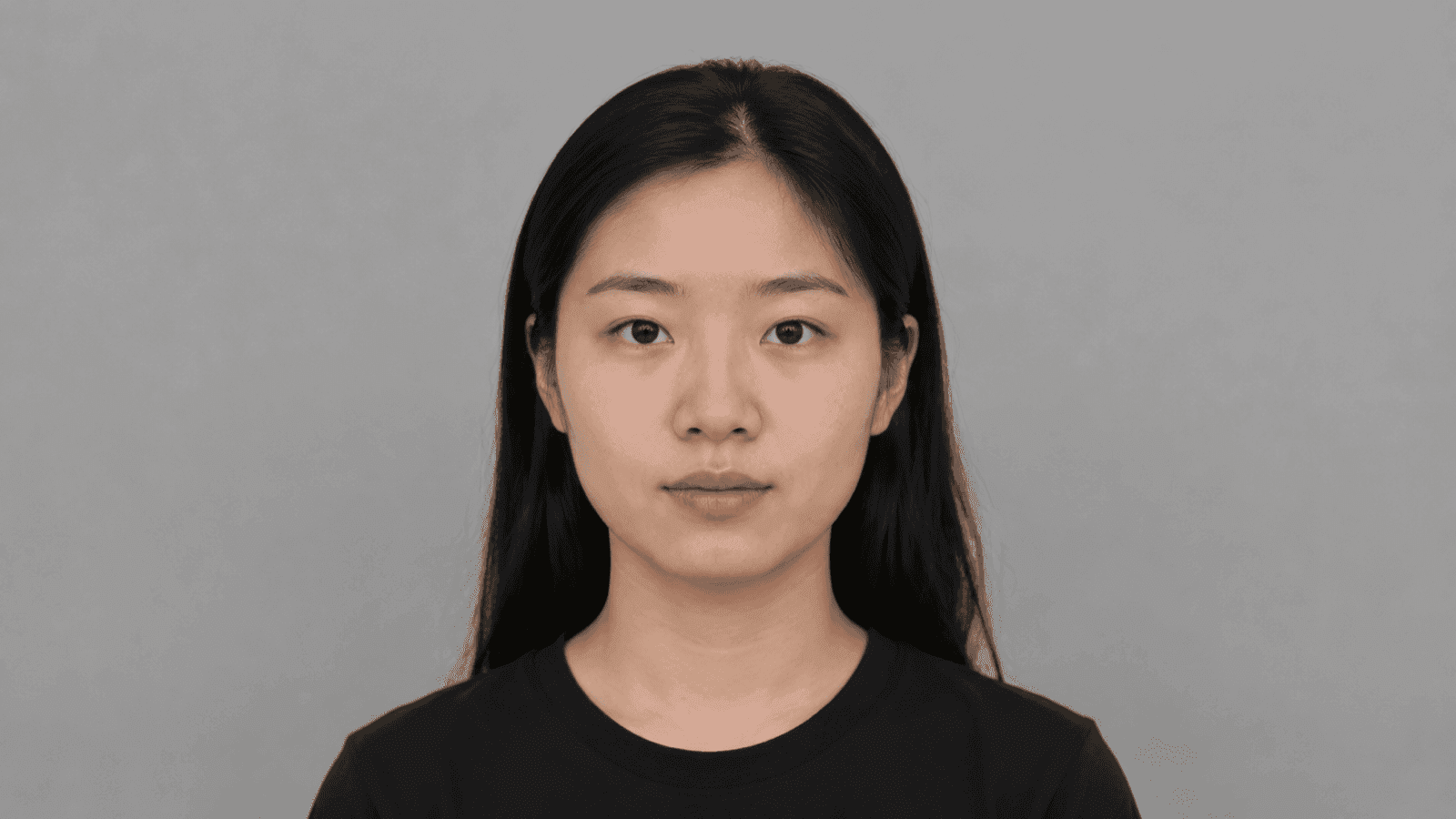 ai_image.before
Based on the marked correspondences in the puzzle, replace the two items above into the corresponding marked positions in the hands of the character below.
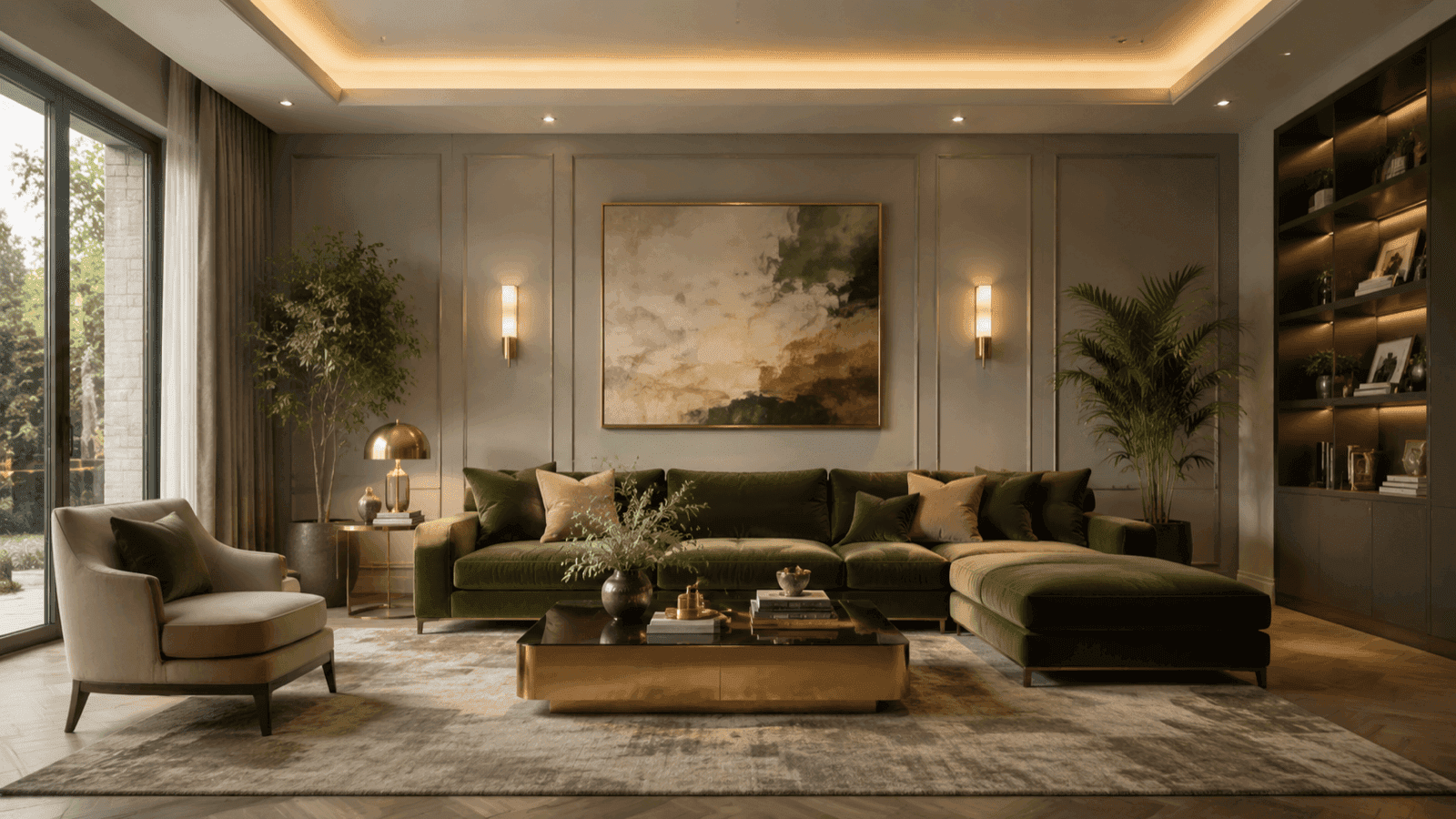 ai_image.after
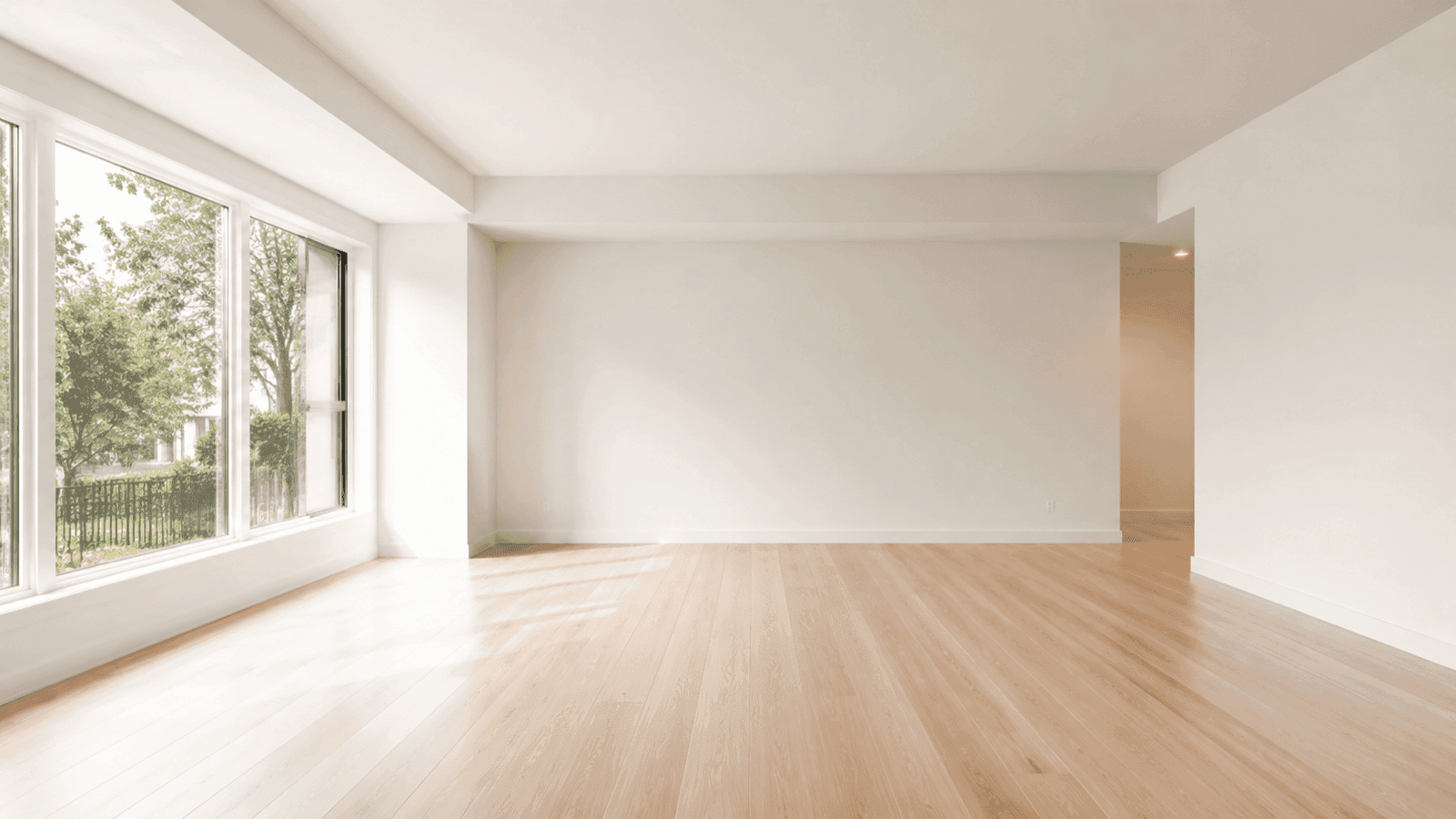 ai_image.before
Add a stack of magazines in the bottom-left marked area, and a cup of coffee in the right marked area. Remove sketch lines and blend naturally into the scene.
Fuse Up to 10 References at Once
Combine characters, outfits, scenes, and styles from multiple references into a single new image.
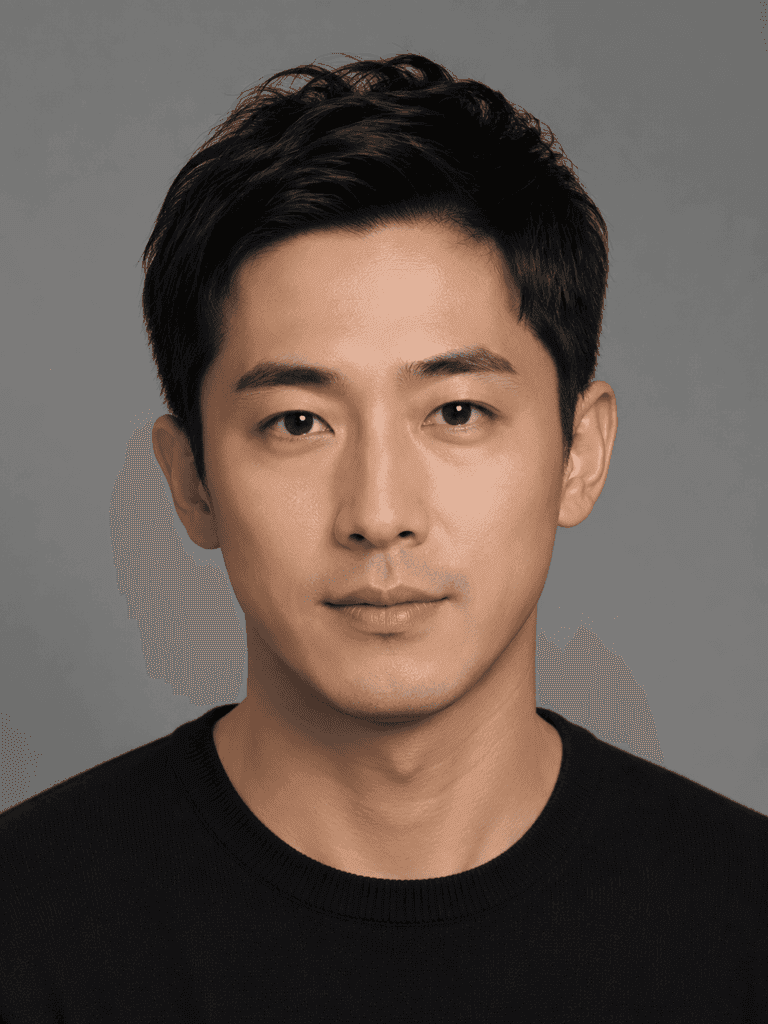
Image 1 · Character
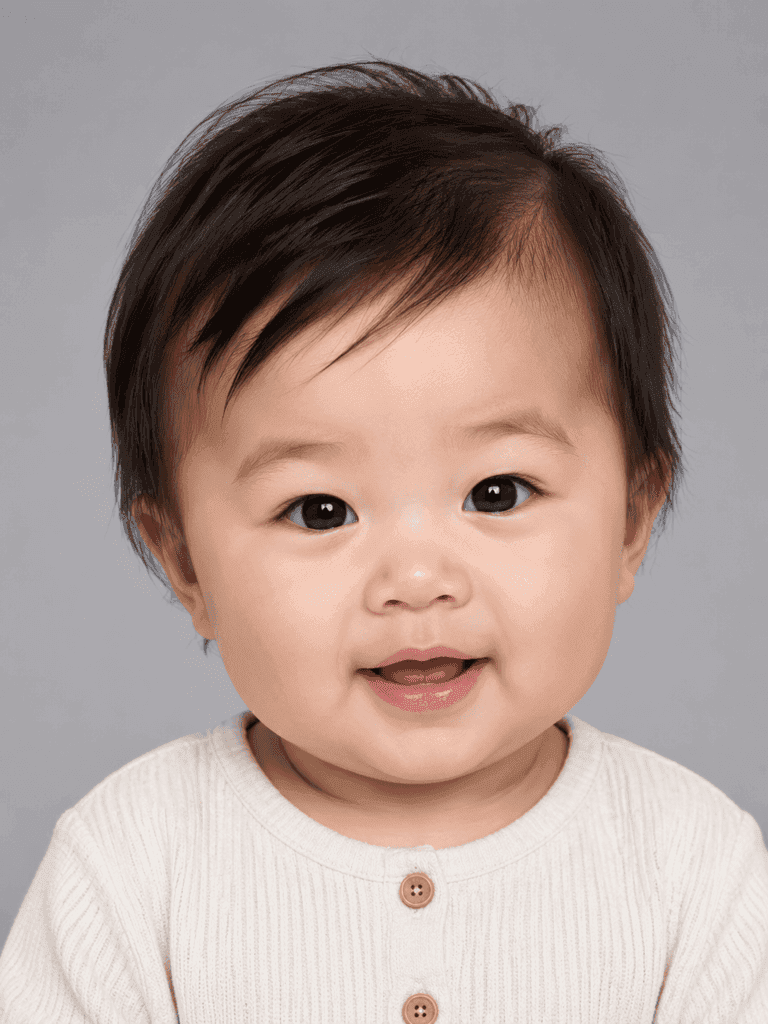
Fusion Result
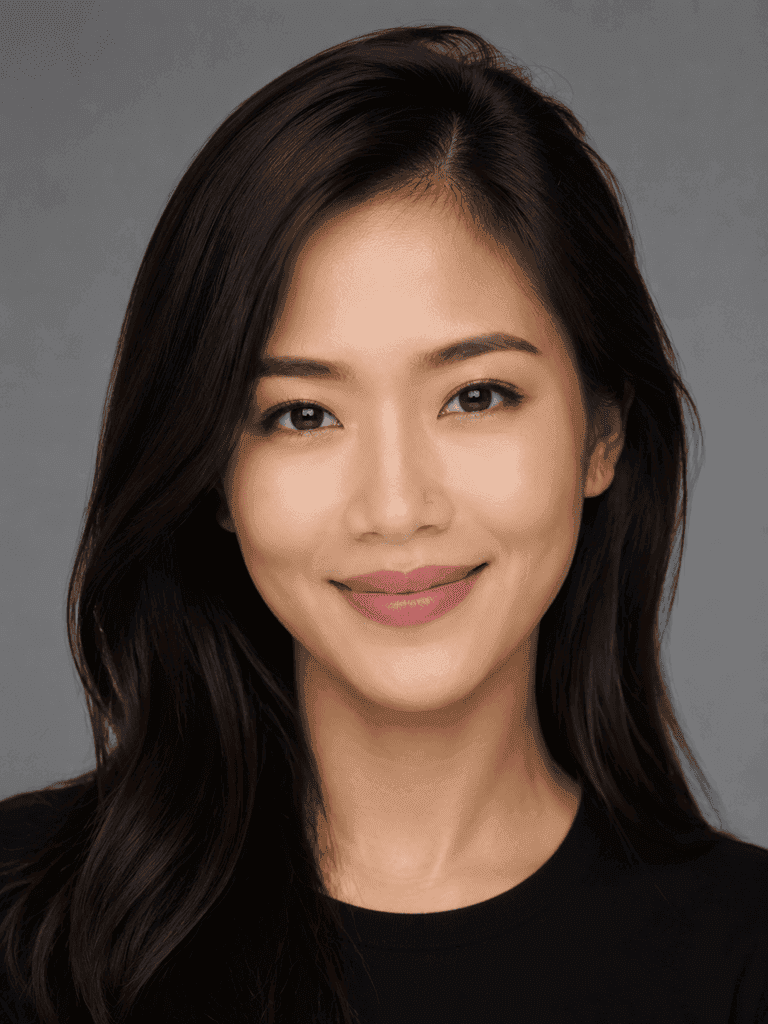
Image 2 · Outfit
"Replace Image 1's outfit with Image 2's" — done in one pass.
One prompt, one masterpiece
See how Seedream 5.0 Pro turns long prompts into visual works.
⭐ Click any picture to copy its Seedream prompt ⭐
Vibrant close-up editorial portrait, model with fierce gaze wearing a sculptural hat, bold color blocking, sharp eye focus, shallow depth of field, Vogue cover aesthetics, shot on medium format with dramatic studio lighting.
Keep the model's pose and the flowing shape of the liquid outfit unchanged. Change the outfit material from silver metal to fully transparent water. Skin details remain visible through the liquid. Light shifts from reflection to refraction.
Cinematic sci-fi realism: an astronaut repairing a spacecraft outside the station, deep starry sky with Milky Way background, detailed white spacesuit, professional tools in hand, medium-wide shot, side-back lighting, cold sci-fi color palette.
High-end skincare ad hero shot, frosted glass bottle with water droplets, soft diffuse lighting, light beige silk background, ultra-sharp focus, centered product, minimal typography-friendly whitespace.
Based on this logo, design a full outdoor sports brand identity for "GREEN" — including tote bags, hats, cards, and lanyards. Green primary palette, playful, minimal modern style.
Modern flat illustration: Shanghai 5-day weather forecast, horizontal layout, titled 'Shanghai 5-Day Weather Forecast', five equal-width vertical cards, soft colors, young male and female cartoon figures, natural expressions and relaxed poses.
Sign up to claim free credits — try Pro free
New users get free credits to test the most precise image editing model on PixMind.
How Seedream 5.0 Pro compares
See how Pro differs from Lite, Midjourney, and Flux.
| Capability | Seedream 5.0 Pro | Seedream 5.0 Lite | Midjourney | Flux.1 |
|---|---|---|---|---|
| Coordinate-based precision editing | — | — | — | |
| Doodle marker editing | — | — | — | |
| Multi-reference fusion (max images) | 10 | 14 | — | 1 |
| Native max resolution | 2K | 4K | 2K | 2K |
| Native Chinese prompt support | Limited | Limited | ||
| In-image text rendering | Limited | |||
| Commercial license | ||||
| Watermark-free output | — |
Loved by professional creators
What they say about Seedream 5.0 Pro.
Tried Midjourney, Flux — kept Pro. Coordinate editing means I can pinpoint exactly where to replace objects. No more dice-rolling.

Alex Chen
Brand Designer · Independent Studio
Multi-image fusion lets me drop a client's face, product, and logo into a brand scene in one go. One image saves a full day of compositing.

Mika Tanaka
Freelance Art Director
Doodle editing is the most intuitive local-edit tool I've used. Circle, change, AI blends — no more Photoshop masks.
Daniel Rivera
E-commerce Lead
Why choose Seedream 5.0 Pro
Six reasons professional creators pick Pro.
Pro-grade precision control
Coordinates, doodles, and reference images — three ways to specify exactly where to edit.
2K native output
Native 2K resolution, dual PNG/JPEG output — ready for posters, ads, and e-commerce hero shots.
Native Chinese prompt support
No prompt translation needed. Long Chinese sentences work natively — better context understanding than international models.
Up to 10 reference images
Fuse characters, outfits, products, logos, and scenes into one image with controllable element relationships.
Watermark-free commercial license
No watermark on output, standard commercial license — safe for ads, e-commerce, and brand creative.
500 IPM high throughput
500 images per minute throughput — batch generation for teams without bottleneck.
Start with Pro in three steps
Sign up, write a prompt, generate — done in under a minute.
Sign up free
Create an account to claim free credits and try every Pro capability instantly.
Pick Pro model
Select Seedream 5.0 Pro in the creator. Optionally upload references, mark coordinates, or doodle.
Generate and refine
After generation, use interactive editing to fine-tune details — iterate until it's perfect.
Start creating with Seedream 5.0 Pro
Join thousands of professional creators using Pro-grade precision to elevate their work.
FAQs about Nano Banana
Answers to common questions about Nano Banana image generation and editing