
Image to Prompt Generator – Reverse Engineer Any Image
Upload any image and get detailed AI prompts for Midjourney, DALL-E, Stable Diffusion & Flux. Free, instant, no signup.
Image to PromptSelect AI Model
Generated prompt will appear here
Showcase Examples
Real prompts generated from real images
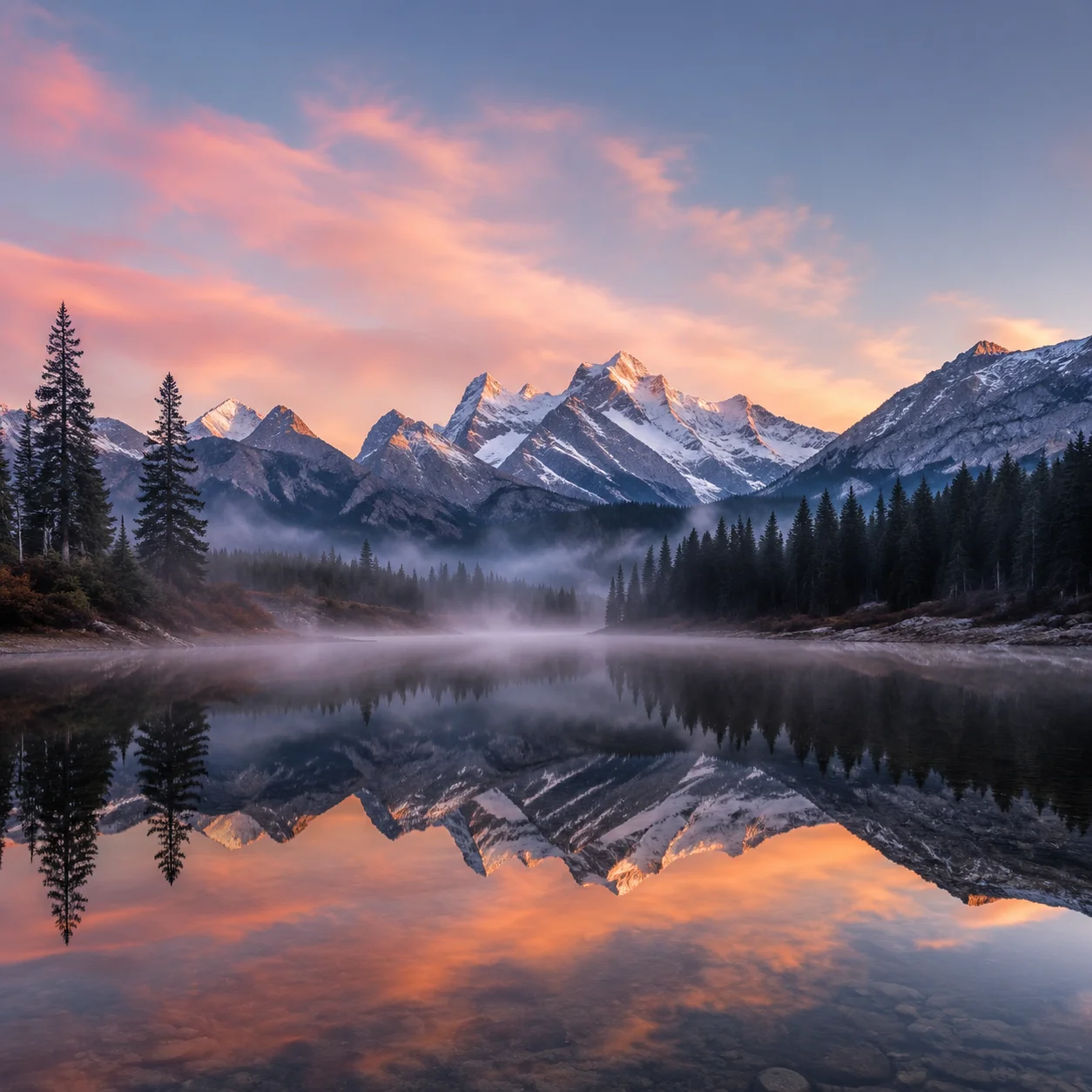
A serene mountain lake at dawn, mist rising from the water, snow-capped peaks reflected on the surface, soft pink and orange sky, ultra-wide angle, photorealistic, 8k
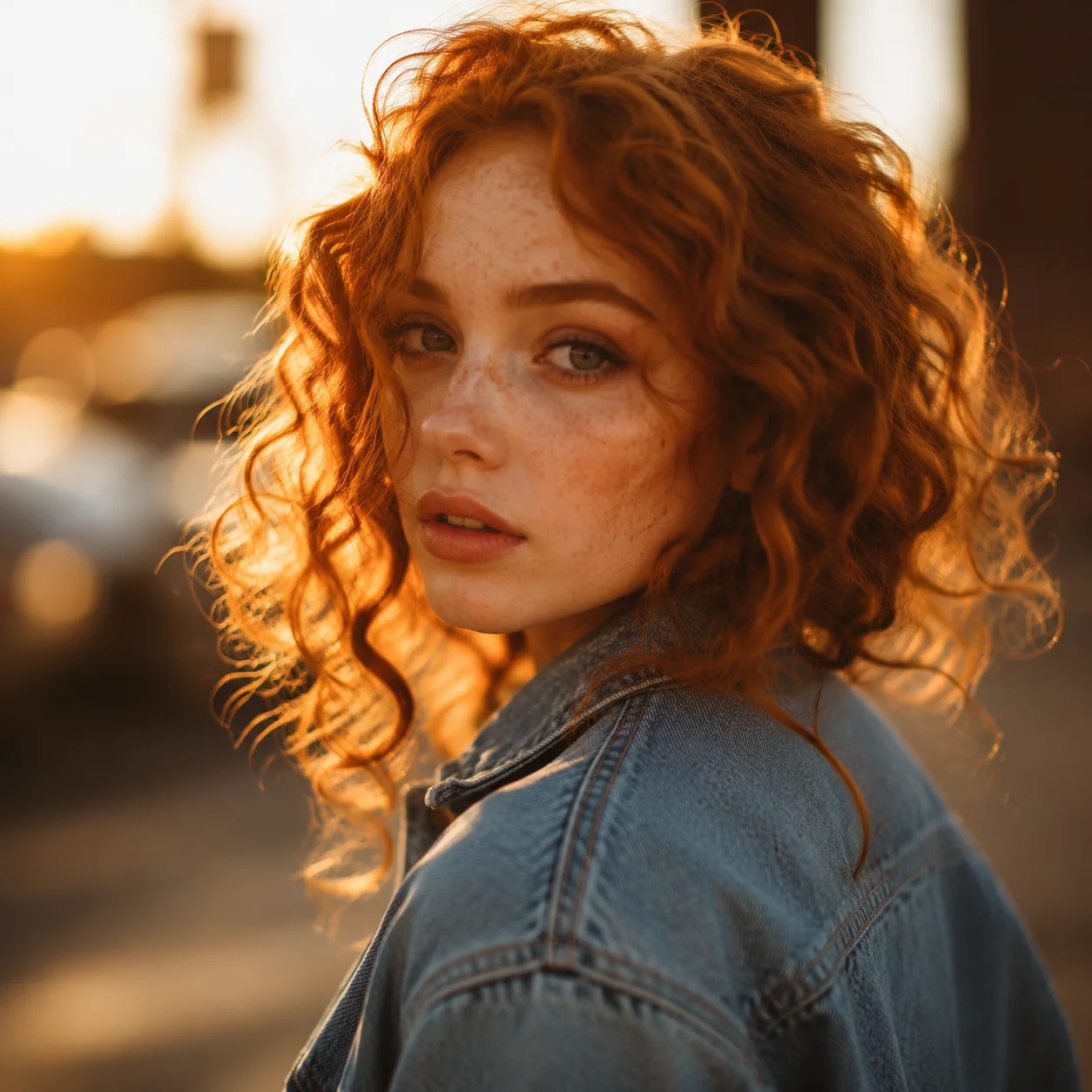
Portrait of a young woman with curly red hair, freckles, wearing a vintage denim jacket, golden hour lighting, shallow depth of field, shot on 85mm lens, cinematic
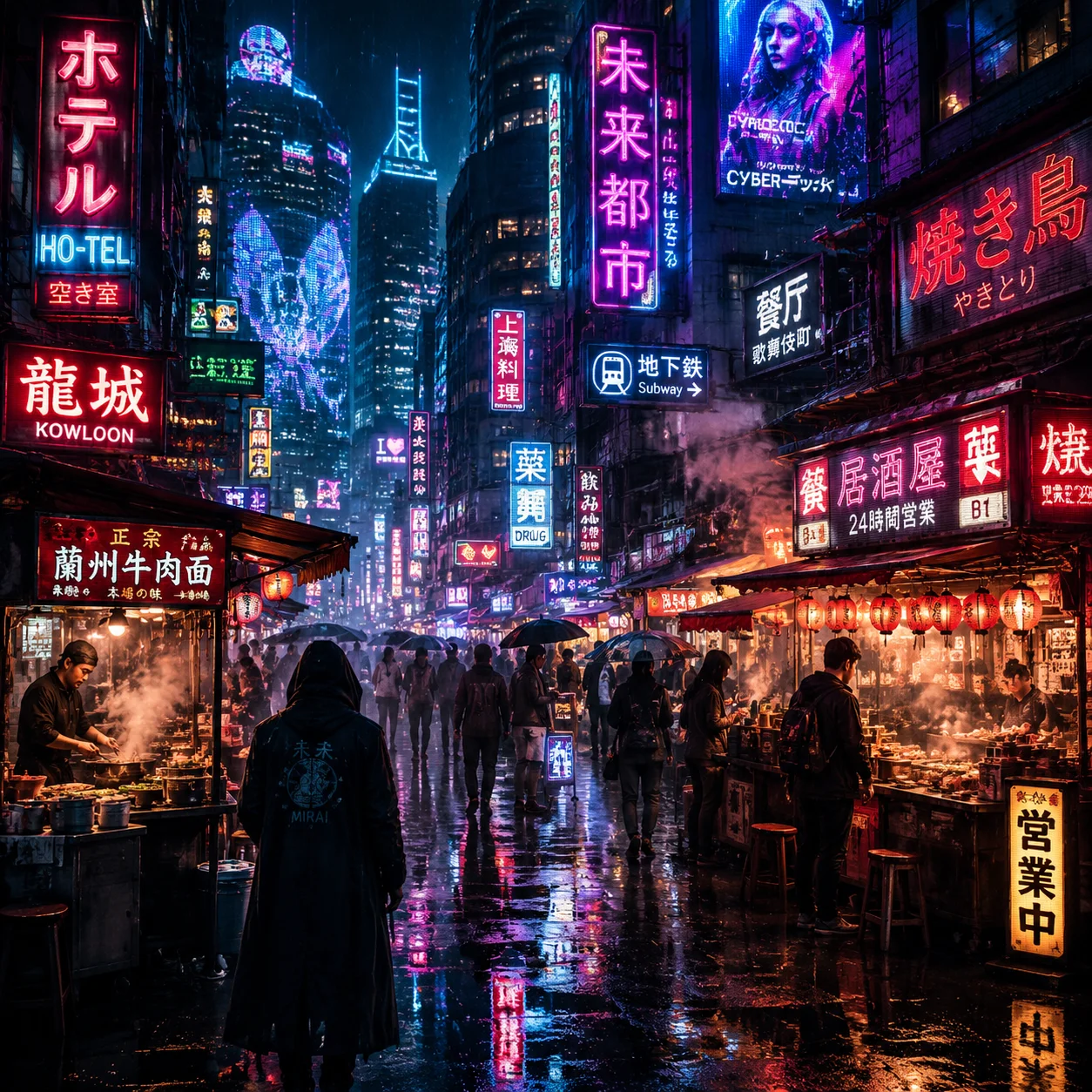
Futuristic cyberpunk street market at night, neon signs in Japanese and Chinese, rain-soaked pavement reflections, steam rising from food stalls, moody atmosphere
Kickstart Your Creation with Image to Prompt

Let AI Write the Prompt for You
Stop spending hours crafting the perfect prompt. Upload your reference image and our AI instantly analyzes composition, style, lighting, colors, and subject matter to produce a ready-to-use prompt for any model.
Try it now!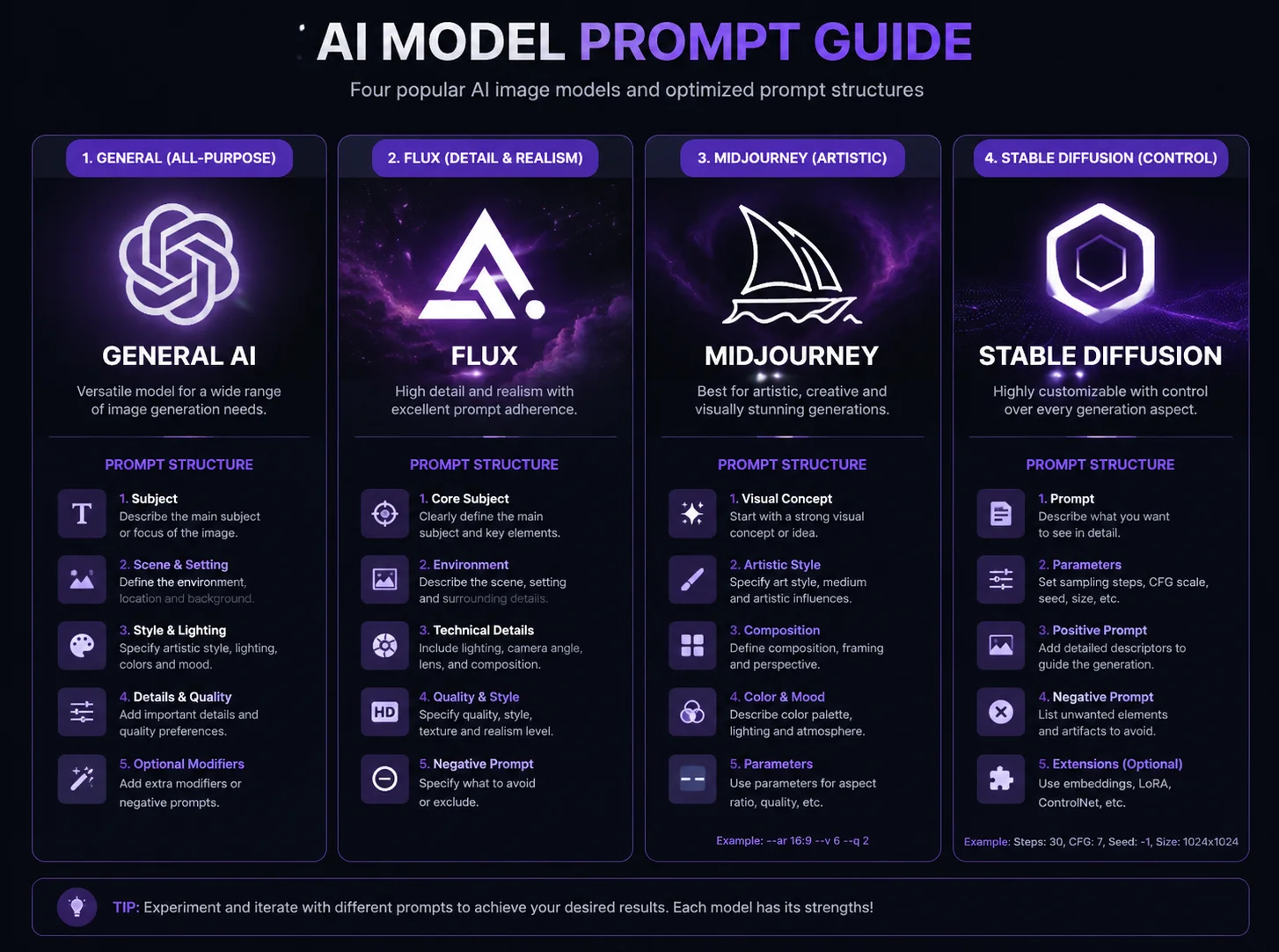
Structured Prompt Customization
Choose from four specialized formats — General, Flux, Midjourney, and Stable Diffusion. Each output is structured to match the target model's preferred syntax for maximum fidelity.
Try it now!Highly Accurate Image to Prompt Generation
Convert original images to prompts and regenerated with AI to see our prompt accuracy
Original
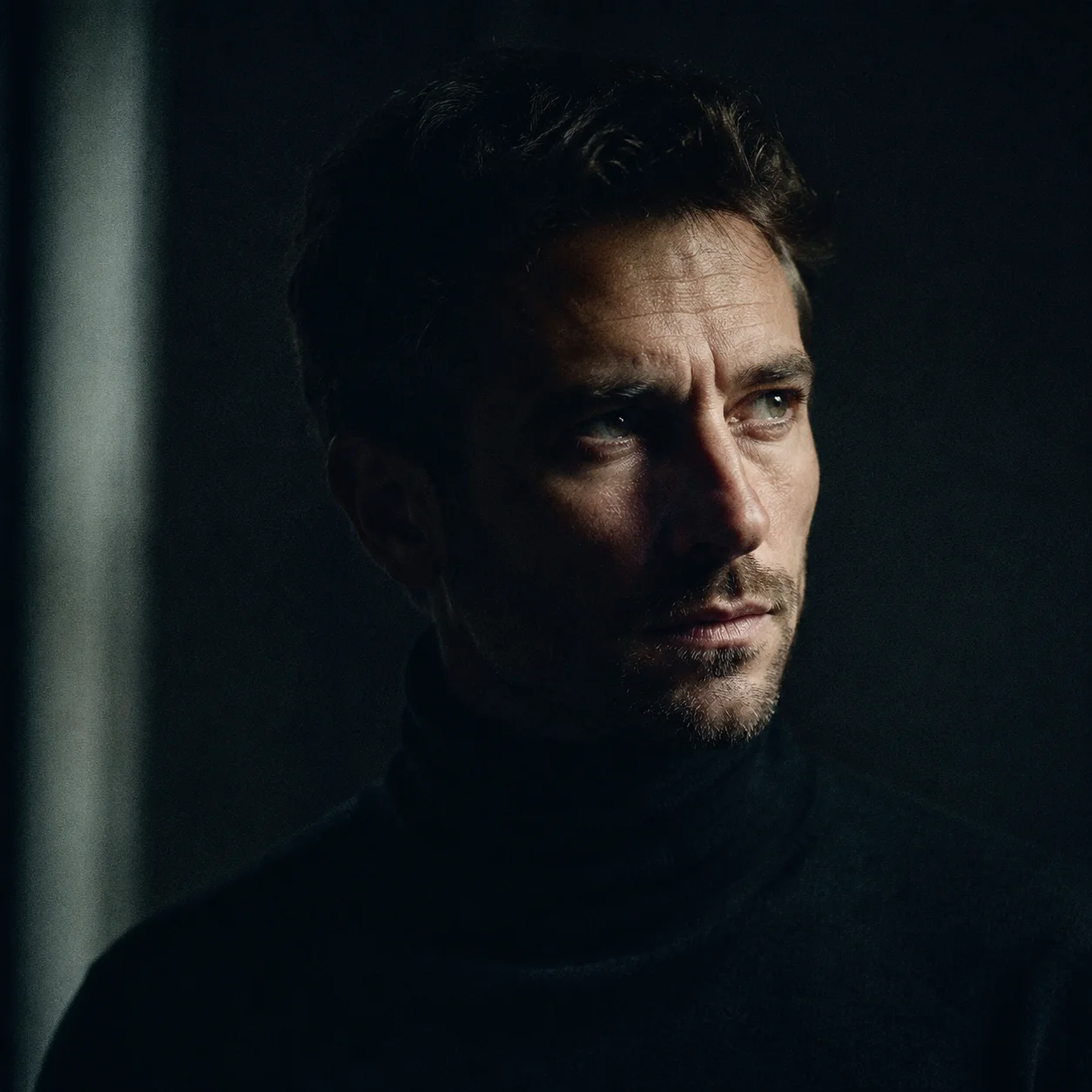
Generated
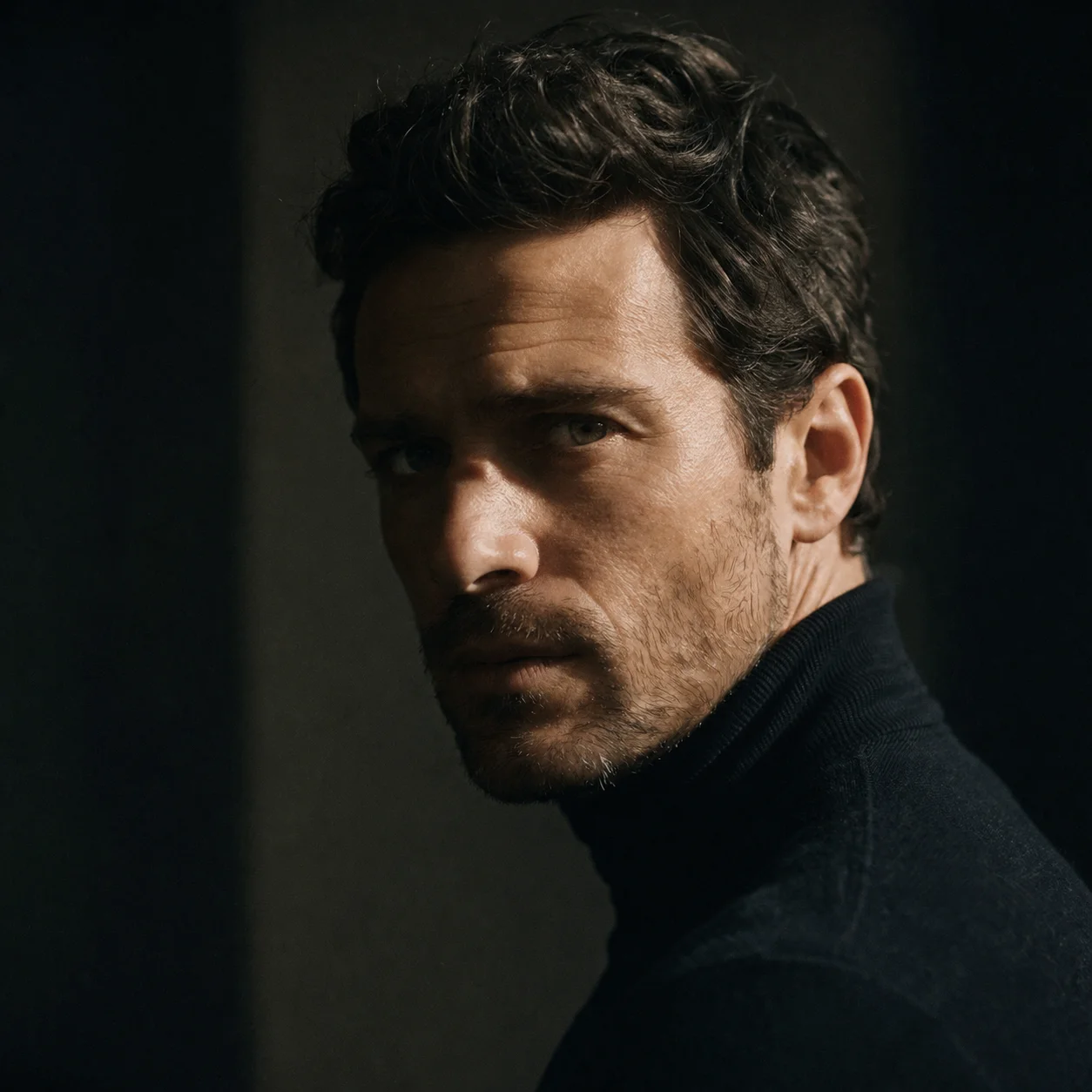
Cinematic portrait recreated from a detailed prompt
Original
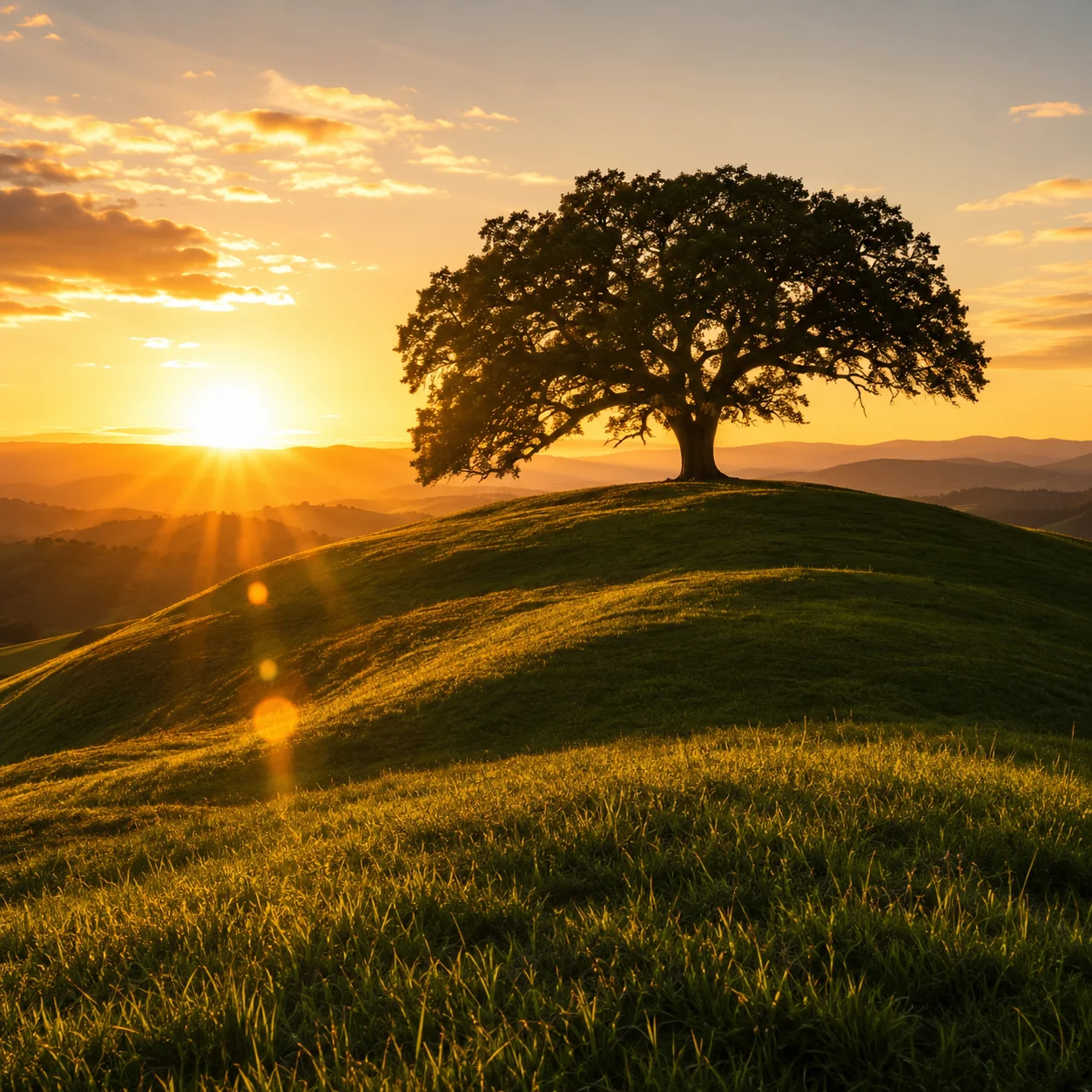
Generated
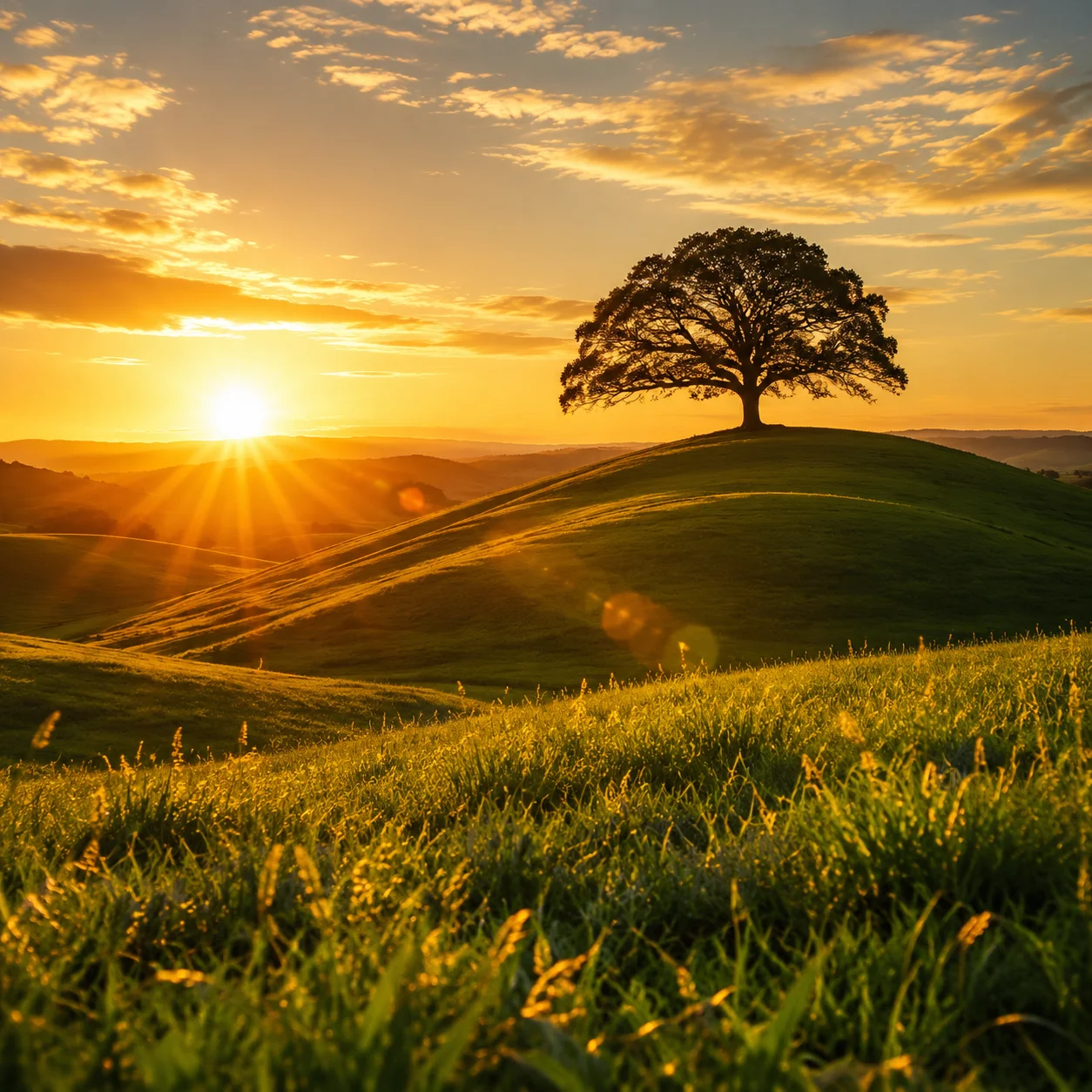
Landscape scene with accurate lighting and mood
Original
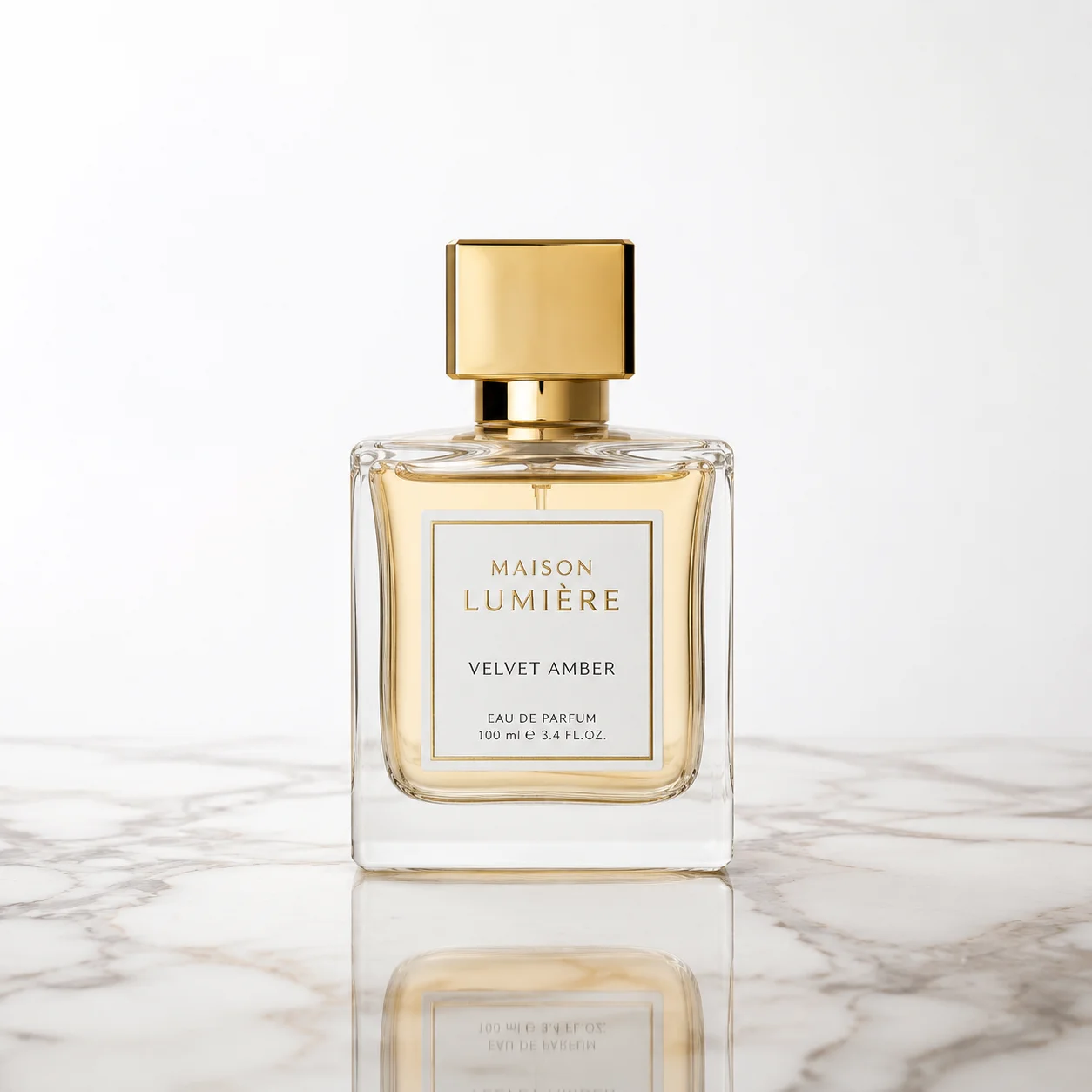
Generated
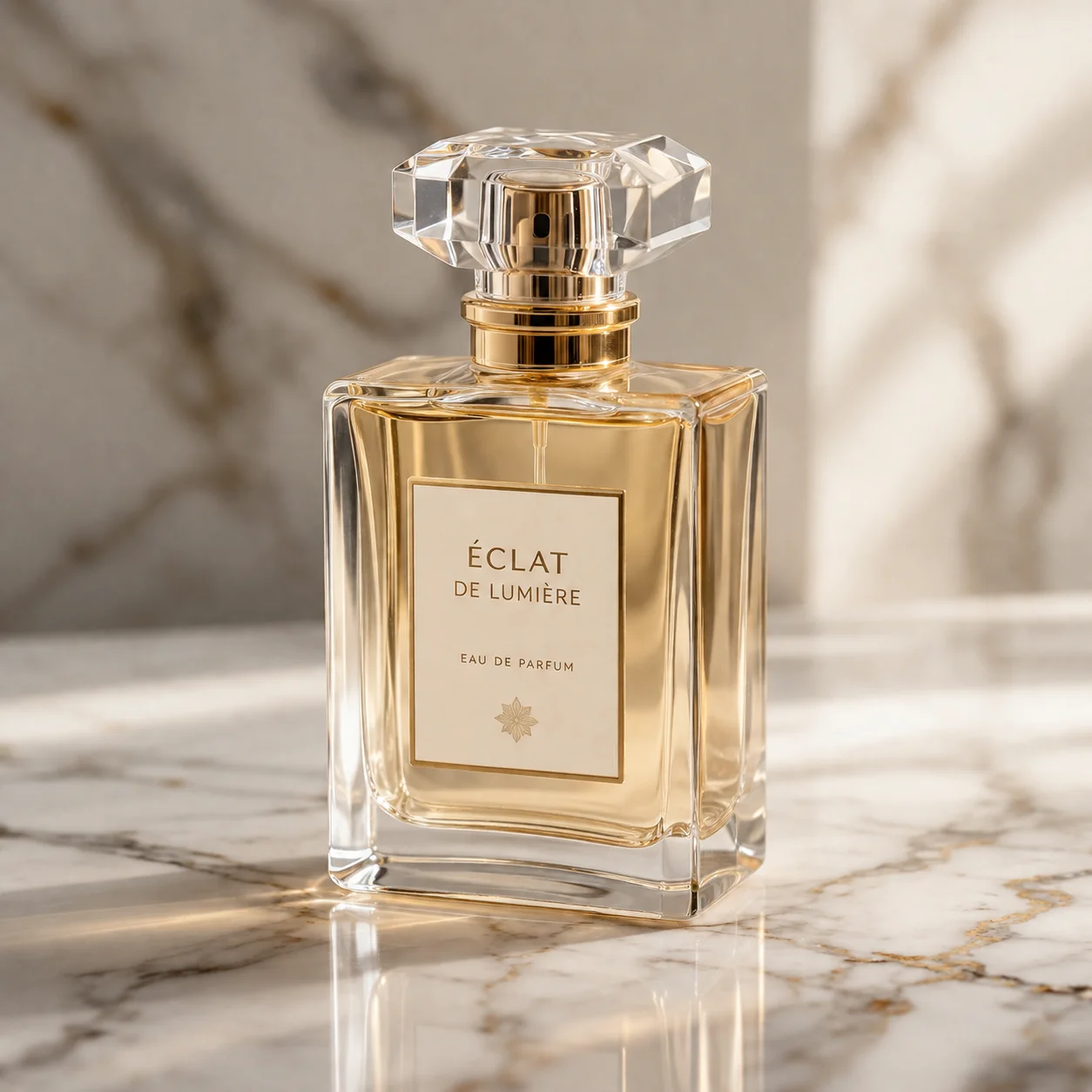
Product shot replicated with precise detail
Original
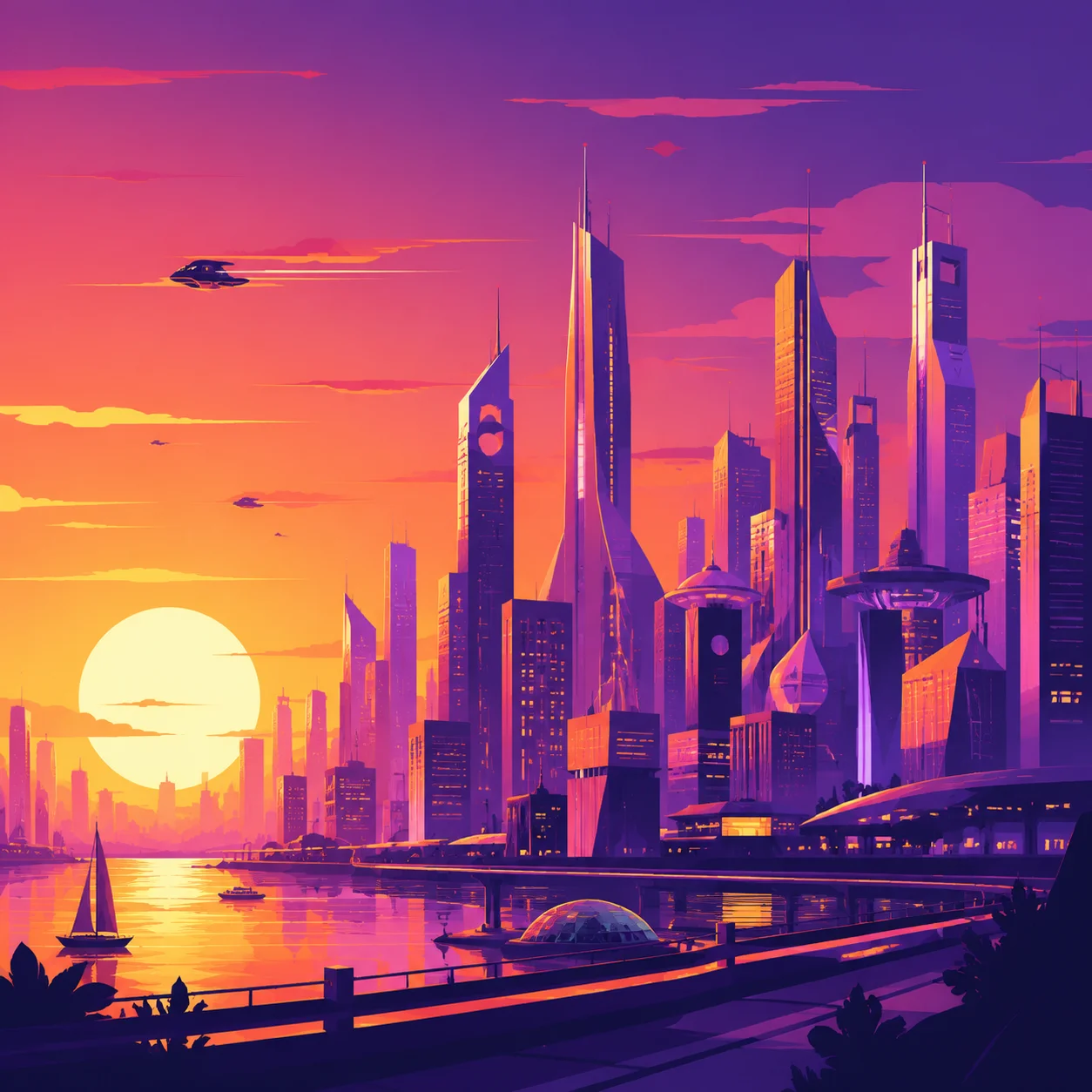
Generated
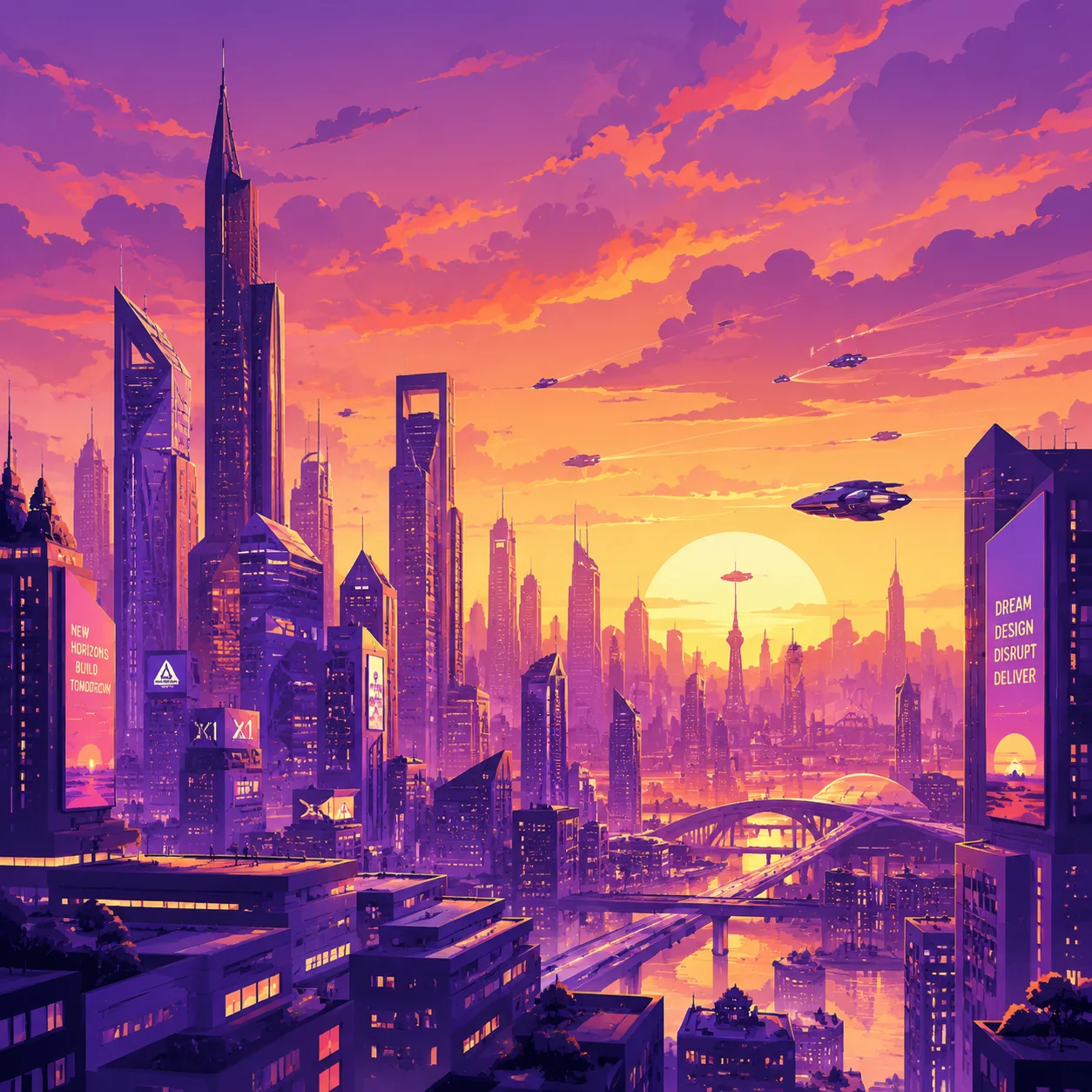
Stylized illustration matched to the source
What Our Users Say
Thousands of creators rely on PixMind every day
Sarah Chen
"I use this daily for client mood boards. The Midjourney prompts are spot on — saves me hours every week."
Marcus Reid
"Best free reverse prompt tool I've tried. The Flux format actually works on Flux, unlike others I've tested."
Aisha Patel
"As a non-technical artist, this bridges the gap between what I see and what I can describe. Game changer."
Liam O'Brien
"The paste-and-go workflow is exactly what I needed. Upload, click, copy. Done in 10 seconds."
Yuki Tanaka
"Multi-language support is fantastic — I generate prompts in Japanese and they still work great on Midjourney."
Elena Rossi
"Accurate prompts and a clean UI. The before/after comparisons sold me on the quality."
How to Use Image to Prompt Generator
Four steps from image to ready-to-use prompt
Upload, paste, or paste an image URL into the box above
Pick the AI model format you want the prompt for
Click Generate Prompt and wait a few seconds
Copy the result into your favorite AI image generator
Frequently asked questions
Everything you need to know about Image to Prompt
Want to enhance text prompts? Try Text to Prompt