Pixmind

Recraft AI Image Generator

Generate designer-ready images, editable SVG vectors, icons, logos, mockups, posters, and brand assets with Recraft AI. Create raster and vector visuals in one production-focused design workflow.

Editable SVGMockupsBrand Assets
Recraft for images, vectors, icons, logos, and mockups

Generate designer-ready images and editable brand assets in one AI workspace.

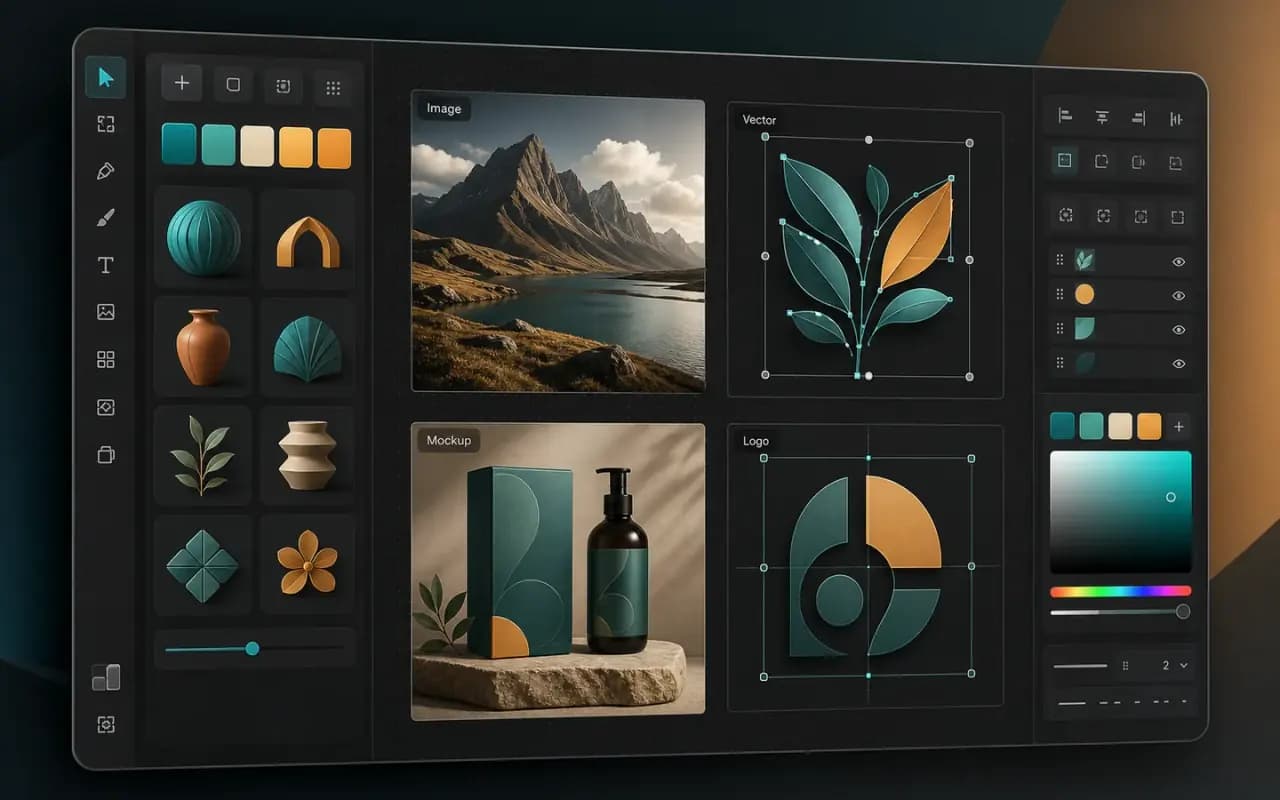
Recraft is built for visual production: create raster images, SVG vectors, icons, logos, mockups, posters, and brand-consistent graphics, then refine them with editing tools for real design workflows.

Recraft V4 AI image and vector design workspace

Key features

Why Recraft works better for design assets

Recraft V4 AI image and vector design workspace

AI images for designers

Generate photorealistic images, posters, illustrations, stock-style visuals, food images, and product creatives in a workflow built for design production.

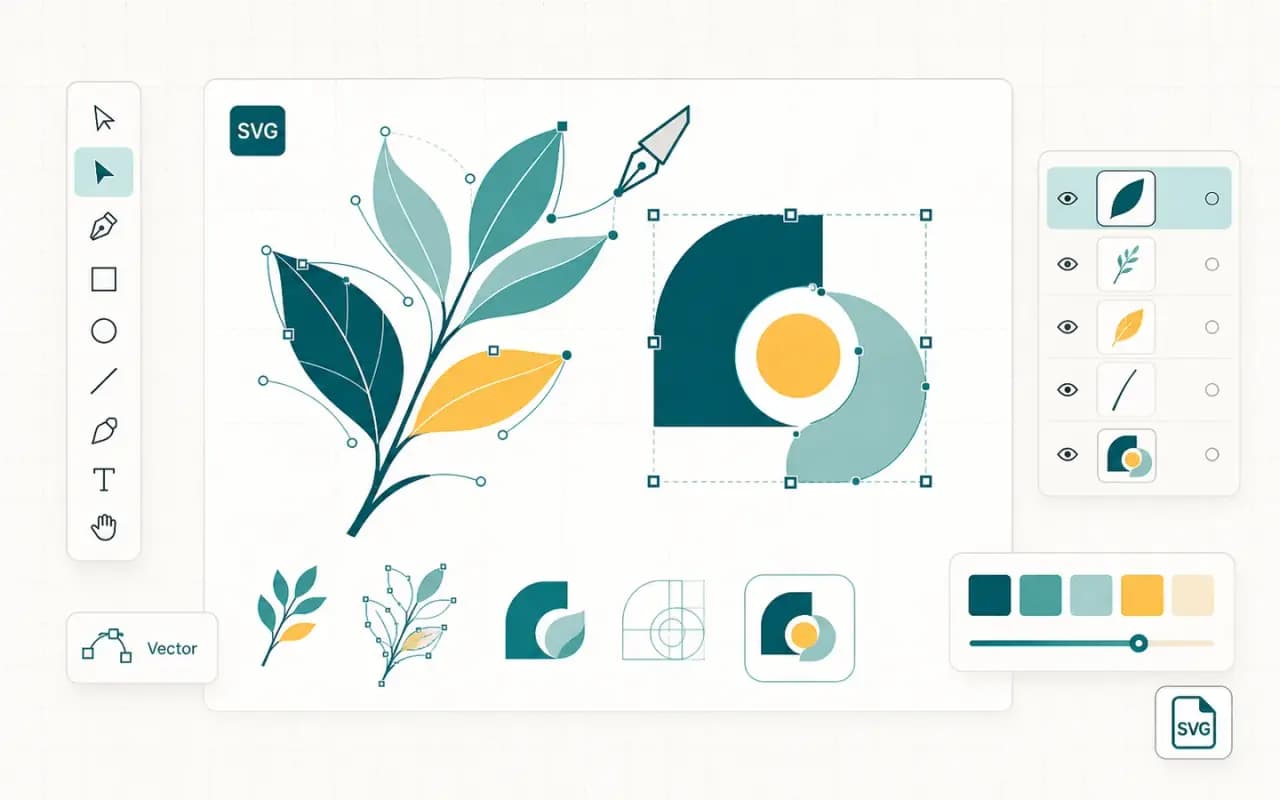
Editable SVG vector generation with anchor points and design controls

Editable SVG vector generation

Use Recraft for logos, icons, mascots, vector illustrations, and scalable assets that need to move from AI draft to real design work.
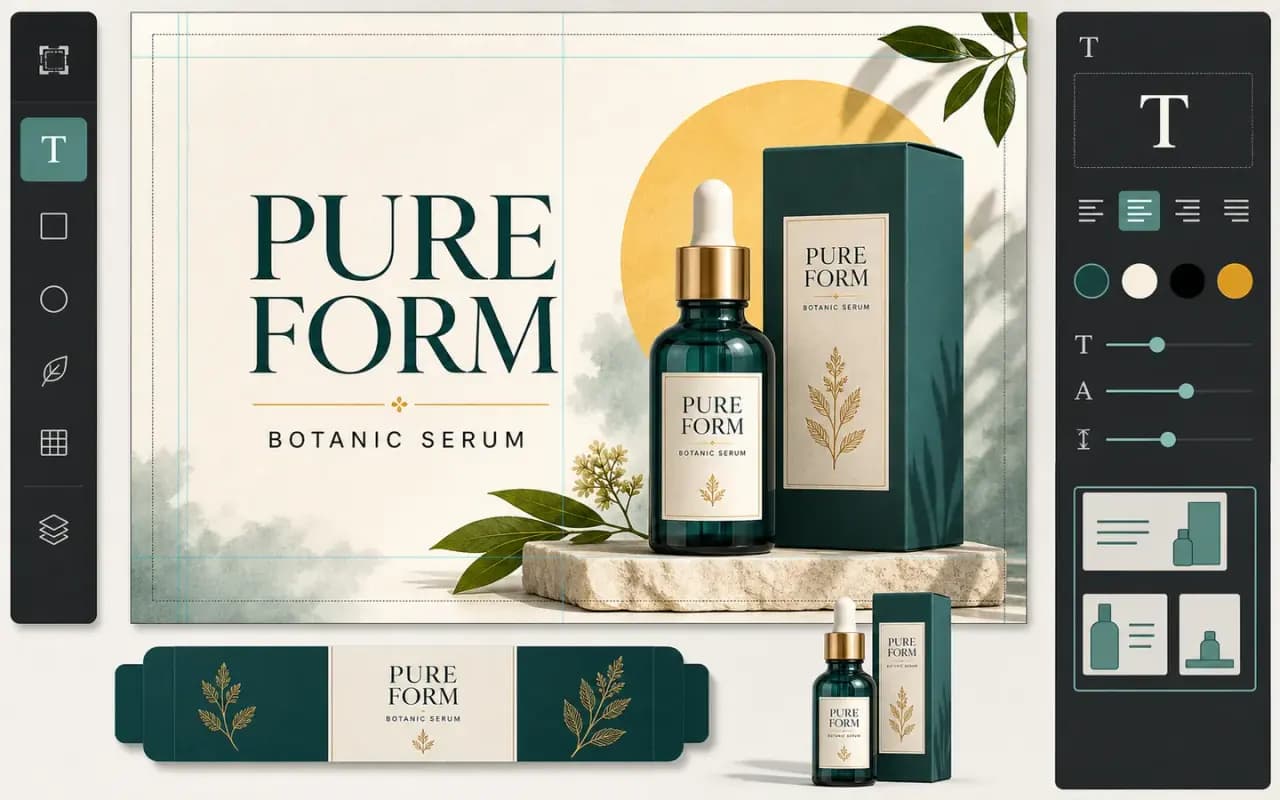
AI generated poster with readable product typography

Text rendering inside images

Create visual assets with readable headlines, labels, posters, mockup copy, and brand messages instead of treating text as an afterthought.
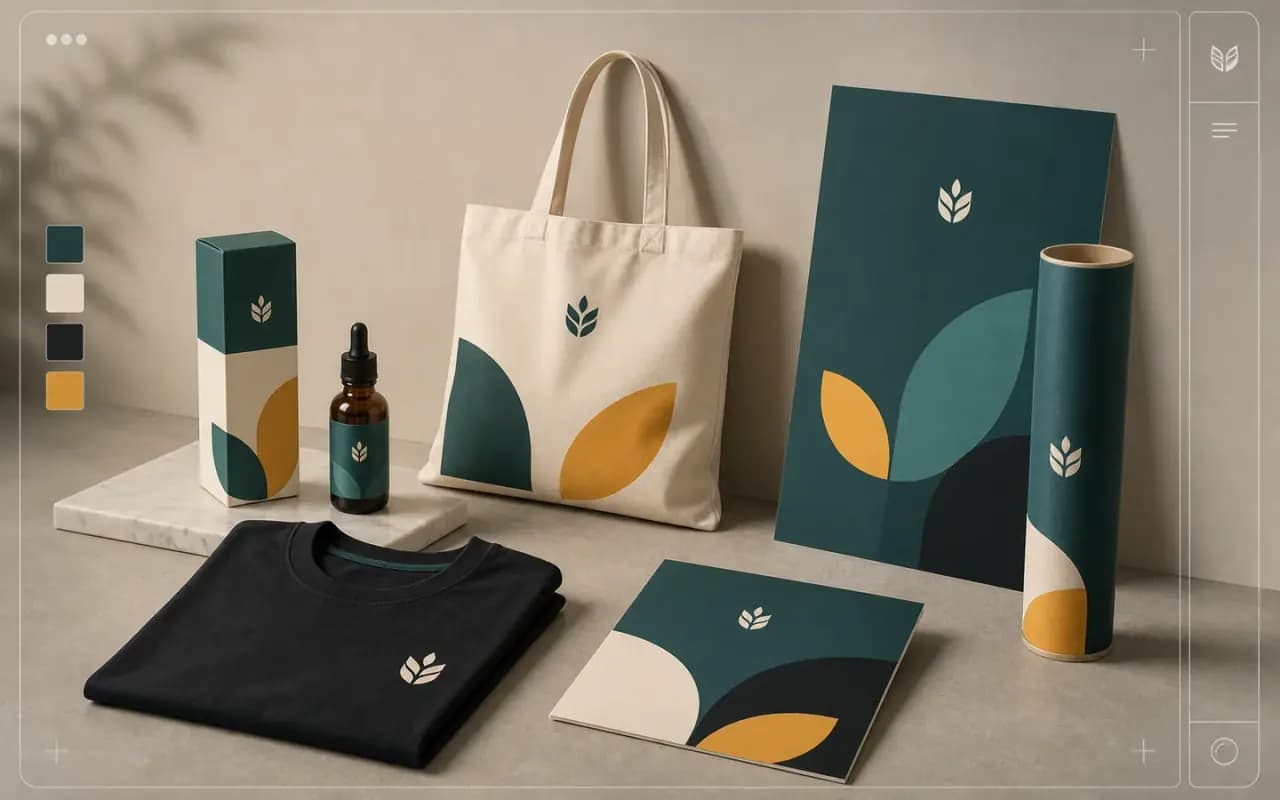
AI generated product mockups and brand assets

Mockups and brand assets

Generate packaging, apparel mockups, posters, product previews, social creatives, and print-on-demand assets from one creative brief.
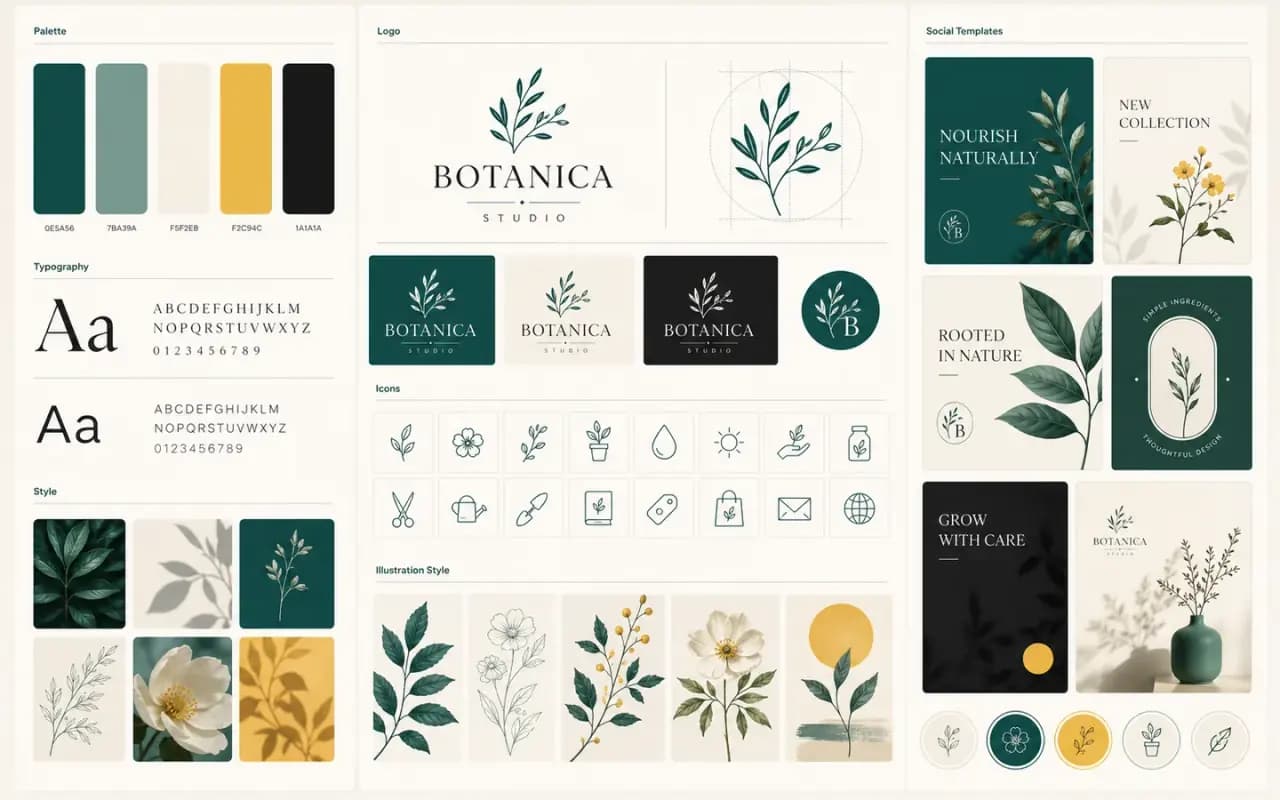
Consistent brand system board generated with AI

Brand style control

Keep a visual system consistent with brand colors, style references, repeatable illustration language, and controlled creative variations.
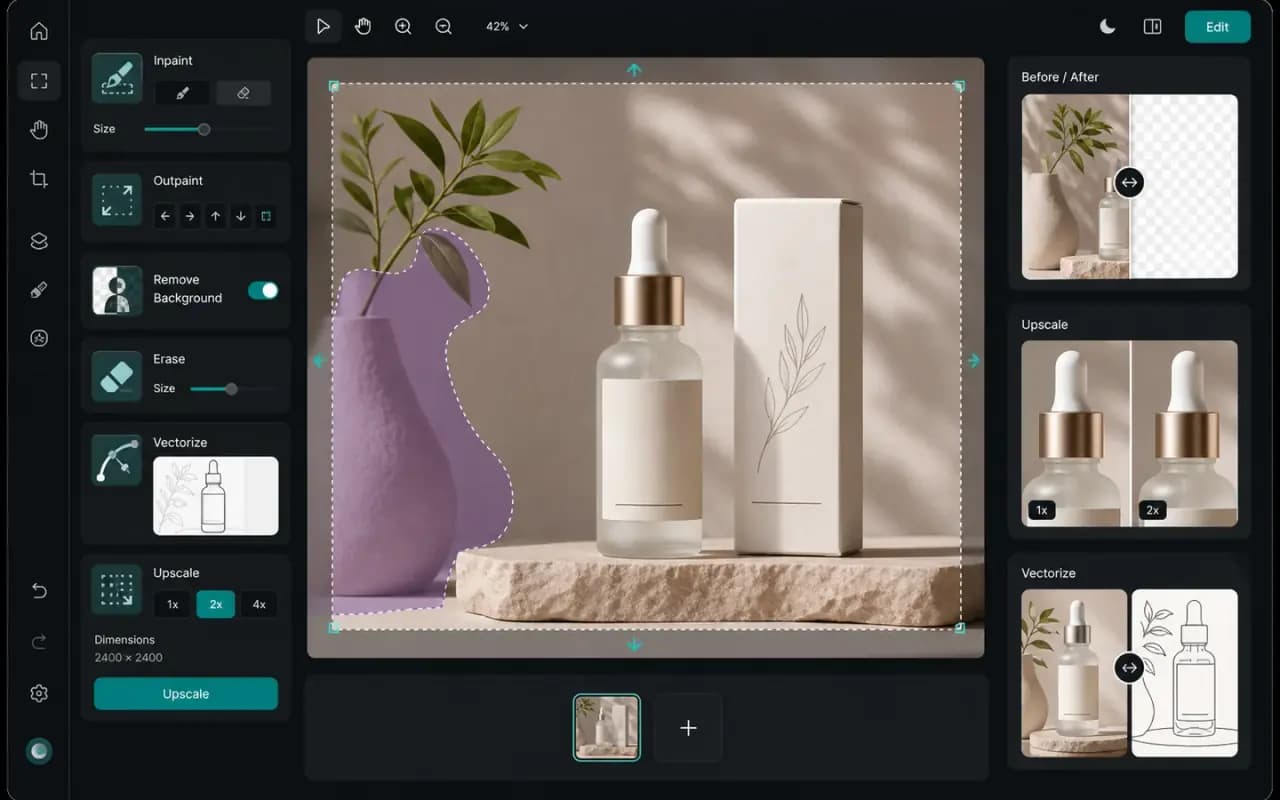
AI image editing workspace with mask, remove background, and upscale tools

Built-in AI editing tools

Refine with inpainting, outpainting, erase region, background removal, vectorization, crisp upscale, and creative upscale workflows.

Use cases

Cover the whole brand asset pipeline

Recraft is strongest when the deliverable needs to become a usable design asset, not just a single AI artwork.

Logo concepts
SVG icons
Product mockups
Ad creatives
Posters
Stock images
Food images
Brand illustrations
Print-on-demand art
Social media graphics
Character assets
Vector stickers

How to use

From prompt to production-ready asset

01

Describe the design task

Write the object, style, format, text, brand colors, and whether you need raster, vector, icon, logo, or mockup output.

02

Choose output mode

Use image generation for raster visuals, vector generation for editable SVG, or editing tools for refining an existing asset.

03

Edit and export

Remove backgrounds, vectorize, upscale, modify regions, extend canvas, then export production-ready formats.

Model parameters

Recraft AI image generator parameter comparison

Compare concrete output types, export formats, resolution notes, and design workflow support.

Parameter
Recraft
Midjourney
Flux
Nano Banana Pro
Model family
Recraft V4 / V4 Pro / V4 Vector / V4 Pro Vector
Midjourney image model
Flux image models
Nano Banana Pro
Output type
Raster images and editable SVG vectors
Raster images
Raster images
Raster images
Vector / SVG
Native SVG generation and vectorization
No native editable SVG
Resolution
V4 Pro print-ready 2048 x 2048px; API input up to 16MP / 4096px edge
HD output, commonly 2048px class
Model tier dependent, often 1K-2K
1K, native 2K, up to 4K download
Formats
SVG, PNG, PDF, TIFF, Lottie
PNG/JPG downloads
PNG/JPG/WebP by provider
PNG/WebP by platform
Text in image
Strong for posters, labels, mockups, and brand graphics
Not reliable for dense text
Limited for dense reliable text
Strong for headlines, labels, charts, and infographics
Editing tools
Inpaint, outpaint, erase, background remove, vectorize, upscale
Variation and region tools
Kontext/control variants by provider
Prompt editing and reference-guided refinement
Best use case
Designer-ready images, vectors, icons, logos, mockups, brand assets
High-aesthetic exploration
Photoreal and style variants
Text-heavy production visuals

SEO-friendly details users actually search for

Recraft is a fit for searches around AI vector generator, SVG generator, AI logo generator, AI icon generator, mockup generator, background remover, vectorizer, and image upscaler.

SVG output
PNG export
PDF / TIFF
Lottie
16MP API input
4096px max edge
Background removal
Crisp upscale

Recraft AI Image Generator FAQ

Answers to common questions about Recraft image generation, SVG vectors, logos, mockups, and AI editing.

Recraft AI Image Generator is a design-focused AI tool for creating raster images, editable SVG vectors, icons, logos, mockups, posters, and brand assets from text prompts or references.

Related Tools