Text to video
Turn one storyboard beat into a moving draft. Keep the action simple and use the result to compare staging or camera direction.

Google Cloud · Previsualization route
Use Veo 3.0 Fast to test staging, camera direction, and audiovisual timing before spending more credits on a final-quality render.

Route cover, not a generated-output claim.
Exact model workspace
The generator is pinned to veo-3.0-fast. Current settings and charged credits come from the live route.
Choose the input that already contains the most important part of the shot, then confirm the current controls in the generator.
Turn one storyboard beat into a moving draft. Keep the action simple and use the result to compare staging or camera direction.
Use one approved image to anchor identity or opening composition, then request one readable action and a controlled camera move.
Fast-route workflow
Turn one storyboard beat at a time into motion so staging and framing problems appear before final production. Treat each generation as a decision tool: establish the subject, test one action, and finish on a frame that clearly shows whether the shot should continue.
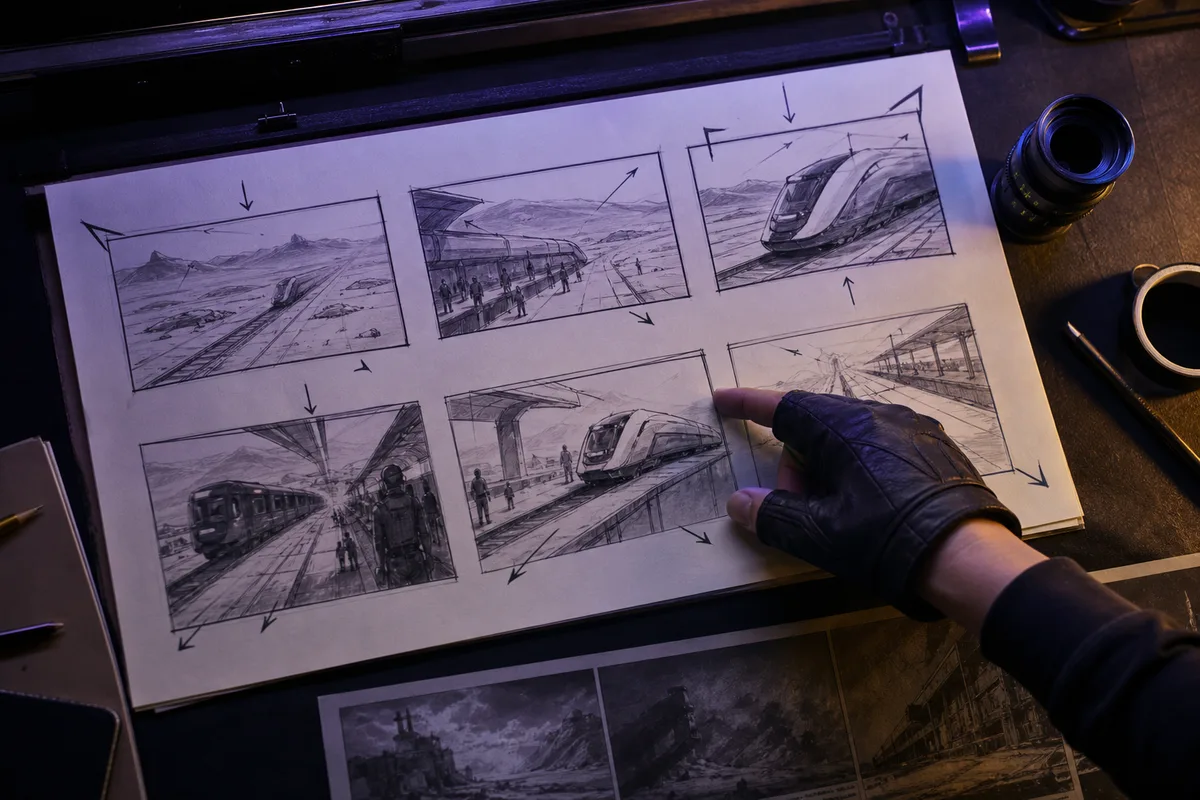
Fast-route workflow
Keep subject action and environment unchanged while testing how the camera changes the shot. A push-in may add intimacy, lateral tracking can reveal speed, an orbit can emphasize form, and a locked frame can make performance easier to judge.

Fast-route workflow
Use a short Fast draft to check whether one visible event and one sound cue land together before spending time on fine texture. This is useful for impact moments, product clicks, footsteps, short spoken reactions, and environmental transitions.
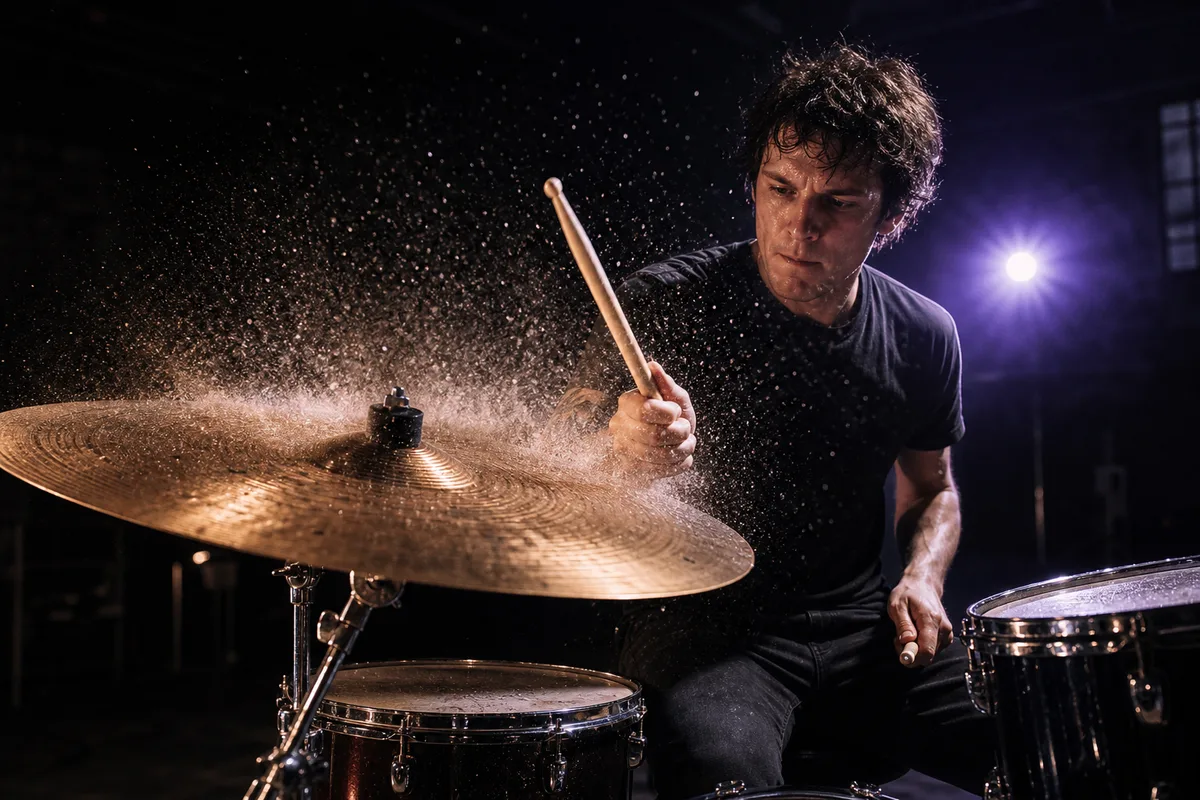
Fast-route workflow
The production endpoint reported a 30-credit snapshot on the audit date, making this route useful for direction finding before a higher-cost quality pass. The word Fast describes the workflow role; queue conditions still affect total generation time, and live pricing can change.
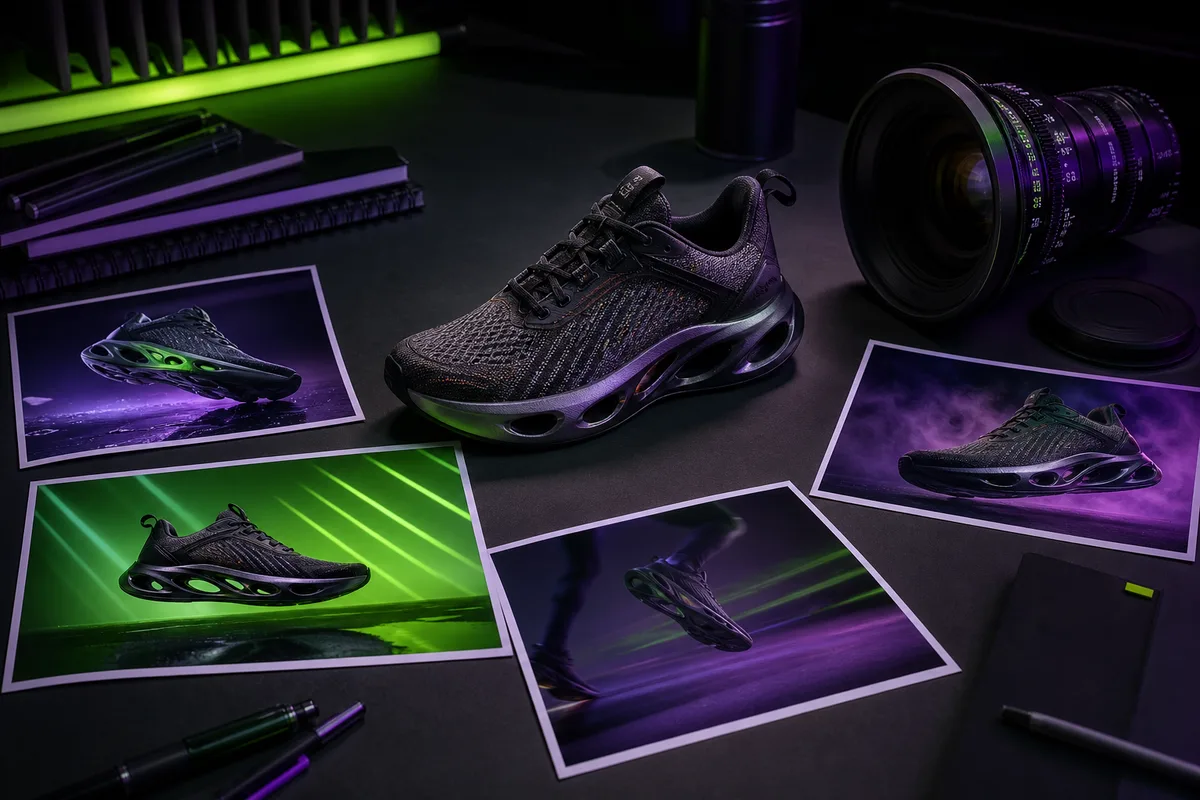
Veo route comparison
Choose by production stage instead of assuming the newest or cheapest route fits every shot.
| Route | Production role | Input | Max duration | Audio | Audit credits |
|---|---|---|---|---|---|
| Veo 3.1 | Final-quality cinematic shots | Text or one image | 8s | Model reports audio support; no separate audio toggle | 60 |
| Veo 3 | Existing Veo 3 workflows | Text or image | 8s | Audio-capable route | 50 |
| Veo 3.0 FastCurrent | Drafts and shot planning | Text or image | 8s | Audio-capable route | 30 |
Production API snapshot verified 2026-07-13. The live generator is final for current controls and credits.
Use the route to compare staging, camera movement, and the opening hook before committing to a final-quality render.
Queue conditions still affect total wait time. Judge the model by how quickly you can reject weak directions and keep useful ones.
Keep subject, action, camera, light, sound cue, and ending stable when benchmarking the selected concept in the quality route.
Test one shot at a time instead of asking for a multi-scene edit.
Compare push-in, tracking, orbit, or locked-camera variants with the same subject action.
Carry the chosen direction into Veo 3.1 with the same shot constraints for a fair quality benchmark.
Task-based examples
Test one frame from a storyboard as a moving composition.
Compare two camera moves while keeping subject action unchanged.
Validate whether the first visual beat reads quickly enough for social placement.
Check the relationship between one sound event and the visual action.
Live route facts
The current Fast response does not publish a complete resolution, ratio, or duration-option list. Do not infer those controls from a generic Google specification.
Push-in, tracking, orbit, pan, tilt, crane, and locked-camera prompt patterns.
PROMPT GUIDEReadable 9:16 hooks, product framing, social pacing, and safe text space.
USE CASECreate one-hook vertical shots and test variants before final rendering.
USE CASETurn shot lists and storyboard beats into motion drafts before final production.
The live model response reports text and image input, audio capability, up to 8 seconds, and a 30-credit audit snapshot. It does not return a complete resolution, ratio, or duration option list, so use the generator for final controls.
The current PixMind model response reports image input. Upload one clean image when identity or opening composition matters, and verify the available mode in the live generator.
The current route reports audio capability. Describe dialogue or ambience next to the visible action and review the generated wording, timing, and artifacts.
Choose Fast for storyboard beats, camera A/B tests, and direction finding. Move the selected concept to Veo 3.1 when final visual quality matters more than draft cost.
No. It is a dated snapshot from the production model endpoint. The live generator is the final source for current credits and controls.
Model fact sources
Use Veo 3.0 Fast to test staging, camera direction, and audiovisual timing before spending more credits on a final-quality render.
Create with Veo 3.0 Fast