Nur für kurze ZeitJahresmitgliedschaft:30 % Rabattplus unbegrenzter Zugriff auf GPT Image, MiniMax H3 und mehr
Neuer AI Chat · Täglich kostenlose Testnutzungen
Jetzt upgraden
Pixmind
Wan-Modellfamilie

Alibaba Cloud · Neuestes einheitliches Modell

Wan 3.0 KI-Videogenerator

Generate 2–30 second video with synchronized audio from text, images, first/last frames, or combined image + video + audio references — and turn documents and web pages directly into video. Up to 1080p with adaptive aspect ratios.

  • Document & webpage-to-video explainers
  • All-modality reference consistency
  • 2–30s clips up to 1080p with audio
Wan 3.0: all-modality references and document-to-video in one generator
2–30sDauer
480p / 720p / 1080pAuflösung
10 图 · 5 视频 · 5 音频Reference inputs
SynchronizedAudio

Modellübersicht

Wan 3.0: all-modality references and document-to-video in one generator

Wan 3.0 is Alibaba's all-modality reference video model. Beyond the text, image, and endpoint workflows of earlier Wan versions, it accepts documents and web pages as creative sources and combines image, video, and audio references in a single request — useful when a clip must match existing brand assets, a voice track, or written source material.

WAN-Modellfähigkeit

Documents and web pages become video sources

Feed a document or web page as reference and Wan 3.0 turns its content into a coherent explainer clip — a workflow unique among commercial video models for course, tutorial, and product-documentation video.

  • Best for explainer and course content with existing written material
  • Review generated narration against the source for factual drift
  • Combine with image references to keep branding consistent

Verwenden Sie diesen Workflow
Document dissolving into video frames, Wan 3.0 document reference

WAN-Modellfähigkeit

All-modality references in one request

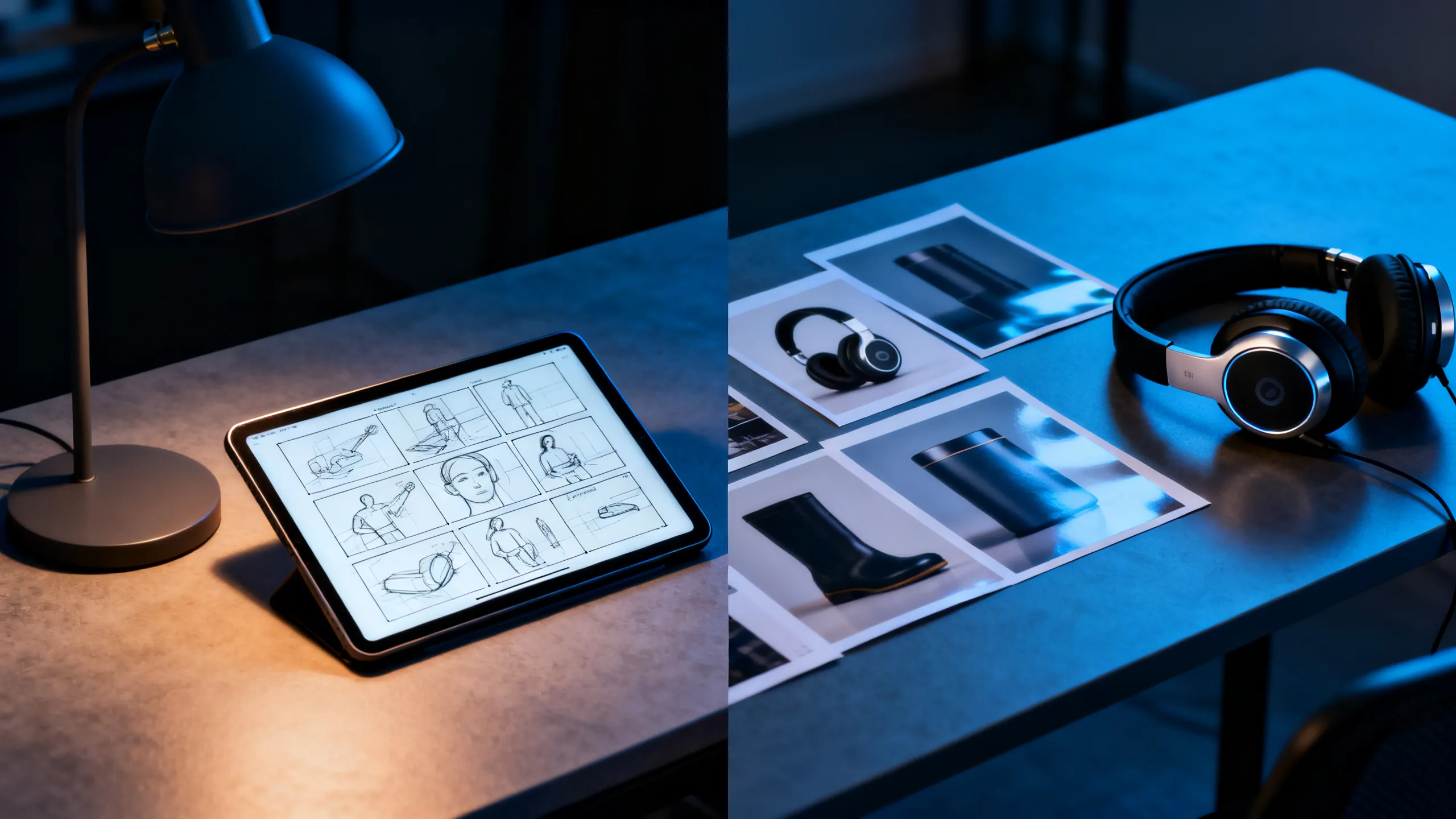
Attach up to 10 reference images, 5 reference videos, and 5 audio clips together. Each asset guides identity, motion, or soundscape so the output stays consistent with your existing material instead of reinventing it.

  • Geben Sie jeder Referenz eine Aufgabe: Motiv, Bewegung, Kamera oder Ton
  • Reference videos run up to 15 seconds each
  • Check rights for every recognizable person, voice, and brand
Verwenden Sie diesen Workflow
Designer desk with storyboard, headphones, and product references

WAN-Modellfähigkeit

First / last frame plus 2–30 second range

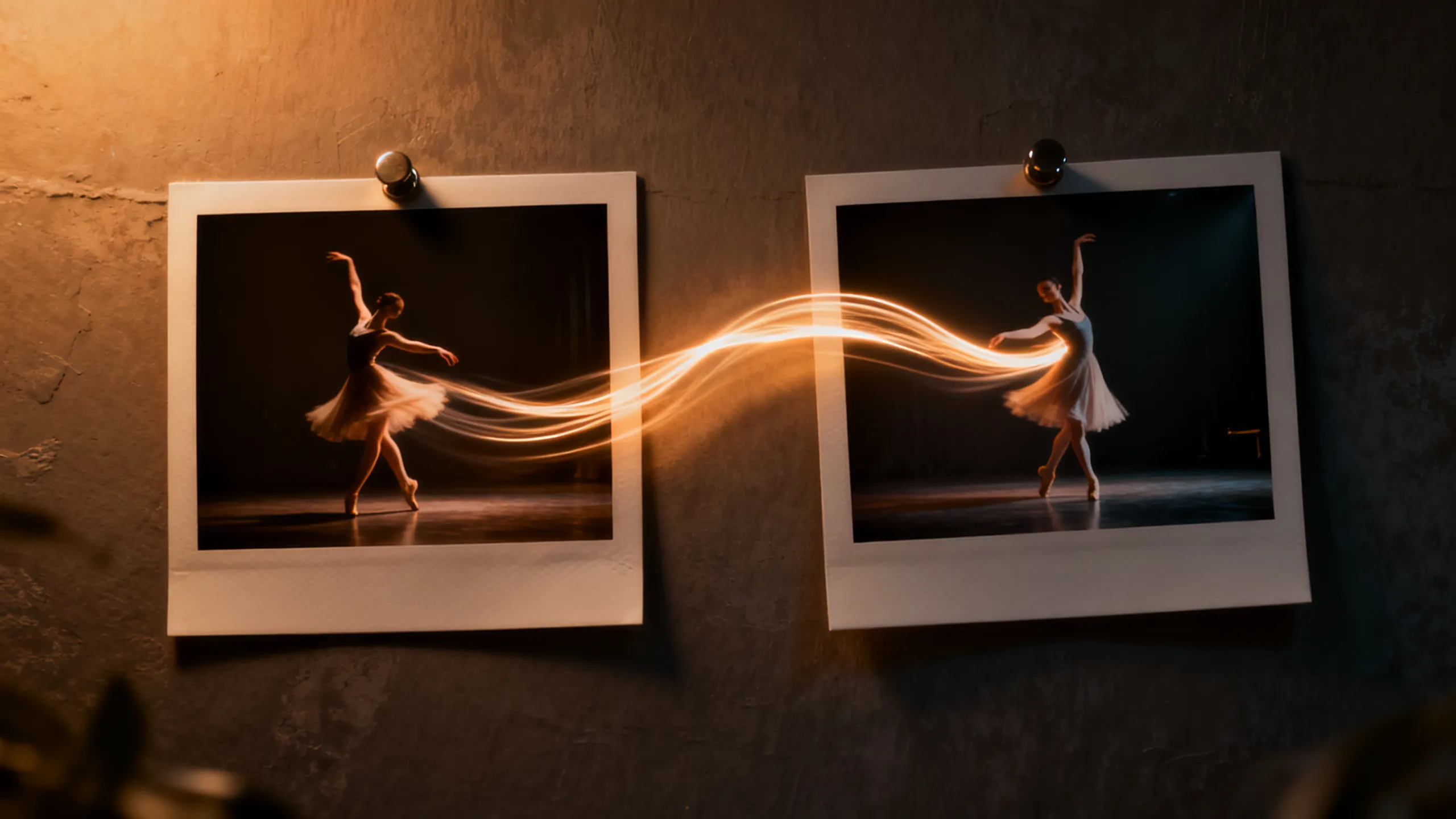
Define the opening and closing composition with two frames, then let Wan 3.0 direct the motion between them. The 2–30 second range covers everything from micro-loops to full scene beats without stitching.

  • Use short durations for social loops, long ones for scene beats
  • Keep endpoint compositions physically compatible
  • Review the final seconds for morphing and text errors
Verwenden Sie diesen Workflow
Two photo frames connected by a dancer's motion trail

Aufgabenbasierte Beispiele

Was können Sie mit Wan 3.0 erstellen?

Wählen Sie aus dem benötigten Arbeitsablauf einen Workflow aus und passen Sie dann den mitgelieferten Prompt-Starter an einen klaren Schuss an.

Course & explainer video

Course & explainer video

Turn lecture notes, documentation, or web articles into narrated video segments.

Prompt-Idee ansehen

Turn the attached document into a clear explainer video. Open on [hook visual], walk through [key points], close on [summary frame]. Calm professional narration.

Brand-consistent product film

Brand-consistent product film

Combine product images, a motion reference, and brand audio into one coherent clip.

Prompt-Idee ansehen

Use the attached product images for exact appearance and the audio for pacing. The product [action] in [setting]; end on the hero composition from reference image 1.

Social loops & hooks

Social loops & hooks

Generate 2–5 second seamless loops or vertical hooks at 9:16 with synced sound.

Prompt-Idee ansehen

Seamless 9:16 social loop of [subject] [action]. Rhythmic motion synced to the audio reference, clean silhouette, loopable start and end frames.

Vergleich von KI-Videomodellen

Wan 3.0 vs Seedance 2.0 Pro vs Veo 3.1 vs Kling 3.0

Verwenden Sie dies als Anleitung zur Modellauswahl und nicht als Ersatz für die Live-Steuerung. Öffentliche Spezifikationen und verbundene Anbieterrouten können unterschiedliche Parameterteilmengen offenlegen.

FunktionWan 3.0Seedance 2.0 ProVeo 3.1Kling 3.0
Am besten fürDocument & webpage-to-video explainers · All-modality reference consistency · 2–30s clips up to 1080p with audioMultimodales Storytelling und kontinuitätsorientierte KreationKinorealismus und ausgefeilte audiovisuelle SzenenCharakterbewegungs-, Action- und Ersteller-Workflows
Verbundener EingangGenerate 2–30 second video with synchronized audio from text, images, first/last frames, or combined image + video + audio references — and turn documents and web pages directly into video. Up to 1080p with adaptive aspect ratios.Text · Bild · Multimodale ReferenzenText · BildText · Bild · Referenz-Workflows
SzenensteuerungDocuments and web pages become video sources · All-modality references in one request · First / last frame plus 2–30 second rangeMulti-Shot und multimodale RegieFilminterpretation und audiovisuelle RegieBewegungssteuerung und Charakterleistung
Audio-WorkflowSynchronizedRoutenberichtete Audiofunktion; Live-Kontrollen bestätigenNativer audiovisueller WorkflowAudio- und Lippensynchronisations-Workflows variieren je nach Route
Wählen Sie wannCourse & explainer video · Brand-consistent product film · Social loops & hooksA multimodal story workflow and continuity-led creationDer finale filmische audiovisuelle Feinschliff ist am wichtigstenCharakterleistung und Handlungskontrolle stehen im Vordergrund

PixMind-Produktions-API-Snapshot überprüft 2026-07-13. Live-Generatorsteuerungen sind endgültig.

Schnelle Starter

Prompt Wan 3.0 durch Kontrolle, nicht durch Adjektive

Benennen Sie das Motiv, eine Aktion, den Kameraweg, Licht, Ton und das Ende. Fügen Sie nur die Referenzverantwortung hinzu, die der ausgewählte Eingabemodus benötigt.

Document explainer

Turn the attached document into a clear explainer video. Open on [hook visual], walk through [key points] with [visual metaphor], close on [summary frame]. Calm professional narration, clean motion graphics aesthetic.

Nutzen Sie diese Eingabeaufforderung

Multimodal brand clip

Use the attached product images for exact appearance, the motion reference for camera rhythm, and the audio for pacing. The product [action] in [setting]; lighting matches [mood]; end on the hero composition from reference image 1.

Nutzen Sie diese Eingabeaufforderung

Endpoint transition

Move naturally from the supplied first frame to the last frame. The subject [action] while the camera [movement]; keep identity, wardrobe, and environment consistent; finish exactly on the end-frame composition.

Nutzen Sie diese Eingabeaufforderung

Wan 3.0 FAQ

Welchen Wan 3.0-Eingang soll ich wählen?

Verwenden Sie Text zur Erfindung, ein Bild zur Identität oder Komposition, erste und letzte Bilder für einen kontrollierten Endpunkt und Referenzen für Bewegung, Kamerarhythmus oder Ton.

Erzeugt Wan 3.0 Audio?

Einige verbundene Routen verfügen über eine Audiofunktion, die genaue Steuerung unterscheidet sich jedoch je nach Modellmodus. Bestätigen Sie die ausgewählte Route im Live-Generator und überprüfen Sie Dialog, Timing und Artefakte vor der Veröffentlichung.

Kann ich generierte Wan-Videos kommerziell nutzen?

Die kommerzielle Nutzung hängt von den Bedingungen des Anbieters und Ihren Rechten an allen Eingabeaufforderungen, Referenzen, Identitäten, Stimmen, Logos und Markenwerten ab. Überprüfen Sie vor der Veröffentlichung sowohl die Ausgabe als auch die aktuellen Bedingungen.

Verwandeln Sie einen Clear-Shot-Brief in einen Wan 3.0-Test

Beginnen Sie im exakten Arbeitsbereich des verbundenen Modells und vergleichen Sie dann nutzbare Takes, Wiederholungsversuche, Konsistenz und Kreditkosten.

Beginnen Sie mit der Generierung