🔥MiniMax H3 official 50% off|Annual membership includes unlimited H3 access Get 30% off annual membership Offer ends Aug 15Upgrade now
Pixmind
Live · v2.4
AI Layer Studio

Pel een afbeelding in zijn lagen.

Free Credits to start ~30s per afbeelding Auto-verwijderd na
Canvas · Leeg
Wacht op invoer
Probeer een voorbeeld↓ klik om te laden
Instellingen
Lagen4

AI-aangedreven

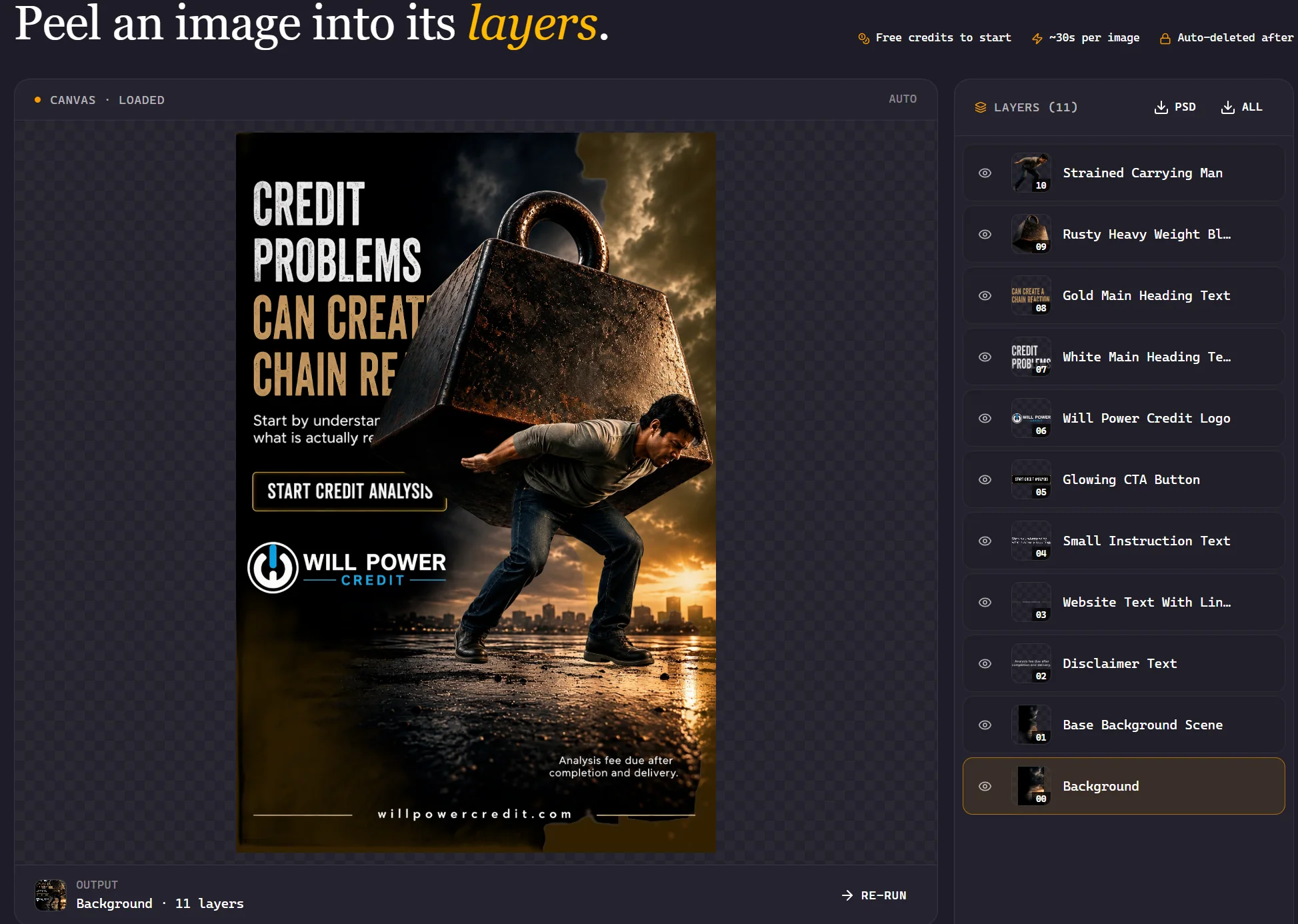
AI-afbeeldingslaag-ontleding

Split any image into editable transparant RGBA layers with one click

Aangedreven door geavanceerde AI, ontleed foto's in meerdere lagen — scheid voorgrond, achtergrond, objecten en tekst voor professionele bewerking en compositing.

Kernmogelijkheden

Ontdek hoe AI-afbeeldingslaag-ontleding uw creatieve workflow transformeert

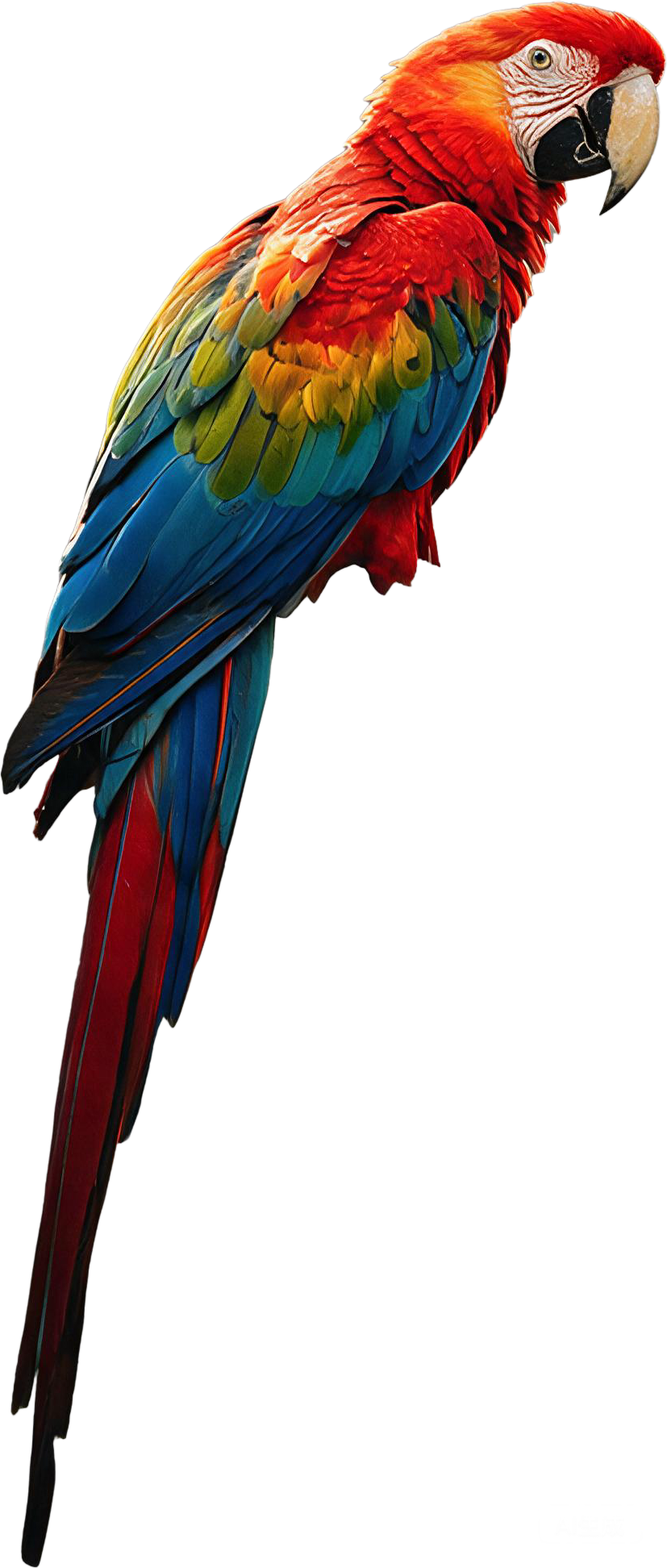
Voorgrond-extractie

Precisely isolate the main subject from any image with AI-powered edge detection, preserving fine details like hair, fur, and transparant elements.

Achtergrondscheiding

Scheid automatisch complexe achtergronden in onafhankelijke lagen, wat naadloze achtergrondvervanging en creatieve compositing mogelijk maakt.
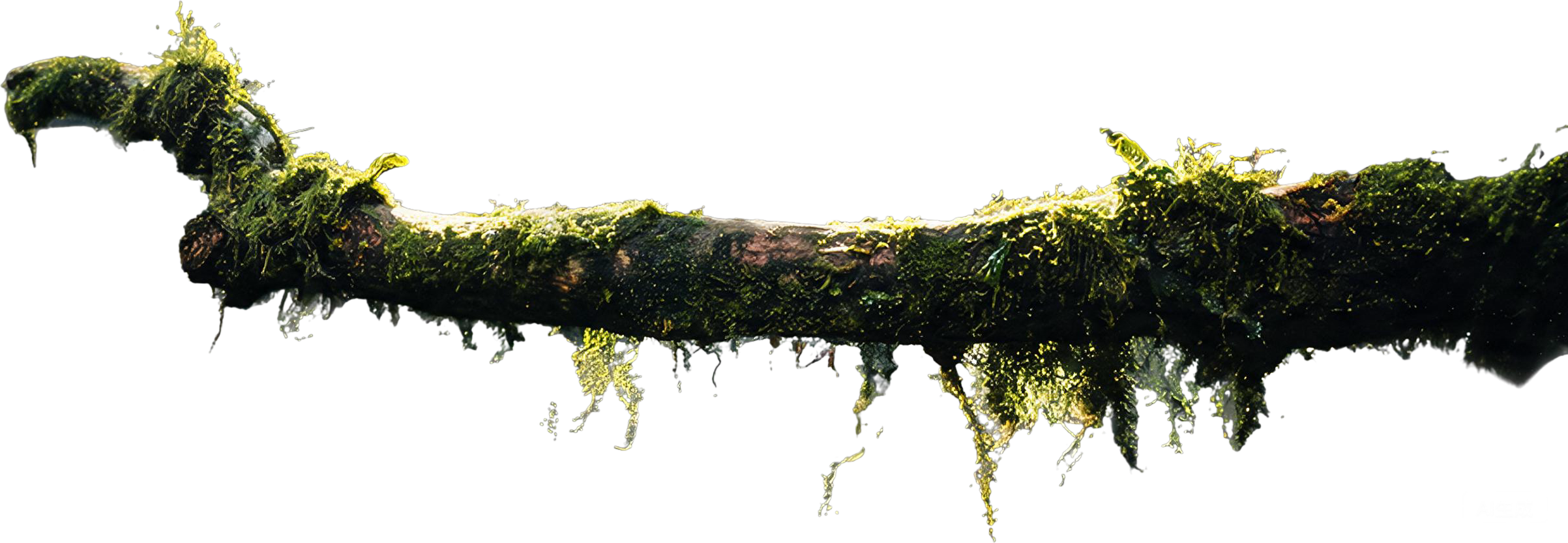
Transparante RGBA-lagen

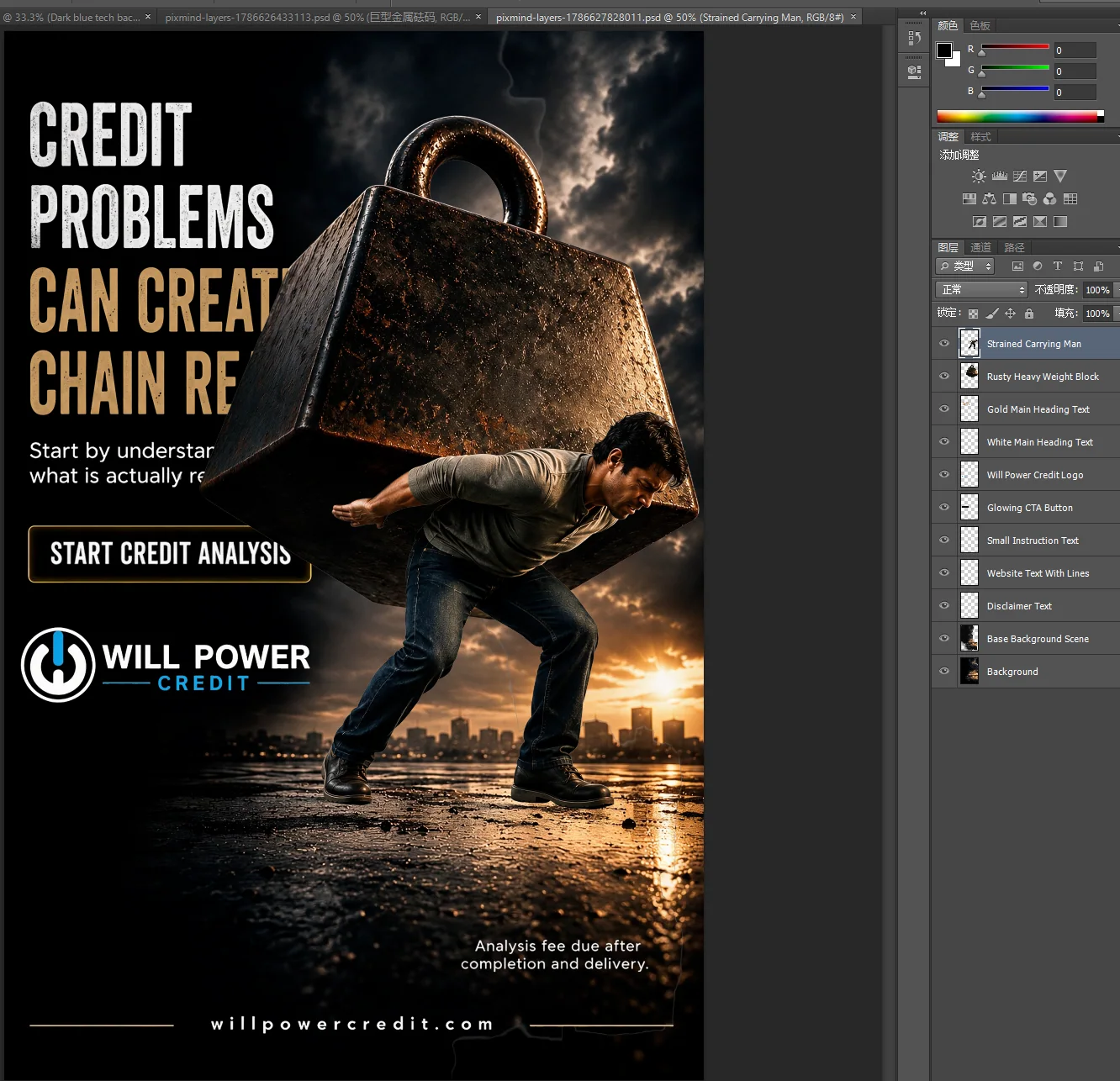
Genereren fully transparant RGBA layers that work directly in Photoshop, Figma, and other design tools — no manual masking required.
Tekst- & grafische scheiding

Detecteer en scheid tekst, logo's en grafische elementen van afbeeldingen in hun eigen bewerkbare lagen voor eenvoudige aanpassing.

Multi-objectscheiding

Identificeer en isoleer individuele objecten binnen een scène, met aparte lagen voor elk element — perfect voor productfotografie en design.

Batchverwerking

Verwerk meerdere afbeeldingen tegelijk met consistente laagontleding, wat uren handmatig werk bespaart voor e-commerce en designteams.

Zie het in actie

Verken hoe afbeeldingslaag-ontleding werkt voor verschillende gebruikssituaties

E-commerce-product

Professional product photo of wireless headphones on white background, studio lighting, clean commercial photography style

Portretfotografie

Professional portrait of person in business attire against blurred city lights at night, cinematic color grading, shallow depth of field

Design-elementen

Flat-lay of colorful design materials — paper shapes, scissors, pens and color swatches on wooden desk, top-down view, natural lighting

Voedselfotografie

Gourmet plated dish with grilled salmon and vegetables on ceramic plate, professional food photography, dark moody background, soft lighting

Architectuur

Modern glass skyscraper against clear blue sky, architectural photography with geometric lines and reflections

Digitale kunst

Vibrant oil painting of sunset landscape with mountains and lake, rich textured brushstrokes in warm colors, displayed on easel in studio

Hoe te gebruiken

Ontleed elke afbeelding in lagen in drie eenvoudige stappen

Veelgestelde vragen

Alles wat u moet weten over AI-afbeeldingslaag-ontleding

AI image layer decomposition is a technology that uses artificial intelligence to automatically separate a flat image into multiple transparant layers — such as foreground, background, objects, and text. This allows you to edit each element independently, similar to working with layers in Photoshop.

De complete gids voor AI-afbeeldingslaag-ontleding

AI image layer decomposition represents a breakthrough in computer vision and image editing technology. Unlike traditional methods that require manual masking and selection tools, AI-powered decomposition automatically identifies and separates distinct visual elements within a single image.

How AI Layer Decomposition Works

Modern AI models, particularly those based on transformer architectures like Qwen-Image-Layered, analyze images at multiple levels of abstraction. They identify semantic regions — such as people, objects, text, and backgrounds — and generate pixels-perfect masks for each element. The result is a set of transparant RGBA layers that can be independently edited, moved, or replaced.

Benefits for Designers and Developers

For designers, this means no more hours spent on manual clipping paths and background removal. For developers, it provides programmatic access to image decomposition through APIs, enabling automated workflows for e-commerce catalogs, content management systems, and creative applications.

Image Layer Decomposition vs. Background Removal

While background removal tools simply separate foreground from background, image layer decomposition goes further — it can identify multiple distinct elements within a scene and create separate layers for each. This multi-layer approach provides much greater flexibility for compositing, editing, and creative experimentation.

Verwandte Tools