Tekst of afbeelding
Begin met een shotopdracht of gebruik een goedgekeurd visueel anker voor onderwerp en compositie.

Native 30-second multimodal production
Generate continuous single-shot video up to 30 seconds in one pass, with up to 50 multimodal references, native 4K, and region-level editing — no stitching, no sequence breaks.
Werkruimte voor exacte route
Huidige controles en opgeladen credits komen van de livegenerator. Bevestig ze voordat u ze verzendt.
Huidige PixMind-ingangen
Begin met een shotopdracht of gebruik een goedgekeurd visueel anker voor onderwerp en compositie.
Definieer beide eindpunten en beschrijf vervolgens alleen de fysieke beweging en het camerapad ertussen.
Wijs identiteit, setting, beweging en geluid toe aan afzonderlijke beeld-, video- en audioreferenties.
Long-form multimodal route
Seedance 2.5 extends the 2.0 multimodal architecture: longer native duration, the highest reference limit among commercial models, and region-level editing that preserves overall consistency.
01
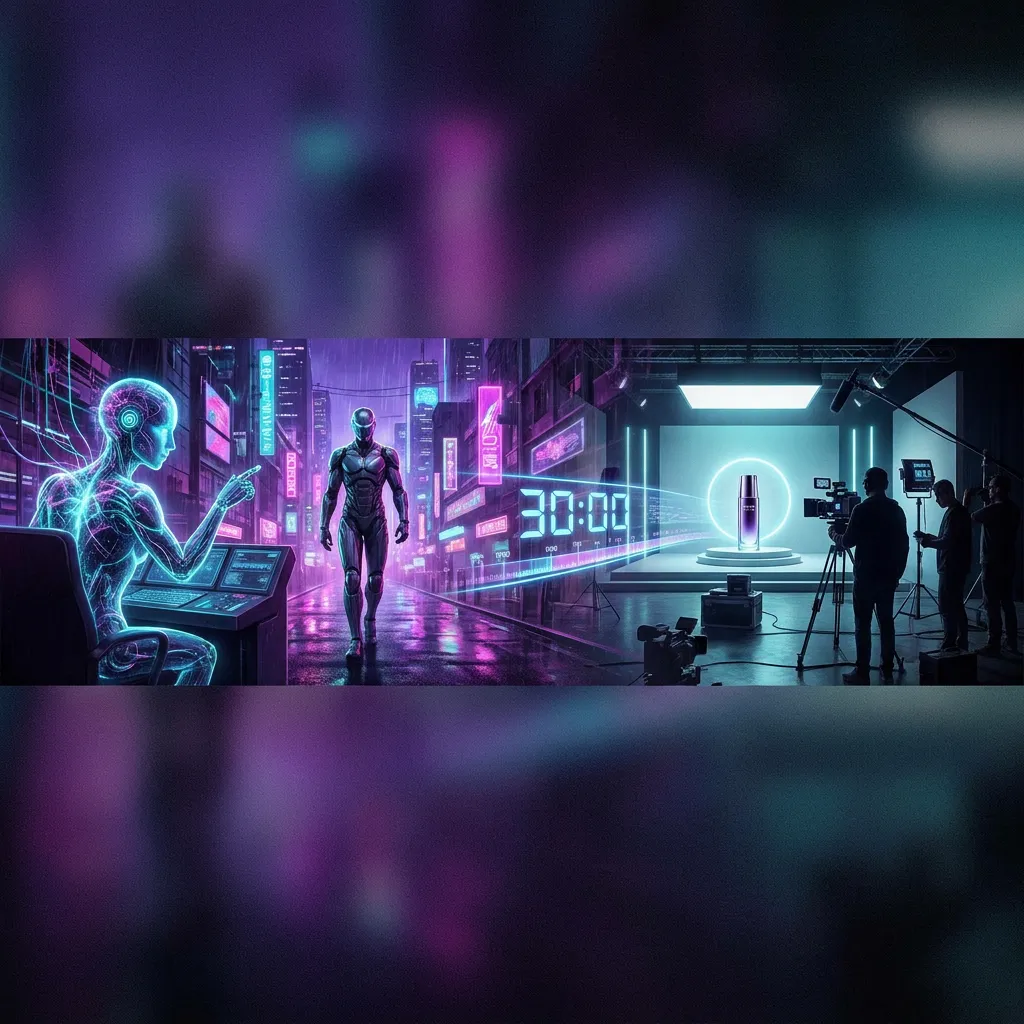
Direct a continuous 30-second take in one generation instead of stitching multiple 5–15s clips.
02
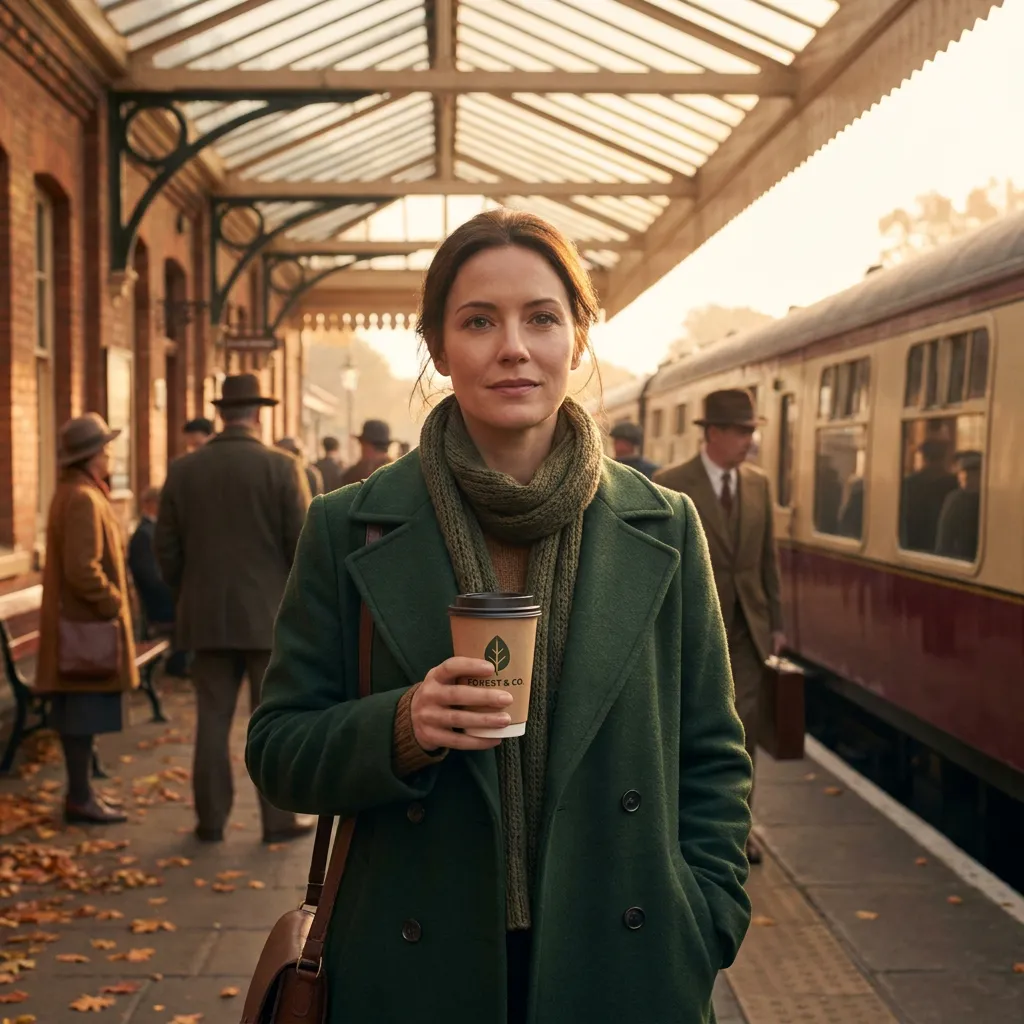
Combine up to 50 image, video, text, and audio inputs to control characters, scenes, style, and sound together.
03
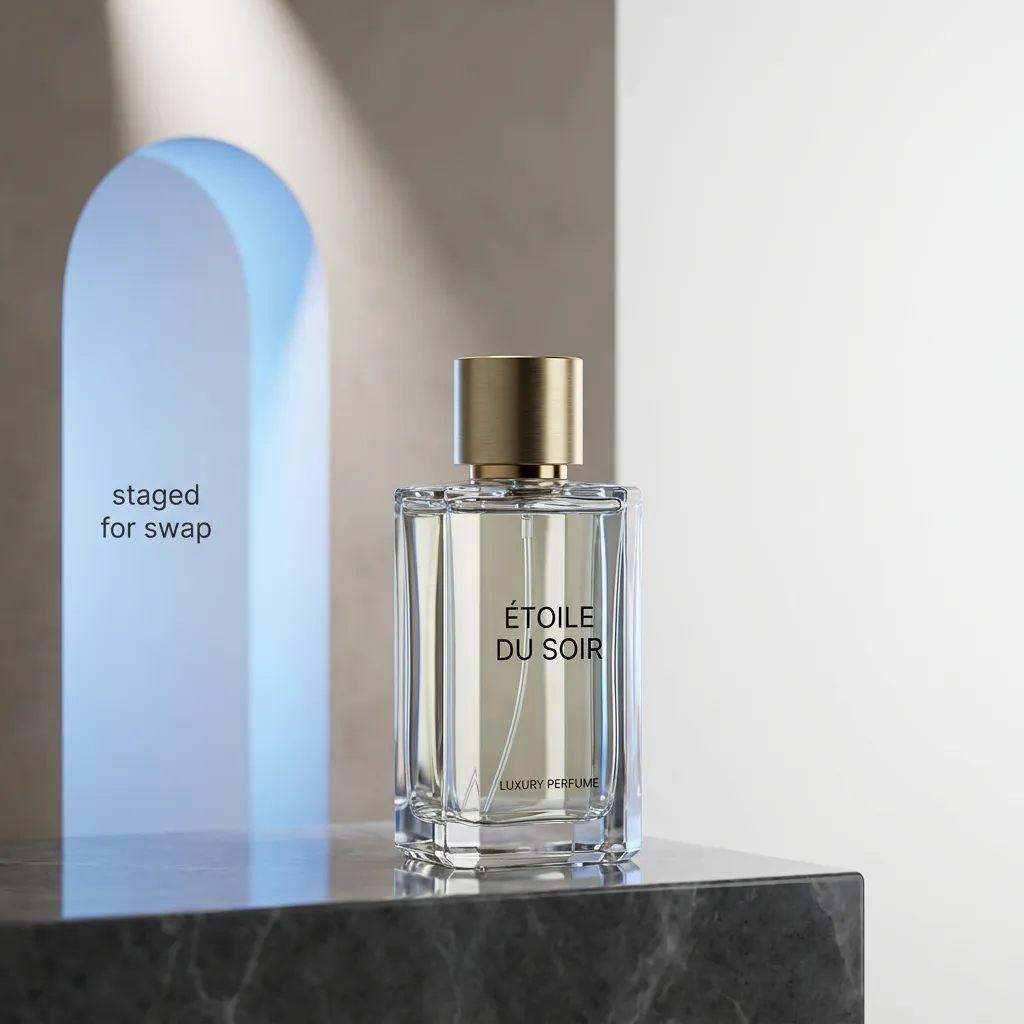
Change a product, prop, or background area while the rest of the clip keeps its motion, lighting, and identity.
04
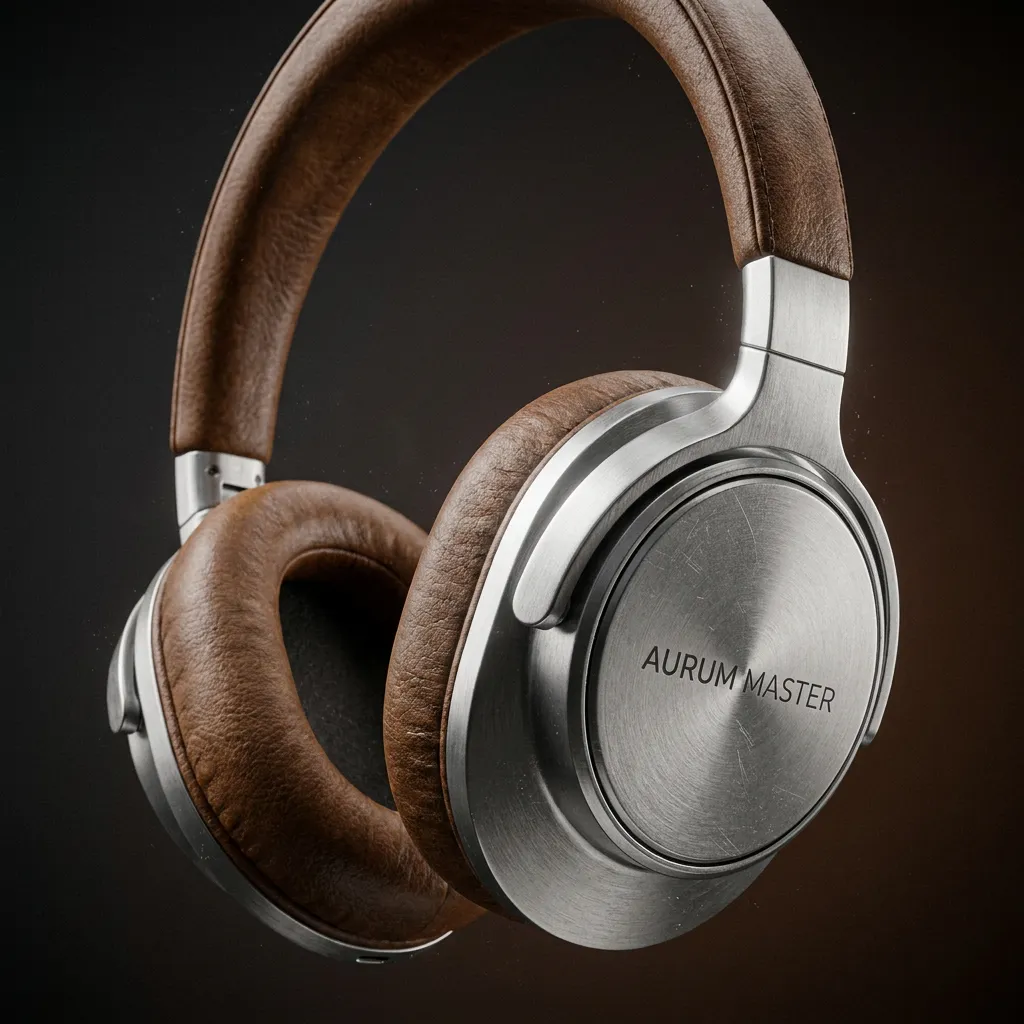
Output crisp 4K natively for large displays, product films, and high-DPI social.
05
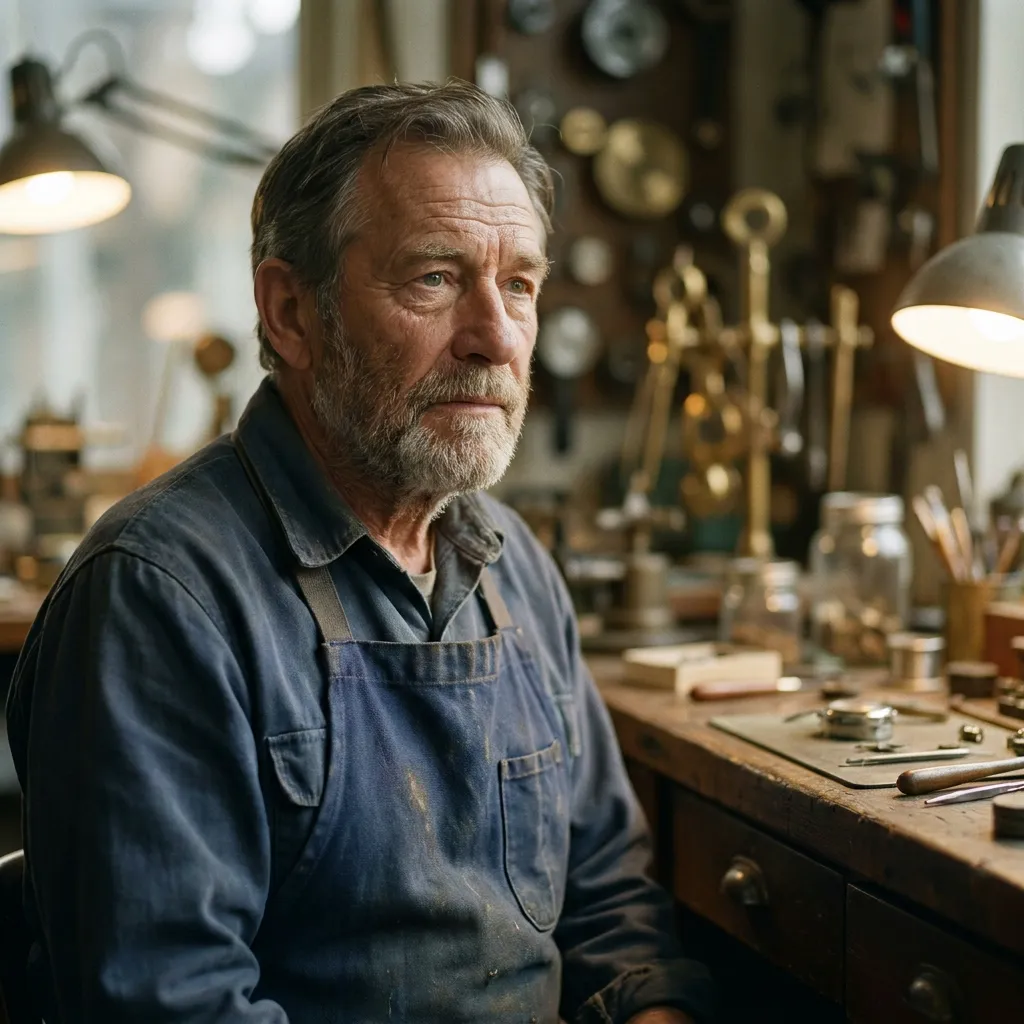
Keep identity, eyelines, and lip-sync stable while directing a 30-second performance with linked room sound.
06
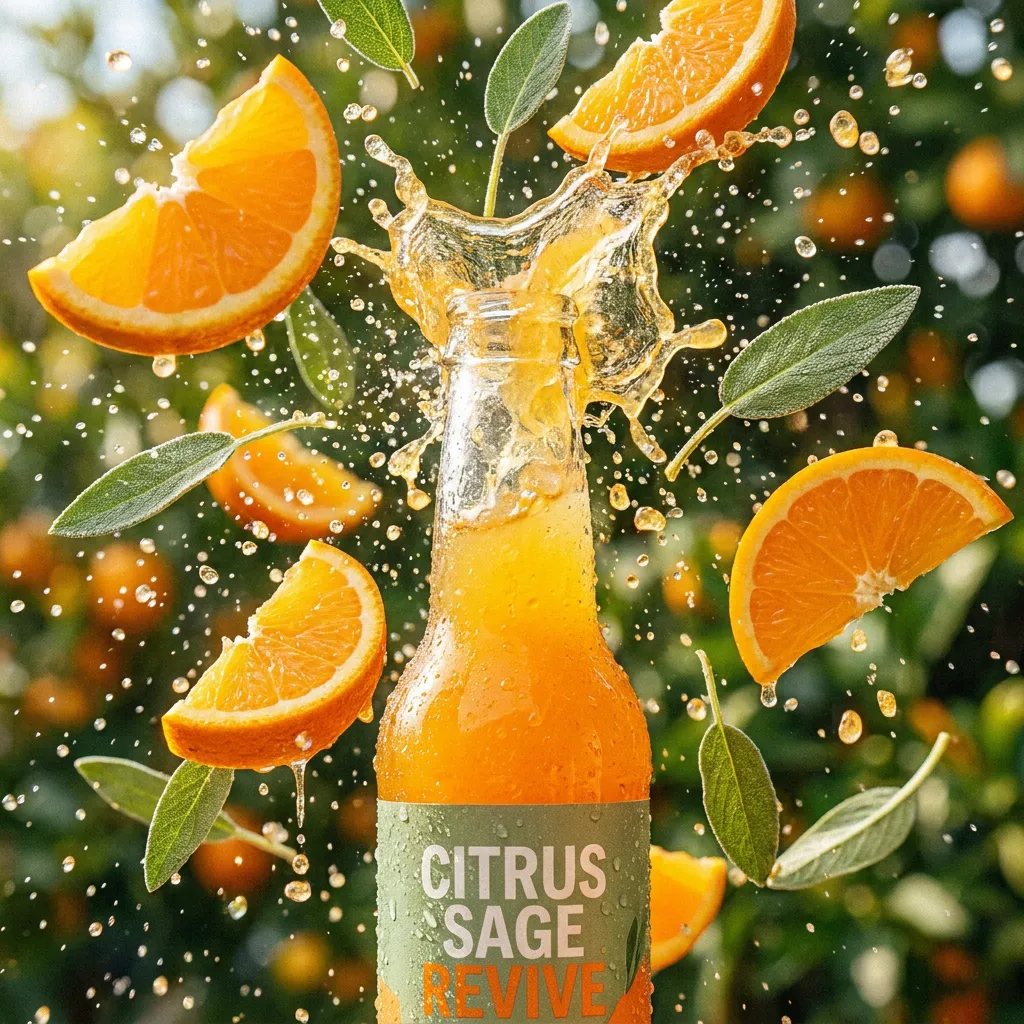
Test opening beats as controlled variants while preserving the same product, palette, and final packshot.
Routevergelijking
De tabel scheidt de huidige PixMind-routemomentopname van ByteDance-claims op familieniveau. Credits en blootgestelde controles moeten opnieuw worden gecontroleerd in de generator.
| Versie | Beste voor | Ingangen | Duur | Resolutie | Audio | Kredietmomentopname |
|---|---|---|---|---|---|---|
| Seedance 2.0 Pro | Complexe multimodale referenties en geselecteerde eindopnames | Tekst-, beeld-, video- en audioreferenties | 5, 10 of 15 seconden | 480p, 720p, 1080p; 4K vereist live verificatie | Route met audiomogelijkheden | Lees van de livegenerator |
| Seedance 2.5Huidig | Native 30-second single-shot video with up to 50 multimodal references | Text, image, video, and audio references (up to 50) | Up to 30 seconds in a single shot | 480p, 720p, 1080p, native 4K | Route met audiomogelijkheden | Lees van de livegenerator |
| Seedance 2.0 Fast | Storyboard-beats, camera-A/B-tests en sociale hooks | Tekst-, beeld-, video- en audioreferenties | 5, 10 of 15 seconden | 480p of 720p | Route met audiomogelijkheden | Lees van de livegenerator |
| Seedance 2.0 Mini | Testen van referentiepassing, compositie en snelle conflicten | Tekst-, beeld-, video- en audioreferenties | 5, 10 of 15 seconden | 480p of 720p | Route met audiomogelijkheden | Lees van de livegenerator |
| Seedance 1.5 Pro | Bestaande beeldgestuurde prompts en gecontroleerde migratietests | Tekst of maximaal twee afbeeldingen in het huidige antwoord | Livegenerator is definitief; API-velden conflicteren | 480p, 720p of 1080p | Route met audiomogelijkheden | 40-punts API-momentopname; live bevestigen |
Het 1.5 Pro-antwoord rapporteert 40 punten, maar de duurvelden zijn conflicterend. Pro, Fast en Mini tonen geen stabiel puntenveld in de geverifieerde eindpuntmomentopname.
Waar u op moet letten na het testen
Gebruik een compleet onderwerp, strakke randen, leesbare diepte en voldoende ruimte voor de gevraagde beweging.
Scheid de onderwerpactie van de camerabeweging en voorkom dat meerdere grote veranderingen in één korte opname worden gestapeld.
Ga naar 2.0 Pro als de opname multimodale referenties, eerste/laatste frames of meer expliciete audiorichting nodig heeft.
Hoe deze versie te gebruiken
Give every image, video, text, or audio input a single explicit role (identity, shape, motion, palette, or rhythm).
Fix identity, wardrobe, props, screen direction, and the ending composition before adding complex motion.
Edit one region per pass and review identity, geometry, lighting, and timing in the full clip each time.
Read the live generator for the current credits at the chosen duration and resolution before submitting.
Versiespecifieke aanwijzingen
Prompt 01
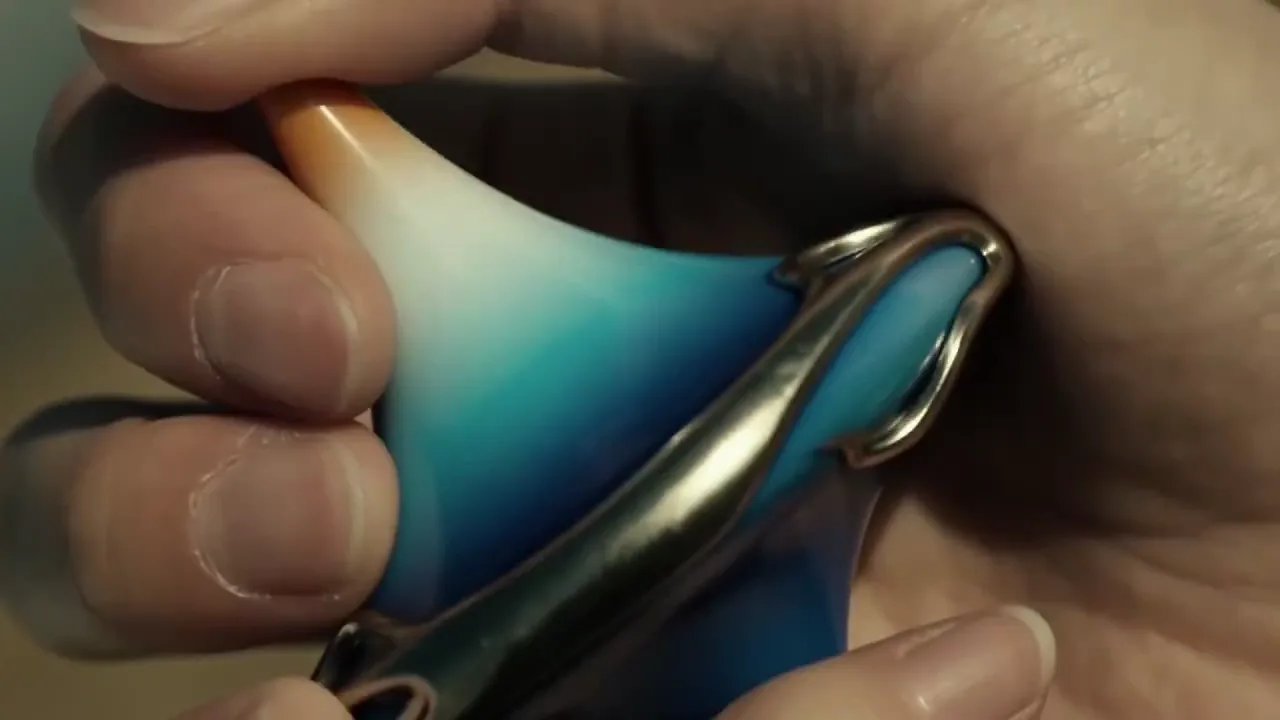
Use the full native duration for one continuous reveal.
One continuous 30-second take. Use @Image 1 for exact product shape and @Image 2 for the studio palette. Slow controlled orbit around the product, one subtle environmental interaction at the midpoint, finish on the approved hero composition. Preserve shape, material, ports, and color. No generated text.
Prompt 02
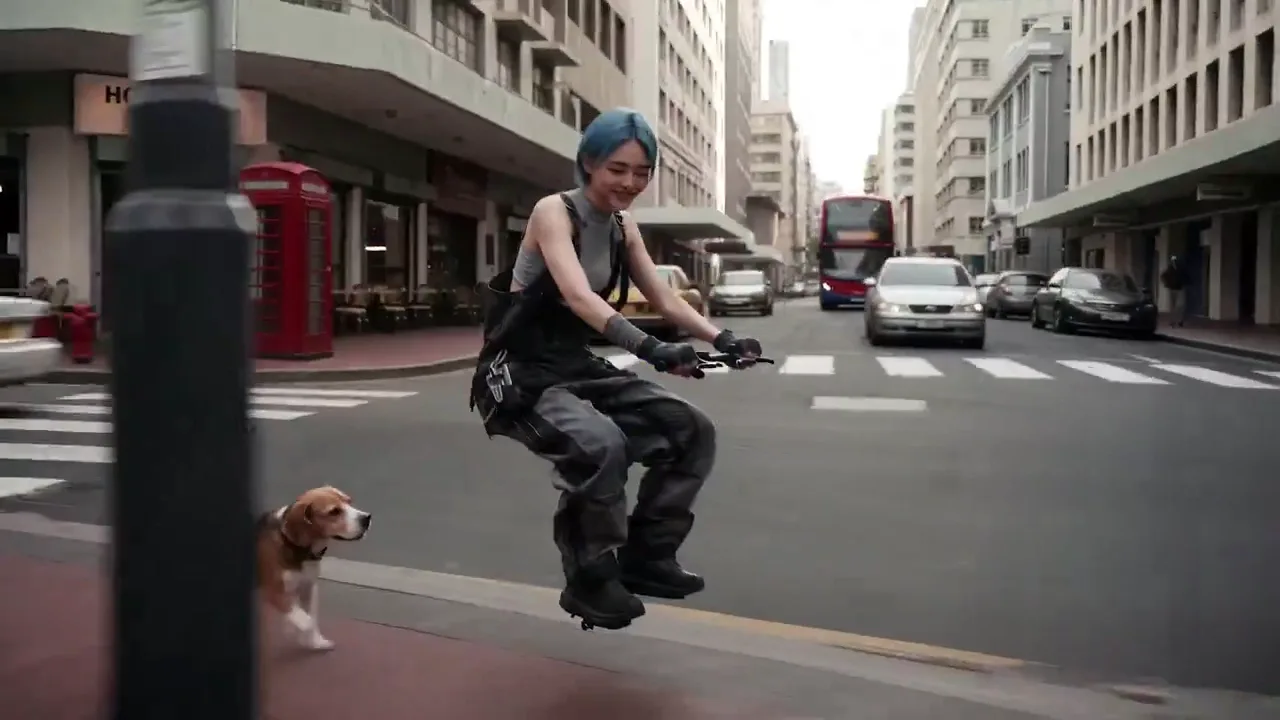
Coordinate identity, motion, and sound across references.
Keep the character from @Image 1 unchanged. Use @Video 1 only for the body motion and @Audio 1 for the ambient rhythm. The character walks through the station, pauses, and looks toward the exit. Preserve facial features, wardrobe, and left-to-right screen direction.
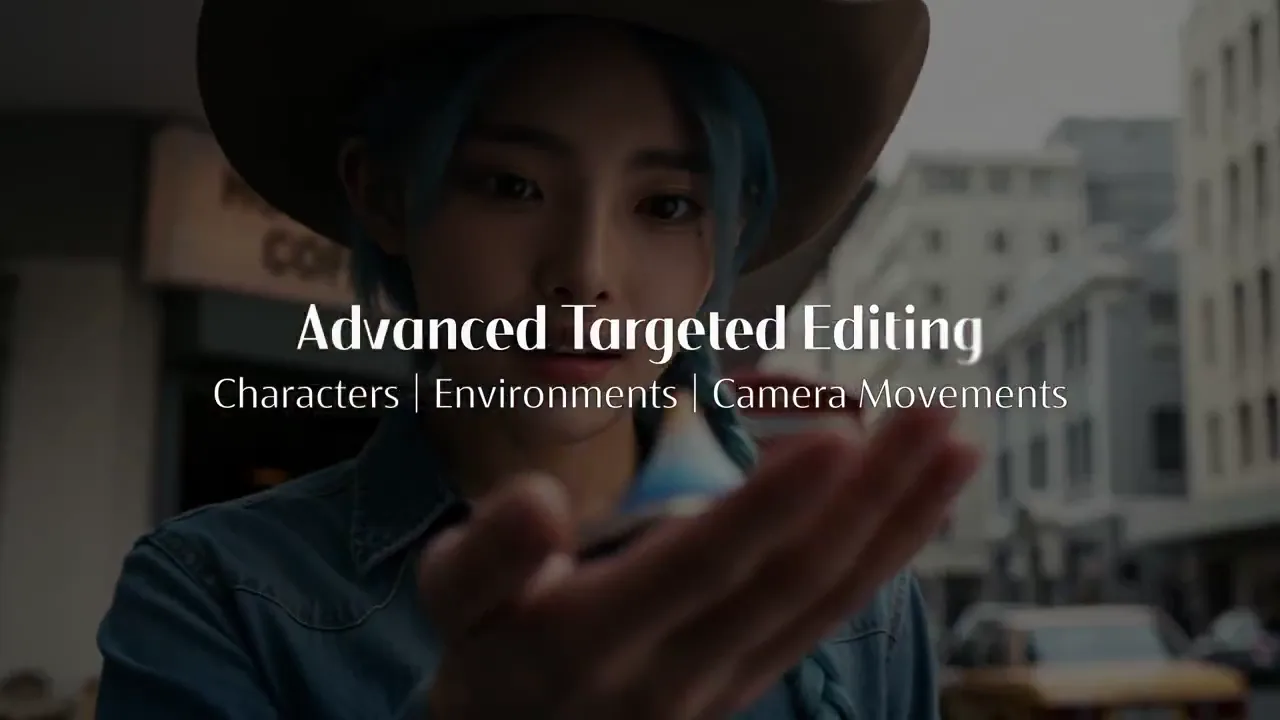
Prompt 03
Change one area without re-generating the shot.
Keep the full clip motion, lighting, and identity fixed. Only replace the background product on the right shelf with the object in @Image 2, matching perspective, scale, and reflections. Do not alter the subject or camera path.
Pro
Quality-first multimodal video with reference and audio control.
Bekijk versiePro
Native 30-second single-shot video with up to 50 multimodal references, 4K output, and region-level editing.
Fast
De snellere Seedance 2.0-route voor iteratie-zware sociale, campagne- en previsualisatieworkflows.
Bekijk versieMini
Een lichtere Seedance 2.0-optie voor het testen van multimodale ideeën voordat u zich engageert voor een render waarbij de kwaliteit voorop staat.
Bekijk versiePro
Een beproefde beeld-naar-video-optie met brede beeldverhoudingen en resolutieregeling voor eenvoudige, op referentie gebaseerde opnamen.
Bekijk versieNative single-shot video up to 30 seconds, up to 50 multimodal references (image, video, text, audio), region-level editing that preserves consistency, and native 4K output.
2.0 generates 5–15s clips with up to 9 references; 2.5 extends single-shot duration to 30 seconds, raises the reference limit to 50, and adds region-level editing.
Pass up to 50 inputs across image, video, text, and audio in one request. Give each a single explicit role and remove assets that compete for the same property.
Yes. Region-level editing lets you change a specific area while the rest of the clip keeps its motion, lighting, and identity. Edit one region per pass and review the full clip each time.
Single-shot clips up to 30 seconds and resolutions up to native 4K. Confirm the exact options in the live generator before submitting.
Pricing is not yet published. Read the live generator for the current credits at your chosen duration and resolution before submitting.
Yes. The unified audio-video architecture generates synchronized audio in the same task when the selected mode supports it. Review speech, lip movement, source matching, distortion, and timing before publishing.
Review identity, faces, hands, product geometry, text, logos, continuity, dialogue, and audio timing frame by frame across the full clip. Confirm rights for every uploaded person, brand, voice, image, video, and audio asset.
Volgende productiestap
Return to the family hub for route selection, current parameter notes, and migration guidance.