Seedance 2.0 Pro
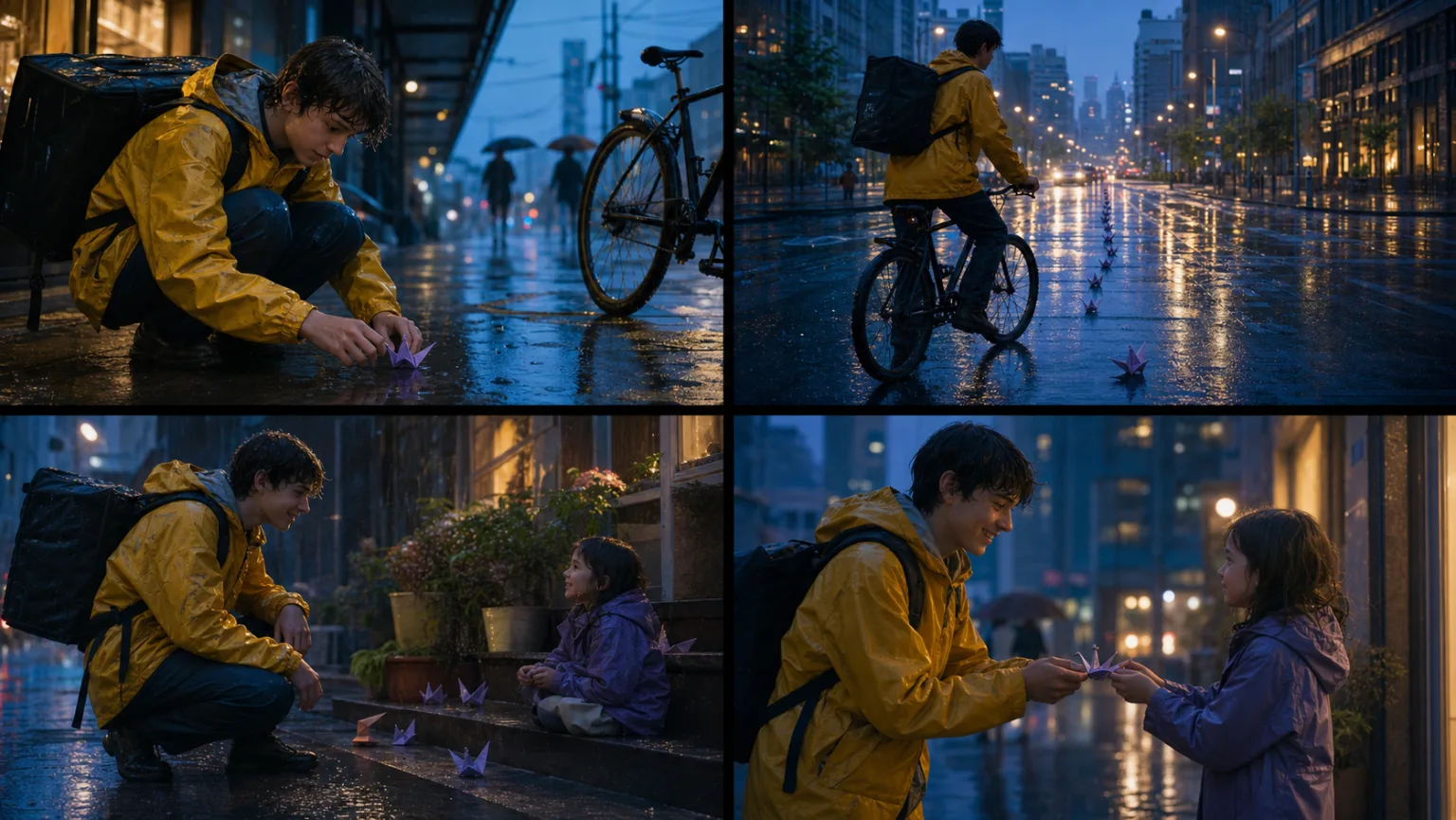
Multi-shot Storytelling with Seedance
Plan one readable beat per shot and keep identity, props, weather, and screen direction stable across the sequence.
Open workflow
Production workflows
Choose a workflow by the video you need to deliver: multi-shot story, product ad, social hook, character dialogue, music concept, or storyboard previsualization.
Plan one readable beat per shot and keep identity, props, weather, and screen direction stable across the sequence.
Open workflow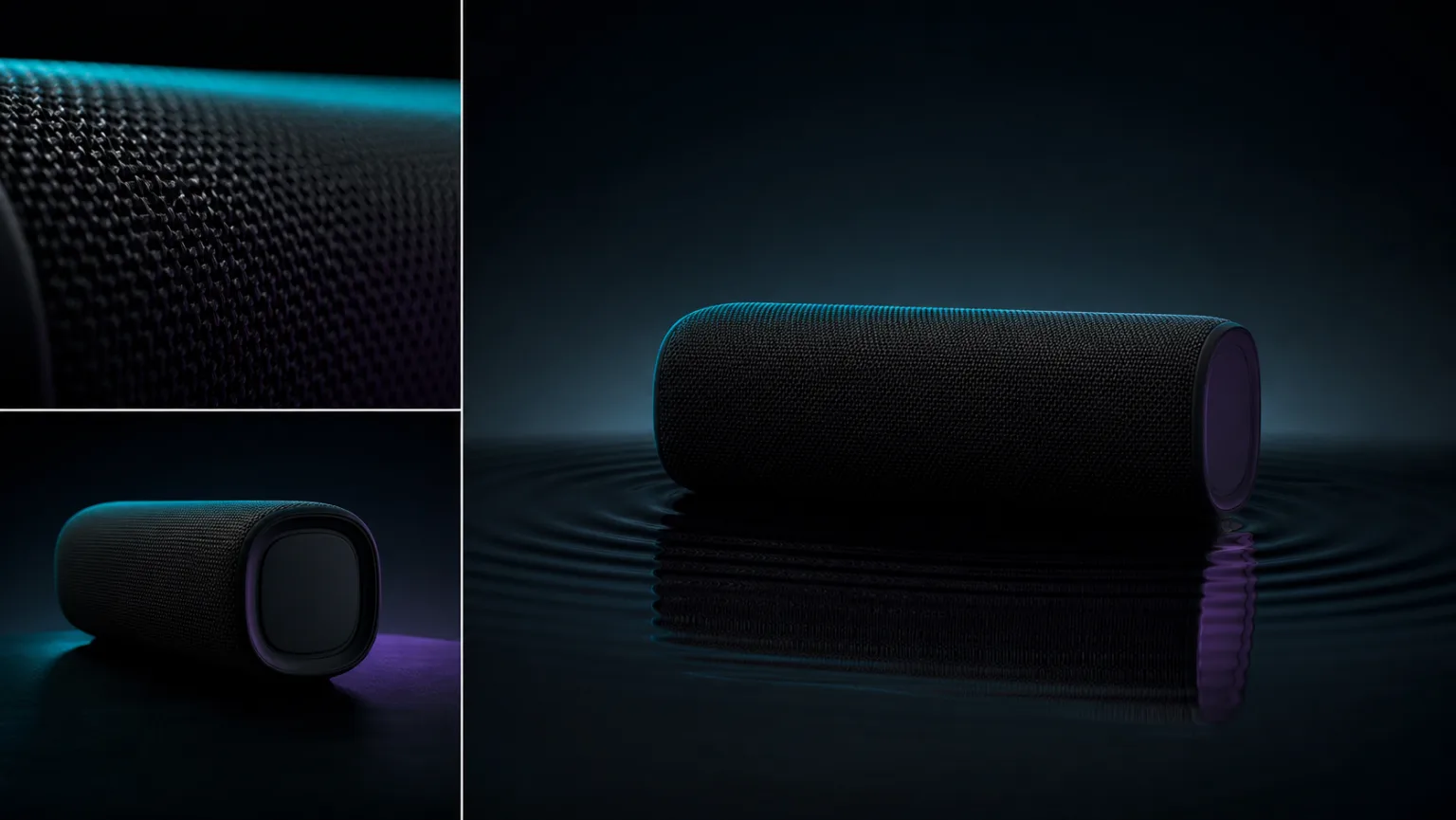
Build product films around exact shape, material, one motivated camera move, and a deliberate final composition.
Open workflow
Test opening hooks as controlled variants, then promote the useful direction instead of changing every variable at once.
Open workflow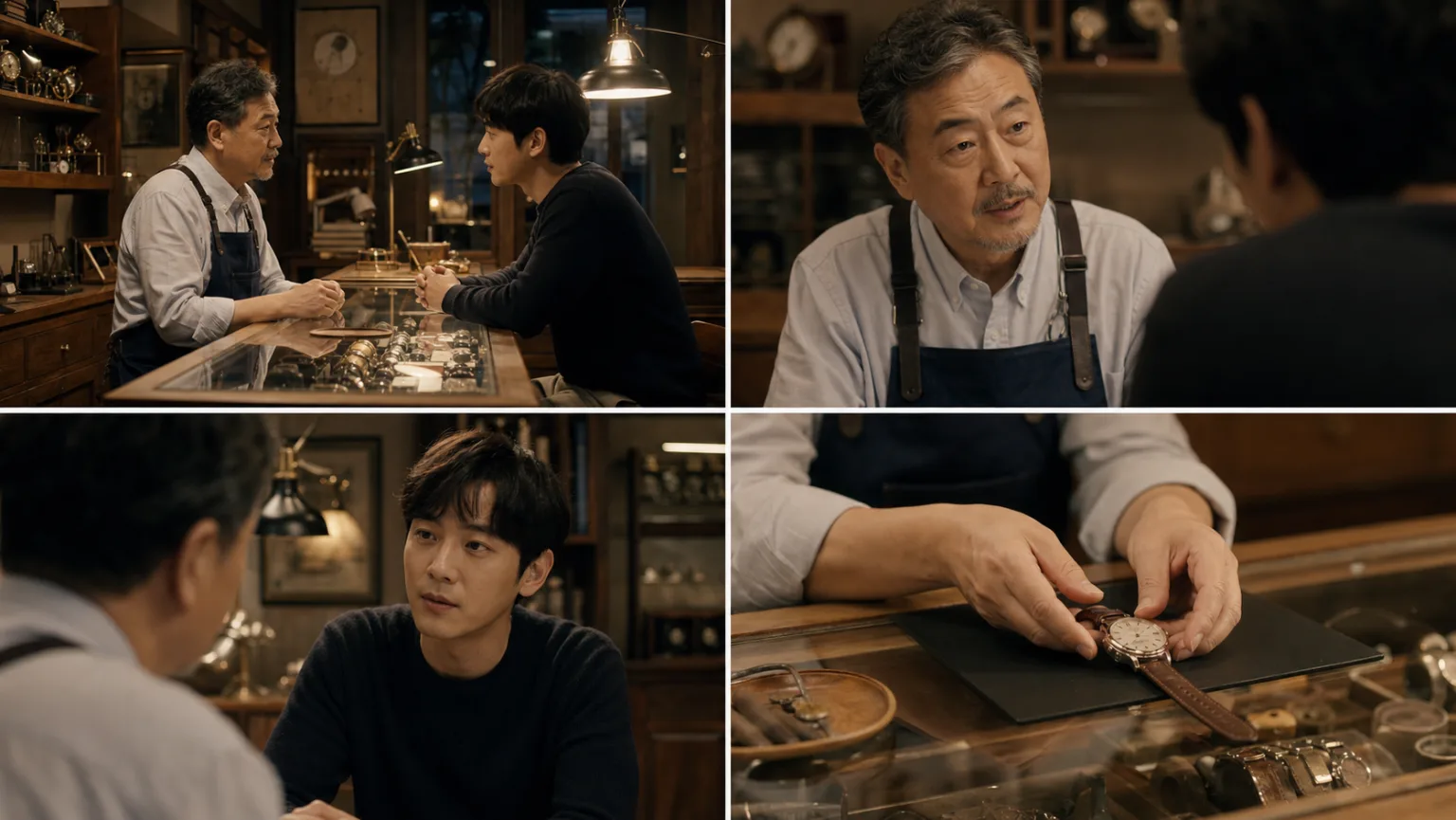
Direct a short performance with stable identity, precise eyelines, restrained dialogue, and source-linked room sound.
Open workflowTranslate musical structure into visible actions, camera rhythm, and clearly assigned audio references.
Open workflowTurn each storyboard beat into a decision-ready motion draft before committing to a final render.
Open workflowPractical answers for selecting a route, controlling a production test, and reviewing delivery.
Start from the deliverable: a multi-shot story, product ad, social hook, character dialogue, music concept, or storyboard test. The workflow then recommends a route and the production variables to lock.
Use Mini for concept fit, Fast for controlled alternatives, Pro for the selected complex or final candidate, and 1.5 Pro for a proven image-led workflow or migration baseline.
Do not plan on it. Break the deliverable into decision-ready shots, keep continuity anchors in every brief, review each result, and edit approved clips into the final sequence.
Use clean references, repeat visible identity or geometry anchors, keep wardrobe and props fixed, control screen direction, and avoid changing camera, action, setting, and style at the same time.
Create a baseline, hold subject, action, ratio, duration, and ending constant, then change one opening beat, camera direction, or staging choice per version. Record why each variant passed or failed.
Tie dialogue and sound cues to visible sources or edit beats, keep spoken lines short enough for the duration, and review speech, lips, ambience, distortion, and timing in the final output.
Run the same brief under comparable queue conditions, record actual charged credits and wait time, and compare usable results rather than raw generations. Live generator values take precedence over snapshots.
Check identity, faces, hands, product geometry, props, text, logos, continuity, dialogue, sound timing, crop, and delivery resolution. Confirm rights for every person, brand, voice, and reference asset.