Text or image
Start from a shot brief or an approved visual anchor.

Seedance model hub
Compare Seedance 2.0 Pro, Fast, Mini, and Seedance 1.5 Pro by production role, then create with the exact PixMind route. The family supports text, image, audio, and video references; the controls exposed by each connected route differ.
PixMind route snapshot verified 2026-07-13
Live workspace
Seedance 2.0 Pro is preselected. Current modes, settings, and charged credits come from the live generator below.
Seedance family
ByteDance describes Seedance 2.0 as a unified multimodal audio-video generation model that accepts text, image, audio, and video inputs. Pro, Fast, and Mini are the names of PixMind's current connected routes, while Seedance 1.5 Pro remains available for established image-led workflows. This guide separates family-level capabilities from route-specific controls.
Start from a shot brief or an approved visual anchor.
Define both endpoints and describe only the motion between them.
Assign identity, motion, setting, and sound to separate references.
Tie dialogue, ambience, and effects to visible actions.
Production roles
Complex multimodal references and selected final takes
Read from the live generator
Open version page
Native 30-second single-shot video with up to 50 multimodal references
Read from the live generator
Open version page
Storyboard beats, camera A/B tests, and social hooks
Read from the live generator
Open version page
Testing reference fit, composition, and prompt conflicts
Read from the live generator
Open version page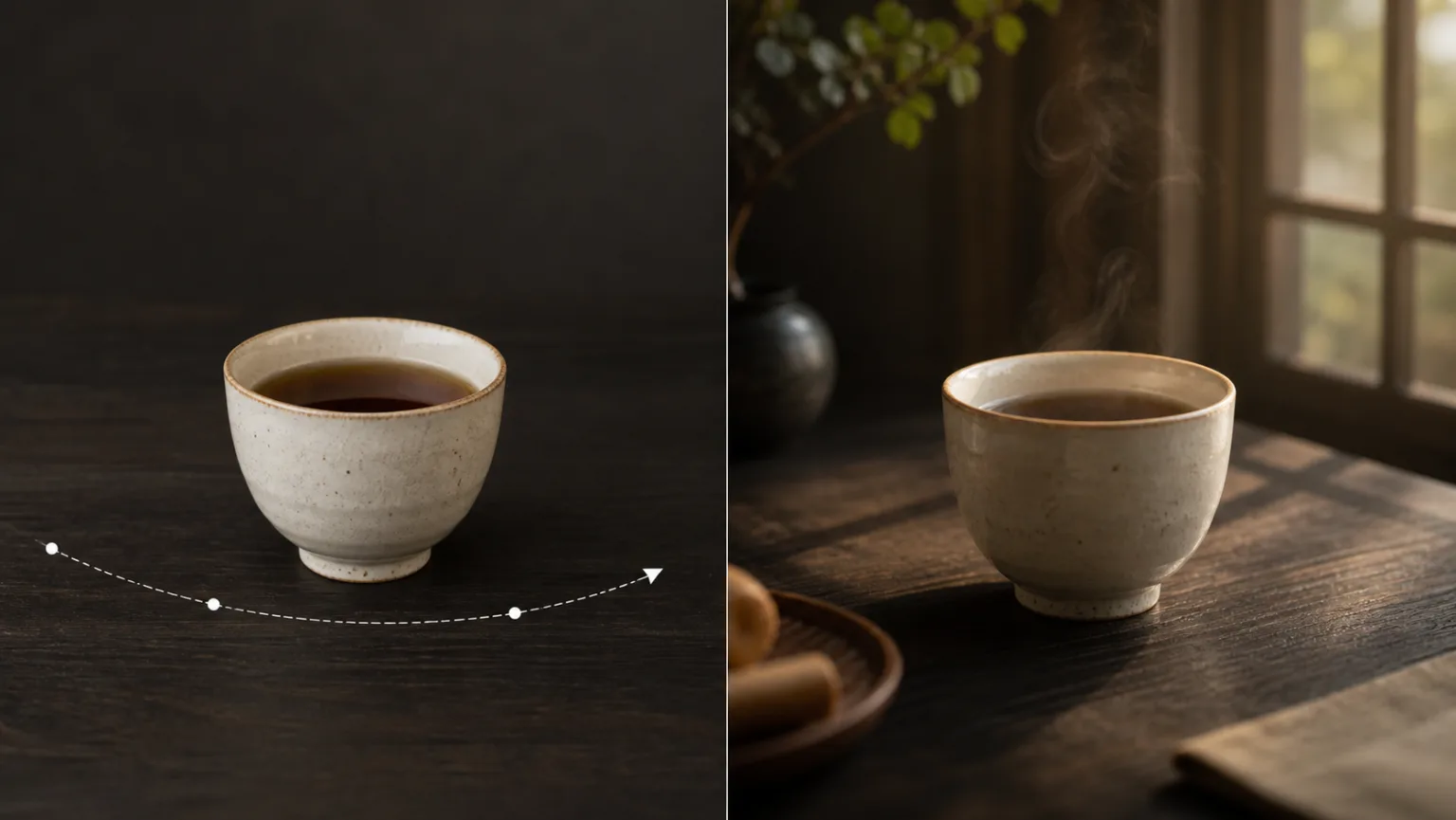
Existing image-led prompts and controlled migration tests
40-point API snapshot; confirm live
Open version page| Route | Best for | Inputs | Modes | Duration | Resolution | Audio | Credit snapshot |
|---|---|---|---|---|---|---|---|
| Seedance 2.0 Pro | Complex multimodal references and selected final takes | Text, image, video, and audio references | Image, first/last frame, multimodal reference | 5, 10, or 15 seconds | 480p, 720p, 1080p; 4K requires live verification | Audio-capable route | Read from the live generator |
| Seedance 2.5 | Native 30-second single-shot video with up to 50 multimodal references | Text, image, video, and audio references (up to 50) | Image, first/last frame, multimodal reference, region-level editing | Up to 30 seconds in a single shot | 480p, 720p, 1080p, native 4K | Audio-capable route | Read from the live generator |
| Seedance 2.0 Fast | Storyboard beats, camera A/B tests, and social hooks | Text, image, video, and audio references | Image, first/last frame, multimodal reference | 5, 10, or 15 seconds | 480p or 720p | Audio-capable route | Read from the live generator |
| Seedance 2.0 Mini | Testing reference fit, composition, and prompt conflicts | Text, image, video, and audio references | Image, first/last frame, multimodal reference | 5, 10, or 15 seconds | 480p or 720p | Audio-capable route | Read from the live generator |
| Seedance 1.5 Pro | Existing image-led prompts and controlled migration tests | Text or up to two images in the current response | Image-led video workflow | Live generator is final; API fields conflict | 480p, 720p, or 1080p | Audio-capable route | 40-point API snapshot; confirm live |
This is a dated PixMind route snapshot. Pricing and exposed controls can change; the live generator is final. A chained-duration field is not a promise of a 60-second single generation.
Prompt anatomy
Use this structure: subject + action + environment + camera + reference mapping + sound + ending constraint. Add only references that have a clear job.
Browse all Seedance prompt guidesMap each image, video, and audio reference to one clear job so the model does not have to guess which asset controls identity, motion, setting, or sound.
Lock a character's visible identity, wardrobe, props, and screen direction before varying shot size or camera movement.
Tie one short spoken line, room tone, and each important sound cue to the visible action that should produce it.
Separate subject movement from camera movement and change one camera variable at a time.
Use cases
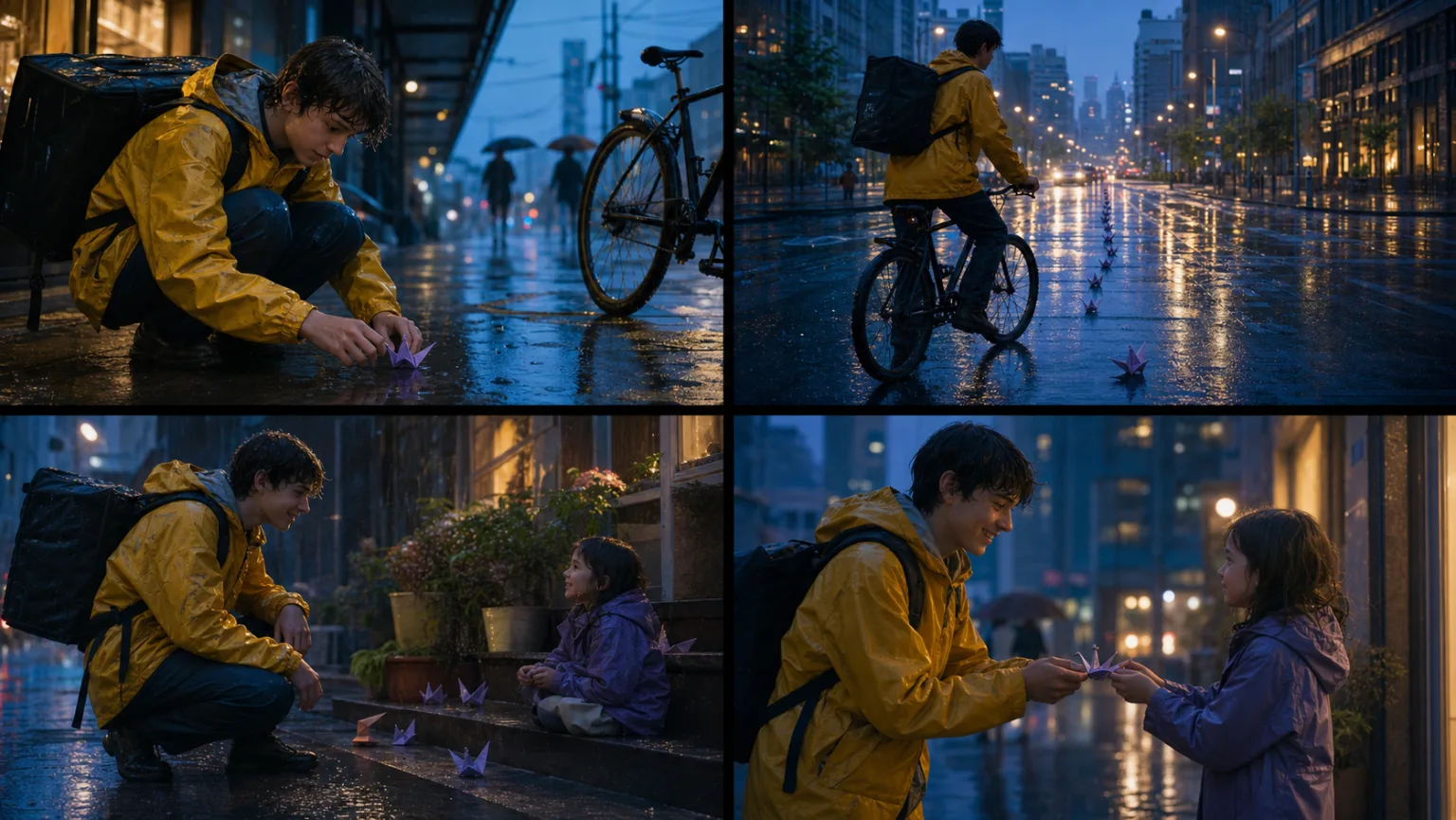
Plan one readable beat per shot and keep identity, props, weather, and screen direction stable across the sequence.
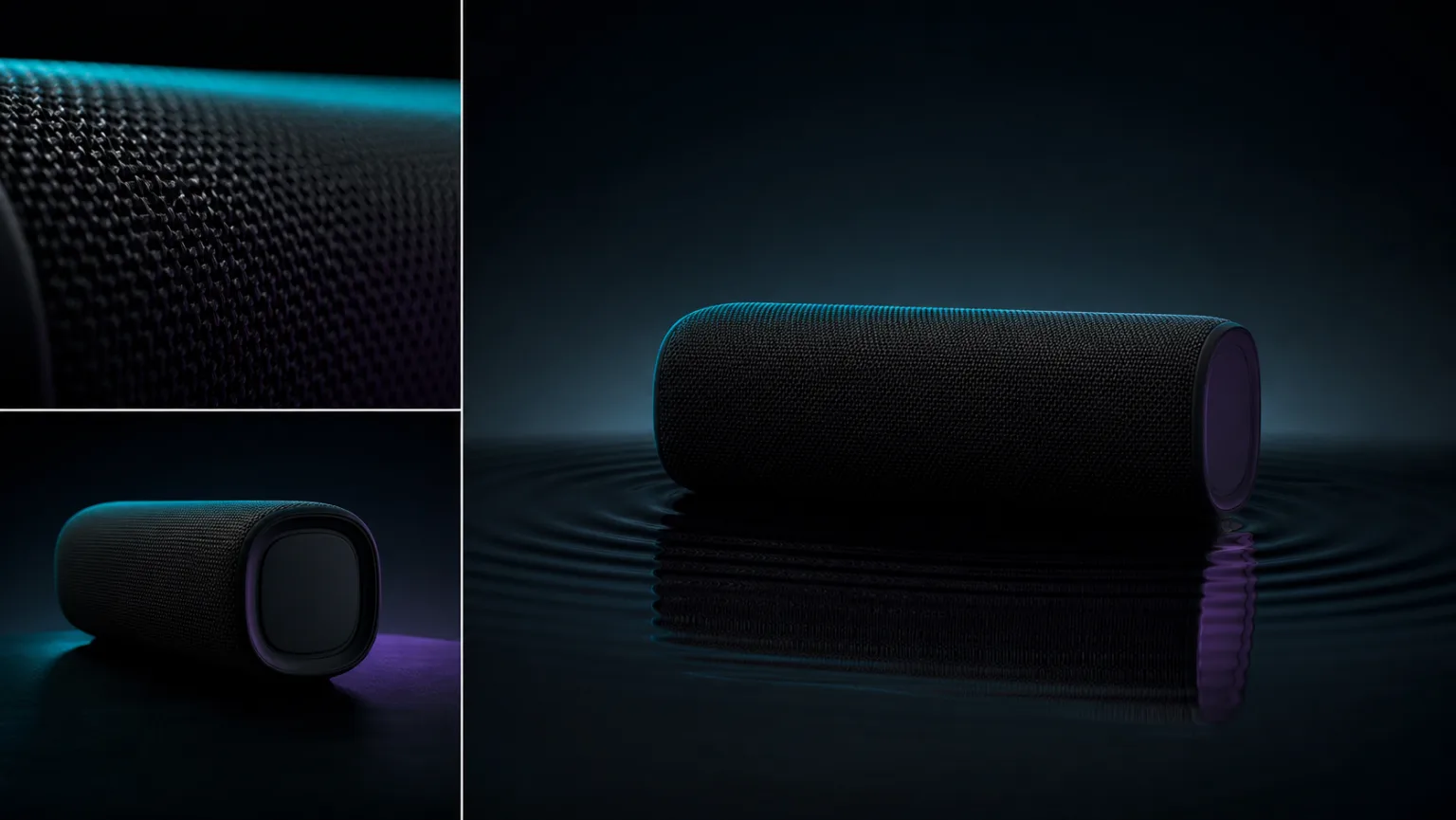
Build product films around exact shape, material, one motivated camera move, and a deliberate final composition.
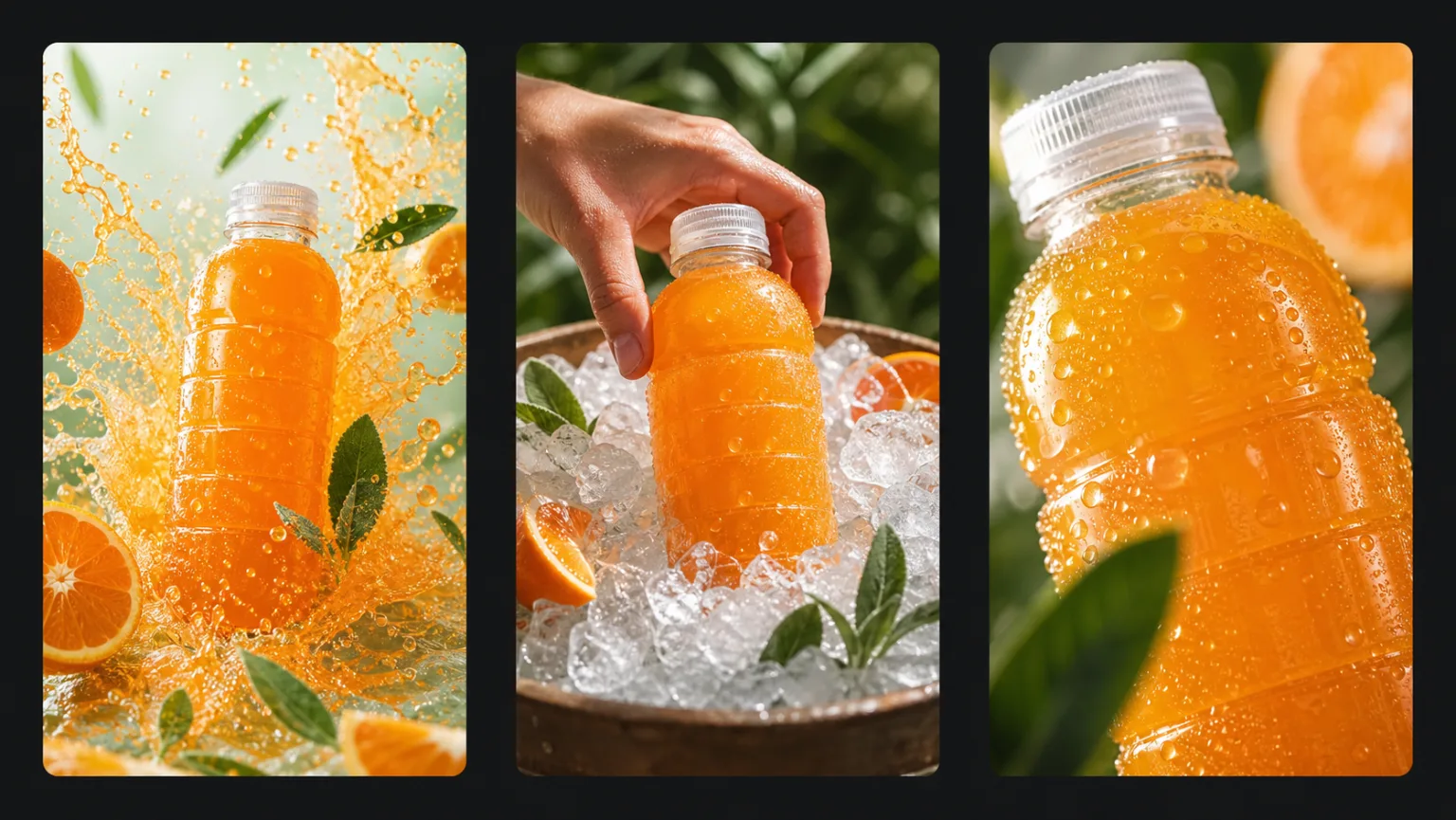
Test opening hooks as controlled variants, then promote the useful direction instead of changing every variable at once.
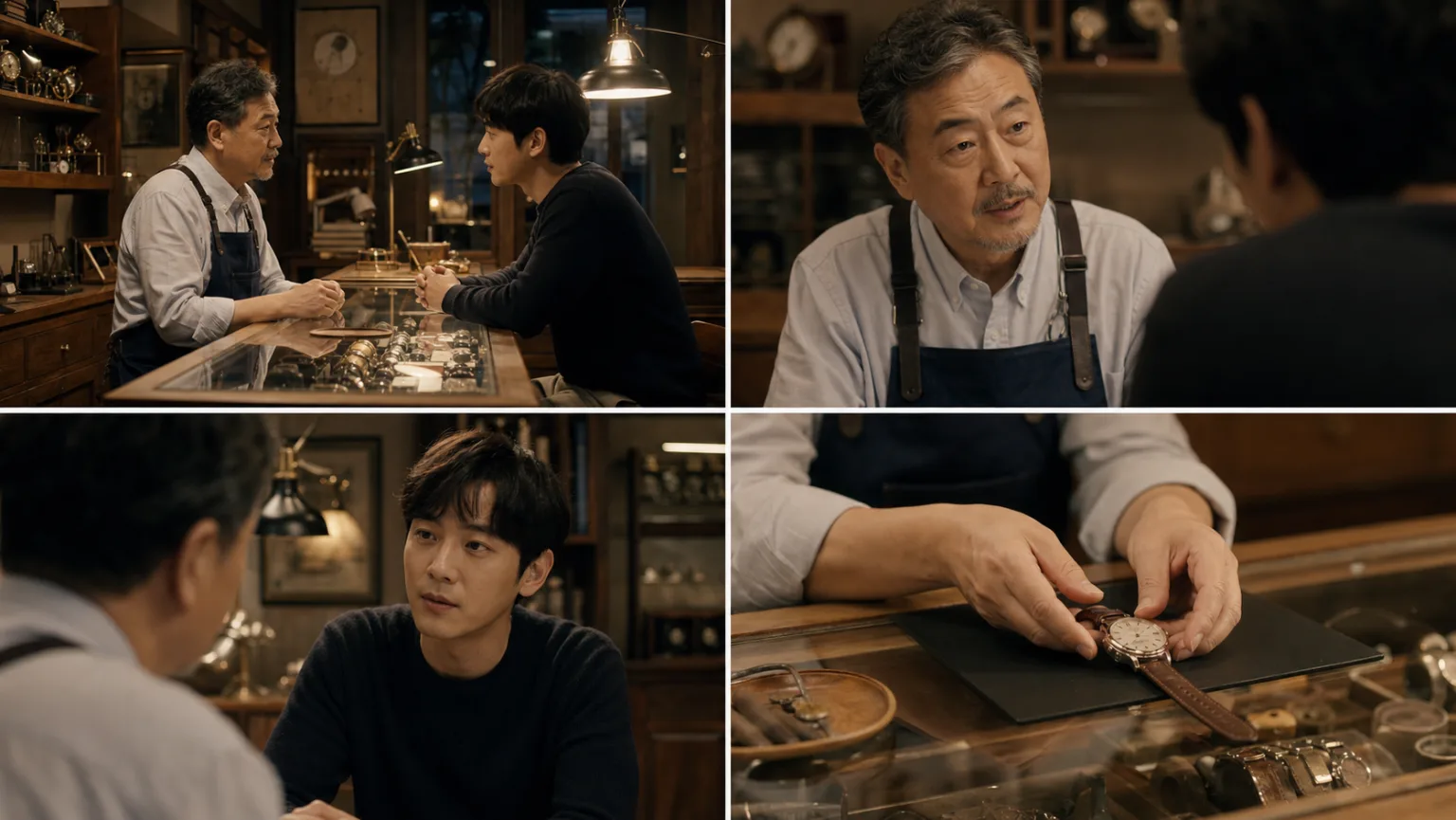
Direct a short performance with stable identity, precise eyelines, restrained dialogue, and source-linked room sound.
Translate musical structure into visible actions, camera rhythm, and clearly assigned audio references.
Turn each storyboard beat into a decision-ready motion draft before committing to a final render.
Start with Pro for complex references or selected final takes, Fast for controlled direction tests, Mini for early concept validation, and 1.5 Pro when maintaining an existing image-led workflow.
Seedance 2.0 Pro, Fast, and Mini currently expose text or image generation, first and last frame control, and multimodal reference mode with image, video, and audio inputs. Seedance 1.5 Pro currently uses one image-led mode with text direction and up to two images.
Pro is the quality route for the selected direction, Fast is the iteration route for controlled A/B tests, and Mini is the concept-validation route for checking references, composition, and prompt conflicts. These are workflow roles, not fixed promises about speed or cost.
It provides continuity for established image-led prompts and a stable baseline for migration tests. Keep it when the existing workflow meets delivery needs; move to 2.0 when the shot needs multimodal references or first and last frame control.
Pro and Fast list 5, 10, or 15 seconds; Pro lists 480p, 720p, and 1080p, while Fast and Mini list 480p and 720p. The 1.5 Pro duration fields conflict and its response lists 480p, 720p, and 1080p, so confirm every final choice in the live generator.
All four connected route records report audio capability, and the 2.0 routes accept audio in multimodal reference mode. Review actual speech, lip movement, sound sources, distortion, and timing before publishing.
No. The Pro response lists 4K, but it still requires successful live UI and delivered-file verification. Pro, Fast, and Mini do not expose a stable credit field in the verified snapshot; 1.5 Pro reports 40 points, which must also be confirmed live.
Review identity, faces, hands, product geometry, text, logos, continuity, dialogue, audio timing, and the full clip frame by frame. Confirm rights for every uploaded person, brand, voice, image, video, and audio asset.
Sources verified on July 13, 2026:
ByteDance Seedance 2.0 official launchSeedance 1.5 Pro technical report