Audio direction becomes clearer when the prompt says who speaks, what makes the sound, and when it happens relative to the action.
Keep spoken lines short and quote them exactly
Name room tone before adding music
Use one major impact cue per short shot
02 · Workflow principle
Direct timing with events, not vague mood words
Write 'the glass touches the table, then one clean click' instead of only asking for dramatic sound. Temporal relationships are easier to evaluate after generation.
Use before, during, and after for simple timing
Separate dialogue from ambience and effects
Always listen for artifacts before publishing
Visual examples
Three distinct ways to apply this workflow
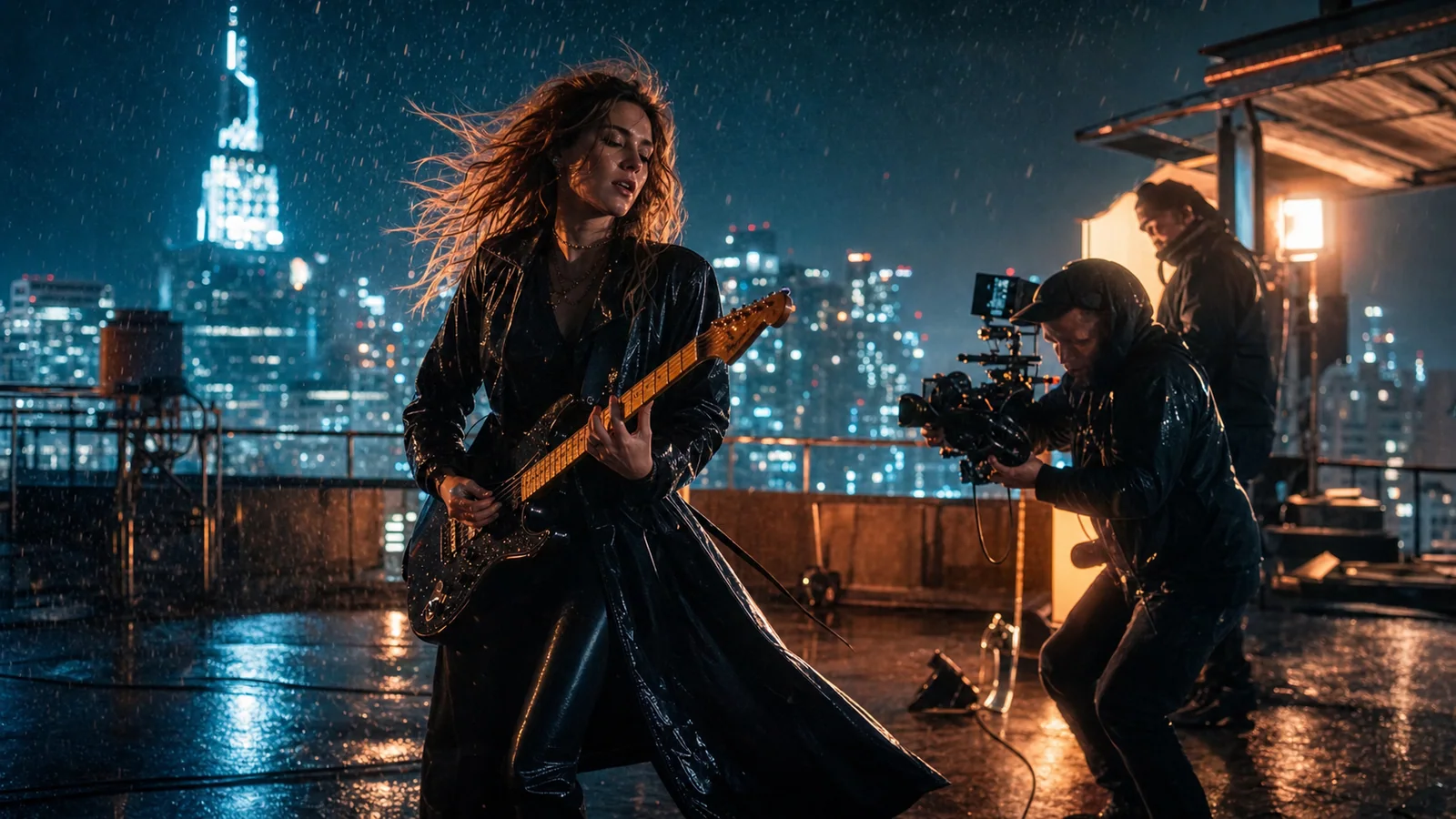
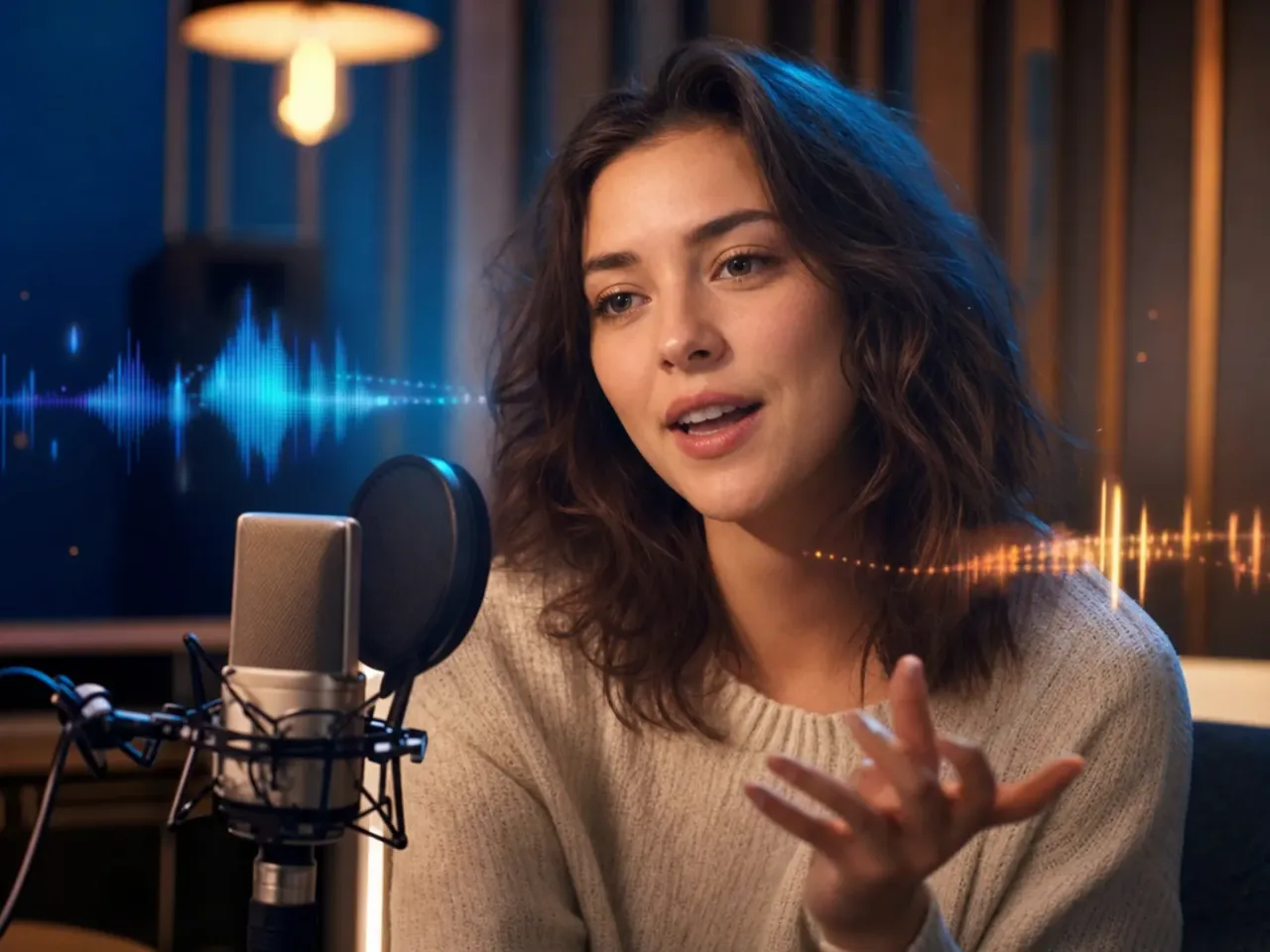
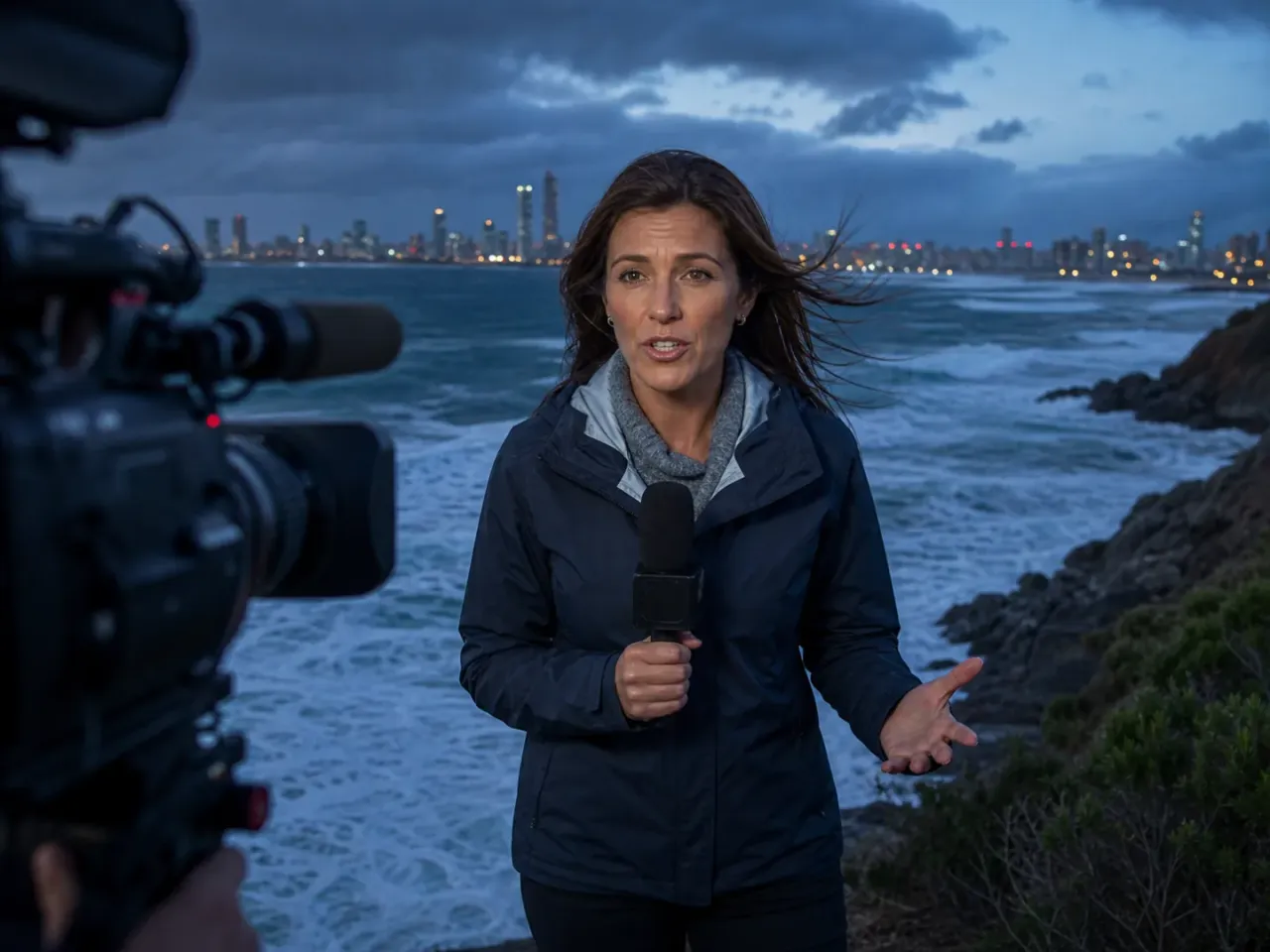
Performance, camera, rain, and ambience share one shot brief.Place the sound cue next to the action it supports.Keep dialogue short and review the actual wording.
Copyable prompt templates
Start specific, then change one variable at a time
Keep the subject, action, camera, light, sound, and ending coherent. Bracketed fields are the variables to replace.
01
One-line dialogue
Medium close-up of [character] in [room]. They say exactly: '[short line]'. Subtle facial performance, natural room tone, no music, slow push-in, hold after the final word.
Shorter lines leave more time for readable performance.
Macro view of [product detail]. Silence except soft studio room tone. As [part] locks into place, one precise metallic click occurs; a warm rim light activates at the same instant. Pull back to the full product.
One synchronized event is easier to verify than a full soundtrack.
Wide tracking shot along a rain-soaked street at night. Layered rain, distant traffic, and one passing bicycle bell. No dialogue or music. Camera follows [subject] while footsteps remain synchronized with visible contact.
[Subject] performs [single action]. A restrained rhythmic pulse builds for three counts. On the fourth count, [visible impact] happens with one deep hit; particles expand, then the soundtrack drops to ambience as the camera settles.
Natural interview portrait of [speaker]. Quiet [location] room tone, faint ventilation, no music. The speaker breathes, then says: '[line]'. Stable medium shot, realistic mouth timing, hold at the end.
Slow orbit around [machine] in a dark workshop. Low electrical hum follows the visible indicator lights. As the mechanism starts, layered gears accelerate naturally; no music, no voice, finish with the machine at steady speed.
Match changes in sound intensity to visible mechanics.
Does every Wan route expose the same audio controls?
No. Connected model modes can report different audio capabilities. Confirm the selected route in the live generator before relying on a sound workflow.
How long should dialogue be in a 5-second clip?
Use one short line that leaves time for breathing, visible delivery, and an ending hold. Test wording and timing rather than assuming every word will fit.
Can I use a reference voice without permission?
No. A technical ability to upload or describe a voice does not grant rights to imitate it. Obtain appropriate permission and review applicable terms.