Wan 3.0 Prime
Explore Prime for faster-turnaround product films, character scenes and reference-led creative variants. Check availability on its dedicated page.
Up to 30 seconds · 480p / 720p / 1080p
Open Prime model page →
Alibaba Cloud · Wan model family hub
Wan 3.0 is Alibaba's all-modality reference video model. Beyond the text, image, and endpoint workflows of earlier Wan versions, it accepts documents and web pages as creative sources and combines image, video, and audio references in a single request — useful when a clip must match existing brand assets, a voice track, or written source material.
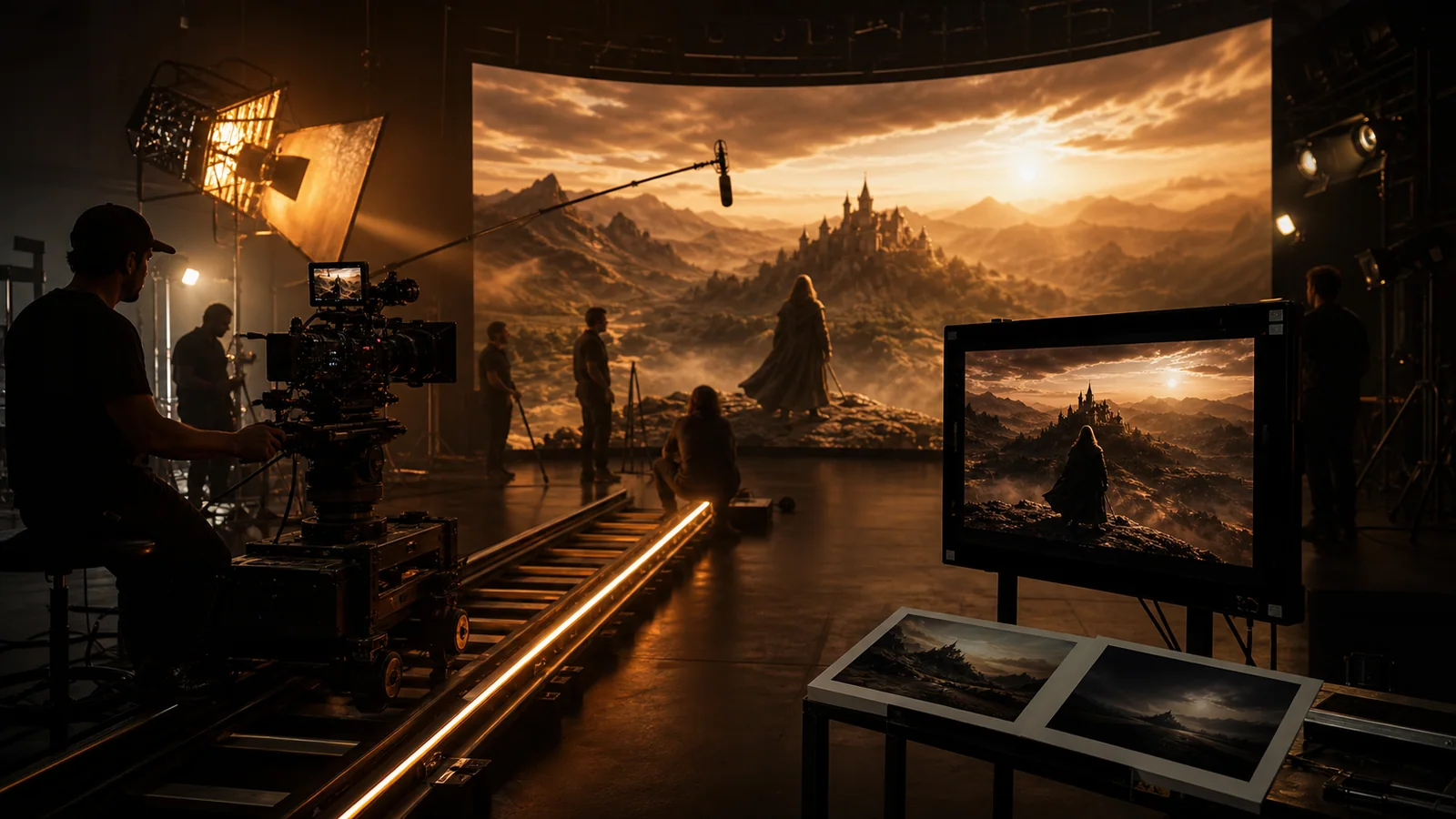
Latest connected model
The family Hub starts with the latest unified Wan model. Open the version page for detailed input guidance and examples.
Model family overview
Wan 3.0 is Alibaba's all-modality reference video model. Beyond the text, image, and endpoint workflows of earlier Wan versions, it accepts documents and web pages as creative sources and combines image, video, and audio references in a single request — useful when a clip must match existing brand assets, a voice track, or written source material.
Wan version directory
Wan 3.0 is the current unified route. Wan 2.7 remains available for previous workflows, while Wan 2.6 keeps its three connected production routes together. Choose by control and production role, not by URL suffix.
Explore Prime for faster-turnaround product films, character scenes and reference-led creative variants. Check availability on its dedicated page.
Up to 30 seconds · 480p / 720p / 1080p
Open Prime model page →Document & webpage-to-video explainers
First/last frames, reference video and audio, multimodal control
Text-to-video, quality image animation, lower-credit Flash drafts
Use an image for identity or shape, endpoints for the final composition, and references for motion or sound.
Subject, action, environment, camera, light, sound, and ending should describe the same production beat.
Check identity, geometry, motion continuity, generated words, sound timing, and the final edit point.
Wan use cases
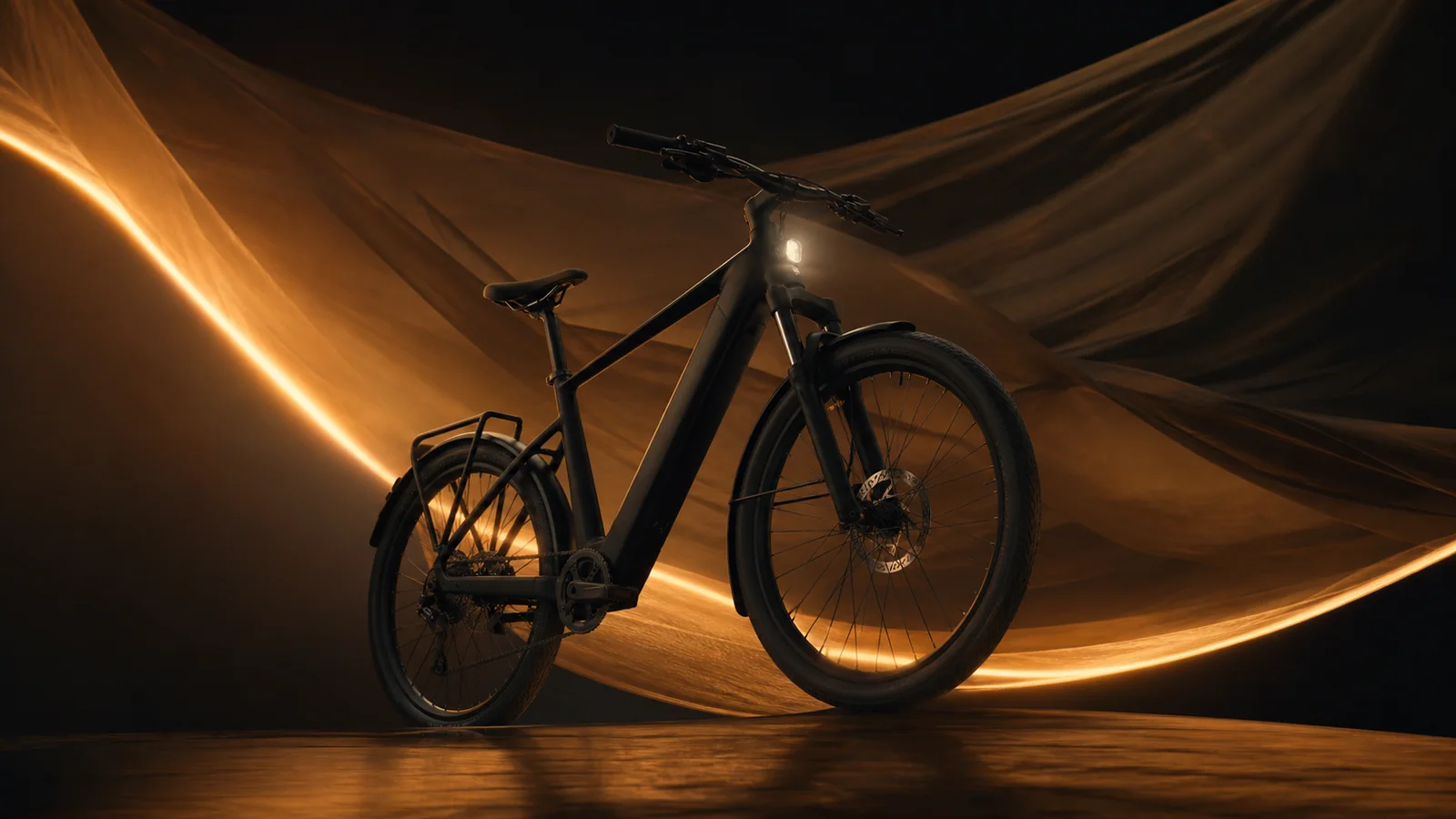
Preserve an approved product visual, add deliberate material motion, and finish on a usable hero frame.
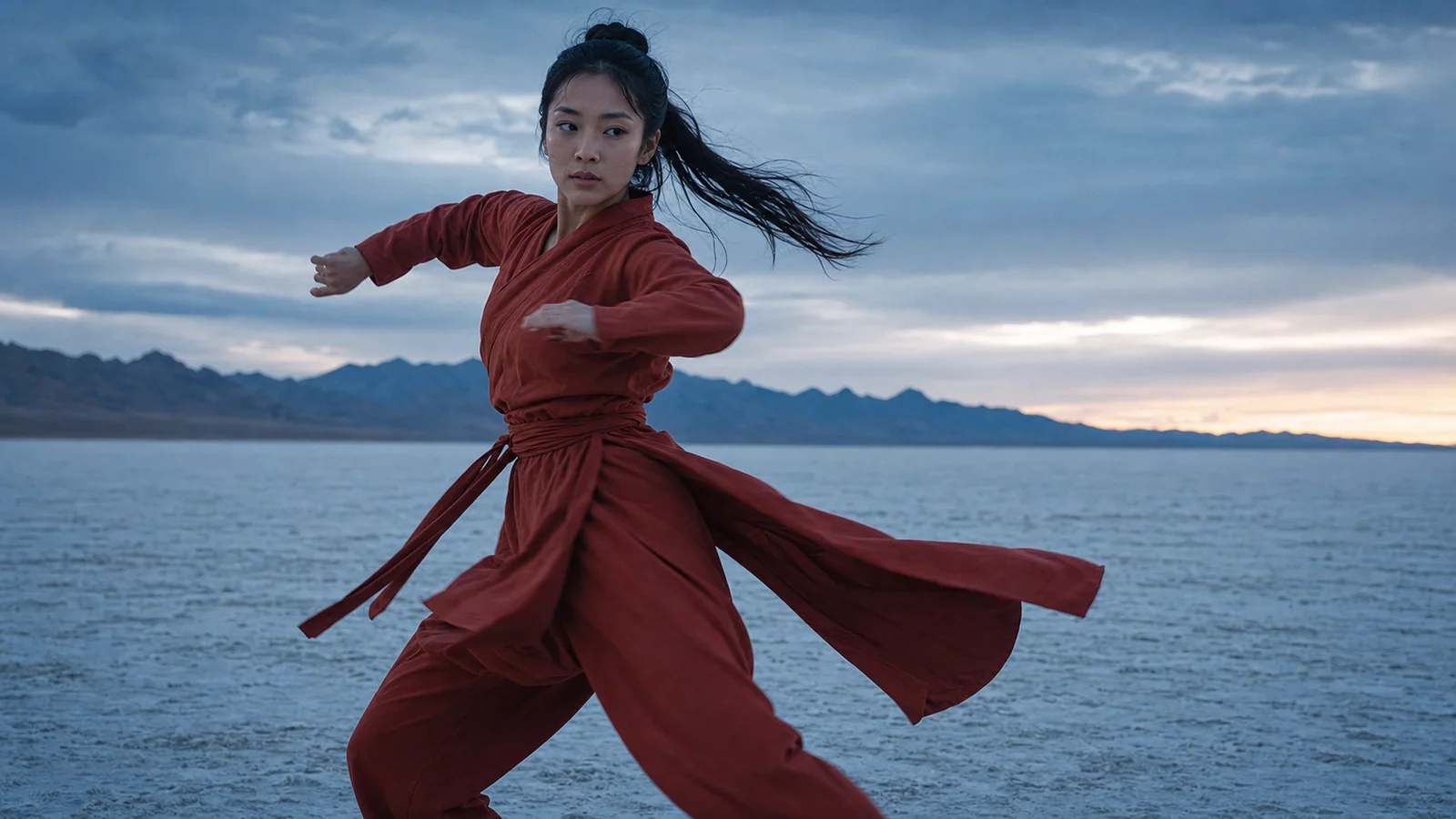
Use an image to anchor identity and a short reference to communicate performance timing.

Turn one story beat into a coherent shot with a clear camera path and ending.

Test an immediate action and readable payoff before committing to a longer edit.
Wan prompt guide
[Shot size] of [subject] performing [single action] in [environment]. [Camera move], [lighting], [material/weather motion], [sound cue], finish on [ending composition].
Use this promptAnimate the supplied image while preserving [identity/product geometry/material]. Add [one action] and [one camera move]. Natural motion, stable background, clean ending.
Use this promptUse image reference for [identity/style], video reference for [motion/camera rhythm], and audio reference for [beat/ambience]. Preserve [details]. One continuous shot.
Use this promptUse the same shot goal across versions and compare consistency, retries, control, and credits—not a single attractive frame.
Create with Wan 3.0