Pixmind
Wan model family

Alibaba Cloud · Unified version page

Wan 2.6 AI Video Generator

PixMind combines the three connected Wan 2.6 routes on one model page. Write a cinematic multi-shot brief, animate one approved image at quality priority, or switch to Flash for lower-credit image-motion drafts.

  • 1080p text-to-video concepts
  • Quality-first product and character animation
  • Lower-credit Flash drafts
Choose text, quality image, or Flash image generation without leaving Wan 2.6
5 / 10 / 15sDuration
720p / 1080pResolution
3Connected routes
75 / 100Audit credits

Exact model workspace

Create with Wan 2.6

Select one connected Wan 2.6 route. The generator below is pinned to that exact production model ID.

Loading...

Model overview

Choose text, quality image, or Flash image generation without leaving Wan 2.6

Wan 2.6 in PixMind is a version page, not three disconnected products. Text-to-video is for scenes that do not yet have a source image; Image Quality is for approved visuals where fidelity matters; Image Flash is for faster, lower-credit iteration and reports optional audio support on the connected route.

Wan model capability

Text-to-video builds the scene before any source image exists

Describe the subject, action, environment, camera, lighting, and sound as one production brief. Wan 2.6 can create multi-shot narrative ideas, but each requested beat should still contribute to one short, coherent sequence.

  • Lead with the subject and the change viewers must understand
  • Use explicit camera verbs such as track, orbit, push, or lock
  • Keep dialogue and sound cues short enough for the selected duration
Use this workflow
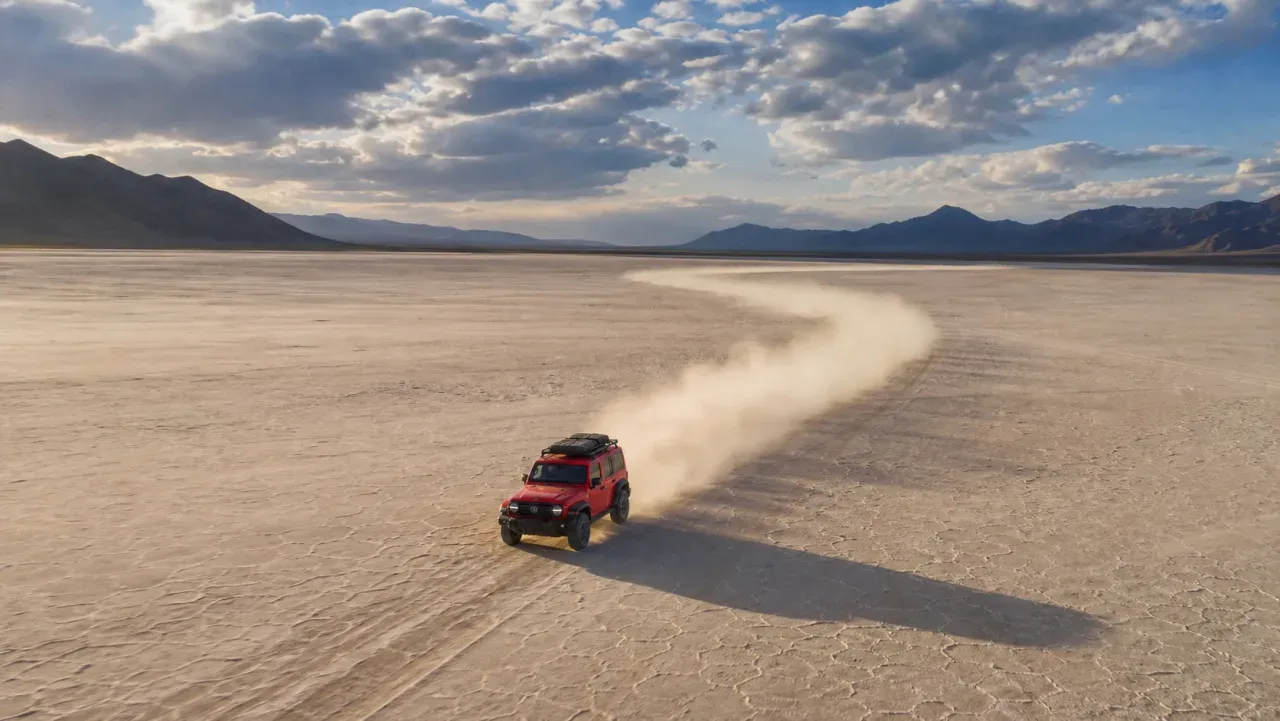
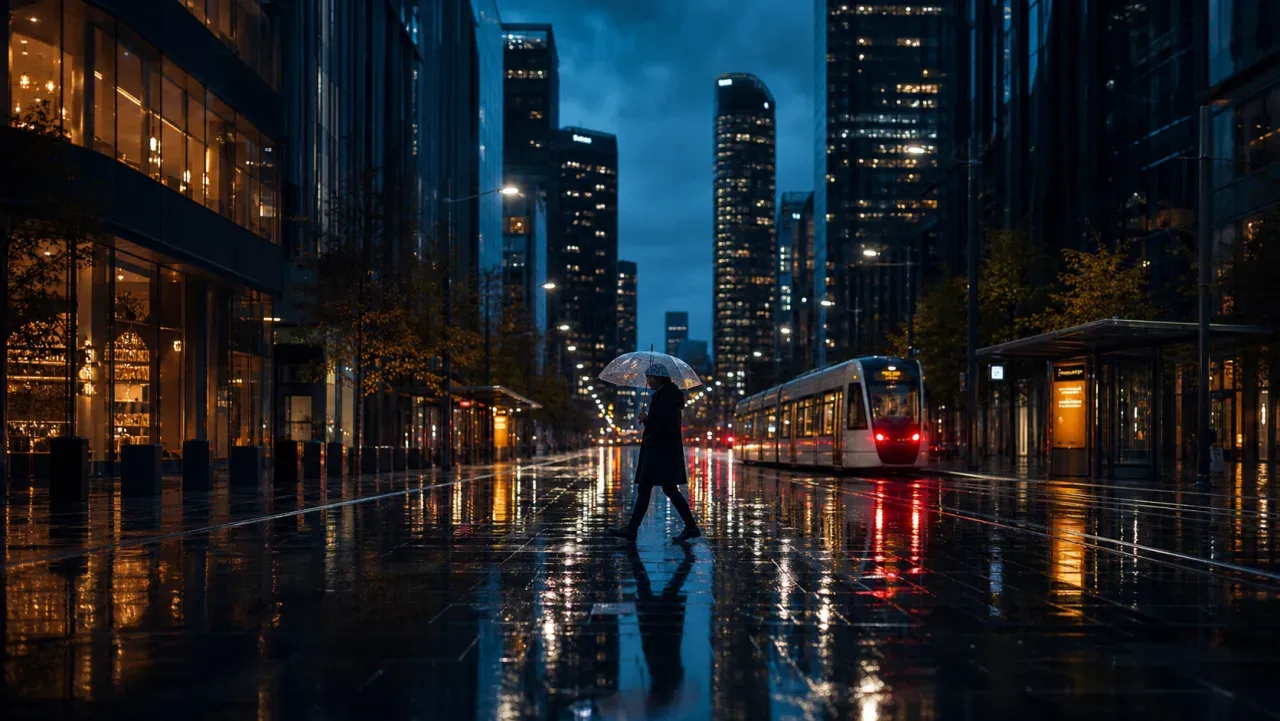
Cinematic city scene representing Wan 2.6 text-to-video

Wan model capability

Image Quality prioritizes fidelity to the approved still

Use the quality route for product geometry, character appearance, wardrobe, or composition that must survive motion. The best prompts add one physically plausible action and one camera move instead of changing every part of the source image.

  • Upload a sharp source with complete edges and space for motion
  • State the exact shape, color, face, or material details to preserve
  • Judge consistency across the whole clip, not only frame one
Use this workflow
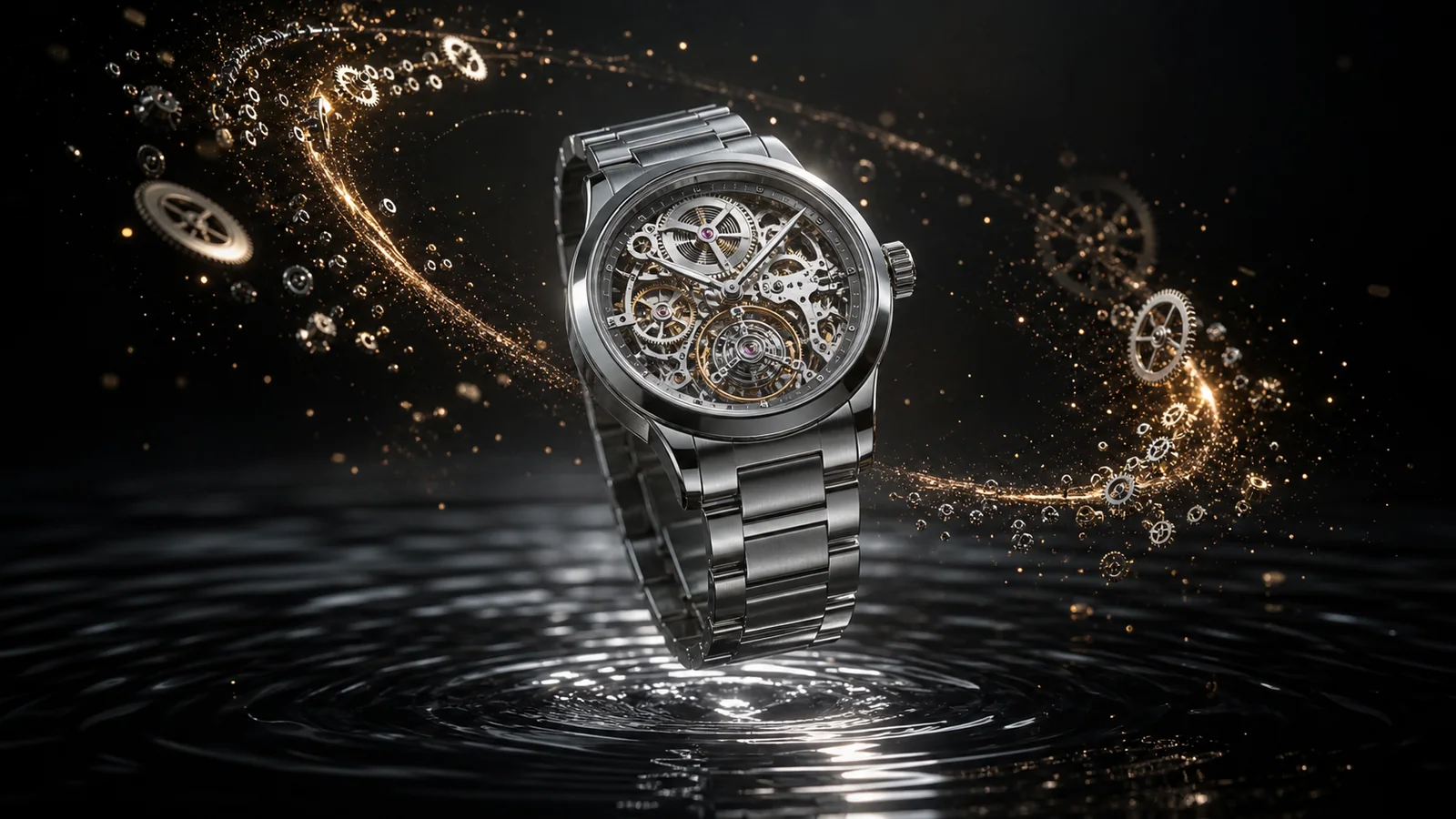
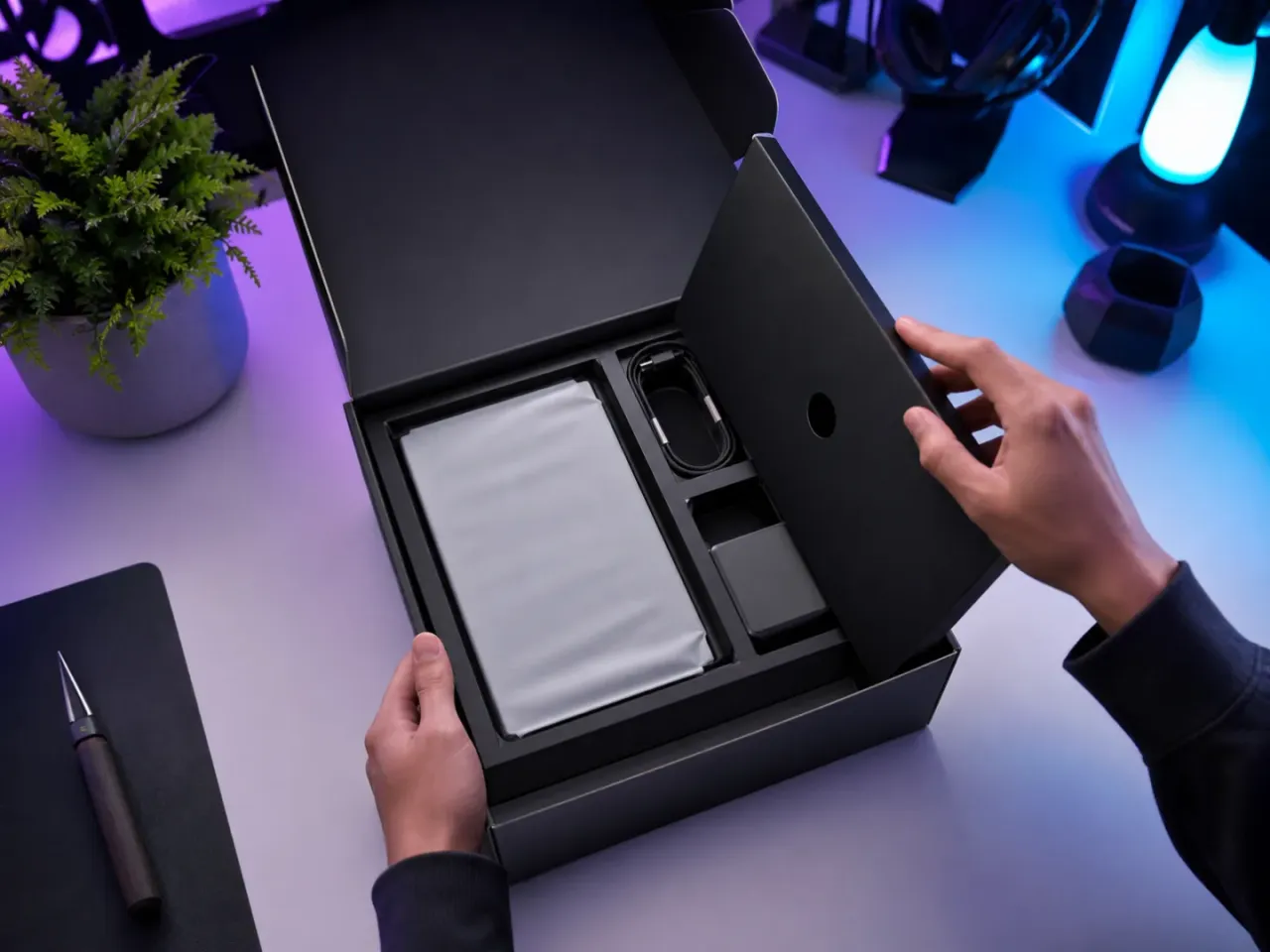
Luxury product image animation concept for Wan 2.6 Image Quality

Wan model capability

Image Flash makes motion directions cheaper to compare

The connected Flash route uses 75 credits at the audit snapshot versus 100 for Image Quality. Use it to compare motion amplitude, camera direction, and short social hooks before spending more on the selected direction.

  • Keep the input image and prompt identical during route tests
  • Count usable takes and retries instead of judging one pretty frame
  • Confirm the live generator before relying on optional audio
Use this workflow
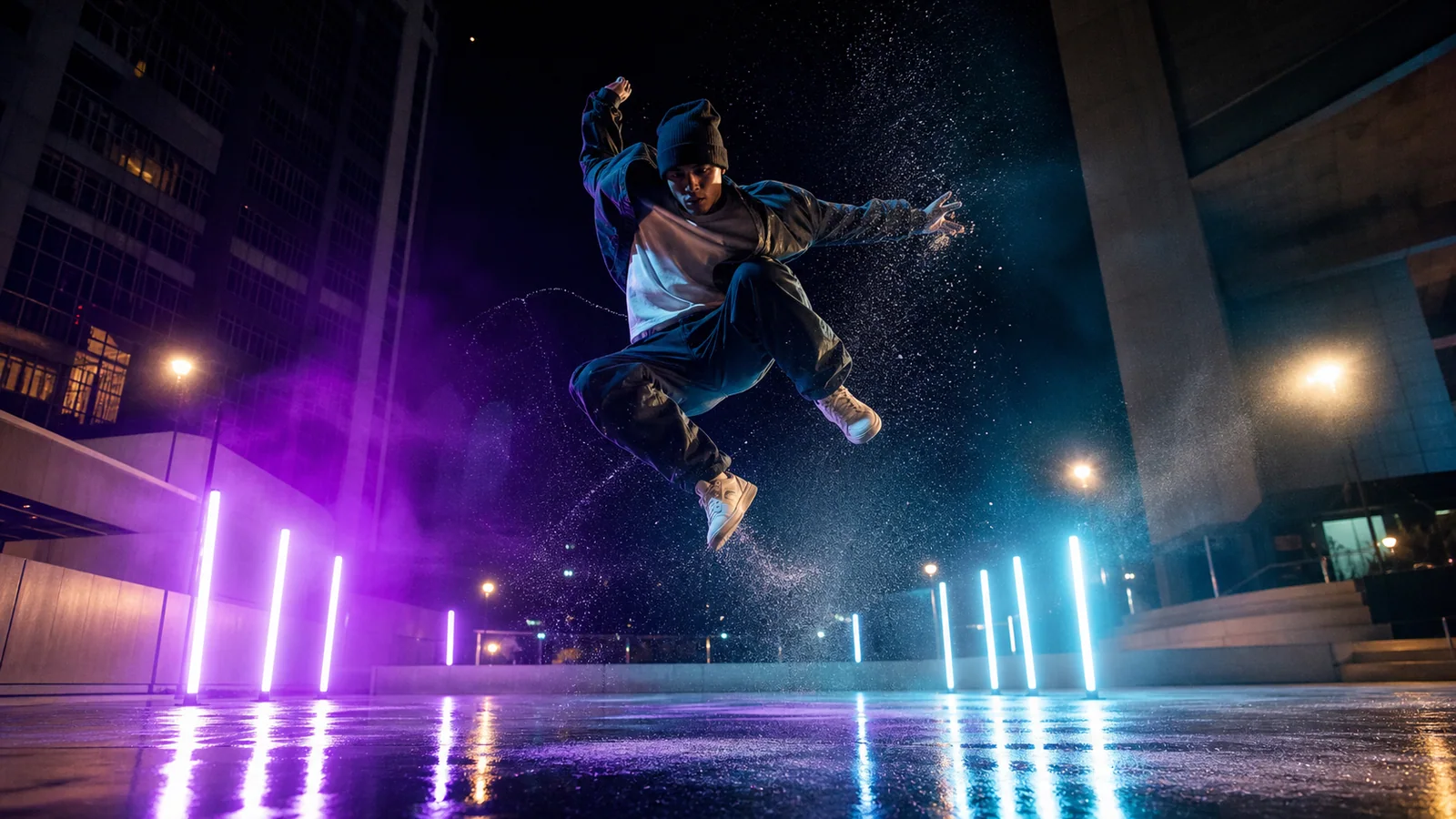
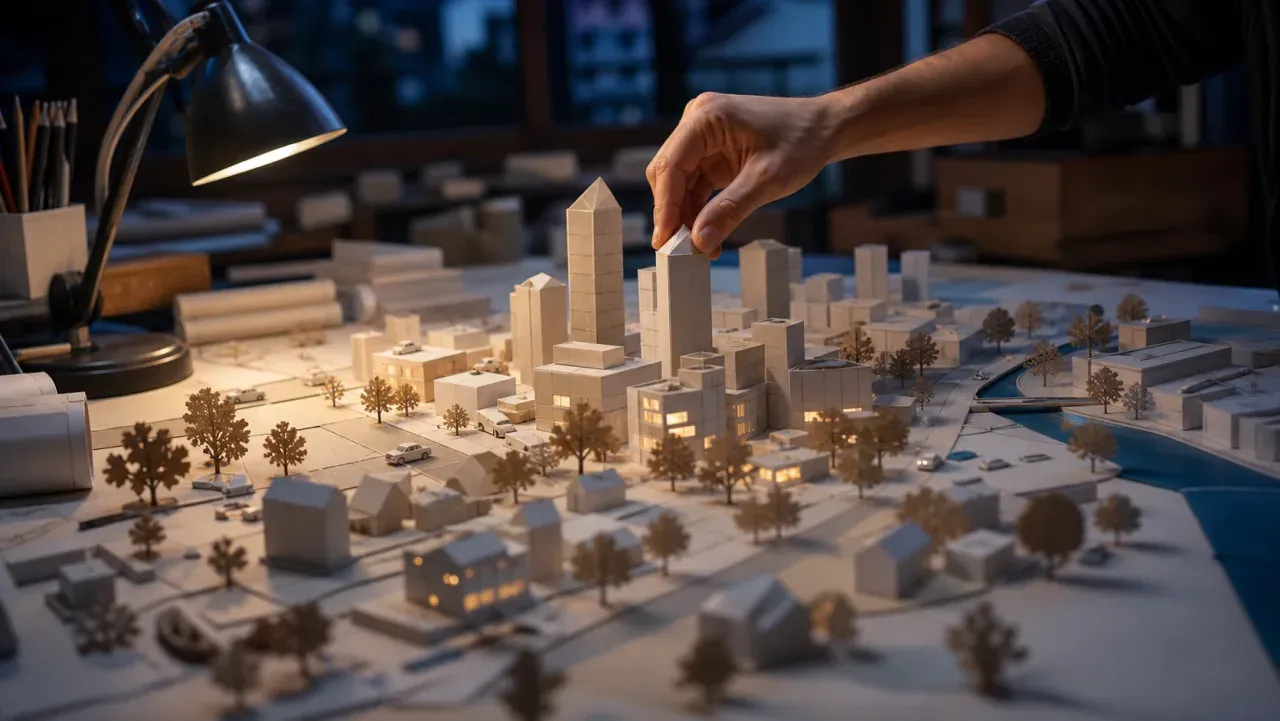
High-energy character motion concept for Wan 2.6 Image Flash

Task-based examples

What can you create with Wan 2.6?

Choose a workflow from the deliverable you need, then adapt the included prompt starter to one clear shot.

Cinematic concept

Cinematic concept

Build a scene, subject action, and camera path entirely from a shot brief.

View prompt idea

A cinematic [shot size] of [subject] in [environment]. [Single action], [camera move], [lighting], [sound], coherent visual continuity, finish on [ending].

Product animation

Product animation

Preserve an approved packshot while adding light, material, and camera motion.

View prompt idea

Animate the supplied product image. Preserve exact geometry, label placement, color, and material. Slow controlled orbit, one light sweep, stable background, clean ending.

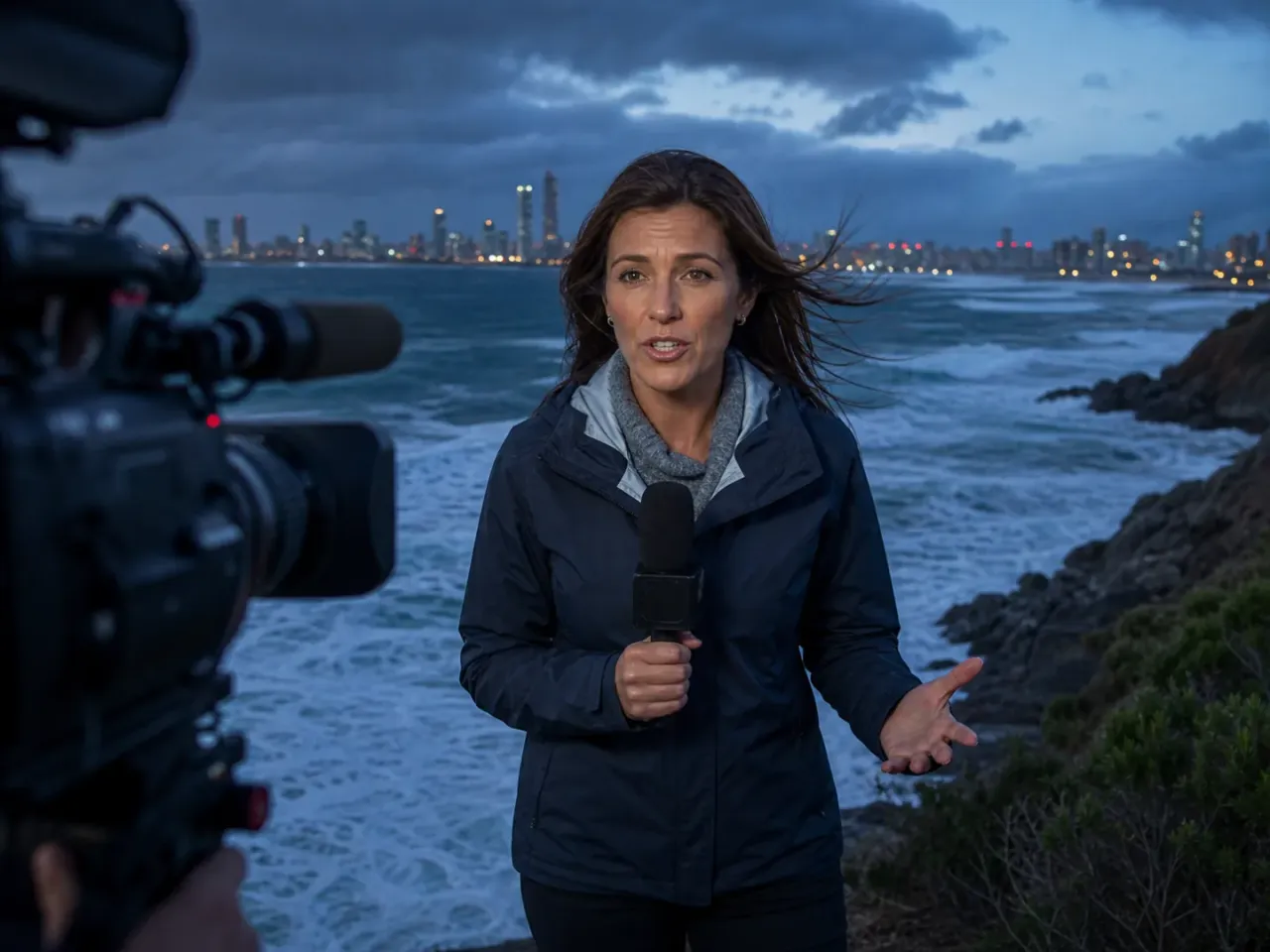
Character portrait motion

Character portrait motion

Add subtle performance and camera movement without redesigning identity.

View prompt idea

Animate the supplied portrait with [subtle action]. Preserve face, hair, clothing, and proportions. Natural blinking and breathing, slow push-in, stable background.

Social hook test

Social hook test

Use Flash to compare several readable opening actions at lower credit cost.

View prompt idea

Turn the supplied key visual into a short social hook. [Immediate action] in the first second, [camera move], strong silhouette, settle on the original composition, no generated text.

Atmospheric B-roll

Atmospheric B-roll

Create an environment-led insert with weather, depth, and restrained movement.

View prompt idea

Atmospheric B-roll of [place] at [time]. Layered foreground, [weather], slow tracking camera, realistic environmental motion, no characters, natural ambience.

Storyboard motion study

Storyboard motion study

Evaluate whether one storyboard beat reads before building a longer sequence.

View prompt idea

One storyboard beat: [subject] performs [action] because [motivation]. Locked composition, one camera adjustment, clear visual payoff, hold the ending for editing.

AI video model comparison

Wan 2.6 vs Veo 3 vs Kling 3.0 vs PixVerse V5

Use this as model-selection guidance, not a substitute for the live controls. Public specifications and connected provider routes can expose different parameter subsets.

FeatureWan 2.6Veo 3Kling 3.0PixVerse V5
Best forCinematic scenes, multi-shot concepts, image animationProduction realism and native audiovisual scenesCharacter motion, action, and creator videoFast social effects and stylized clips
Connected inputText · one imageText · imageText · image · reference workflowsText · image
Maximum duration15 seconds8 secondsRoute-dependentRoute-dependent
Resolution720p · 1080pRoute-dependentRoute-dependentRoute-dependent
AudioT2V and Flash report audio capabilityNative audio workflowAudio and lip-sync workflowsAudio workflows vary by route
Choose whenYou want one Wan version with text and two image workflowsFinal audiovisual realism matters mostCharacter performance and motion control lead the briefRapid social iteration and effects lead the brief

PixMind production API snapshot verified 2026-07-13. Live generator controls are final.

Prompt starters

Prompt Wan 2.6 by control, not adjectives

Name the subject, one action, the camera path, light, sound, and ending. Add only the reference responsibility that the selected input mode needs.

Text-to-video production brief

[Shot size/lens] of [subject] performing [one action] in [environment]. [Camera path]. [Lighting and material response]. [Dialogue/ambience/effect]. End on [composition].

Use this prompt

Image Quality animation

Preserve the supplied image's [identity/product geometry/material/color]. Add only [subject action] and [camera move]. Natural physics, stable background, no generated text, clean ending.

Use this prompt

Image Flash test

Quick motion test from the supplied image: [single action], [camera direction], [motion intensity]. Preserve the subject and original composition; one continuous shot.

Use this prompt

Trust and limitations

Review the result before it enters production

  • Flash is a workflow choice, not a promise of queue time or final quality.
  • Generated words, logos, identity, hands, and product structure require review before publishing.
  • Credits are a dated production snapshot and may change; the live generator is the final source.

Wan 2.6 FAQ

Which Wan 2.6 input should I choose?

Use Text when no source visual exists, Image Quality when fidelity matters, and Image Flash when you need lower-credit motion tests.

Does Wan 2.6 generate audio?

Some connected routes report audio capability, but the exact control differs by model mode. Confirm the selected route in the live generator and review dialogue, timing, and artifacts before publishing.

Can I use generated Wan video commercially?

Commercial use depends on the provider terms and your rights to every prompt, reference, identity, voice, logo, and brand asset. Review both the output and current terms before release.

Turn one clear shot brief into a Wan 2.6 test

Start in the exact connected model workspace, then compare usable takes, retries, consistency, and credit cost.

Start generating