Photoshop Compositing
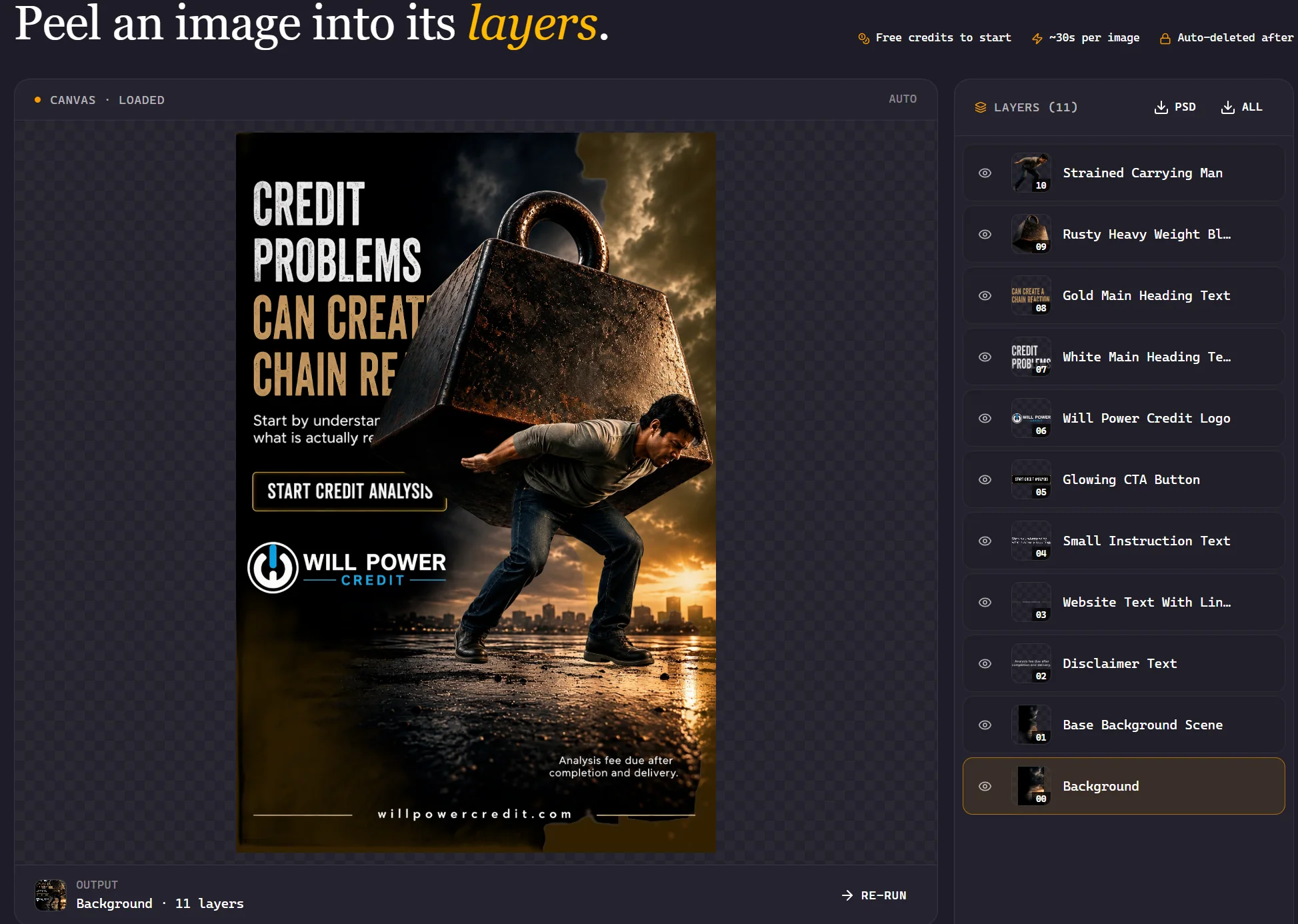
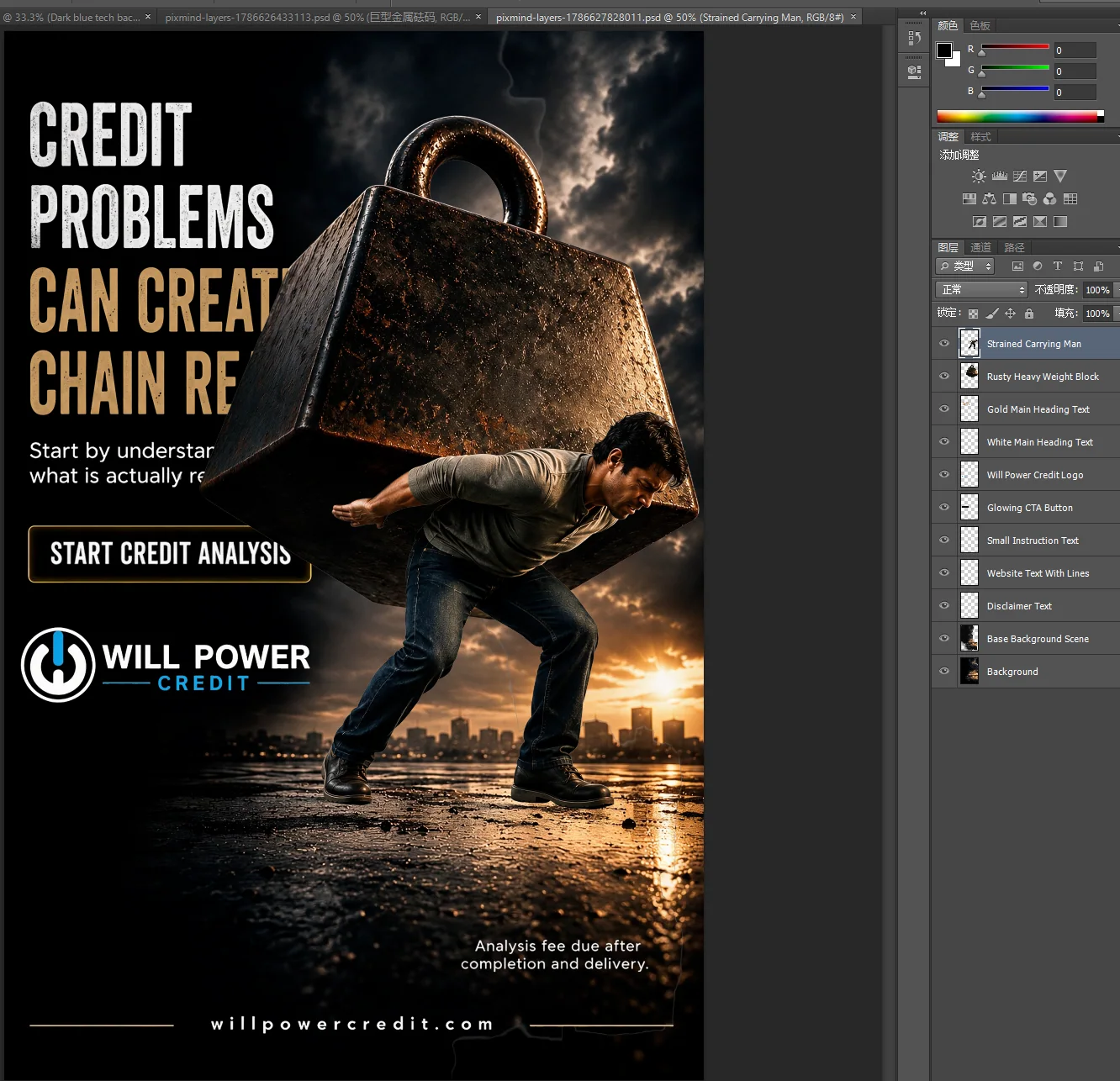
Download all PNG layers, load them into one Photoshop document, keep the same canvas size and order, then edit masks, color and position non-destructively. Transparent pixels remain transparent.
Split any image into editable transparent RGBA layers with one click
Powered by advanced AI, decompose photos into multiple layers — separate foreground, background, objects, and text for professional editing and compositing.
Discover how AI image layer decomposition transforms your creative workflow
Precisely isolate the main subject from any image with AI-powered edge detection, preserving fine details like hair, fur, and transparent elements.

Automatically separate complex backgrounds into independent layers, enabling seamless background replacement and creative compositing.
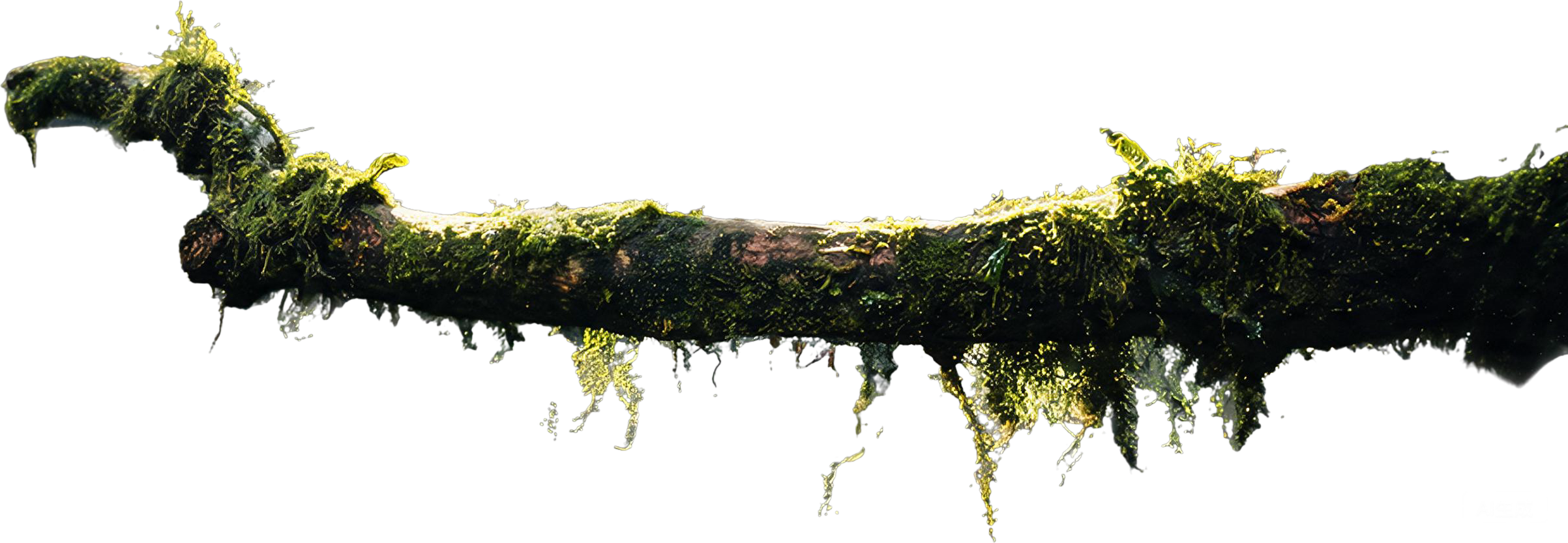
Generate fully transparent RGBA layers that work directly in Photoshop, Figma, and other design tools — no manual masking required.

Detect and separate text, logos, and graphic elements from images into their own editable layers for easy modification.

Identify and isolate individual objects within a scene, creating separate layers for each element — perfect for product photography and design.
Process multiple images at once with consistent layer decomposition, saving hours of manual work for e-commerce and design teams.
Explore how image layer decomposition works across different use cases

Professional product photo of wireless headphones on white background, studio lighting, clean commercial photography style
Professional portrait of person in business attire against blurred city lights at night, cinematic color grading, shallow depth of field
Flat-lay of colorful design materials — paper shapes, scissors, pens and color swatches on wooden desk, top-down view, natural lighting
Gourmet plated dish with grilled salmon and vegetables on ceramic plate, professional food photography, dark moody background, soft lighting
Modern glass skyscraper against clear blue sky, architectural photography with geometric lines and reflections
Vibrant oil painting of sunset landscape with mountains and lake, rich textured brushstrokes in warm colors, displayed on easel in studio
Decompose any image into layers in three simple steps

PixMind exports separate RGBA PNG files rather than a native PSD. Keep the layers aligned and assemble them in the design tool you already use.
Download all PNG layers, load them into one Photoshop document, keep the same canvas size and order, then edit masks, color and position non-destructively. Transparent pixels remain transparent.
PSD is not a direct PixMind export. Import the transparent PNG files as separate Photoshop layers, rename and group them, then save the assembled document as PSD for handoff or continued editing.
Drag the PNG layers into the same frame, align them to the top-left at their original size, then group, reorder or animate individual elements. Preserve the original dimensions to avoid layer drift.
Upload each transparent PNG, place the layers on one canvas, and swap backgrounds or reposition products for social and ecommerce sizes. Verify text and fine edges after Canva resizes the design.
Everything you need to know about AI image layer decomposition
AI image layer decomposition represents a breakthrough in computer vision and image editing technology. Unlike traditional methods that require manual masking and selection tools, AI-powered decomposition automatically identifies and separates distinct visual elements within a single image.
Modern AI models, particularly those based on transformer architectures like Qwen-Image-Layered, analyze images at multiple levels of abstraction. They identify semantic regions — such as people, objects, text, and backgrounds — and generate pixel-perfect masks for each element. The result is a set of transparent RGBA layers that can be independently edited, moved, or replaced.
For designers, this means no more hours spent on manual clipping paths and background removal. For developers, it provides programmatic access to image decomposition through APIs, enabling automated workflows for e-commerce catalogs, content management systems, and creative applications.
While background removal tools simply separate foreground from background, image layer decomposition goes further — it can identify multiple distinct elements within a scene and create separate layers for each. This multi-layer approach provides much greater flexibility for compositing, editing, and creative experimentation.