
Grok Imagine 1.5 AI Image Generator — Cinematic Visuals
Generate cinematic images with xAI's Grok Imagine 1.5 on PixMind. Text-to-image, image-to-image, up to 3 reference images, 5 aspect ratios, and 20,000-character prompts. Try free.
What Grok Imagine 1.5 brings to your workflow
Cinematic image generation built on xAI's Aurora engine, designed for marketers, designers, and storytellers.
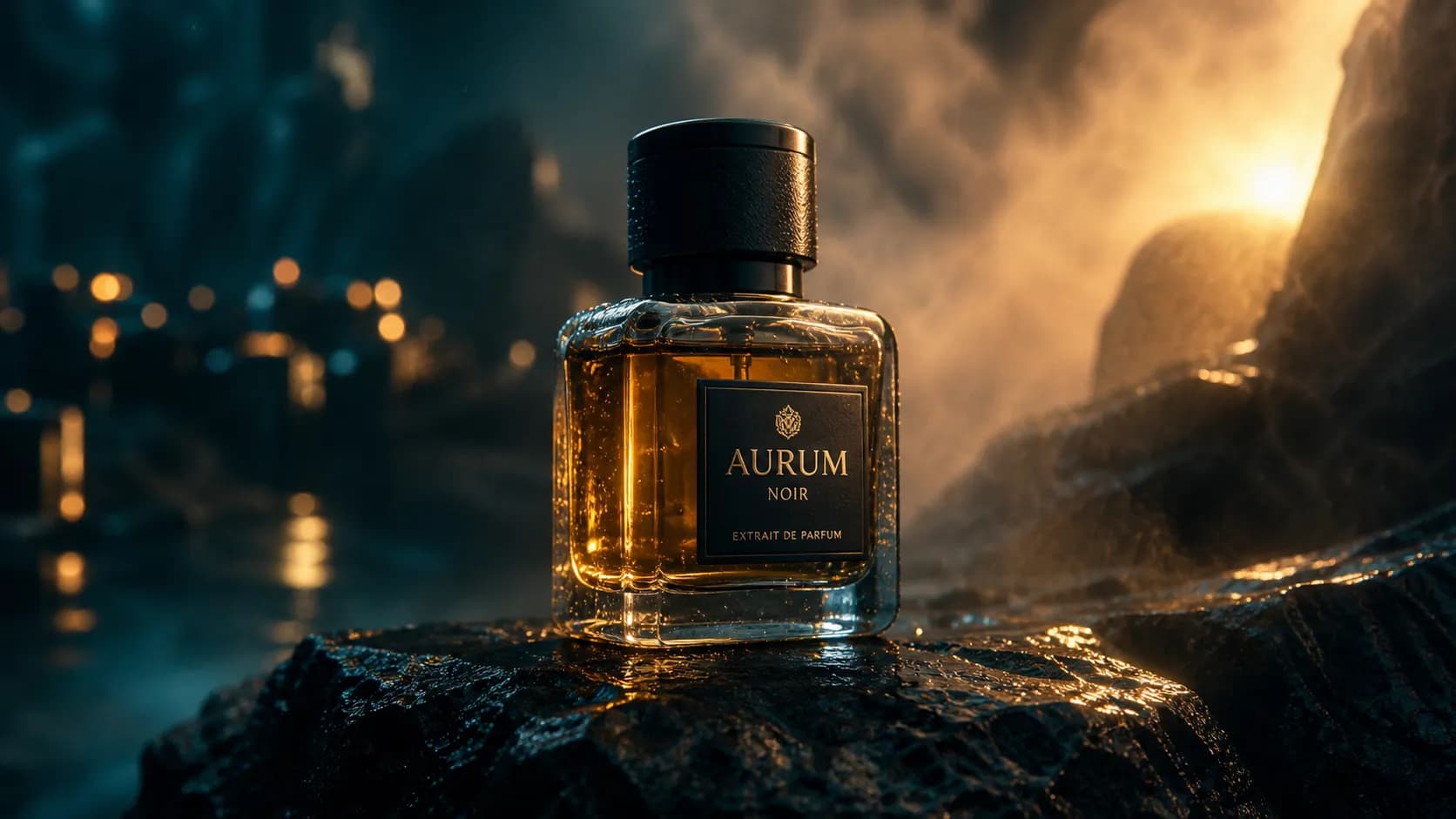
Cinematic photorealism out of the box
Grok Imagine 1.5 leans into a filmic look — natural depth of field, atmospheric lighting, and material detail that reads as a photograph instead of a render.
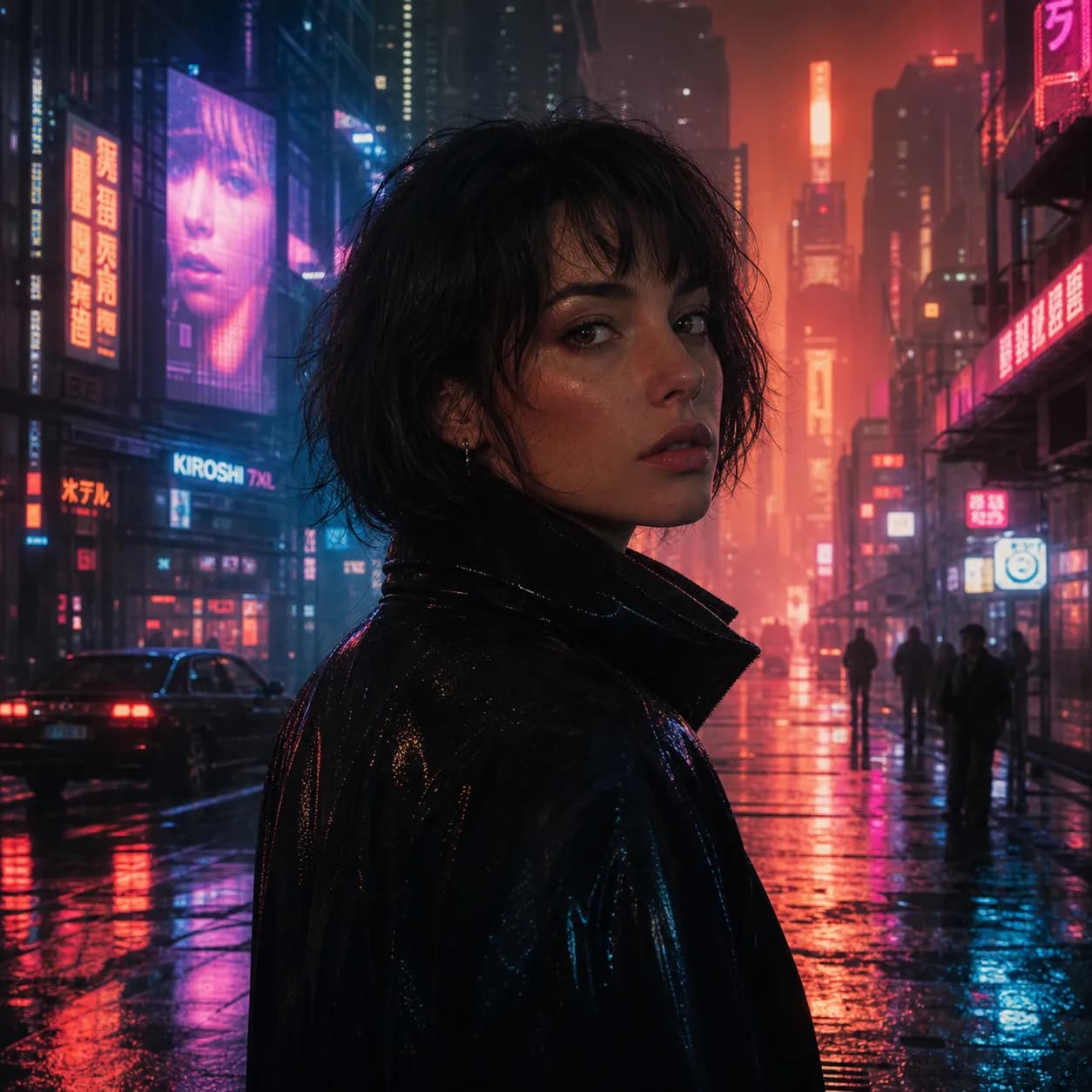
Multi-reference image fusion
Drop in up to three reference images and direct the composition with natural language. Grok Imagine respects color palette, framing, subject, and style cues from each input.
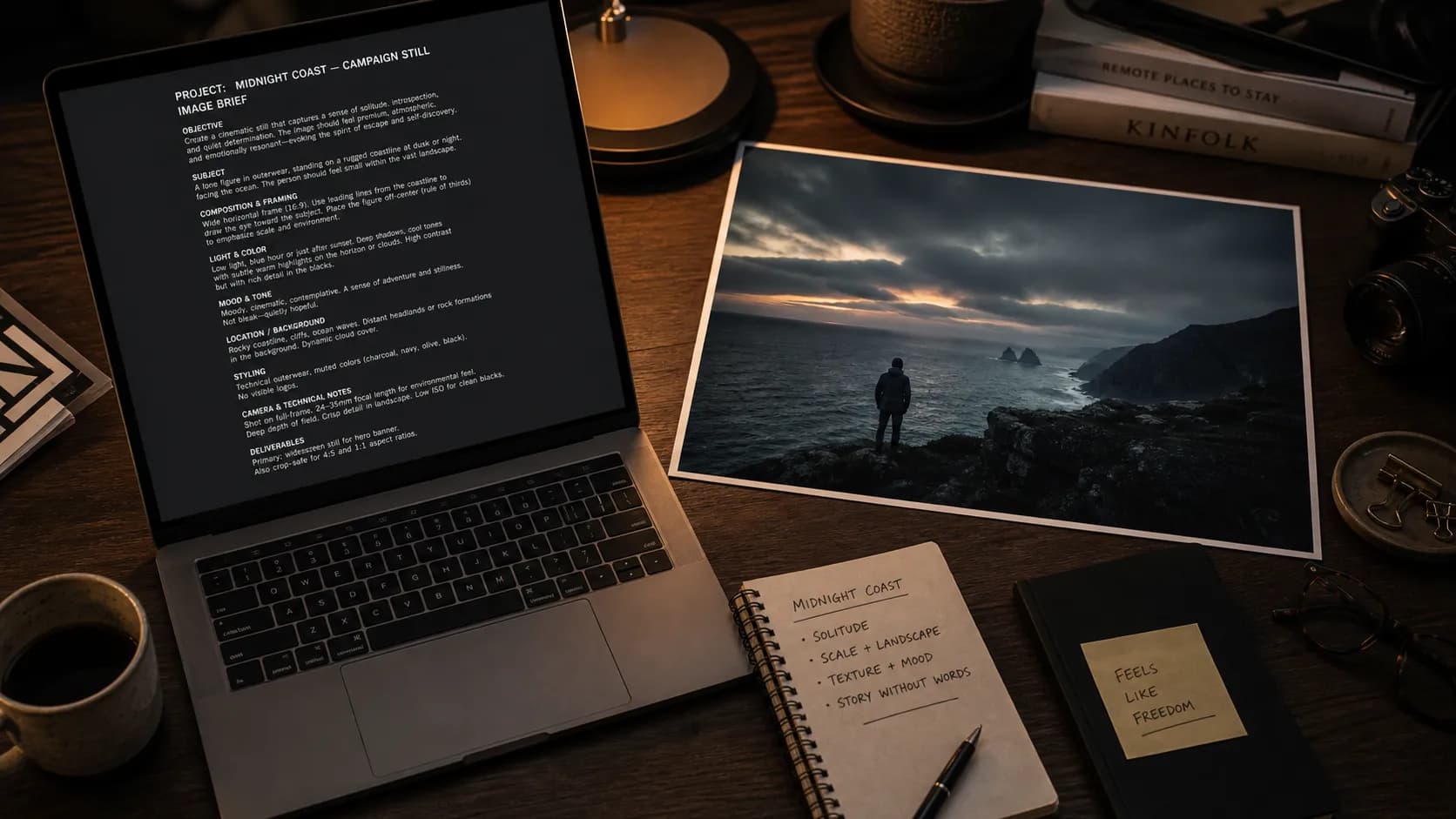
Long, natural-language prompts
Write 20,000-character prompts that read like a brief — Grok Imagine parses nested instructions, camera notes, brand guardrails, and full scene descriptions in one pass.
Five aspect ratios, one model
1:1, 16:9, 9:16, 3:2, 2:3 — switch ratios without switching models. Useful when the same asset needs to live on a website hero, a YouTube thumbnail, and an Instagram story.
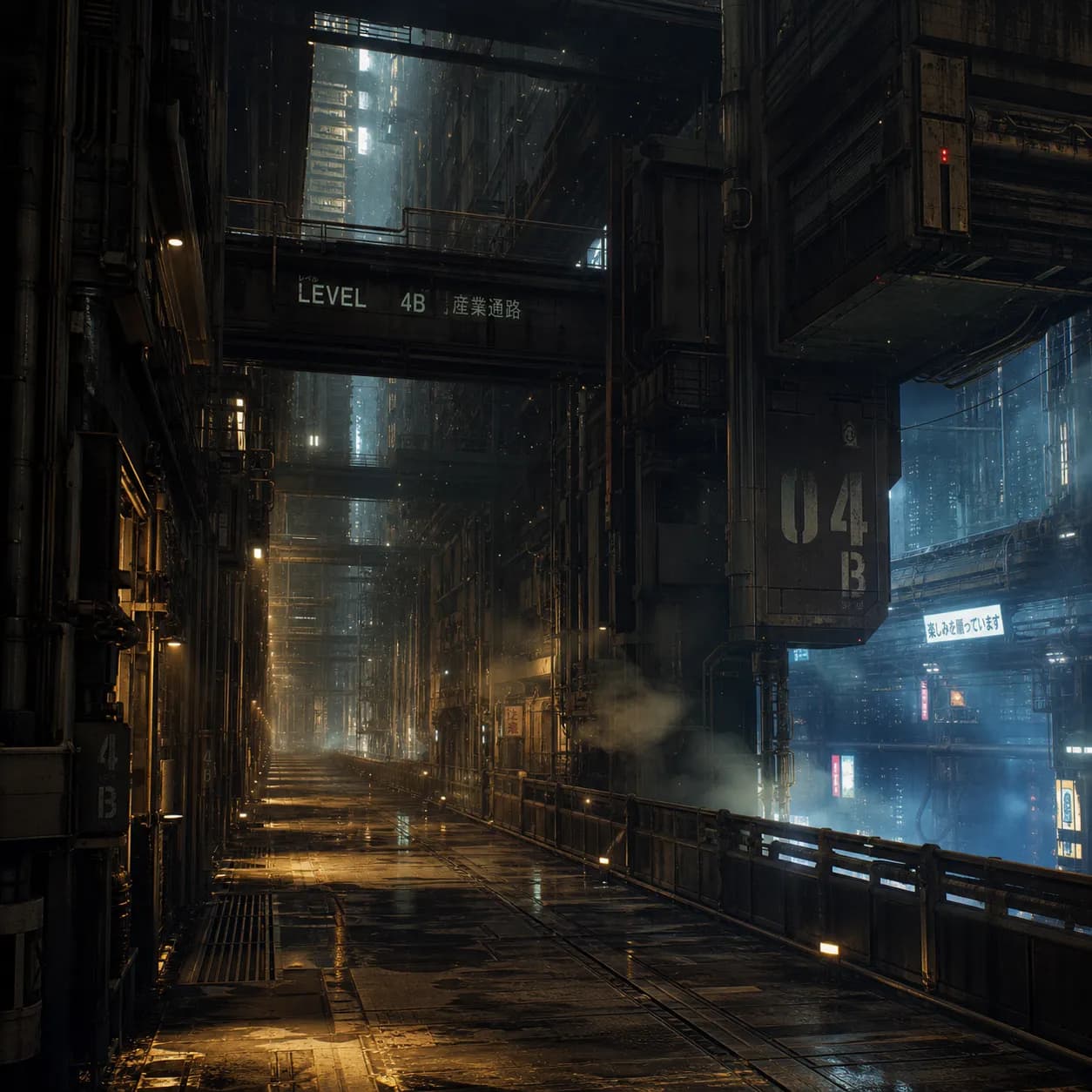
Image-to-image editing
Upload an existing image, describe what to change, and Grok Imagine reinterprets the visual while keeping the structure you want preserved.
Built for every creative use case
From ad creatives to social posts, Grok Imagine adapts to your storytelling needs.
Campaign-ready marketing visuals
Hero shots, ad creatives, and product lifestyle imagery with consistent brand mood across a campaign set.
Blend up to 3 reference images
Combine mood, subject, and style references into one composed image that respects every input.
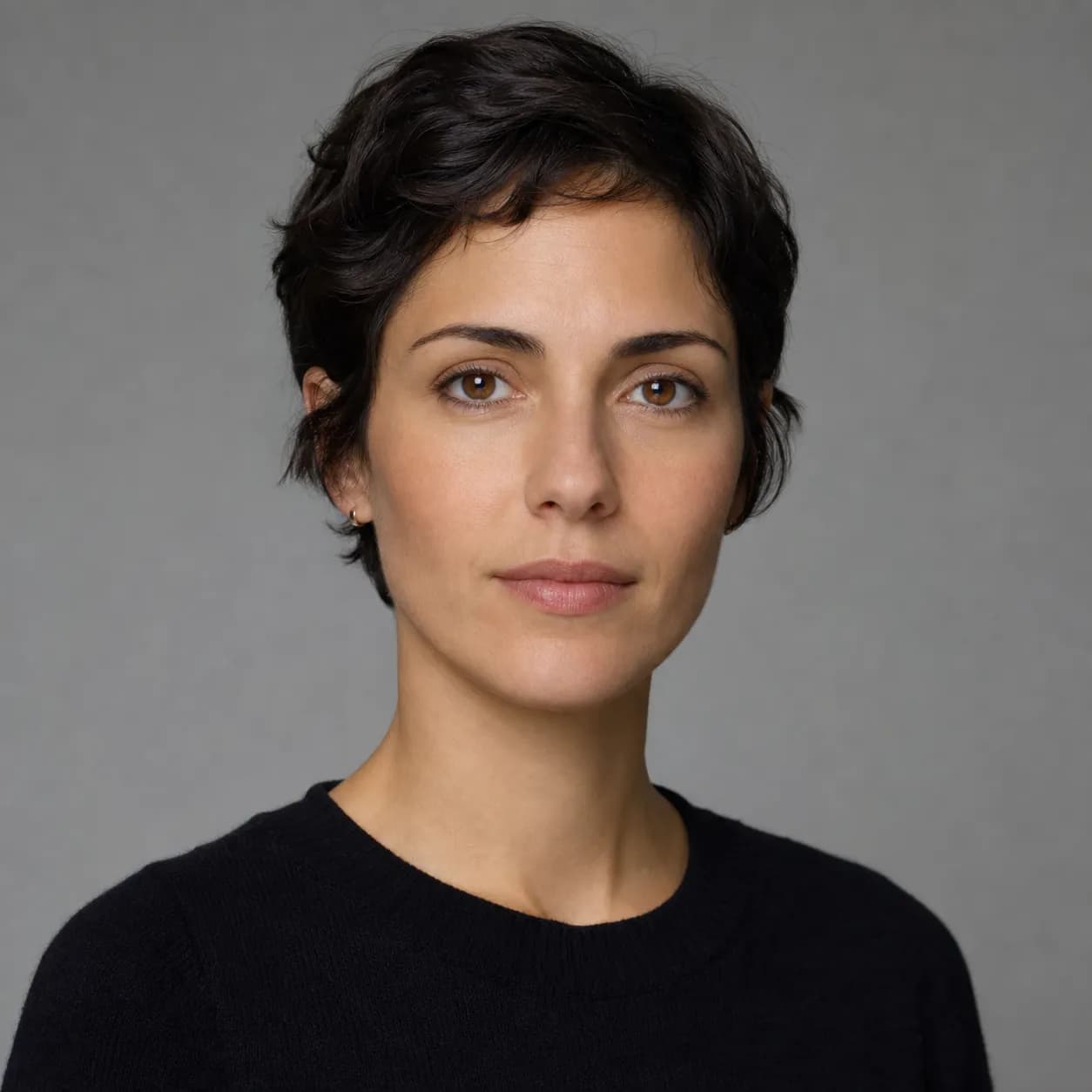
Reference 1 — subject
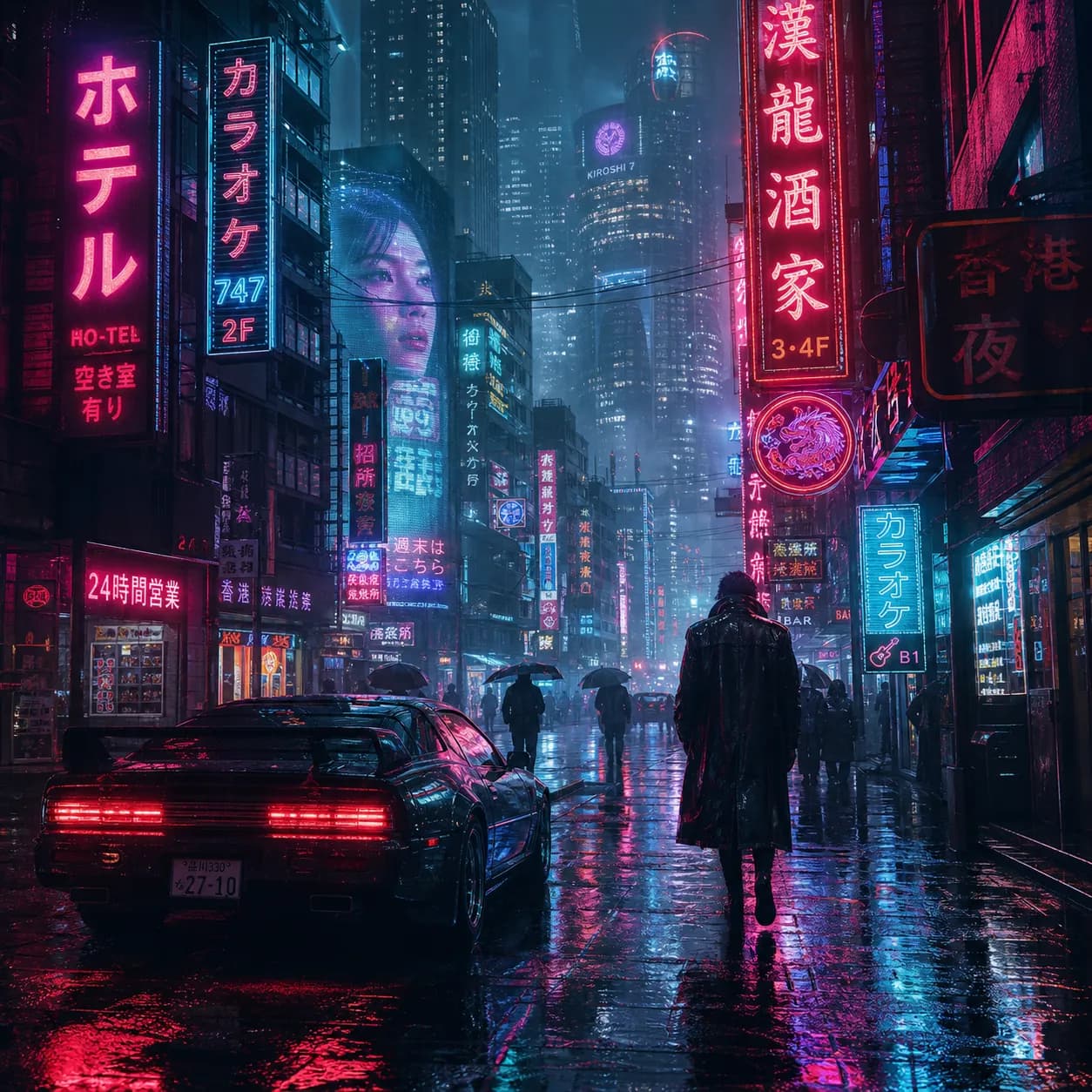
Reference 2 — style
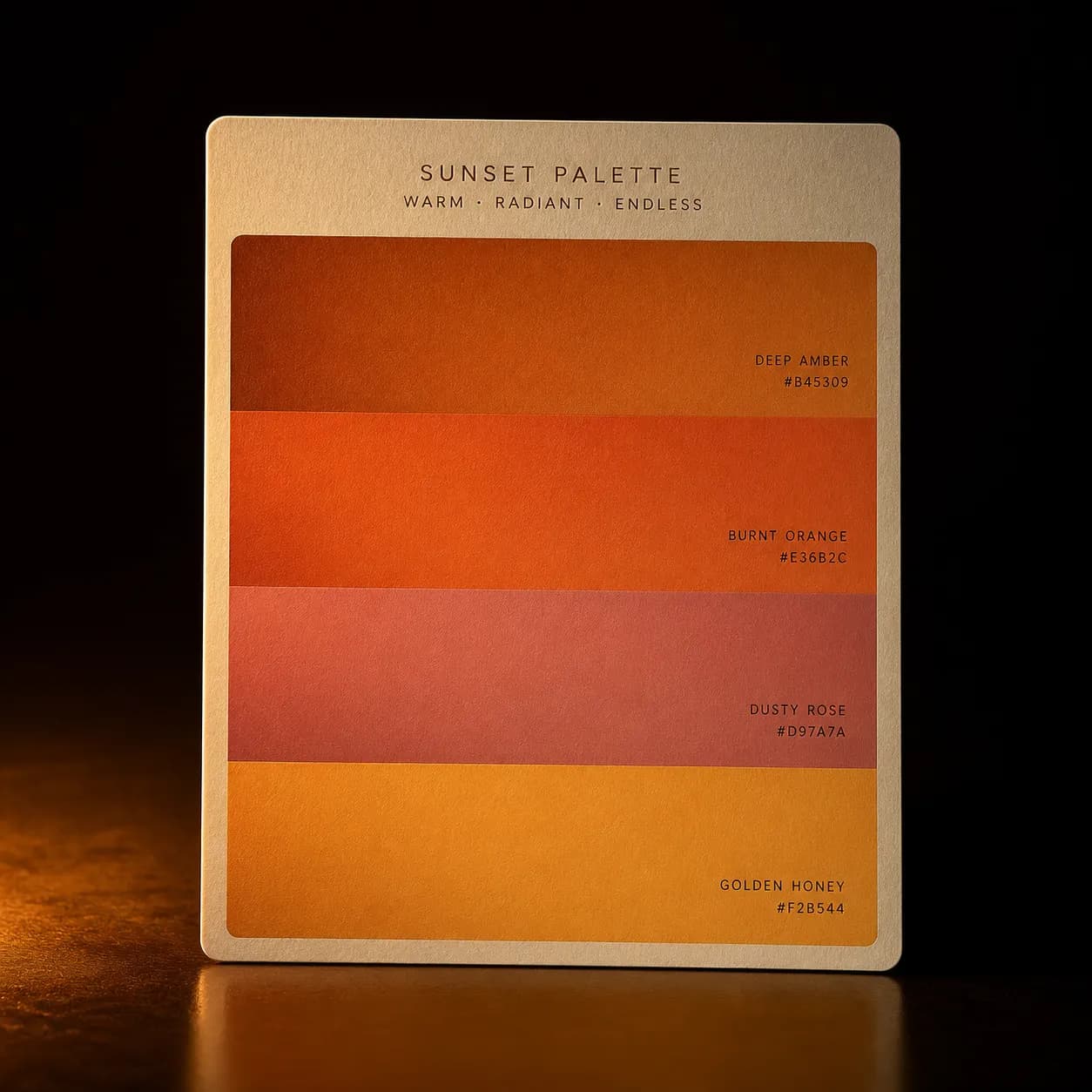
Reference 3 — palette
Composed output
Three reference images fused into one composed visual — no manual masking required.
Grok Imagine prompts that work
Click any card to copy. Each prompt was tested against Grok Imagine 1.5.
⭐ Click any image to copy its prompt ⭐
Cinematic close-up of a glass perfume bottle on wet black stone, warm rim light, soft volumetric fog, deep teal and amber palette, shot on anamorphic lens, photoreal, shallow depth of field
Editorial fashion portrait, model in oversized wool coat, standing in a minimalist concrete gallery, soft north-facing window light, 35mm film grain, muted earth tones, full-body shot with negative space
Product hero shot of matte black wireless headphones floating on a cream backdrop, single key light from upper left, subtle reflection beneath, commercial advertising photography, ultra sharp detail
Cinematic sci-fi corridor, atmospheric haze, long perspective vanishing point, cool steel and warm practical lighting, dust particles in the air, Blade Runner reference, hyperdetailed, 16:9
Food photography, rust-colored ceramic bowl with steaming ramen, chashu pork, soft-boiled egg cut open, scallions, moody dark wood table, overhead shot, natural light from the side, shallow depth of field
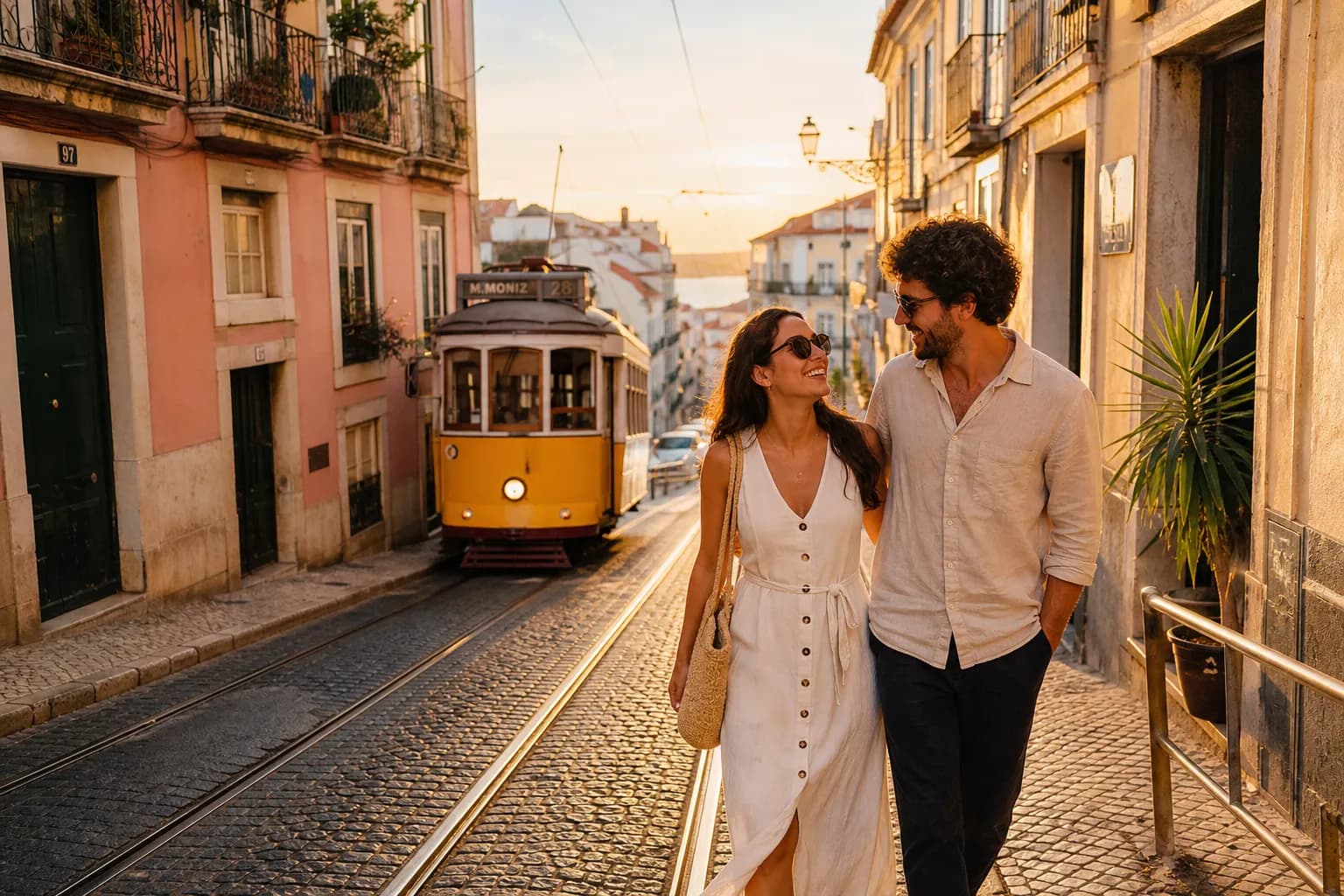
Travel lifestyle shot, couple walking through a Lisbon street at golden hour, pastel buildings, tram tracks leading the eye, warm long shadows, shot on 50mm, candid moment, vibrant yet natural color grade
Start generating with Grok Imagine
Free credits on signup — no credit card required. Pick a ratio, write a prompt, ship the asset today.
What early creators say
First feedback from marketers and designers using Grok Imagine on PixMind.
Grok Imagine replaced two separate tools in our ad workflow — one for first drafts, one for styling. The long-prompt support means we paste the brief directly.
Maya Chen
Brand Designer, DTC startup
The 3-reference fusion is the feature I didn't know I needed. Subject, style, palette — one output instead of trying to match things in Photoshop.
Daniel Park
Creative Director, agency
For storyboards it's been surprisingly good at holding a consistent look across shots. Five aspect ratios in one model covers everything our client asks for.
Sara Okafor
Freelance filmmaker
Why creators pick Grok Imagine
Six things that make it a useful addition to your model rotation.
Cinematic by default
Built on xAI's Aurora engine, Grok Imagine defaults to a filmic look without long prompt engineering.
Multi-reference friendly
Up to three reference images per call — useful for keeping brand and style continuity across a set.
20k character prompts
Write full creative briefs instead of keyword soup. The model parses layered instructions and constraints.
Five aspect ratios
1:1, 16:9, 9:16, 3:2, 2:3 — cover every common placement from stories to display banners.
Batch generation
Generate up to 10 images per request to iterate faster on a concept without rerunning the model.
Image-to-image editing
Reinterpret an existing visual, restyle a render, or pivot a layout while preserving structure you specify.
From prompt to image in three steps
No complex settings. Write, paste references, generate.
Describe or paste
Write a natural-language prompt or paste a creative brief. Add up to 3 reference images if you have them.
Pick ratio and count
Choose between 1:1, 16:9, 9:16, 3:2, 2:3 and generate up to 10 images in one call.
Generate and refine
Tweak the prompt, swap a reference, or run image-to-image on a result you like to push it further.
Ready to put Grok Imagine to work?
Drop a prompt, drop three references, get a cinematic still in seconds. Start your first project today.
Grok Imagine 1.5 FAQ
Everything you need to know about generating with Grok Imagine 1.5 on PixMind.