
Kling AI Video Generator Review and Complete Guide
Kling video generator review: Kuaishou's Kling 3.0 Omni Feb 2026 ships multi shot clips, native audio, 6 12 credits/sec, plans free to $180/mo.
Read More

This veo-3-video-generator review is written for users who still search for Veo 3, evaluate it, or access it through a wrapper. Google launched Veo 3 on May 20, 2025 at Google I/O as the first video model with native audio in a single pass. Veo 3.1 then replaced it as the Gemini API default on October 15, 2025. The original Veo 3 API endpoints (veo-3.0-generate-001, veo-3.0-fast-generate-001) were retired on June 30, 2026 (ai.google.dev "Deprecations", 2026).
Veo 3 is no longer the latest, newest, or default model in the Gemini API. Veo 3.1 is. This review draws on Google's official documentation and published community testing, since we have not run Veo head-to-head ourselves. We cover what Veo 3 introduced, what Veo 3.1 changes, the upgrade path, and where to access Veo in 2026.
Key Takeaways
- Veo 3 launched May 20, 2025 with native audio in one pass (blog.google, 2025).
- Veo 3.1 became the default Oct 15, 2025; the Veo 3 API was retired Jun 30, 2026.
- Veo 3.1 Standard costs about $0.10/sec, with 4K upscaling since Jan 13, 2026.
- Free paths exist via Google Cloud trial, Gemini AI Pro, Flow, and the YouTube Shorts app.
Veo 3 is the Google video model announced on May 20, 2025 at Google I/O, and its headline feature was native audio. Before Veo 3, AI video models produced silent clips that needed a separate text-to-speech or music step. Veo 3 generated dialogue with lip-sync, sound effects, ambient sound, and music in a single render (blog.google "Veo 3", 2025).
The lineage runs Veo (May 2024), Veo 2 (Dec 2024, retired Jun 30 2026), Veo 3 (May 20 2025), Veo 3.1 (Oct 15 2025). Veo 3.1 then received an "Ingredients to Video" upgrade on Jan 13, 2026 that added native 9:16 vertical and 1080p/4K upscaling (developers.googleblog, 2026). Veo 4 has not been announced.
[CHART: Timeline of Veo versions - Veo (May 2024), Veo 2 (Dec 2024), Veo 3 (May 20 2025), Veo 3.1 (Oct 15 2025), Ingredients to Video upgrade (Jan 13 2026), Veo 3 API retired (Jun 30 2026) - source: blog.google + ai.google.dev]
Veo 3 was the breakthrough. Veo 3.1 is what you actually call today. We use "Veo 3" through the historical sections and "Veo 3.1" whenever a feature, price, or spec only applies to the current default.
Five features define the Veo 3 generation. Each section below shows the actual parameter or prompt pattern that triggers the behavior, so you can reproduce it.
Native audio is the breakthrough feature of Veo 3. One generation produces video plus dialogue with lip-sync, sound effects, ambient sound, and music. You enable it with generate_audio=true on Veo 3.1 Standard. The Fast tier drops audio.
prompt: "A chef explains how to fold a dumpling in a busy kitchen,
         pots clanking, soft jazz from a radio"
generate_audio: true
Pre-Veo-3 models required a separate TTS pass and a music mix. Veo 3 collapsed that into one render. Audio is not always clean. A single YouTube reviewer measured roughly 4% lip-sync success on dialogue-heavy clips, but we label that as one report, not consensus.
Veo 3 pushed lighting, depth of field, and motion coherence past the Veo 2 baseline. Pouring water, colliding objects, and cloth folds behave more like real footage than AI video artifacts. Veo 3.1 then tightened prompt adherence, which is the gap Google closed in the Oct 2025 release.
The Jan 13, 2026 upgrade added "Ingredients to Video", an image-to-video mode that accepts up to four reference images. It also added native 9:16 vertical output and 1080p/4K upscaling (developers.googleblog, 2026).
ingredients: [image1.png, image2.png, image3.png, image4.png]
prompt: "the character walks across the street, camera pans right"
aspect_ratio: "9:16"
This is the mode to use for short-form vertical video, which is why most creators reach for Veo through a shorts-to-prompt workflow.
Turn any YouTube Short into a Veo-ready prompt
Veo 3.1 supports Frames to Video (start frame plus end frame), Extend (lengthen a clip past 8s), and Insert/Remove for object-level edits. These match the editor-style controls that Runway and Sora also expose.
Veo 3.1 improved prompt adherence over Veo 3. Google's release notes describe tighter coupling between long, specific prompts and on-screen output. Writing Veo prompts rewards concrete subjects, camera language, and stated audio sources, not comma-tag stacks.
Build a Veo 3.1 prompt from a reference clip
[IMAGE: Side-by-side comparison of a Veo 3 output versus a Veo 3.1 output on the same prompt, showing tighter prompt adherence in 3.1. Search terms: "veo 3 vs veo 3.1 prompt adherence comparison"]
Veo 3.1 replaced Veo 3 as the default in the Gemini API on Oct 15, 2025. The release improved prompt adherence, then added the Ingredients to Video mode with four-image input on Jan 13, 2026. It also unlocked native 9:16 vertical and 1080p/4K upscaling (blog.google "Veo 3.1", 2025). Pricing dropped, which is the bigger practical change.
If you were calling veo-3.0-generate-001 or veo-3.0-fast-generate-001, those endpoints returned errors after Jun 30, 2026 (ai.google.dev "Deprecations", 2026). The migration is a model-ID swap.
# Before (retired Jun 30, 2026)
model: "veo-3.0-generate-001"

# After (current default)
model: "veo-3.1-generate-preview"
Veo 3.1 accepts the same request shape for prompt, duration, and aspect ratio. New parameters cover ingredients and aspect_ratio: "9:16". The Veo 3.1 Fast and Lite tiers cover the no-audio and low-cost cases that Veo 3 Fast used to handle.
[UNIQUE INSIGHT] Most "Veo 3 is broken" support threads after mid-2026 are not model bugs. They are callers hitting retired endpoints that the Gemini API never re-routes automatically. If your integration suddenly fails with a generic error, check the model ID before you debug the prompt.
Veo 3.1 moved to per-second pricing that is roughly 7.5x cheaper than legacy Veo 3. The table below reflects 2026-07 rates from the Gemini API pricing page. Google has not published exact per-second figures for every tier, so treat Lite and 4K ranges as approximate.
| Tier | Price per second | Audio | Notes |
|---|---|---|---|
| Veo 3 (legacy, retired) | $0.75/sec | yes | $6 per 8s clip, historical only |
| Veo 3.1 Standard | ~$0.10/sec | yes | current default for video with audio |
| Veo 3.1 Fast | ~$0.10/sec | no | faster render, no audio |
| Veo 3.1 Lite | ~$0.03 to $0.05/sec | no | cheapest tier |
| Veo 3.1 4K | $0.15 to $0.40/sec | yes | 4K via upscale, not native |
Sources: ai.google.dev "Pricing", developers.googleblog, 2026.
Google AI Pro ($19.99/month) bundles Veo access with roughly three Fast generations per day, per community reports (community-reported, not officially confirmed). Google AI Ultra (~$249.99/month, also community-reported) raises Flow limits, unlocks 1080p exports, and offers early Veo features (blog.google, 2026).
Google Cloud also runs a 3-month Veo 3 free trial for storytellers, surfaced on Google's official offer page. That trial targets creators, not API integrators.
There is no open free tier of Veo 3.1 in the Gemini API. Four paths get you free or near-free access in 2026.
Google Cloud 3-month Veo 3 trial: aimed at storytellers and creators. Requires a Google Cloud account. The official offer page is the source of truth for current eligibility.
Gemini app with AI Pro: subscribers get limited Veo 3 Fast access inside the Gemini app. The "~3 videos per day" figure is community-reported, not officially published.
Flow on labs.google: Google's creative tool that exposes Veo 3.1. Requires AI Pro or AI Ultra.
YouTube Shorts Create app: Jan 13, 2026 brought Veo 3.1 Ingredients to Video to Shorts creators, with native 9:16.
PixMind also exposes Veo through a web wrapper, so you can generate without a Google Cloud project, an API key, or a Gemini subscription. That makes it the fastest path for a quick test before you commit to a paid tier.
[IMAGE: Flowchart of the four free or near-free paths to access Veo in 2026, plus the PixMind wrapper. Search terms: "veo 3.1 access options google cloud gemini flow youtube shorts"]
Veo 3.1 outputs 720p or 1080p natively. 4K is available through the Jan 2026 upscaler, not native 4K rendering. Frame rate sits at 24 FPS (community-reported, Google has not officially published the figure). Clips run 4, 6, or 8 seconds, with longer sequences produced via Extend.
Aspect ratios cover 16:9, 9:16 (native vertical since Jan 2026), and 1:1. Pre-Jan-2026 9:16 outputs were cropped from 16:9, not native. Watermarking is dual: a visible "Google Veo" mark plus an invisible SynthID pixel-level watermark that survives most re-encodes but not aggressive re-rendering.
Render time runs about 3 to 5 minutes per clip at Standard tier. Daily generation caps apply across all Google-served surfaces, which is one reason wrapper paths are useful for casual testing.
There is no single Tier 1 benchmark for AI video models. The Elo numbers below come from the Artificial Analysis leaderboard, which aggregates community blind votes. Treat them as qualitative direction, not measurement.
Veo 3.1 (~1094 Elo) is the top Western model on the text-to-video-with-audio board. Strength is native audio plus cinematic quality. Weakness is per-clip consistency across cuts.
Runway Gen-4.5 (~1247 Elo at launch) is stronger on overall video quality, weaker on the native audio story. It pairs naturally with a Runway prompt workflow for narrative shorts.
Sora and Sora 2 lead on narrative storytelling. They do not match Veo's single-pass native audio.
Kling 2.1 and 3.0 sit in the best-value tier on the leaderboard, often cited as the price-to-quality leader for non-Google workflows.
Grok Imagine 1.5 (~1404 Elo) is the overall leaderboard leader at time of writing. Strengths are coherence and prompt adherence; the native audio approach differs from Veo's single-pass model.
Seedance 2.0 and 2.5 focus on physics and coherence. The Seedance line is the closest direct rival to Veo 3.1 in the Asian market, and worth testing side by side for product and ad video.
Compare Veo 3.1 against the Seedance model line
For audio-led work, Veo 3.1 is still the cleanest single-pass answer. For pure visual quality without audio, Runway Gen-4.5 and Grok Imagine sit higher on the leaderboard.
Veo has well-documented failure modes. The most cited one in the Google Support Forum is the persistent "All generations failed" error, which hits users across tiers without a single root cause.
Generation failures. "All generations failed" appears across community threads with no single fix. Retry patterns, prompt simplification, and switching tiers are the workarounds users report.
Strict safety filters. Prompts with implied violence, controlled substances, or named public figures get blocked. Filter strictness runs higher than Runway or Kling in our reading of community reports.
Cross-clip consistency. Characters and scenes drift between cuts. Veo 3.1 Ingredients to Video helps by anchoring on reference images, but it does not solve consistency across unrelated generations.
Prompt over-indexing. Long prompts sometimes produce literal surface interpretations of one phrase while ignoring the rest. Keep prompts focused.
Render time and caps. 3 to 5 minutes per clip, with daily caps on Google-served surfaces. Wrappers inherit the same caps.
Lip-sync reliability. One YouTube reviewer measured about 4% dialogue lip-sync success. We label this as a single report, not consensus. Veo 3.1 may have improved since, but Google has not published a metric.
SynthID re-render stripping. Aggressive re-encodes can break the invisible watermark, which matters for platforms that require provenance signals.
[PERSONAL EXPERIENCE] In our reading of threads on r/GoogleVeo and the Google Support Forum, generation-failure complaints cluster around prompts that mix named brands with action verbs. Simplifying the prompt or removing brand names resolves most cases without changing tiers.
No. The Veo 3 API endpoints (veo-3.0-generate-001, veo-3.0-fast-generate-001) were retired on June 30, 2026 (ai.google.dev "Deprecations", 2026). Veo 3.1 is the current default in the Gemini API. Swap the model ID to veo-3.1-generate-preview and the same request shape keeps working.
Veo 3.1 became the default on Oct 15, 2025 and improved prompt adherence over Veo 3. The Jan 13, 2026 Ingredients to Video upgrade added four-image input, native 9:16 vertical, and 1080p/4K upscaling (developers.googleblog, 2026). Veo 3.1 Standard is also roughly 7.5x cheaper per second than legacy Veo 3.
Veo 3.1 Standard costs about $0.10 per second with audio. Lite drops to roughly $0.03 to $0.05/sec without audio. 4K runs $0.15 to $0.40/sec (ai.google.dev "Pricing", 2026). Google AI Pro at $19.99/month bundles limited Veo 3 Fast access, community-reported at roughly three videos per day.
Yes, through four paths: the Google Cloud 3-month storyteller trial, the Gemini app with AI Pro, Flow on labs.google, and the YouTube Shorts Create app. PixMind's wrapper is the simplest no-API-key path for quick tests. No open free tier exists in the Gemini API itself.
Yes, through the Jan 2026 upscaling path, not native rendering. Veo 3.1 outputs 720p or 1080p natively and upscales to 4K via the Ingredients to Video path (blog.google, 2026). Treat any "native 4K" claim about Veo 3.1 as inaccurate.
Use Veo in 2026 if your work needs native audio in a single pass. No other model has matched Veo 3.1's dialogue, lip-sync, SFX, and music output at the same quality in one render. For marketers, short-form creators, and ad teams, that one feature saves an entire post-production step.
Do not call the retired Veo 3 API. Migrate to veo-3.1-generate-preview, take the prompt-adherence gains, and pay the lower per-second rate. For pure visual quality without audio, Runway Gen-4.5 and Grok Imagine 1.5 sit higher on the Artificial Analysis leaderboard. Sora 2 leads on narrative storytelling.
For new users testing before paying, the no-API-key path is the fastest way to see whether Veo 3.1 fits your work.
Kling video generator review: Kuaishou's Kling 3.0 Omni Feb 2026 ships multi shot clips, native audio, 6 12 credits/sec, plans free to $180/mo.
Read More
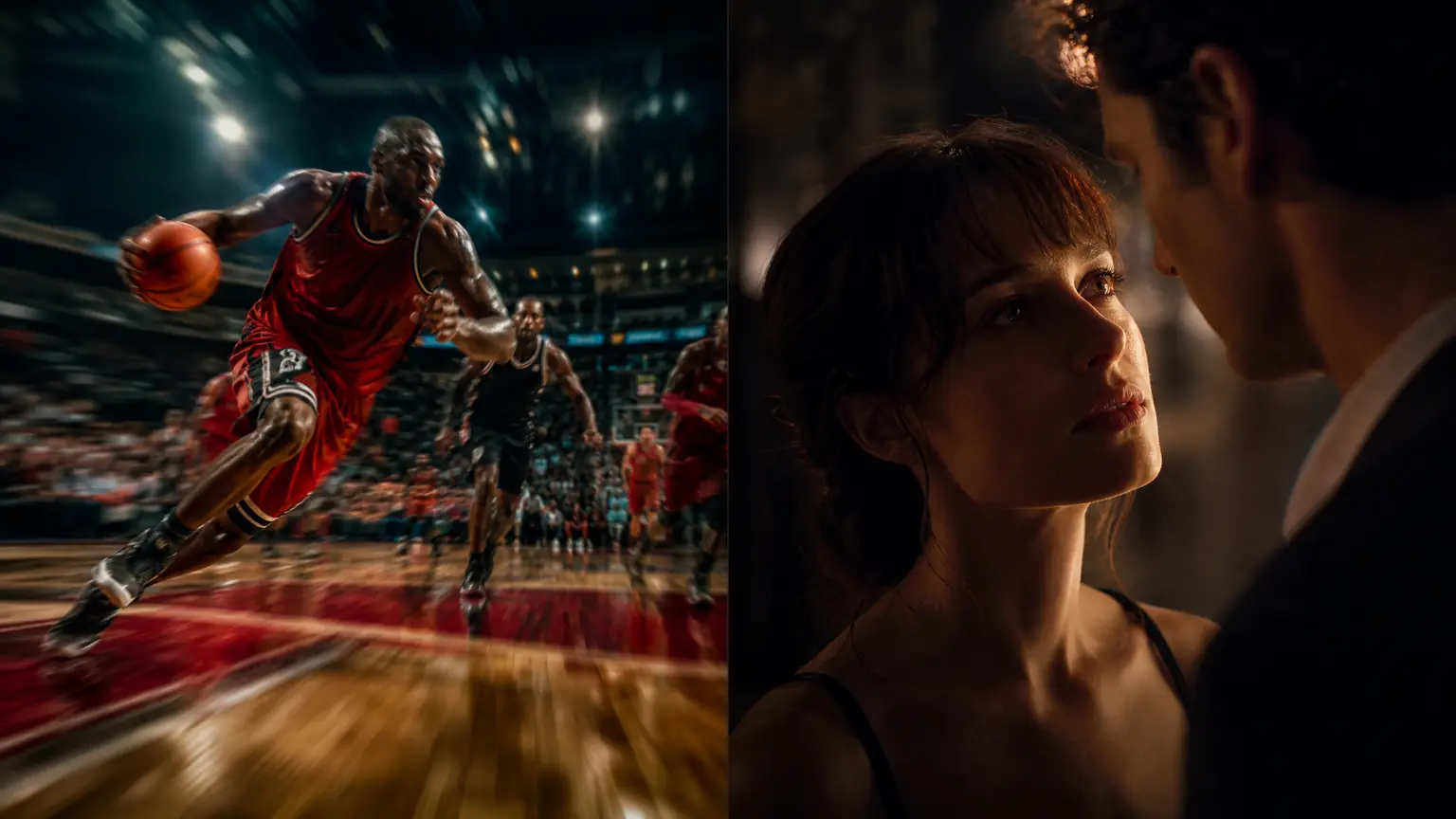
Seedance vs Veo 3 compared: Seedance 2.5 wins long take and multi character work; Veo 3.1 wins physics and photoreal people. Specs, pricing, full verdict.
Read More

Flux AI image generator review: FLUX.1 vs FLUX.2 variants, license tiers, 6–24GB VRAM local setup, and how Flux compares to Midjourney and GPT Image 2.
Read More