文字或圖像
從鏡頭簡介開始,或使用經過批准的視覺錨定主題和構圖。

Native 30-second multimodal production
Generate continuous single-shot video up to 30 seconds in one pass, with up to 50 multimodal references, native 4K, and region-level editing — no stitching, no sequence breaks.
精確路線工作空間
目前的控制和收費積分來自即時產生器。提交前確認它們。
當前 PixMind 輸入
從鏡頭簡介開始,或使用經過批准的視覺錨定主題和構圖。
定義兩個端點,然後僅描述它們之間的物理運動和相機路徑。
將身份、設定、動作和聲音分配給單獨的圖像、視訊和音訊參考。
Long-form multimodal route
Seedance 2.5 extends the 2.0 multimodal architecture: longer native duration, the highest reference limit among commercial models, and region-level editing that preserves overall consistency.
01
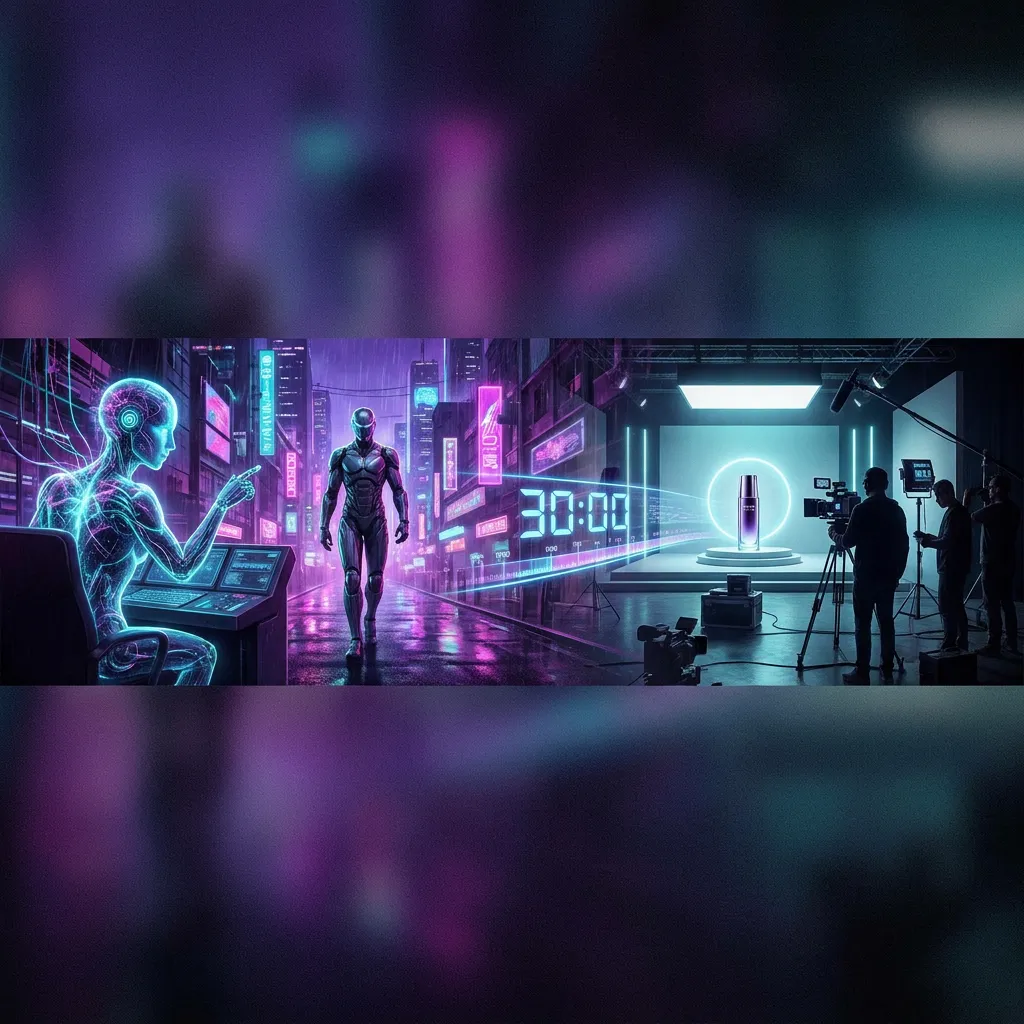
Direct a continuous 30-second take in one generation instead of stitching multiple 5–15s clips.
02
Combine up to 50 image, video, text, and audio inputs to control characters, scenes, style, and sound together.

03
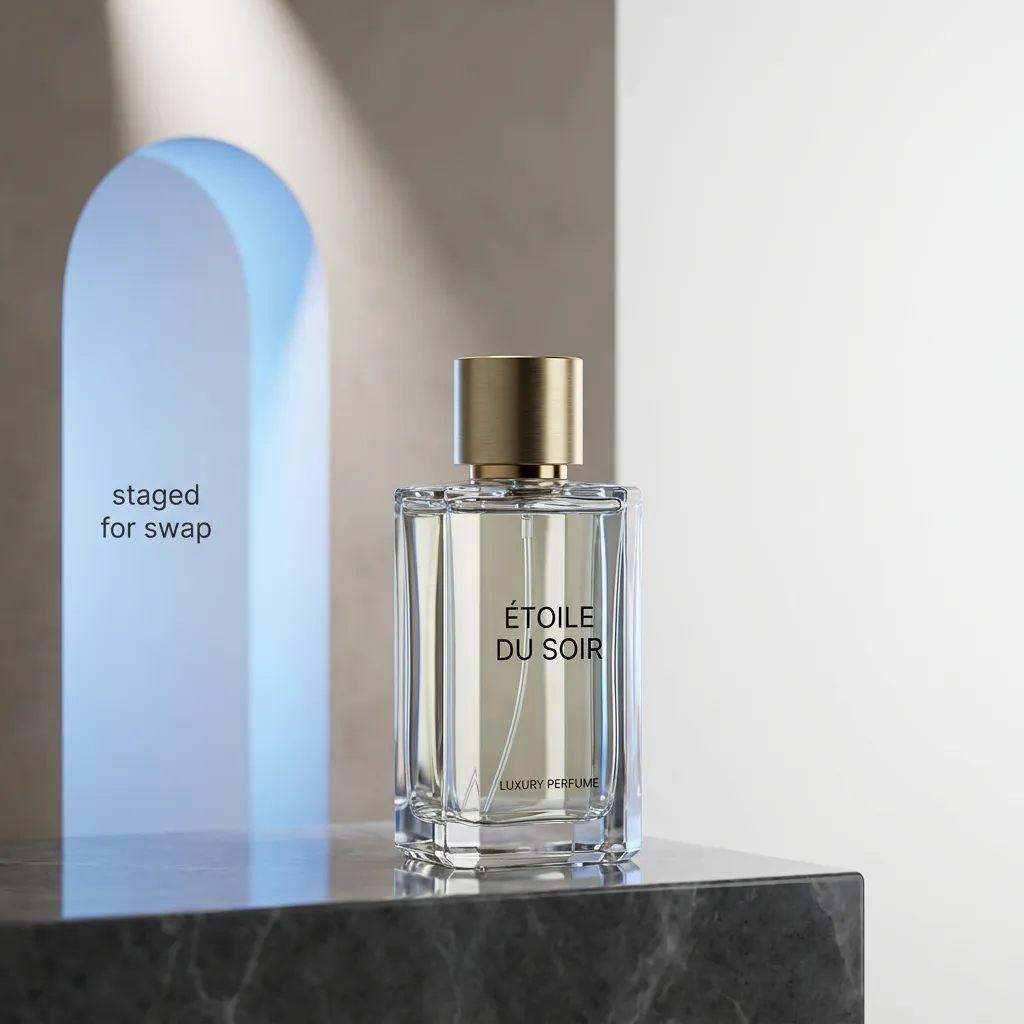
Change a product, prop, or background area while the rest of the clip keeps its motion, lighting, and identity.
04
Output crisp 4K natively for large displays, product films, and high-DPI social.

05
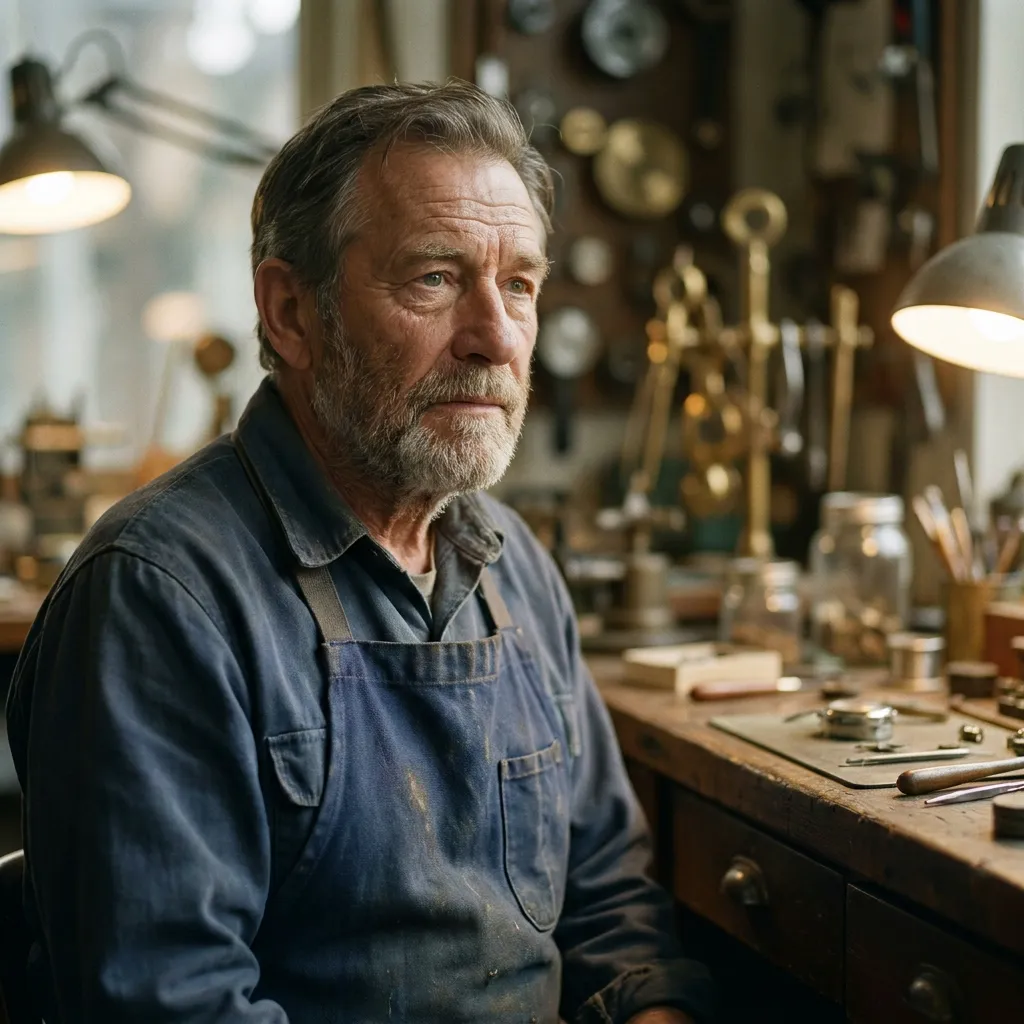
Keep identity, eyelines, and lip-sync stable while directing a 30-second performance with linked room sound.
06
Test opening beats as controlled variants while preserving the same product, palette, and final packshot.

路線比較
該表將目前的 PixMind 路線快照與位元組跳動家族層級的聲明分開。應在生成器中重新檢查積分和公開的控制項。
| 版本 | 最適合 | 輸入 | 持續時間 | 解析度 | 音訊 | 信用快照 |
|---|---|---|---|---|---|---|
| Seedance 2.0 Pro | 複雜的多模式參考和選定的最終鏡頭 | 文字、圖像、視訊和音訊參考 | 5、10 或 15 秒 | 480p、720p、1080p; 4K需要即時驗證 | 支援音訊的路線 | 從實時生成器中讀取 |
| Seedance 2.5目前 | Native 30-second single-shot video with up to 50 multimodal references | Text, image, video, and audio references (up to 50) | Up to 30 seconds in a single shot | 480p, 720p, 1080p, native 4K | 支援音訊的路線 | 從實時生成器中讀取 |
| Seedance 2.0 Fast | 分鏡節拍、攝影機 A/B 測試和社交掛鉤 | 文字、圖像、視訊和音訊參考 | 5、10 或 15 秒 | 480p 或 720p | 支援音訊的路線 | 從實時生成器中讀取 |
| Seedance 2.0 Mini | 測試參考擬合、組成和提示衝突 | 文字、圖像、視訊和音訊參考 | 5、10 或 15 秒 | 480p 或 720p | 支援音訊的路線 | 從實時生成器中讀取 |
| Seedance 1.5 Pro | 現有的影像引導提示和受控遷移測試 | 當前回應中的文字或最多兩張圖像 | 現場生成器是最終的; API字段衝突 | 480p、720p 或 1080p | 支援音訊的路線 | 40點API快照;確認直播 |
1.5 Pro 回應報告 40 分,但其持續時間欄位有衝突。 Pro、Fast 和 Mini 不會在已驗證的端點快照中公開穩定點欄位。
測試後要注意什麼
使用完整的主題、乾淨的邊緣、可讀的深度以及足夠的空間來滿足所要求的移動。
將主體的動作與攝影機的移動分開,避免在一張短鏡頭中疊加多個較大的變化。
當鏡頭需要多模式參考、第一幀/最後一幀或更明確的音訊方向時,請移至 2.0 Pro。
如何使用該版本
Give every image, video, text, or audio input a single explicit role (identity, shape, motion, palette, or rhythm).
Fix identity, wardrobe, props, screen direction, and the ending composition before adding complex motion.
Edit one region per pass and review identity, geometry, lighting, and timing in the full clip each time.
Read the live generator for the current credits at the chosen duration and resolution before submitting.
特定於版本的提示
提示 01
Use the full native duration for one continuous reveal.
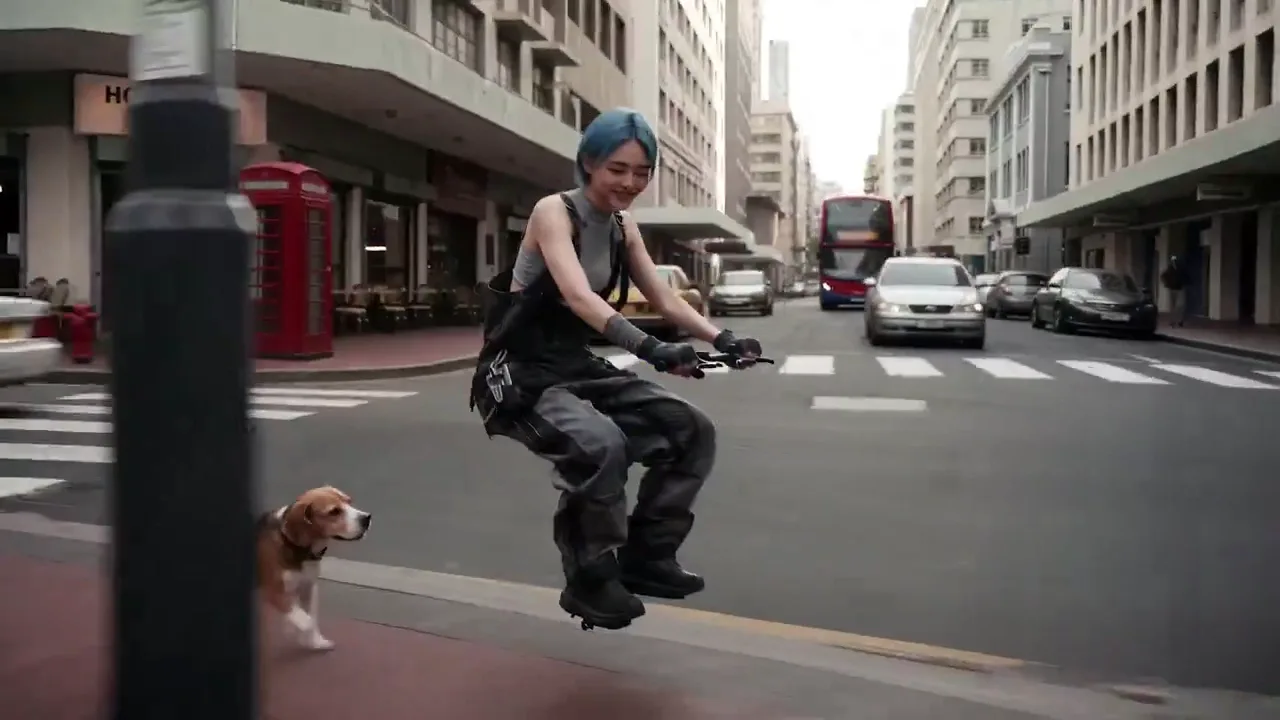
One continuous 30-second take. Use @Image 1 for exact product shape and @Image 2 for the studio palette. Slow controlled orbit around the product, one subtle environmental interaction at the midpoint, finish on the approved hero composition. Preserve shape, material, ports, and color. No generated text.
提示 02
Coordinate identity, motion, and sound across references.
Keep the character from @Image 1 unchanged. Use @Video 1 only for the body motion and @Audio 1 for the ambient rhythm. The character walks through the station, pauses, and looks toward the exit. Preserve facial features, wardrobe, and left-to-right screen direction.
提示 03
Change one area without re-generating the shot.
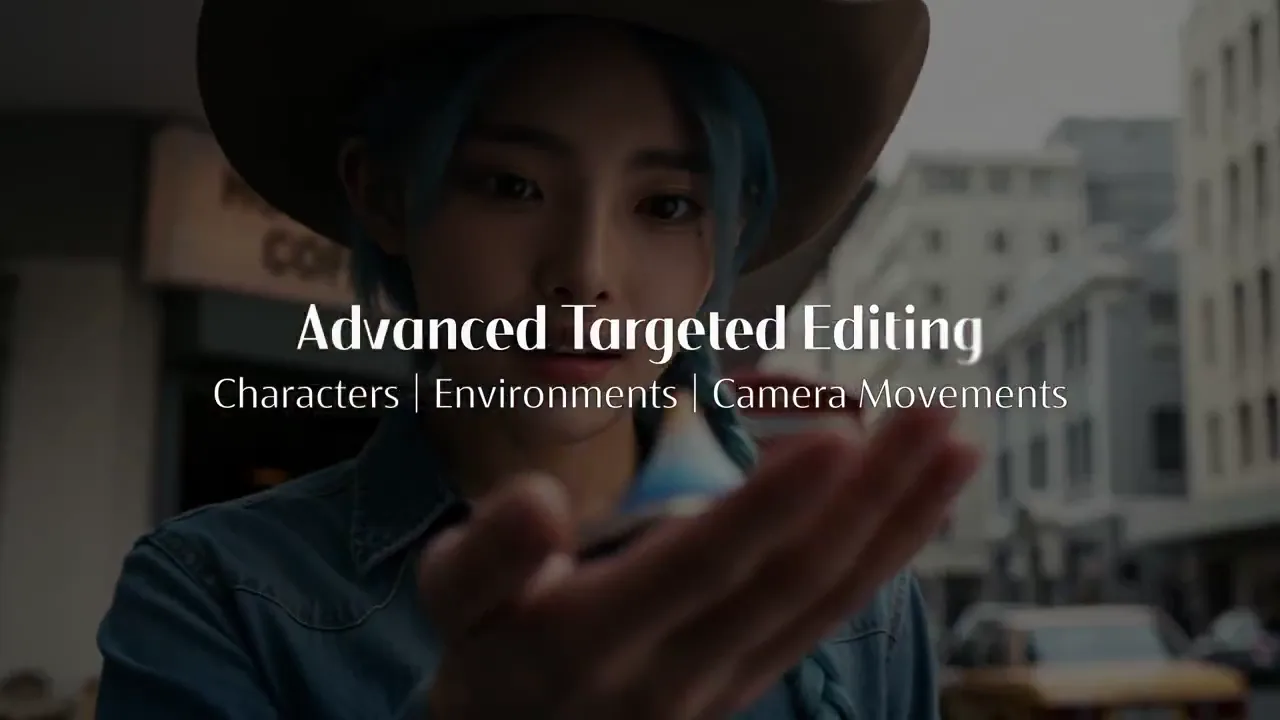
Keep the full clip motion, lighting, and identity fixed. Only replace the background product on the right shelf with the object in @Image 2, matching perspective, scale, and reflections. Do not alter the subject or camera path.
Pro
Quality-first multimodal video with reference and audio control.
查看版本Pro
Native 30-second single-shot video with up to 50 multimodal references, 4K output, and region-level editing.
Fast
更快的 Seedance 2.0 路線,適用於迭代繁重的社交、行銷活動和預視覺化工作流程。
查看版本Mini
一個更輕的 Seedance 2.0 選項,用於在致力於品質第一渲染之前測試多模式想法。
查看版本Pro
一種經過驗證的影像到視訊選項,具有廣泛的縱橫比和解析度控制,可實現直接的參考主導鏡頭。
查看版本Native single-shot video up to 30 seconds, up to 50 multimodal references (image, video, text, audio), region-level editing that preserves consistency, and native 4K output.
2.0 generates 5–15s clips with up to 9 references; 2.5 extends single-shot duration to 30 seconds, raises the reference limit to 50, and adds region-level editing.
Pass up to 50 inputs across image, video, text, and audio in one request. Give each a single explicit role and remove assets that compete for the same property.
Yes. Region-level editing lets you change a specific area while the rest of the clip keeps its motion, lighting, and identity. Edit one region per pass and review the full clip each time.
Single-shot clips up to 30 seconds and resolutions up to native 4K. Confirm the exact options in the live generator before submitting.
Pricing is not yet published. Read the live generator for the current credits at your chosen duration and resolution before submitting.
Yes. The unified audio-video architecture generates synchronized audio in the same task when the selected mode supports it. Review speech, lip movement, source matching, distortion, and timing before publishing.
Review identity, faces, hands, product geometry, text, logos, continuity, dialogue, and audio timing frame by frame across the full clip. Confirm rights for every uploaded person, brand, voice, image, video, and audio asset.
下一個生產步驟
Return to the family hub for route selection, current parameter notes, and migration guidance.