Pixmind
Wan model family

Alibaba Cloud · Latest unified model

Wan 2.7 AI Video Generator

Create cinematic AI video from a written shot, a source image, first and last frames, or video-plus-audio references. PixMind keeps every Wan 2.7 input mode on one model page so you can choose the control that matches the shot.

  • First-to-last-frame transitions
  • Reference-led motion and camera rhythm
  • Product, character, and campaign video
5 / 10 / 15sDuration
720p / 1080pResolution
4Input workflows
≤ 15sReference video

Model overview

Direct text, images, endpoints, and references in one Wan 2.7 workflow

Wan 2.7 is the current unified Wan video route in PixMind. The same connected model can start from text, one or more image controls, first and last frames, or a motion reference. That makes the model useful when the hard part is not merely generating a clip, but choosing what must stay fixed and what the model may invent.

Wan model capability

First and last frames define the visual destination

Provide two approved compositions when a transition must begin and end on specific visuals. Wan 2.7 builds motion between those anchors, giving product reveals, campaign transitions, and narrative bridges a more deliberate ending.

  • Keep subject identity and product geometry compatible between endpoints
  • Describe the transformation path instead of repeating the frame contents
  • Review the final seconds for morphing, logo, and text errors
Use this workflow
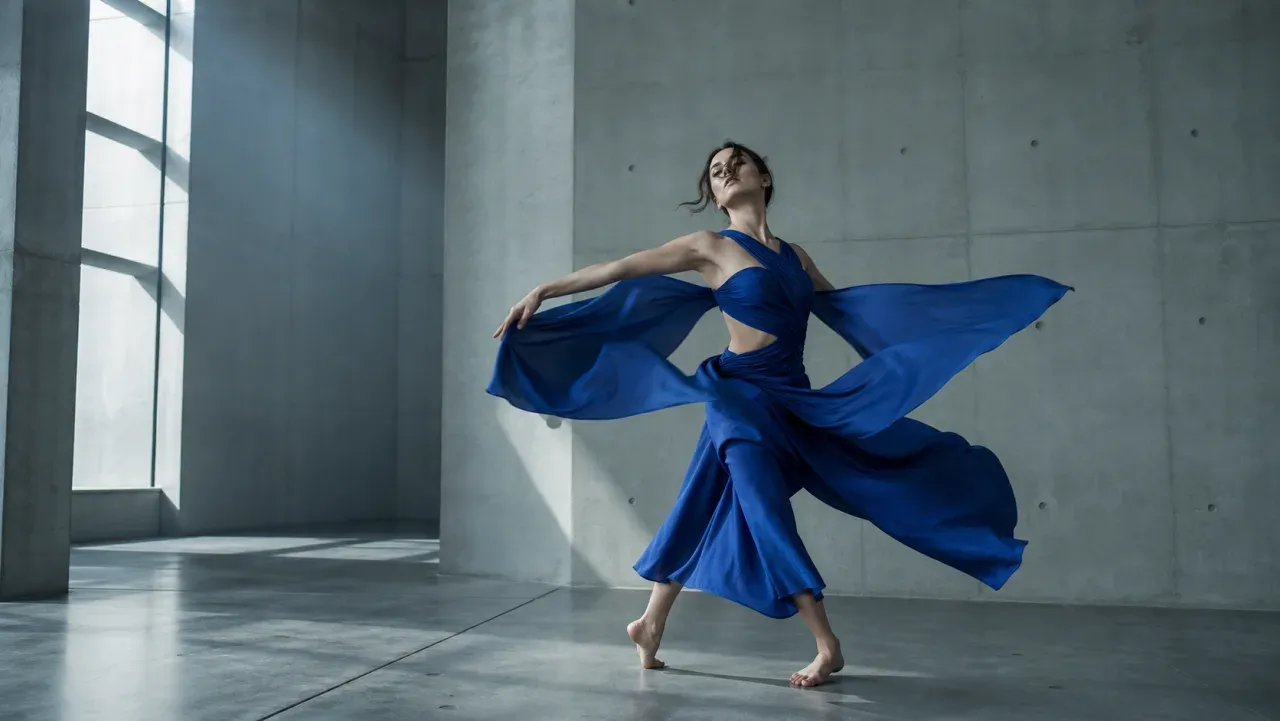
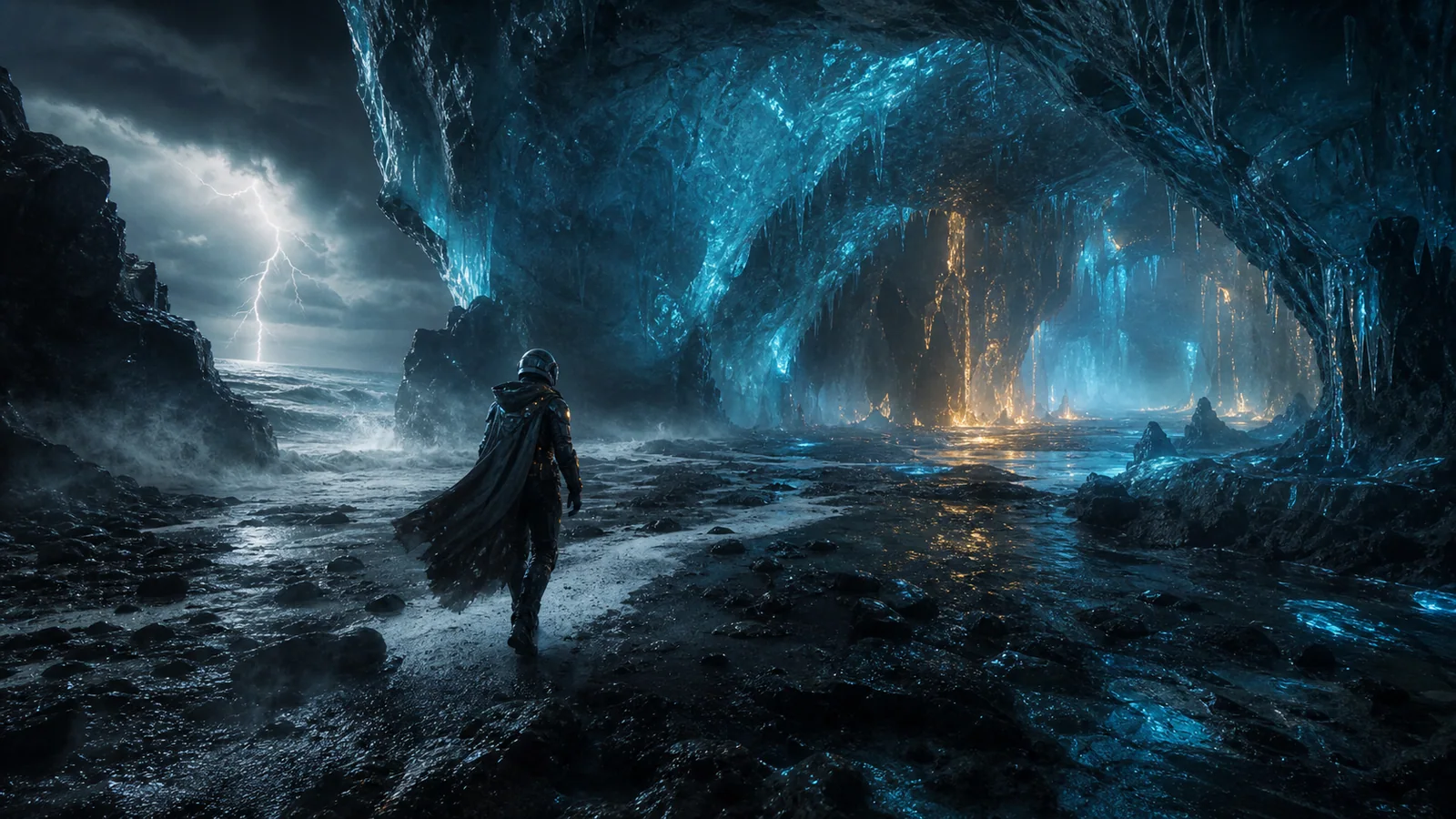
Cinematic first-to-last-frame transition concept for Wan 2.7

Wan model capability

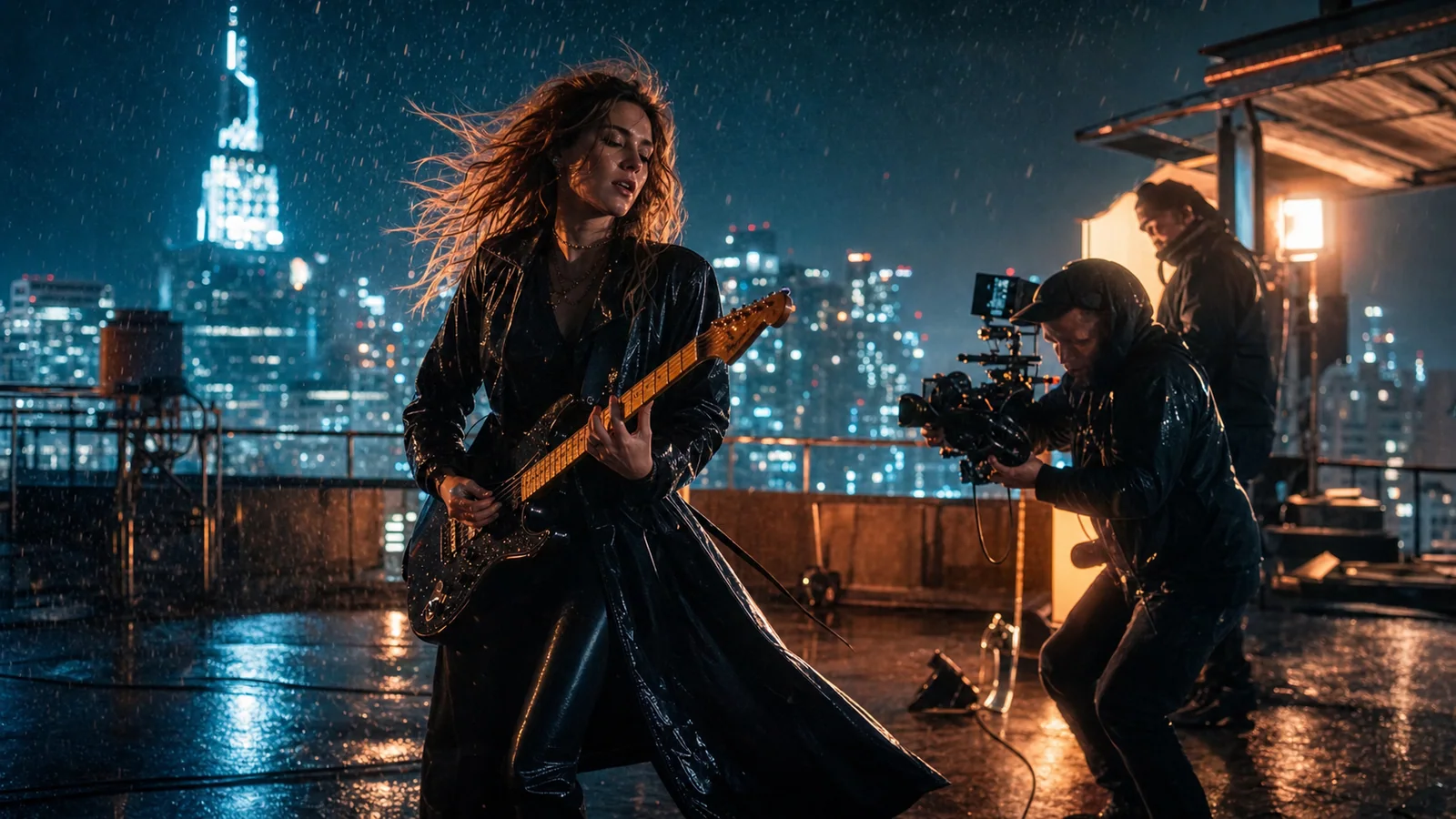
Reference video communicates motion that words cannot

Use a short motion reference when timing, performance, camera rhythm, or physical interaction matters more than inventing a new movement. Add an audio reference when the shot must follow a beat or atmosphere.

  • Give each reference one job: subject, motion, camera, or sound
  • Use short, readable references with limited cuts and occlusion
  • Check rights before recreating a recognizable performance or voice
Use this workflow
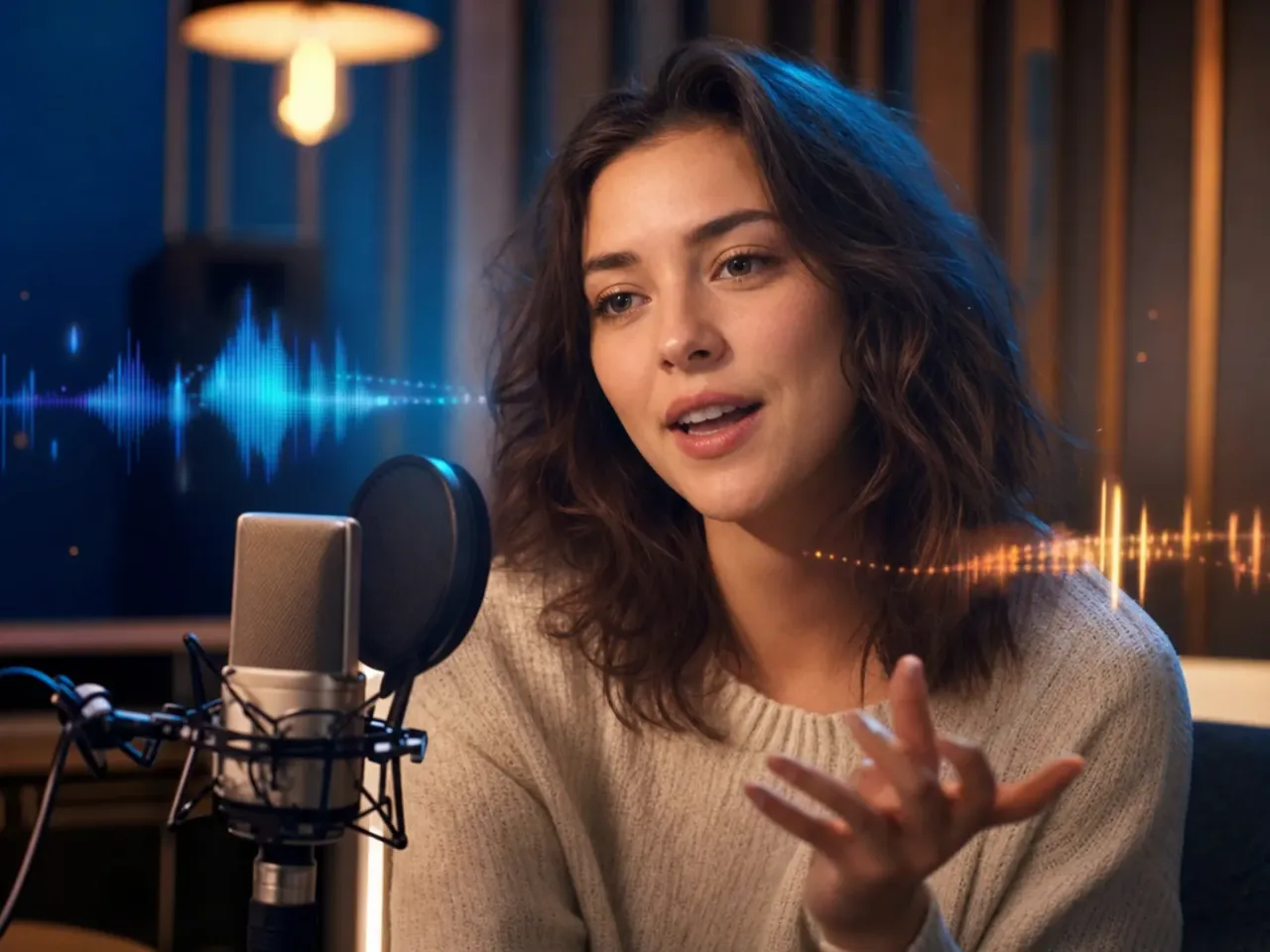
Performer and production crew illustrating Wan 2.7 audiovisual reference control

Wan model capability

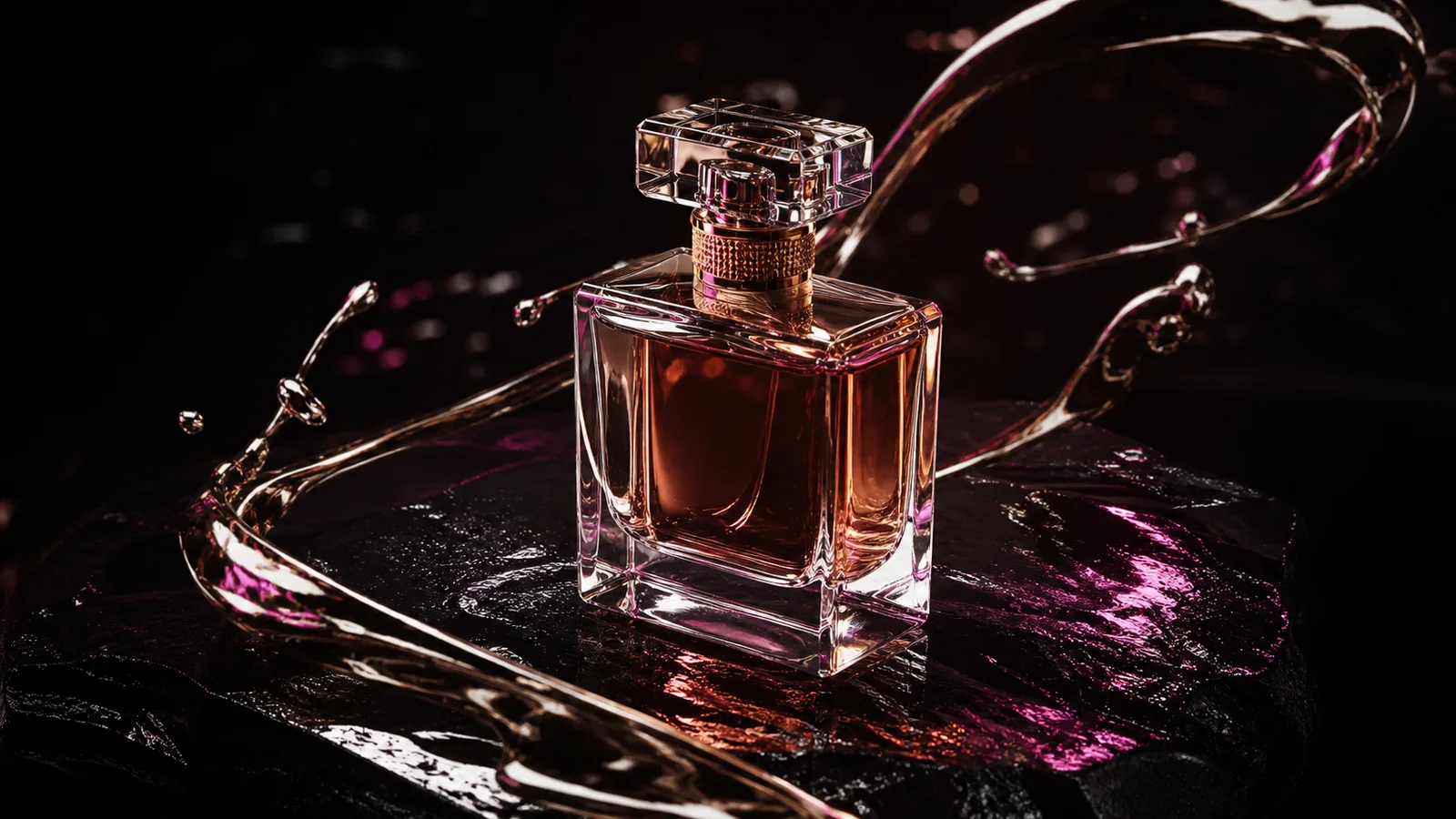
Image-to-video preserves an approved visual starting point

Start from a clean product, character, poster, or environment image when shape, styling, or opening composition is already approved. Ask for one readable subject action and one controlled camera move instead of redesigning the entire frame.

  • Leave enough space around the subject for the requested movement
  • Name the material details and identity cues that must remain stable
  • Avoid asking one still image to imply several unrelated shots
Use this workflow
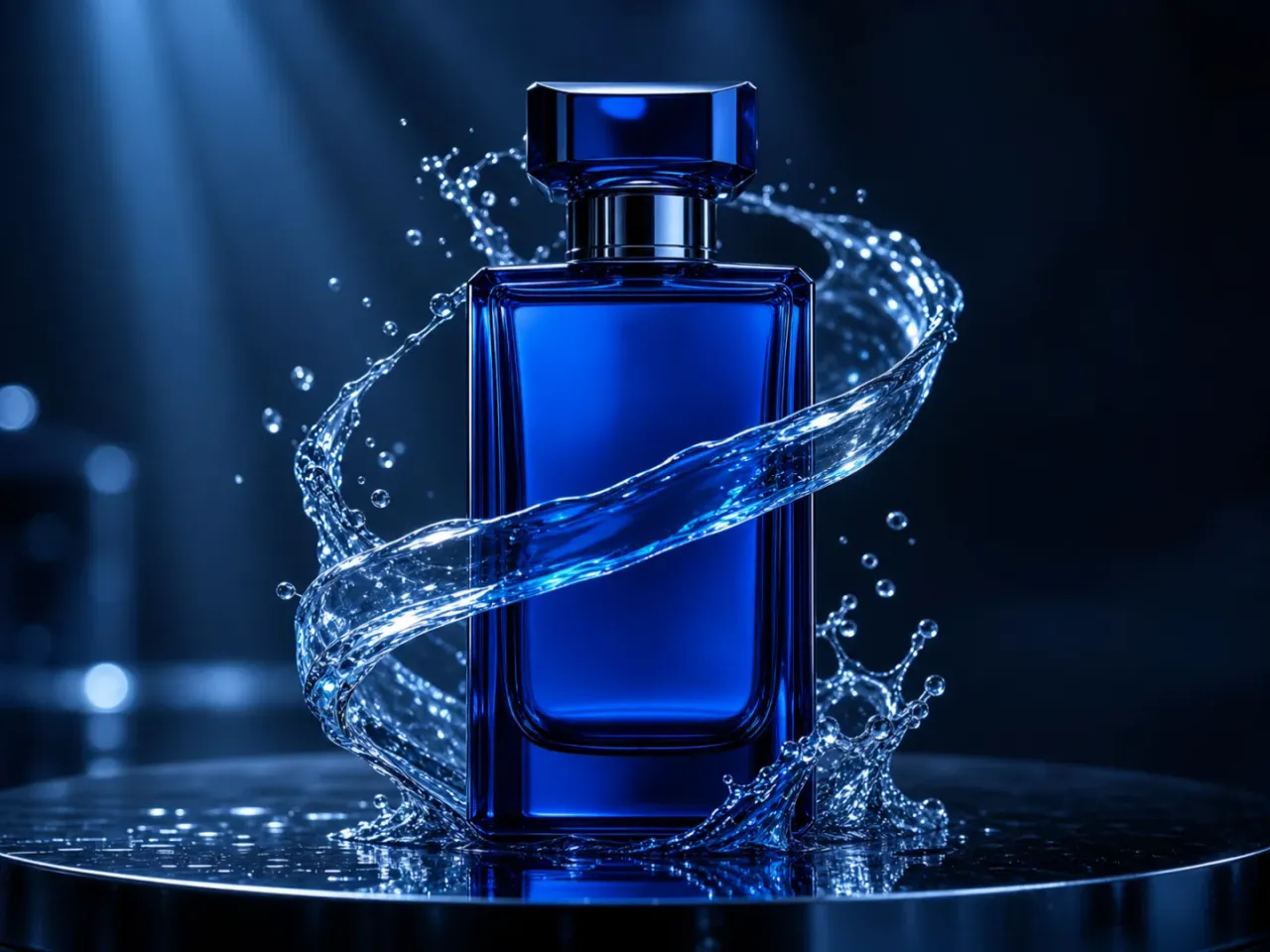
Premium product motion concept for Wan 2.7 image-to-video

Task-based examples

What can you create with Wan 2.7?

Choose a workflow from the deliverable you need, then adapt the included prompt starter to one clear shot.

Campaign transition

Campaign transition

Connect two approved key visuals while controlling the final brand composition.

View prompt idea

Move from the supplied opening frame to the supplied ending frame in one continuous shot. Preserve [subject/product], transform [environment], controlled [camera move], finish exactly on the last-frame composition, no generated text.

Product hero motion

Product hero motion

Animate a product still with material-aware light and a restrained camera move.

View prompt idea

Animate the supplied product image. Preserve exact silhouette, material, color, and proportions. Slow orbit, moving rim light, subtle environmental particles, settle on a clean hero composition.

Performance recreation

Performance recreation

Transfer readable timing and camera rhythm from a short motion reference.

View prompt idea

Use the reference video for performance timing and camera rhythm. Preserve the supplied character identity and wardrobe. Natural body mechanics, stable face, consistent environment, no added cuts.

Atmospheric story bridge

Atmospheric story bridge

Build a visual bridge between two scenes with a defined endpoint.

View prompt idea

A continuous cinematic bridge from [place A] to [place B]. [Subject] performs [action], motivated tracking camera, layered weather and ambience, end on [final composition].

Creator action shot

Creator action shot

Develop a high-energy social hook from a character image or motion reference.

View prompt idea

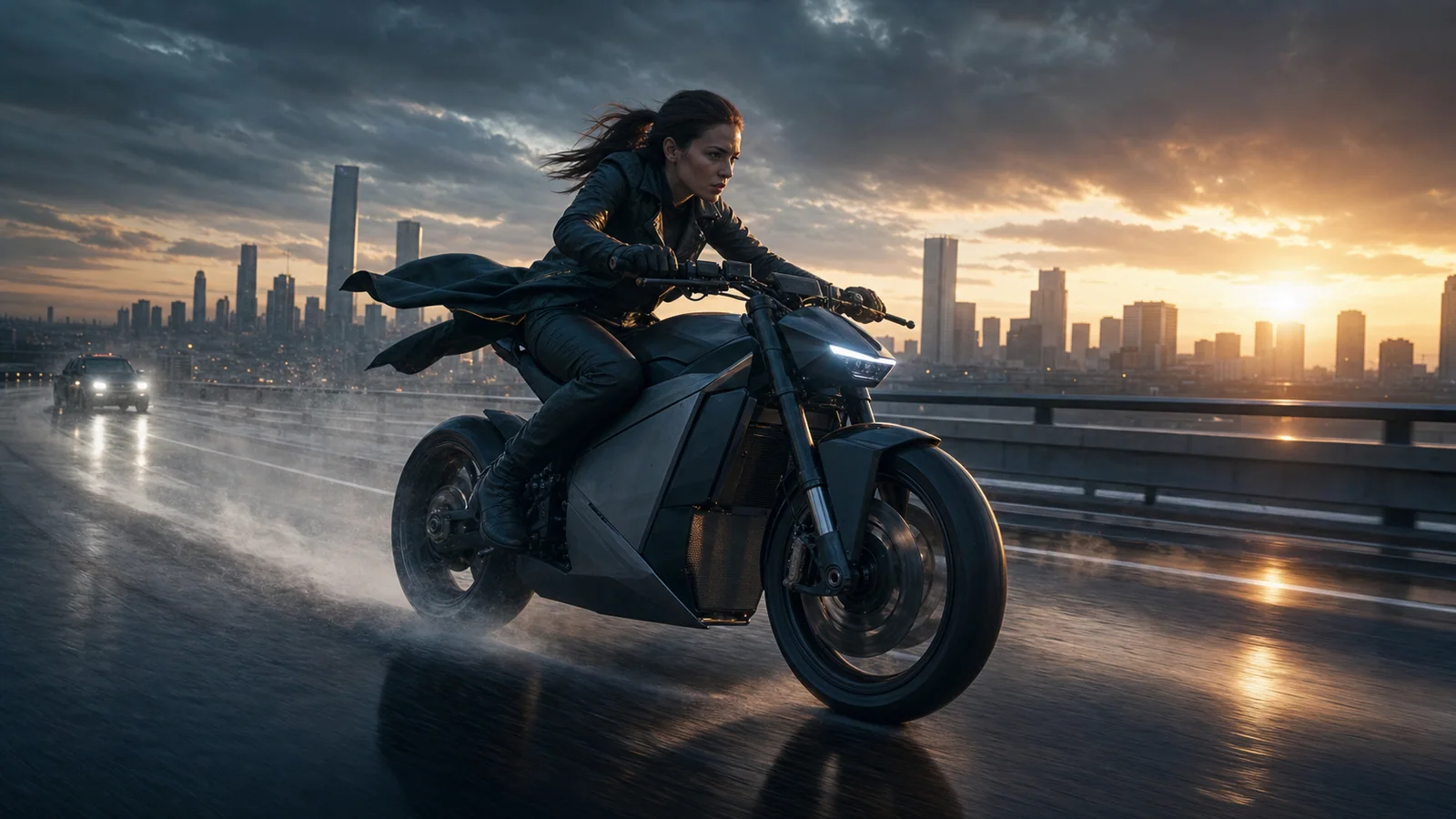
High-energy creator shot of [character] performing [single action]. Low-angle tracking camera, realistic fabric response, clean silhouette, readable ending for a cut, no logos.

Sound-led visual

Sound-led visual

Align one visible event with a beat, impact, or atmospheric cue.

View prompt idea

One continuous shot of [subject/action]. Synchronize [visible event] with [audio cue]. Natural room tone before the cue, controlled camera, no dialogue unless supplied.

AI video model comparison

Wan 2.7 vs Seedance 2.0 Pro vs Veo 3.1 vs Kling 3.0

Use this as model-selection guidance, not a substitute for the live controls. Public specifications and connected provider routes can expose different parameter subsets.

FeatureWan 2.7Seedance 2.0 ProVeo 3.1Kling 3.0
Best forEndpoint control, multimodal references, product and campaign transitionsMultimodal storytelling and continuity-led creationCinematic realism and polished audiovisual scenesCharacter motion, action, and creator workflows
Connected inputText · Image · First/last frames · Video/audio referencesText · Image · Multimodal referencesText · ImageText · Image · Reference workflows
Scene controlFirst/last frames and reference-led motion in one connected modelMulti-shot and multimodal directionShot interpretation and audiovisual directionMotion control and character performance
Audio workflowReference audio and route-reported audio capability; confirm live modeRoute-reported audio capability; confirm live controlsNative audiovisual workflowAudio and lip-sync workflows vary by route
Choose whenYou need to control what the shot starts from, follows, or ends onA multimodal story workflow and continuity are centralFinal cinematic audiovisual polish matters mostCharacter performance and action control lead the brief

PixMind production API snapshot verified 2026-07-13. Live generator controls are final.

Prompt starters

Prompt Wan 2.7 by control, not adjectives

Name the subject, one action, the camera path, light, sound, and ending. Add only the reference responsibility that the selected input mode needs.

Text-to-video shot

[Shot size] of [subject] performing [one action] in [environment]. [Camera movement], [lighting], [weather/material motion], [sound cue], finish on [ending composition]. One continuous shot.

Use this prompt

First-to-last transition

Transition continuously from the opening reference to the ending reference. Preserve [identity/product]. The transformation happens through [physical event], with [camera path] and a stable final composition.

Use this prompt

Reference-led recreation

Use the video reference only for [motion/camera rhythm] and the image reference only for [identity/style]. Preserve [must-keep details]. Natural mechanics, no extra cuts, finish with a usable hold.

Use this prompt

Trust and limitations

Review the result before it enters production

  • Generated logos, text, faces, hands, and product geometry still require frame-by-frame review.
  • The production endpoint and the official model documentation expose slightly different duration and audio fields; the live PixMind generator is final for current controls.
  • Reference inputs do not grant rights to reproduce a person, performance, voice, or brand asset.

Wan 2.7 FAQ

Which Wan 2.7 input should I choose?

Use text for invention, an image for identity or composition, first and last frames for a controlled endpoint, and references for motion, camera rhythm, or sound.

Does Wan 2.7 generate audio?

Some connected routes report audio capability, but the exact control differs by model mode. Confirm the selected route in the live generator and review dialogue, timing, and artifacts before publishing.

Can I use generated Wan video commercially?

Commercial use depends on the provider terms and your rights to every prompt, reference, identity, voice, logo, and brand asset. Review both the output and current terms before release.

Turn one clear shot brief into a Wan 2.7 test

Start in the exact connected model workspace, then compare usable takes, retries, consistency, and credit cost.

Start generating