01 / Product campaigns
Make a product feel unforgettable.
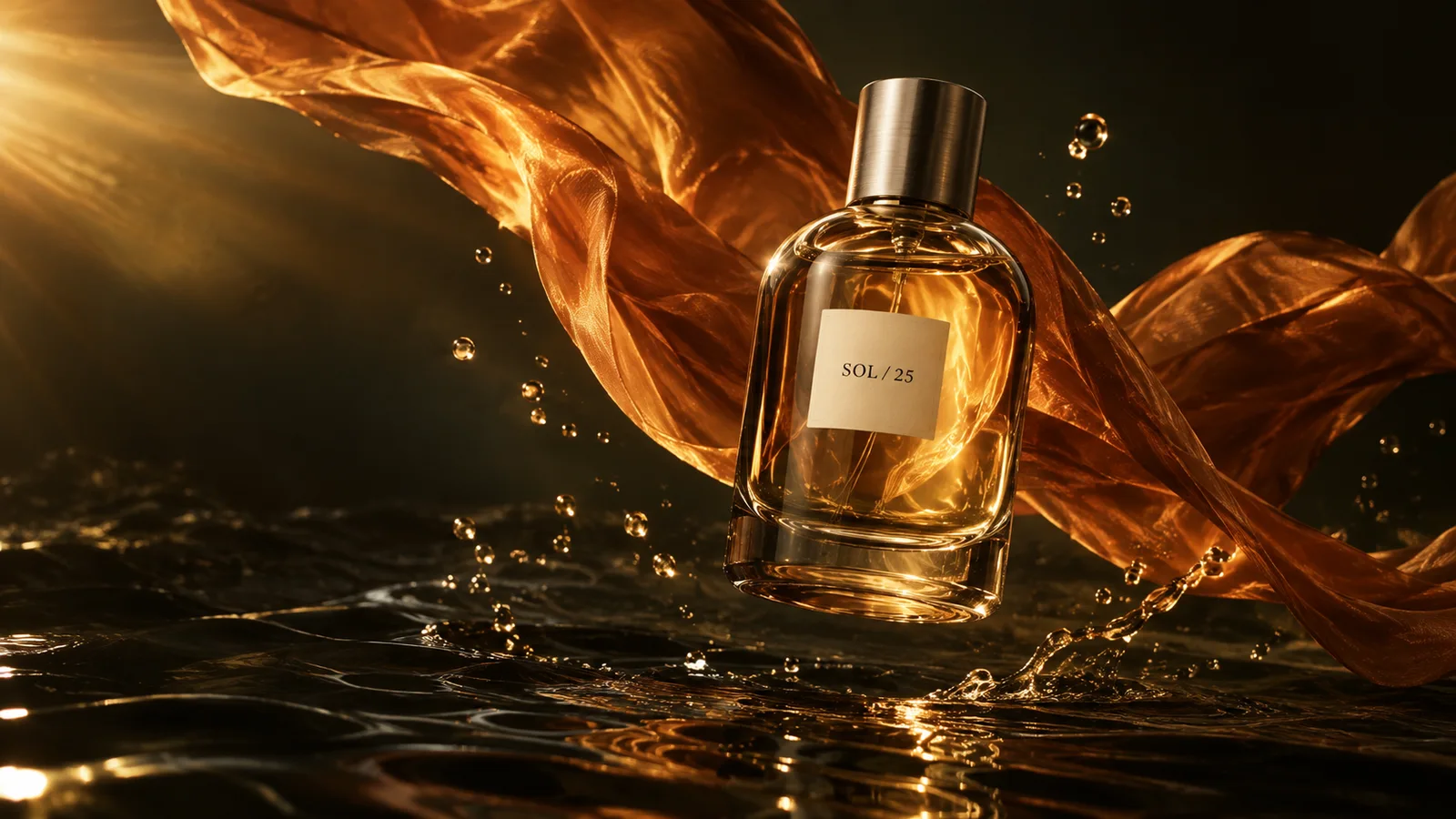
Art-direct the light, materials and atmosphere around a single hero product. A stronger brief starts with the feeling you want the image to leave behind.
Make it your own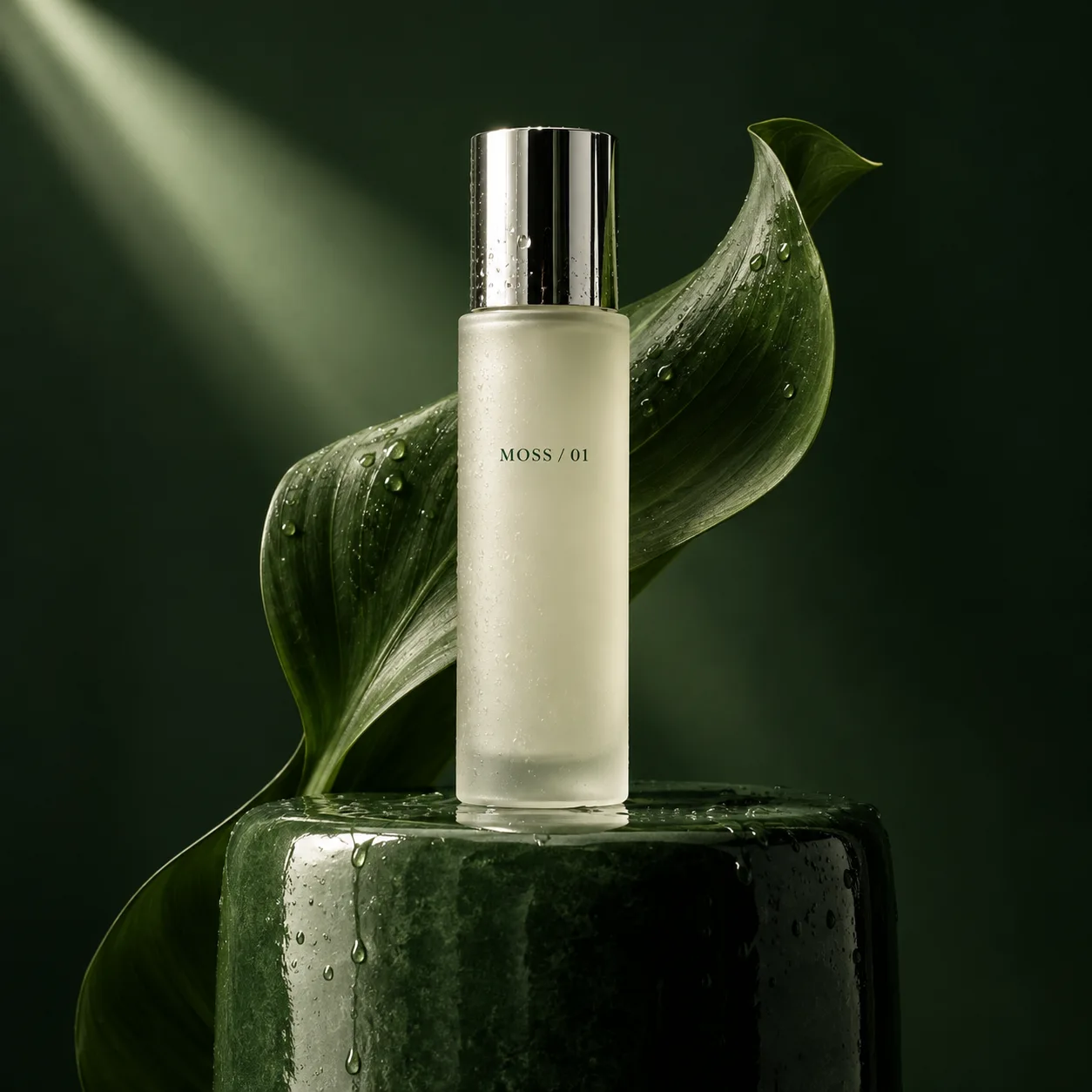

A new chapter in image creation
Make the imageyou have in mind.
Meet GPT Image 2.5. Richer textures, more faithful references and focused edits — for ideas with a distinct point of view.
Your next image starts here
Choose Sunburst or Flare, write your brief, then review the live credit estimate before submitting in the creative workspace.
Flare suits everyday generation; Sunburst prioritizes finer control. Both are live on PixMind, and the current credit estimate is shown before submission.
What resolution, reference limits and credit cost apply?Imagine the possibilities
Three creative directions. Explore the brief behind each image, then replace the subject, palette and mood with your own.
Original art direction · illustrative conceptsArt-direct the light, materials and atmosphere around a single hero product. A stronger brief starts with the feeling you want the image to leave behind.
Make it your own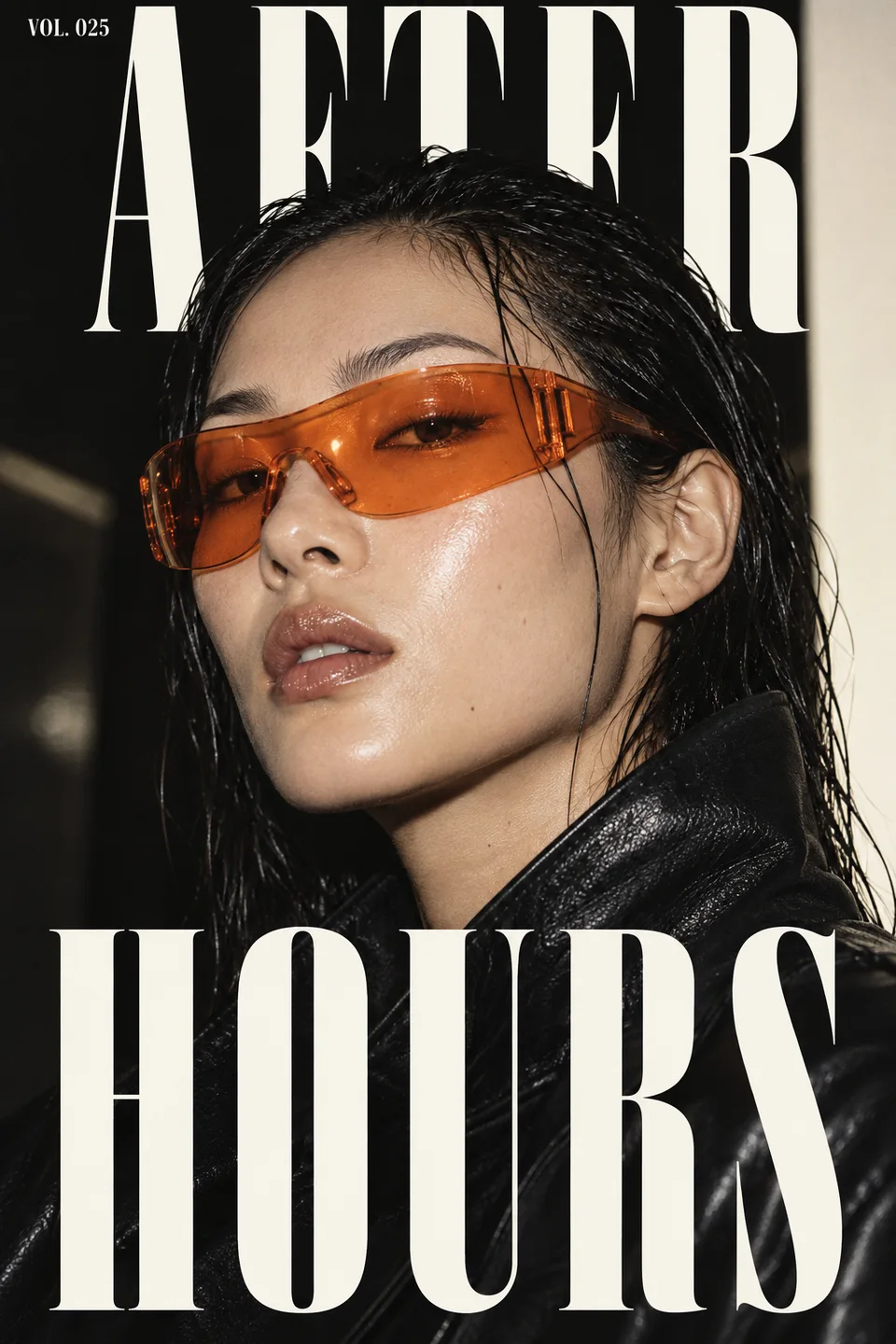
Pair expressive portraiture with a deliberate typographic hierarchy. Specify the exact headline, its position and the space it needs to breathe.
Design an editorial fashion poster with an adult model in translucent orange sunglasses, direct flash and a black background. Use the exact headline "AFTER HOURS" in large white condensed lettering. Keep the face clear and the layout intentional.Make it your own
Combine an unexpected subject with believable light and texture. Define the visual rules, then carry that direction into your next scene.
Make it your own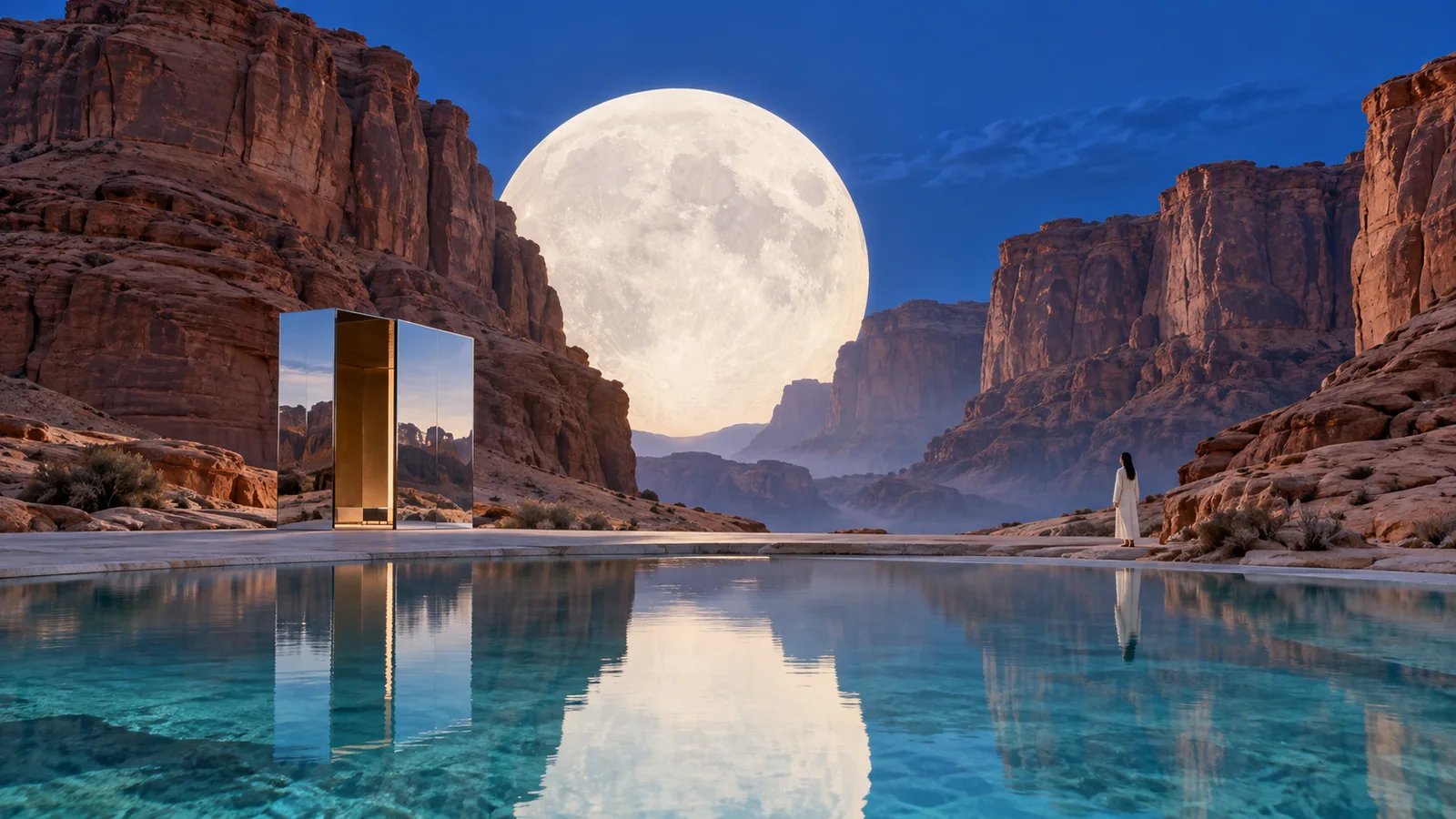
Keep the idea. Refine the details.
GPT Image 2.5 is designed to follow focused editing instructions while preserving more of the image around them. Describe both what to change and what to keep.
Change the background to warm ivory. Keep the bottle shape, label, camera angle and lighting unchanged.Make it your own
Choose your creative pace
Flare suits everyday generation; Sunburst prioritizes finer control. Both are live on PixMind, and the current credit estimate is shown before submission.
| Model | Best starting point | Creative approach |
|---|---|---|
| GPT Image 2.5 Sunburst | Polished campaigns & product imagery | Prioritize precise refinements and finer creative control. |
| GPT Image 2.5 Flare | Social visuals & concept exploration | Explore directions with the faster model in the 2.5 family. |
| GPT Image 2 | Existing GPT Image workflows | Continue with the version already available on PixMind. |
Name the subject, purpose, composition and mood. Put essential wording in quotation marks.
For editing, add your reference in the workspace and spell out the details that must stay the same.
Review the result, request one focused change and use the latest image as the next reference.
OpenAI introduced GPT Image 2.5 on September 8, 2026, with improvements to detail, reference fidelity and image editing. The API family includes Sunburst and Flare.
Start with Flare for everyday visuals and exploring ideas. Choose Sunburst when a campaign or product image needs more considered refinements and tighter control.
Yes. PixMind currently supports the exact GPT Image 2.5 Sunburst and Flare routes. The model picker verifies access and never silently falls back to GPT Image 2.
Upload a reference in the workspace, describe the change, and name what must remain unchanged, such as the subject, label, camera angle or composition.
Provide the exact wording in quotation marks, then specify its location, visual hierarchy and contrast. Keep the headline concise and inspect the rendered lettering before exporting.
These depend on the model connected to PixMind. Review the supported controls and credit estimate in the workspace before submitting; another provider's settings may differ.
The model family improves consistency across edits. In PixMind, use your latest result as a reference for the next edit and explicitly preserve the details you already like.
The images are original AI-created concepts illustrating creative briefs. They are inspiration, not verified GPT Image 2.5 outputs or a comparison test. The model descriptions are based on OpenAI's published information.
GPT Image 2.5
Start with one idea. Give it a point of view. Make it yours.
Start with an idea