Text oder Bild
Beginnen Sie mit einer Kurzbeschreibung oder verwenden Sie einen bewährten visuellen Anker für Motiv und Komposition.

Native 30-second multimodal production
Generate continuous single-shot video up to 30 seconds in one pass, with up to 50 multimodal references, native 4K, and region-level editing — no stitching, no sequence breaks.
Arbeitsbereich für genaue Route
Aktuelle Kontrollen und aufgeladene Guthaben stammen aus dem Live-Generator. Bestätigen Sie diese vor dem Absenden.
Aktuelle PixMind-Einträge
Beginnen Sie mit einer Kurzbeschreibung oder verwenden Sie einen bewährten visuellen Anker für Motiv und Komposition.
Definieren Sie beide Endpunkte und beschreiben Sie dann nur die physische Bewegung und den Kamerapfad zwischen ihnen.
Weisen Sie Identität, Einstellung, Bewegung und Ton separaten Bild-, Video- und Audioreferenzen zu.
Long-form multimodal route
Seedance 2.5 extends the 2.0 multimodal architecture: longer native duration, the highest reference limit among commercial models, and region-level editing that preserves overall consistency.
01
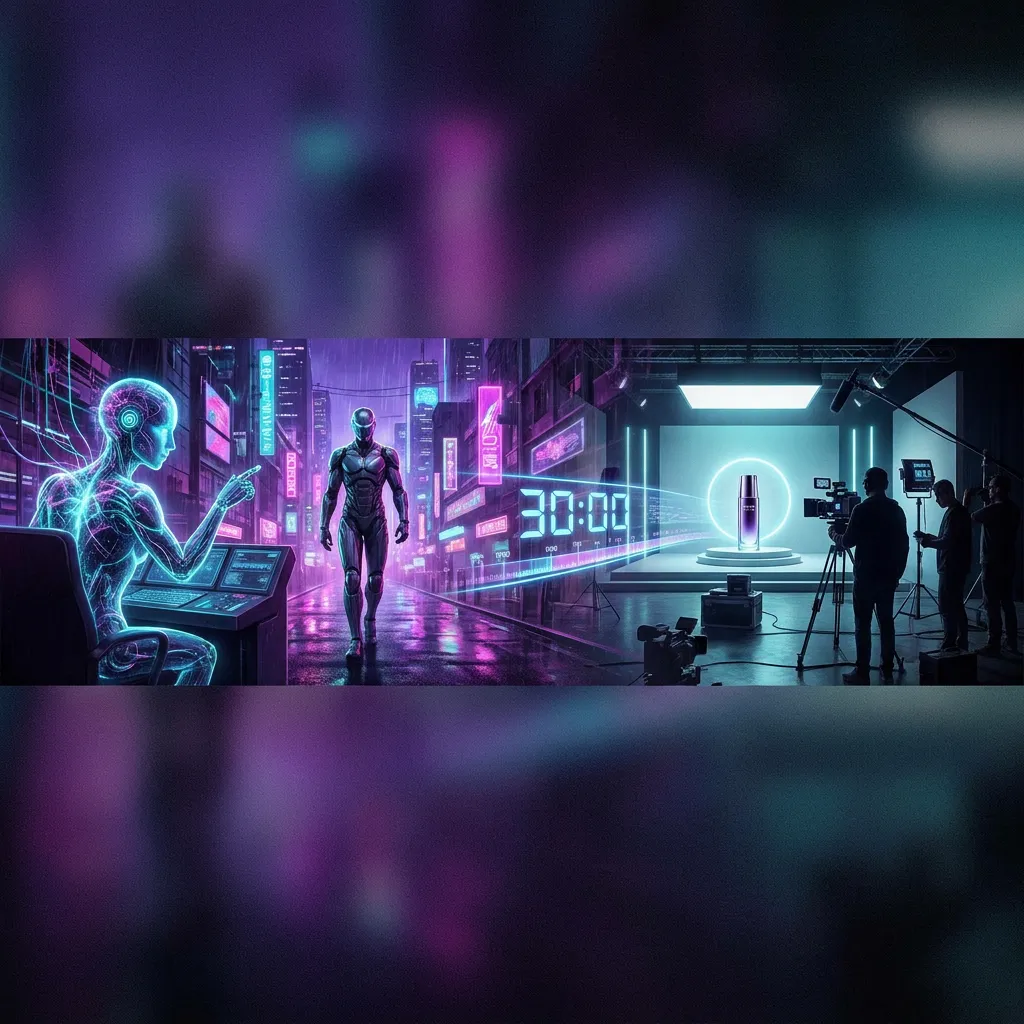
Direct a continuous 30-second take in one generation instead of stitching multiple 5–15s clips.
02
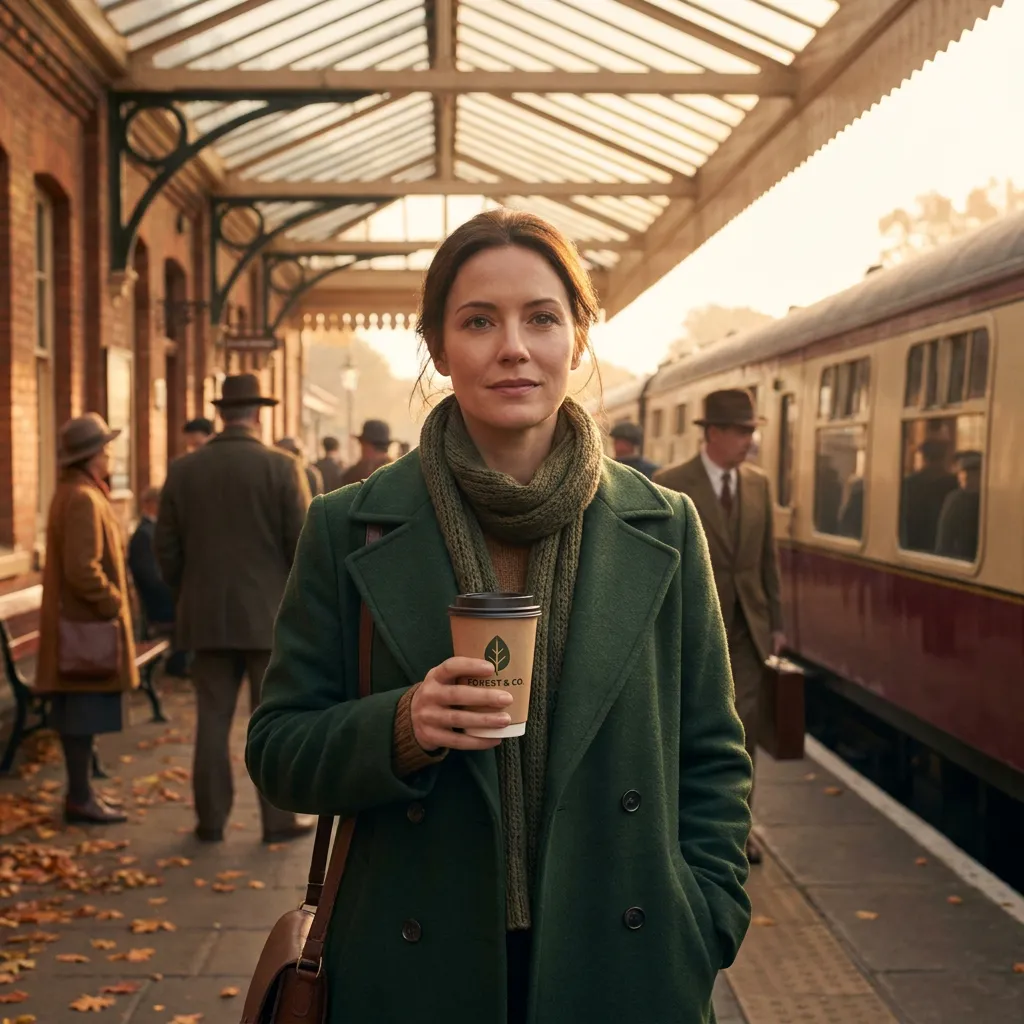
Combine up to 50 image, video, text, and audio inputs to control characters, scenes, style, and sound together.
03
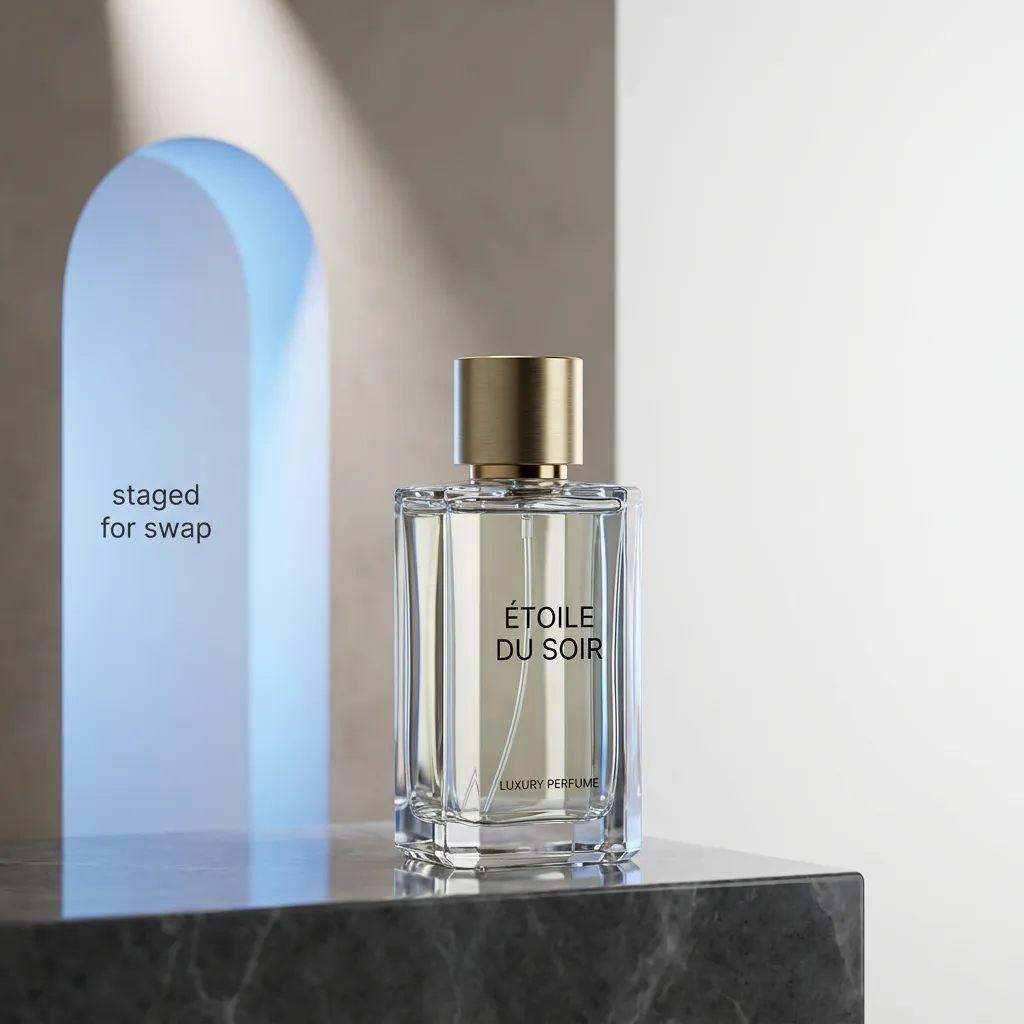
Change a product, prop, or background area while the rest of the clip keeps its motion, lighting, and identity.
04
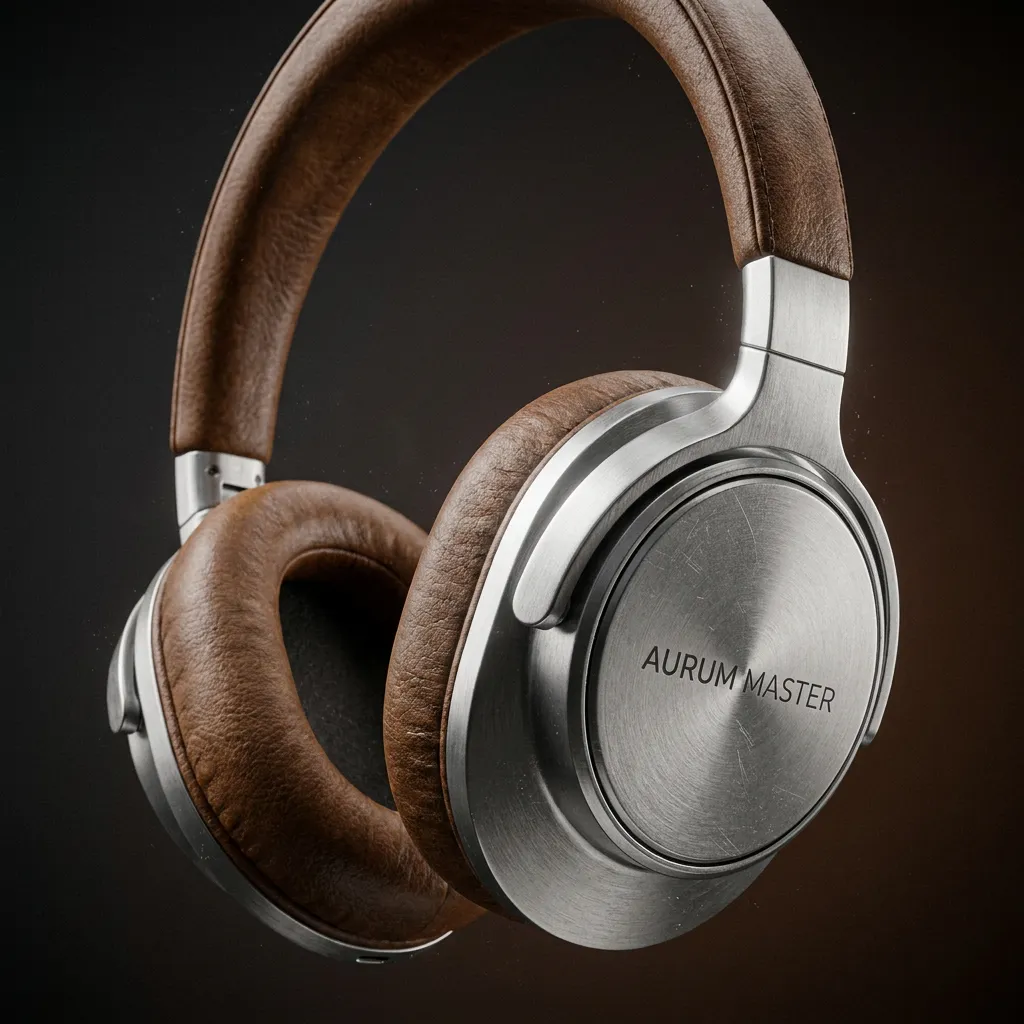
Output crisp 4K natively for large displays, product films, and high-DPI social.
05
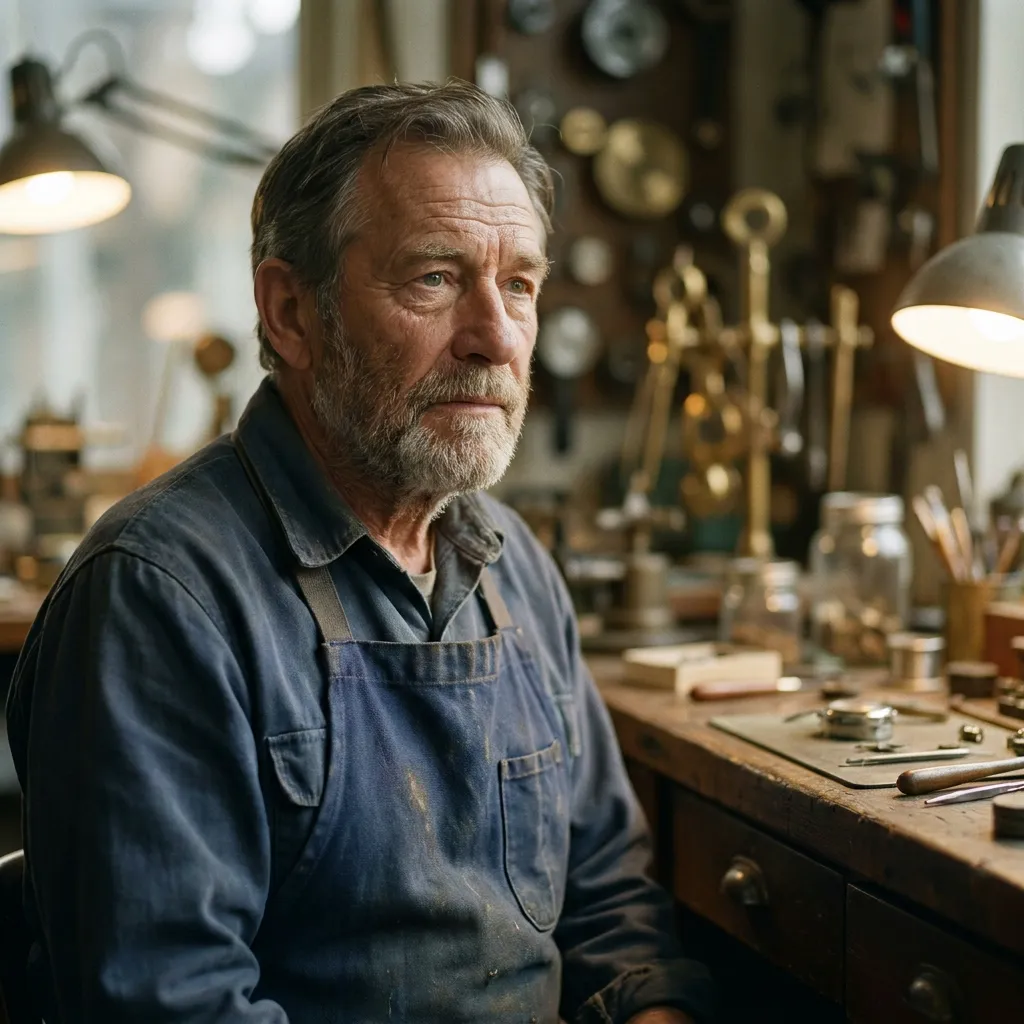
Keep identity, eyelines, and lip-sync stable while directing a 30-second performance with linked room sound.
06
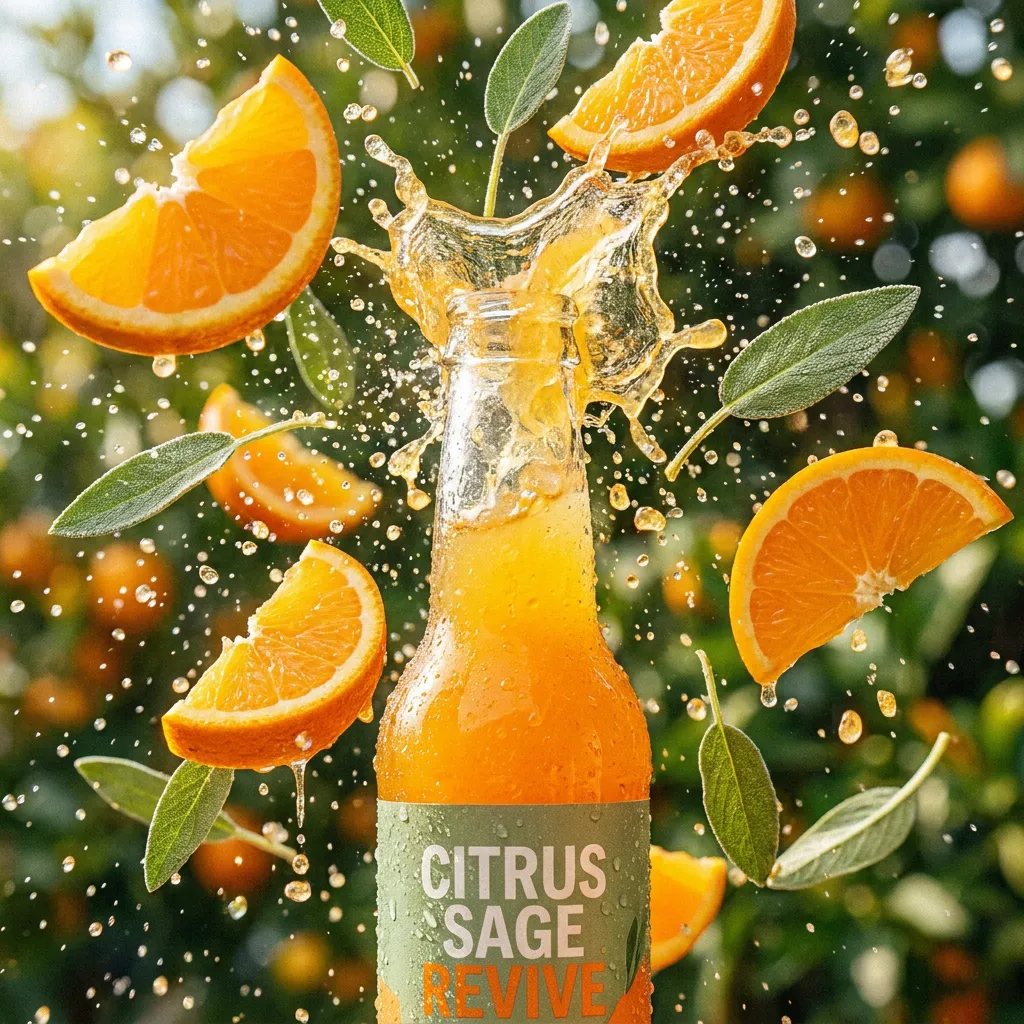
Test opening beats as controlled variants while preserving the same product, palette, and final packshot.
Routenvergleich
Die Tabelle trennt den aktuellen PixMind-Routen-Snapshot von den Ansprüchen auf Familienebene von ByteDance. Credits und freigelegte Steuerelemente sollten im Generator erneut überprüft werden.
| Version | Am besten für | Eingaben | Dauer | Auflösung | Audio | Kredit-Snapshot |
|---|---|---|---|---|---|---|
| Seedance 2.0 Pro | Komplexe multimodale Referenzen und ausgewählte finale Takes | Text-, Bild-, Video- und Audioreferenzen | 5, 10 oder 15 Sekunden | 480p, 720p, 1080p; 4K erfordert eine Live-Überprüfung | Audiofähige Route | Lesen Sie vom Live-Generator |
| Seedance 2.5Aktuell | Native 30-second single-shot video with up to 50 multimodal references | Text, image, video, and audio references (up to 50) | Up to 30 seconds in a single shot | 480p, 720p, 1080p, native 4K | Audiofähige Route | Lesen Sie vom Live-Generator |
| Seedance 2.0 Fast | Storyboard-Beats, Kamera-A/B-Tests und Social Hooks | Text-, Bild-, Video- und Audioreferenzen | 5, 10 oder 15 Sekunden | 480p oder 720p | Audiofähige Route | Lesen Sie vom Live-Generator |
| Seedance 2.0 Mini | Testen von Referenzpassung, Zusammensetzung und Prompt-Konflikten | Text-, Bild-, Video- und Audioreferenzen | 5, 10 oder 15 Sekunden | 480p oder 720p | Audiofähige Route | Lesen Sie vom Live-Generator |
| Seedance 1.5 Pro | Bestehende bildgesteuerte Eingabeaufforderungen und kontrollierte Migrationstests | Text oder bis zu zwei Bilder in der aktuellen Antwort | Der Live-Generator ist endgültig; Konflikt mit API-Feldern | 480p, 720p oder 1080p | Audiofähige Route | 40-Punkte-API-Snapshot; Live bestätigen |
Die 1.5 Pro-Antwort meldet 40 Punkte, die Felder für die Dauer sind jedoch widersprüchlich. Pro, Fast und Mini stellen im verifizierten Endpunkt-Snapshot kein Feld für stabile Punkte bereit.
Was Sie nach dem Test beachten sollten
Verwenden Sie ein vollständiges Motiv, saubere Kanten, lesbare Tiefe und genügend Platz für die gewünschte Bewegung.
Trennen Sie die Aktion des Motivs von der Kamerabewegung und vermeiden Sie die Anhäufung mehrerer großer Änderungen in einer kurzen Aufnahme.
Wechseln Sie zu 2.0 Pro, wenn die Aufnahme multimodale Referenzen, erste/letzte Bilder oder eine explizitere Audiorichtung benötigt.
So verwenden Sie diese Version
Give every image, video, text, or audio input a single explicit role (identity, shape, motion, palette, or rhythm).
Fix identity, wardrobe, props, screen direction, and the ending composition before adding complex motion.
Edit one region per pass and review identity, geometry, lighting, and timing in the full clip each time.
Read the live generator for the current credits at the chosen duration and resolution before submitting.
Versionsspezifische Eingabeaufforderungen
Prompt 01
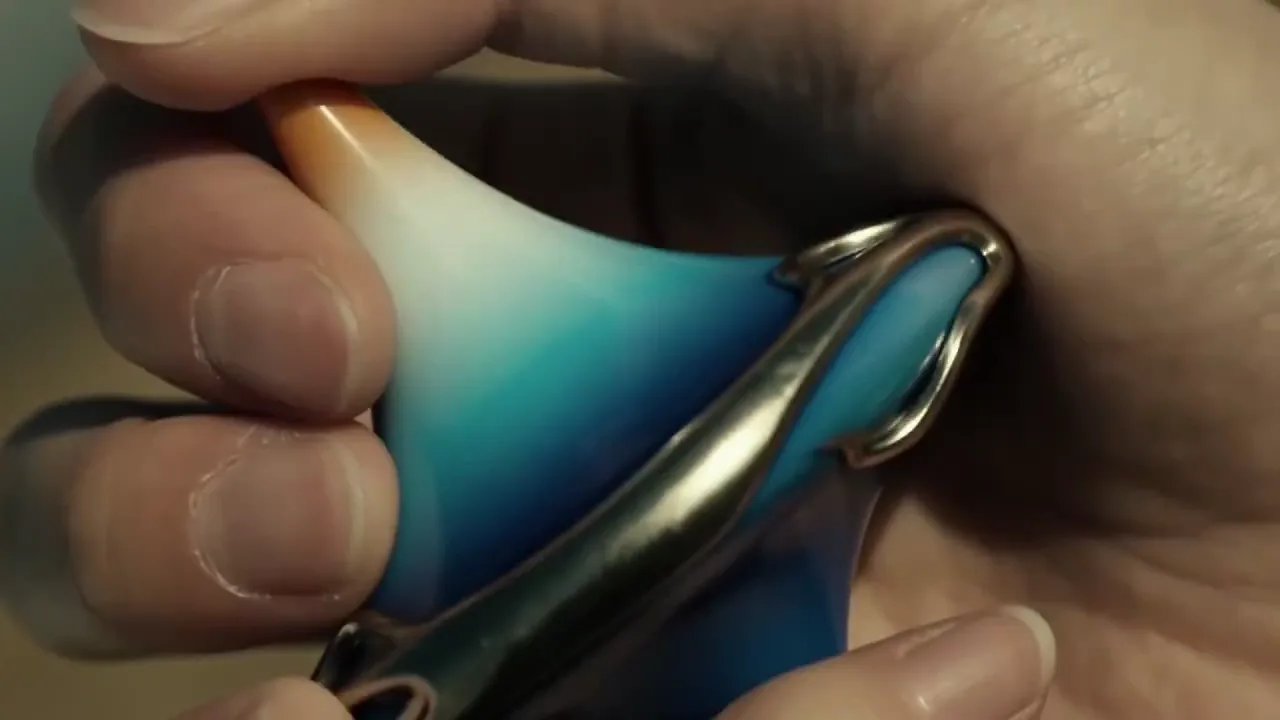
Use the full native duration for one continuous reveal.
One continuous 30-second take. Use @Image 1 for exact product shape and @Image 2 for the studio palette. Slow controlled orbit around the product, one subtle environmental interaction at the midpoint, finish on the approved hero composition. Preserve shape, material, ports, and color. No generated text.
Prompt 02
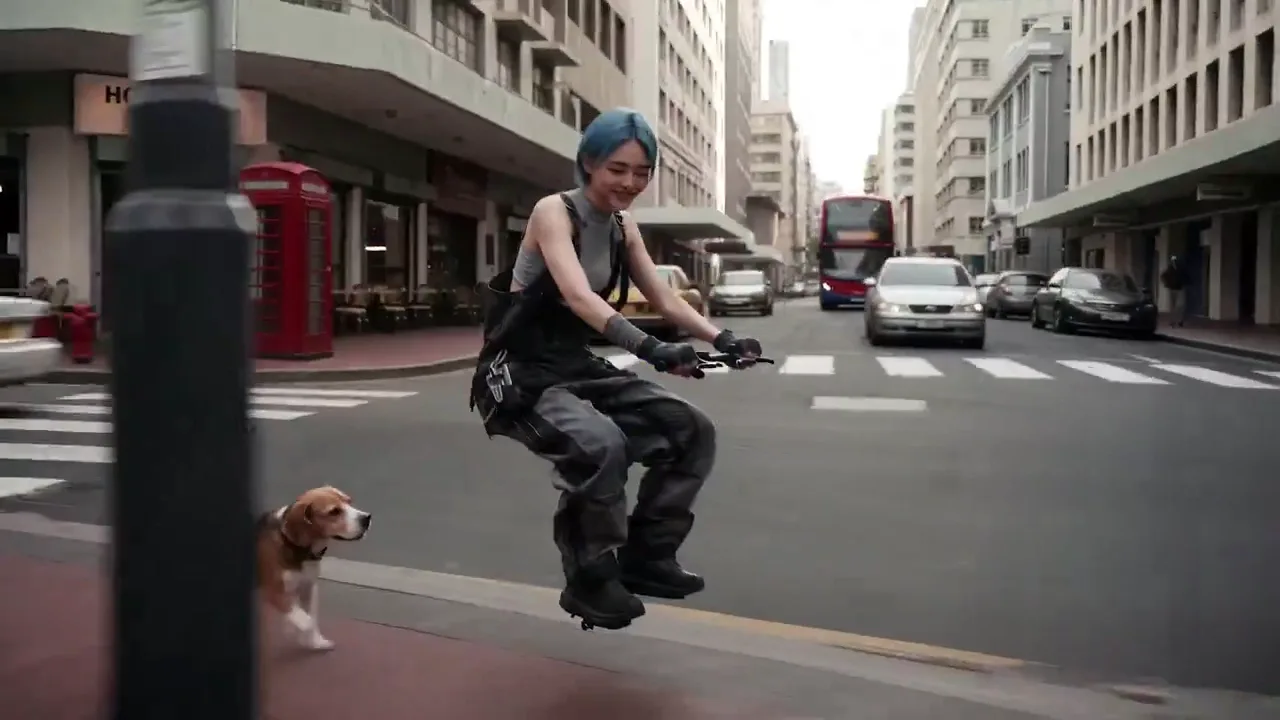
Coordinate identity, motion, and sound across references.
Keep the character from @Image 1 unchanged. Use @Video 1 only for the body motion and @Audio 1 for the ambient rhythm. The character walks through the station, pauses, and looks toward the exit. Preserve facial features, wardrobe, and left-to-right screen direction.
Prompt 03
Change one area without re-generating the shot.
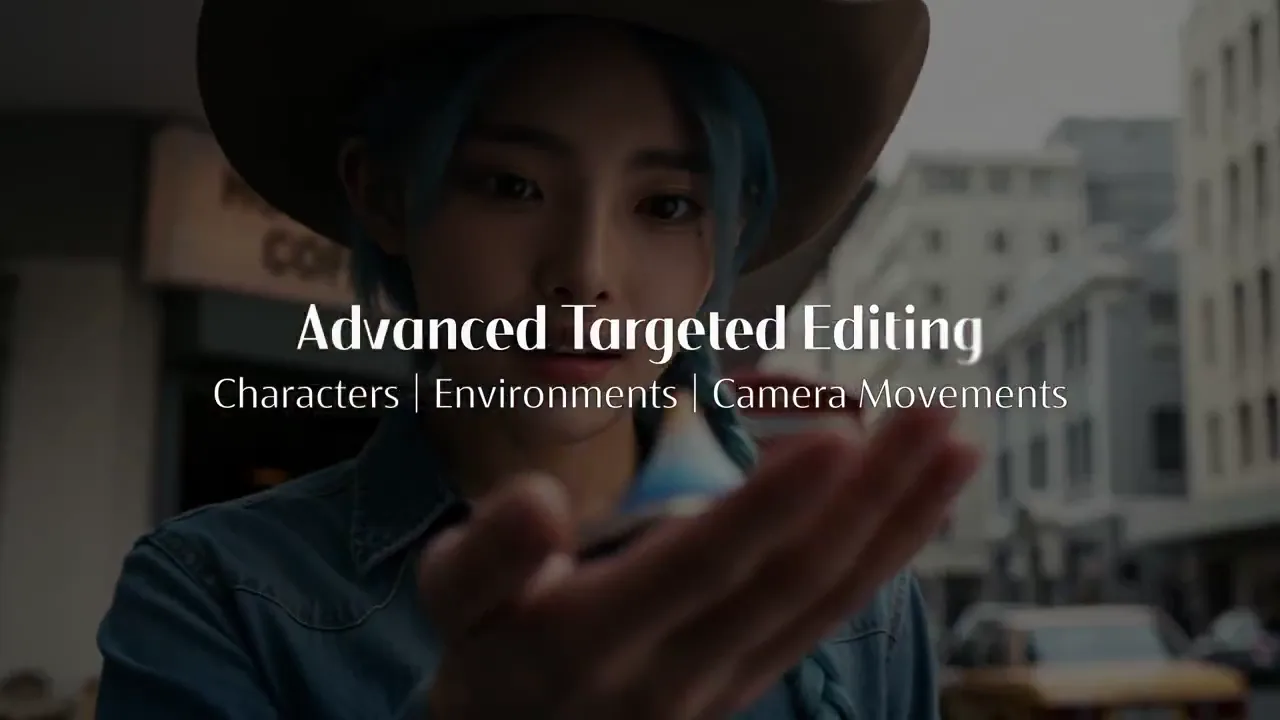
Keep the full clip motion, lighting, and identity fixed. Only replace the background product on the right shelf with the object in @Image 2, matching perspective, scale, and reflections. Do not alter the subject or camera path.
Pro
Quality-first multimodal video with reference and audio control.
Version ansehenPro
Native 30-second single-shot video with up to 50 multimodal references, 4K output, and region-level editing.
Fast
Die schnellere Seedance 2.0-Route für iterationsintensive Social-, Kampagnen- und Vorvisualisierungs-Workflows.
Version ansehenMini
Eine leichtere Seedance 2.0-Option zum Testen multimodaler Ideen, bevor Sie sich auf ein qualitätsorientiertes Rendering festlegen.
Version ansehenPro
Eine bewährte Bild-zu-Video-Option mit breiten Seitenverhältnissen und Auflösungssteuerung für unkomplizierte Referenzaufnahmen.
Version ansehenNative single-shot video up to 30 seconds, up to 50 multimodal references (image, video, text, audio), region-level editing that preserves consistency, and native 4K output.
2.0 generates 5–15s clips with up to 9 references; 2.5 extends single-shot duration to 30 seconds, raises the reference limit to 50, and adds region-level editing.
Pass up to 50 inputs across image, video, text, and audio in one request. Give each a single explicit role and remove assets that compete for the same property.
Yes. Region-level editing lets you change a specific area while the rest of the clip keeps its motion, lighting, and identity. Edit one region per pass and review the full clip each time.
Single-shot clips up to 30 seconds and resolutions up to native 4K. Confirm the exact options in the live generator before submitting.
Pricing is not yet published. Read the live generator for the current credits at your chosen duration and resolution before submitting.
Yes. The unified audio-video architecture generates synchronized audio in the same task when the selected mode supports it. Review speech, lip movement, source matching, distortion, and timing before publishing.
Review identity, faces, hands, product geometry, text, logos, continuity, dialogue, and audio timing frame by frame across the full clip. Confirm rights for every uploaded person, brand, voice, image, video, and audio asset.
Nächster Produktionsschritt
Return to the family hub for route selection, current parameter notes, and migration guidance.