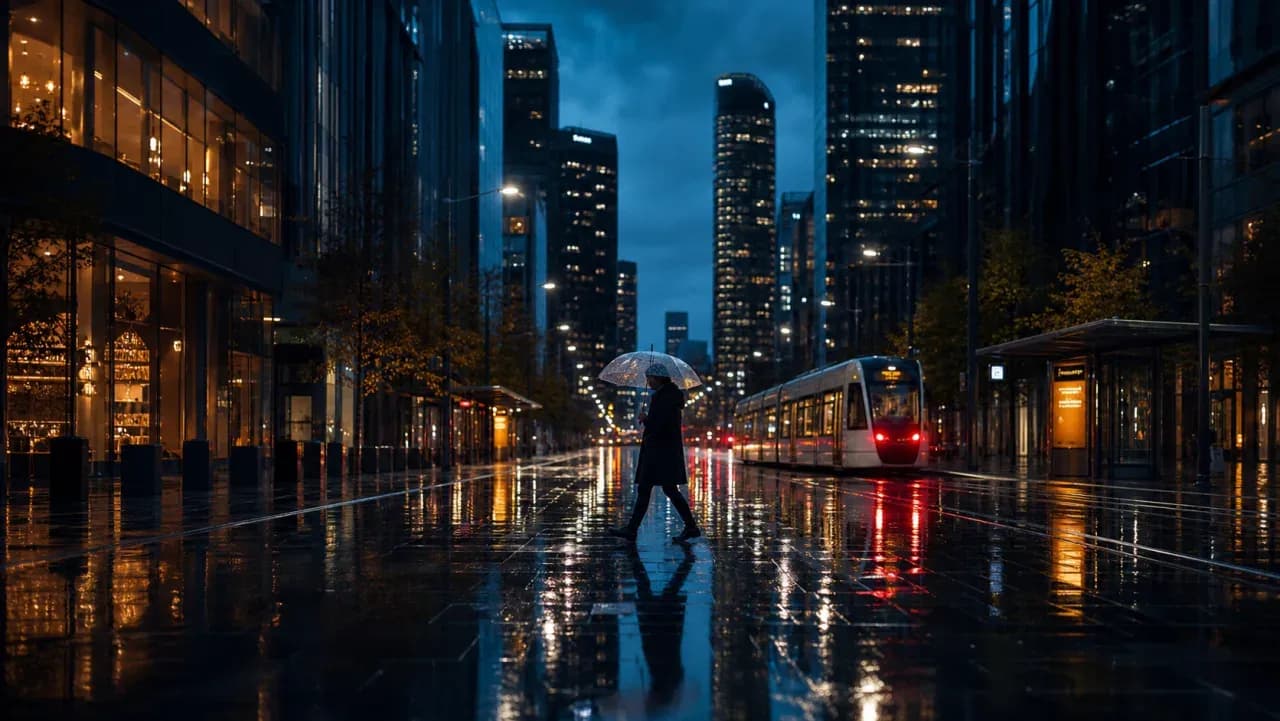
Top AI Video Models
Top AI Video Models
Access leading models for cinematic scenes, product reveals, character motion, and social shorts.

Turn text or an image into video with 10+ AI models. Compare the live credit estimate, choose duration and aspect ratio, then generate and download in one workspace.
A newly created account receives 10 starter credits, valid for one year.
You can inspect prompts and settings first; sign in to generate, save history, and use credits.
The estimate changes with model, duration, resolution, and reference images.
Available durations, resolutions, and image-to-video options depend on the selected model.
Access leading models for cinematic scenes, product reveals, character motion, and social shorts.
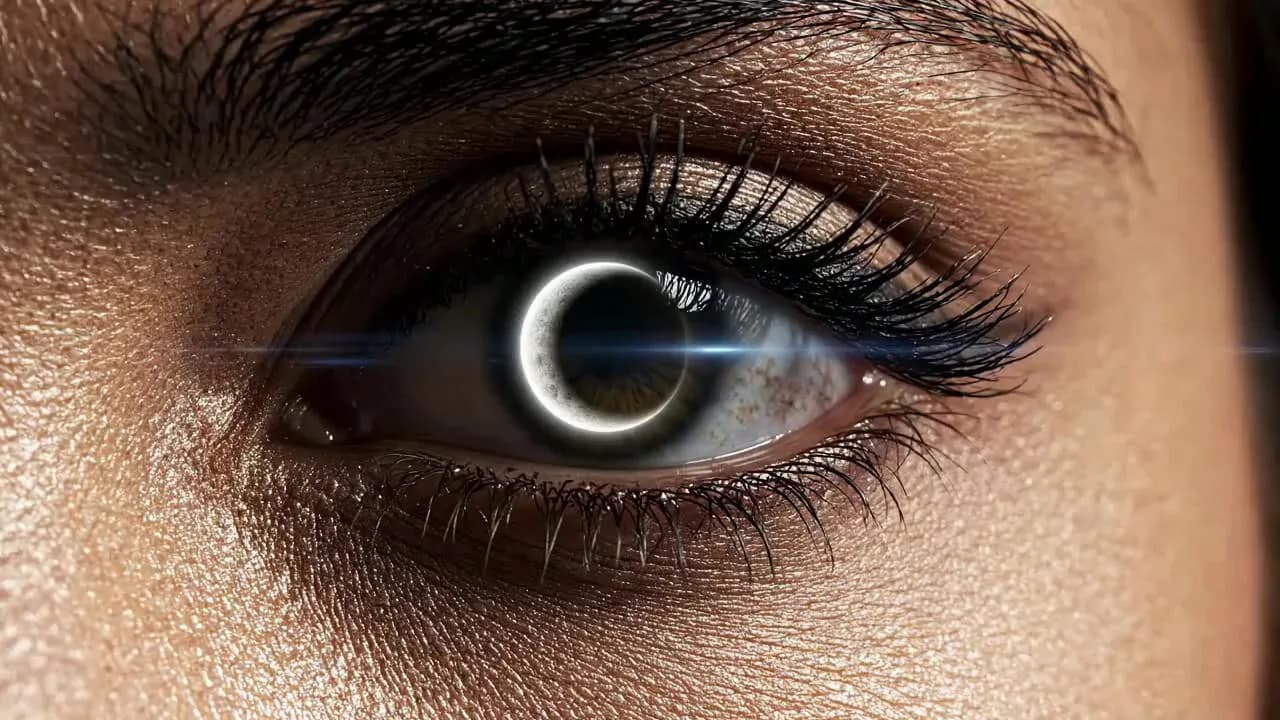
Generate clean, detailed motion with better prompt adherence and usable commercial composition.
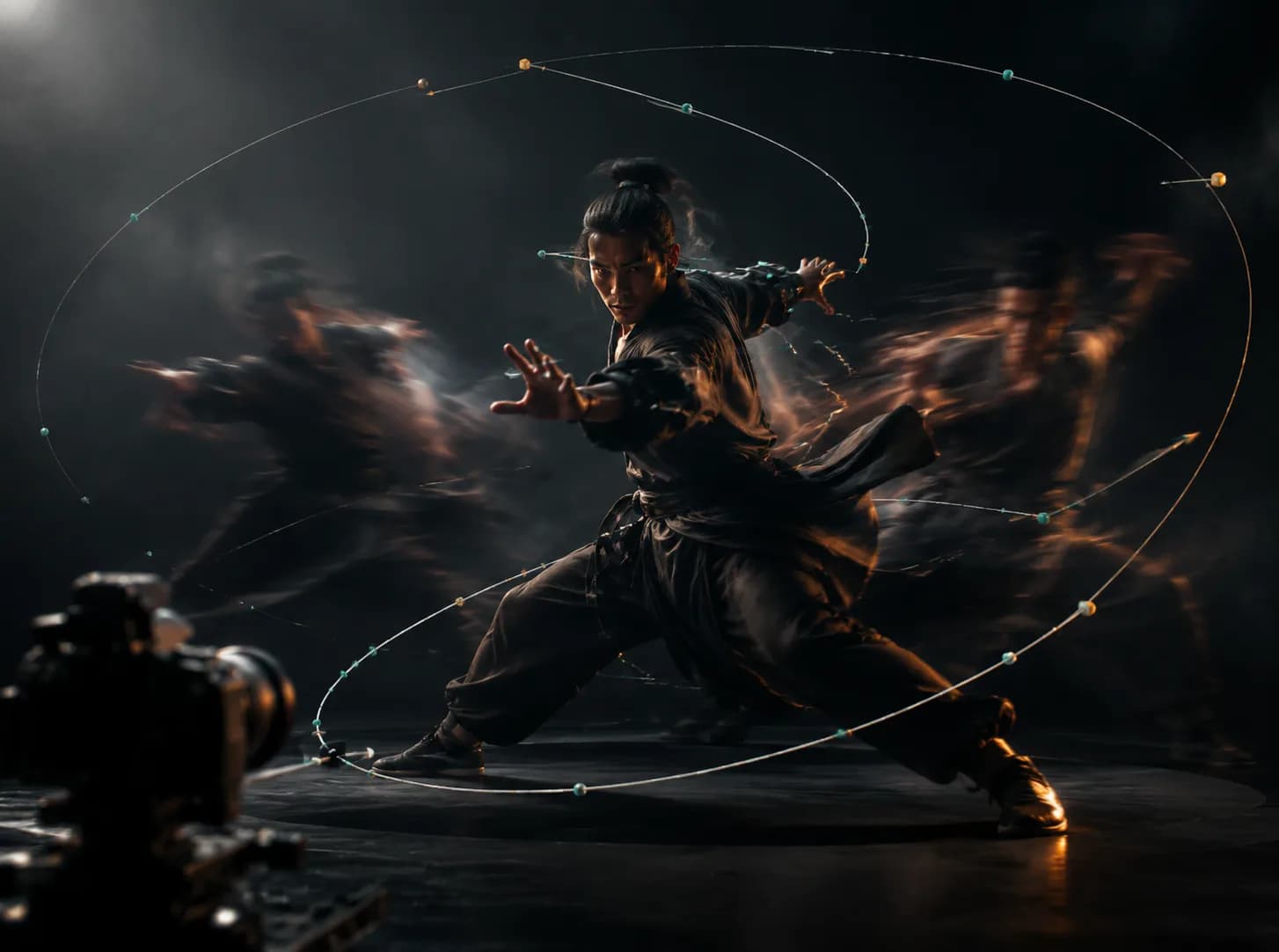
Use a reference image and follow-up prompts to direct motion and camera without rebuilding the whole clip.
There is no single best video model. Start with the job you need to finish, then confirm the current credit estimate and available controls in the generator.
Cinematic realism, complex camera moves, and high-detail scenes
Text and image-to-video
Duration, resolution, and audio options affect credits
Motion control, product reveals, and stylized character motion
Text and image-to-video
Duration and resolution drive the displayed estimate
Social shorts, brand campaigns, and image-to-video edits
Text or image-guided generation
Version, duration, and references affect credits
Cinematic b-roll, atmospheric scenes, and storytelling clips
Text to video
Duration and settings determine the shown estimate
Bring ideas to motion in seconds. Type a prompt or upload a reference image, then produce high-quality clips for marketing, social media, ads, and storytelling.
Generate with Veo, Kling, Seedance, Wan, Pixverse, and more from a single workflow.
 PixMind
 Veo
Veo Kling
Kling Seedance
 Wan
Wan Pixverse
Create realistic motion, keep characters and style consistent, and direct camera moves and duration without starting over every time.
Use these complete prompt recipes as reproducible starting points. The frames illustrate the target job; outputs vary by model, duration, references, and settings.
Cinematic aerial city flythrough at golden hour, neon reflections, smooth camera move, photoreal.
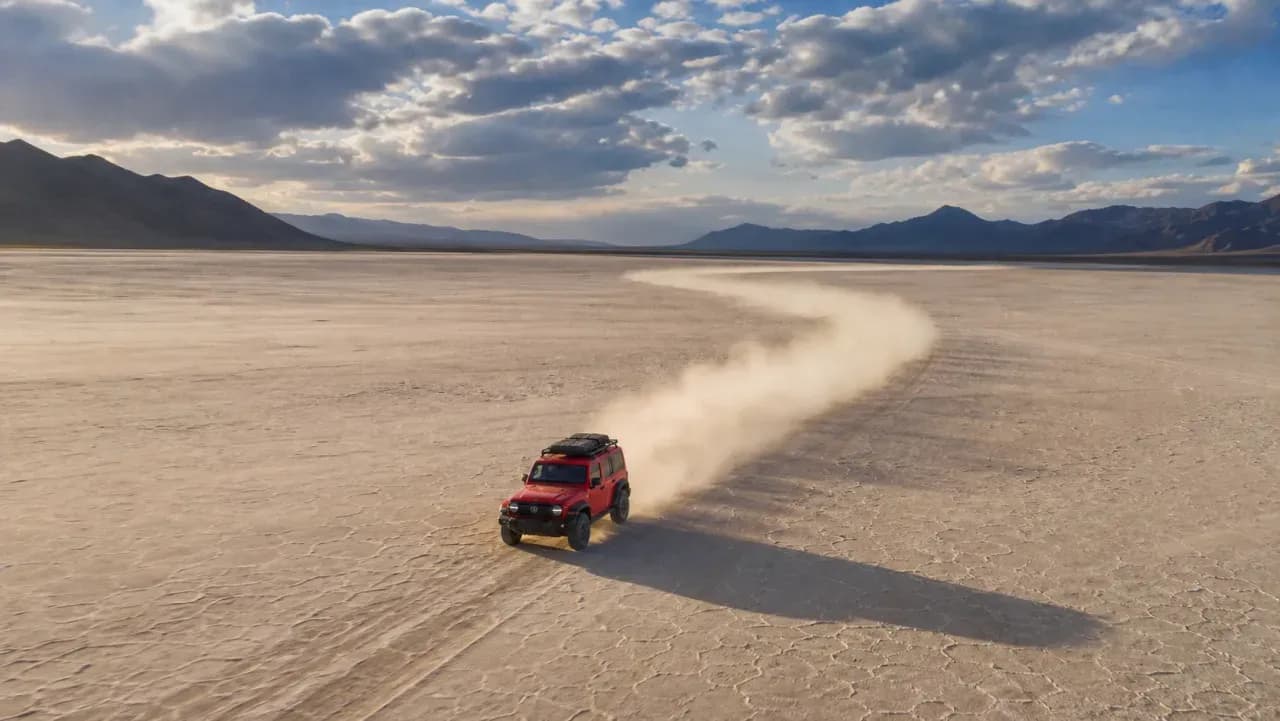
Dynamic travel scene, traveler running through a bright market, handheld energy, vivid color grade.

Product reveal of a skincare bottle on water splash, soft studio light, slow rotating macro shot.
Brand campaign lifestyle clip, model walking in sunlit street, depth of field, premium ad finish.
Motion control shot of a sneaker on a studio turntable, dramatic rim light, crisp slow motion.
Eclipse over a futuristic skyline, volumetric clouds, epic camera pullback, high detail cinematic.
Generated video is not automatically cleared for commercial use. Review the selected model, PixMind plan terms, trademarks, likeness rights, and source-image licenses.
Fast motion, hands, faces, on-screen text, and character consistency still need manual review before publication.
Check the Public setting before generation. Keep private or sensitive references out of public workflows and only upload media you are allowed to use.
The live generator is the source of truth for current model availability, credit cost, duration, resolution, and image-to-video options.
Type your idea or upload an image to guide subject, motion, or style.
Select a model, duration, aspect ratio, and generation settings.
Create the video, refine the result, then download or continue editing.
You can inspect the generator before signing in. Generation requires an account, and a newly created account receives 10 starter credits valid for one year. Each model can cost a different number of credits.
An AI video generator creates new video clips from text prompts or reference images. PixMind combines prompt input, image upload, model selection, and output settings on one page.
Yes. Upload a reference image to drive image-to-video generation and control subject, style, or motion.
PixMind brings multiple video models into one workflow, including Veo, Kling, Seedance, Wan, and Pixverse family models where available.
There is no single fixed price across every model. PixMind shows the current estimate in the model selector and updates it when duration, resolution, or reference images change.
PixMind can be used to create commercial assets, but generation does not automatically clear every output for commercial use. Check the selected model and plan terms, and review trademarks, likeness rights, and source-image licenses.
Generate AI videos from text or an image and keep editing in one workspace.
Generate