
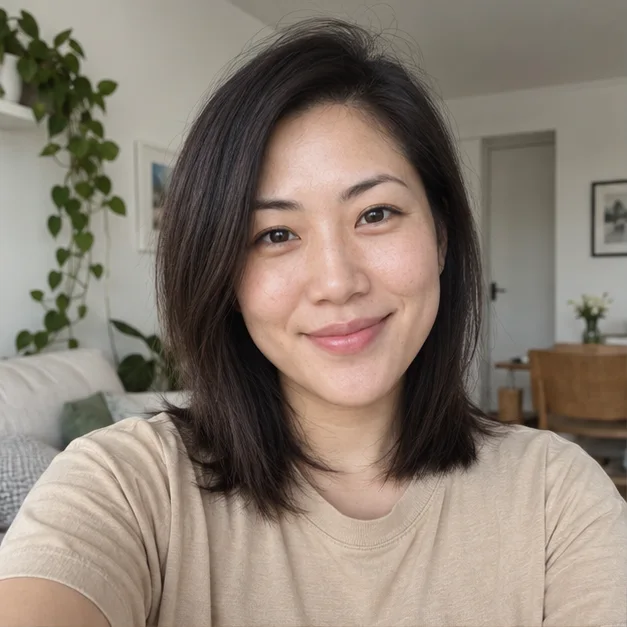
AI Headshot Generator
Turn your everyday selfie into a professional headshot for LinkedIn, your resume, or your next big opportunity. Choose a look that feels like you.
- One photo to get started
- Four professional styles
- 200 credits per photo
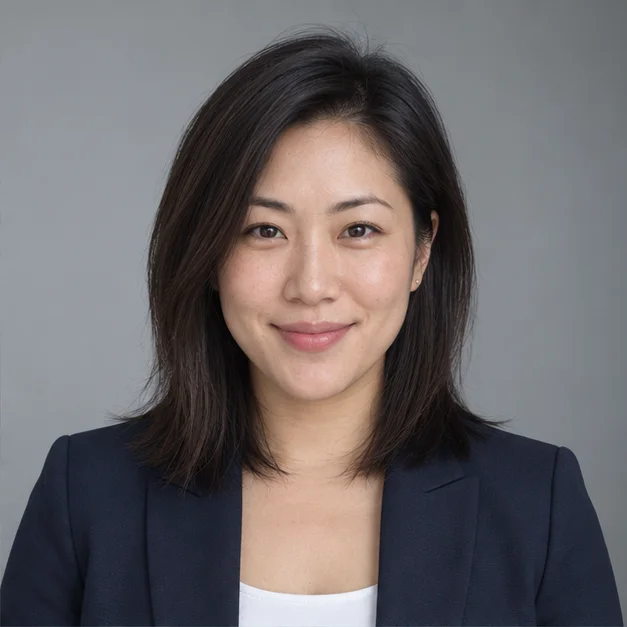 Original selfieProfessional headshot
↔
Explore the change in clothing, lighting, and setting. These AI-generated illustrations show the styles you can choose; your own photo is the starting point.
Drop a clear, solo portrait here, or browse your files.
JPG, PNG or WebP · Up to 10 MB
Or explore with a sample photo
One selfie. A look for every professional moment.
Explore the change in clothing, lighting, and setting. These AI-generated illustrations show the styles you can choose; your own photo is the starting point.
Woman portrait examples
Classic corporate
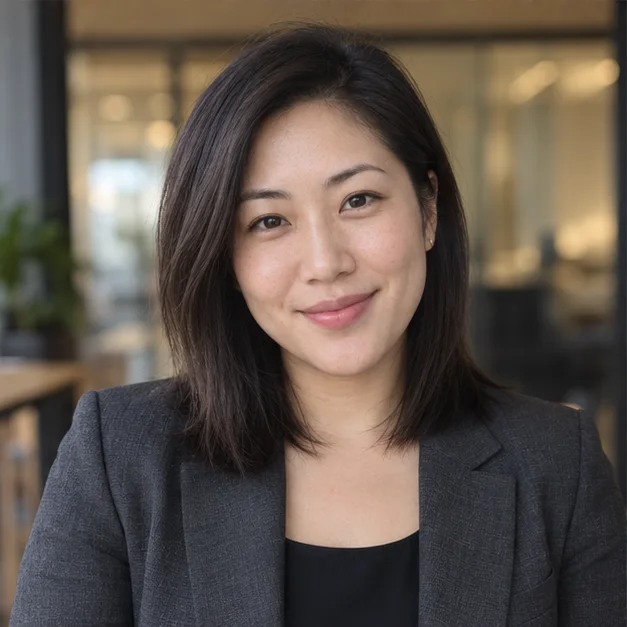
Executive
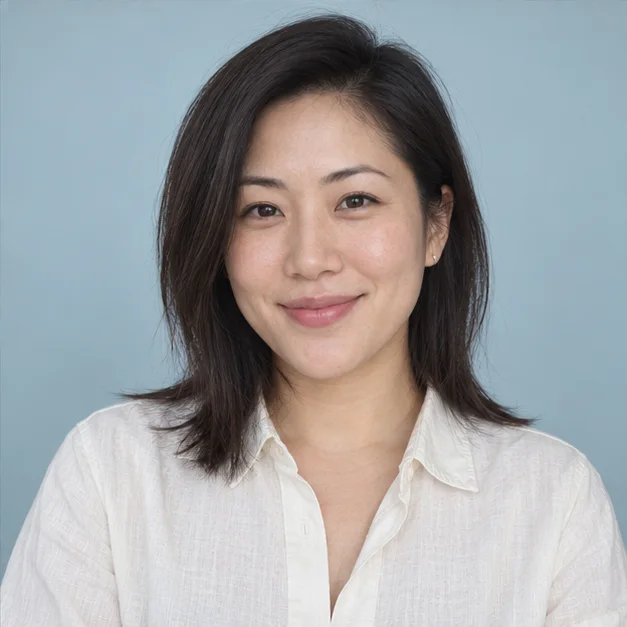
Creative professional
Man portrait examples
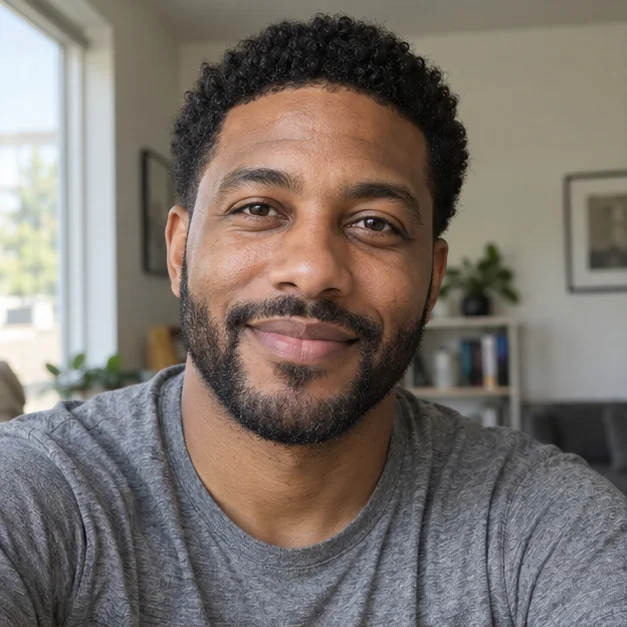
Original selfie
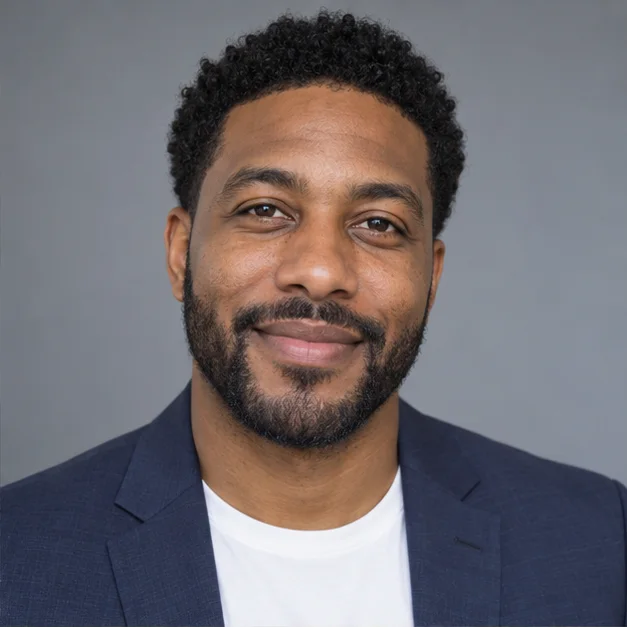
Classic corporate
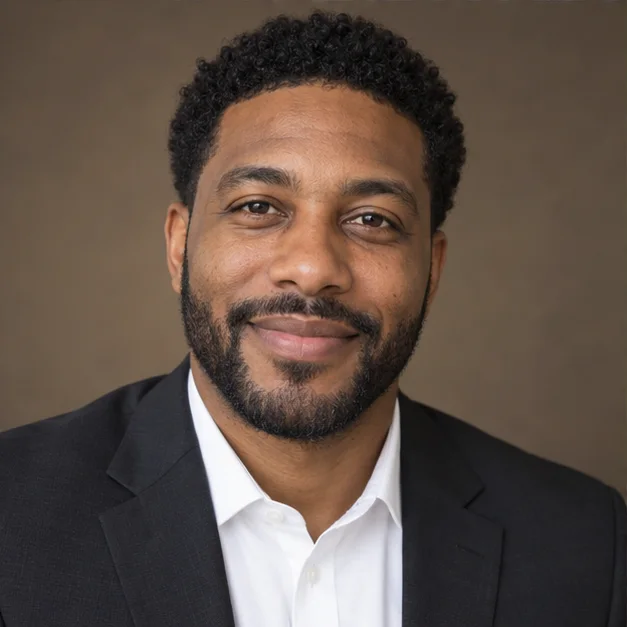
Executive
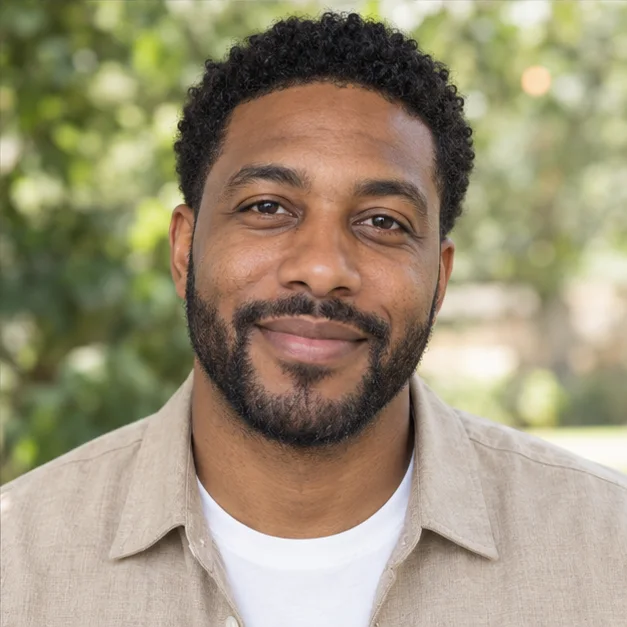
Smart casual
A professional headshot, on your terms
Start with the photo you have
A clear phone portrait is enough to get started. Keep your face visible and use even lighting to give the AI a useful reference.
Dress for your next role
Choose a corporate blazer, an executive setting, a relaxed look, or a creative portrait. Add your own styling instructions before generating.
Create one photo at a time
Each generation creates one 1K photo for 200 credits. Try a different style when you want another look, without buying a headshot package.
How to make a professional AI headshot
- 1
Upload a clear portrait
Choose a recent solo photo with your face in focus. A selfie or a casual portrait works; you do not need to wear a suit.
- 2
Choose a style and photo shape
Pick the setting that suits your role. Use square for a profile picture, or a portrait shape for a bio. Add any outfit or background details.
- 3
Generate and download
Generate one headshot for 200 credits, then download the PNG. Change the style or instructions to create another version.
From everyday selfie to business headshot
Give your profile photo a clear background, balanced lighting, and an outfit that fits your work. The prompt asks GPT Image 2.5 to preserve your facial features and natural skin texture while changing the scene.
Upload your photoFind your professional headshot style
A company directory and a creative portfolio call for different portraits. Choose a neutral corporate look, a warm executive office, a relaxed outdoor portrait, or a clean creative background.
Create your headshotA consistent look for your team page
Use the same style, background instructions, and photo shape for each colleague. Generate portraits individually to build a coordinated company directory or team page.
Create your headshot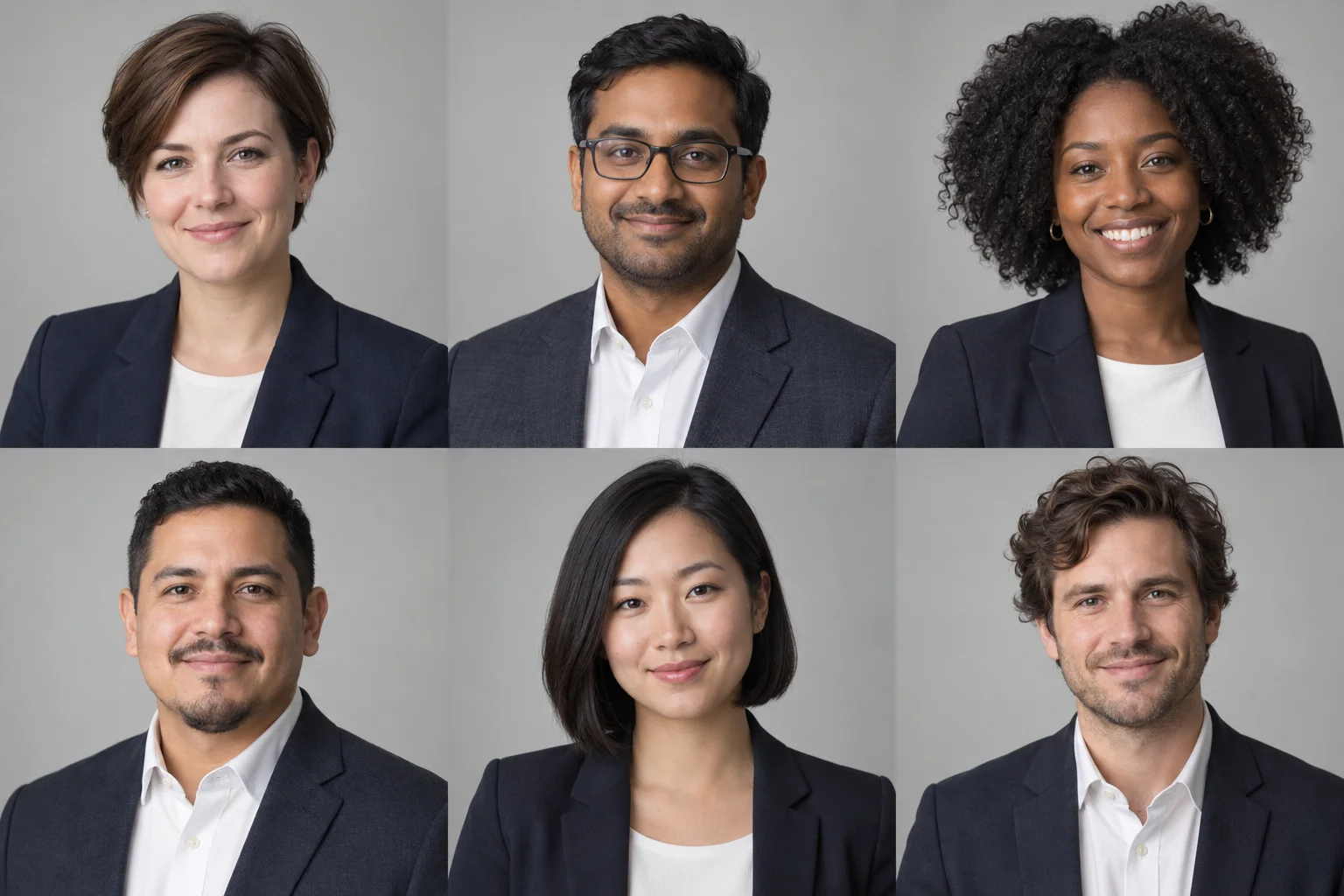
Customize the details that make it yours
Change your outfit
Ask for a navy blazer, a linen shirt, or business casual clothing that suits your role.
Set the background
Describe a grey studio backdrop, a bright office, or subtle greenery.
Keep a natural expression
Ask for a subtle smile, relaxed shoulders, and soft lighting without heavy retouching.
A headshot prompt to get you started
Keep my facial features, hairstyle, and glasses. Use a navy blazer, soft grey background, gentle studio lighting, and a natural smile. Frame my head and shoulders with comfortable headroom.
Ready for your professional profile
LinkedIn profile
Choose a square portrait with a clear face and enough headroom for your profile crop.
Resume and CV
Create a simple portrait for resumes and professional bios where a photo is appropriate.
Email signature
Use a clean headshot that stays legible as a small image beside your name.
Company page and business card
Match your portrait to your brand across team pages, speaker bios, and business cards.
AI headshot generator FAQs
What is an AI headshot generator?
An AI headshot generator turns a reference portrait into a new professional portrait. PixMind uses GPT Image 2.5 to change clothing, background, lighting, and framing from your photo and selected style.
How much does each headshot cost?
Each generation costs 200 PixMind credits and creates one 1K image at medium quality. Creating another style or another version is a new 200-credit generation.
Can I generate a headshot from one selfie?
Yes. Upload one clear solo photo in JPG, PNG, or WebP format, up to 10 MB. A recent photo with even lighting and an unobstructed face gives the model a clearer reference.
Which model and image settings does PixMind use?
This tool uses GPT Image 2.5 Sunburst with 1K resolution, medium quality, and one image per generation. Choose a square 1:1 photo or a 4:5 or 3:4 portrait. Downloads are PNG images.
Can I use the result as a LinkedIn headshot?
Yes. The corporate and smart casual styles suit professional profiles. Choose 1:1 framing and leave enough room around your head for the platform's profile crop.
Do I need to wear a suit in the original photo?
No. A casual portrait can be the reference. The selected style describes the new outfit, and you can add instructions for a particular jacket, shirt, background, or expression.
How can I make the headshot look more natural?
Start with a clear photo and ask for natural skin texture, soft lighting, and a subtle expression. Mention details you want to keep, such as glasses and hairstyle, in the optional instructions.
Can I create matching corporate headshots for a team?
Generate each person's portrait separately using the same style, photo shape, and background instructions. This page creates one photo at a time; it does not provide a team upload or administration dashboard.
What should I do if generation is interrupted?
If the task is still processing, use the check-generation button to fetch its status again without creating another paid task. After a completed result, you can download the image or start a new generation for a different look.
Keep creating with PixMind
Your next professional photo starts here
One photo, your choice of style, and 200 credits per headshot.
Create your headshot