01
Add your video
Paste a video link (YouTube, TikTok, Douyin and more) or upload a video/audio file directly.

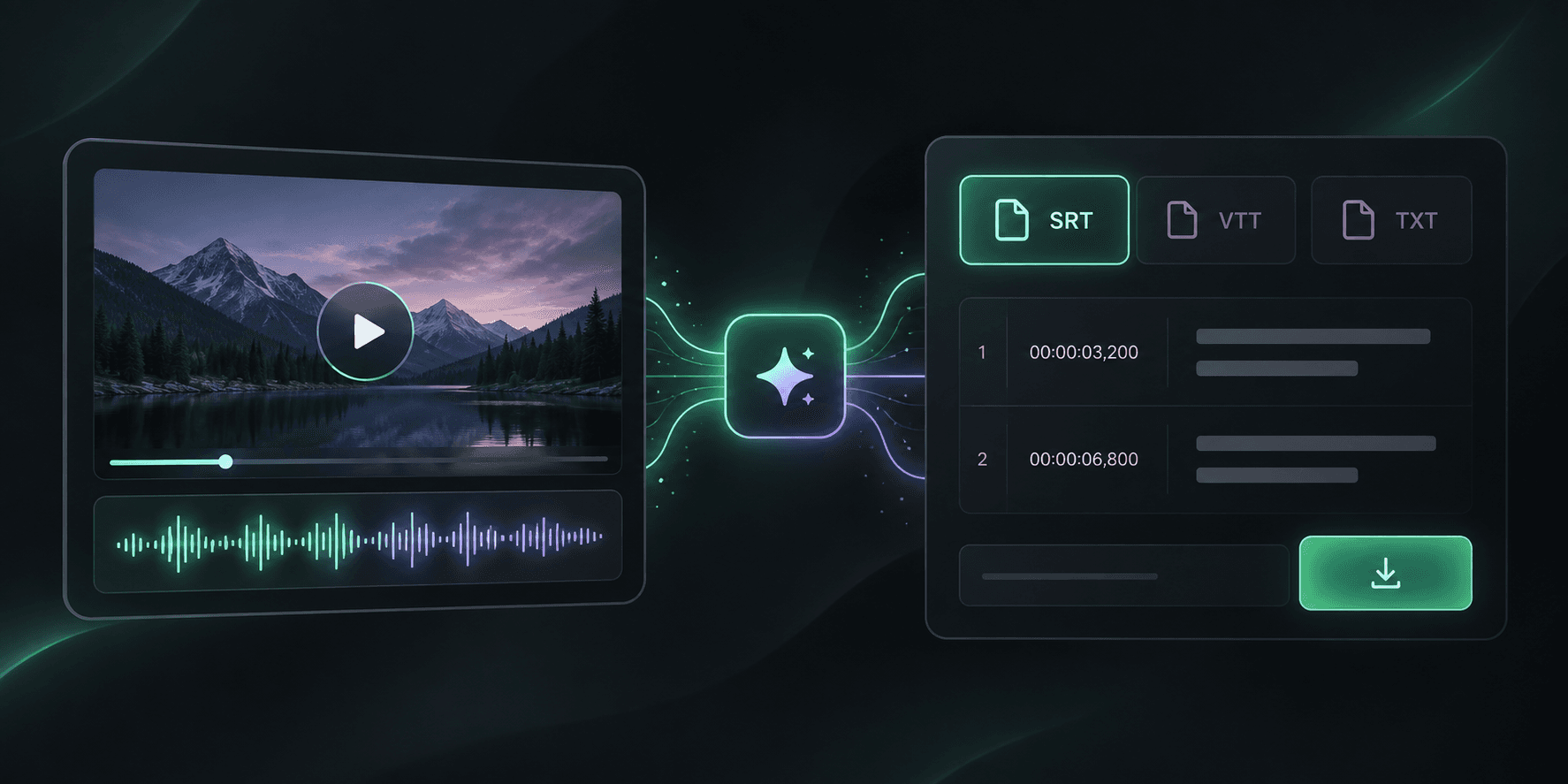
Upload a video or audio file, generate accurate subtitles with timestamps, then download an editor-ready SRT file. VTT and TXT exports are also included.
SRT
Each subtitle block includes an index, start and end timecodes, and text, ready for editors and platforms that accept SRT.
Paste a video link (YouTube, TikTok, Douyin and more) or upload a video/audio file directly.
We extract the audio, transcribe it with timestamps and detect punctuation — no manual work needed.
Get the full transcript, an AI summary with key points and chapters, then export to TXT, SRT or VTT.
Best default for video editors and most publishing platforms, with simple numbered blocks and precise timecodes.
Best for web video players and HTML5 captions, with web-specific metadata support.
Best when you only need readable transcript text without subtitle timing syntax.
Yes. You get free uses every day — try it without signing up. Logged-in users get more free uses, and longer or additional videos can be processed with credits (10 credits per minute of video).
YouTube, TikTok, Douyin, Kuaishou, Bilibili, Xiaohongshu, Twitter/X, Instagram, Facebook and more. You can also upload your own MP4, MOV, WEBM or MP3 files (up to 200MB, max 45 minutes).
Yes. Every transcript has timestamps and can be exported as SRT or VTT subtitle files, or as plain text.
Transcription uses a production-grade speech recognition engine supporting Chinese, English, Japanese, Korean, Spanish, Russian and French. Accuracy is highest with clear speech; background music may reduce it slightly.
Most short videos finish in 1–3 minutes; longer videos scale with duration. Progress is shown live, and if you refresh the page the job keeps running — reopen the same link to restore it.
Files are used only to run transcription and are cleaned up automatically after processing. They are never published or used for any other purpose.
Yes. The exported SRT uses standard numbered cues and timecodes accepted by most editors. Import it as a subtitle or caption track and adjust styling in your editor.
SRT is the best general-purpose subtitle file for editors and platforms. VTT is optimized for web players. TXT contains transcript text only and is not a timed subtitle file.
1 free trial per day (2 after sign-in) · Free uses cover videos up to 10 minutes; credits unlock up to 2 hours