Seedance 2.0 Pro
Seedance Multimodal Reference Prompts
Map each image, video, and audio reference to one clear job so the model does not have to guess which asset controls identity, motion, setting, or sound.
Open prompt guide
Prompt library
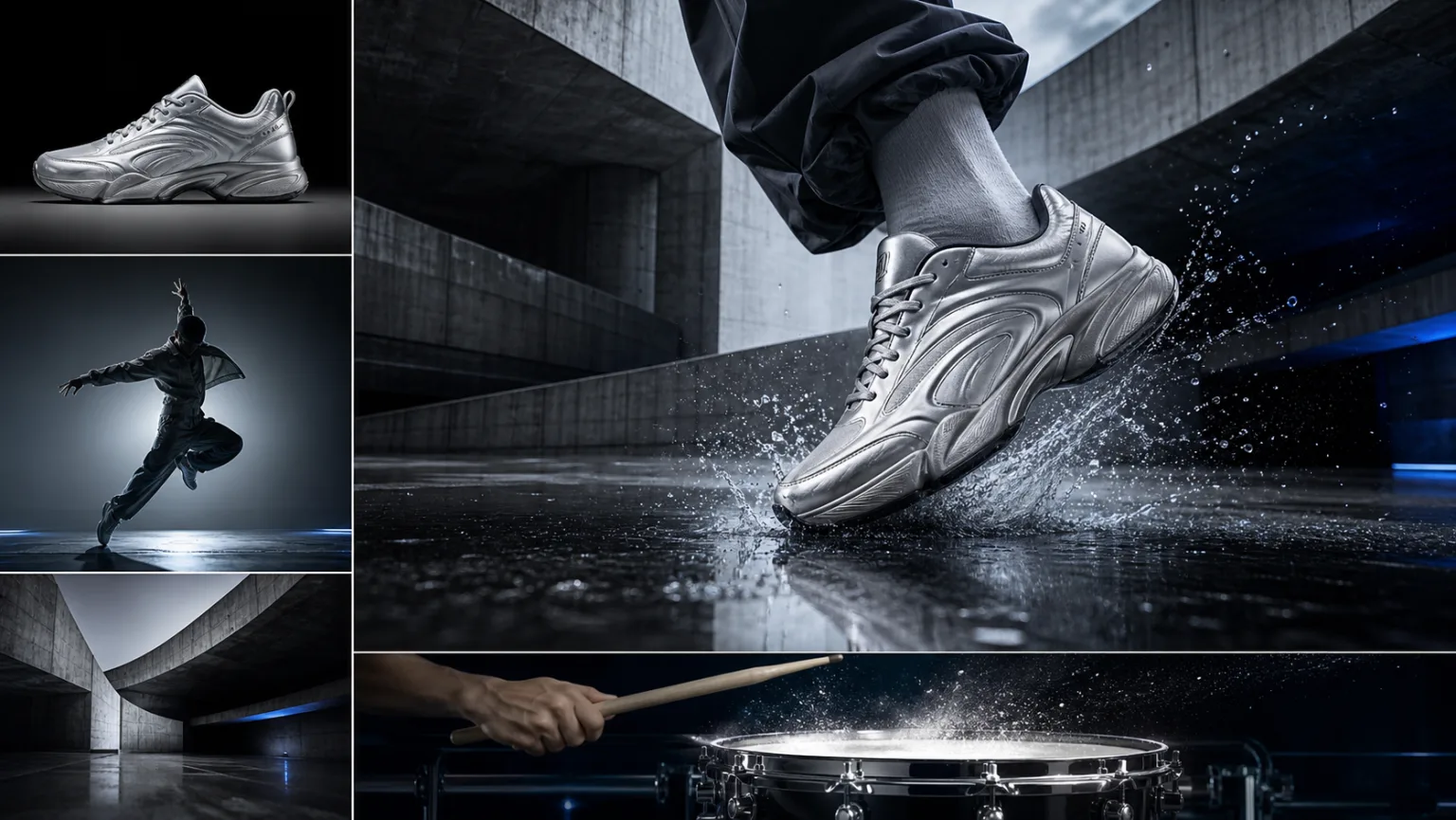
Use task-specific templates for multimodal references, character continuity, camera direction, dialogue, first and last frames, and product films. Every guide maps back to the most suitable connected route.
Map each image, video, and audio reference to one clear job so the model does not have to guess which asset controls identity, motion, setting, or sound.
Open prompt guide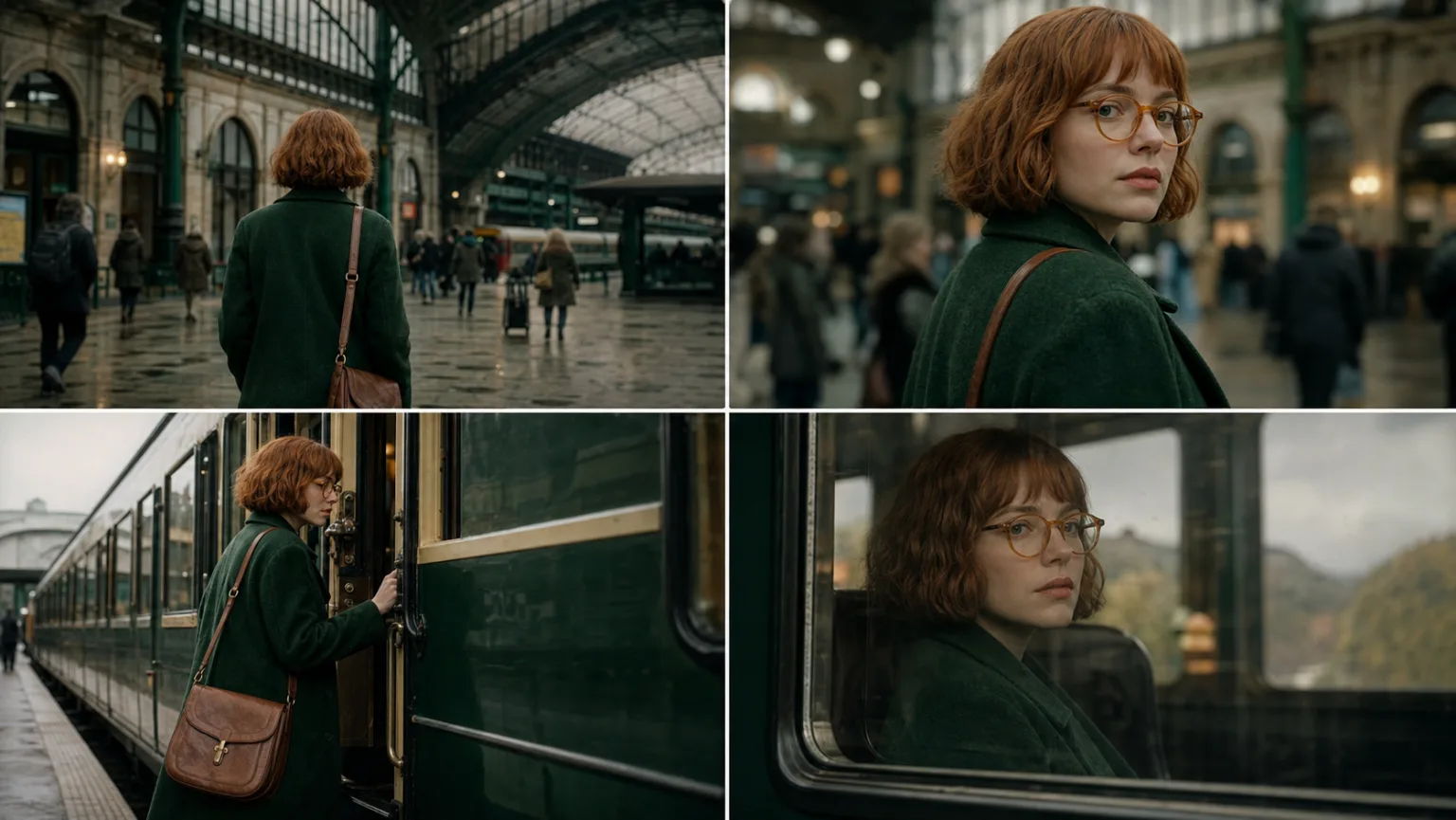
Lock a character's visible identity, wardrobe, props, and screen direction before varying shot size or camera movement.
Open prompt guide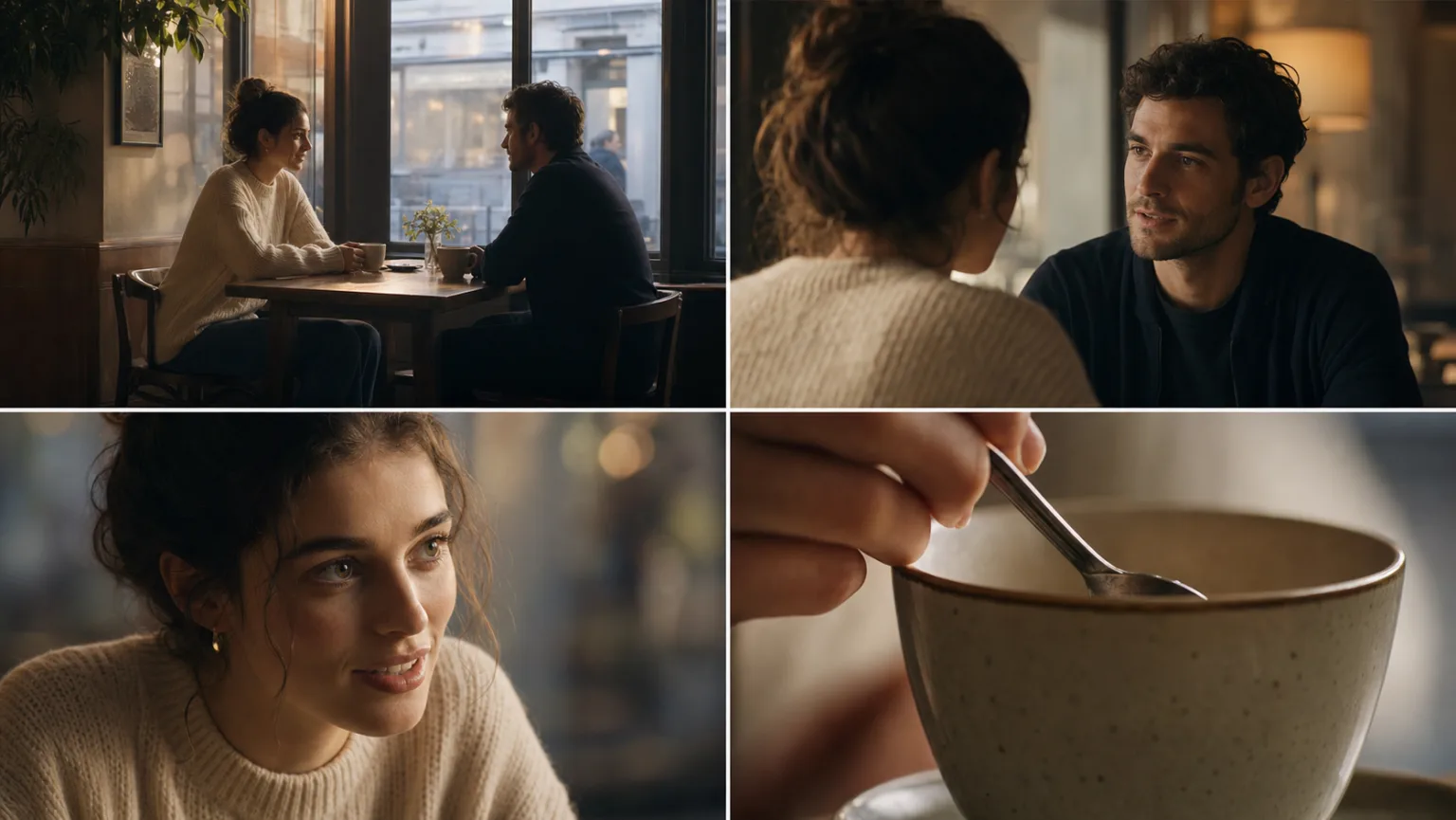
Tie one short spoken line, room tone, and each important sound cue to the visible action that should produce it.
Open prompt guideSeparate subject movement from camera movement and change one camera variable at a time.
Open prompt guideDescribe the physical transition between two approved endpoints without redesigning either frame.
Open prompt guideProtect product geometry and material cues while directing one commercial camera move and a clean ending frame.
Open prompt guidePractical answers for choosing, adapting, testing, and reviewing a Seedance prompt.
Choose by the production problem: reference assignment, character continuity, dialogue and sound, camera testing, endpoint transitions, or product geometry. Each guide names the recommended connected route.
Use the template as a shot structure, then replace subjects, references, actions, dialogue, and constraints with your own licensed material. Remove any clause that does not serve the current shot.
State the subject, one readable action, setting, camera behavior, timing, output composition, reference roles, and the details that must not change. Add audio direction only when it has a visible or editorial purpose.
Name each asset and give it one job, such as identity, product shape, motion, location, palette, or rhythm. Do not ask two conflicting assets to control the same property.
Long enough to define one shot, but no longer. If the result is incoherent, reduce it to one subject, one action, one camera move, and explicit fixed details before adding complexity back.
Use Fast for controlled camera, staging, hook, or rhythm variants; use Mini to diagnose reference or prompt conflicts; move a selected complex direction to Pro. Keep 1.5 Pro for established image-led syntax.
Detail can conflict. Check whether references disagree, actions exceed the chosen duration, camera and subject movement compete, or the ending contradicts the source composition. Remove variables before rewriting everything.
Review the complete clip for identity, hands, product shape, text, logos, action continuity, dialogue, sound timing, and prompt compliance. Confirm asset and likeness rights before commercial use.