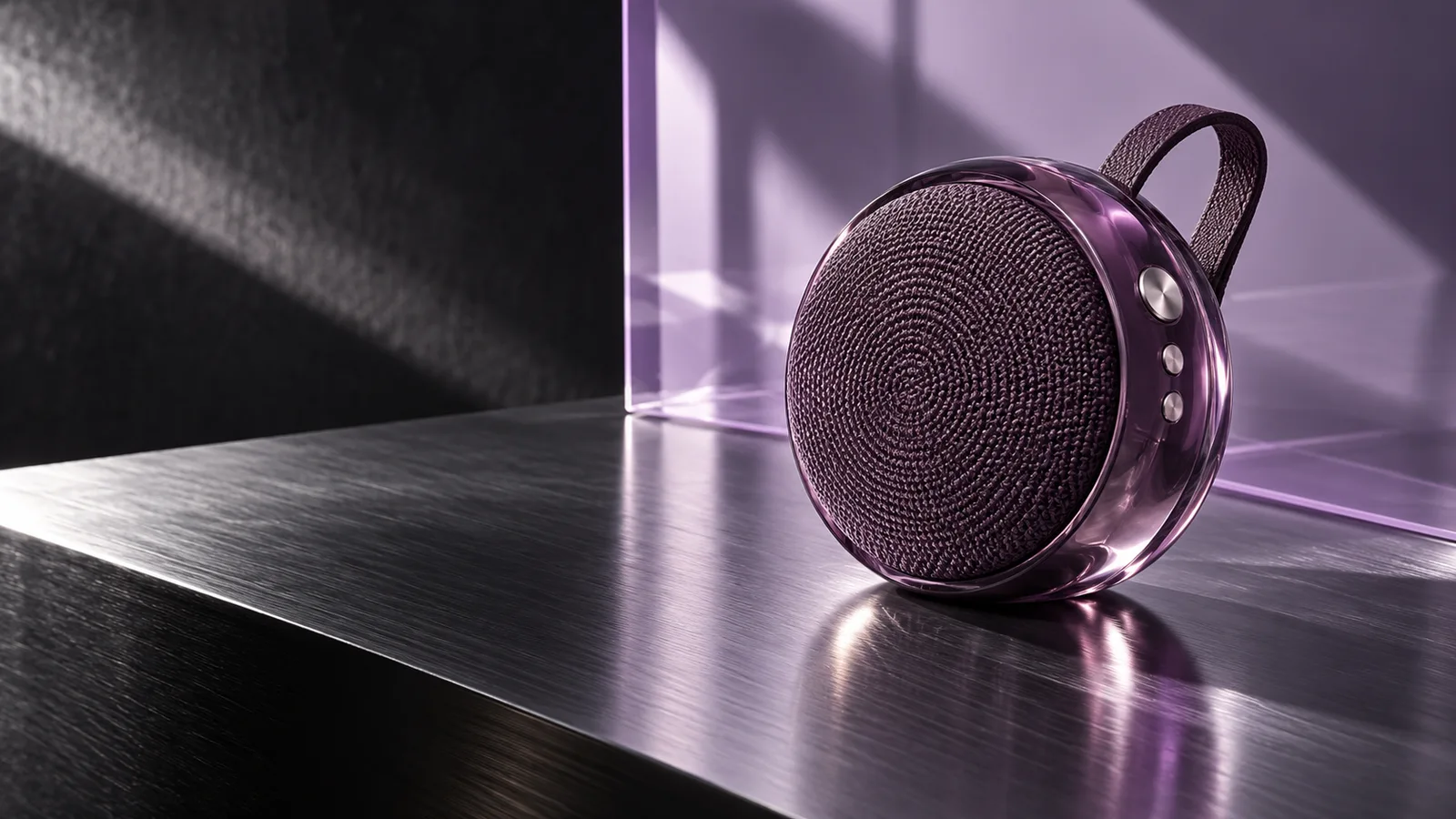
Doubao Seedream 5.0 Flash brings ByteDance’s image generation and editing to workflows where turnaround and cost matter: explore a product scene, draft a campaign poster, or revise a reference image.
Concept artwork created with OpenAI image generation; not a Seedream Flash output.
Text and reference images1K / 1.5K / 2KUp to 10 references
Official model capabilities. Available PixMind controls appear in the generator.
Create with Seedream 5.0 Flash
Start with a prompt or your own reference image. Choose a format for the placement, then refine one change at a time.
Loading...
Three briefs worth exploring
Start from the job the image needs to do. Each brief pairs a visual direction with a prompt you can adapt.
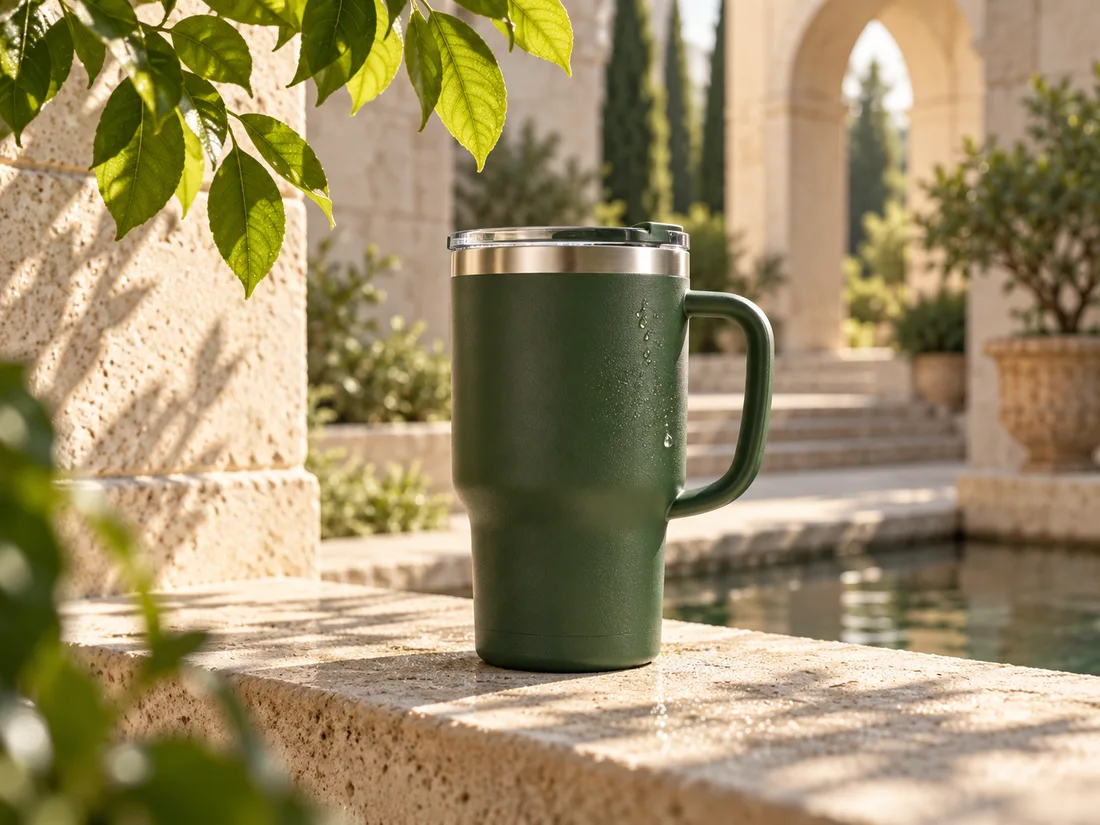
Concept artwork created with OpenAI image generation; not a Seedream Flash output.
Find the setting for your product
Explore a storefront hero, a seasonal scene or a new campaign mood. Reference-image input lets you describe the setting while anchoring the product’s shape, material and color to your own photo.
Prompt starter
Create a product campaign image using my mug photo. Preserve its silhouette, handle and forest-green finish. Place it on a limestone ledge with morning sunlight and leaf shadows. Leave space beside the product for copy; add no text.
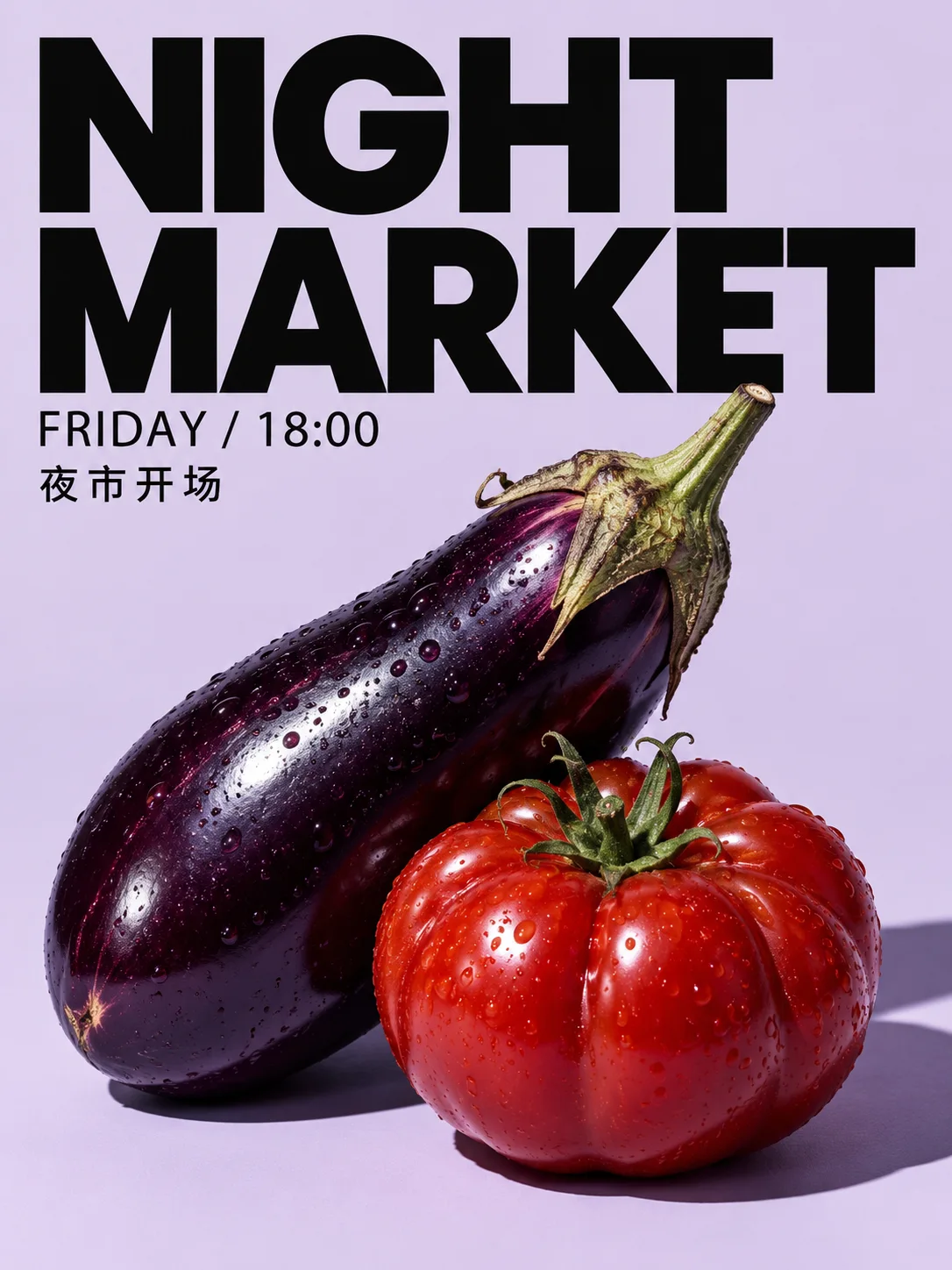
Flash supports native multilingual generation. Give the headline, supporting text and their positions separately so the brief describes a layout as well as a picture. Start with short copy and a clear visual hierarchy.
Prompt starter
Design a portrait night-market poster on pale lavender. Use a tomato and an eggplant as the still life. Put the exact headline “NIGHT MARKET” at the top, “FRIDAY / 18:00” below, and “夜市开场” as a short subtitle. Keep strong contrast and generous margins.
Use an existing image when the composition already works. Name the object and the change, then say what should stay in place. A focused instruction makes it easier to compare a revision with the original.
Prompt starter
In my interior photo, change only the chair upholstery to muted burgundy velvet. Keep the chair’s shape, the table, book, lamp, window, camera position and afternoon shadows unchanged.
Reuse the same product reference and palette across separate generations. Give each reference a role: product identity, setting or composition. Change the placement brief for each image.
Prompt starter
Use image 1 for the product shape and color, and image 2 for the lighting and palette. Create a square campaign image with the product centered and a clean background. Keep the product consistent; change only the surrounding scene for the next variation.
Flash, Pro or Lite? Choose by the brief.
The official family positioning separates Flash’s speed and cost focus from Pro’s image-quality focus. PixMind availability and credit estimates are separate from the model’s general capabilities.
Model
Start here when
Workflow
Seedream 5.0 Flash
You want to explore campaign directions and repeat focused edits.
Text or up to 10 references; official 1K, 1.5K and 2K output.
Verified October 18, 2026. Official capabilities and PixMind availability are shown separately.
From a brief to a useful revision
Describe the deliverable
Name the subject, placement, lighting and composition. Put exact poster copy in quotes and keep the first version focused.
Assign each reference a role
Use a clear product or subject image. Explain what to preserve and which image should guide the background or style.
Compare, refine and download
Choose a ratio and available resolution, check the credit estimate, then generate. Change one instruction for the next pass and download the result you prefer.
Seedream 5.0 Flash questions
What is Doubao Seedream 5.0 Flash?
It is ByteDance’s Seedream 5.0 image generation and editing model aimed at workflows sensitive to latency and cost. Use it to explore product concepts, campaign graphics and reference-guided revisions. Pro is positioned for higher image quality.
Can I use Flash on PixMind now?
Use Flash in the image creation tool when it is listed in your workspace. This page selects Flash explicitly. If the model is unavailable on your current route, you can prepare a prompt or choose Pro from the link provided.
Do I need a reference image?
No. Text-to-image starts from a written brief. For editing, upload the source image and describe the change. The official model accepts up to 10 reference images; assign a role to each rather than uploading conflicting views without instructions.
Does Flash support 4K output?
The official Flash resolution levels are 1K, 1.5K and 2K. This page does not promise native 4K. Pick a square, portrait or landscape composition for the intended placement and use the resolutions offered by the active PixMind route.
How many PixMind credits does Flash use?
The checked PixMind route charges 35 credits for one 1K or 1.5K image and 50 for 2K. Each input reference image adds 10 credits. After choosing the resolution and uploading references, check the total estimate before generating.
How should I prompt a bilingual poster?
Write the exact text in quotes and specify each line’s position, size and contrast. Keep the first draft to a headline and short subtitle. If letters or spacing are wrong, shorten the copy and request a focused text revision while preserving the layout.
How do I stop an edit from changing the whole image?
Upload the original, identify one object or region, and list the details to preserve: silhouette, materials, camera angle and lighting. If the result drifts, remove conflicting references and split the changes into separate edits.
Can Flash generate a batch or split image layers?
The official model supports single-image generation and a separate layer-decomposition workflow. It does not support native sequential batch generation. Layer controls are not verified for PixMind’s Flash route; use only the modes actually exposed in the workspace.
When should I choose Pro instead of Flash?
Choose Flash when turnaround and repeated draft exploration are the priority. Choose Pro when image quality matters more for the selected concept. Compare the same brief and references, rather than treating a model name as a guarantee that every image will improve.
Start with the image your project needs.
Bring a product photo, a poster headline or one specific edit. Use the prompts above to turn that brief into a clear next step.